 ChecklistGuro
 Influencer Marketing Campaign Workflow
Streamline your influencer collaborations from outreach to analytics with our comprehensive Influencer Marketing Campaign Workflow. Master every stage of the creator lifecycle-including influencer discovery, contract negotiation, content approval, and performance tracking-to ensure seamless execution and maximized ROI for your brand partnerships.
Този шаблон е инсталиран 1 пъти.
Старт
Начало на работния поток/процеса.
1. Initialize Campaign Entry
Create a new entry in the 'Campaigns' data model to track the start of the influencer campaign.
2. Fetch Influencer List
Retrieve available influencers from the 'Influencer Database' model based on niche and follower count.
3. Assign Influencer Outreach Task
Create a task for the Marketing Manager to contact selected influencers and negotiate terms.
4. Update Influencer Status
Update the status of the selected influencers in the database to 'Contacted'.
5. Send Collaboration Brief
Send an automated email to the influencer containing the campaign requirements, timelines, and deliverables.
6. Content Review Task
Create a task for the Content Specialist to review the draft content submitted by the influencer.
7. Update Content Approval Status
Update the 'Campaign Deliverables' entry with the approval or rejection status of the content.
8. Calculate Total Campaign Cost
Sum the individual influencer fees and shipping costs to calculate the total projected budget spend.
9. Aggregate Total Reach
Sum the 'Follower Count' from all selected influencer entries to determine the total campaign potential reach.
10. Get Campaign Performance Metrics
Retrieve engagement data (likes, comments, clicks) from the 'Campaign Results' data model.
11. Calculate Engagement Rate
Execute a formula (Total Engagements / Total Reach * 100) to measure campaign efficiency.
12. Finalize Campaign Results
Update the master Campaign entry with the final calculated engagement rates and ROI.
13. Generate Campaign ROI Report
Create a performance report summarizing the campaign success against the initial budget and goals.
14. Notify Stakeholders
Send an email to the Marketing Director with the final campaign report and results summary.
15. Archive Completed Campaign
Remove the campaign from the 'Active Campaigns' view (or move to archive) once the process is finished.
Край
Край на работния поток/процеса.
Начало на работния поток/процеса.
Create a new entry in the 'Campaigns' data model to track the start of the influencer campaign.
Retrieve available influencers from the 'Influencer Database' model based on niche and follower count.
Create a task for the Marketing Manager to contact selected influencers and negotiate terms.
Update the status of the selected influencers in the database to 'Contacted'.
Send an automated email to the influencer containing the campaign requirements, timelines, and deliverables.
Create a task for the Content Specialist to review the draft content submitted by the influencer.
Update the 'Campaign Deliverables' entry with the approval or rejection status of the content.
Sum the individual influencer fees and shipping costs to calculate the total projected budget spend.
Sum the 'Follower Count' from all selected influencer entries to determine the total campaign potential reach.
Retrieve engagement data (likes, comments, clicks) from the 'Campaign Results' data model.
Execute a formula (Total Engagements / Total Reach * 100) to measure campaign efficiency.
Update the master Campaign entry with the final calculated engagement rates and ROI.
Create a performance report summarizing the campaign success against the initial budget and goals.
Send an email to the Marketing Director with the final campaign report and results summary.
Remove the campaign from the 'Active Campaigns' view (or move to archive) once the process is finished.
Край на работния поток/процеса.
Коментари
Все още няма коментари. Бъдете първият, който добави!
Демонстрация на решението за управление на задачи
Бъдете организирани и увеличете продуктивността! ChecklistGuro опростява управлението на задачите, приоритетите и проследяването на напредъка. Постигнете повече, намалете стреса и постигнете целите си. Управлявайте всичко това с нашата платформа Work OS.
Свързани шаблони за работни потоци
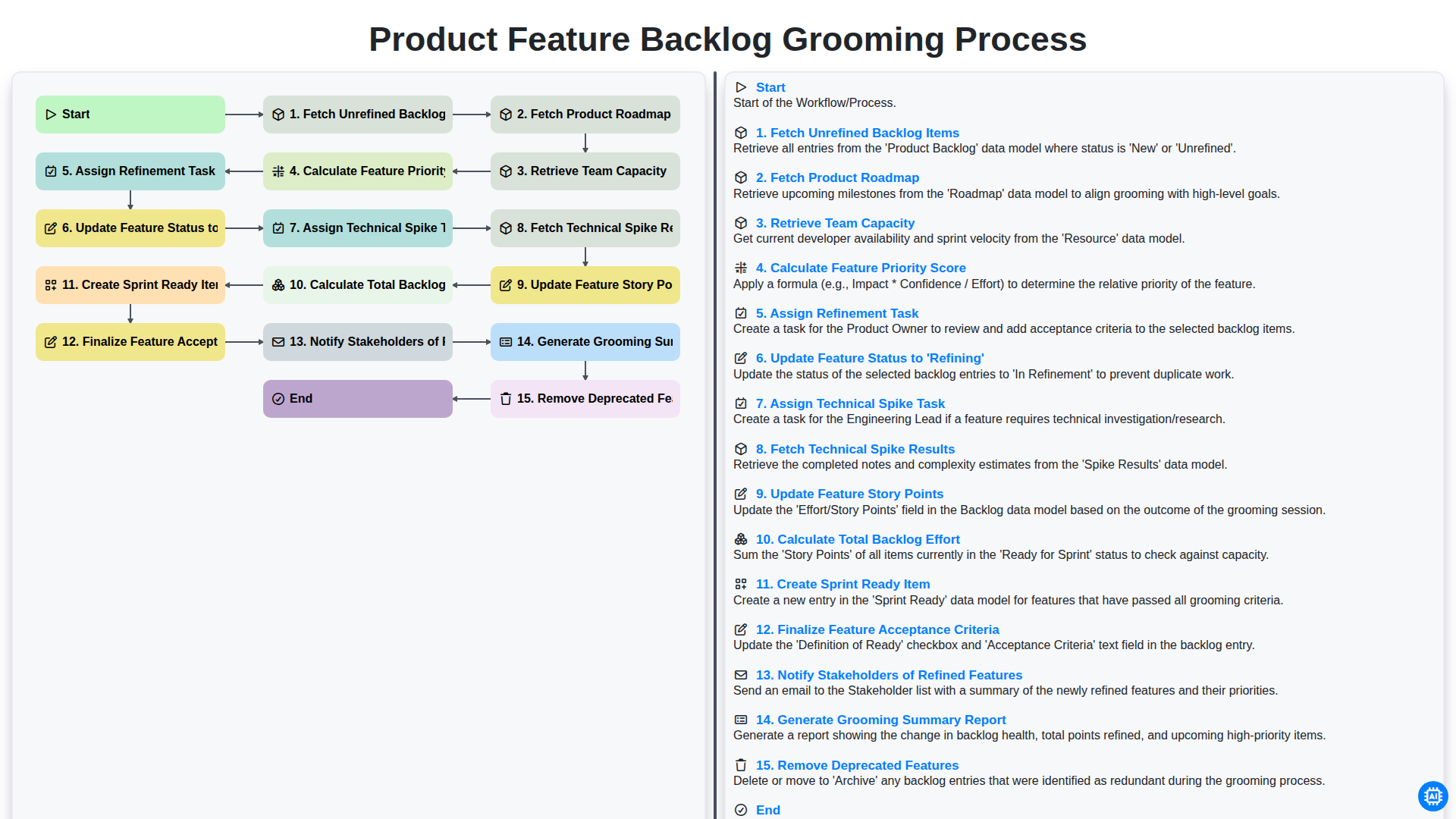
Product Feature Backlog Grooming Process
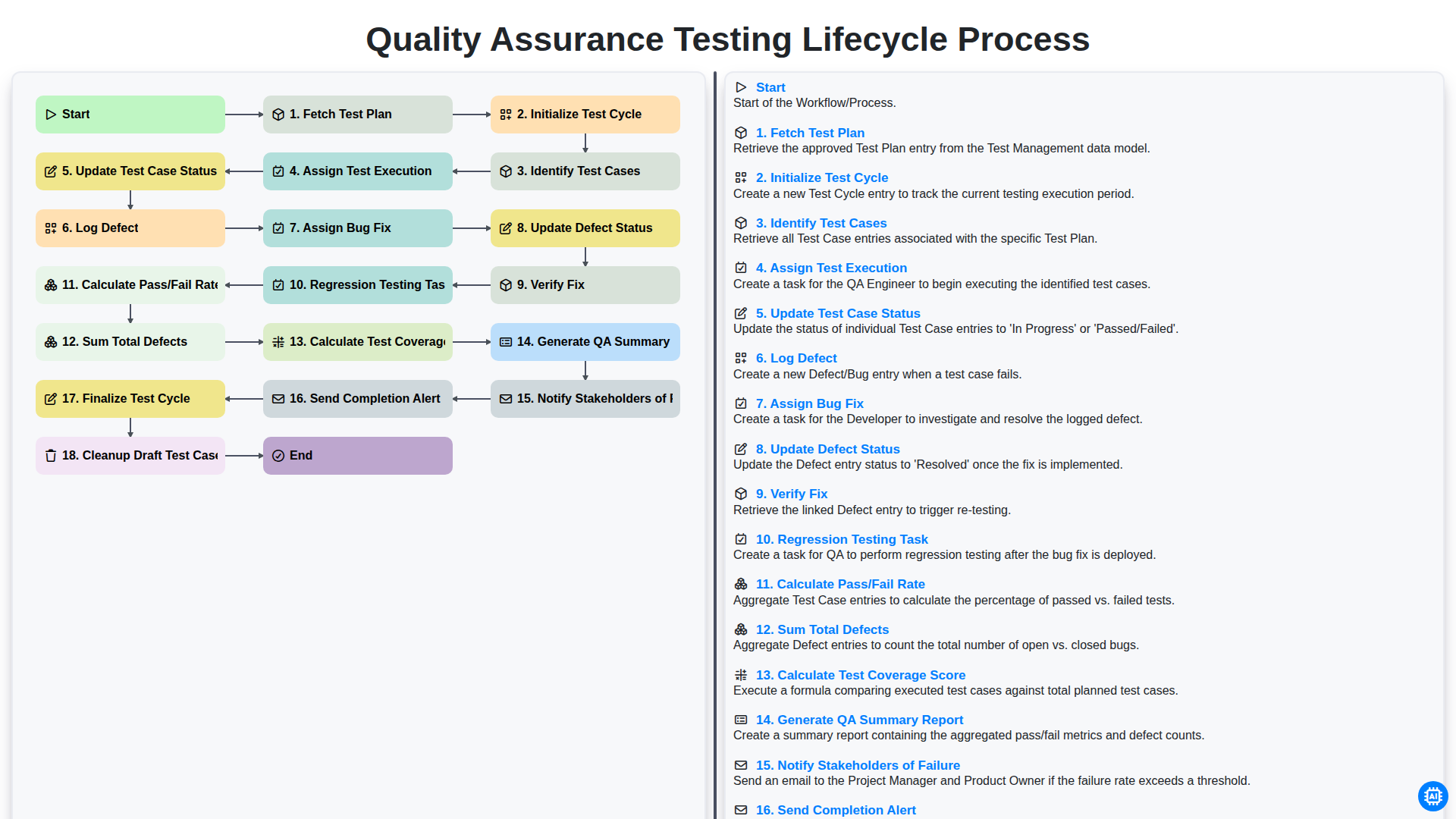
Quality Assurance Testing Lifecycle Process
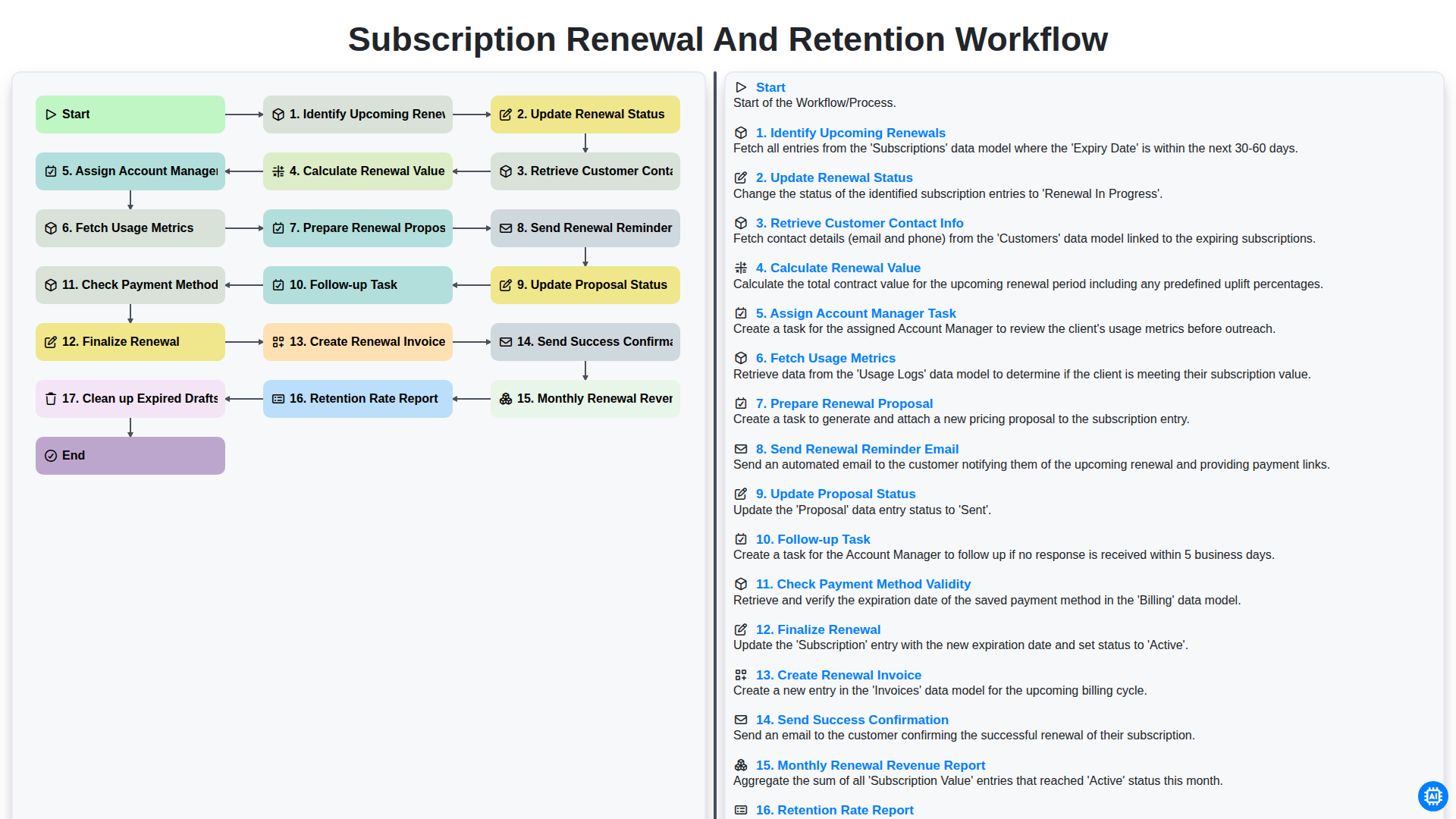
Subscription Renewal and Retention Workflow

B2B Lead Nurturing Process
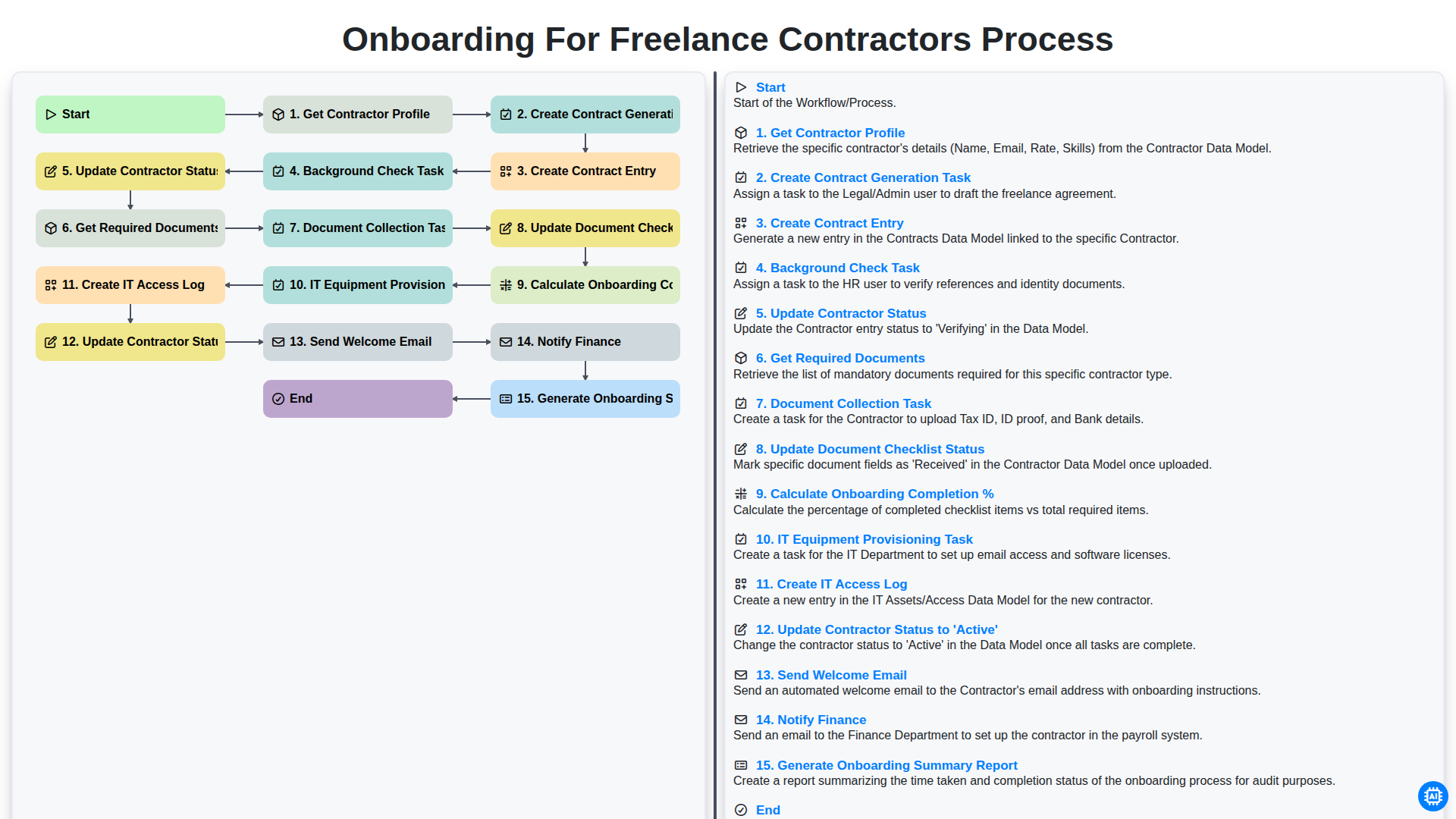
Onboarding for Freelance Contractors Process

Audit and Compliance Monitoring Workflow
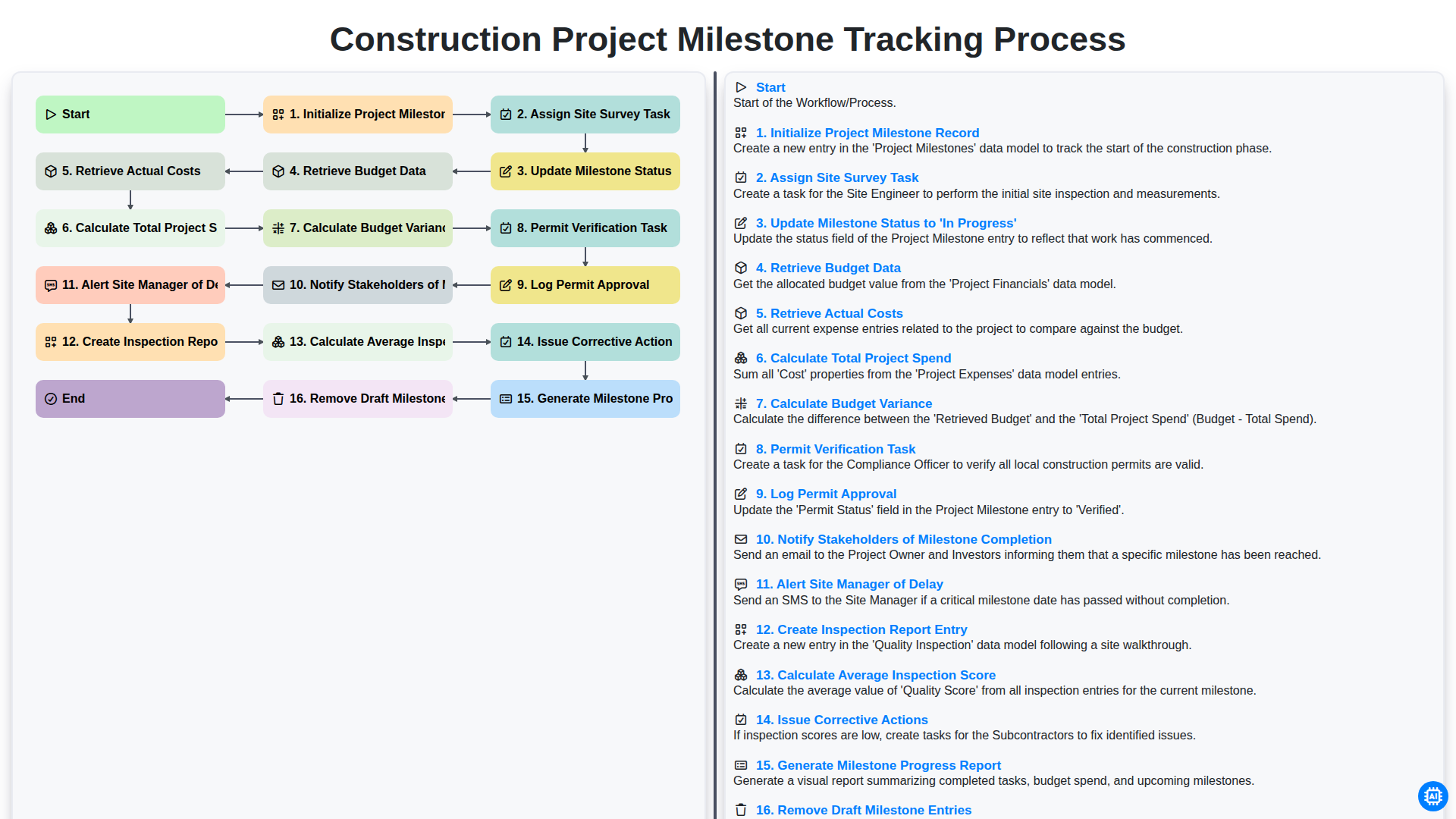
Construction Project Milestone Tracking Process
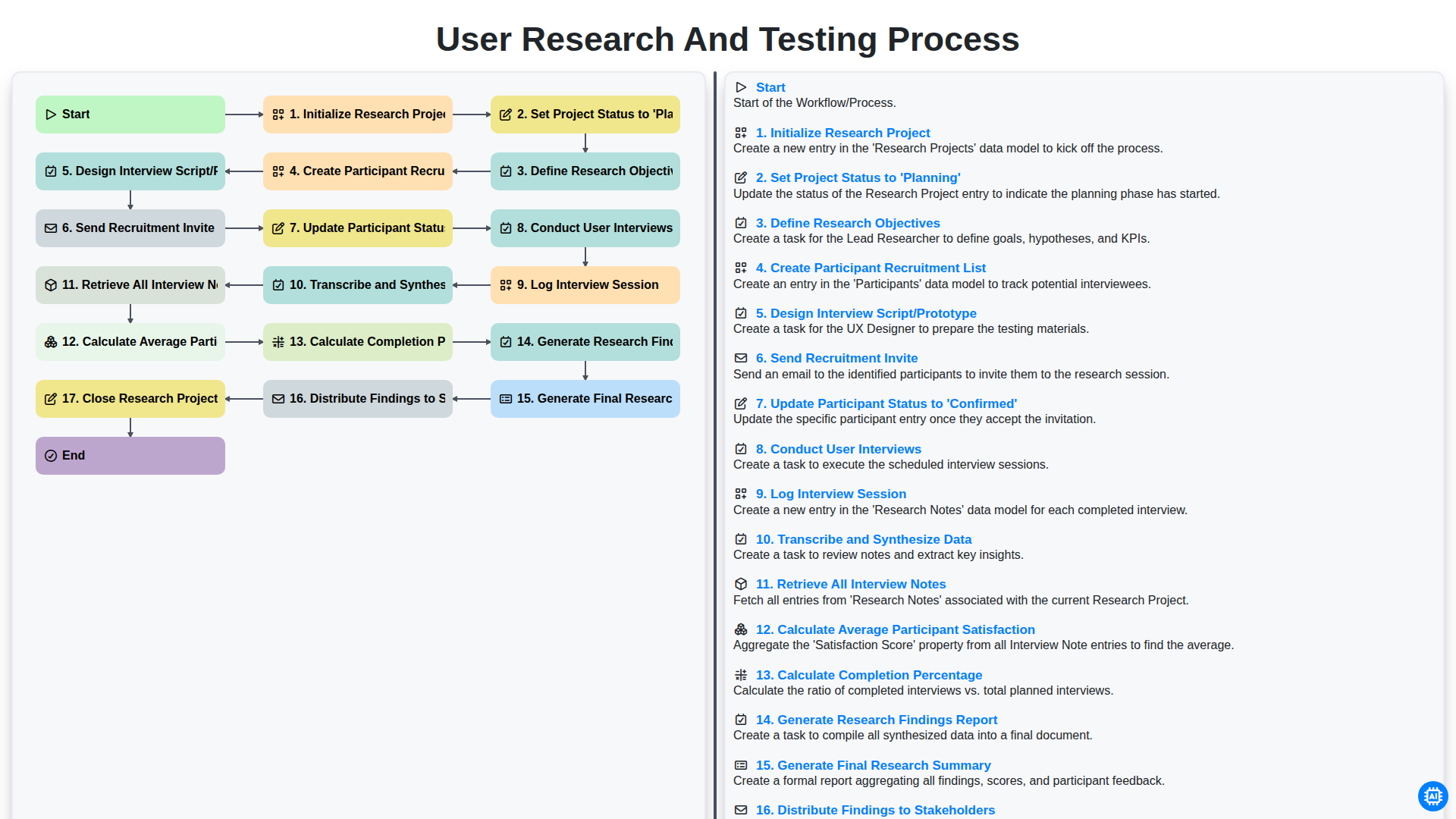
User Research and Testing Process
Можем да го направим заедно
Нуждаете се от помощ с
Управление на задачите?
Имате въпрос? Тук сме, за да помогнем. Моля, изпратете запитването си и ние ще отговорим своевременно.