 ChecklistGuro
 Product Feature Backlog Grooming Process
Streamline your product development lifecycle with our expert Product Feature Backlog Grooming Process. Master the art of refining user stories, prioritizing high-impact features, and eliminating technical debt to ensure your development team always works on the most valuable tasks. Optimize sprint planning, improve estimation accuracy, and maintain a healthy, actionable backlog with this proven task management workflow designed for high-performing agile teams.
Този шаблон е инсталиран 3 пъти.
Старт
Начало на работния поток/процеса.
1. Fetch Unrefined Backlog Items
Retrieve all entries from the 'Product Backlog' data model where status is 'New' or 'Unrefined'.
2. Fetch Product Roadmap
Retrieve upcoming milestones from the 'Roadmap' data model to align grooming with high-level goals.
3. Retrieve Team Capacity
Get current developer availability and sprint velocity from the 'Resource' data model.
4. Calculate Feature Priority Score
Apply a formula (e.g., Impact * Confidence / Effort) to determine the relative priority of the feature.
5. Assign Refinement Task
Create a task for the Product Owner to review and add acceptance criteria to the selected backlog items.
6. Update Feature Status to 'Refining'
Update the status of the selected backlog entries to 'In Refinement' to prevent duplicate work.
7. Assign Technical Spike Task
Create a task for the Engineering Lead if a feature requires technical investigation/research.
8. Fetch Technical Spike Results
Retrieve the completed notes and complexity estimates from the 'Spike Results' data model.
9. Update Feature Story Points
Update the 'Effort/Story Points' field in the Backlog data model based on the outcome of the grooming session.
10. Calculate Total Backlog Effort
Sum the 'Story Points' of all items currently in the 'Ready for Sprint' status to check against capacity.
11. Create Sprint Ready Item
Create a new entry in the 'Sprint Ready' data model for features that have passed all grooming criteria.
12. Finalize Feature Acceptance Criteria
Update the 'Definition of Ready' checkbox and 'Acceptance Criteria' text field in the backlog entry.
13. Notify Stakeholders of Refined Features
Send an email to the Stakeholder list with a summary of the newly refined features and their priorities.
14. Generate Grooming Summary Report
Generate a report showing the change in backlog health, total points refined, and upcoming high-priority items.
15. Remove Deprecated Features
Delete or move to 'Archive' any backlog entries that were identified as redundant during the grooming process.
Край
Край на работния поток/процеса.
Начало на работния поток/процеса.
Retrieve all entries from the 'Product Backlog' data model where status is 'New' or 'Unrefined'.
Retrieve upcoming milestones from the 'Roadmap' data model to align grooming with high-level goals.
Get current developer availability and sprint velocity from the 'Resource' data model.
Apply a formula (e.g., Impact * Confidence / Effort) to determine the relative priority of the feature.
Create a task for the Product Owner to review and add acceptance criteria to the selected backlog items.
Update the status of the selected backlog entries to 'In Refinement' to prevent duplicate work.
Create a task for the Engineering Lead if a feature requires technical investigation/research.
Retrieve the completed notes and complexity estimates from the 'Spike Results' data model.
Update the 'Effort/Story Points' field in the Backlog data model based on the outcome of the grooming session.
Sum the 'Story Points' of all items currently in the 'Ready for Sprint' status to check against capacity.
Create a new entry in the 'Sprint Ready' data model for features that have passed all grooming criteria.
Update the 'Definition of Ready' checkbox and 'Acceptance Criteria' text field in the backlog entry.
Send an email to the Stakeholder list with a summary of the newly refined features and their priorities.
Generate a report showing the change in backlog health, total points refined, and upcoming high-priority items.
Delete or move to 'Archive' any backlog entries that were identified as redundant during the grooming process.
Край на работния поток/процеса.
Коментари
Все още няма коментари. Бъдете първият, който добави!
Демонстрация на решението за управление на задачи
Бъдете организирани и увеличете продуктивността! ChecklistGuro опростява управлението на задачите, приоритетите и проследяването на напредъка. Постигнете повече, намалете стреса и постигнете целите си. Управлявайте всичко това с нашата платформа Work OS.
Свързани шаблони за работни потоци
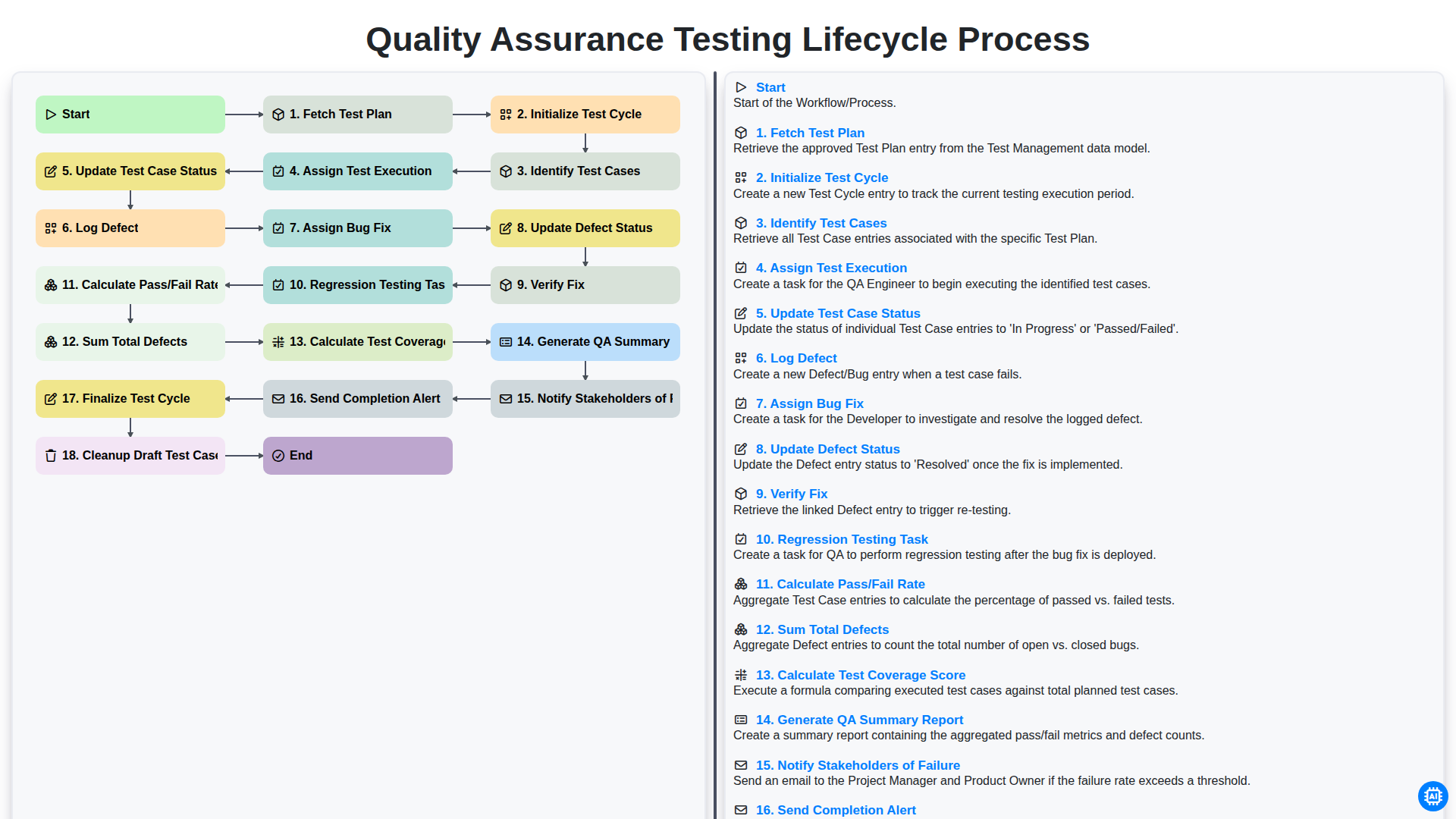
Quality Assurance Testing Lifecycle Process
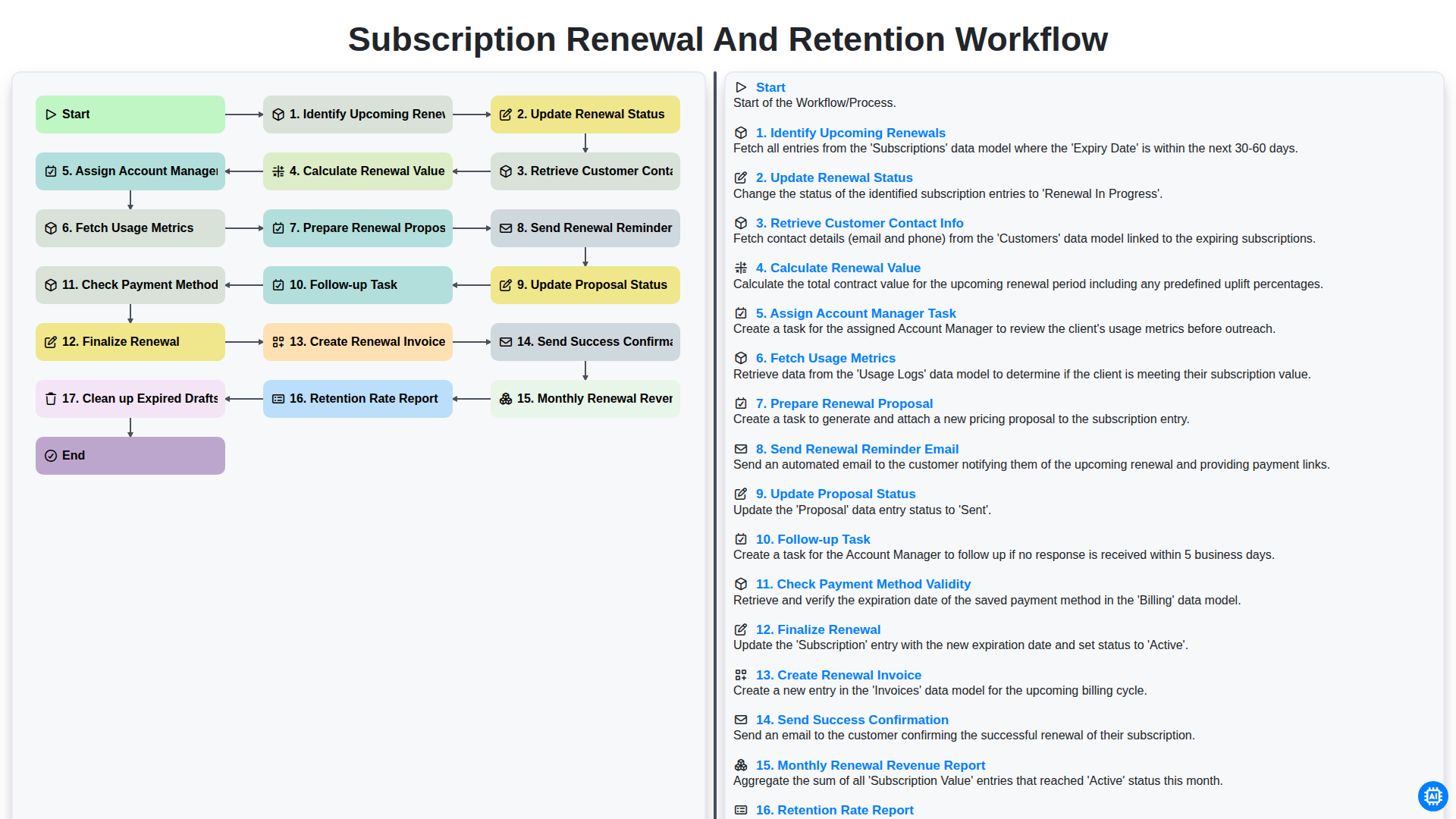
Subscription Renewal and Retention Workflow

B2B Lead Nurturing Process
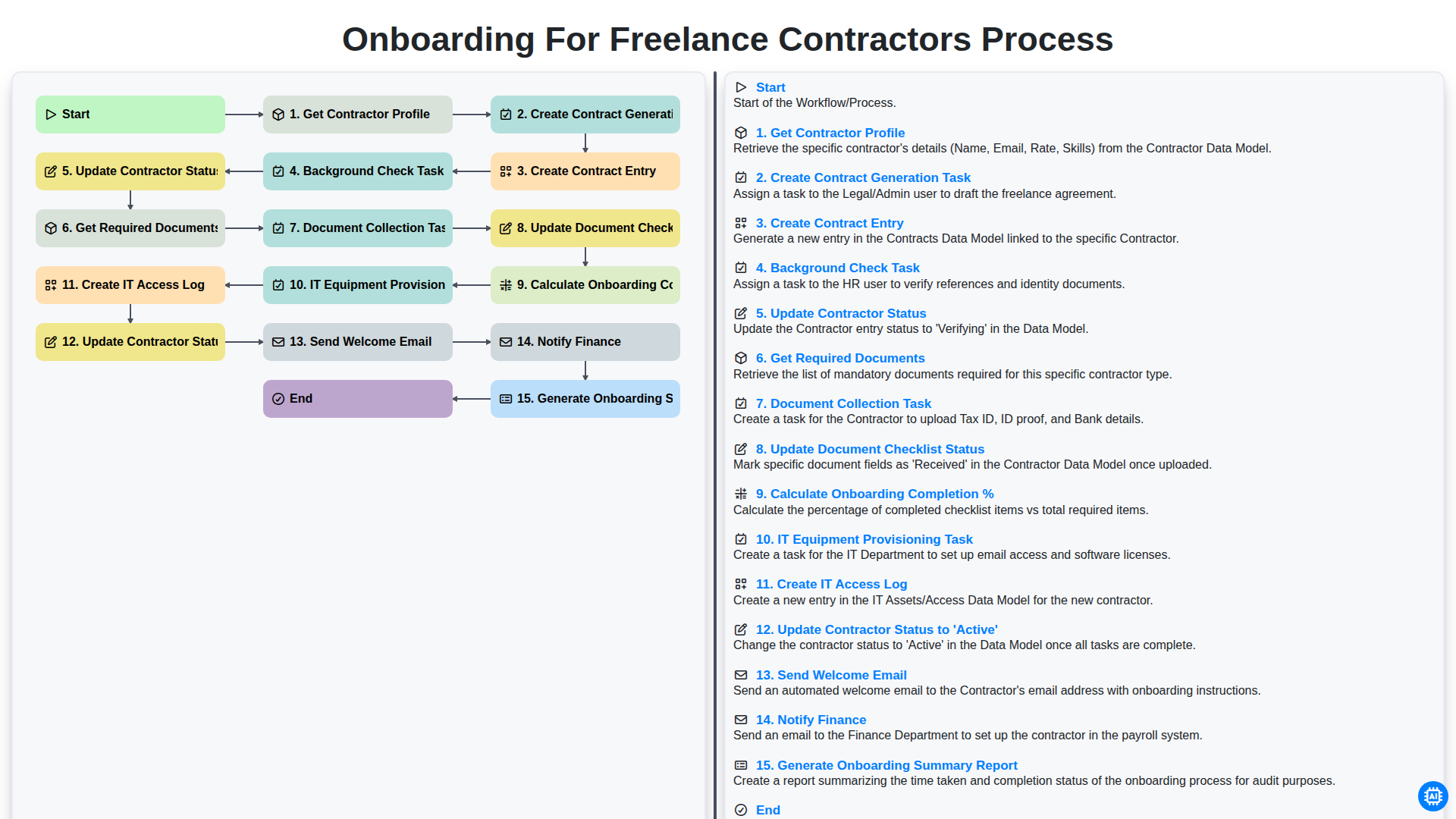
Onboarding for Freelance Contractors Process

Audit and Compliance Monitoring Workflow
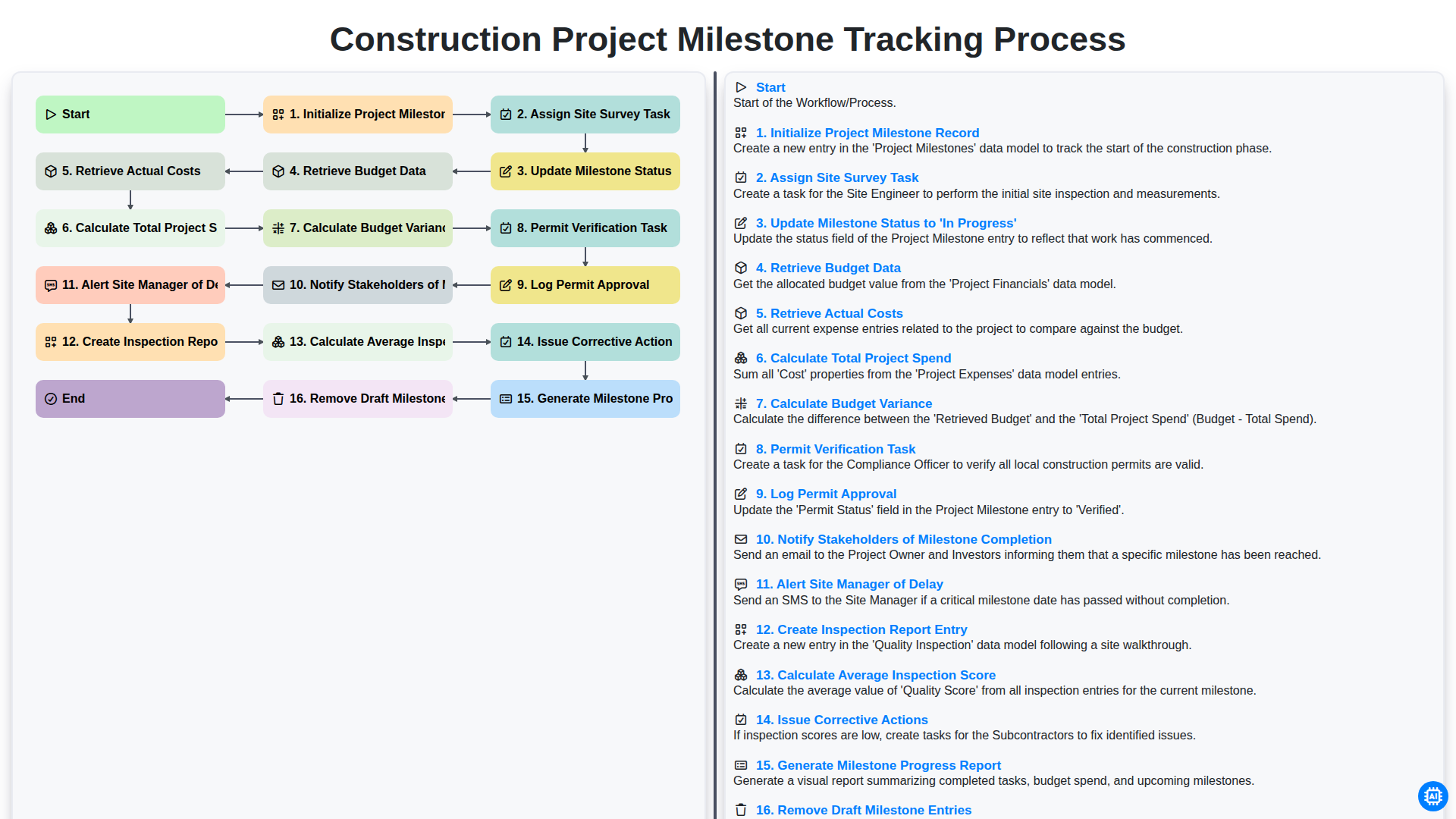
Construction Project Milestone Tracking Process
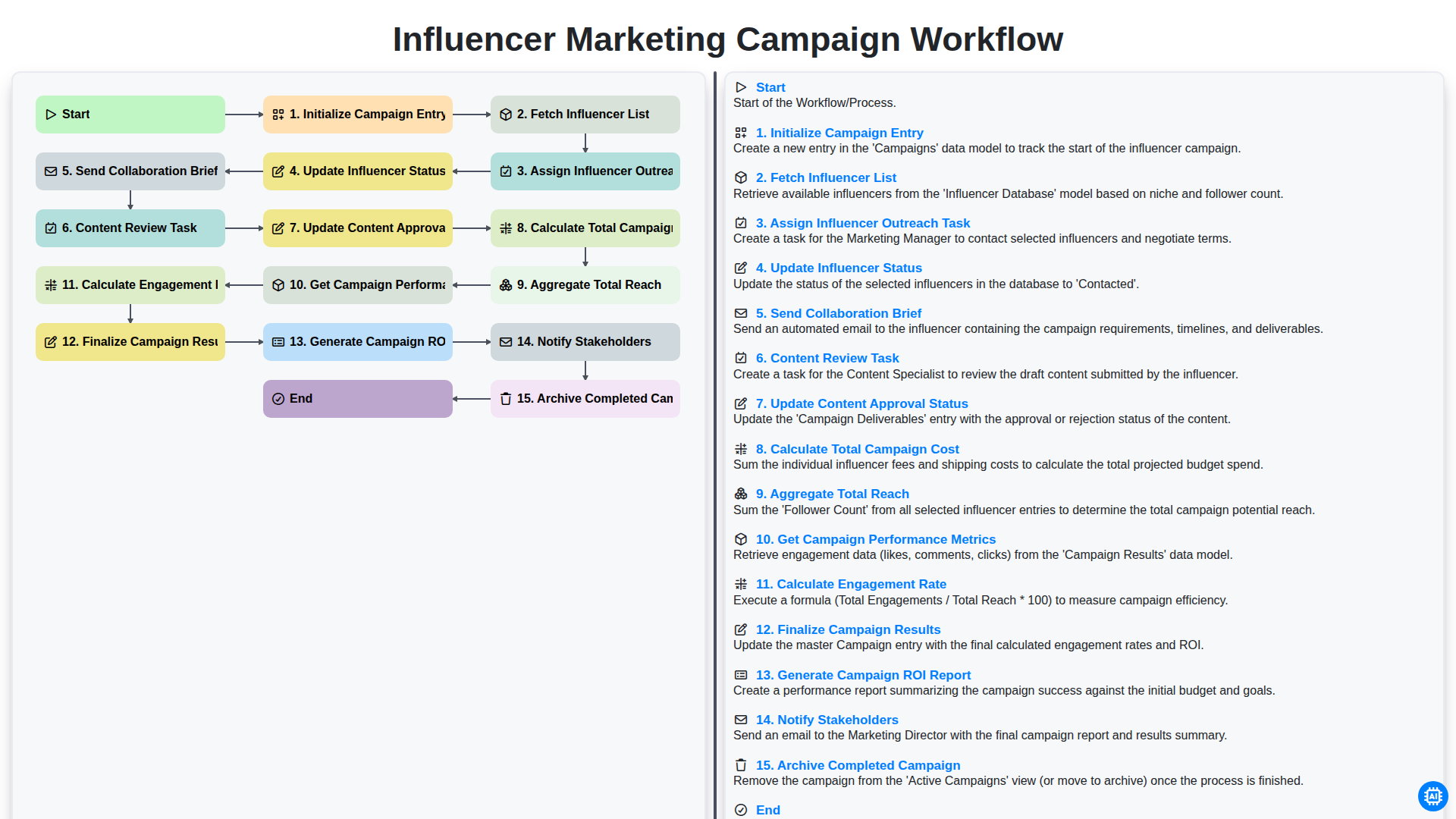
Influencer Marketing Campaign Workflow
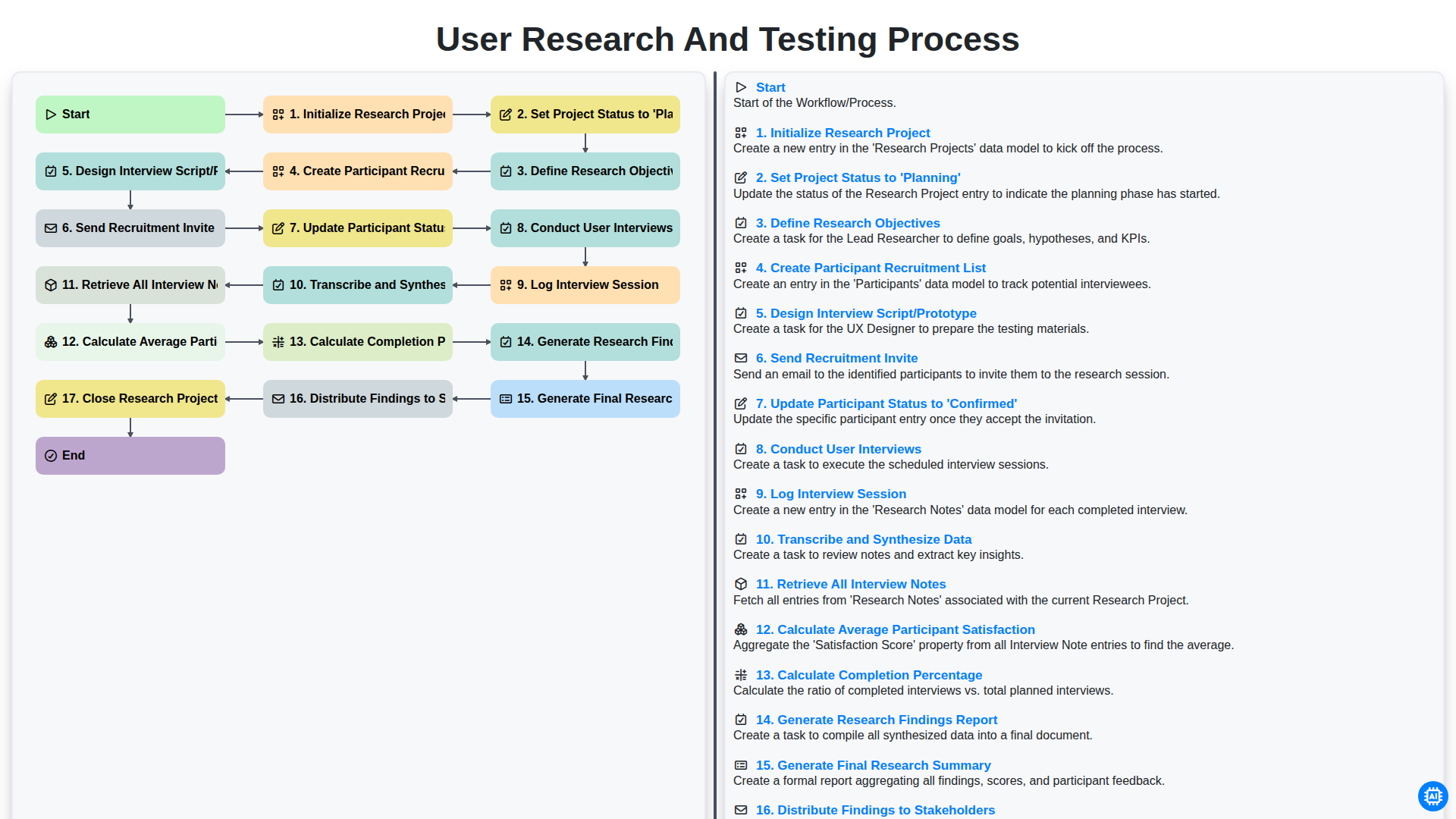
User Research and Testing Process
Можем да го направим заедно
Нуждаете се от помощ с
Управление на задачите?
Имате въпрос? Тук сме, за да помогнем. Моля, изпратете запитването си и ние ще отговорим своевременно.