 ChecklistGuro
 Real-Time Bus Tracking and Fleet Monitoring Workflow
Optimize your transit operations with our Real-Time Bus Tracking and Fleet Monitoring Workflow. Streamline fleet visibility, reduce delays, and enhance passenger satisfaction through automated GPS tracking, live vehicle diagnostics, and proactive route management tools designed for modern public transport management.
Ce modèle a été installé 3 fois.
Début
Début du flux de travail/processus.
1. Get Active Bus Locations
Retrieve the latest GPS coordinates and status for all buses currently marked as 'In Service' from the Fleet Data Model.
2. Update Vehicle Telemetry
Update existing bus entries with real-time fuel levels, engine temperature, and current speed.
3. Calculate Estimated Time of Arrival (ETA)
Calculate the projected arrival time at the next stop based on current speed, distance to stop, and traffic delay variables.
4. Check Route Schedule
Retrieve the predefined timetable and stop sequence for the specific route assigned to the bus.
5. Calculate Route Deviation
Compare current GPS coordinates against the authorized route path to detect if the bus has moved off-course.
6. Create Incident Alert
Create a new entry in the 'Incidents' data model when a deviation or breakdown is detected.
7. Assign Dispatcher Review
Create a task for the Fleet Dispatcher to review and acknowledge the newly created Incident Alert.
8. Aggregate Fleet Fuel Levels
Calculate the average fuel level across the entire fleet to determine refueling urgency.
9. Calculate Total Delay Minutes
Sum the total minutes of delay across all active routes to assess network-wide congestion.
10. Notify Maintenance Department
Send an email to the maintenance team when a bus telemetry update indicates an engine temperature threshold breach.
11. Alert Driver of Route Change
Send an SMS to the driver's mobile device if a new instruction or detour is issued by dispatch.
12. Update Passenger Load Info
Update the 'Bus Capacity' entry with current passenger counts retrieved from onboard sensors.
13. Generate Daily Performance Report
Create a summary report at the end of the shift showing total distance traveled, on-time performance, and fuel efficiency.
14. Clear Resolved Incidents
Delete or archive incident entries from the active dashboard once the Dispatcher marks the task as complete.
Fin
Fin du flux de travail/processus.
Début du flux de travail/processus.
Retrieve the latest GPS coordinates and status for all buses currently marked as 'In Service' from the Fleet Data Model.
Update existing bus entries with real-time fuel levels, engine temperature, and current speed.
Calculate the projected arrival time at the next stop based on current speed, distance to stop, and traffic delay variables.
Retrieve the predefined timetable and stop sequence for the specific route assigned to the bus.
Compare current GPS coordinates against the authorized route path to detect if the bus has moved off-course.
Create a new entry in the 'Incidents' data model when a deviation or breakdown is detected.
Create a task for the Fleet Dispatcher to review and acknowledge the newly created Incident Alert.
Calculate the average fuel level across the entire fleet to determine refueling urgency.
Sum the total minutes of delay across all active routes to assess network-wide congestion.
Send an email to the maintenance team when a bus telemetry update indicates an engine temperature threshold breach.
Send an SMS to the driver's mobile device if a new instruction or detour is issued by dispatch.
Update the 'Bus Capacity' entry with current passenger counts retrieved from onboard sensors.
Create a summary report at the end of the shift showing total distance traveled, on-time performance, and fuel efficiency.
Delete or archive incident entries from the active dashboard once the Dispatcher marks the task as complete.
Fin du flux de travail/processus.
Ce modèle de workflow vous a été utile ?
Commentaires
Aucun commentaire n'a été publié pour le moment. Soyez le premier à en ajouter un !
Démonstration de la solution de gestion des transports en commun
Optimisez les opérations des transports en commun et améliorez l'expérience des passagers ! ChecklistGuro rationalise la planification des itinéraires, la maintenance des véhicules et la déclaration des incidents. Améliorez l'efficacité, la sécurité et la fiabilité. Gérez tout cela grâce à notre plateforme Work OS.
Modèles de flux de travail associés

Bus Stop Infrastructure Maintenance Workflow

Contactless Payment Processing and Settlement Workflow

Public Transport Resource Allocation and Dispatching

Transit Subscription and Pass Management Process

Automated Bus Inspection and Safety Audit Workflow

Real-Time Traffic Congestion Impact Analysis
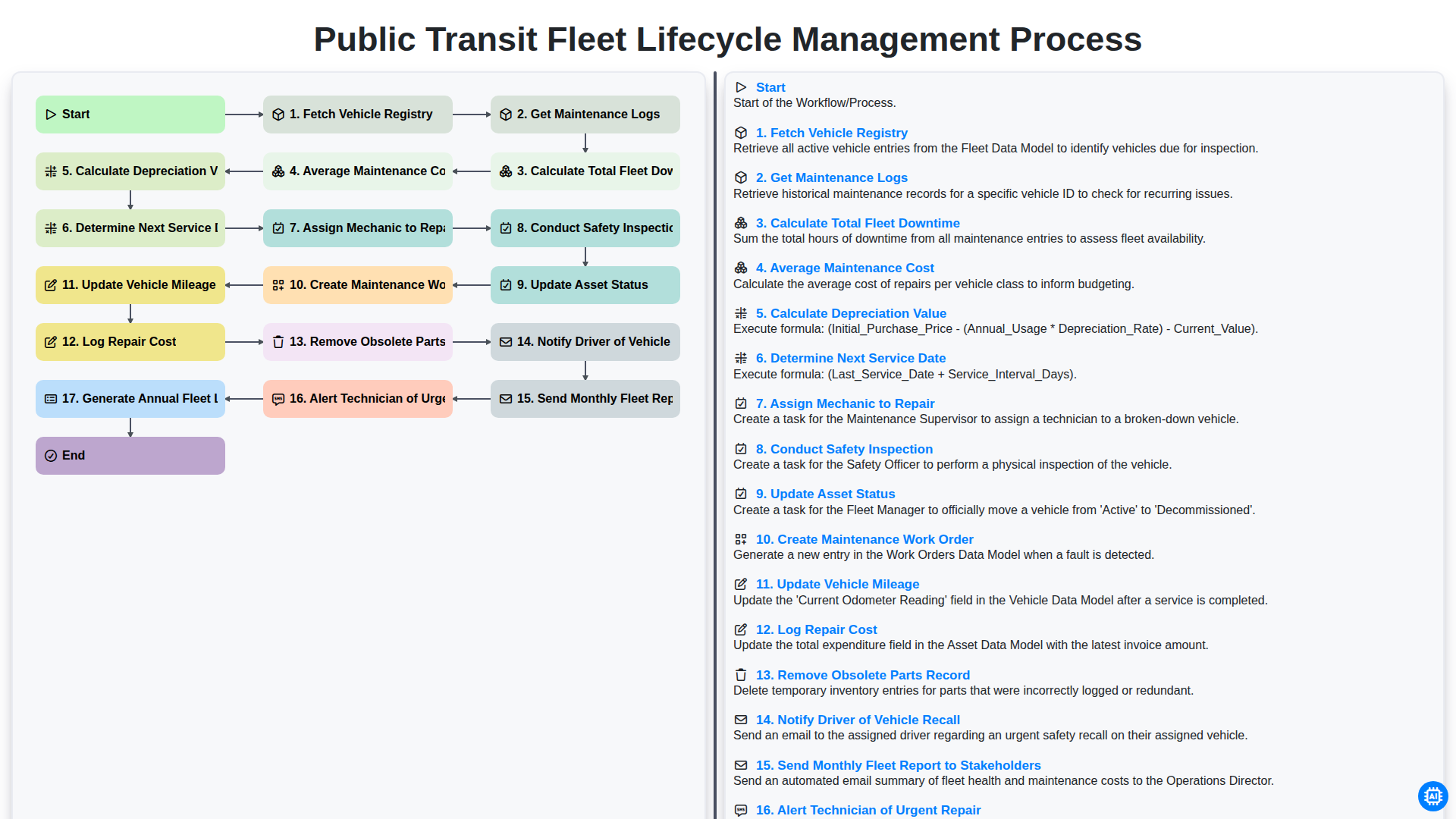
Public Transit Fleet Lifecycle Management Process
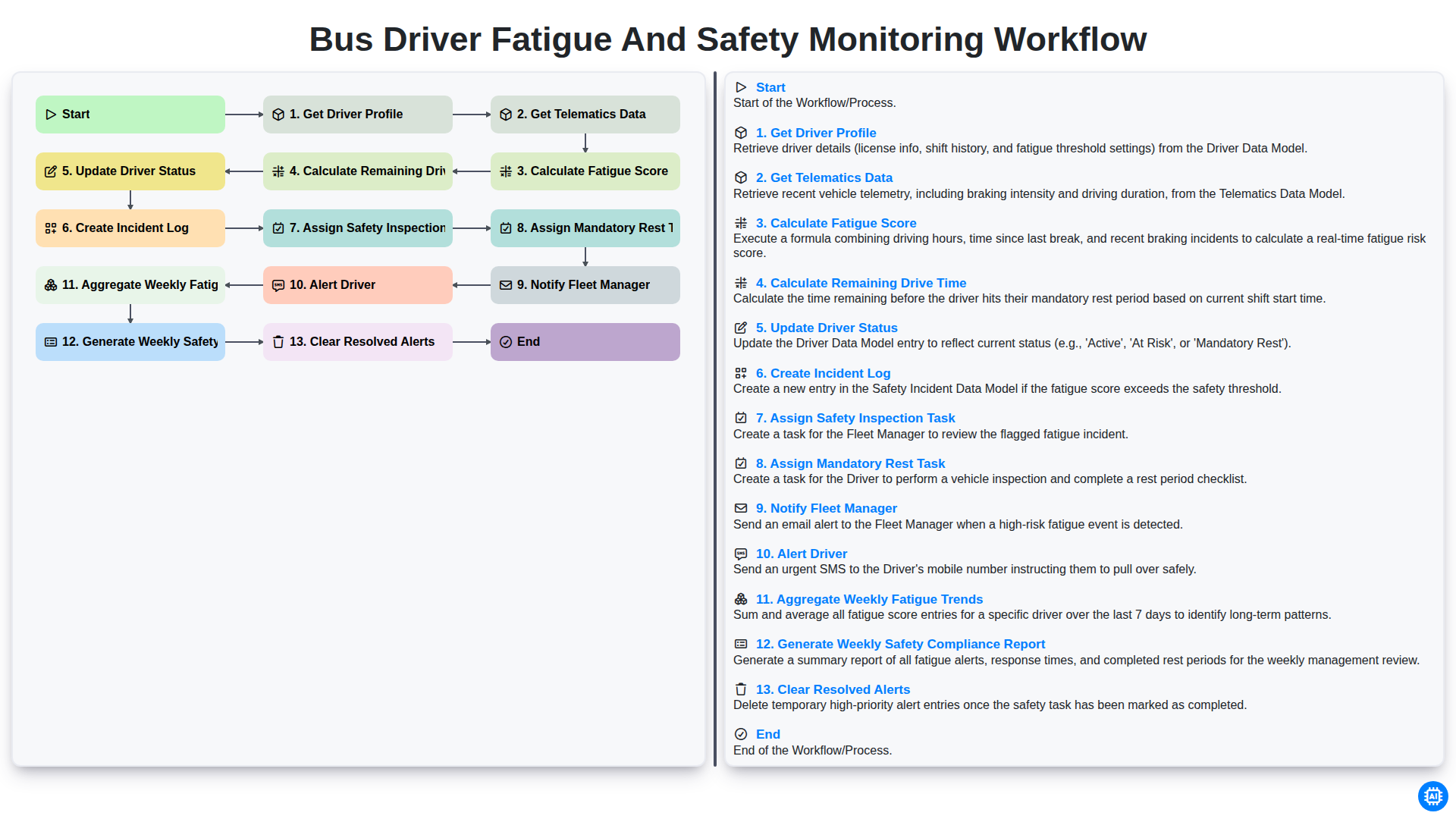
Bus Driver Fatigue and Safety Monitoring Workflow
Nous pouvons le faire ensemble
Besoin d'aide avec les listes de contrôle?
Vous avez une question ? Nous sommes là pour vous aider. Veuillez soumettre votre demande et nous vous répondrons rapidement.