 ChecklistGuro
 Bus Driver Fatigue and Safety Monitoring Workflow
Optimize fleet safety and driver well-being with our Bus Driver Fatigue and Safety Monitoring Workflow. Streamline real-time alertness tracking, implement automated fatigue alerts, and ensure regulatory compliance through a proactive, data-driven process designed to prevent accidents and enhance public transport reliability.
Ten szablon został zainstalowany 4 razy.
Rozpoczęcie
Rozpoczęcie przepływu pracy/procesu.
1. Get Driver Profile
Retrieve driver details (license info, shift history, and fatigue threshold settings) from the Driver Data Model.
2. Get Telematics Data
Retrieve recent vehicle telemetry, including braking intensity and driving duration, from the Telematics Data Model.
3. Calculate Fatigue Score
Execute a formula combining driving hours, time since last break, and recent braking incidents to calculate a real-time fatigue risk score.
4. Calculate Remaining Drive Time
Calculate the time remaining before the driver hits their mandatory rest period based on current shift start time.
5. Update Driver Status
Update the Driver Data Model entry to reflect current status (e.g., 'Active', 'At Risk', or 'Mandatory Rest').
6. Create Incident Log
Create a new entry in the Safety Incident Data Model if the fatigue score exceeds the safety threshold.
7. Assign Safety Inspection Task
Create a task for the Fleet Manager to review the flagged fatigue incident.
8. Assign Mandatory Rest Task
Create a task for the Driver to perform a vehicle inspection and complete a rest period checklist.
9. Notify Fleet Manager
Send an email alert to the Fleet Manager when a high-risk fatigue event is detected.
10. Alert Driver
Send an urgent SMS to the Driver's mobile number instructing them to pull over safely.
11. Aggregate Weekly Fatigue Trends
Sum and average all fatigue score entries for a specific driver over the last 7 days to identify long-term patterns.
12. Generate Weekly Safety Compliance Report
Generate a summary report of all fatigue alerts, response times, and completed rest periods for the weekly management review.
13. Clear Resolved Alerts
Delete temporary high-priority alert entries once the safety task has been marked as completed.
Koniec
Koniec przepływu pracy/procesu.
Rozpoczęcie przepływu pracy/procesu.
Retrieve driver details (license info, shift history, and fatigue threshold settings) from the Driver Data Model.
Retrieve recent vehicle telemetry, including braking intensity and driving duration, from the Telematics Data Model.
Execute a formula combining driving hours, time since last break, and recent braking incidents to calculate a real-time fatigue risk score.
Calculate the time remaining before the driver hits their mandatory rest period based on current shift start time.
Update the Driver Data Model entry to reflect current status (e.g., 'Active', 'At Risk', or 'Mandatory Rest').
Create a new entry in the Safety Incident Data Model if the fatigue score exceeds the safety threshold.
Create a task for the Fleet Manager to review the flagged fatigue incident.
Create a task for the Driver to perform a vehicle inspection and complete a rest period checklist.
Send an email alert to the Fleet Manager when a high-risk fatigue event is detected.
Send an urgent SMS to the Driver's mobile number instructing them to pull over safely.
Sum and average all fatigue score entries for a specific driver over the last 7 days to identify long-term patterns.
Generate a summary report of all fatigue alerts, response times, and completed rest periods for the weekly management review.
Delete temporary high-priority alert entries once the safety task has been marked as completed.
Koniec przepływu pracy/procesu.
Komentarze
Na razie nie ma żadnych komentarzy. Dodaj pierwszy!
Demonstracja rozwiązania do zarządzania transportem publicznym
Optymalizuj działalność transportu publicznego i popraw jakość obsługi pasażerów! ChecklistGuro upraszcza planowanie tras, konserwację pojazdów i zgłaszanie incydentów. Popraw efektywność, bezpieczeństwo i niezawodność. Zarządzaj wszystkim za pomocą naszej platformy Work OS.
Powiązane Szablony Pracy

Bus Stop Infrastructure Maintenance Workflow

Contactless Payment Processing and Settlement Workflow

Public Transport Resource Allocation and Dispatching

Transit Subscription and Pass Management Process

Automated Bus Inspection and Safety Audit Workflow

Real-Time Traffic Congestion Impact Analysis
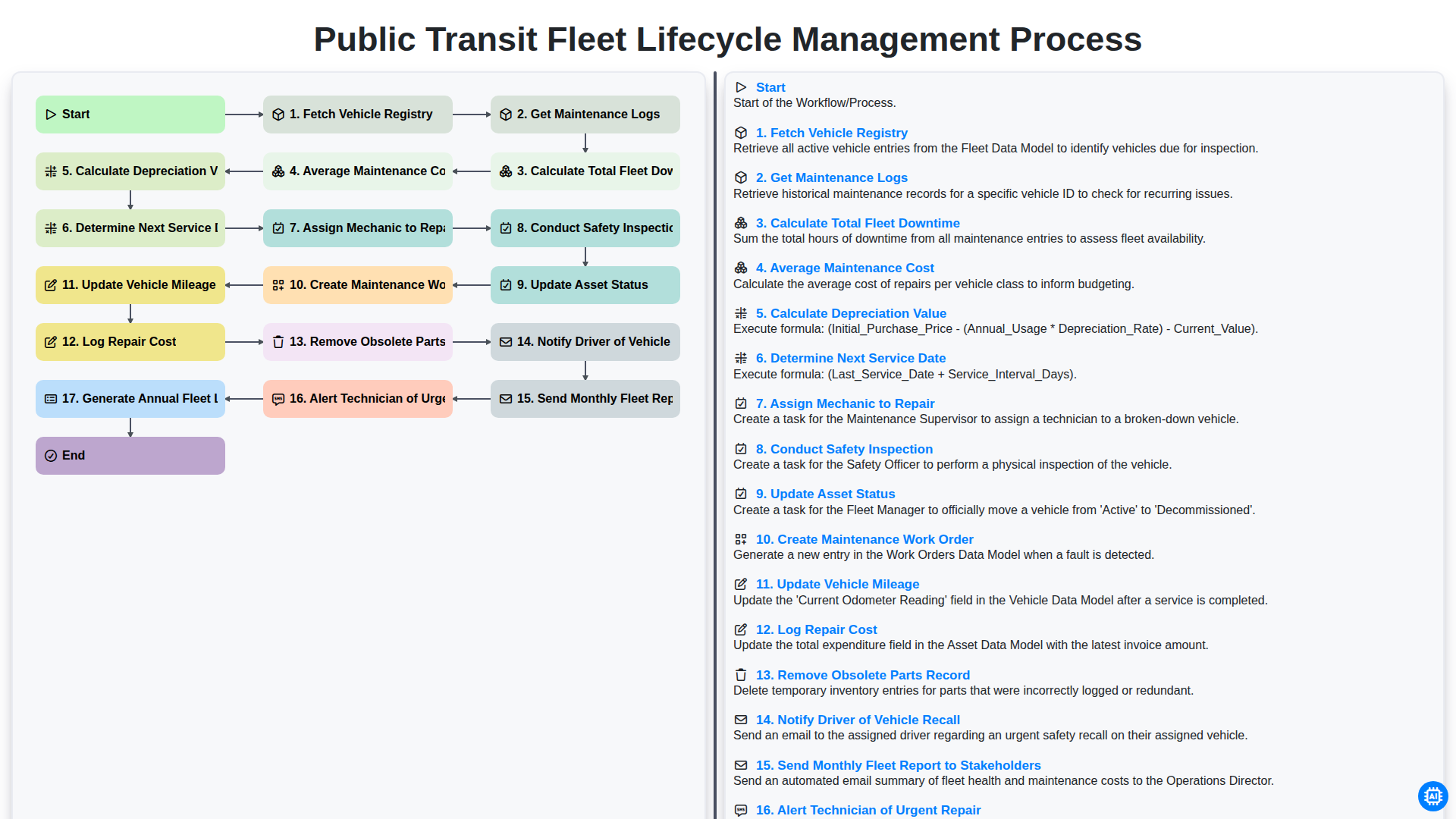
Public Transit Fleet Lifecycle Management Process
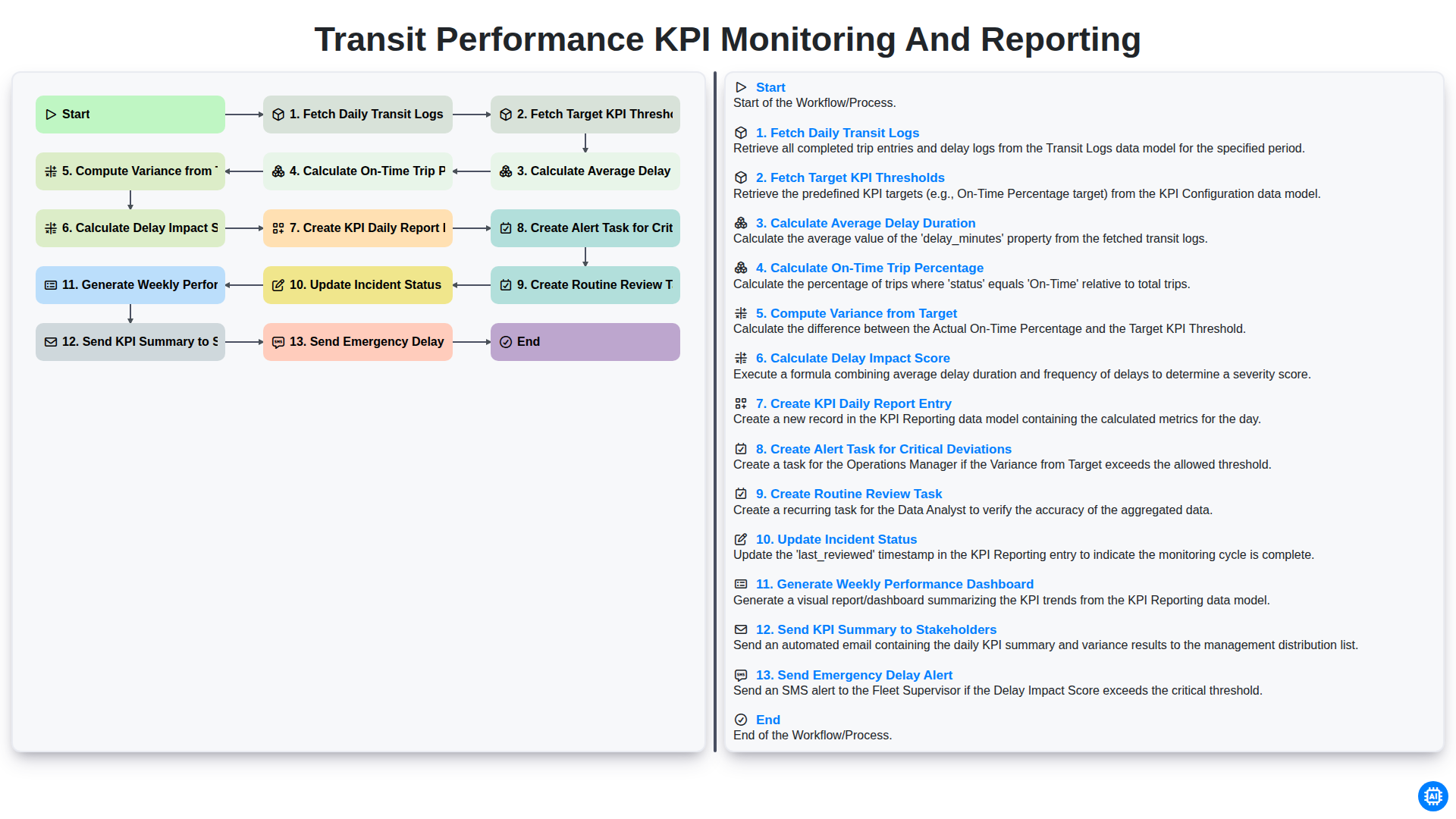
Transit Performance KPI Monitoring and Reporting
Możemy to zrobić razem
Potrzebujesz pomocy z listami kontrolnymi?
Masz pytanie? Jesteśmy tu, aby pomóc. Prześlij zapytanie, a my szybko na nie odpowiemy.