 ChecklistGuro
 Transit Subscription and Pass Management Process
Streamline your transit operations with our Transit Subscription and Pass Management Process. Optimize ticket lifecycles, automate renewals, and enhance passenger convenience through a seamless, automated workflow designed to reduce fraud and improve commuter satisfaction in public transport networks.
Ten szablon został zainstalowany 5 razy.
Rozpoczęcie
Rozpoczęcie przepływu pracy/procesu.
1. Retrieve Customer Profile
Fetch existing user data and current active subscriptions from the Customer Data Model.
2. Check Pass Availability
Check the Inventory Data Model to see if the requested pass type is in stock or available for digital activation.
3. Calculate Subscription Total
Calculate the total cost by adding the base pass price to applicable taxes and service fees.
4. Create Subscription Order
Generate a new entry in the Orders Data Model containing the transaction details and pending status.
5. Payment Processing Task
Assign a task to the Billing Department/Automated Gateway to process the transaction.
6. Update Order Status
Update the Order entry to 'Paid' or 'Failed' based on the result of the payment task.
7. Calculate Daily Revenue
Sum the total value of all 'Paid' entries in the Orders Data Model for the current date.
8. Generate Digital Pass
Create a new entry in the Passes Data Model, linking the digital ID to the Customer Profile.
9. Validate Identity/Document
Create a task for the Verification Team if the subscription requires proof of age or residency.
10. Send Confirmation Email
Send a receipt and digital pass details to the customer's registered email address.
11. Send Activation Alert
Send an SMS to the user's phone number notifying them that their pass is now active.
12. Activate Subscription
Update the Customer's active subscription status in the Customer Data Model to 'Active'.
13. Generate Monthly Subscription Report
Create a summary report of all new subscriptions, renewals, and cancellations for the month.
14. Remove Expired Temporary Passes
Delete temporary/single-use pass entries from the system once their expiration date has passed.
Koniec
Koniec przepływu pracy/procesu.
Rozpoczęcie przepływu pracy/procesu.
Fetch existing user data and current active subscriptions from the Customer Data Model.
Check the Inventory Data Model to see if the requested pass type is in stock or available for digital activation.
Calculate the total cost by adding the base pass price to applicable taxes and service fees.
Generate a new entry in the Orders Data Model containing the transaction details and pending status.
Assign a task to the Billing Department/Automated Gateway to process the transaction.
Update the Order entry to 'Paid' or 'Failed' based on the result of the payment task.
Sum the total value of all 'Paid' entries in the Orders Data Model for the current date.
Create a new entry in the Passes Data Model, linking the digital ID to the Customer Profile.
Create a task for the Verification Team if the subscription requires proof of age or residency.
Send a receipt and digital pass details to the customer's registered email address.
Send an SMS to the user's phone number notifying them that their pass is now active.
Update the Customer's active subscription status in the Customer Data Model to 'Active'.
Create a summary report of all new subscriptions, renewals, and cancellations for the month.
Delete temporary/single-use pass entries from the system once their expiration date has passed.
Koniec przepływu pracy/procesu.
Komentarze
Na razie nie ma żadnych komentarzy. Dodaj pierwszy!
Demonstracja rozwiązania do zarządzania transportem publicznym
Optymalizuj działalność transportu publicznego i popraw jakość obsługi pasażerów! ChecklistGuro upraszcza planowanie tras, konserwację pojazdów i zgłaszanie incydentów. Popraw efektywność, bezpieczeństwo i niezawodność. Zarządzaj wszystkim za pomocą naszej platformy Work OS.
Powiązane Szablony Pracy

Bus Stop Infrastructure Maintenance Workflow

Contactless Payment Processing and Settlement Workflow

Public Transport Resource Allocation and Dispatching

Automated Bus Inspection and Safety Audit Workflow

Real-Time Traffic Congestion Impact Analysis
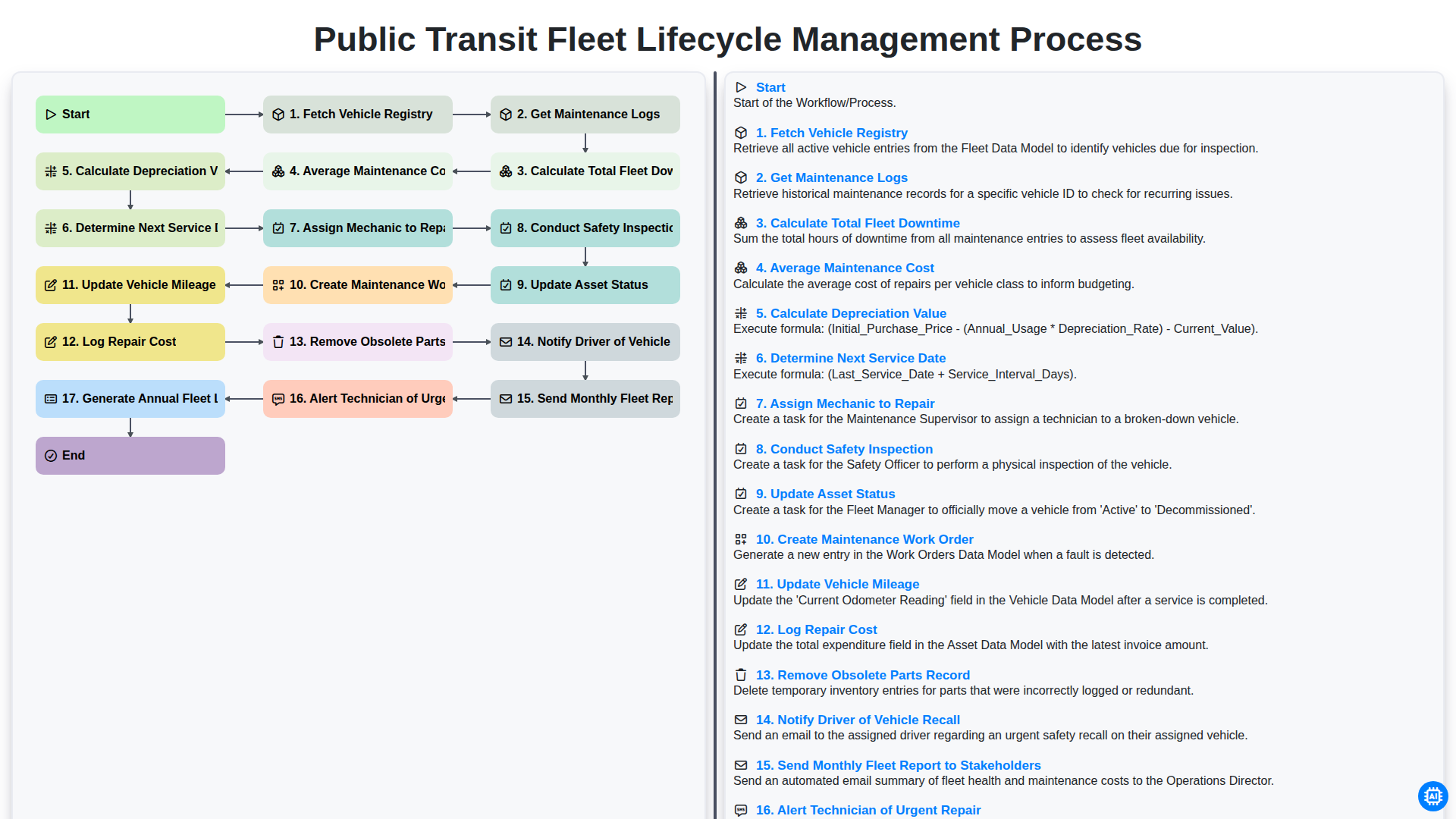
Public Transit Fleet Lifecycle Management Process
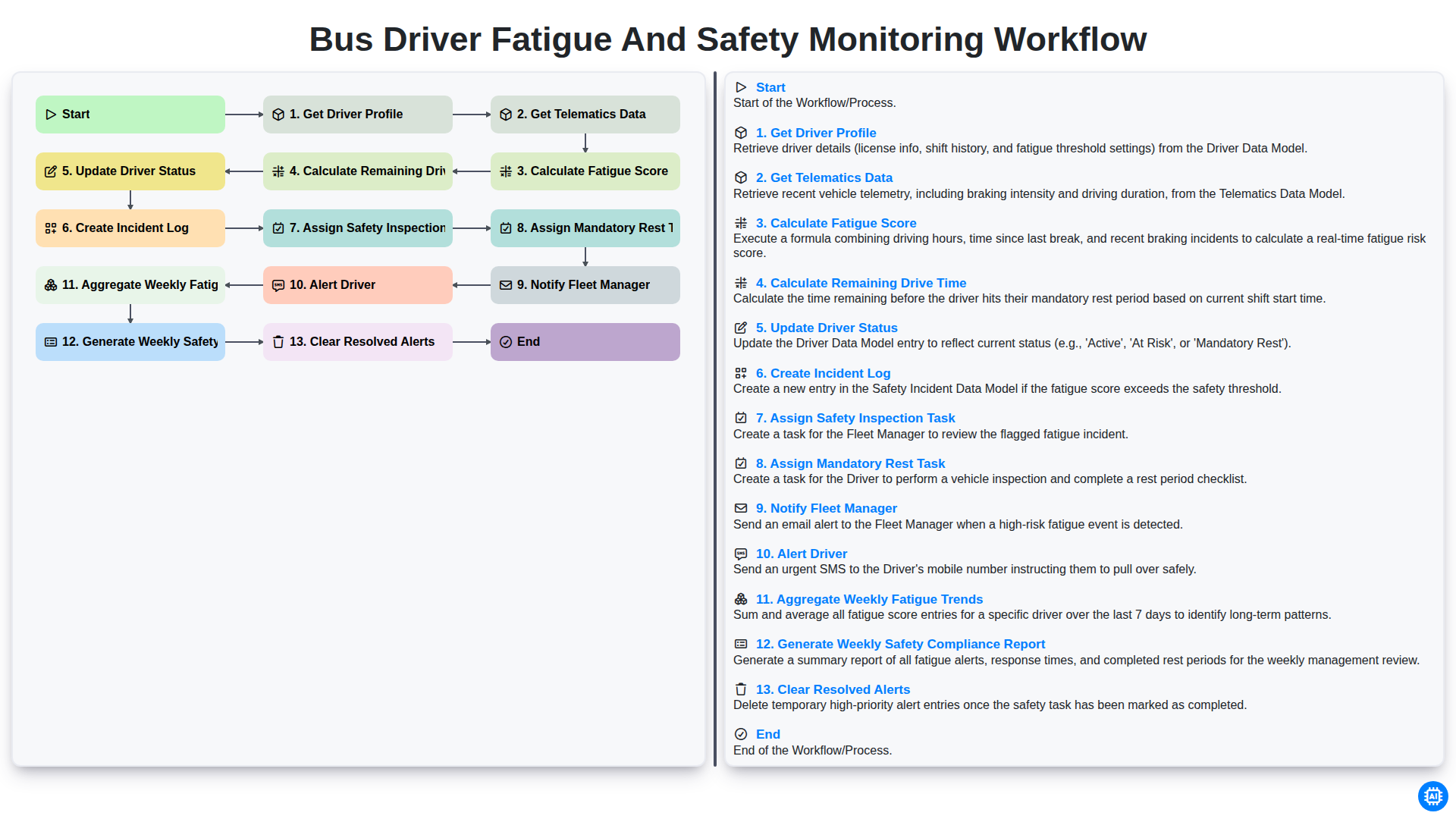
Bus Driver Fatigue and Safety Monitoring Workflow
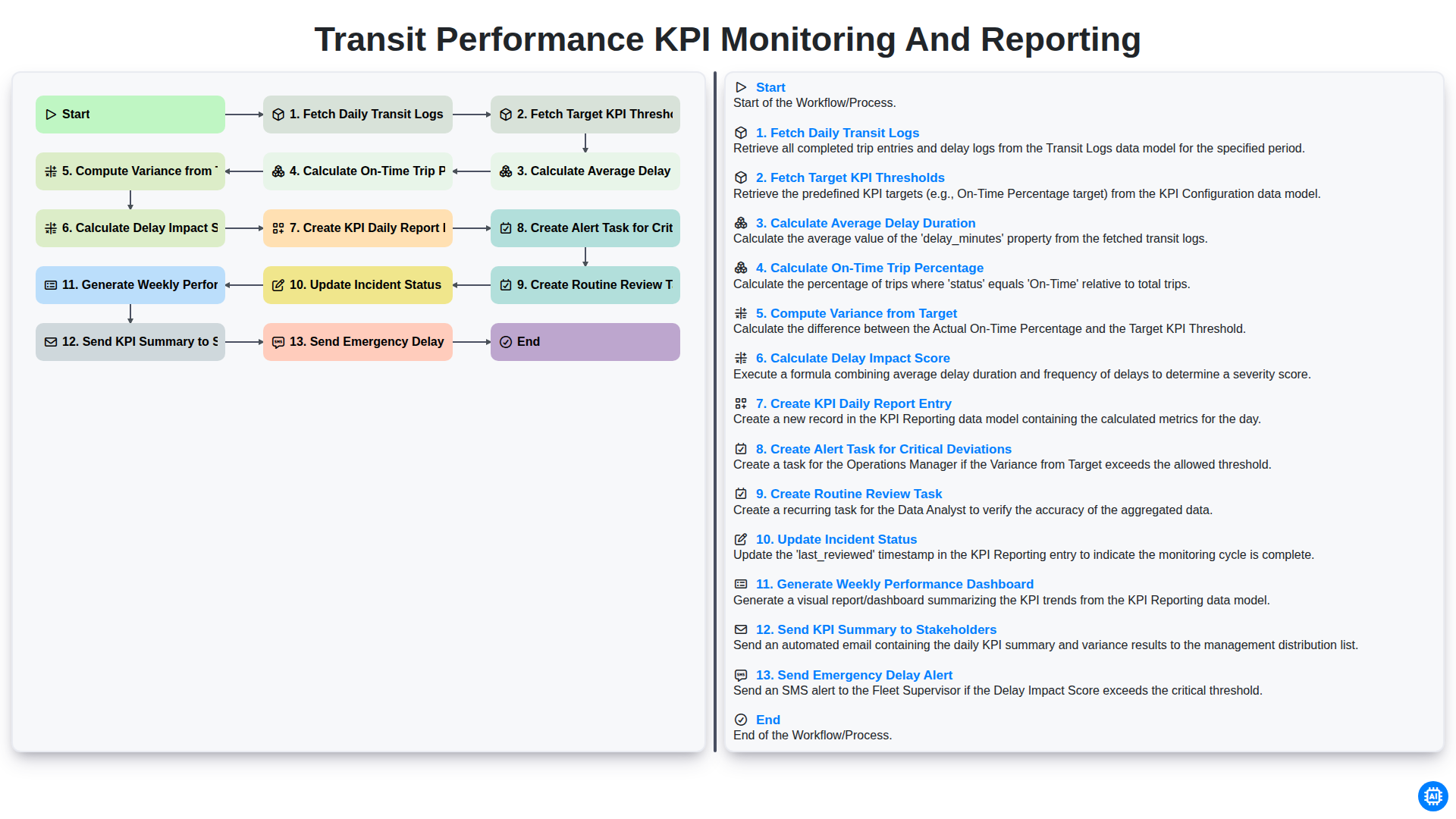
Transit Performance KPI Monitoring and Reporting
Możemy to zrobić razem
Potrzebujesz pomocy z listami kontrolnymi?
Masz pytanie? Jesteśmy tu, aby pomóc. Prześlij zapytanie, a my szybko na nie odpowiemy.