 ChecklistGuro
 Public Transit Fleet Lifecycle Management Process
Optimize your transit operations with our comprehensive Public Transit Fleet Lifecycle Management Process. Streamline everything from strategic procurement and-asset deployment to proactive maintenance and efficient decommissioning. This end-to-end workflow empowers transit agencies to maximize vehicle uptime, reduce total cost of ownership (TCO), and enhance passenger safety through data-driven fleet oversight and automated maintenance scheduling. Perfect for improving operational efficiency and ensuring long-term sustainability in public transport networks.
Ten szablon został zainstalowany 3 razy.
Rozpoczęcie
Rozpoczęcie przepływu pracy/procesu.
1. Fetch Vehicle Registry
Retrieve all active vehicle entries from the Fleet Data Model to identify vehicles due for inspection.
2. Get Maintenance Logs
Retrieve historical maintenance records for a specific vehicle ID to check for recurring issues.
3. Calculate Total Fleet Downtime
Sum the total hours of downtime from all maintenance entries to assess fleet availability.
4. Average Maintenance Cost
Calculate the average cost of repairs per vehicle class to inform budgeting.
5. Calculate Depreciation Value
Execute formula: (Initial_Purchase_Price - (Annual_Usage * Depreciation_Rate) - Current_Value).
6. Determine Next Service Date
Execute formula: (Last_Service_Date + Service_Interval_Days).
7. Assign Mechanic to Repair
Create a task for the Maintenance Supervisor to assign a technician to a broken-down vehicle.
8. Conduct Safety Inspection
Create a task for the Safety Officer to perform a physical inspection of the vehicle.
9. Update Asset Status
Create a task for the Fleet Manager to officially move a vehicle from 'Active' to 'Decommissioned'.
10. Create Maintenance Work Order
Generate a new entry in the Work Orders Data Model when a fault is detected.
11. Update Vehicle Mileage
Update the 'Current Odometer Reading' field in the Vehicle Data Model after a service is completed.
12. Log Repair Cost
Update the total expenditure field in the Asset Data Model with the latest invoice amount.
13. Remove Obsolete Parts Record
Delete temporary inventory entries for parts that were incorrectly logged or redundant.
14. Notify Driver of Vehicle Recall
Send an email to the assigned driver regarding an urgent safety recall on their assigned vehicle.
15. Send Monthly Fleet Report to Stakeholders
Send an automated email summary of fleet health and maintenance costs to the Operations Director.
16. Alert Technician of Urgent Repair
Send an SMS to the mechanic on call when a high-priority breakdown is reported.
17. Generate Annual Fleet Lifecycle Report
Generate a comprehensive report summarizing all acquisitions, maintenance, and decommission events for the year.
Koniec
Koniec przepływu pracy/procesu.
Rozpoczęcie przepływu pracy/procesu.
Retrieve all active vehicle entries from the Fleet Data Model to identify vehicles due for inspection.
Retrieve historical maintenance records for a specific vehicle ID to check for recurring issues.
Sum the total hours of downtime from all maintenance entries to assess fleet availability.
Calculate the average cost of repairs per vehicle class to inform budgeting.
Execute formula: (Initial_Purchase_Price - (Annual_Usage * Depreciation_Rate) - Current_Value).
Execute formula: (Last_Service_Date + Service_Interval_Days).
Create a task for the Maintenance Supervisor to assign a technician to a broken-down vehicle.
Create a task for the Safety Officer to perform a physical inspection of the vehicle.
Create a task for the Fleet Manager to officially move a vehicle from 'Active' to 'Decommissioned'.
Generate a new entry in the Work Orders Data Model when a fault is detected.
Update the 'Current Odometer Reading' field in the Vehicle Data Model after a service is completed.
Update the total expenditure field in the Asset Data Model with the latest invoice amount.
Delete temporary inventory entries for parts that were incorrectly logged or redundant.
Send an email to the assigned driver regarding an urgent safety recall on their assigned vehicle.
Send an automated email summary of fleet health and maintenance costs to the Operations Director.
Send an SMS to the mechanic on call when a high-priority breakdown is reported.
Generate a comprehensive report summarizing all acquisitions, maintenance, and decommission events for the year.
Koniec przepływu pracy/procesu.
Komentarze
Na razie nie ma żadnych komentarzy. Dodaj pierwszy!
Demonstracja rozwiązania do zarządzania transportem publicznym
Optymalizuj działalność transportu publicznego i popraw jakość obsługi pasażerów! ChecklistGuro upraszcza planowanie tras, konserwację pojazdów i zgłaszanie incydentów. Popraw efektywność, bezpieczeństwo i niezawodność. Zarządzaj wszystkim za pomocą naszej platformy Work OS.
Powiązane Szablony Pracy

Bus Stop Infrastructure Maintenance Workflow

Contactless Payment Processing and Settlement Workflow

Public Transport Resource Allocation and Dispatching

Transit Subscription and Pass Management Process

Automated Bus Inspection and Safety Audit Workflow

Real-Time Traffic Congestion Impact Analysis
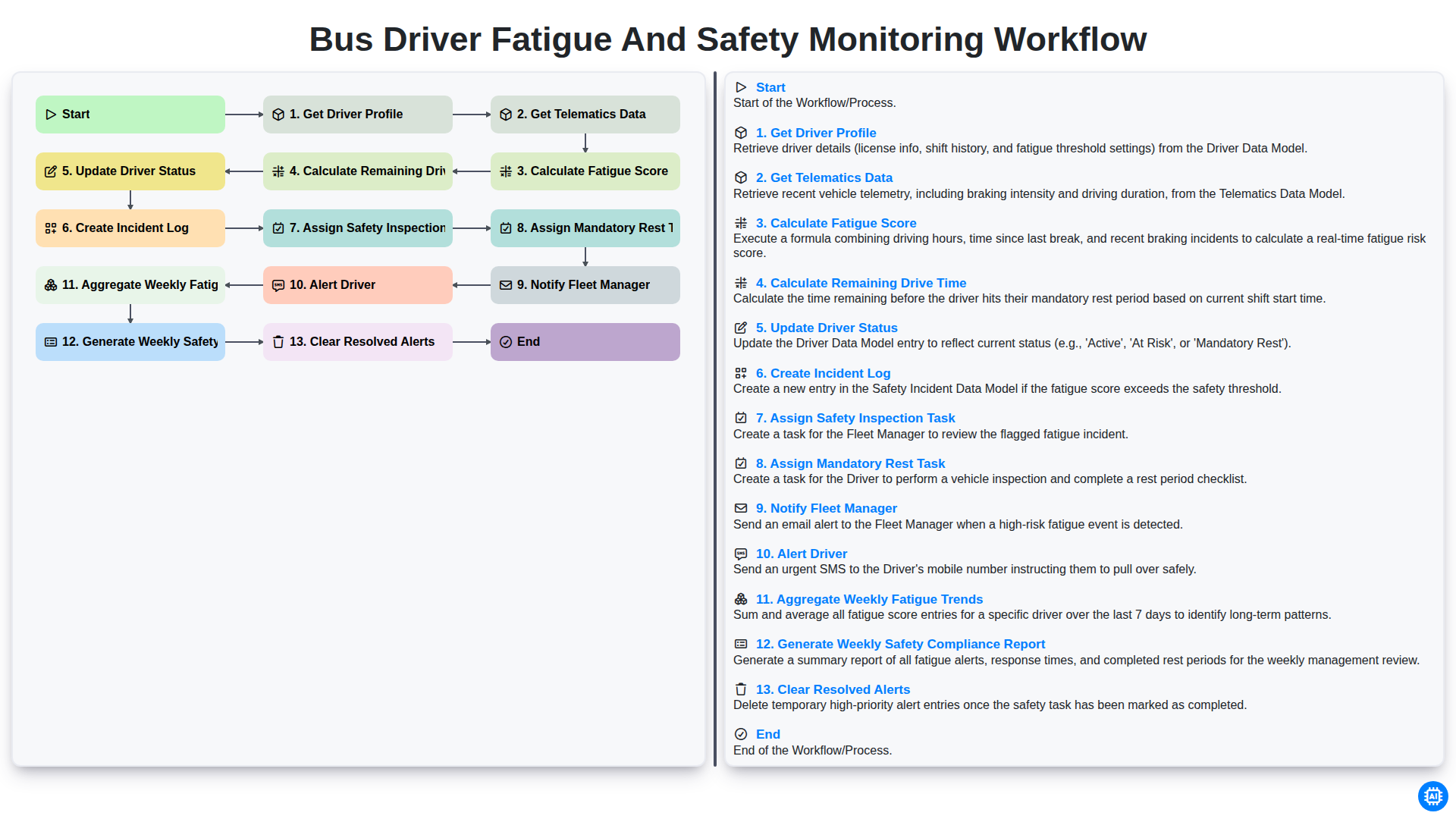
Bus Driver Fatigue and Safety Monitoring Workflow
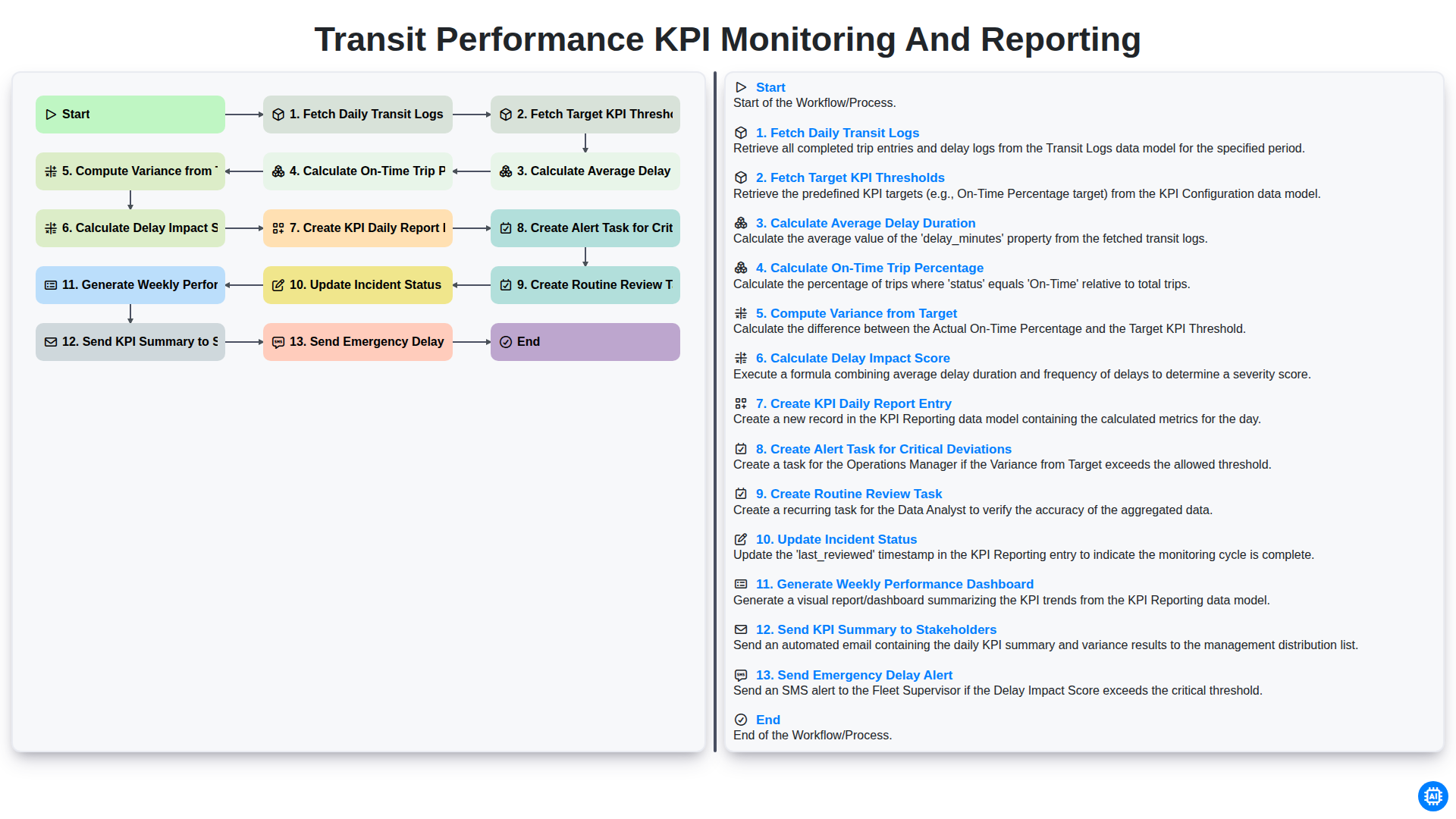
Transit Performance KPI Monitoring and Reporting
Możemy to zrobić razem
Potrzebujesz pomocy z listami kontrolnymi?
Masz pytanie? Jesteśmy tu, aby pomóc. Prześlij zapytanie, a my szybko na nie odpowiemy.