 ChecklistGuro
 Real-Time Traffic Congestion Impact Analysis
Optimize urban mobility with our Real-Time Traffic Congestion Impact Analysis workflow. Gain actionable insights into how traffic surges affect public transit schedules, identify bottleneck patterns, and implement proactive routing adjustments to ensure seamless, reliable passenger transport and reduced operational delays.
Ten szablon został zainstalowany 1 razy.
Rozpoczęcie
Rozpoczęcie przepływu pracy/procesu.
1. Fetch Sensor Data
Retrieve real-time vehicle count and speed data from IoT traffic sensors in the target zone.
2. Fetch Historical Baseline
Retrieve historical average traffic patterns for the same day and time from the historical data model.
3. Calculate Congestion Index
Calculate the deviation percentage between real-time speed and historical baseline speed.
4. Aggregate Zone Density
Calculate the average vehicle density across all active sensors within the analyzed area.
5. Calculate Delay Impact
Estimate the total extra travel time (in minutes) caused by the current congestion.
6. Create Analysis Report Entry
Generate a new record in the Analysis Data Model containing the calculated congestion metrics and timestamp.
7. Update Traffic Status
Update the 'Current Status' field in the Road Segment Data Model (e.g., from 'Green' to 'Red').
8. Assign Traffic Engineer Review
Create a task for the Duty Engineer to manually verify high-severity congestion anomalies.
9. Create a task for the field unit if congestion is caused by a detected incident/accident.
Create a task for the field unit if congestion is caused by a detected incident/accident.
10. Alert Transport Authorities
Send an automated email alert to the Department of Transportation regarding critical congestion levels.
11. Notify Emergency Services
Send an SMS alert to emergency responders if the analysis detects a sudden drop in speed indicating a possible crash.
12. Generate Daily Congestion Summary
Create a visual PDF report summarizing the daily congestion trends and impact levels for stakeholders.
13. Cleanup Temporary Sensor Logs
Delete temporary high-frequency raw data entries that are no longer needed after analysis completion.
Koniec
Koniec przepływu pracy/procesu.
Rozpoczęcie przepływu pracy/procesu.
Retrieve real-time vehicle count and speed data from IoT traffic sensors in the target zone.
Retrieve historical average traffic patterns for the same day and time from the historical data model.
Calculate the deviation percentage between real-time speed and historical baseline speed.
Calculate the average vehicle density across all active sensors within the analyzed area.
Estimate the total extra travel time (in minutes) caused by the current congestion.
Generate a new record in the Analysis Data Model containing the calculated congestion metrics and timestamp.
Update the 'Current Status' field in the Road Segment Data Model (e.g., from 'Green' to 'Red').
Create a task for the Duty Engineer to manually verify high-severity congestion anomalies.
Create a task for the field unit if congestion is caused by a detected incident/accident.
Send an automated email alert to the Department of Transportation regarding critical congestion levels.
Send an SMS alert to emergency responders if the analysis detects a sudden drop in speed indicating a possible crash.
Create a visual PDF report summarizing the daily congestion trends and impact levels for stakeholders.
Delete temporary high-frequency raw data entries that are no longer needed after analysis completion.
Koniec przepływu pracy/procesu.
Komentarze
Na razie nie ma żadnych komentarzy. Dodaj pierwszy!
Demonstracja rozwiązania do zarządzania transportem publicznym
Optymalizuj działalność transportu publicznego i popraw jakość obsługi pasażerów! ChecklistGuro upraszcza planowanie tras, konserwację pojazdów i zgłaszanie incydentów. Popraw efektywność, bezpieczeństwo i niezawodność. Zarządzaj wszystkim za pomocą naszej platformy Work OS.
Powiązane Szablony Pracy

Bus Stop Infrastructure Maintenance Workflow

Contactless Payment Processing and Settlement Workflow

Public Transport Resource Allocation and Dispatching

Transit Subscription and Pass Management Process

Automated Bus Inspection and Safety Audit Workflow
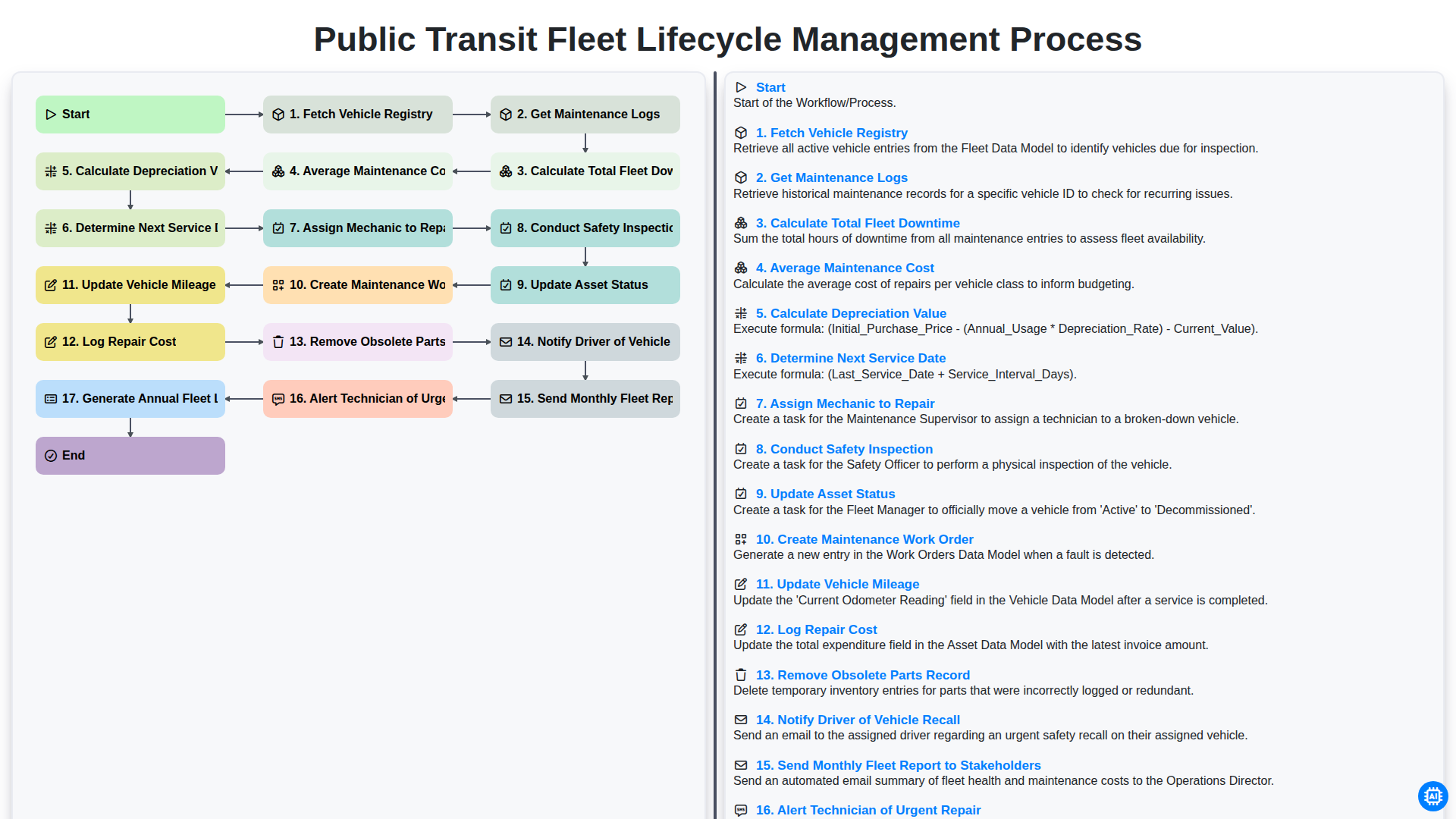
Public Transit Fleet Lifecycle Management Process
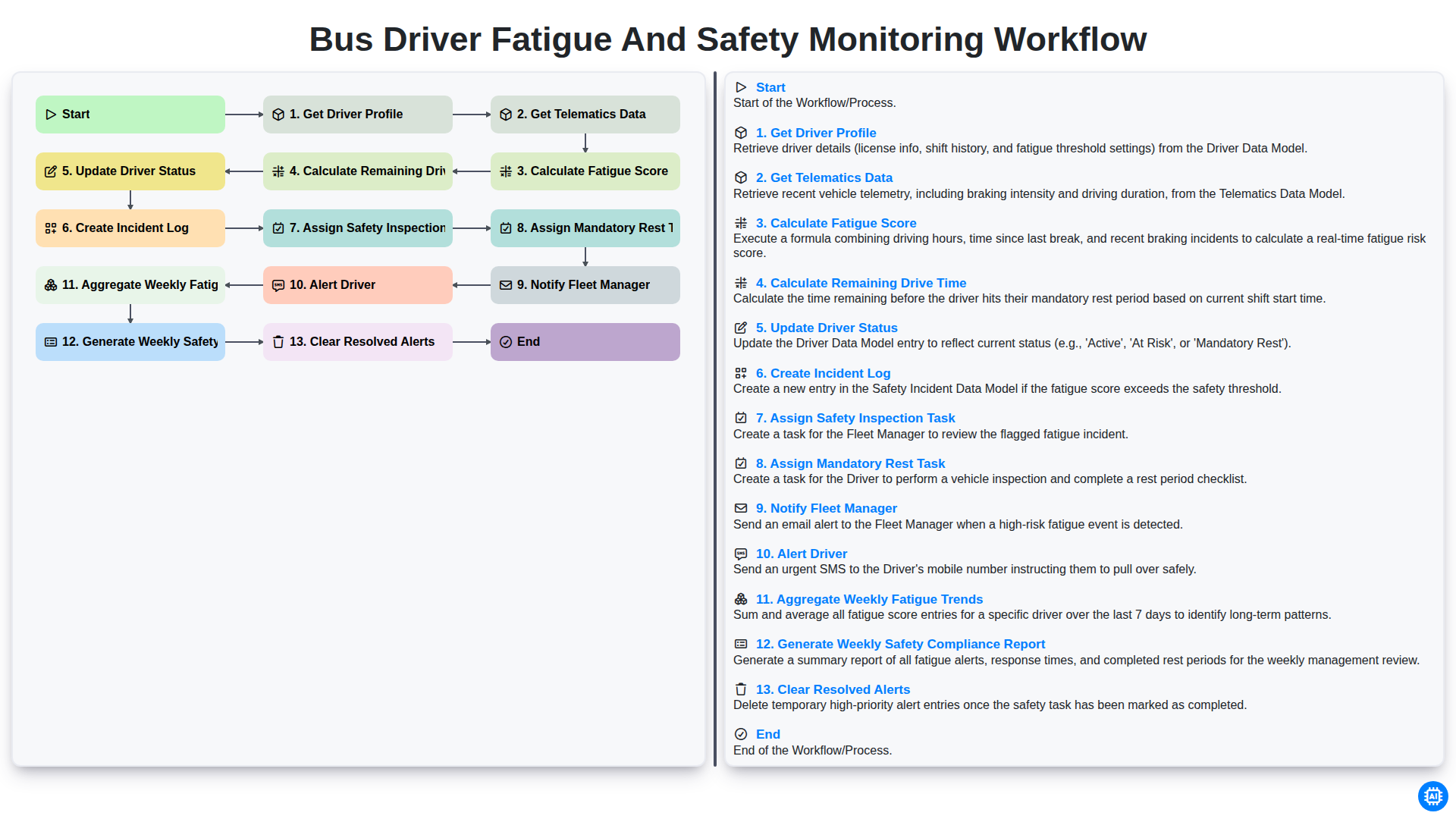
Bus Driver Fatigue and Safety Monitoring Workflow
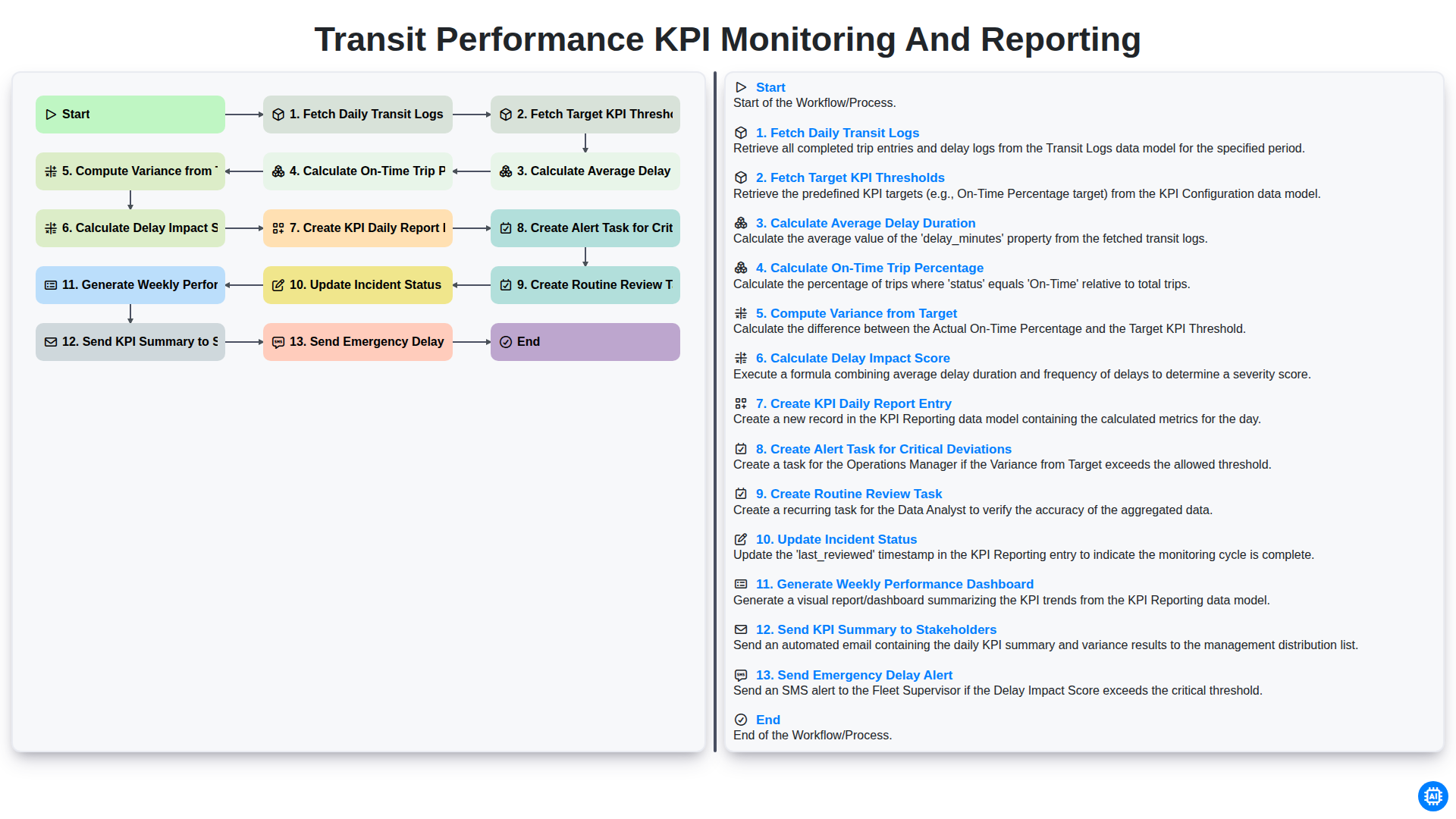
Transit Performance KPI Monitoring and Reporting
Możemy to zrobić razem
Potrzebujesz pomocy z listami kontrolnymi?
Masz pytanie? Jesteśmy tu, aby pomóc. Prześlij zapytanie, a my szybko na nie odpowiemy.