 ChecklistGuro
 Retail Demand Forecasting Workflow
Optimize your inventory precision with our Retail Demand Forecasting Workflow. Streamline data collection, analyze seasonal trends, and master predictive analytics to prevent stockouts and reduce overstock. Transform raw retail data into actionable, automated insights for smarter, profit-driven replenishment strategies.
Ten szablon został zainstalowany 3 razy.
Rozpoczęcie
Rozpoczęcie przepływu pracy/procesu.
1. Retrieve Historical Sales Data
Fetch historical sales entries from the Sales Data Model for the previous 12 months.
2. Retrieve Current Inventory Levels
Fetch current stock levels from the Inventory Data Model for all SKUs.
3. Retrieve Market Trend Data
Get external market trend indicators and competitor pricing data entries.
4. Calculate Average Monthly Sales
Aggregate historical sales entries to calculate the mean sales volume per month.
5. Calculate Total Stock Value
Sum the value of all items in the current inventory entries.
6. Compute Forecasted Demand
Apply a mathematical formula (e.g., Moving Average + Seasonal Factor) to the aggregated sales and market trends.
7. Calculate Safety Stock Requirement
Calculate the required buffer stock based on lead time and demand volatility.
8. Create Demand Forecast Record
Create a new entry in the 'Forecast Results' Data Model containing the calculated projections.
9. Update Inventory Reorder Points
Update the 'Reorder Point' field in the Inventory Data Model based on the new forecast.
10. Assign Procurement Review Task
Create a task for the Purchasing Manager to review the forecasted demand vs. budget.
11. Create Inventory Replenishment Task
Create tasks for the Warehouse Team for items identified as 'Below Safety Stock'.
12. Notify Stakeholders of Forecast
Send an email to the Supply Chain and Finance departments with the summary of the new forecast.
13. Generate Monthly Forecast Report
Create a PDF/Dashboard report summarizing forecasted vs. actual sales performance.
Koniec
Koniec przepływu pracy/procesu.
Rozpoczęcie przepływu pracy/procesu.
Fetch historical sales entries from the Sales Data Model for the previous 12 months.
Fetch current stock levels from the Inventory Data Model for all SKUs.
Get external market trend indicators and competitor pricing data entries.
Aggregate historical sales entries to calculate the mean sales volume per month.
Sum the value of all items in the current inventory entries.
Apply a mathematical formula (e.g., Moving Average + Seasonal Factor) to the aggregated sales and market trends.
Calculate the required buffer stock based on lead time and demand volatility.
Create a new entry in the 'Forecast Results' Data Model containing the calculated projections.
Update the 'Reorder Point' field in the Inventory Data Model based on the new forecast.
Create a task for the Purchasing Manager to review the forecasted demand vs. budget.
Create tasks for the Warehouse Team for items identified as 'Below Safety Stock'.
Send an email to the Supply Chain and Finance departments with the summary of the new forecast.
Create a PDF/Dashboard report summarizing forecasted vs. actual sales performance.
Koniec przepływu pracy/procesu.
Czy ten szablon przepływu pracy okazał się pomocny?
Komentarze
Na razie nie ma żadnych komentarzy. Dodaj pierwszy!
Demonstracja rozwiązania do zarządzania handlem detalicznym
Zwiększ efektywność w handlu detalicznym! ChecklistGuro upraszcza funkcjonowanie sklepów, zarządzanie zapasami i szkolenia pracowników. Popraw jakość obsługi klienta i zmaksymalizuj rentowność. Zarządzaj wszystkim za pomocą naszej platformy Work OS.
Powiązane Szablony Pracy

Retail Distribution and Logistics Management

Retail Employee Onboarding Process

Store Maintenance and Facilities Management

Retail Returns and Reverse Logistics

Seasonal Stock Transition Workflow

Retail Warehouse Management Process

Customer Relationship Management (CRM) Workflow
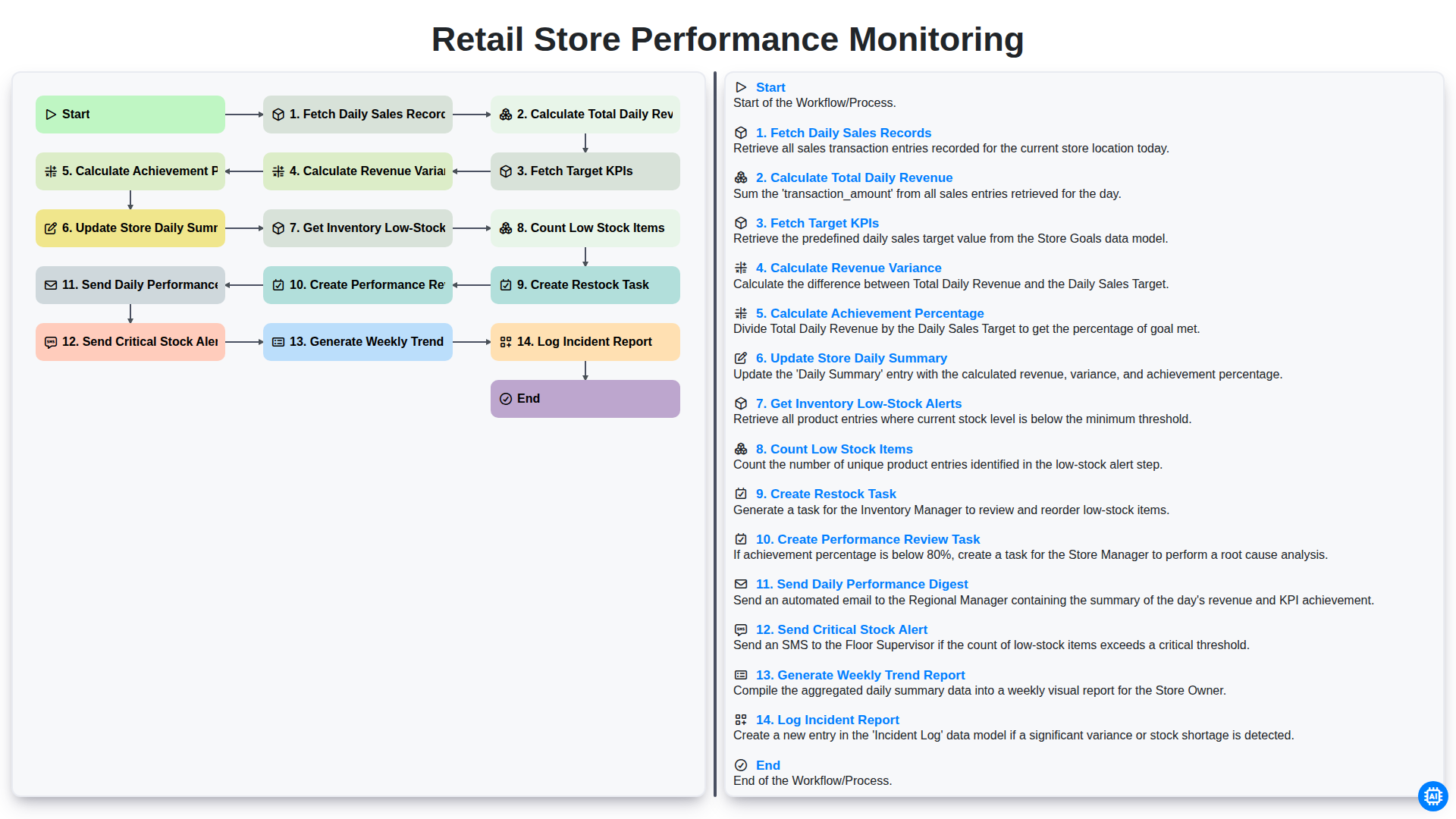
Retail Store Performance Monitoring
Możemy to zrobić razem
Potrzebujesz pomocy z listami kontrolnymi?
Masz pytanie? Jesteśmy tu, aby pomóc. Prześlij zapytanie, a my szybko na nie odpowiemy.