 ChecklistGuro
 Retail Returns and Reverse Logistics
Streamline your after-sales experience with our end-to-end Retail Returns and Reverse Logistics workflow. Optimize product recovery, automate return authorizations, and transform potential losses into customer loyalty through efficient, transparent, and scalable reverse supply chain management.
Ten szablon został zainstalowany 3 razy.
Rozpoczęcie
Rozpoczęcie przepływu pracy/procesu.
1. Retrieve Original Order Details
Fetch the original purchase record from the Sales Data Model to verify items, price, and customer info.
2. Update Order Status to 'Return Initiated'
Change the status of the original order entry to reflect that a return process has started.
3. Create Return Request Entry
Generate a new entry in the Returns Data Model containing the return reason, requested items, and customer details.
4. Assign Warehouse Inspection Task
Create a task for the Warehouse Staff to physically inspect the returned item upon arrival.
5. Fetch Warehouse Inspection Data
Retrieve the inspection notes and condition grading entered by the warehouse staff.
6. Calculate Refund Amount
Calculate the total refund value by subtracting restocking fees or shipping costs from the original item price.
7. Update Return Entry with Inspection Results
Update the Return Request entry with the 'Item Condition' and 'Restocking Fee' determined during inspection.
8. Create Credit Memo Entry
Generate a financial entry in the Accounting Data Model to represent the pending refund/credit.
9. Calculate Total Weekly Return Value
Sum the total value of all 'Approved' return entries for the current week for financial reporting.
10. Notify Customer of Refund Approval
Send an automated email to the customer confirming that their refund has been processed.
11. Task: Re-stocking/Inventory Update
Assign a task to the Inventory Manager to add 'Saleable' items back into the active stock count.
12. Update Inventory Data Model
Increment the stock level in the Inventory Data Model for items marked as 'Saleable' during inspection.
13. Generate Monthly Returns Summary Report
Create a monthly report aggregating return reasons, total loss, and processing times for management review.
14. Notify Customer of Return Arrival
Send an SMS to the customer's registered phone number once the warehouse confirms receipt of the package.
15. Remove Invalid Return Drafts
Delete any duplicate or erroneously created return request entries from the system.
Koniec
Koniec przepływu pracy/procesu.
Rozpoczęcie przepływu pracy/procesu.
Fetch the original purchase record from the Sales Data Model to verify items, price, and customer info.
Change the status of the original order entry to reflect that a return process has started.
Generate a new entry in the Returns Data Model containing the return reason, requested items, and customer details.
Create a task for the Warehouse Staff to physically inspect the returned item upon arrival.
Retrieve the inspection notes and condition grading entered by the warehouse staff.
Calculate the total refund value by subtracting restocking fees or shipping costs from the original item price.
Update the Return Request entry with the 'Item Condition' and 'Restocking Fee' determined during inspection.
Generate a financial entry in the Accounting Data Model to represent the pending refund/credit.
Sum the total value of all 'Approved' return entries for the current week for financial reporting.
Send an automated email to the customer confirming that their refund has been processed.
Assign a task to the Inventory Manager to add 'Saleable' items back into the active stock count.
Increment the stock level in the Inventory Data Model for items marked as 'Saleable' during inspection.
Create a monthly report aggregating return reasons, total loss, and processing times for management review.
Send an SMS to the customer's registered phone number once the warehouse confirms receipt of the package.
Delete any duplicate or erroneously created return request entries from the system.
Koniec przepływu pracy/procesu.
Czy ten szablon przepływu pracy okazał się pomocny?
Komentarze
Na razie nie ma żadnych komentarzy. Dodaj pierwszy!
Demonstracja rozwiązania do zarządzania handlem detalicznym
Zwiększ efektywność w handlu detalicznym! ChecklistGuro upraszcza funkcjonowanie sklepów, zarządzanie zapasami i szkolenia pracowników. Popraw jakość obsługi klienta i zmaksymalizuj rentowność. Zarządzaj wszystkim za pomocą naszej platformy Work OS.
Powiązane Szablony Pracy

Retail Distribution and Logistics Management

Retail Demand Forecasting Workflow

Retail Employee Onboarding Process

Store Maintenance and Facilities Management

Seasonal Stock Transition Workflow

Retail Warehouse Management Process

Customer Relationship Management (CRM) Workflow
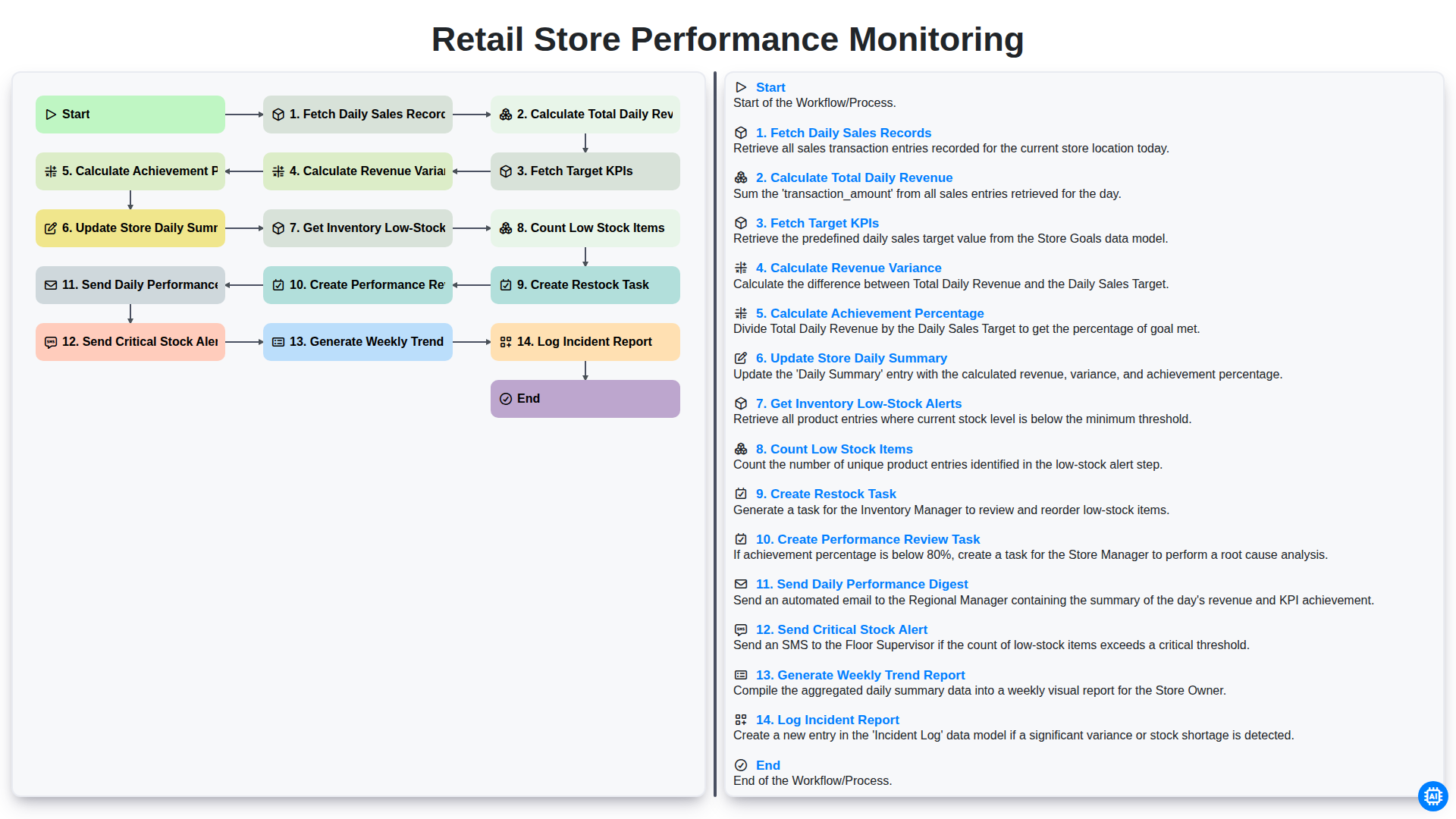
Retail Store Performance Monitoring
Możemy to zrobić razem
Potrzebujesz pomocy z listami kontrolnymi?
Masz pytanie? Jesteśmy tu, aby pomóc. Prześlij zapytanie, a my szybko na nie odpowiemy.