 ChecklistGuro
 Seasonal Stock Transition Workflow
Master the art of inventory rotation with our Seasonal Stock Transition Workflow. Designed specifically for retail professionals, this streamlined process optimizes end-of-season markdowns and seamless new-season arrivals, ensuring peak shelf productivity, reduced deadstock, and a perfectly timed product mix to maximize seasonal sales opportunities.
Ten szablon został zainstalowany 4 razy.
Rozpoczęcie
Rozpoczęcie przepływu pracy/procesu.
1. Retrieve Current Season Inventory
Fetch all existing stock entries associated with the current active season.
2. Retrieve Incoming Seasonal Catalog
Fetch the new product list and shipment data for the upcoming season.
3. Calculate Total Current Stock Value
Sum the total value of all items in the current season's inventory.
4. Determine Clearance Discount Rate
Calculate required discount percentages based on the age of stock and volume of inventory.
5. Initiate Warehouse Clearance
Create a task for the Warehouse Manager to begin marking down current season items.
6. Update Stock Status to 'Clearance'
Update the status field of current season entries to 'Clearance' mode.
7. Audit New Season Arrivals
Create a task for the Quality Control team to inspect incoming seasonal stock.
8. Create New Season Data Model Instance
Generate a new seasonal record in the Season Master data model.
9. Calculate Total Incoming Stock Volume
Sum the quantity of all items arriving in the new season shipment.
10. Calculate Warehouse Space Requisition
Calculate required pallet/shelf space based on the volume of incoming items.
11. Update Retail Display/Merchandising
Create a task for the Merchandising team to update floor layouts and signage.
12. Update Price Points for New Season
Apply new seasonal pricing to the incoming product catalog entries.
13. Notify Procurement of Completion
Send an email to the Procurement Department once all stock has been transitioned.
14. Generate Transition Summary Report
Create a final report comparing current season exit value vs. incoming season projected value.
15. Archive Expired Season Records
Remove or archive entries from the 'Active' view that belong to the completed season.
Koniec
Koniec przepływu pracy/procesu.
Rozpoczęcie przepływu pracy/procesu.
Fetch all existing stock entries associated with the current active season.
Fetch the new product list and shipment data for the upcoming season.
Sum the total value of all items in the current season's inventory.
Calculate required discount percentages based on the age of stock and volume of inventory.
Create a task for the Warehouse Manager to begin marking down current season items.
Update the status field of current season entries to 'Clearance' mode.
Create a task for the Quality Control team to inspect incoming seasonal stock.
Generate a new seasonal record in the Season Master data model.
Sum the quantity of all items arriving in the new season shipment.
Calculate required pallet/shelf space based on the volume of incoming items.
Create a task for the Merchandising team to update floor layouts and signage.
Apply new seasonal pricing to the incoming product catalog entries.
Send an email to the Procurement Department once all stock has been transitioned.
Create a final report comparing current season exit value vs. incoming season projected value.
Remove or archive entries from the 'Active' view that belong to the completed season.
Koniec przepływu pracy/procesu.
Czy ten szablon przepływu pracy okazał się pomocny?
Komentarze
Na razie nie ma żadnych komentarzy. Dodaj pierwszy!
Demonstracja rozwiązania do zarządzania handlem detalicznym
Zwiększ efektywność w handlu detalicznym! ChecklistGuro upraszcza funkcjonowanie sklepów, zarządzanie zapasami i szkolenia pracowników. Popraw jakość obsługi klienta i zmaksymalizuj rentowność. Zarządzaj wszystkim za pomocą naszej platformy Work OS.
Powiązane Szablony Pracy

Retail Distribution and Logistics Management

Retail Demand Forecasting Workflow

Retail Employee Onboarding Process

Store Maintenance and Facilities Management

Retail Returns and Reverse Logistics

Retail Warehouse Management Process

Customer Relationship Management (CRM) Workflow
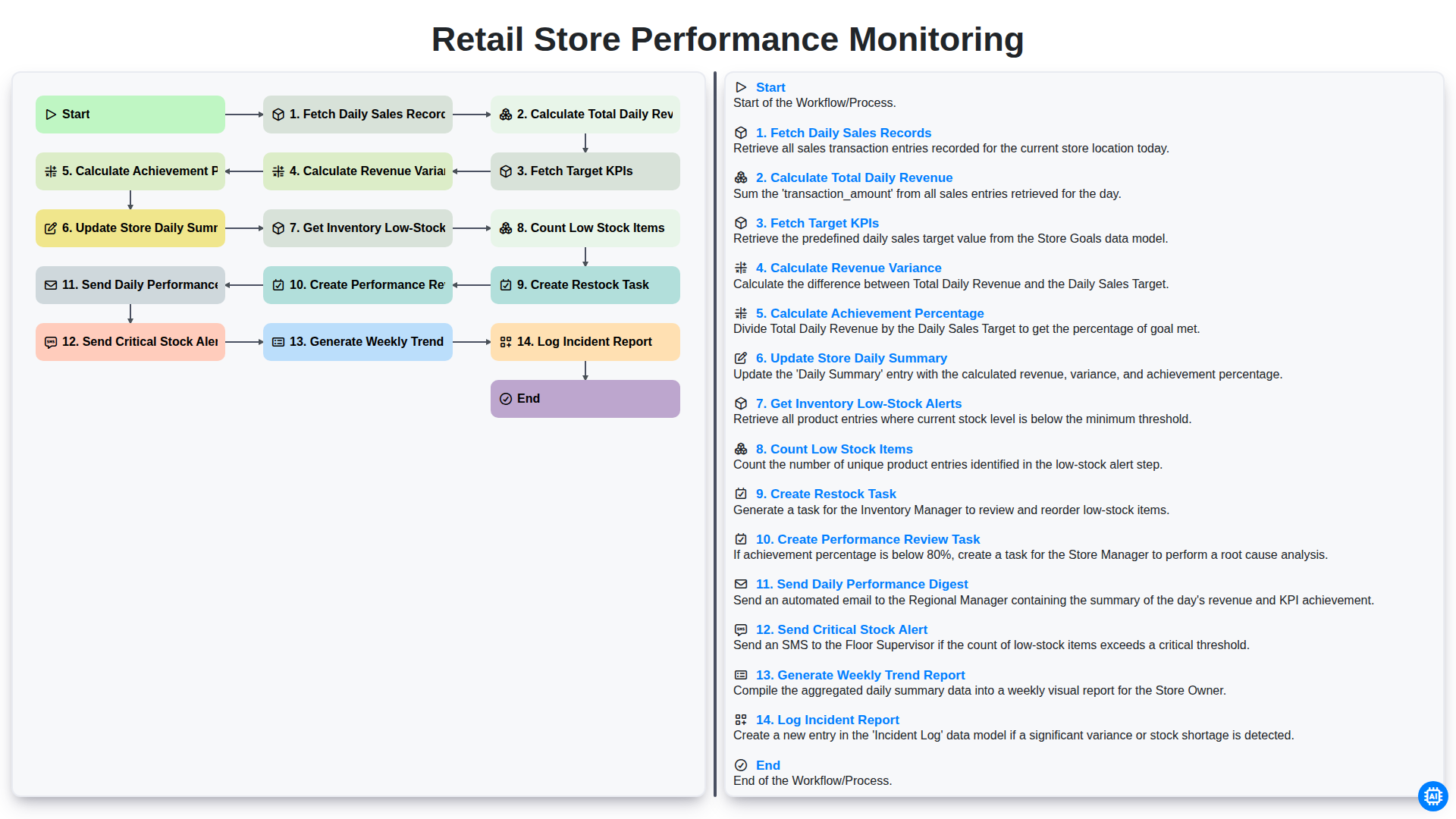
Retail Store Performance Monitoring
Możemy to zrobić razem
Potrzebujesz pomocy z listami kontrolnymi?
Masz pytanie? Jesteśmy tu, aby pomóc. Prześlij zapytanie, a my szybko na nie odpowiemy.