 ChecklistGuro
 Store Maintenance and Facilities Management
Streamline your retail operations with our comprehensive Store Maintenance and Facilities Management workflow. Optimize upkeep schedules, automate repair requests, and ensure a seamless, safe, and inviting shopping environment for every customer. Reduce downtime and maintain brand standards with precision-driven facility oversight.
Ten szablon został zainstalowany 1 razy.
Rozpoczęcie
Rozpoczęcie przepływu pracy/procesu.
1. Fetch Pending Maintenance Requests
Retrieve all entries from the 'Maintenance Requests' data model where status is 'Open' or 'Urgent'.
2. Get Store Asset Inventory
Retrieve all equipment entries from the 'Assets' data model to check for repair history.
3. Create Work Order
Create a new entry in the 'Work Orders' data model based on the details of a maintenance request.
4. Assign Technician Task
Create a task assigned to a specific Facilities Manager or Technician to inspect the reported issue.
5. Create Cleaning Checklist Task
Create a task for the janitorial staff with a predefined 'Deep Clean' checklist attached.
6. Update Asset Status
Update the 'Status' field in the 'Assets' data model to 'Under Repair' once a work order is active.
7. Calculate Estimated Repair Cost
Sum the 'Parts Cost' and 'Labor Cost' variables to determine the total estimated cost of the repair.
8. Calculate Monthly Maintenance Spend
Aggregate all 'Completed' work orders to sum the total 'Cost' property for the current month.
9. Update Facility Health Score
Update the 'Maintenance Score' in the 'Store Location' data model based on recent completion rates.
10. Notify Store Manager
Send an email to the Store Manager notifying them that a critical facility issue has been logged.
11. Alert Emergency Technician
Send an SMS alert to the on-call technician for urgent plumbing or electrical failures.
12. Post-Repair Inspection Task
Create a task for the Store Supervisor to verify that the repair was completed to standard.
13. Close Work Order
Update the status of the 'Work Order' entry to 'Closed' once the inspection task is completed.
14. Log Maintenance History
Create a new entry in the 'Maintenance Logs' data model to archive the completed work details.
15. Generate Monthly Facilities Report
Create a PDF/Summary report aggregating all completed tasks and costs for the monthly management review.
16. Remove Obsolete Work Order
Delete duplicate or erroneously created work order entries from the data model.
Koniec
Koniec przepływu pracy/procesu.
Rozpoczęcie przepływu pracy/procesu.
Retrieve all entries from the 'Maintenance Requests' data model where status is 'Open' or 'Urgent'.
Retrieve all equipment entries from the 'Assets' data model to check for repair history.
Create a new entry in the 'Work Orders' data model based on the details of a maintenance request.
Create a task assigned to a specific Facilities Manager or Technician to inspect the reported issue.
Create a task for the janitorial staff with a predefined 'Deep Clean' checklist attached.
Update the 'Status' field in the 'Assets' data model to 'Under Repair' once a work order is active.
Sum the 'Parts Cost' and 'Labor Cost' variables to determine the total estimated cost of the repair.
Aggregate all 'Completed' work orders to sum the total 'Cost' property for the current month.
Update the 'Maintenance Score' in the 'Store Location' data model based on recent completion rates.
Send an email to the Store Manager notifying them that a critical facility issue has been logged.
Send an SMS alert to the on-call technician for urgent plumbing or electrical failures.
Create a task for the Store Supervisor to verify that the repair was completed to standard.
Update the status of the 'Work Order' entry to 'Closed' once the inspection task is completed.
Create a new entry in the 'Maintenance Logs' data model to archive the completed work details.
Create a PDF/Summary report aggregating all completed tasks and costs for the monthly management review.
Delete duplicate or erroneously created work order entries from the data model.
Koniec przepływu pracy/procesu.
Czy ten szablon przepływu pracy okazał się pomocny?
Komentarze
Na razie nie ma żadnych komentarzy. Dodaj pierwszy!
Demonstracja rozwiązania do zarządzania handlem detalicznym
Zwiększ efektywność w handlu detalicznym! ChecklistGuro upraszcza funkcjonowanie sklepów, zarządzanie zapasami i szkolenia pracowników. Popraw jakość obsługi klienta i zmaksymalizuj rentowność. Zarządzaj wszystkim za pomocą naszej platformy Work OS.
Powiązane Szablony Pracy

Retail Distribution and Logistics Management

Retail Demand Forecasting Workflow

Retail Employee Onboarding Process

Retail Returns and Reverse Logistics

Seasonal Stock Transition Workflow

Retail Warehouse Management Process

Customer Relationship Management (CRM) Workflow
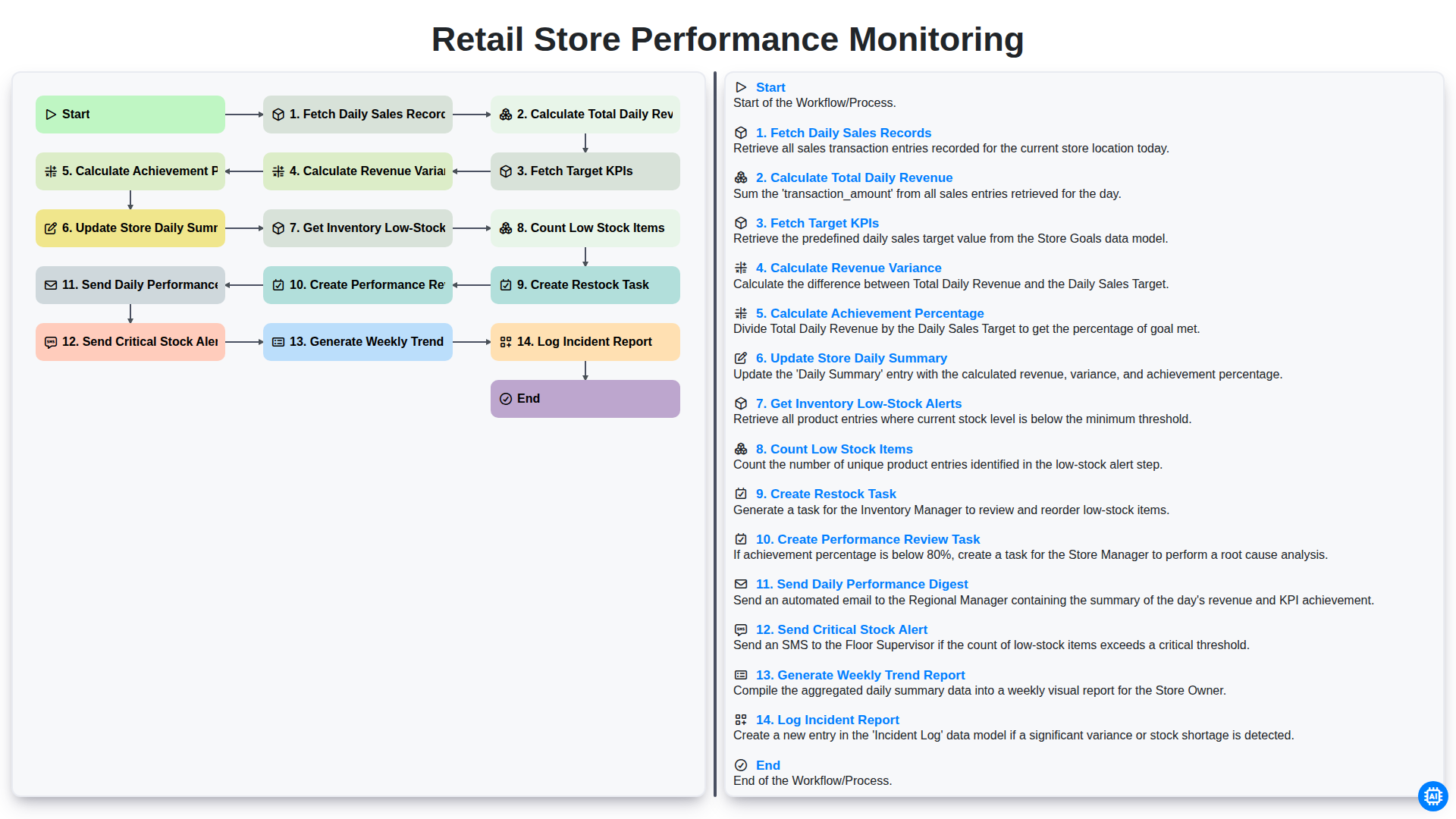
Retail Store Performance Monitoring
Możemy to zrobić razem
Potrzebujesz pomocy z listami kontrolnymi?
Masz pytanie? Jesteśmy tu, aby pomóc. Prześlij zapytanie, a my szybko na nie odpowiemy.