 ChecklistGuro
 Automotive Service Department Workflow
Streamline your dealership's efficiency with our comprehensive Automotive Service Department Workflow. Discover a step-by-step blueprint designed to optimize vehicle intake, technician scheduling, parts management, and customer communication to boost productivity and maximize service bay turnover.
Este modelo foi instalado 2 vezes.
Começar
Início do fluxo de trabalho/processo.
1. Create Service Order
Create a new entry in the Service Orders data model when a customer arrives.
2. Update Vehicle Status
Update the status of the vehicle entry (e.g., 'In Workshop', 'Testing', 'Ready for Pickup') in the Data Model.
3. Assign Technician
Create a task assigned to a mechanic to perform the physical inspection/repair.
4. Fetch Customer History
Retrieve previous service entries from the Data Model linked to the customer's ID.
5. Create Parts Request
Create a new entry in the Parts Inventory/Request data model when parts are identified as needed.
6. Calculate Total Estimate
Execute a formula summing Labor Costs and Parts Costs to determine the total service price.
7. Quality Control Inspection
Create a task for the Workshop Supervisor to verify the repair meets safety standards.
8. Mark Parts as Used
Update the inventory count in the Parts Data Model after a part is assigned to a service order.
9. Notify Customer: Repair Started
Send an email to the customer's email address informing them their vehicle is now being serviced.
10. SMS: Vehicle Ready
Send an SMS to the customer's phone number when the service status is updated to 'Ready for Pickup'.
11. Calculate Daily Revenue
Aggregate the 'Total Price' property of all completed Service Order entries for the current date.
12. Check Technician Availability
Get entries from the Staff Data Model to check for technicians not assigned to active tasks.
13. Generate Invoice
Create an administrative task for the service advisor to finalize billing and payment.
14. Monthly Service Efficiency Report
Create a report based on completed tasks to analyze average repair turnaround time.
15. Remove Erroneous Entry
Delete a duplicate or incorrectly entered service request from the Data Model.
Fim
Fim do fluxo de trabalho/processo.
Início do fluxo de trabalho/processo.
Create a new entry in the Service Orders data model when a customer arrives.
Update the status of the vehicle entry (e.g., 'In Workshop', 'Testing', 'Ready for Pickup') in the Data Model.
Create a task assigned to a mechanic to perform the physical inspection/repair.
Retrieve previous service entries from the Data Model linked to the customer's ID.
Create a new entry in the Parts Inventory/Request data model when parts are identified as needed.
Execute a formula summing Labor Costs and Parts Costs to determine the total service price.
Create a task for the Workshop Supervisor to verify the repair meets safety standards.
Update the inventory count in the Parts Data Model after a part is assigned to a service order.
Send an email to the customer's email address informing them their vehicle is now being serviced.
Send an SMS to the customer's phone number when the service status is updated to 'Ready for Pickup'.
Aggregate the 'Total Price' property of all completed Service Order entries for the current date.
Get entries from the Staff Data Model to check for technicians not assigned to active tasks.
Create an administrative task for the service advisor to finalize billing and payment.
Create a report based on completed tasks to analyze average repair turnaround time.
Delete a duplicate or incorrectly entered service request from the Data Model.
Fim do fluxo de trabalho/processo.
Perguntas Mais Frequentes
Comentários
Ainda não existem comentários. Seja o primeiro a adicionar um!
Demonstração da Solução de Gestão para a Indústria Automobilística
Otimize a sua produção automóvel! O ChecklistGuro digitaliza os fluxos de trabalho, desde a inspeção de peças até aos testes finais. Reduza erros, aumente a eficiência e garanta o cumprimento dos padrões de qualidade. Obtenha resultados com o nosso Sistema Operacional de Trabalho.
Modelos de Fluxo de Trabalho Relacionados
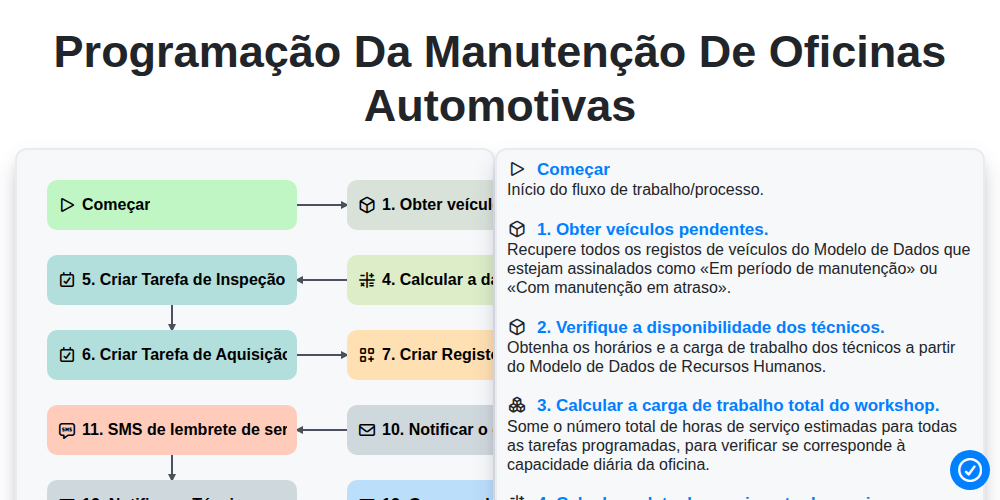
Programação da manutenção de oficinas automotivas

Automotive Service Appointment Management

Automotive Vehicle Delivery and Handover Process

Automotive Customer Feedback and Survey Process

Automotive Vehicle Trade-In Evaluation Process

Automotive Digital Marketing Lead Workflow
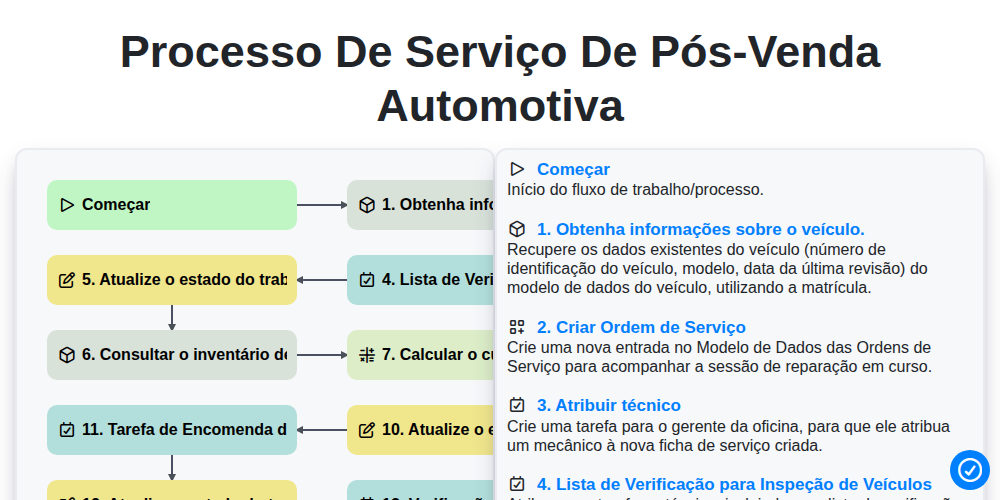
Processo de Serviço de Pós-Venda Automotiva
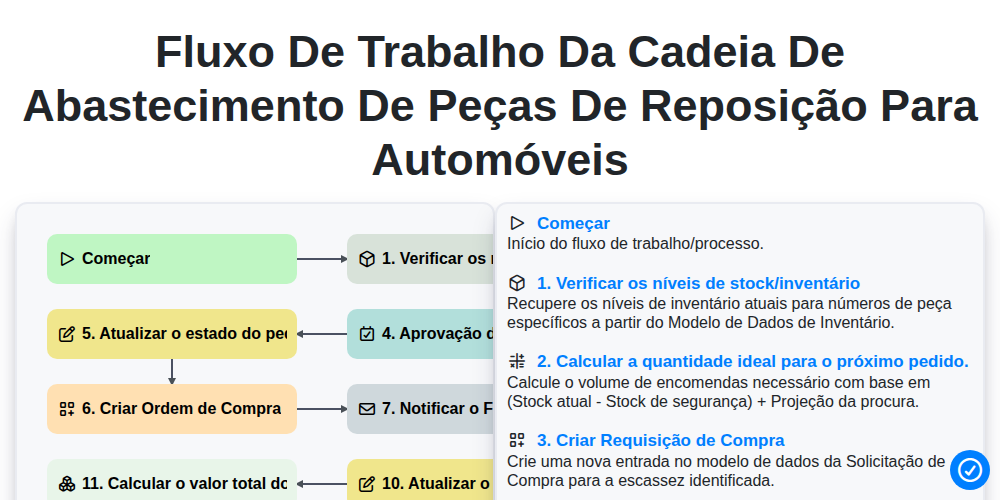
Fluxo de trabalho da cadeia de abastecimento de peças de reposição para automóveis
Precisa de ajuda com o(a) Automotivo?
Tem alguma dúvida? Estamos aqui para ajudar. Envie a sua questão e responderemos o mais breve possível.