 ChecklistGuro
 Processo de Inspeção Pré-Entrega do Veículo (PDI)
Otimize as operações da sua concessionária com o nosso abrangente Processo de Inspeção Pré-Entrega de Veículos (PDI). Este processo, conduzido por especialistas, garante que cada veículo atenda a rigorosos padrões de segurança, mecânicos e estéticos antes de chegar ao cliente, reduzindo erros pós-venda e aumentando a satisfação do cliente. Ideal para gestores de serviços automotivos e concessionárias que procuram padronizar o controle de qualidade e otimizar a eficiência da oficina.
Este modelo foi instalado 3 vezes.
Começar
Início do fluxo de trabalho/processo.
1. Obter detalhes do veículo
Recupere o número de identificação do veículo (VIN), o modelo e as informações do cliente a partir do modelo de dados mestre do veículo.
2. Atribuir Técnico
Crie uma tarefa para o responsável pelo Departamento de Serviços, para que ele designe um técnico para realizar a inspeção.
3. Inspeção Visual do Exterior da Carroceria
Crie uma tarefa para que o técnico verifique se há defeitos na pintura, amassados ou riscos.
4. Verificação dos Sistemas Mecânicos
Crie uma tarefa para verificar os níveis dos fluidos do motor, o estado da bateria e o funcionamento dos travões.
5. Verificação do interior e dos componentes eletrónicos.
Crie uma tarefa para testar o sistema de infoentretenimento, o ar condicionado, a iluminação e os ajustes dos bancos.
6. Atualizar o estado da inspeção
Atualize o estado do veículo no Modelo de Dados do Veículo para «Em Inspeção».
7. Identificação de Defeitos em Registros
Crie uma nova entrada no modelo de dados «Defeitos/Problemas» caso sejam detetados problemas durante a inspeção.
8. Recuperar os defeitos encontrados.
Obtenha todos os registos do modelo de dados «Defeitos» associados ao VIN atual.
9. Calcular o custo total do reparo.
Some os valores da propriedade «Custo Estimado» de todos os registos de defeitos obtidos para calcular o custo total de reparação.
10. Calcular a Pontuação Final do PDI
Calcule uma pontuação percentual com base em (Número de itens aprovados / Número total de itens) * 100.
11. Atualizar a Pontuação de Qualidade do Veículo
Atualize o valor do PDI calculado no Modelo de Dados do Veículo.
12. Definir o estado final da inspeção.
Atualize o estado do veículo para «Aprovado» ou «Reprovado» com base na existência de defeitos críticos.
13. Tarefa de Limpeza Detalhada
Se a inspeção for aprovada, crie uma tarefa para que a equipa de limpeza realize uma limpeza final.
14. Notificar o Consultor de Vendas
Envie um e-mail ao consultor de vendas responsável, informando que o veículo está pronto para entrega.
15. Cliente Alerta
Envie uma mensagem SMS ao cliente informando que a inspeção do veículo foi concluída.
16. Gerar certificado PDI.
Crie um relatório em PDF que resuma todos os itens verificados, os defeitos encontrados e a pontuação final da pasta do cliente.
17. Atualizar o estado de preparação para a entrega.
Atualize a caixa de seleção «Pronto para Entrega» no Modelo de Dados do Veículo para «Verdadeiro».
Fim
Fim do fluxo de trabalho/processo.
Início do fluxo de trabalho/processo.
Recupere o número de identificação do veículo (VIN), o modelo e as informações do cliente a partir do modelo de dados mestre do veículo.
Crie uma tarefa para o responsável pelo Departamento de Serviços, para que ele designe um técnico para realizar a inspeção.
Crie uma tarefa para que o técnico verifique se há defeitos na pintura, amassados ou riscos.
Crie uma tarefa para verificar os níveis dos fluidos do motor, o estado da bateria e o funcionamento dos travões.
Crie uma tarefa para testar o sistema de infoentretenimento, o ar condicionado, a iluminação e os ajustes dos bancos.
Atualize o estado do veículo no Modelo de Dados do Veículo para «Em Inspeção».
Crie uma nova entrada no modelo de dados «Defeitos/Problemas» caso sejam detetados problemas durante a inspeção.
Obtenha todos os registos do modelo de dados «Defeitos» associados ao VIN atual.
Some os valores da propriedade «Custo Estimado» de todos os registos de defeitos obtidos para calcular o custo total de reparação.
Calcule uma pontuação percentual com base em (Número de itens aprovados / Número total de itens) * 100.
Atualize o valor do PDI calculado no Modelo de Dados do Veículo.
Atualize o estado do veículo para «Aprovado» ou «Reprovado» com base na existência de defeitos críticos.
Se a inspeção for aprovada, crie uma tarefa para que a equipa de limpeza realize uma limpeza final.
Envie um e-mail ao consultor de vendas responsável, informando que o veículo está pronto para entrega.
Envie uma mensagem SMS ao cliente informando que a inspeção do veículo foi concluída.
Crie um relatório em PDF que resuma todos os itens verificados, os defeitos encontrados e a pontuação final da pasta do cliente.
Atualize a caixa de seleção «Pronto para Entrega» no Modelo de Dados do Veículo para «Verdadeiro».
Fim do fluxo de trabalho/processo.
Comentários
Ainda não existem comentários. Seja o primeiro a adicionar um!
Demonstração da Solução de Gestão para a Indústria Automobilística
Otimize a sua produção automóvel! O ChecklistGuro digitaliza os fluxos de trabalho, desde a inspeção de peças até aos testes finais. Reduza erros, aumente a eficiência e garanta o cumprimento dos padrões de qualidade. Obtenha resultados com o nosso Sistema Operacional de Trabalho.
Modelos de Fluxo de Trabalho Relacionados
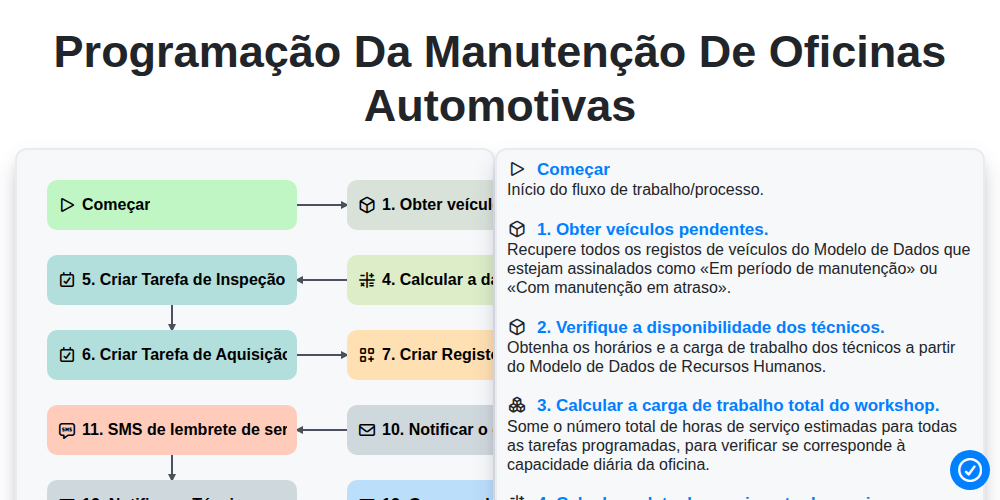
Programação da manutenção de oficinas automotivas

Automotive Service Appointment Management

Automotive Vehicle Delivery and Handover Process

Automotive Customer Feedback and Survey Process

Automotive Vehicle Trade-In Evaluation Process

Automotive Digital Marketing Lead Workflow
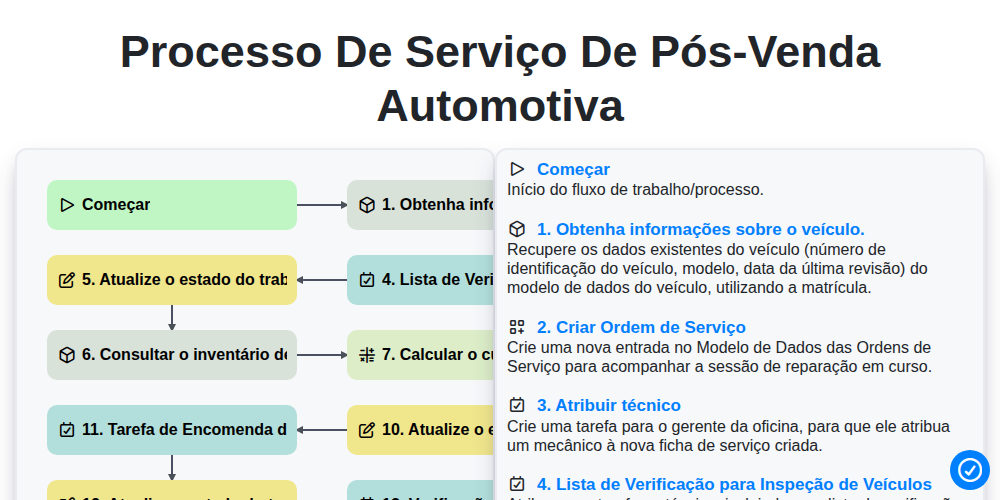
Processo de Serviço de Pós-Venda Automotiva
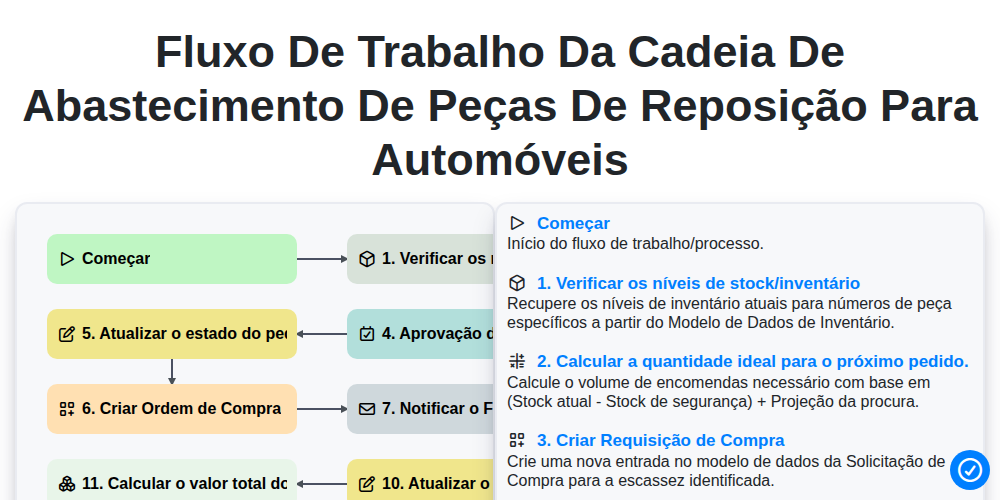
Fluxo de trabalho da cadeia de abastecimento de peças de reposição para automóveis
Podemos fazer isso juntos.
Precisa de ajuda com o(a) Automotivo?
Tem alguma dúvida? Estamos aqui para ajudar. Envie a sua questão e responderemos o mais breve possível.