 ChecklistGuro
 E-commerce Order Fulfillment Process
Streamline your supply chain with our comprehensive E-commerce Order Fulfillment Process. Master every step of the inventory lifecycle-from real-time order processing and automated picking/packing to seamless shipping and returns management-to reduce overhead, eliminate shipping errors, and deliver a flawless customer experience.
Este modelo foi instalado 1 vezes.
Começar
Início do fluxo de trabalho/processo.
1. Retrieve New Order
Fetch the latest order entry from the Orders Data Model to initiate the fulfillment process.
2. Check Inventory Levels
Retrieve product entries from the Inventory Data Model to verify stock availability for the ordered items.
3. Calculate Total Order Value
Sum the price of all items in the order plus shipping fees and applicable taxes.
4. Update Order Status to 'Processing'
Update the status field of the specific Order entry to 'Processing' to signal it is being handled.
5. Assign Picking Task
Create a task for the Warehouse Staff to locate and pick the items from the warehouse shelves.
6. Get Picking Checklist
Retrieve the specific items and quantities required for the warehouse staff to execute the pick.
7. Assign Packing Task
Create a task for the Packaging Department once items have been picked.
8. Update Inventory Stock
Decrement the quantity of the purchased items in the Inventory Data Model.
9. Create Shipping Label
Create a new entry in the Shipping Label Data Model containing destination and weight details.
10. Calculate Shipping Cost
Calculate the shipping fee based on the package weight and destination zone.
11. Update Order with Tracking Info
Update the Order entry with the newly generated tracking number and carrier information.
12. Send Shipment Notification
Send an automated email to the customer's email address containing the tracking number and order summary.
13. Dispatch Carrier Pickup
Create a task for the Logistics Coordinator to schedule a pickup with the selected courier.
14. Update Order Status to 'Shipped'
Update the Order entry status to 'Shipped' once the carrier has collected the package.
15. Daily Fulfillment Summary
Aggregate all orders completed today to calculate the total daily revenue and order count.
16. Generate Daily Performance Report
Create a report from the daily aggregated data to be sent to the Operations Manager.
17. Notify Management of Daily Stats
Send an email to the management team with the daily fulfillment performance report.
Fim
Fim do fluxo de trabalho/processo.
Início do fluxo de trabalho/processo.
Fetch the latest order entry from the Orders Data Model to initiate the fulfillment process.
Retrieve product entries from the Inventory Data Model to verify stock availability for the ordered items.
Sum the price of all items in the order plus shipping fees and applicable taxes.
Update the status field of the specific Order entry to 'Processing' to signal it is being handled.
Create a task for the Warehouse Staff to locate and pick the items from the warehouse shelves.
Retrieve the specific items and quantities required for the warehouse staff to execute the pick.
Create a task for the Packaging Department once items have been picked.
Decrement the quantity of the purchased items in the Inventory Data Model.
Create a new entry in the Shipping Label Data Model containing destination and weight details.
Calculate the shipping fee based on the package weight and destination zone.
Update the Order entry with the newly generated tracking number and carrier information.
Send an automated email to the customer's email address containing the tracking number and order summary.
Create a task for the Logistics Coordinator to schedule a pickup with the selected courier.
Update the Order entry status to 'Shipped' once the carrier has collected the package.
Aggregate all orders completed today to calculate the total daily revenue and order count.
Create a report from the daily aggregated data to be sent to the Operations Manager.
Send an email to the management team with the daily fulfillment performance report.
Fim do fluxo de trabalho/processo.
Comentários
Ainda não existem comentários. Seja o primeiro a adicionar um!
Demonstração da Solução de Gestão de Inventário
Otimize o seu inventário e aumente a rentabilidade! O ChecklistGuro simplifica o controlo, a encomenda e o processamento de pedidos. Reduza o desperdício, minimize a falta de stock e melhore a eficiência. Gerencie tudo com o nosso Sistema Operacional de Trabalho.
Modelos de Fluxo de Trabalho Relacionados

Inventory Turnover Ratio Analysis Process

Inventory Movement and Log Tracking Process

Low Stock Alert and Alert Management Workflow

Backorder Management and Notification Process

Vendor Managed Inventory (VMI) Workflow

Kit Assembly and Bundle Management Workflow

Inventory Reconciliation and Discrepancy Process
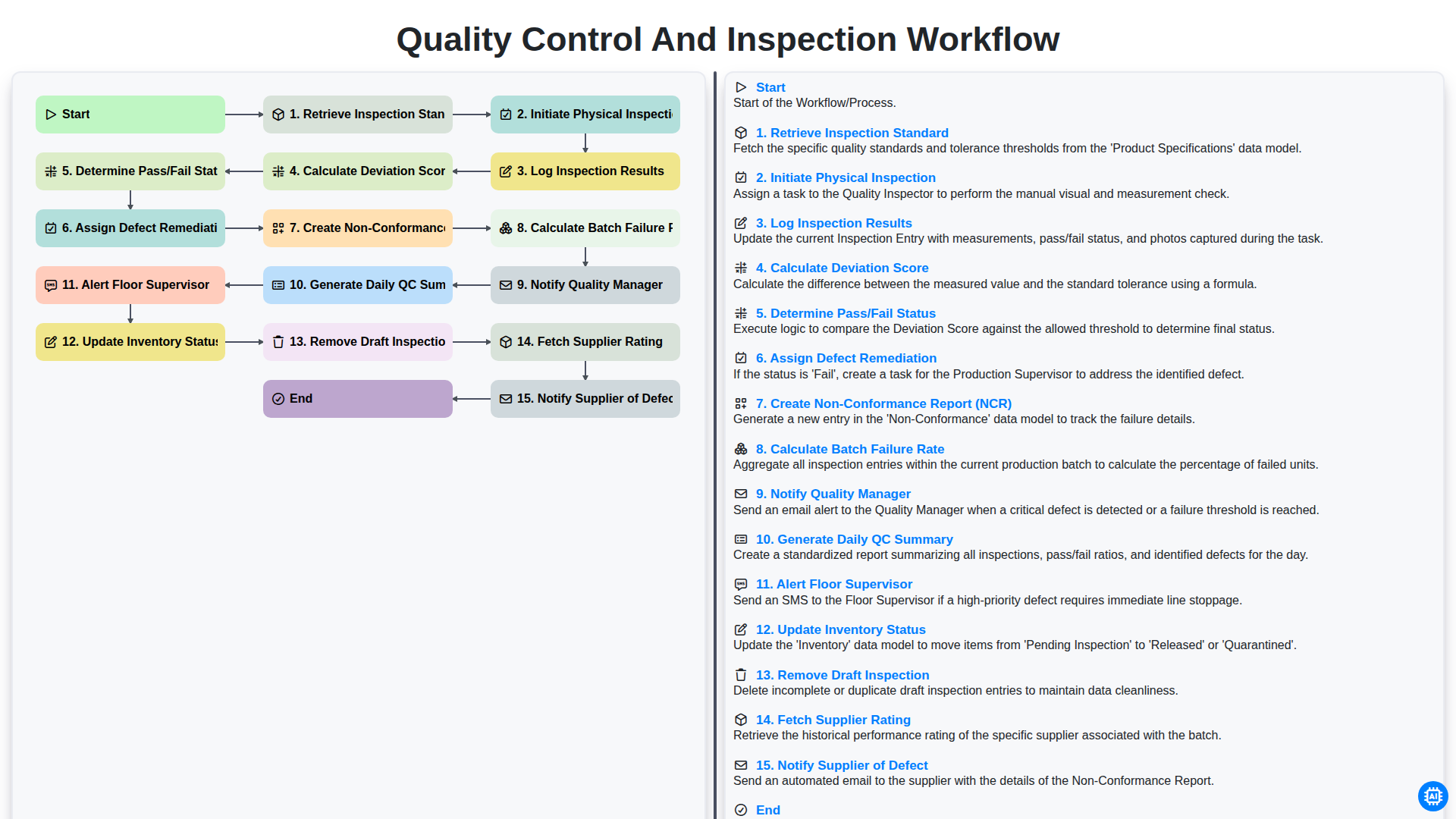
Quality Control and Inspection Workflow
Podemos fazer isso juntos.
Precisa de ajuda com o(a) Gestão de Inventário?
Tem alguma dúvida? Estamos aqui para ajudar. Envie a sua questão e responderemos o mais breve possível.