 ChecklistGuro
 E-commerce Order Fulfillment Process
Streamline your supply chain with our comprehensive E-commerce Order Fulfillment Process. Master every step of the inventory lifecycle-from real-time order processing and automated picking/packing to seamless shipping and returns management-to reduce overhead, eliminate shipping errors, and deliver a flawless customer experience.
This Template was installed 1 times.
Start
Start of the Workflow/Process.
1. Retrieve New Order
Fetch the latest order entry from the Orders Data Model to initiate the fulfillment process.
2. Check Inventory Levels
Retrieve product entries from the Inventory Data Model to verify stock availability for the ordered items.
3. Calculate Total Order Value
Sum the price of all items in the order plus shipping fees and applicable taxes.
4. Update Order Status to 'Processing'
Update the status field of the specific Order entry to 'Processing' to signal it is being handled.
5. Assign Picking Task
Create a task for the Warehouse Staff to locate and pick the items from the warehouse shelves.
6. Get Picking Checklist
Retrieve the specific items and quantities required for the warehouse staff to execute the pick.
7. Assign Packing Task
Create a task for the Packaging Department once items have been picked.
8. Update Inventory Stock
Decrement the quantity of the purchased items in the Inventory Data Model.
9. Create Shipping Label
Create a new entry in the Shipping Label Data Model containing destination and weight details.
10. Calculate Shipping Cost
Calculate the shipping fee based on the package weight and destination zone.
11. Update Order with Tracking Info
Update the Order entry with the newly generated tracking number and carrier information.
12. Send Shipment Notification
Send an automated email to the customer's email address containing the tracking number and order summary.
13. Dispatch Carrier Pickup
Create a task for the Logistics Coordinator to schedule a pickup with the selected courier.
14. Update Order Status to 'Shipped'
Update the Order entry status to 'Shipped' once the carrier has collected the package.
15. Daily Fulfillment Summary
Aggregate all orders completed today to calculate the total daily revenue and order count.
16. Generate Daily Performance Report
Create a report from the daily aggregated data to be sent to the Operations Manager.
17. Notify Management of Daily Stats
Send an email to the management team with the daily fulfillment performance report.
End
End of the Workflow/Process.
Start of the Workflow/Process.
Fetch the latest order entry from the Orders Data Model to initiate the fulfillment process.
Retrieve product entries from the Inventory Data Model to verify stock availability for the ordered items.
Sum the price of all items in the order plus shipping fees and applicable taxes.
Update the status field of the specific Order entry to 'Processing' to signal it is being handled.
Create a task for the Warehouse Staff to locate and pick the items from the warehouse shelves.
Retrieve the specific items and quantities required for the warehouse staff to execute the pick.
Create a task for the Packaging Department once items have been picked.
Decrement the quantity of the purchased items in the Inventory Data Model.
Create a new entry in the Shipping Label Data Model containing destination and weight details.
Calculate the shipping fee based on the package weight and destination zone.
Update the Order entry with the newly generated tracking number and carrier information.
Send an automated email to the customer's email address containing the tracking number and order summary.
Create a task for the Logistics Coordinator to schedule a pickup with the selected courier.
Update the Order entry status to 'Shipped' once the carrier has collected the package.
Aggregate all orders completed today to calculate the total daily revenue and order count.
Create a report from the daily aggregated data to be sent to the Operations Manager.
Send an email to the management team with the daily fulfillment performance report.
End of the Workflow/Process.
Frequently Asked Questions
Comments
There are no comments yet. Be the first to add one!
Inventory Management Solution Demo
Optimize your inventory & boost profitability! ChecklistGuro streamlines tracking, ordering, & fulfillment. Reduce waste, minimize stockouts, & improve efficiency. Manage it all with our Work OS.
Related Workflow Templates
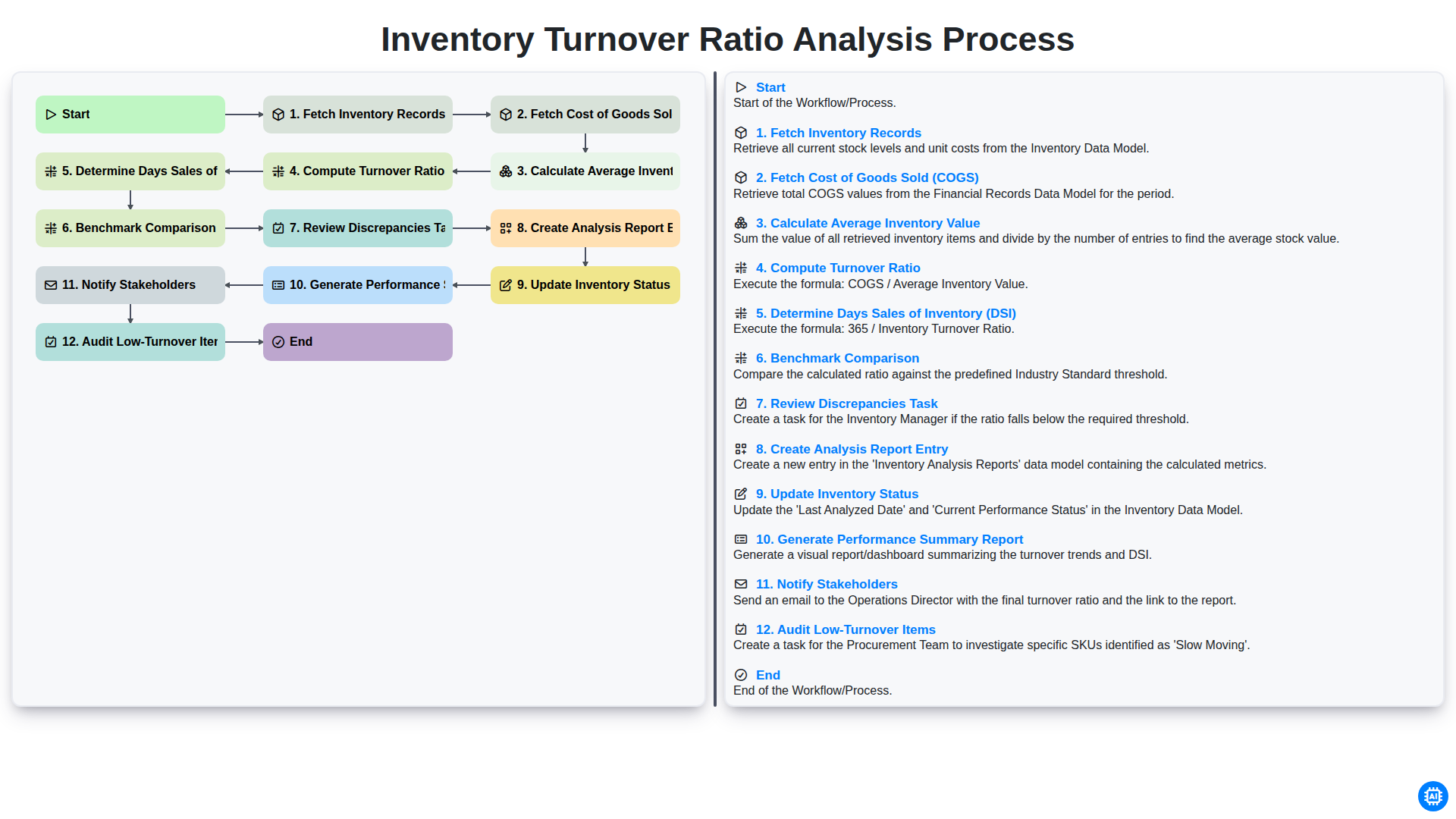
Inventory Turnover Ratio Analysis Process
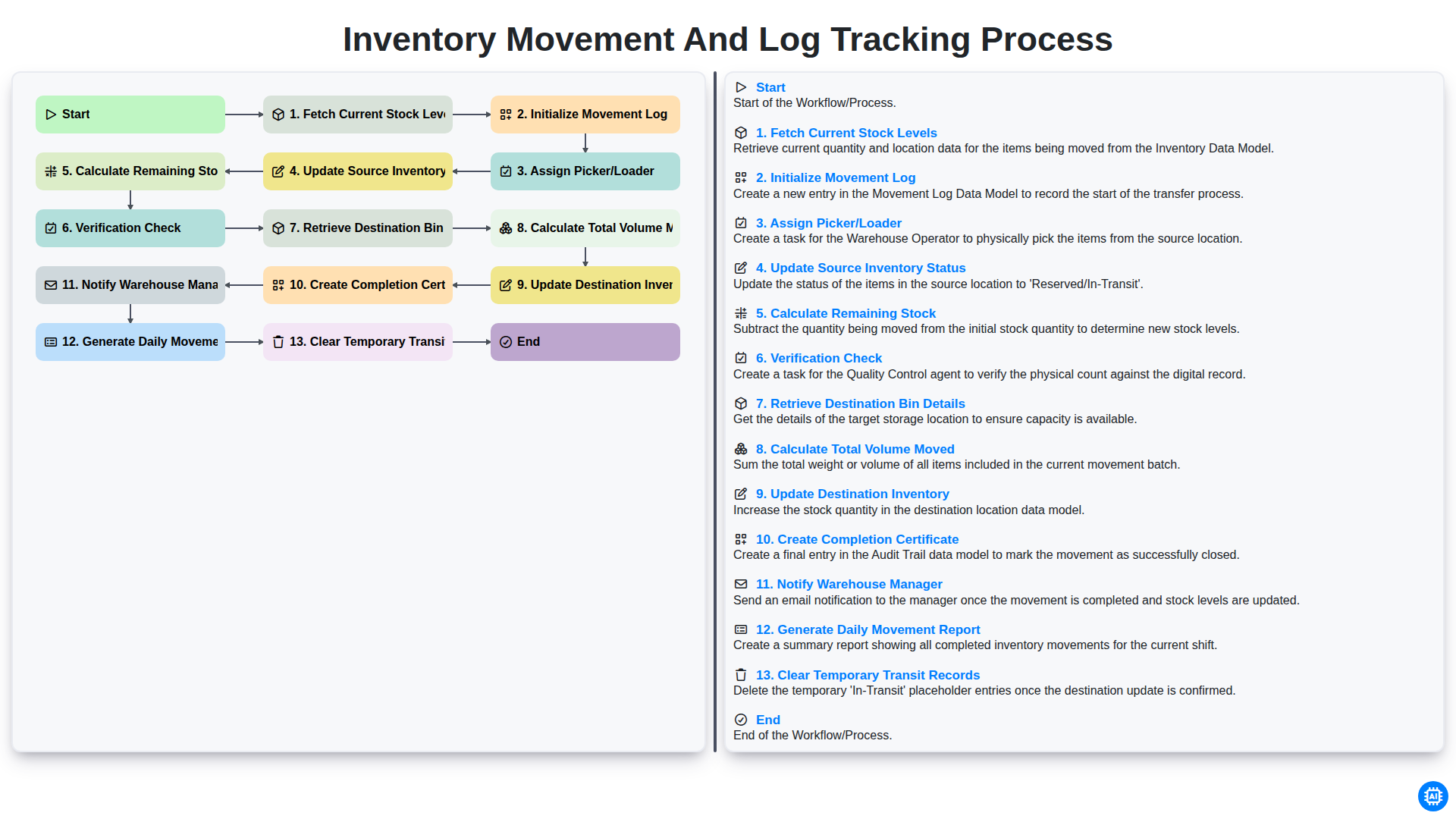
Inventory Movement and Log Tracking Process
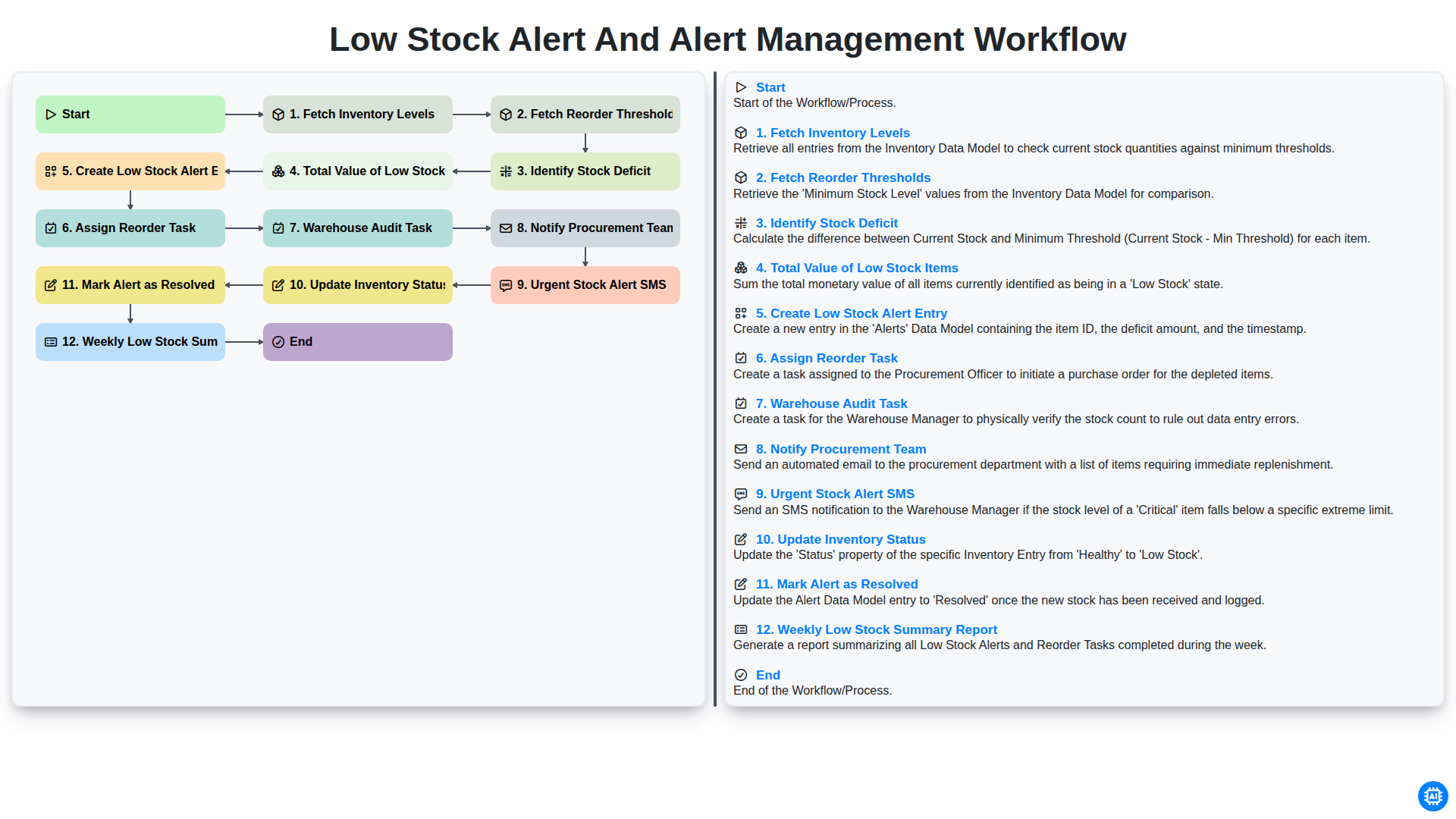
Low Stock Alert and Alert Management Workflow
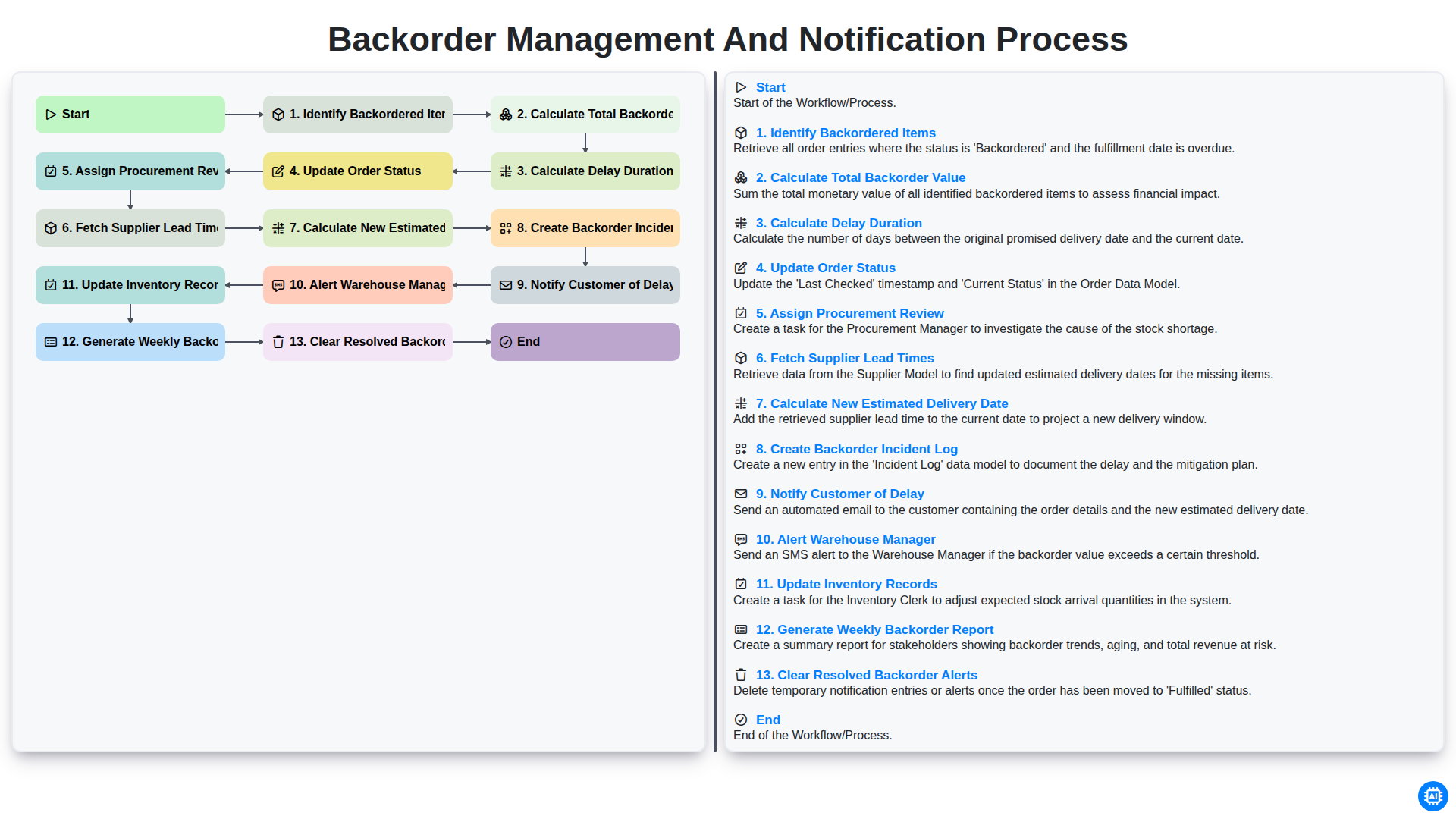
Backorder Management and Notification Process
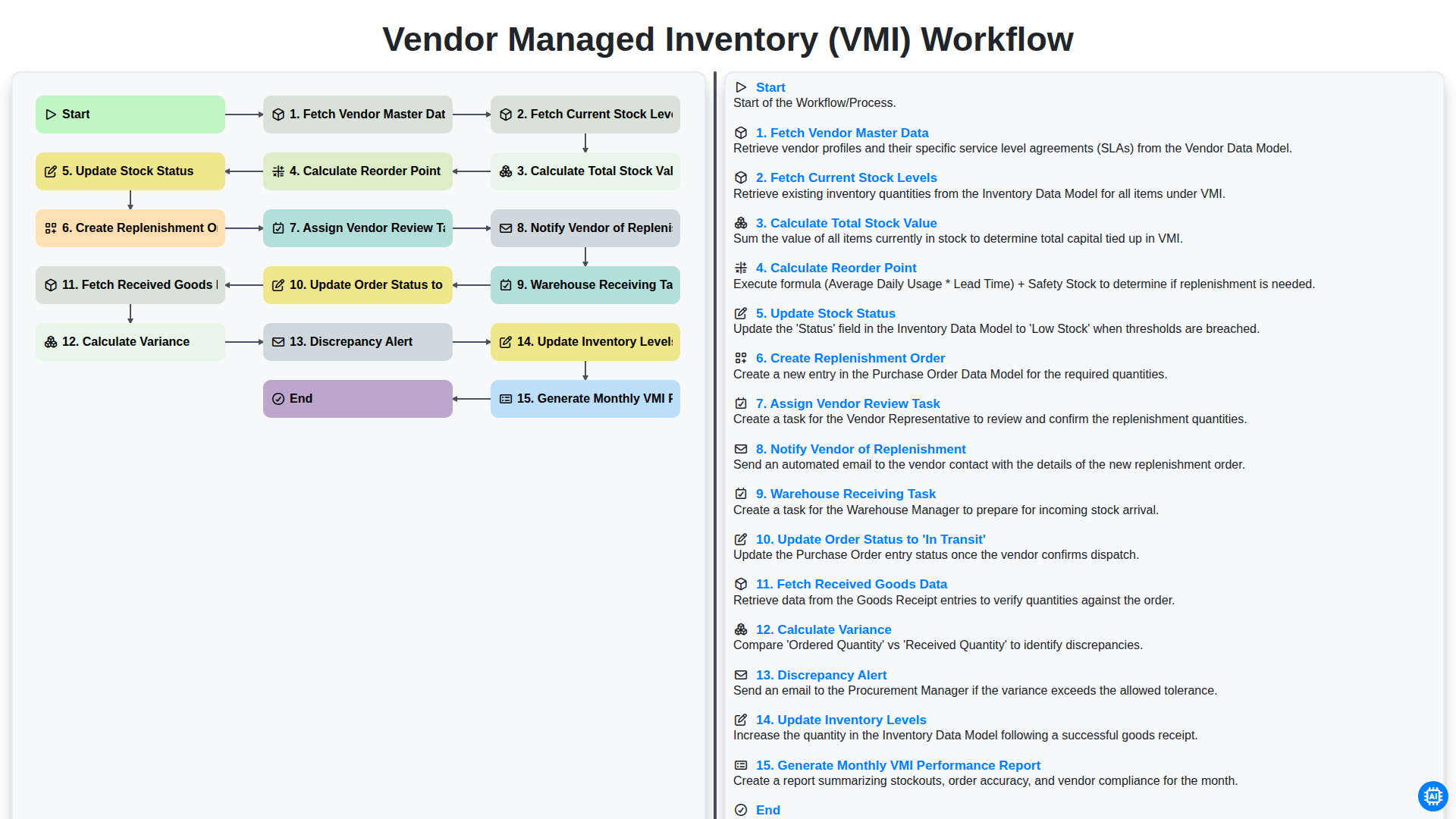
Vendor Managed Inventory (VMI) Workflow
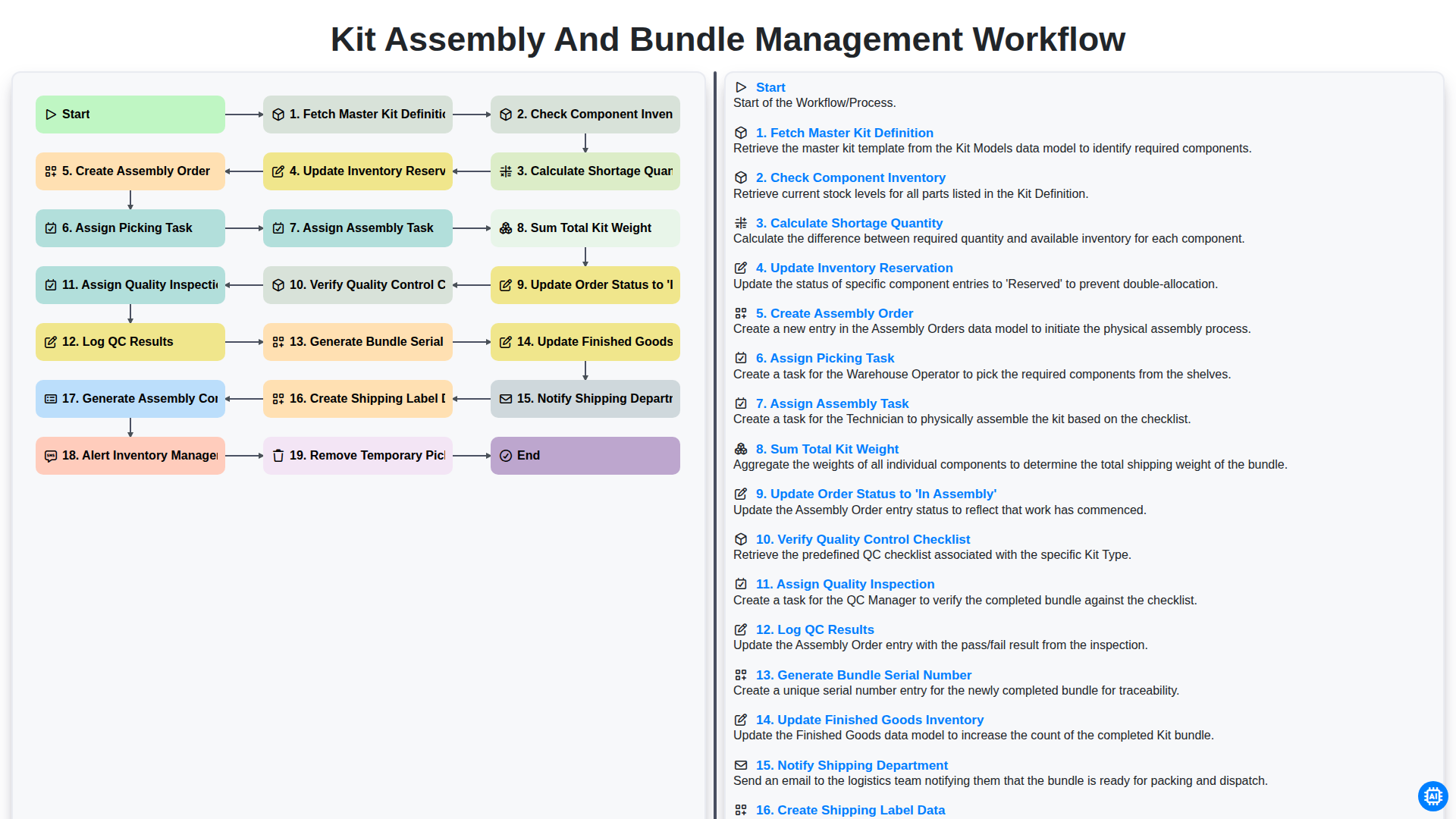
Kit Assembly and Bundle Management Workflow
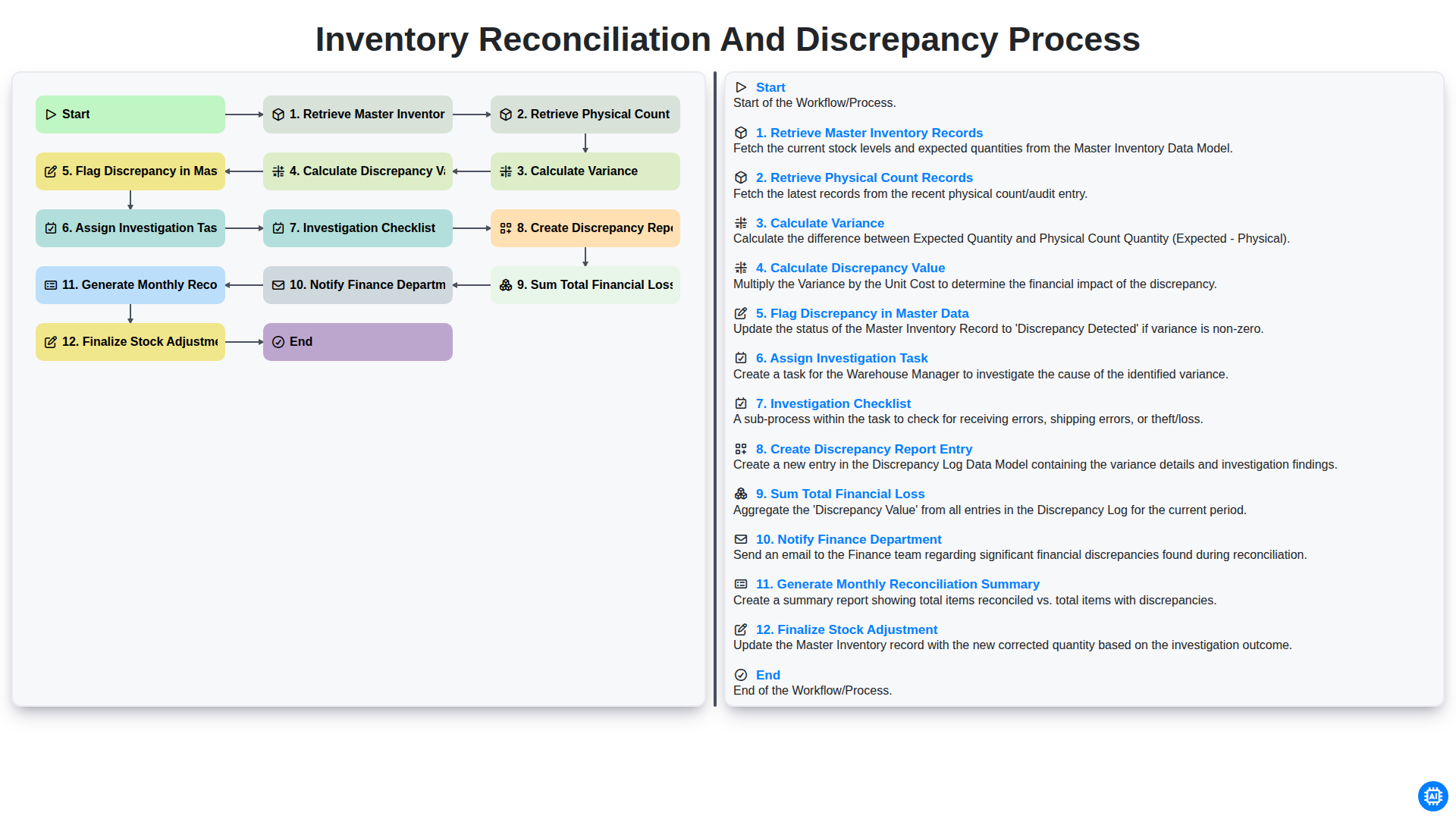
Inventory Reconciliation and Discrepancy Process
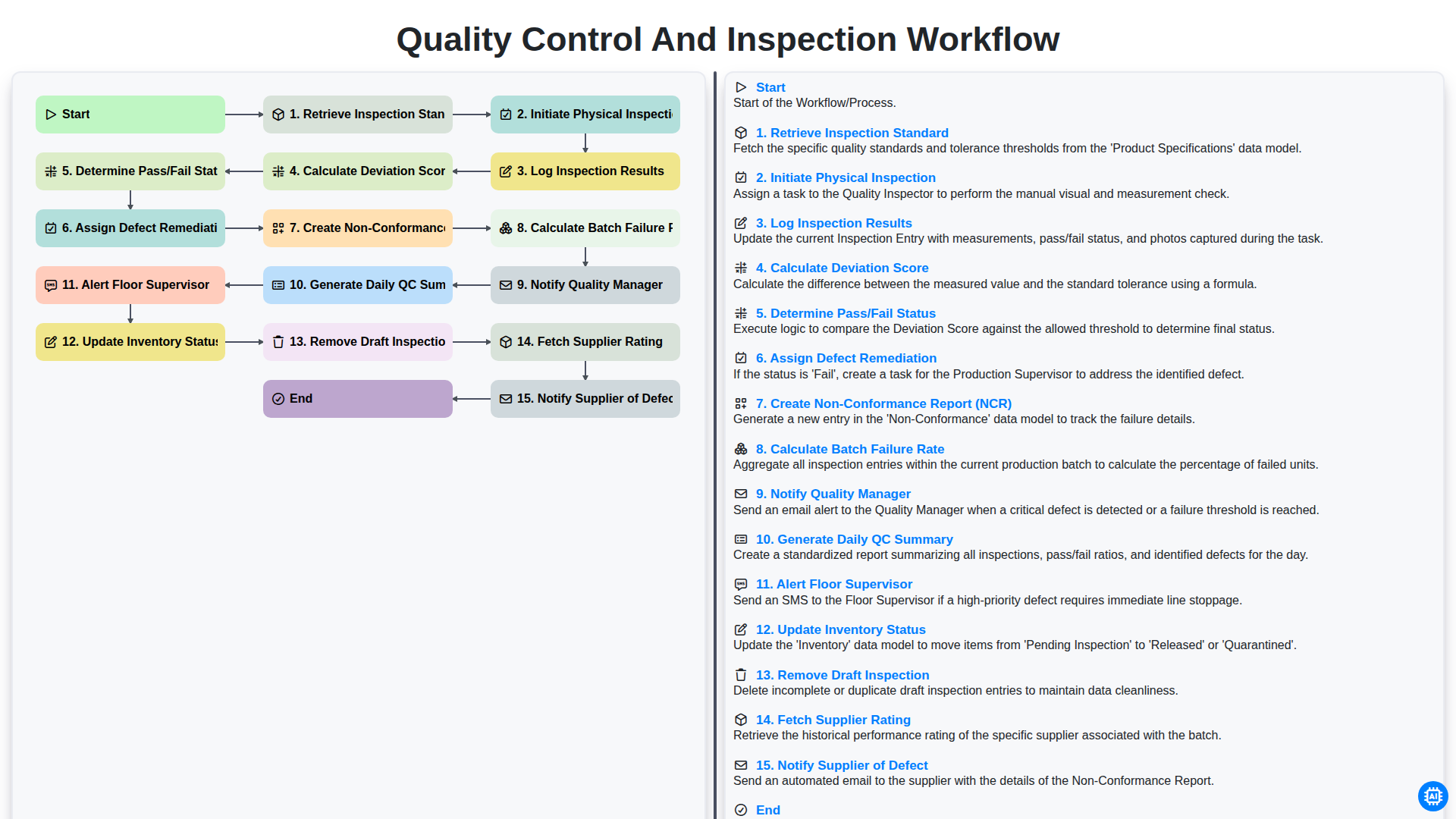
Quality Control and Inspection Workflow
Need help with
Inventory Management?
Have a question? We're here to help. Please submit your inquiry, and we'll respond promptly.