 ChecklistGuro
 Automotive Workshop Staff Scheduling Process
Master your workshop's efficiency with our streamlined Automotive Workshop Staff Scheduling Process. Optimize technician productivity, eliminate coverage gaps, and balance workloads effortlessly to ensure every repair job stays on track and your shop runs like a well-oiled machine.
Този шаблон е инсталиран 2 пъти.
Старт
Начало на работния поток/процеса.
1. Fetch Available Technicians
Retrieve all technicians from the Staff Data Model who are marked as 'Active' and not currently assigned to a long-term project.
2. Get Pending Service Appointments
Retrieve all upcoming vehicle service entries from the Appointments Data Model that have not yet been assigned a technician.
3. Calculate Total Weekly Workload
Sum the total estimated hours of all assigned tasks for each technician to identify overcapacity.
4. Calculate Technician Availability Gap
Subtract the total assigned workload hours from the technician's total available working hours for the week.
5. Create Scheduling Task
Create a task for the Workshop Manager to review the calculated availability and assign technicians to pending appointments.
6. Update Appointment Status
Update the 'Status' field in the Appointment Data Model to 'Scheduled' once a technician is assigned.
7. Create Shift Assignment Record
Create a new entry in the Staff Schedule Data Model linking the Technician, the Appointment, and the assigned Time Slot.
8. Create Technician Notification Task
Create a task for the assigned technician to review their new schedule and confirm availability.
9. Notify Technician of New Assignment
Send an email to the technician's registered email address with the details of the new scheduled workshop task.
10. Notify Customer of Schedule Confirmation
Send an SMS to the customer to inform them that their vehicle service has been officially scheduled.
11. Update Technician Workload
Update the technician's 'Current Weekly Hours' property in the Staff Data Model to reflect the new assignment.
12. Generate Weekly Capacity Report
Generate a report showing the ratio of assigned hours vs. available hours across the entire workshop staff.
13. Remove Cancelled Appointment
Delete the scheduled entry from the Staff Schedule Data Model if the customer cancels the appointment.
Край
Край на работния поток/процеса.
Начало на работния поток/процеса.
Retrieve all technicians from the Staff Data Model who are marked as 'Active' and not currently assigned to a long-term project.
Retrieve all upcoming vehicle service entries from the Appointments Data Model that have not yet been assigned a technician.
Sum the total estimated hours of all assigned tasks for each technician to identify overcapacity.
Subtract the total assigned workload hours from the technician's total available working hours for the week.
Create a task for the Workshop Manager to review the calculated availability and assign technicians to pending appointments.
Update the 'Status' field in the Appointment Data Model to 'Scheduled' once a technician is assigned.
Create a new entry in the Staff Schedule Data Model linking the Technician, the Appointment, and the assigned Time Slot.
Create a task for the assigned technician to review their new schedule and confirm availability.
Send an email to the technician's registered email address with the details of the new scheduled workshop task.
Send an SMS to the customer to inform them that their vehicle service has been officially scheduled.
Update the technician's 'Current Weekly Hours' property in the Staff Data Model to reflect the new assignment.
Generate a report showing the ratio of assigned hours vs. available hours across the entire workshop staff.
Delete the scheduled entry from the Staff Schedule Data Model if the customer cancels the appointment.
Край на работния поток/процеса.
Коментари
Все още няма коментари. Бъдете първият, който добави!
Демонстрация на решението за управление на автосервиз
Подобрете автосервиза си и увеличете печалбата! ChecklistGuro опростява проследяването на поръчки, управлението на инвентара и комуникацията с клиентите. Подобрете ефективността, намалете грешките и подобрете удовлетвореността на клиентите. Управлявайте всичко това с нашата платформа Work OS.
Свързани шаблони за работни потоци

End-of-Day Shop Reporting and Reconciliation Workflow

Seasonal Vehicle Inspection Workflow

Pre-Paid Service Plan Management Process

Customer Feedback and Review Management Workflow

Automotive Workshop Equipment Maintenance Schedule

Shop Supplies and Consumables Inventory Process

Workshop Technician Time Tracking Workflow
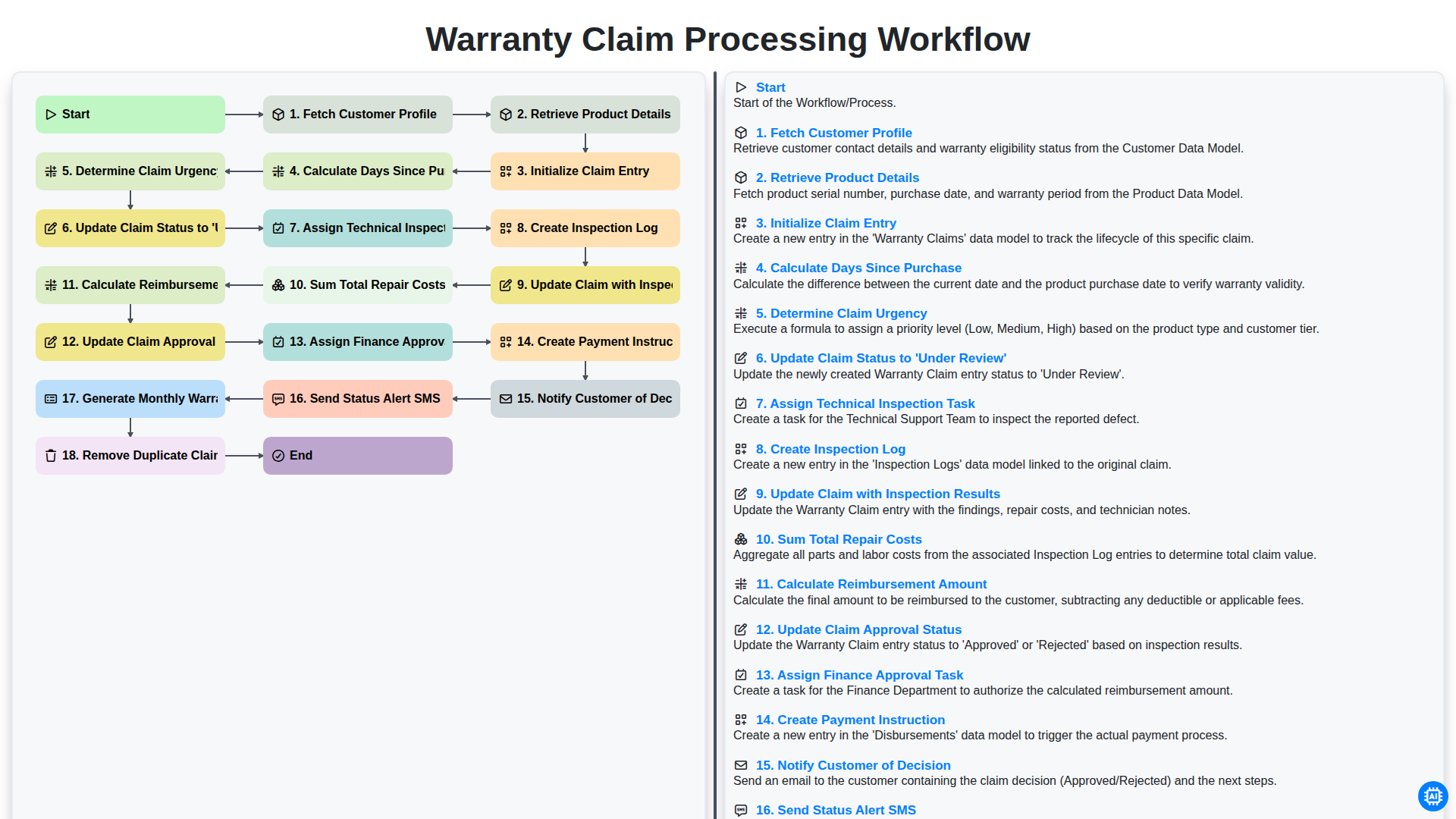
Warranty Claim Processing Workflow
Можем да го направим заедно
Нуждаете се от помощ с
Управление на Автосервиз?
Имате въпрос? Тук сме, за да помогнем. Моля, изпратете запитването си и ние ще отговорим своевременно.