 ChecklistGuro
 Food and Beverage Cost Control and Management Workflow
Master your margins with our comprehensive Food and Beverage Cost Control and Management Workflow. Designed specifically for the hospitality industry, this streamlined process optimizes inventory tracking, reduces food waste, and monitors recipe costing to boost profitability. Perfect for restaurant managers and F&B directors seeking to automate procurement, audit stock levels, and implement precise portion control strategies for maximum operational efficiency.
Този шаблон е инсталиран 2 пъти.
Старт
Начало на работния поток/процеса.
1. Retrieve Inventory Levels
Fetch current stock quantities and unit costs for all food and beverage items from the Inventory Data Model.
2. Retrieve Sales Data
Fetch total sales revenue and quantity sold per item from the Sales/POS Data Model for a specific period.
3. Calculate Theoretical Food Cost
Calculate the cost of ingredients used based on sales volume multiplied by the unit cost.
4. Retrieve Actual Inventory Value
Get the value of the physical count performed during the end-of-period stocktake.
5. Calculate Food Cost Percentage
Calculate the ratio of Cost of Goods Sold (COGS) to Total Sales (COGS / Total Sales * 100).
6. Calculate Variance
Calculate the difference between Theoretical Cost and Actual Cost to identify waste, theft, or error.
7. Sum Total Monthly Waste
Aggregate all waste entries (spillage, spoilage, expired) to determine total loss value.
8. Assign Variance Investigation
Create a task for the Kitchen Manager to investigate any variance exceeding the 2% threshold.
9. Update Item Unit Cost
Update the 'Unit Cost' field in the Inventory Data Model based on the latest supplier invoices.
10. Create Waste Log Entry
Create a new entry in the Waste Data Model when a staff member reports spoiled or dropped items.
11. Generate Monthly COGS Report
Generate a comprehensive PDF/Dashboard report summarizing food cost trends, variances, and waste totals.
12. Notify Management of High Variance
Send an automated email to the Operations Director if the Food Cost Percentage exceeds the budget.
13. Perform Physical Stock Count
Create a recurring task for the Sous Chef to perform a physical count of high-value items (e.g., proteins, alcohol).
14. Remove Obsolete SKU
Delete items from the Inventory Data Model that are no longer part of the active menu.
15. Urgent Low Stock Alert
Send an SMS to the Purchasing Manager when a critical ingredient falls below the minimum reorder point.
Край
Край на работния поток/процеса.
Начало на работния поток/процеса.
Fetch current stock quantities and unit costs for all food and beverage items from the Inventory Data Model.
Fetch total sales revenue and quantity sold per item from the Sales/POS Data Model for a specific period.
Calculate the cost of ingredients used based on sales volume multiplied by the unit cost.
Get the value of the physical count performed during the end-of-period stocktake.
Calculate the ratio of Cost of Goods Sold (COGS) to Total Sales (COGS / Total Sales * 100).
Calculate the difference between Theoretical Cost and Actual Cost to identify waste, theft, or error.
Aggregate all waste entries (spillage, spoilage, expired) to determine total loss value.
Create a task for the Kitchen Manager to investigate any variance exceeding the 2% threshold.
Update the 'Unit Cost' field in the Inventory Data Model based on the latest supplier invoices.
Create a new entry in the Waste Data Model when a staff member reports spoiled or dropped items.
Generate a comprehensive PDF/Dashboard report summarizing food cost trends, variances, and waste totals.
Send an automated email to the Operations Director if the Food Cost Percentage exceeds the budget.
Create a recurring task for the Sous Chef to perform a physical count of high-value items (e.g., proteins, alcohol).
Delete items from the Inventory Data Model that are no longer part of the active menu.
Send an SMS to the Purchasing Manager when a critical ingredient falls below the minimum reorder point.
Край на работния поток/процеса.
Коментари
Все още няма коментари. Бъдете първият, който добави!
Демонстрация на решението за управление в сферата на гостоприемството
Управление на хотел, ресторант или друг бизнес в сферата на гостоприемството е изключително предизвикателна задача. Платформата Work OS на ChecklistGuro опростява управлението, от резервации и обслужване на гости до инвентаризация и график на работа на персонала. Подобрете ефективността, повишете удовлетвореността на гостите и увеличете печалбата! Вижте как ChecklistGuro може да трансформира дейността ви в сферата на гостоприемството.
Свързани шаблони за работни потоци

Hotel Departmental Communication and Task Management Workflow
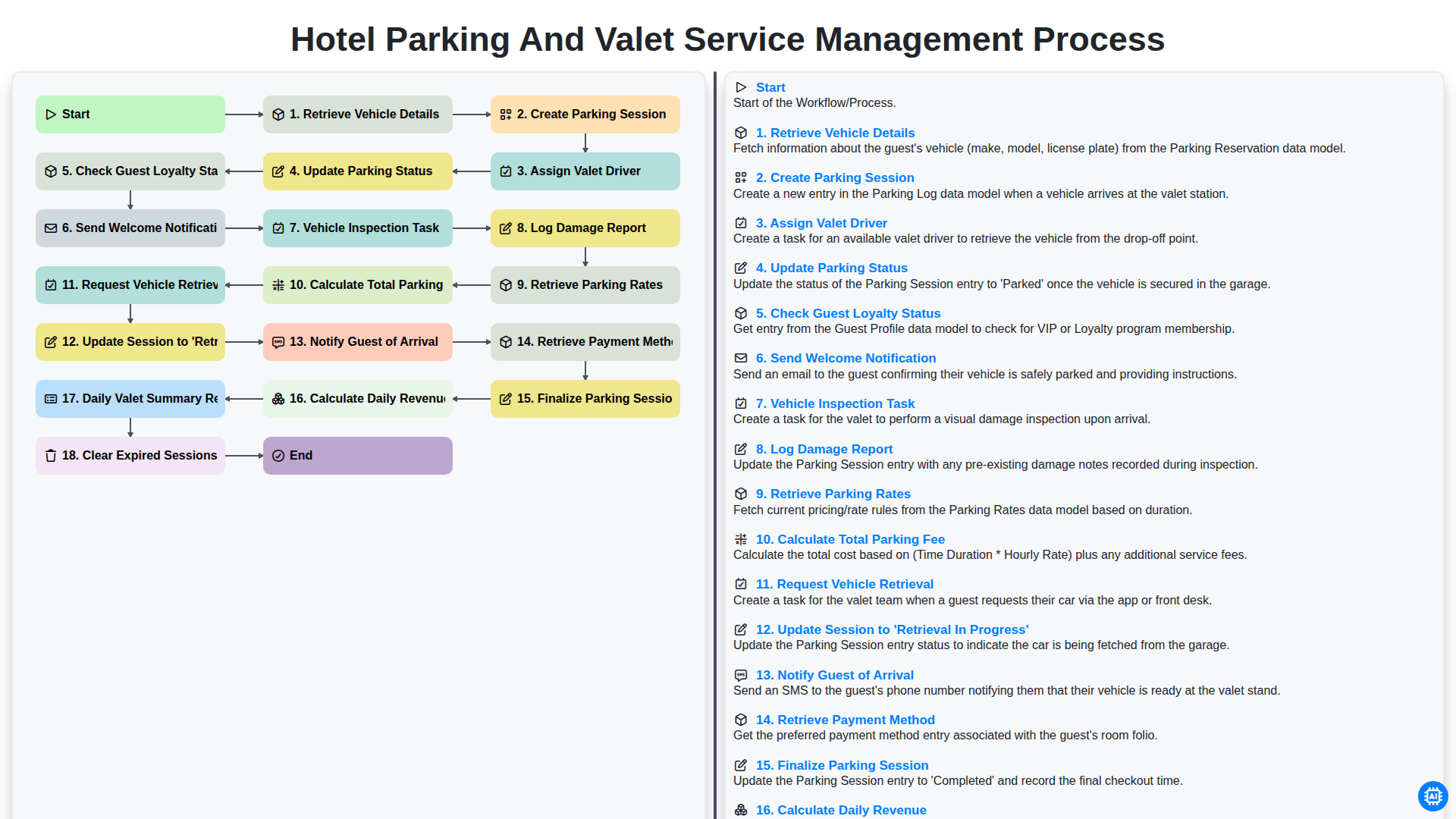
Hotel Parking and Valet Service Management Process
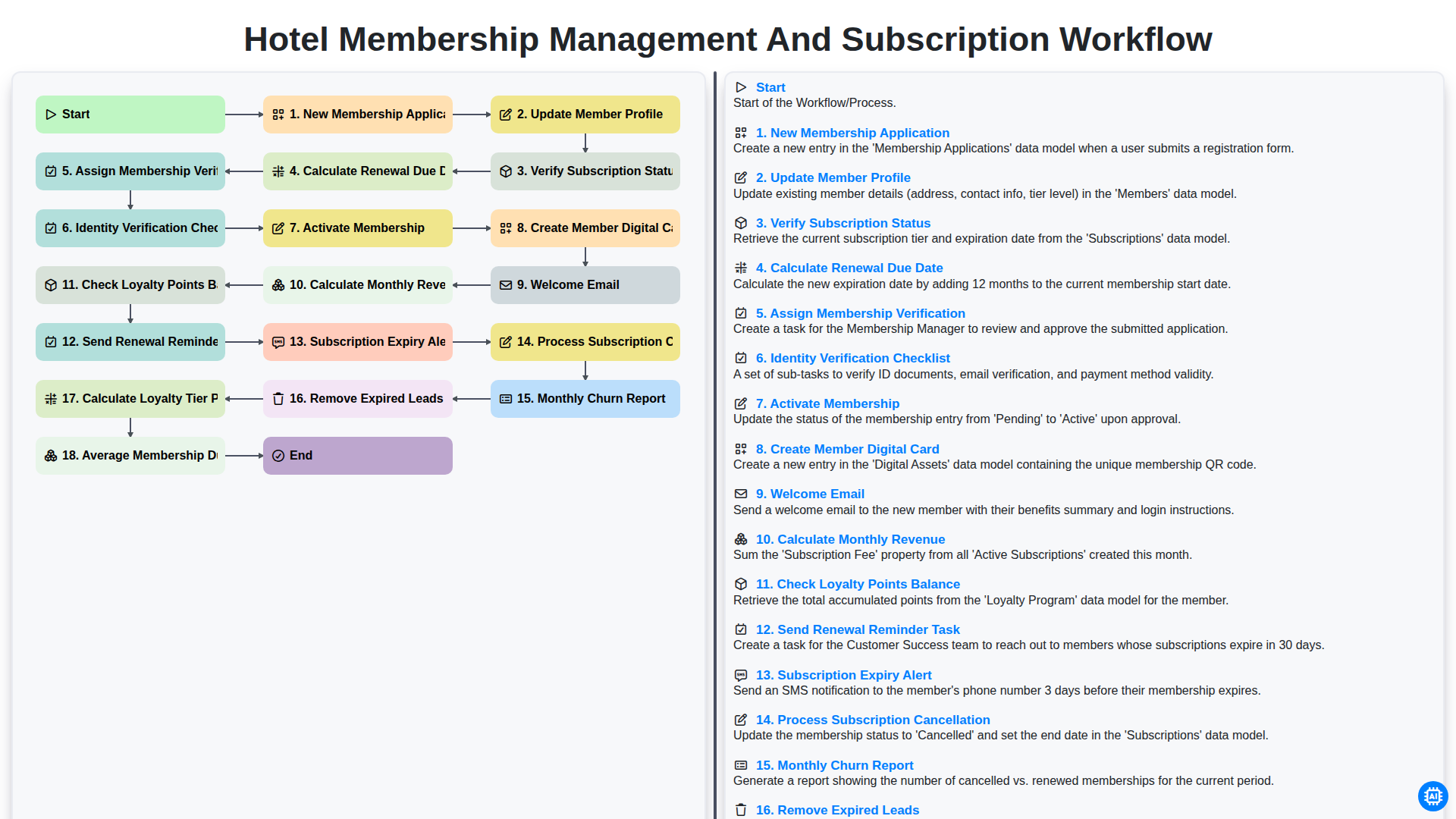
Hotel Membership Management and Subscription Workflow

Hotel VIP Guest Arrival and Personalized Service Process

Hotel Staff Onboarding and Training Management Workflow
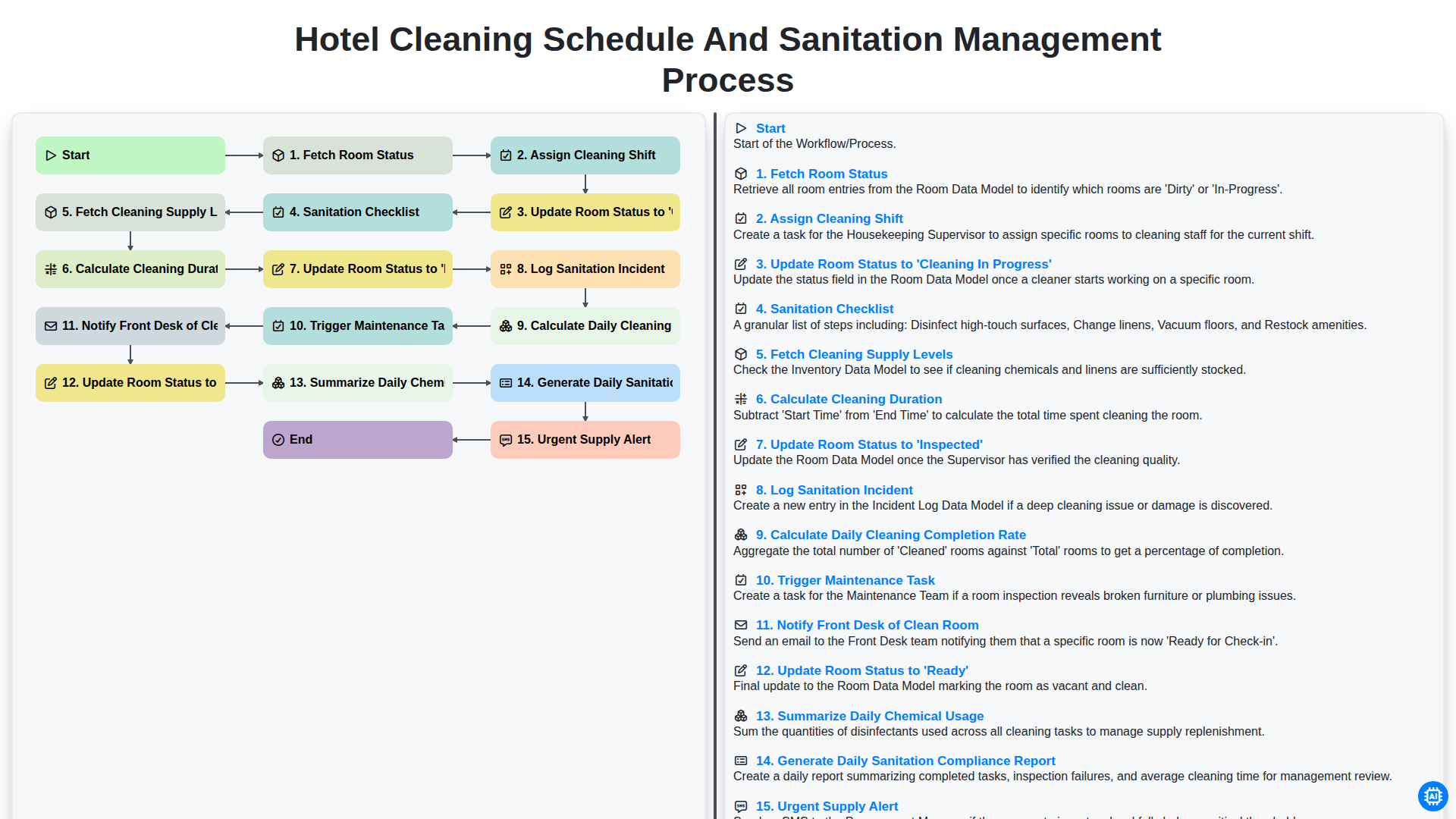
Hotel Cleaning Schedule and Sanitation Management Process

Hotel Group Booking and Room Block Management Workflow
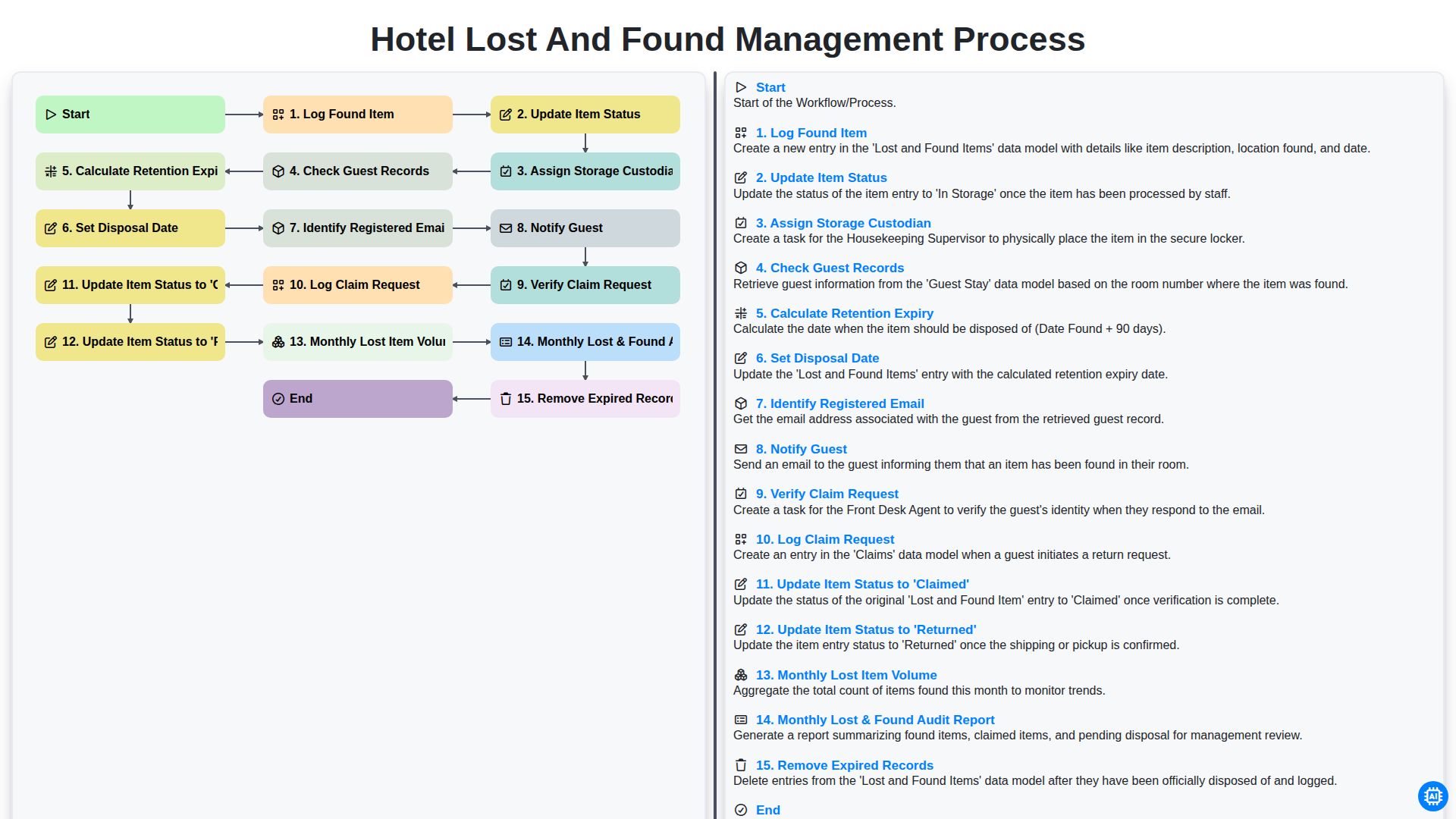
Hotel Lost and Found Management Process
Можем да го направим заедно
Нуждаете се от помощ с
Гостоприемство?
Имате въпрос? Тук сме, за да помогнем. Моля, изпратете запитването си и ние ще отговорим своевременно.