 ChecklistGuro
 Hotel Parking and Valet Service Management Process
Streamline your guest arrivals and optimize driveway efficiency with our comprehensive Hotel Parking and Valet Service Management Process. Master every step of the vehicle lifecycle-from seamless automated check-in and secure key tracking to real-time bay monitoring and efficient departures-to eliminate congestion, reduce liability, and deliver a premium, five-star first impression for your hotel guests.
Този шаблон е инсталиран 2 пъти.
Старт
Начало на работния поток/процеса.
1. Retrieve Vehicle Details
Fetch information about the guest's vehicle (make, model, license plate) from the Parking Reservation data model.
2. Create Parking Session
Create a new entry in the Parking Log data model when a vehicle arrives at the valet station.
3. Assign Valet Driver
Create a task for an available valet driver to retrieve the vehicle from the drop-off point.
4. Update Parking Status
Update the status of the Parking Session entry to 'Parked' once the vehicle is secured in the garage.
5. Check Guest Loyalty Status
Get entry from the Guest Profile data model to check for VIP or Loyalty program membership.
6. Send Welcome Notification
Send an email to the guest confirming their vehicle is safely parked and providing instructions.
7. Vehicle Inspection Task
Create a task for the valet to perform a visual damage inspection upon arrival.
8. Log Damage Report
Update the Parking Session entry with any pre-existing damage notes recorded during inspection.
9. Retrieve Parking Rates
Fetch current pricing/rate rules from the Parking Rates data model based on duration.
10. Calculate Total Parking Fee
Calculate the total cost based on (Time Duration * Hourly Rate) plus any additional service fees.
11. Request Vehicle Retrieval
Create a task for the valet team when a guest requests their car via the app or front desk.
12. Update Session to 'Retrieval In Progress'
Update the Parking Session entry status to indicate the car is being fetched from the garage.
13. Notify Guest of Arrival
Send an SMS to the guest's phone number notifying them that their vehicle is ready at the valet stand.
14. Retrieve Payment Method
Get the preferred payment method entry associated with the guest's room folio.
15. Finalize Parking Session
Update the Parking Session entry to 'Completed' and record the final checkout time.
16. Calculate Daily Revenue
Aggregate the 'Total Fee' property from all completed Parking Session entries for the current day.
17. Daily Valet Summary Report
Create a report summarizing total cars parked, average turnaround time, and total revenue for the shift.
18. Clear Expired Sessions
Delete old/archived parking session entries from the active view to maintain system performance.
Край
Край на работния поток/процеса.
Начало на работния поток/процеса.
Fetch information about the guest's vehicle (make, model, license plate) from the Parking Reservation data model.
Create a new entry in the Parking Log data model when a vehicle arrives at the valet station.
Create a task for an available valet driver to retrieve the vehicle from the drop-off point.
Update the status of the Parking Session entry to 'Parked' once the vehicle is secured in the garage.
Get entry from the Guest Profile data model to check for VIP or Loyalty program membership.
Send an email to the guest confirming their vehicle is safely parked and providing instructions.
Create a task for the valet to perform a visual damage inspection upon arrival.
Update the Parking Session entry with any pre-existing damage notes recorded during inspection.
Fetch current pricing/rate rules from the Parking Rates data model based on duration.
Calculate the total cost based on (Time Duration * Hourly Rate) plus any additional service fees.
Create a task for the valet team when a guest requests their car via the app or front desk.
Update the Parking Session entry status to indicate the car is being fetched from the garage.
Send an SMS to the guest's phone number notifying them that their vehicle is ready at the valet stand.
Get the preferred payment method entry associated with the guest's room folio.
Update the Parking Session entry to 'Completed' and record the final checkout time.
Aggregate the 'Total Fee' property from all completed Parking Session entries for the current day.
Create a report summarizing total cars parked, average turnaround time, and total revenue for the shift.
Delete old/archived parking session entries from the active view to maintain system performance.
Край на работния поток/процеса.
Коментари
Все още няма коментари. Бъдете първият, който добави!
Демонстрация на решението за управление в сферата на гостоприемството
Управление на хотел, ресторант или друг бизнес в сферата на гостоприемството е изключително предизвикателна задача. Платформата Work OS на ChecklistGuro опростява управлението, от резервации и обслужване на гости до инвентаризация и график на работа на персонала. Подобрете ефективността, повишете удовлетвореността на гостите и увеличете печалбата! Вижте как ChecklistGuro може да трансформира дейността ви в сферата на гостоприемството.
Свързани шаблони за работни потоци

Hotel Departmental Communication and Task Management Workflow
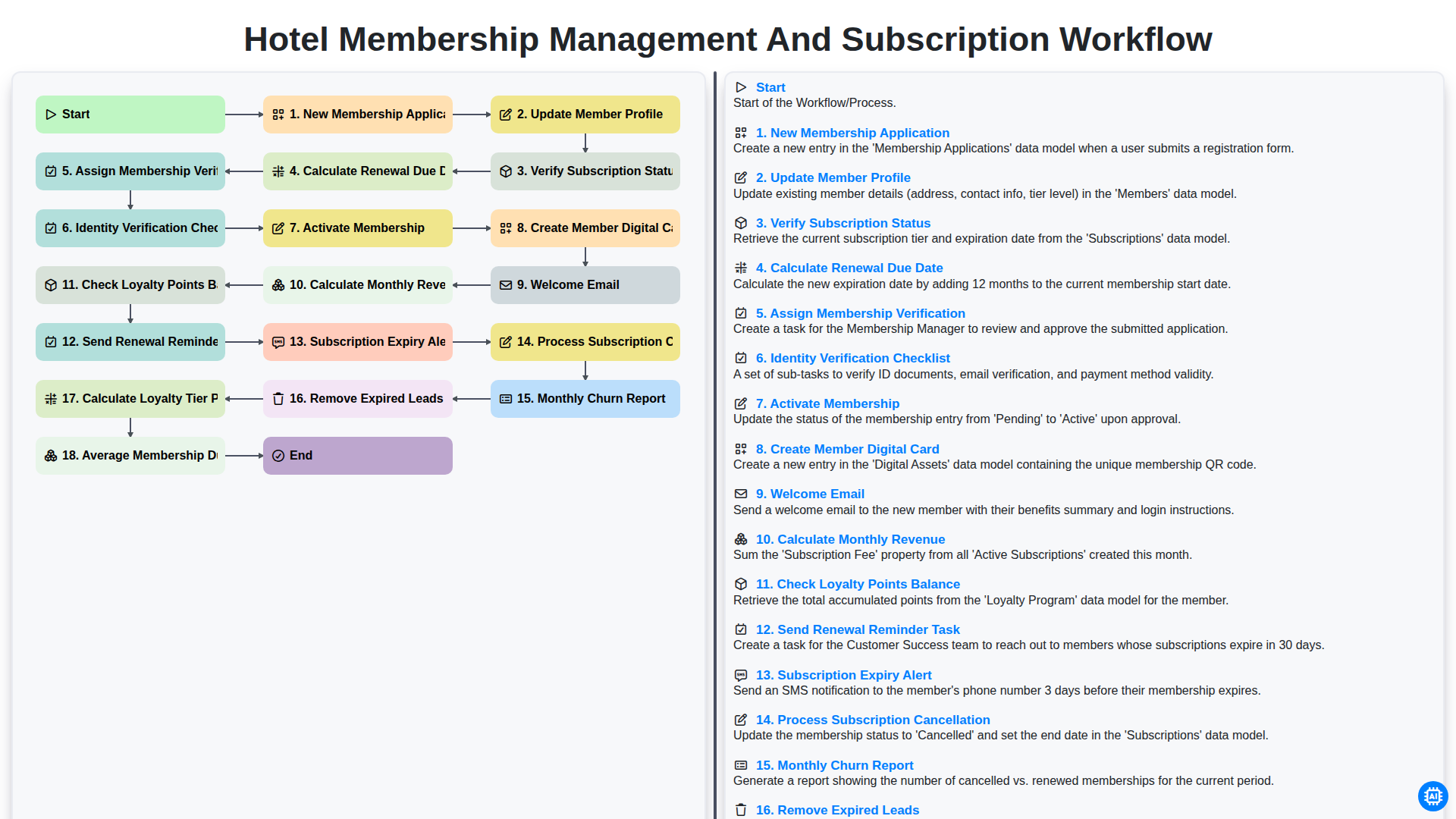
Hotel Membership Management and Subscription Workflow

Hotel VIP Guest Arrival and Personalized Service Process

Hotel Staff Onboarding and Training Management Workflow
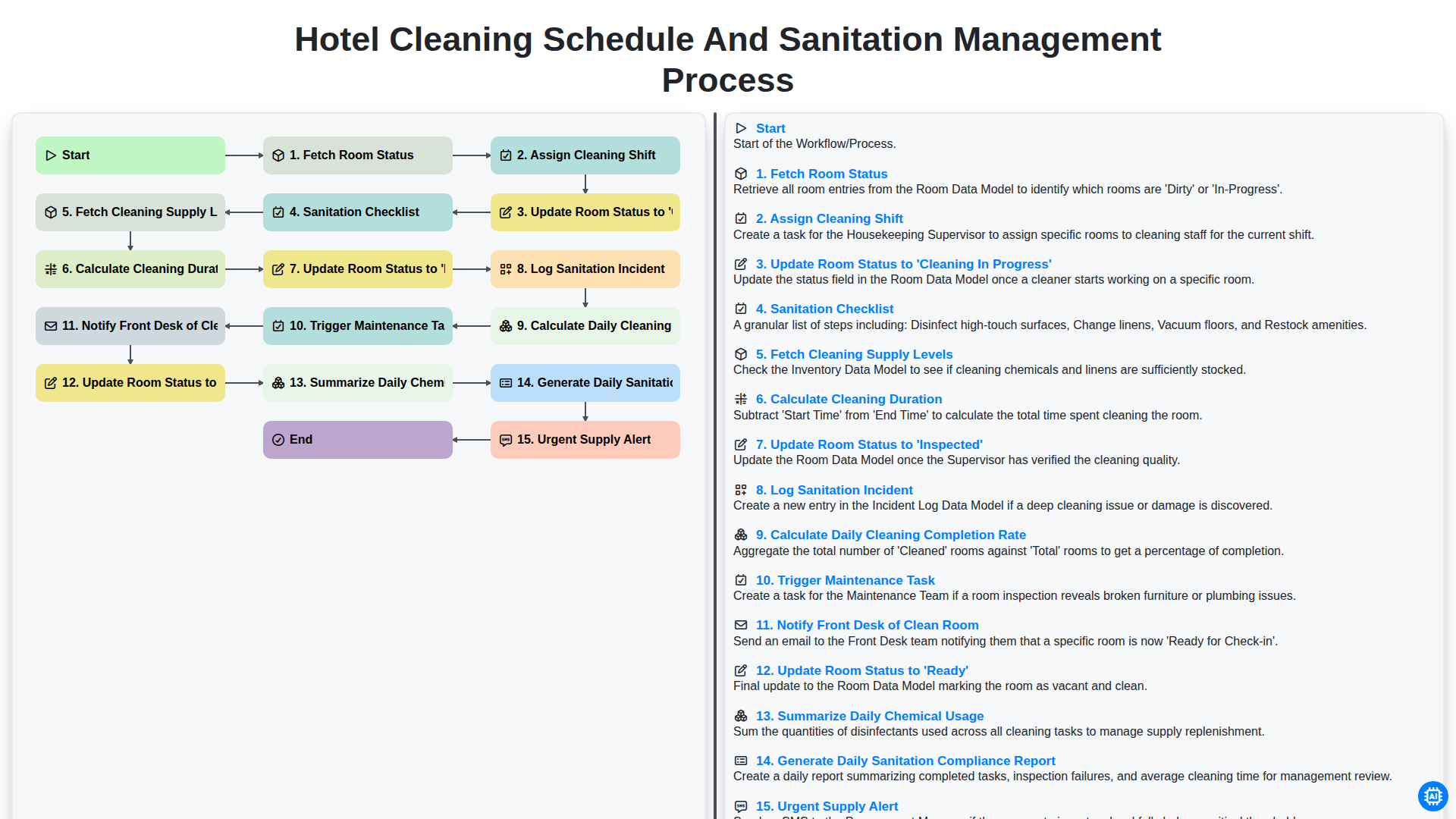
Hotel Cleaning Schedule and Sanitation Management Process

Hotel Group Booking and Room Block Management Workflow
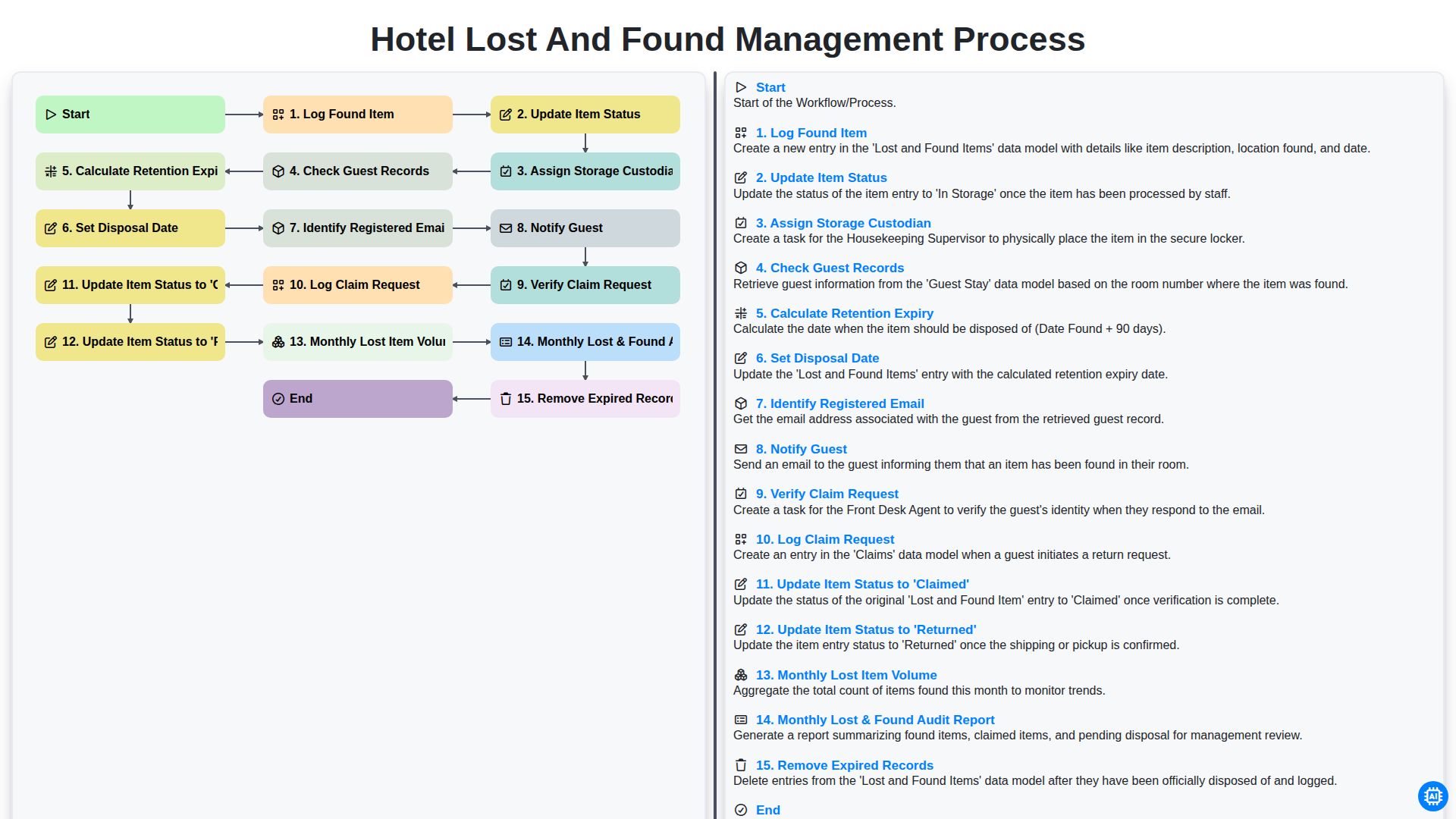
Hotel Lost and Found Management Process
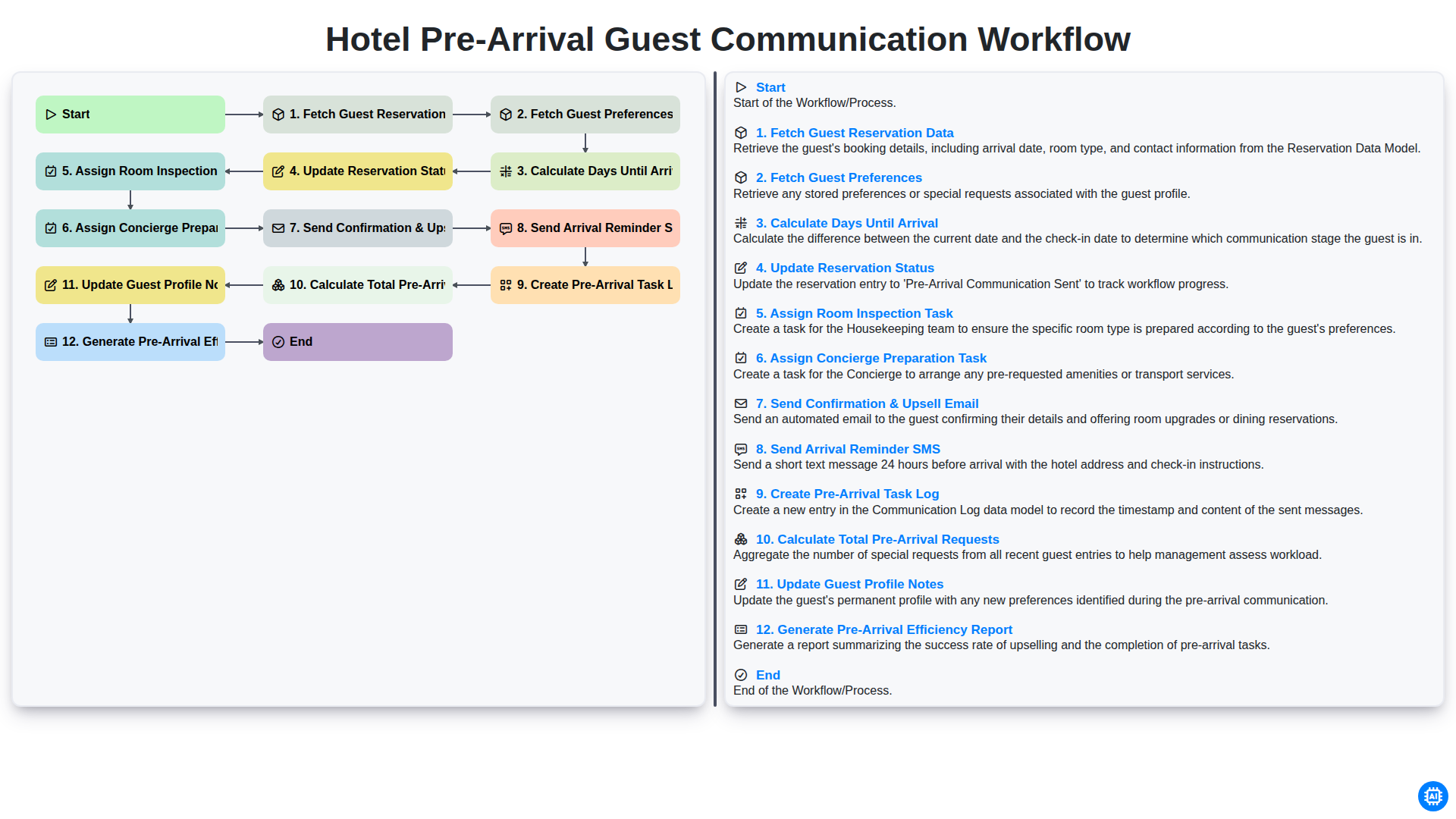
Hotel Pre-Arrival Guest Communication Workflow
Можем да го направим заедно
Нуждаете се от помощ с
Гостоприемство?
Имате въпрос? Тук сме, за да помогнем. Моля, изпратете запитването си и ние ще отговорим своевременно.