 ChecklistGuro
 Inventory Management and Cold Chain Monitoring
Streamline your pharmaceutical supply chain with our optimized Inventory Management and Cold Chain Monitoring workflow. Ensure uncompromising product integrity and regulatory compliance through real-time temperature tracking, automated stock alerts, and end-to-end visibility to prevent spoilage and maintain life-saving drug stability.
Този шаблон е инсталиран 4 пъти.
Старт
Начало на работния поток/процеса.
1. Fetch Current Stock Levels
Retrieve all active entries from the Inventory Data Model to check current quantities.
2. Fetch Temperature Logs
Retrieve recent sensor data entries from the Cold Chain Monitoring Data Model.
3. Calculate Average Temperature
Calculate the average temperature from the retrieved temperature logs to identify trends.
4. Identify Max Temperature Deviation
Find the maximum temperature value recorded in the last monitoring period.
5. Check Threshold Breach
Compare the Max Temperature against the pre-defined safety threshold for the specific product category.
6. Create Maintenance Task
Create a task for the Warehouse Manager if temperature excursions are detected.
7. Create Reorder Task
Create a task for the Procurement Officer when stock levels fall below the reorder point.
8. Log Temperature Incident
Create a new entry in the 'Incident Logs' data model when a cold chain breach occurs.
9. Update Stock Status
Update the 'Status' field in the Inventory Data Model to 'Quarantined' if a breach is detected.
10. Notify Quality Assurance
Send an email alert to the QA team containing the details of the temperature excursion.
11. Emergency Alert SMS
Send an urgent SMS to the On-call Technician if the temperature exceeds critical limits.
12. Create Purchase Order Draft
Create a new entry in the 'Purchase Orders' data model to replenish low stock.
13. Generate Monthly Compliance Report
Create a summary report showing all temperature stability logs for regulatory compliance.
14. Remove Expired Batch
Delete or archive entries from the 'Active Inventory' model once a batch is marked as expired.
15. Calculate Days Until Expiry
Subtract the current date from the 'Expiry Date' field in the inventory entry.
Край
Край на работния поток/процеса.
Начало на работния поток/процеса.
Retrieve all active entries from the Inventory Data Model to check current quantities.
Retrieve recent sensor data entries from the Cold Chain Monitoring Data Model.
Calculate the average temperature from the retrieved temperature logs to identify trends.
Find the maximum temperature value recorded in the last monitoring period.
Compare the Max Temperature against the pre-defined safety threshold for the specific product category.
Create a task for the Warehouse Manager if temperature excursions are detected.
Create a task for the Procurement Officer when stock levels fall below the reorder point.
Create a new entry in the 'Incident Logs' data model when a cold chain breach occurs.
Update the 'Status' field in the Inventory Data Model to 'Quarantined' if a breach is detected.
Send an email alert to the QA team containing the details of the temperature excursion.
Send an urgent SMS to the On-call Technician if the temperature exceeds critical limits.
Create a new entry in the 'Purchase Orders' data model to replenish low stock.
Create a summary report showing all temperature stability logs for regulatory compliance.
Delete or archive entries from the 'Active Inventory' model once a batch is marked as expired.
Subtract the current date from the 'Expiry Date' field in the inventory entry.
Край на работния поток/процеса.
Често Задавани Въпроси
Коментари
Все още няма коментари. Бъдете първият, който добави!
Демонстрация на решението за управление във фармацевтичната индустрия
Навигирате ли в сложни регулации и осигурявате ли качество в производството на фармацевтични продукти? Платформата Work OS на ChecklistGuro оптимизира процесите от научно-изследователска и развойна дейност до производство, опаковане и дистрибуция. Поддържайте съответствие с нормативните изисквания, подобрете ефективността и намалете риска. Открийте как ChecklistGuro може да трансформира дейността ви във фармацевтичната индустрия!
Свързани шаблони за работни потоци
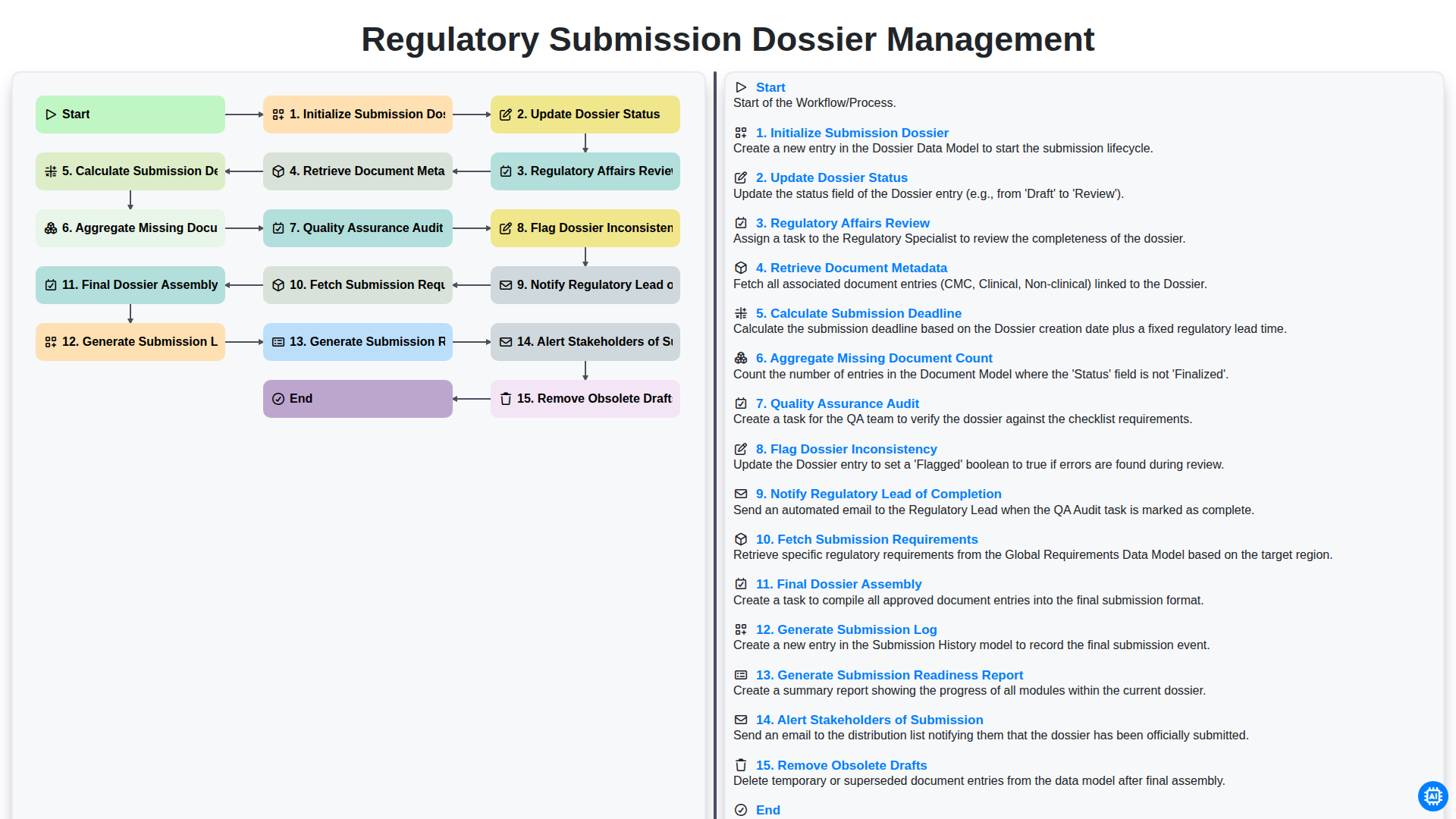
Regulatory Submission Dossier Management
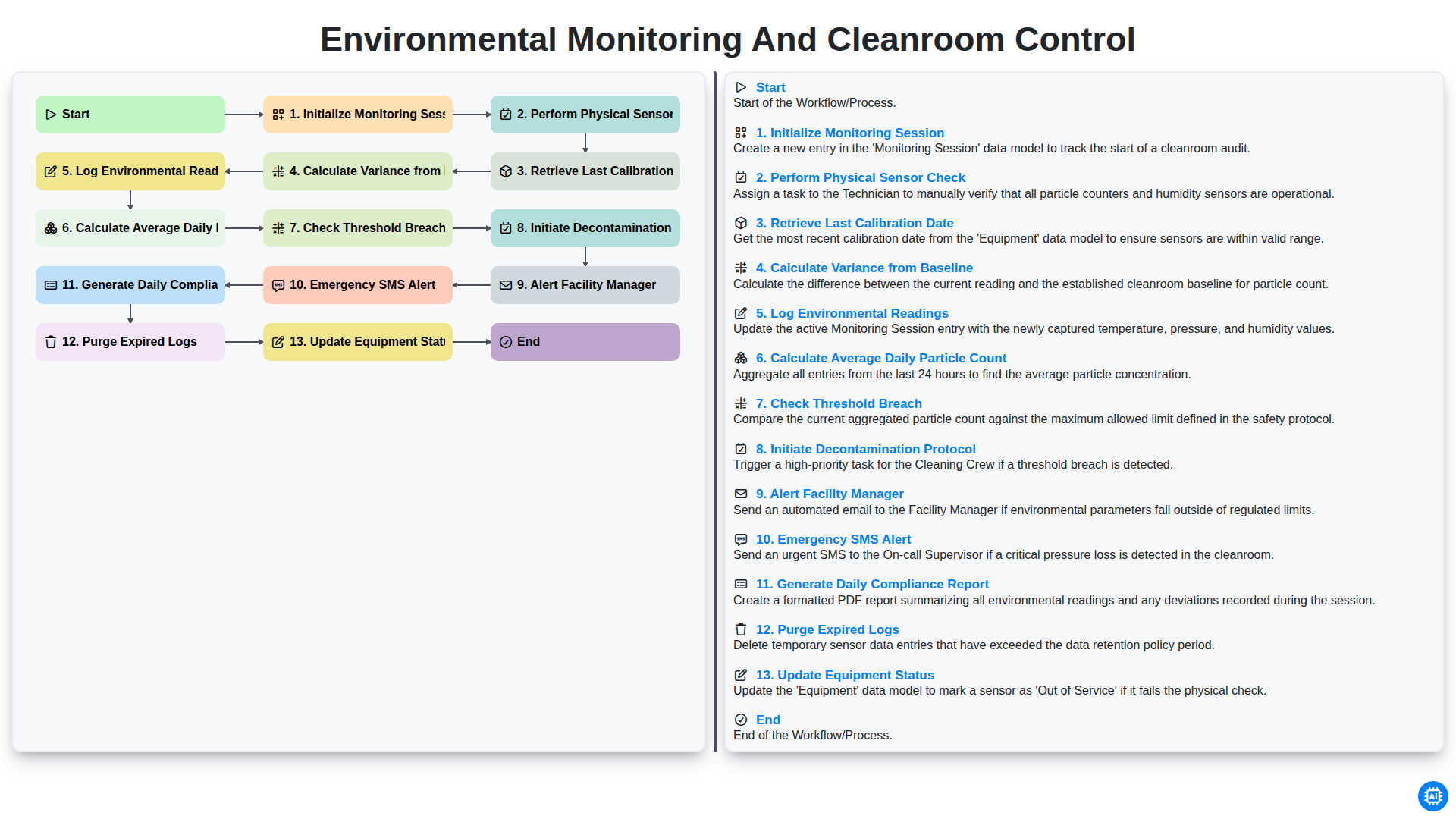
Environmental Monitoring and Cleanroom Control
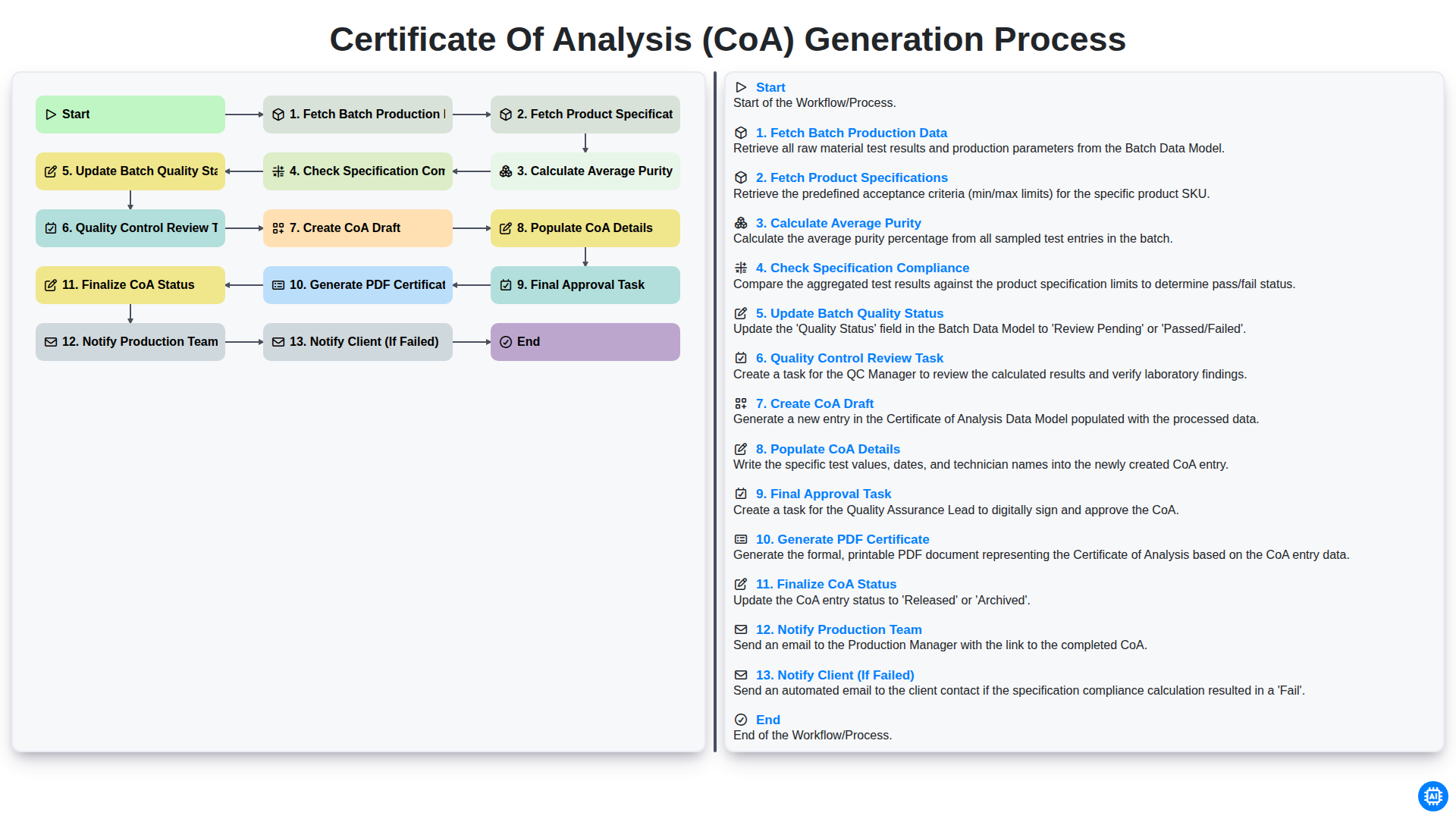
Certificate of Analysis (CoA) Generation Process
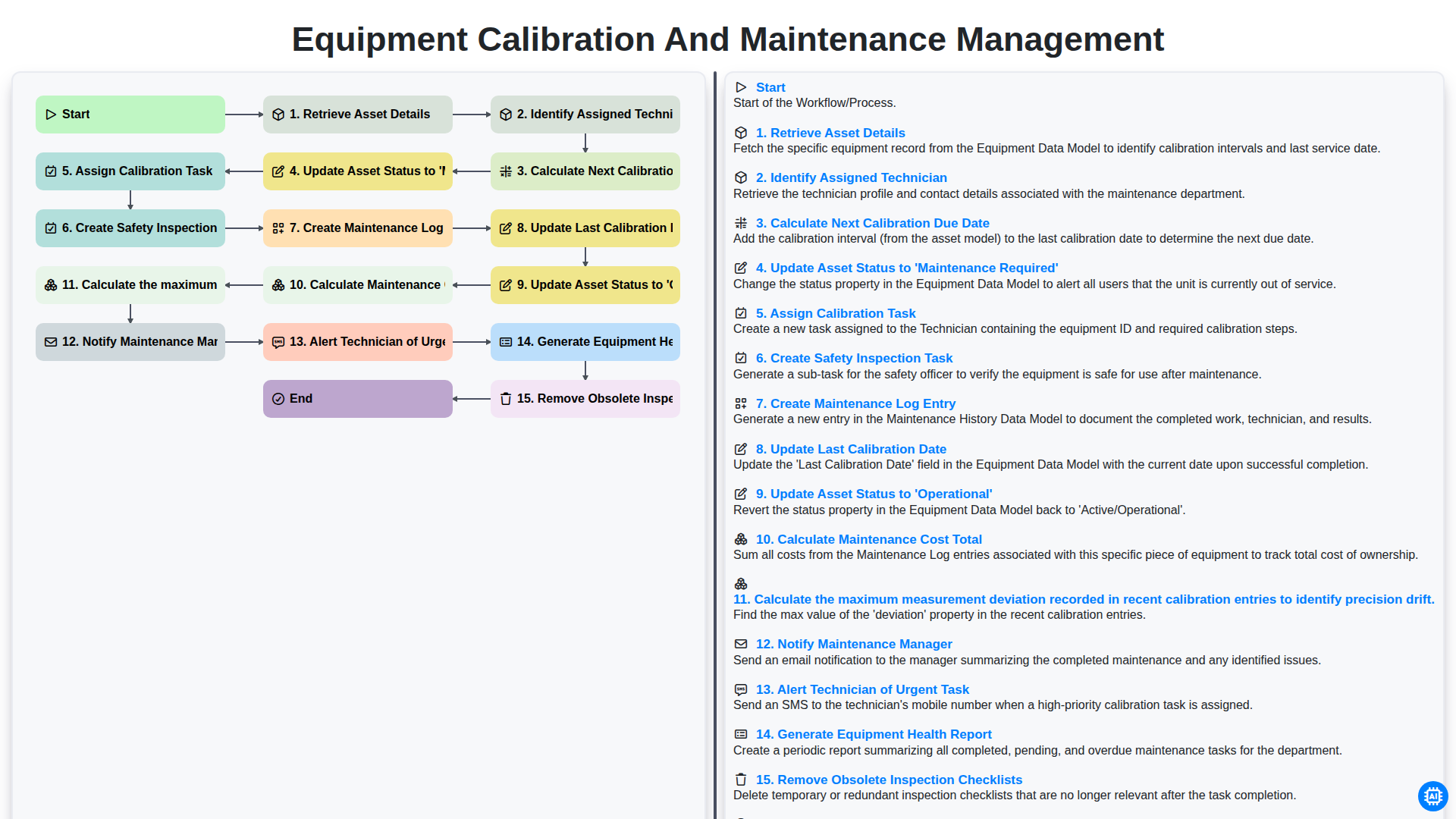
Equipment Calibration and Maintenance Management
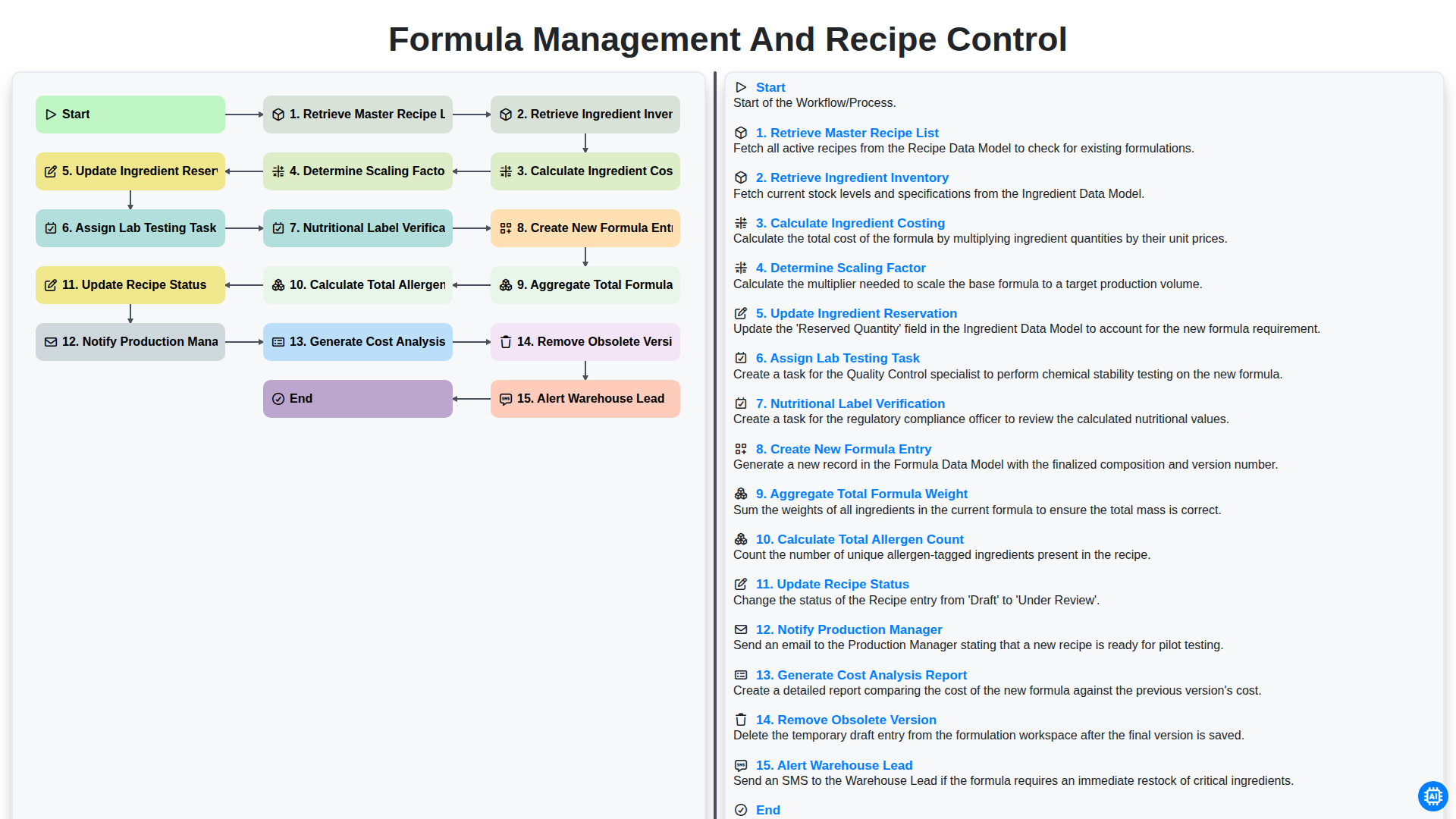
Formula Management and Recipe Control
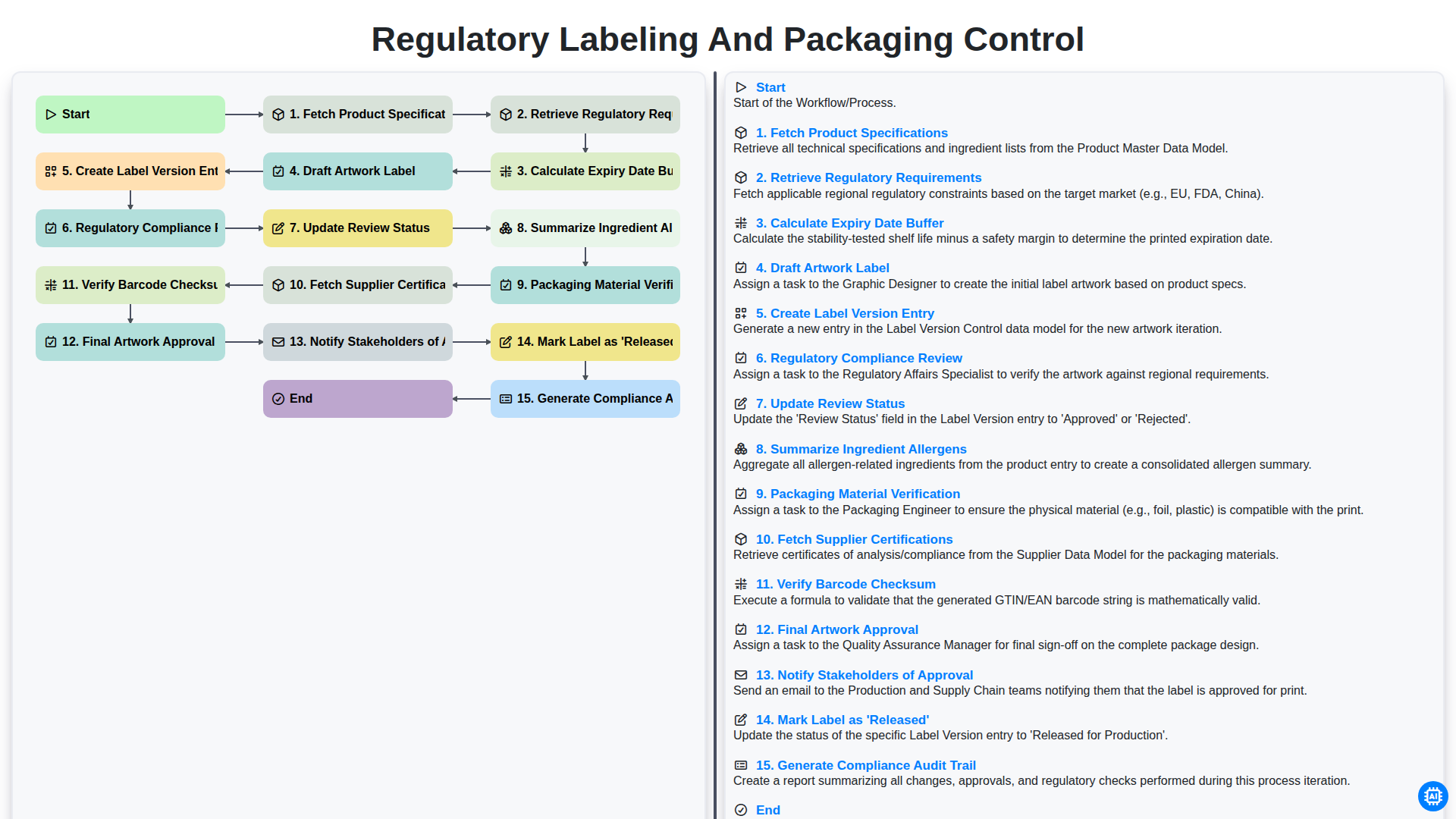
Регулаторно етикетиране и контрол върху опаковките
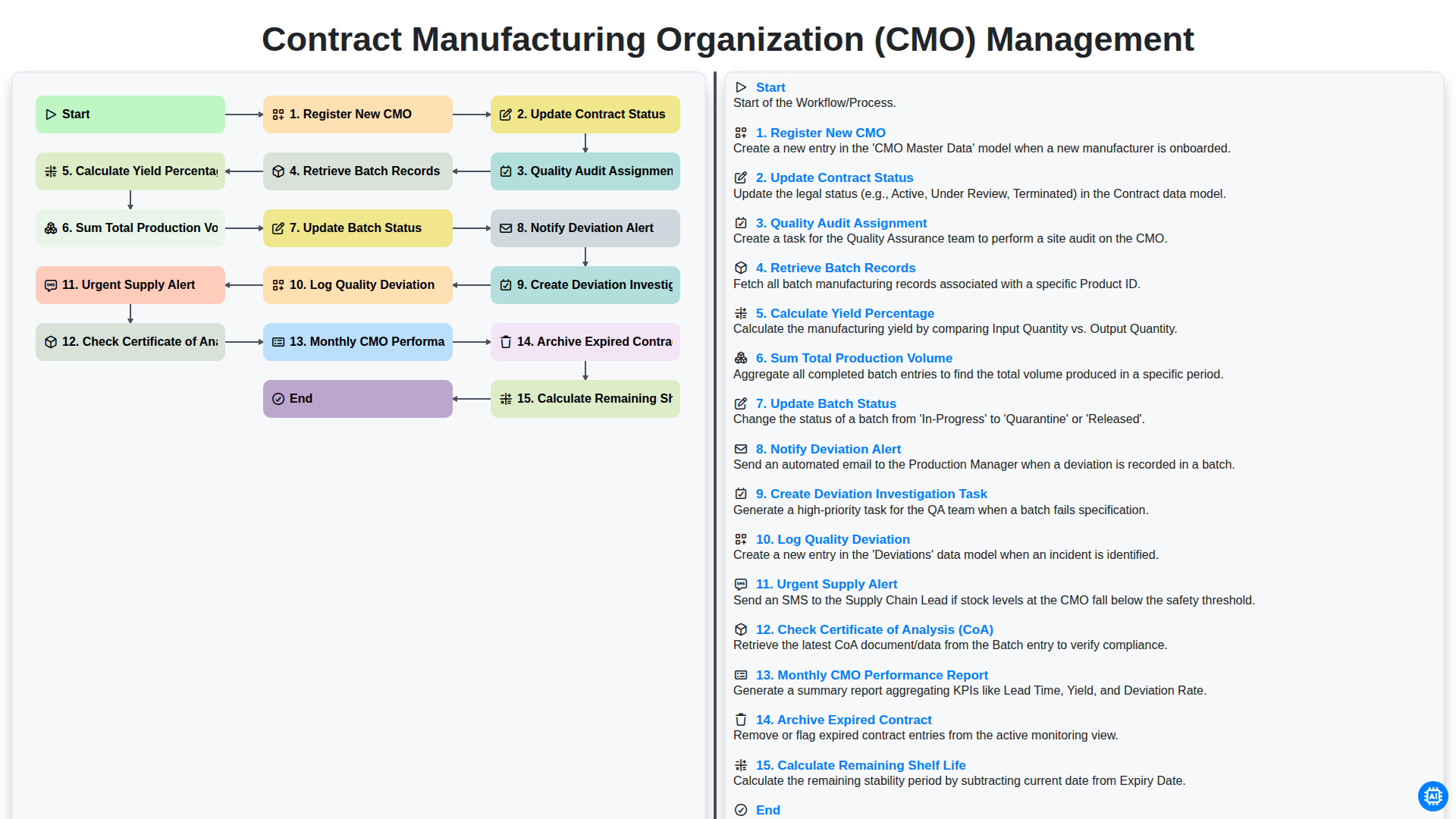
Contract Manufacturing Organization (CMO) Management
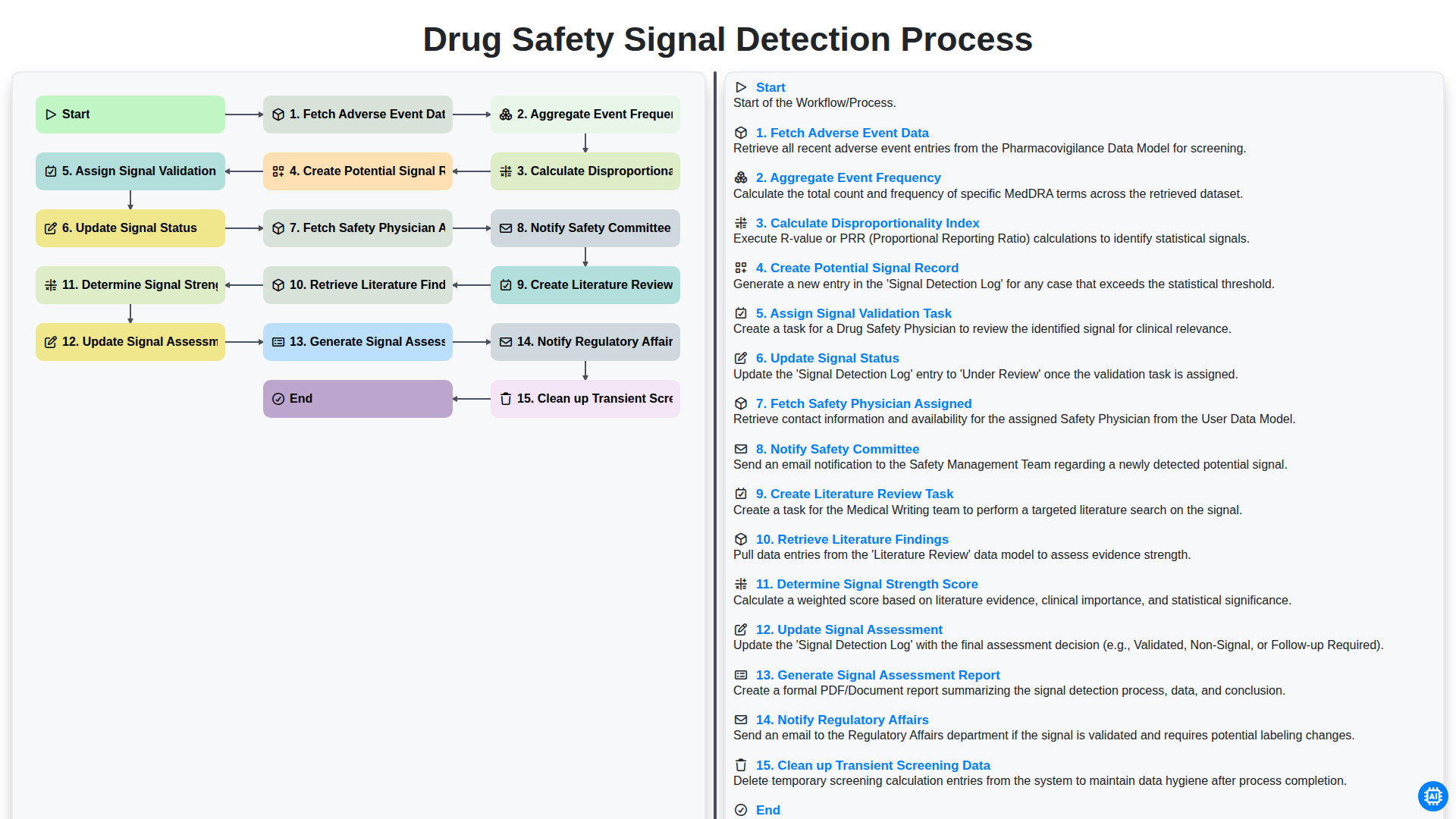
Drug Safety Signal Detection Process
Можем да го направим заедно
Нуждаете се от помощ с
Фармацевтичен?
Имате въпрос? Тук сме, за да помогнем. Моля, изпратете запитването си и ние ще отговорим своевременно.