 ChecklistGuro
 Regulatory Affairs Submission and Tracking Process
Streamline your compliance lifecycle with our expert Regulatory Affairs Submission and Tracking Process. Optimize drug approval timelines, ensure seamless documentation management, and maintain real-time visibility through a structured workflow designed to navigate complex global regulatory landscapes and mitigate submission risks.
Този шаблон е инсталиран 2 пъти.
Старт
Начало на работния поток/процеса.
1. Fetch Pending Submissions
Retrieve all active regulatory submission entries that are currently in the 'Draft' or 'Review' stage.
2. Initialize Submission Record
Create a new entry in the Submission Data Model to start the tracking process for a new product/molecule.
3. Assign Regulatory Specialist
Create a task for the assigned Regulatory Affairs Specialist to begin document compilation.
4. Update Submission Status
Update the status of the submission entry to 'In Review' once the dossier is compiled.
5. Quality Assurance Review
Create a task for the QA team to verify the accuracy and completeness of the dossier against the checklist.
6. Calculate Submission Deadline
Calculate the target submission date by adding the required regulatory lead time to the current date.
7. Check Regulatory Requirements
Fetch specific country-level regulatory requirements from the Requirements Data Model based on the target market.
8. Append Requirements to Dossier
Update the Submission entry with the specific requirements retrieved from the requirements model.
9. Final Dossier Compilation
Create a task to assemble all technical documents, certificates, and labels into the final submission package.
10. Notify Regulatory Authority
Send an automated email to the relevant Health Authority contact upon successful submission.
11. Mark as Submitted
Update the Submission entry status to 'Submitted' and record the submission timestamp.
12. Retrieve Pending Queries
Get all 'Request for Information' (RFI) entries related to the current submission.
13. Respond to Health Authority Queries
Create an urgent task for the specialist to address and upload responses to authority queries.
14. Calculate Submission Success Rate
Aggregate all completed submissions in the current year to calculate the percentage of approved vs. rejected submissions.
15. Generate Monthly Compliance Report
Create a comprehensive report summarizing all active, submitted, and approved regulatory submissions for the month.
16. Internal Stakeholder Update
Send an email to the Product Management and Manufacturing teams regarding the submission status change.
17. Archive Obsolete Drafts
Delete or archive redundant draft versions of the dossier from the data model to maintain cleanliness.
Край
Край на работния поток/процеса.
Начало на работния поток/процеса.
Retrieve all active regulatory submission entries that are currently in the 'Draft' or 'Review' stage.
Create a new entry in the Submission Data Model to start the tracking process for a new product/molecule.
Create a task for the assigned Regulatory Affairs Specialist to begin document compilation.
Update the status of the submission entry to 'In Review' once the dossier is compiled.
Create a task for the QA team to verify the accuracy and completeness of the dossier against the checklist.
Calculate the target submission date by adding the required regulatory lead time to the current date.
Fetch specific country-level regulatory requirements from the Requirements Data Model based on the target market.
Update the Submission entry with the specific requirements retrieved from the requirements model.
Create a task to assemble all technical documents, certificates, and labels into the final submission package.
Send an automated email to the relevant Health Authority contact upon successful submission.
Update the Submission entry status to 'Submitted' and record the submission timestamp.
Get all 'Request for Information' (RFI) entries related to the current submission.
Create an urgent task for the specialist to address and upload responses to authority queries.
Aggregate all completed submissions in the current year to calculate the percentage of approved vs. rejected submissions.
Create a comprehensive report summarizing all active, submitted, and approved regulatory submissions for the month.
Send an email to the Product Management and Manufacturing teams regarding the submission status change.
Delete or archive redundant draft versions of the dossier from the data model to maintain cleanliness.
Край на работния поток/процеса.
Намерихте ли този шаблон за работния процес полезен?
Коментари
Все още няма коментари. Бъдете първият, който добави!
Демонстрация на решението за управление във фармацевтичната индустрия
Навигирате ли в сложни регулации и осигурявате ли качество в производството на фармацевтични продукти? Платформата Work OS на ChecklistGuro оптимизира процесите от научно-изследователска и развойна дейност до производство, опаковане и дистрибуция. Поддържайте съответствие с нормативните изисквания, подобрете ефективността и намалете риска. Открийте как ChecklistGuro може да трансформира дейността ви във фармацевтичната индустрия!
Свързани шаблони за работни потоци
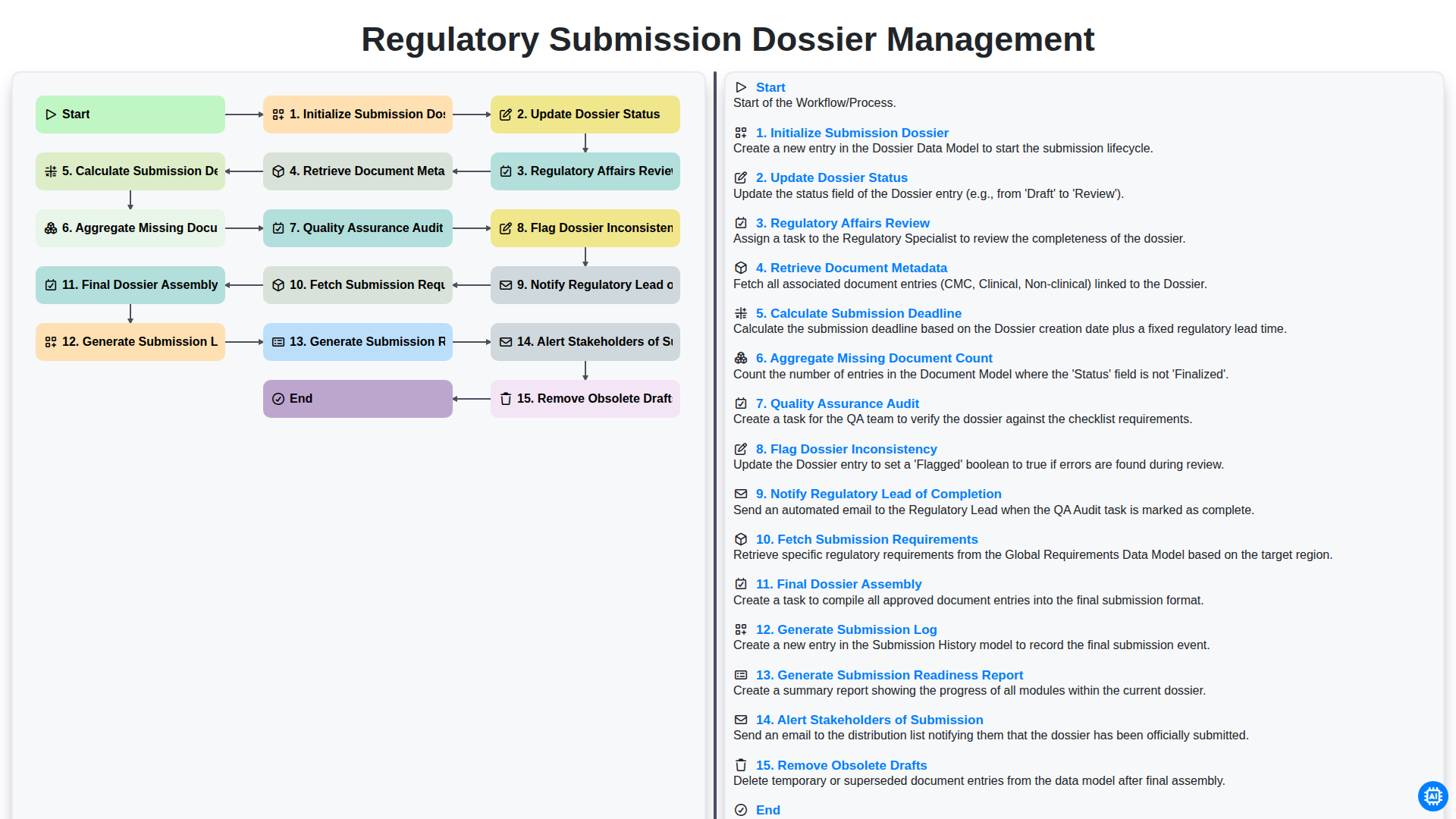
Regulatory Submission Dossier Management
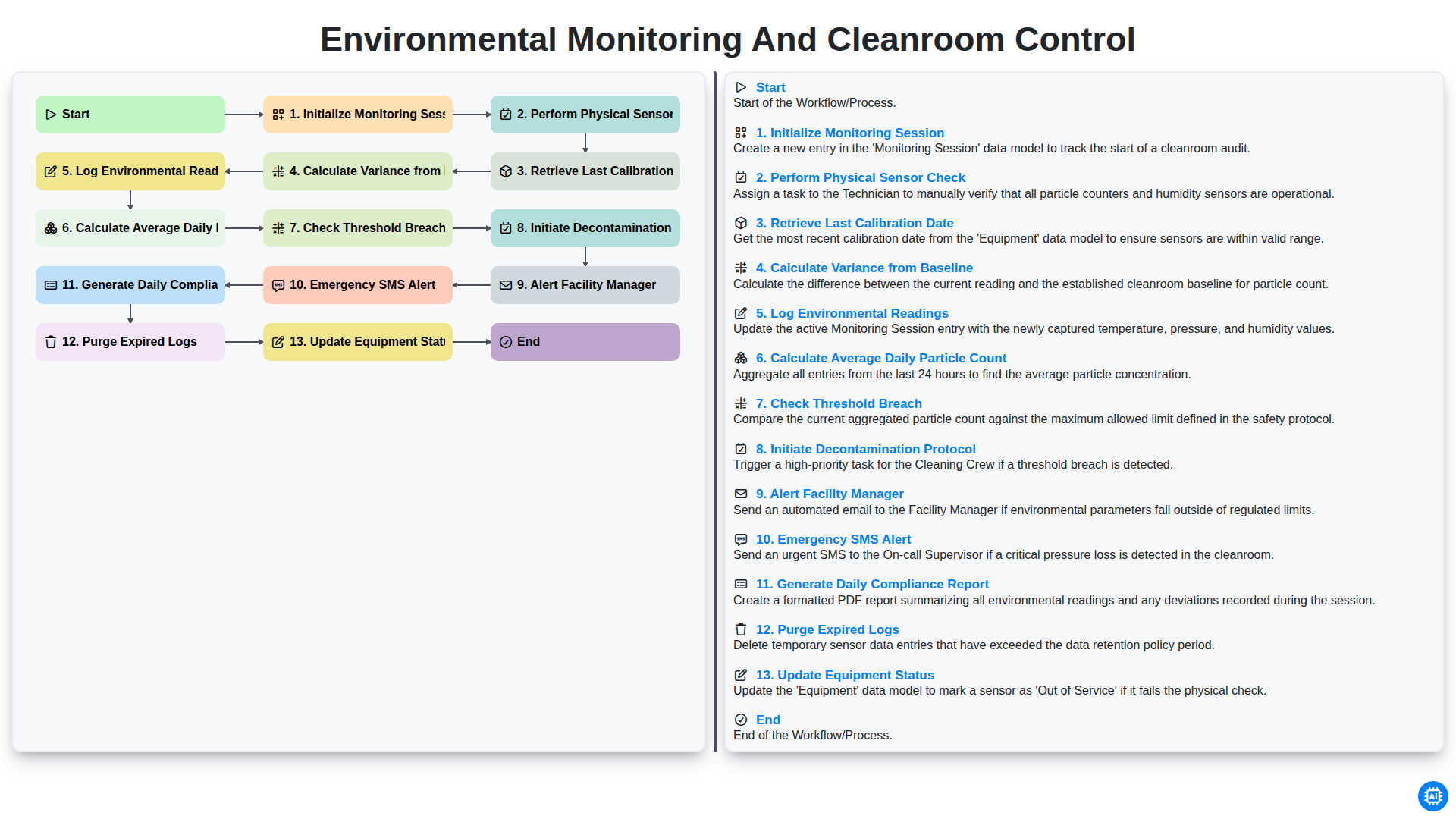
Environmental Monitoring and Cleanroom Control
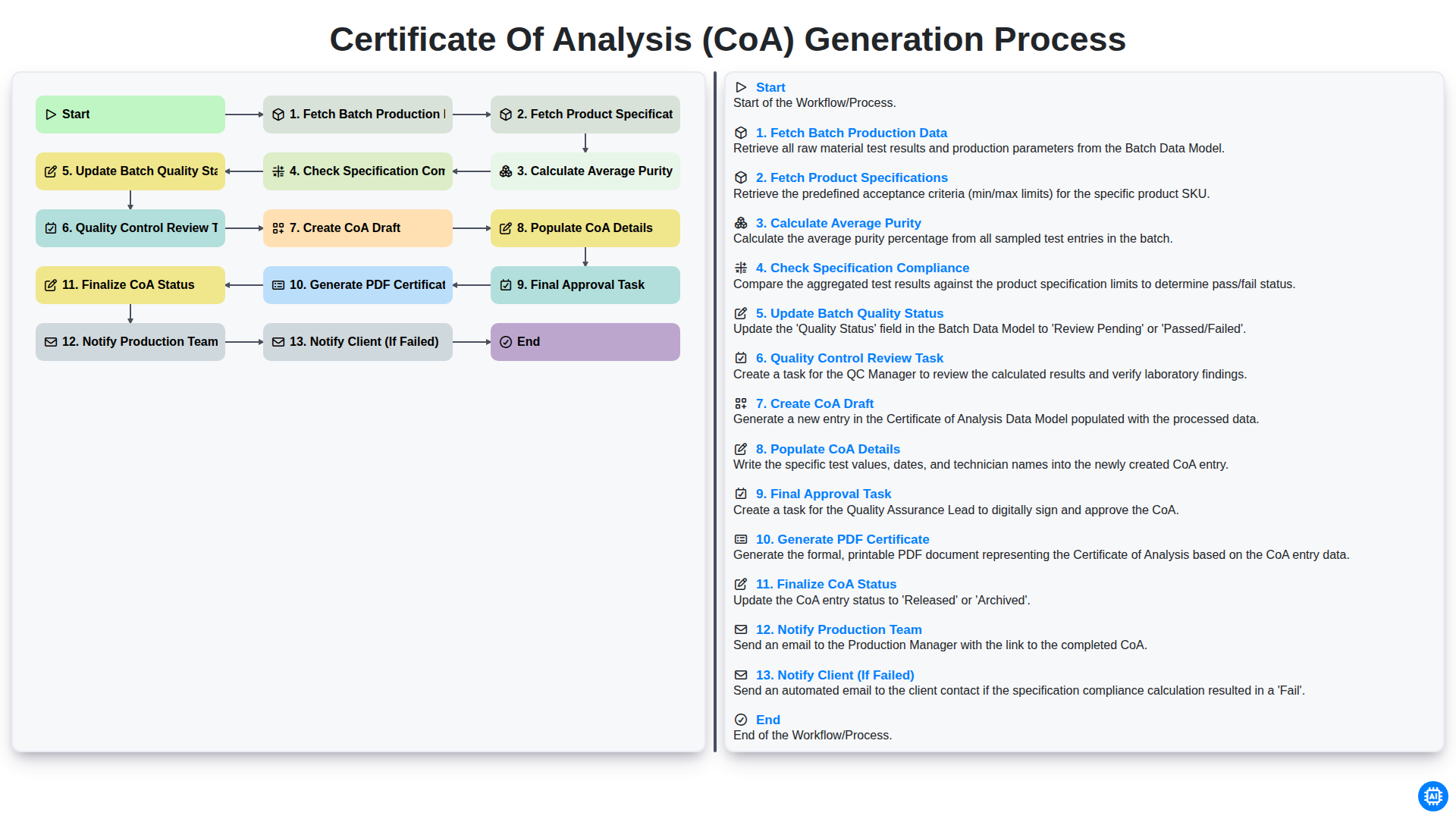
Certificate of Analysis (CoA) Generation Process
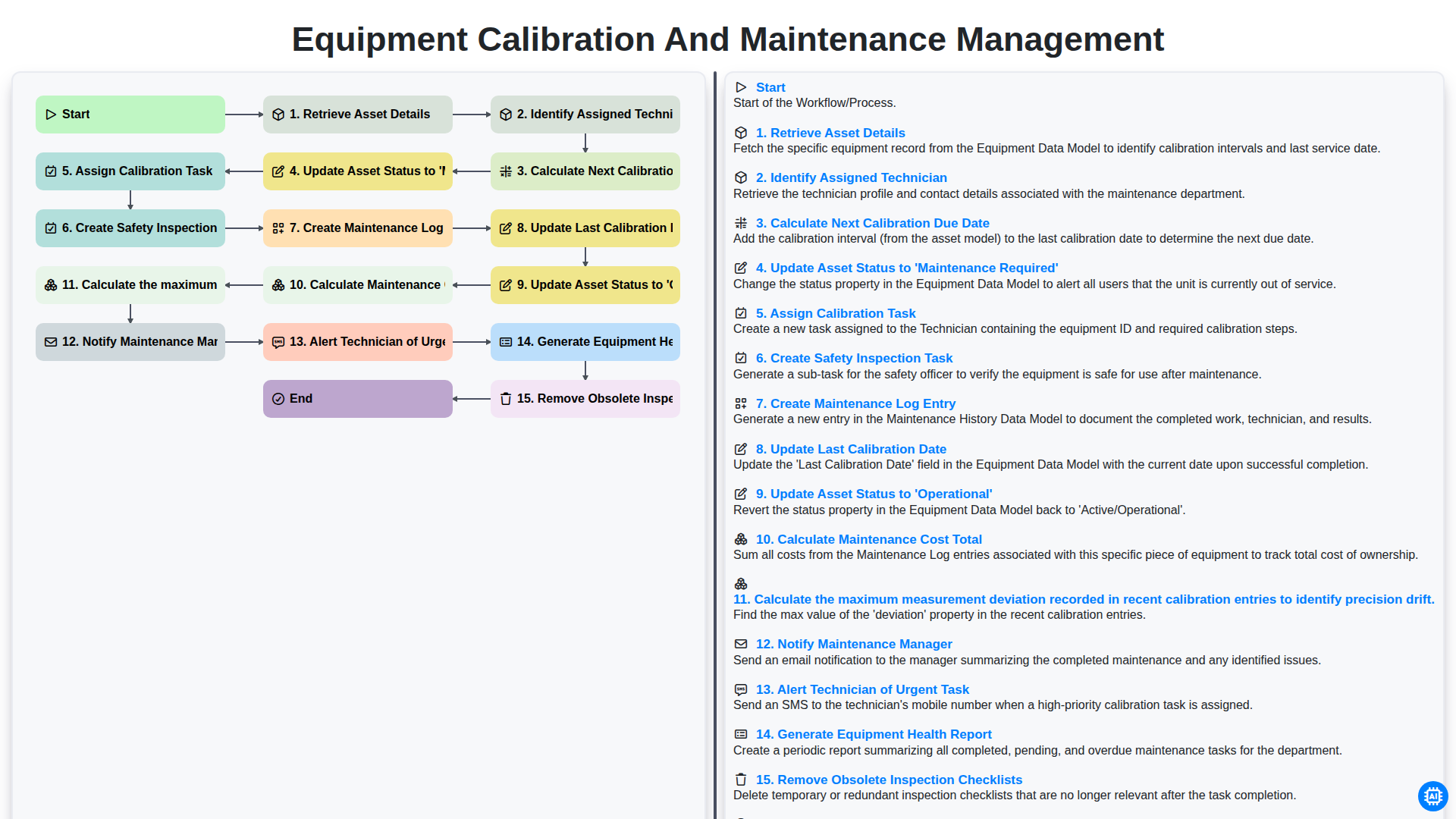
Equipment Calibration and Maintenance Management
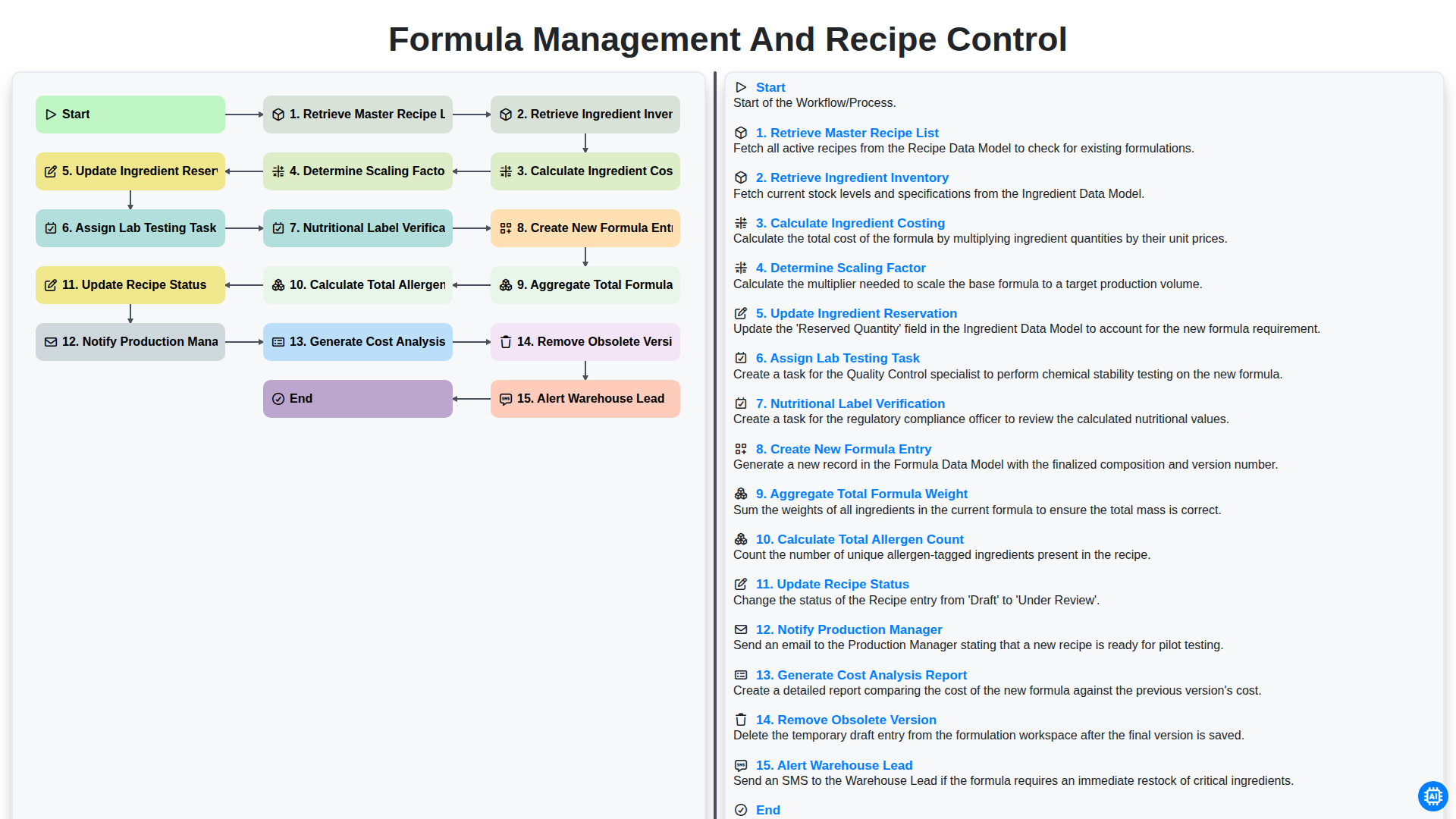
Formula Management and Recipe Control
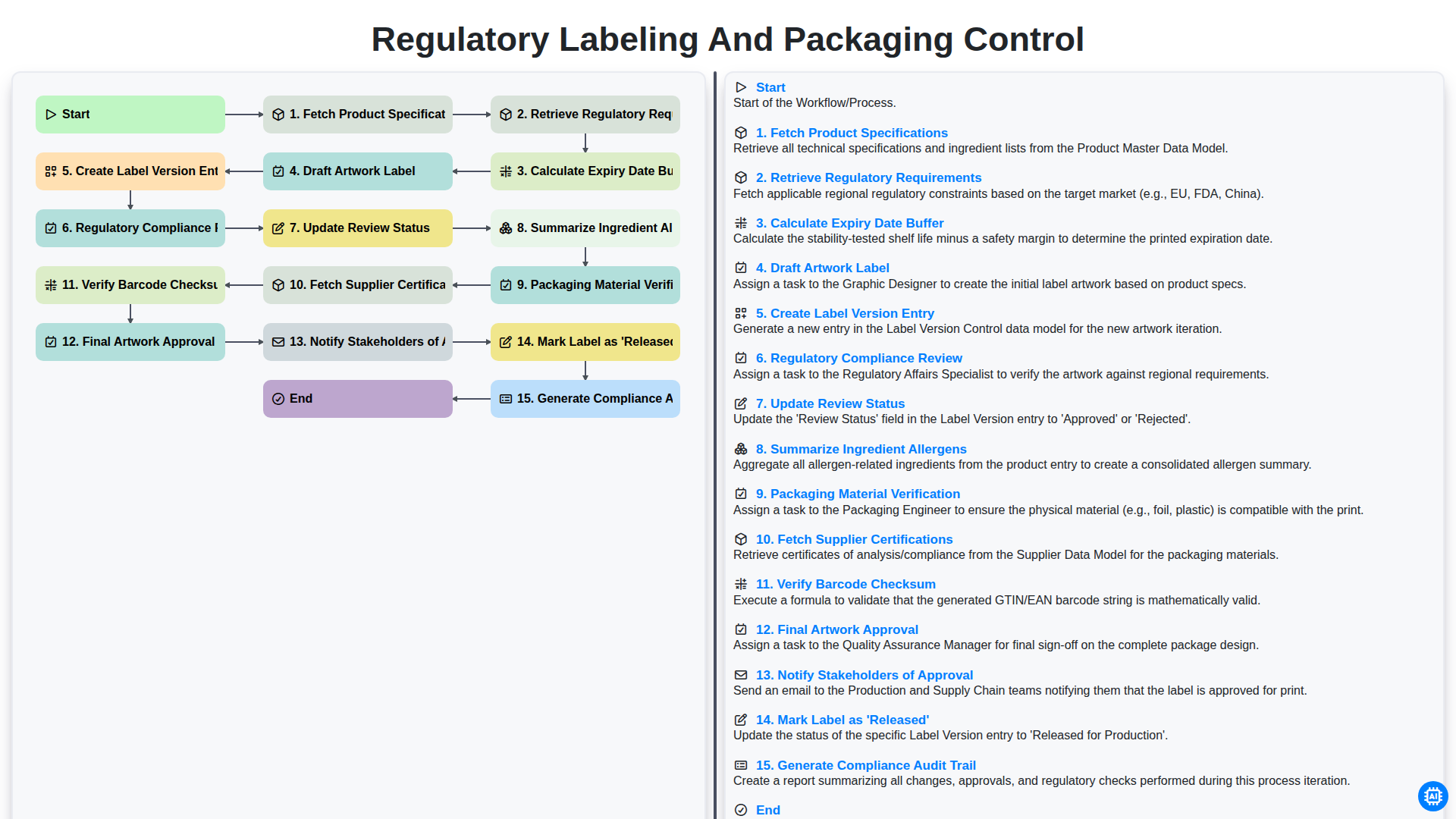
Regulatory Labeling and Packaging Control
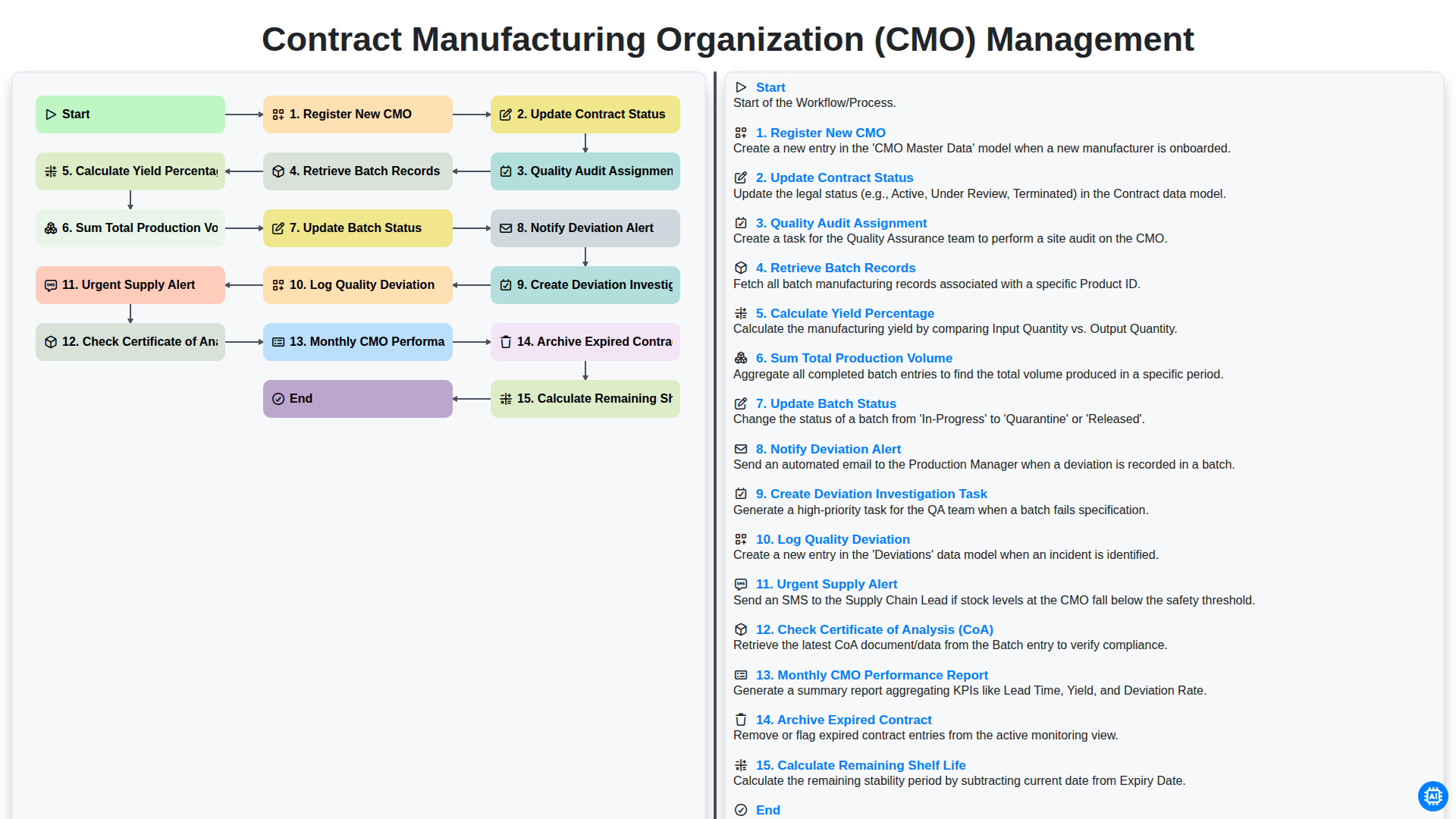
Contract Manufacturing Organization (CMO) Management
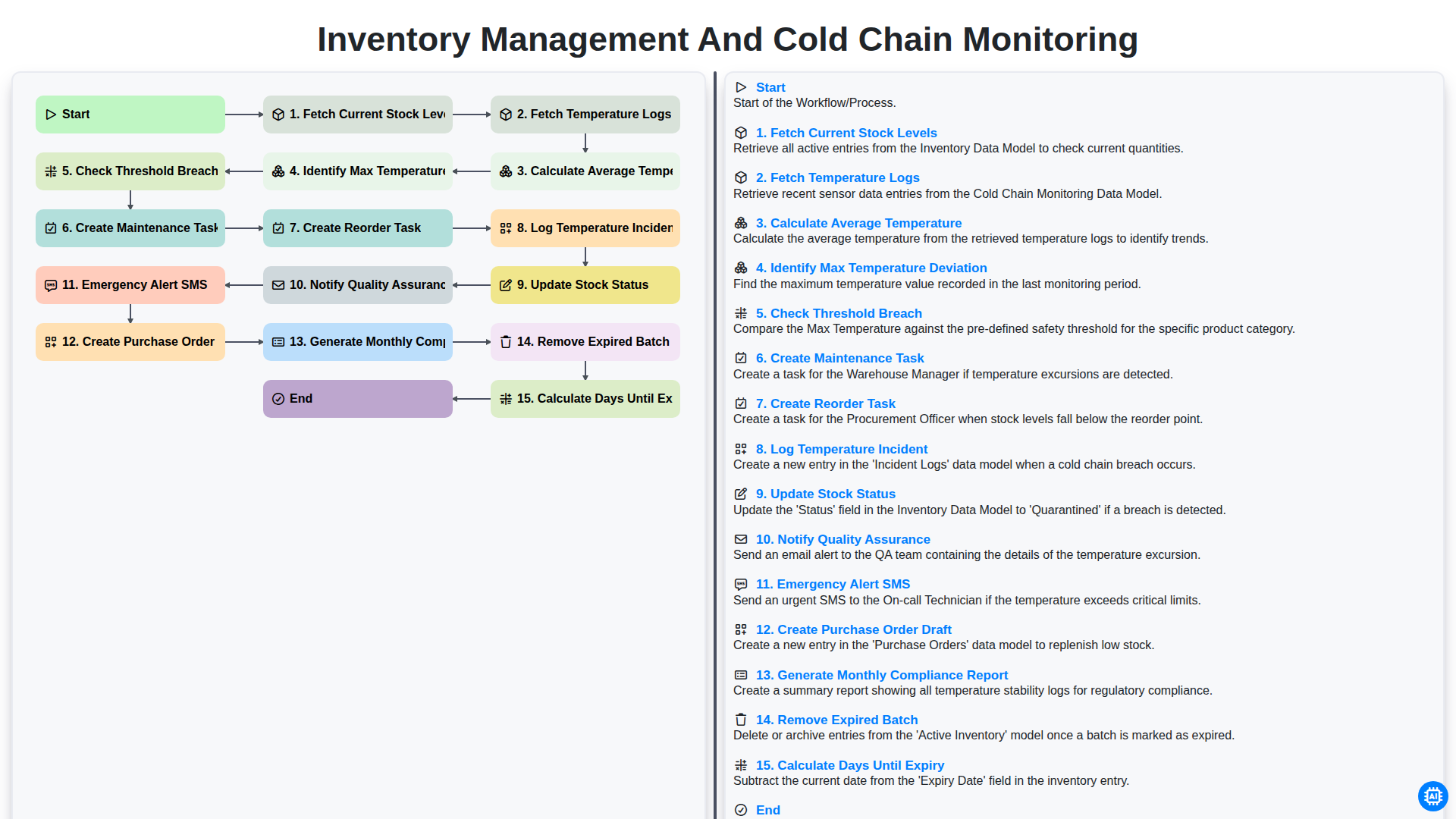
Inventory Management and Cold Chain Monitoring
Можем да го направим заедно
Нуждаете се от помощ с
Фармацевтичен?
Имате въпрос? Тук сме, за да помогнем. Моля, изпратете запитването си и ние ще отговорим своевременно.