 ChecklistGuro
 Gestion du flux de travail d'étalonnage pour les équipements de production
Assurez la précision et la disponibilité avec notre flux de travail de gestion de l’étalonnage. Minimisez les arrêts coûteux et maintenez la qualité de la production en rationalisant les calendriers d’étalonnage des équipements, les notifications et la tenue des registres. Optimisez votre processus de fabrication et restez conforme aux normes de l’industrie.
Ce modèle a été installé 5 fois.
Début
Début du flux de travail/processus.
1. Récupérer l'horaire d'étalonnage des équipements
Récupérer les tâches de calibrage à venir à partir du modèle de données Planning du Calibrage des Équipements.
2. Attribuer la tâche d'étalonnage
Attribuer une tâche au technicien approprié en fonction du type d'équipement et de sa disponibilité.
3. Récupérer les détails de l'équipement
Récupérer les détails pertinents de l'équipement (modèle, numéro de série, date de la dernière étalonnage) à partir du Maître des données d'équipement.
4. Prévenir le technicien de maintenance.
Créez une tâche pour envoyer une notification au technicien assigné.
5. Notification de calibration
Envoyez un e-mail au technicien avec les détails de la tâche d'étalonnage.
6. Mettre à jour l'état de l'étalonnage
Mettre à jour le statut du dossier d'étalonnage (p. ex. « Planifié », « En cours », « Terminé »).
7. Enregistrement des résultats de calibration
Créez une tâche pour le technicien afin qu’il enregistre les résultats de l’étalonnage.
8. Créer une entrée de résultat d'étalonnage
Créez une entrée dans le modèle de données des résultats de calibration pour stocker ces résultats.
9. Calculez la valeur de dérive
Calculez la valeur de la dérive en fonction des relevés initiaux et calibrés.
10. Mettre à jour les données principales des équipements
Mettre à jour les données principales des équipements avec la nouvelle date de calibrage et les résultats.
11. Générer le rapport d'étalonnage
Rédiger un rapport résumant les résultats des étalonnages pour les pistes d'audit.
12. Résumer l'état de l'étalonnage
Regrouper les enregistrements d'étalonnage pour afficher le nombre d'étalonnages à effectuer, en cours et terminés.
13. Notification d'achèvement de l'étalonnage
Envoyez un e-mail à la personne référente appropriée une fois l'étalonnage terminé avec succès.
Fin
Fin du flux de travail/processus.
Début du flux de travail/processus.
Récupérer les tâches de calibrage à venir à partir du modèle de données Planning du Calibrage des Équipements.
Attribuer une tâche au technicien approprié en fonction du type d'équipement et de sa disponibilité.
Récupérer les détails pertinents de l'équipement (modèle, numéro de série, date de la dernière étalonnage) à partir du Maître des données d'équipement.
Créez une tâche pour envoyer une notification au technicien assigné.
Envoyez un e-mail au technicien avec les détails de la tâche d'étalonnage.
Mettre à jour le statut du dossier d'étalonnage (p. ex. « Planifié », « En cours », « Terminé »).
Créez une tâche pour le technicien afin qu’il enregistre les résultats de l’étalonnage.
Créez une entrée dans le modèle de données des résultats de calibration pour stocker ces résultats.
Calculez la valeur de la dérive en fonction des relevés initiaux et calibrés.
Mettre à jour les données principales des équipements avec la nouvelle date de calibrage et les résultats.
Rédiger un rapport résumant les résultats des étalonnages pour les pistes d'audit.
Regrouper les enregistrements d'étalonnage pour afficher le nombre d'étalonnages à effectuer, en cours et terminés.
Envoyez un e-mail à la personne référente appropriée une fois l'étalonnage terminé avec succès.
Fin du flux de travail/processus.
Commentaires
Aucun commentaire n'a été publié pour le moment. Soyez le premier à en ajouter un !
Démonstration de la solution de gestion de la production
Arrêtez de vous battre avec les paperasses et les systèmes fragmentés ! Notre solution apporte clarté et contrôle à votre processus de production. Des procédures opérationnelles standard (POS) et de la maintenance des équipements au contrôle qualité et au suivi des stocks, nous simplifions chaque étape.
Modèles de flux de travail associés
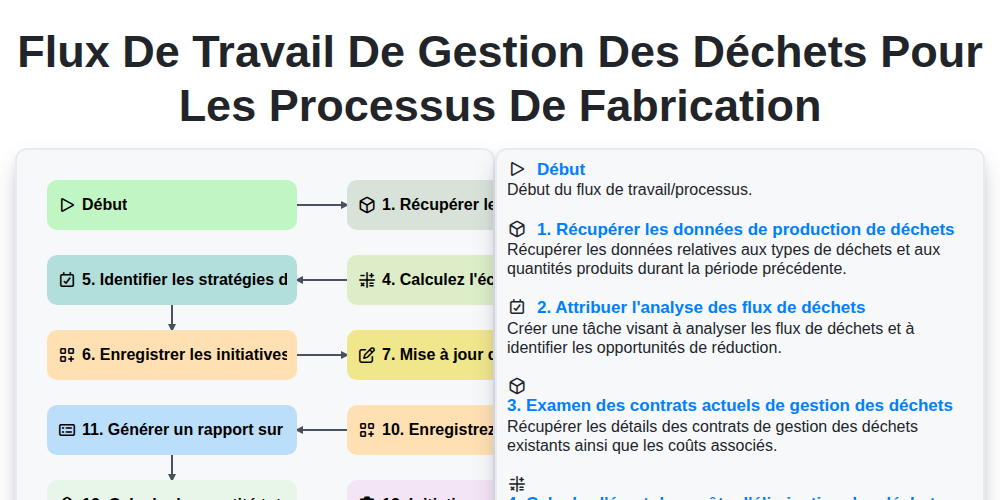
Flux de travail de gestion des déchets pour les processus de fabrication
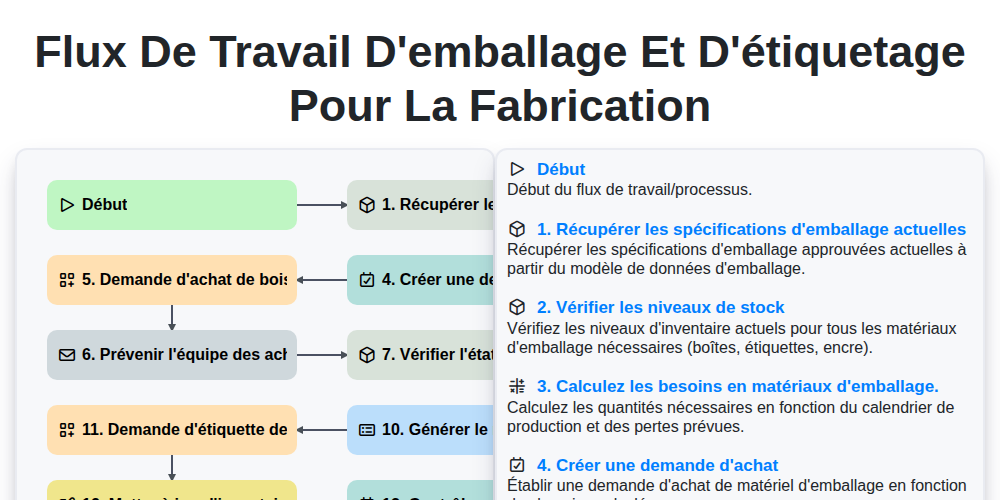
Flux de travail d'emballage et d'étiquetage pour la fabrication
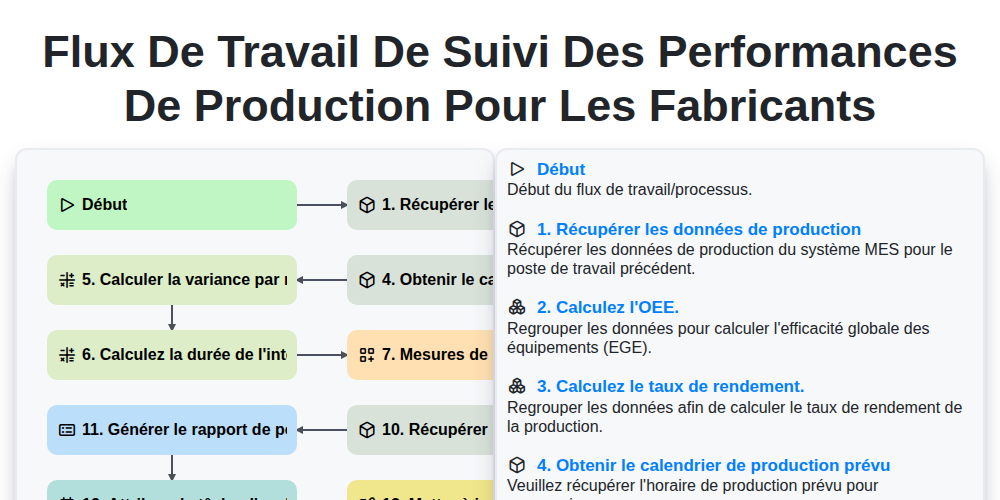
Flux de travail de suivi des performances de production pour les fabricants
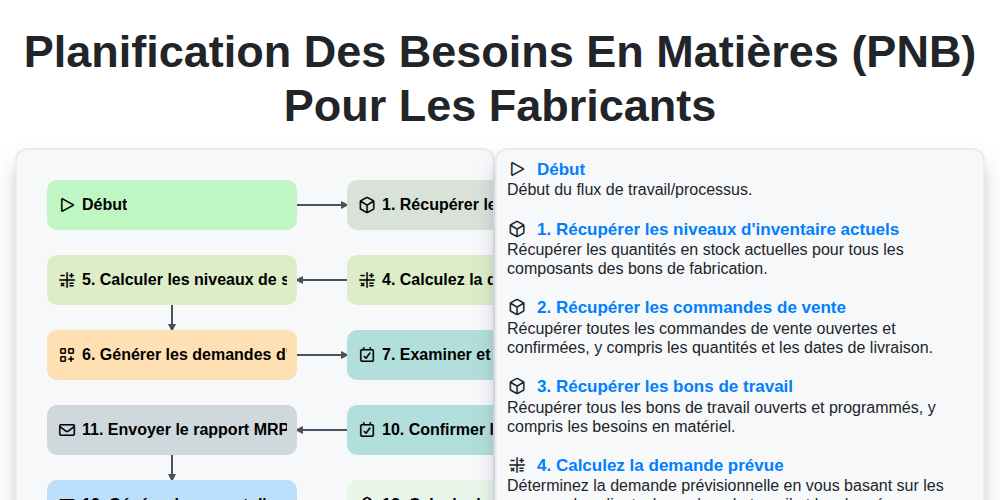
Planification des besoins en matières (PNB) pour les fabricants
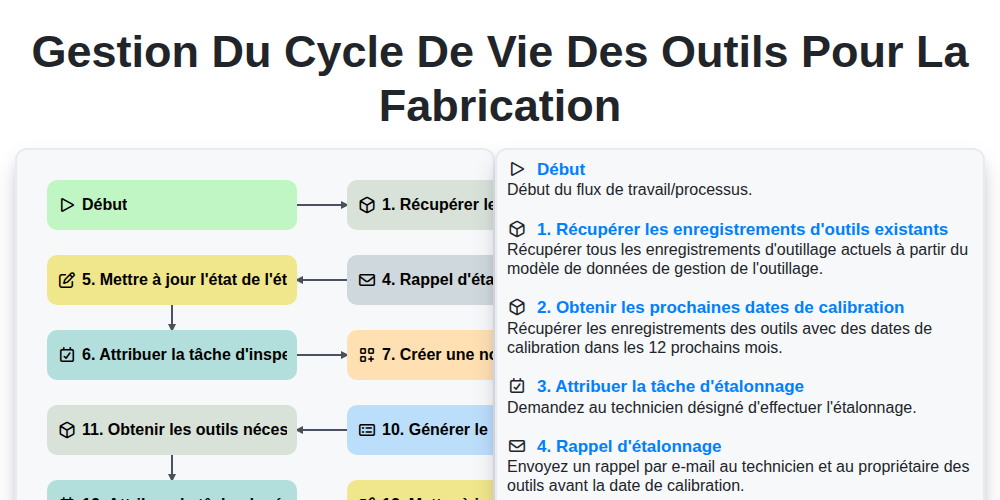
Gestion du cycle de vie des outils pour la fabrication
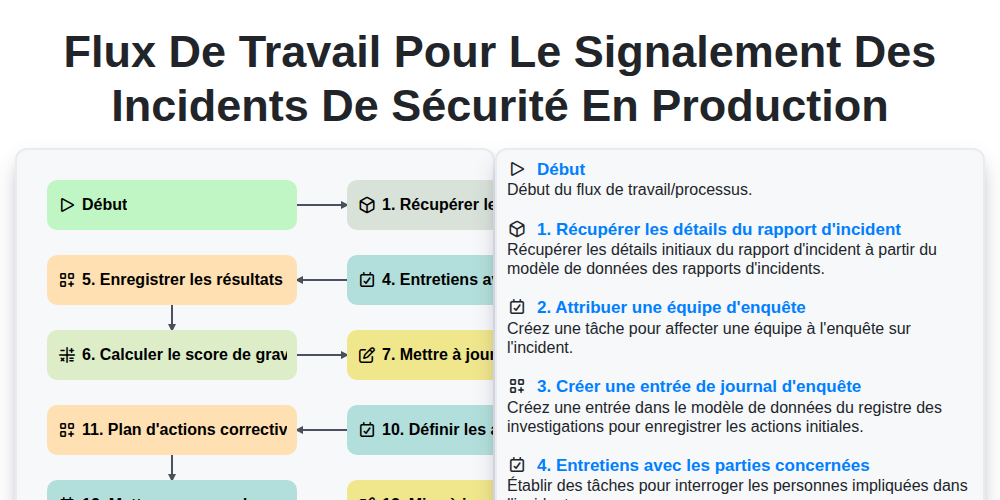
Flux de travail pour le signalement des incidents de sécurité en production
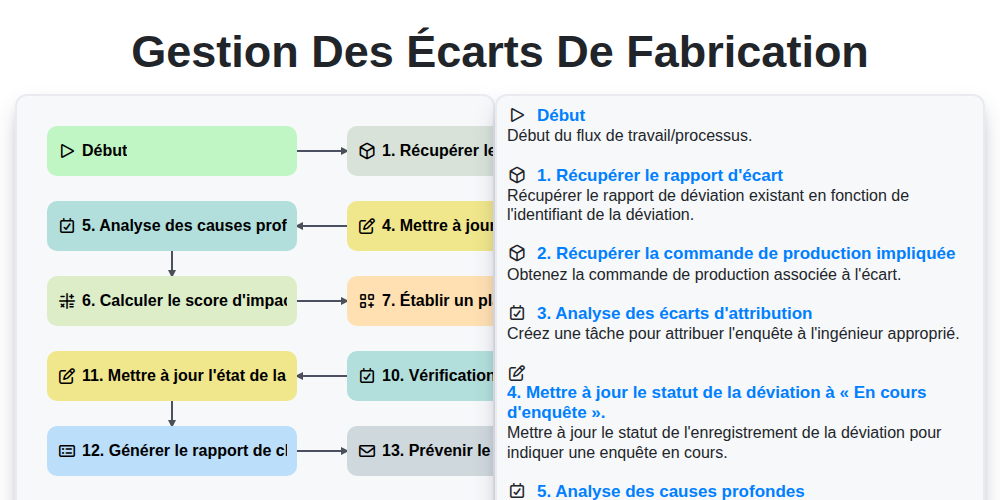
Gestion des Écarts de Fabrication
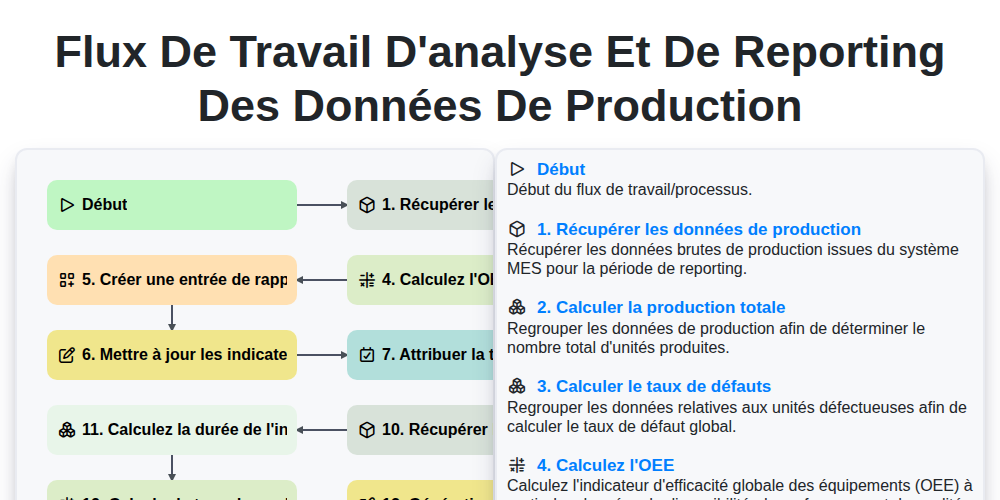
Flux de travail d'analyse et de reporting des données de production
Nous pouvons le faire ensemble
Besoin d'aide avec les listes de contrôle?
Vous avez une question ? Nous sommes là pour vous aider. Veuillez soumettre votre demande et nous vous répondrons rapidement.