 ChecklistGuro
 Gestion du cycle de vie des outils pour la fabrication
Maximisez la disponibilité et minimisez les retards coûteux. Notre flux de travail de gestion des outils rationalise l'entretien, les réparations et les remplacements de tous vos outils de production, garantissant ainsi un fonctionnement fluide et dans les délais. Prévenez les pannes, suivez la durée de vie des outils et optimisez votre investissement en outillage – le tout au sein d'un processus centralisé.
Ce modèle a été installé 5 fois.
Début
Début du flux de travail/processus.
1. Récupérer les enregistrements d'outils existants
Récupérer tous les enregistrements d'outillage actuels à partir du modèle de données de gestion de l'outillage.
2. Obtenir les prochaines dates de calibration
Récupérer les enregistrements des outils avec des dates de calibration dans les 12 prochains mois.
3. Attribuer la tâche d'étalonnage
Demandez au technicien désigné d'effectuer l'étalonnage.
4. Rappel d'étalonnage
Envoyez un rappel par e-mail au technicien et au propriétaire des outils avant la date de calibration.
5. Mettre à jour l'état de l'étalonnage
Mettez à jour le champ « Statut d'étalonnage » dans le modèle de données de la gestion des outillages une fois l'opération terminée.
6. Attribuer la tâche d'inspection
Créez une tâche consistant à vérifier l’outillage pour détecter une usure ou des dommages après l’étalonnage.
7. Créer une nouvelle fiche d'outillage
Créez une nouvelle entrée dans le Modèle de Données de Gestion des Outils lors de l'introduction de nouveaux outils.
8. Mettre à jour l'emplacement des outils
Mettez à jour le modèle de données de gestion des outillages avec la localisation actuelle des outillages.
9. Calculer le temps de calibration restant
Calculez le temps restant jusqu'à la prochaine calibration programmée, en vous basant sur la date du dernier calibrage et la fréquence de calibrage.
10. Générer le rapport d'inventaire des outils
Établir un rapport de tous les registres d'outillage, comprenant l'état, la localisation et les dates de prochaines étalonnages.
11. Obtenir les outils nécessitant une réparation
Récupérer les enregistrements d'outillage marqués pour réparation ou maintenance.
12. Attribuer la tâche de réparation
Créez une tâche pour faire réparer l'outil.
13. Mettre à jour l'état des réparations des outils
Mettez à jour l'état de réparation des outils dans le modèle de données des outils.
14. Outils archivés et hors service
Outils d'archivage enregistrant des données historiques (non utilisés actuellement).
Fin
Fin du flux de travail/processus.
Début du flux de travail/processus.
Récupérer tous les enregistrements d'outillage actuels à partir du modèle de données de gestion de l'outillage.
Récupérer les enregistrements des outils avec des dates de calibration dans les 12 prochains mois.
Demandez au technicien désigné d'effectuer l'étalonnage.
Envoyez un rappel par e-mail au technicien et au propriétaire des outils avant la date de calibration.
Mettez à jour le champ « Statut d'étalonnage » dans le modèle de données de la gestion des outillages une fois l'opération terminée.
Créez une tâche consistant à vérifier l’outillage pour détecter une usure ou des dommages après l’étalonnage.
Créez une nouvelle entrée dans le Modèle de Données de Gestion des Outils lors de l'introduction de nouveaux outils.
Mettez à jour le modèle de données de gestion des outillages avec la localisation actuelle des outillages.
Calculez le temps restant jusqu'à la prochaine calibration programmée, en vous basant sur la date du dernier calibrage et la fréquence de calibrage.
Établir un rapport de tous les registres d'outillage, comprenant l'état, la localisation et les dates de prochaines étalonnages.
Récupérer les enregistrements d'outillage marqués pour réparation ou maintenance.
Créez une tâche pour faire réparer l'outil.
Mettez à jour l'état de réparation des outils dans le modèle de données des outils.
Outils d'archivage enregistrant des données historiques (non utilisés actuellement).
Fin du flux de travail/processus.
Commentaires
Aucun commentaire n'a été publié pour le moment. Soyez le premier à en ajouter un !
Démonstration de la solution de gestion de la production
Arrêtez de vous battre avec les paperasses et les systèmes fragmentés ! Notre solution apporte clarté et contrôle à votre processus de production. Des procédures opérationnelles standard (POS) et de la maintenance des équipements au contrôle qualité et au suivi des stocks, nous simplifions chaque étape.
Modèles de flux de travail associés
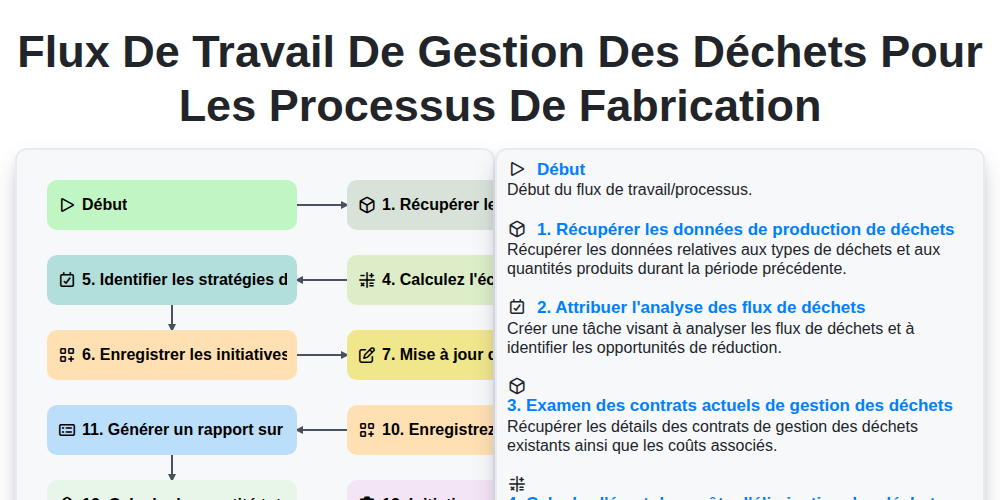
Flux de travail de gestion des déchets pour les processus de fabrication
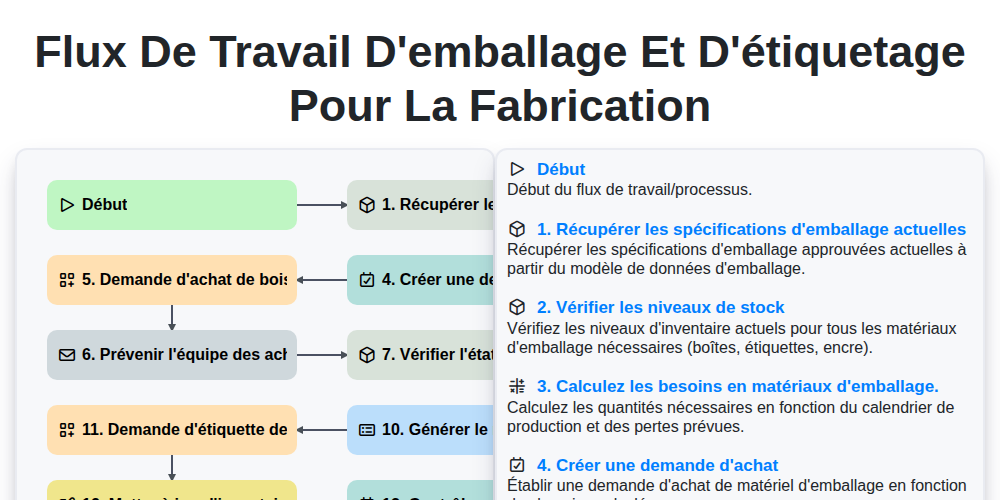
Flux de travail d'emballage et d'étiquetage pour la fabrication
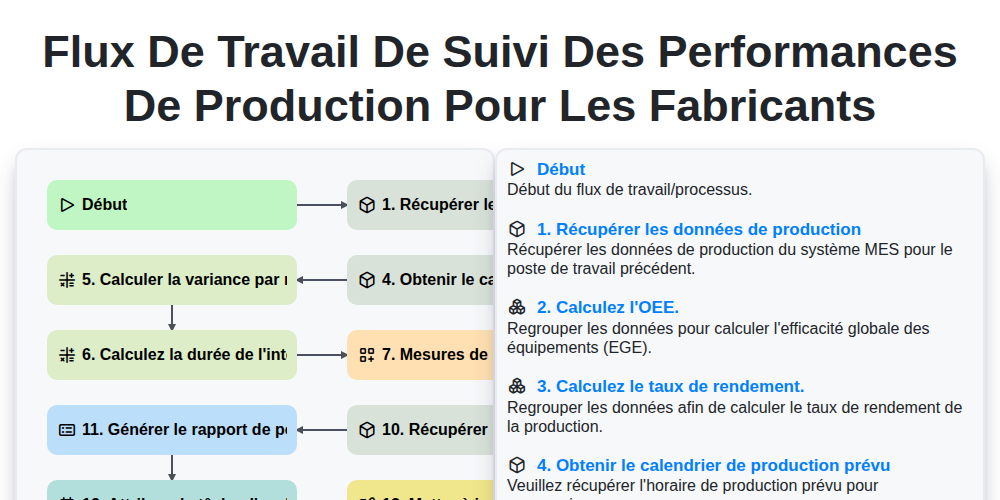
Flux de travail de suivi des performances de production pour les fabricants
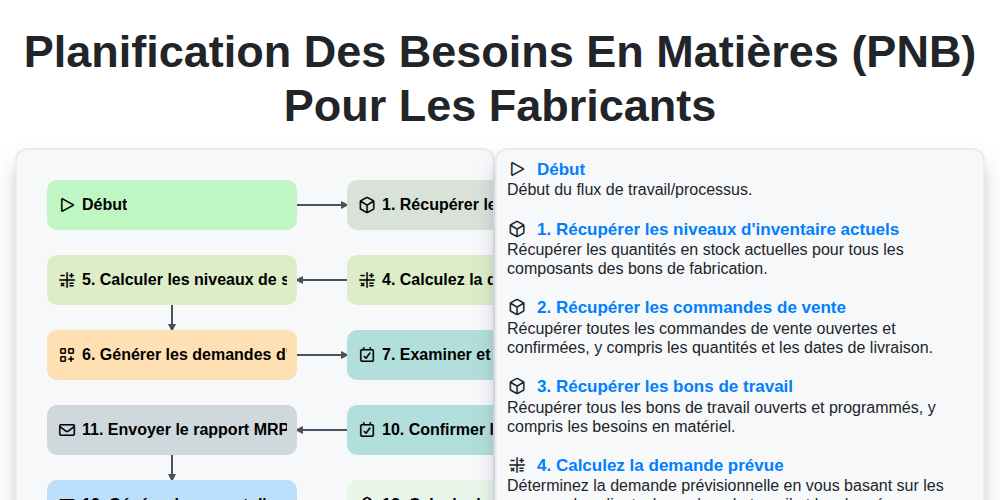
Planification des besoins en matières (PNB) pour les fabricants
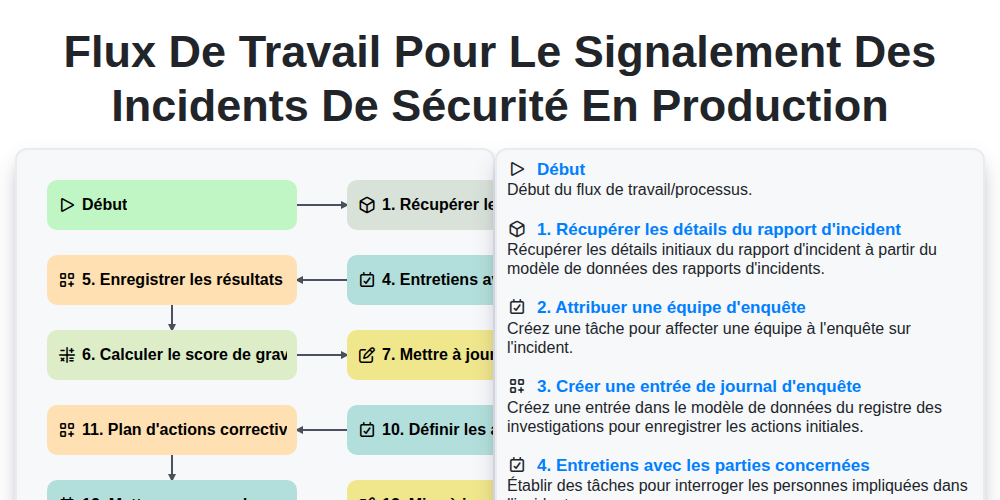
Flux de travail pour le signalement des incidents de sécurité en production
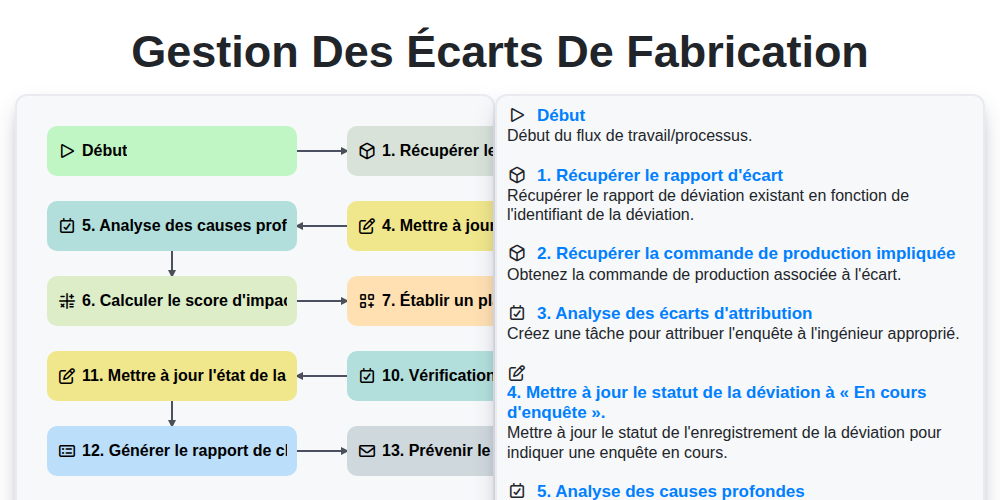
Gestion des Écarts de Fabrication
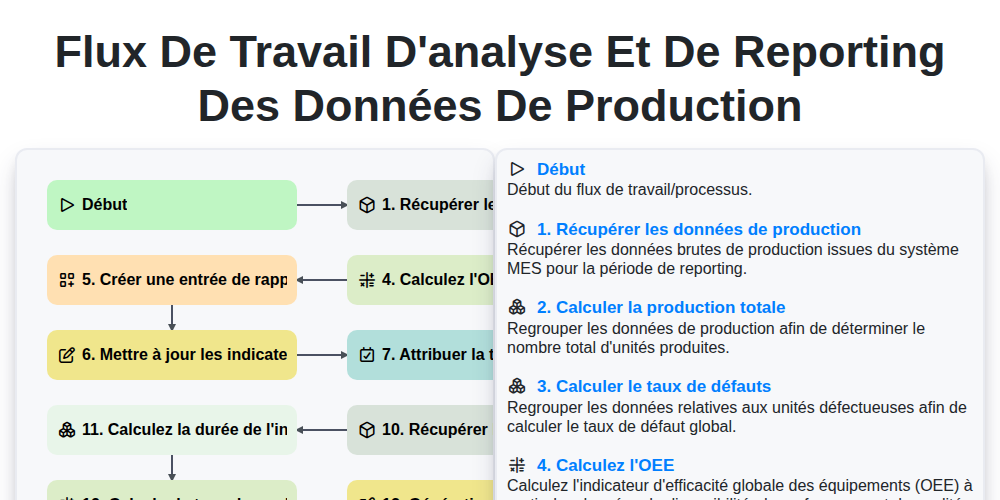
Flux de travail d'analyse et de reporting des données de production
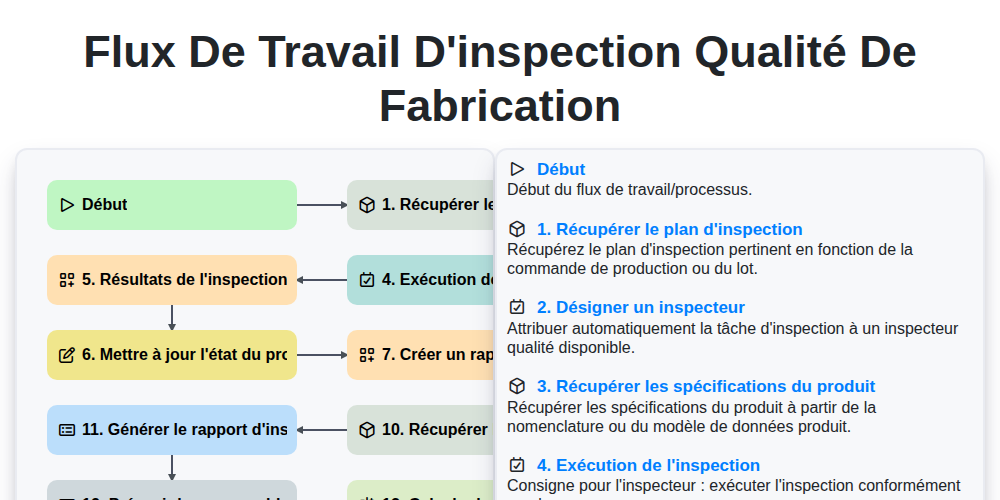
Flux de travail d'inspection qualité de fabrication
Nous pouvons le faire ensemble
Besoin d'aide avec les listes de contrôle?
Vous avez une question ? Nous sommes là pour vous aider. Veuillez soumettre votre demande et nous vous répondrons rapidement.