 ChecklistGuro
 Flux de travail d'analyse et de reporting des données de production
Débloquez des informations précieuses pour une production axée sur les données ! Notre flux de travail d'analyse et de reporting des données de production transforme les données brutes de l'atelier en informations exploitables, rationalise la prise de décision, améliore l'efficacité et minimise le gaspillage. Visualisez les indicateurs clés de performance, identifiez les goulots d’étranglement et optimisez vos processus de production pour des performances maximales.
Ce modèle a été installé 1 fois.
Début
Début du flux de travail/processus.
1. Récupérer les données de production
Récupérer les données brutes de production issues du système MES pour la période de reporting.
2. Calculer la production totale
Regrouper les données de production afin de déterminer le nombre total d'unités produites.
3. Calculer le taux de défauts
Regrouper les données relatives aux unités défectueuses afin de calculer le taux de défaut global.
4. Calculez l'OEE
Calculez l'indicateur d'efficacité globale des équipements (OEE) à partir des données de disponibilité, de performance et de qualité.
5. Créer une entrée de rapport résumé
Créer une nouvelle entrée dans le modèle de données des rapports de synthèse de la production.
6. Mettre à jour les indicateurs de performance
Mettez à jour les KPI existants dans le modèle de données « Performance de la production » avec les valeurs calculées.
7. Attribuer la tâche de révision au superviseur
Créez une tâche pour le superviseur de production afin qu'il examine le rapport généré.
8. Envoyer le rapport aux parties prenantes.
Envoyez automatiquement le rapport aux parties prenantes concernées (par exemple, le responsable de l'usine, l'équipe qualité).
9. Générer un tableau de bord visuel
Créez un tableau de bord visuel résumant les indicateurs clés de la production.
10. Récupérer les événements d'indisponibilité
Récupérer les informations relatives aux événements d'indisponibilité à partir du système de maintenance.
11. Calculez la durée de l'indisponibilité.
Regrouper les données d'interruption de service pour déterminer la durée totale d'indisponibilité.
12. Calculer le taux de rendement
Calculez le taux de rendement en fonction du bon rendement et de l'apport total.
13. Génération des rapports de journaux
Mettre à jour une entrée de journal pour enregistrer la génération du rapport et son statut.
14. Transférer les problèmes à l'équipe d'ingénierie
Créez une tâche pour l'équipe d'ingénieurs si des seuils critiques sont dépassés.
Fin
Fin du flux de travail/processus.
Début du flux de travail/processus.
Récupérer les données brutes de production issues du système MES pour la période de reporting.
Regrouper les données de production afin de déterminer le nombre total d'unités produites.
Regrouper les données relatives aux unités défectueuses afin de calculer le taux de défaut global.
Calculez l'indicateur d'efficacité globale des équipements (OEE) à partir des données de disponibilité, de performance et de qualité.
Créer une nouvelle entrée dans le modèle de données des rapports de synthèse de la production.
Mettez à jour les KPI existants dans le modèle de données « Performance de la production » avec les valeurs calculées.
Créez une tâche pour le superviseur de production afin qu'il examine le rapport généré.
Envoyez automatiquement le rapport aux parties prenantes concernées (par exemple, le responsable de l'usine, l'équipe qualité).
Créez un tableau de bord visuel résumant les indicateurs clés de la production.
Récupérer les informations relatives aux événements d'indisponibilité à partir du système de maintenance.
Regrouper les données d'interruption de service pour déterminer la durée totale d'indisponibilité.
Calculez le taux de rendement en fonction du bon rendement et de l'apport total.
Mettre à jour une entrée de journal pour enregistrer la génération du rapport et son statut.
Créez une tâche pour l'équipe d'ingénieurs si des seuils critiques sont dépassés.
Fin du flux de travail/processus.
Commentaires
Aucun commentaire n'a été publié pour le moment. Soyez le premier à en ajouter un !
Démonstration de la solution de gestion de la production
Arrêtez de vous battre avec les paperasses et les systèmes fragmentés ! Notre solution apporte clarté et contrôle à votre processus de production. Des procédures opérationnelles standard (POS) et de la maintenance des équipements au contrôle qualité et au suivi des stocks, nous simplifions chaque étape.
Modèles de flux de travail associés
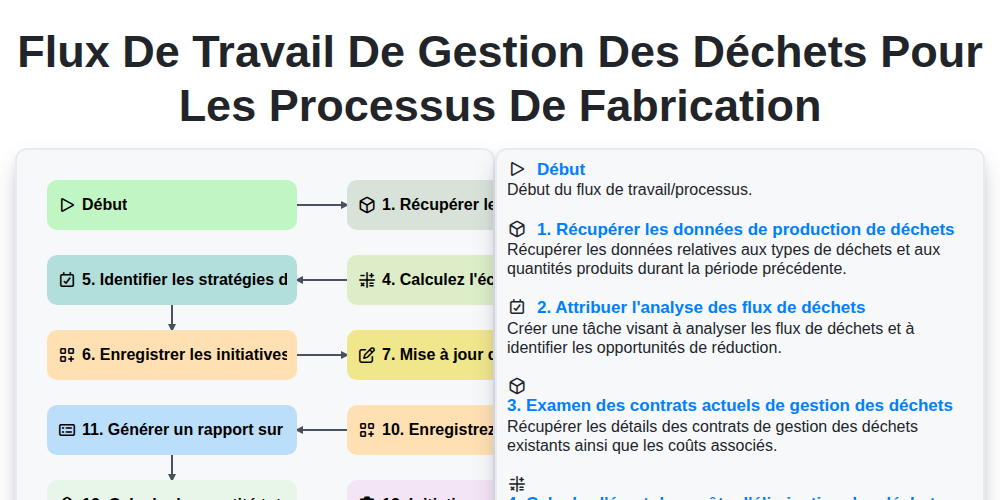
Flux de travail de gestion des déchets pour les processus de fabrication
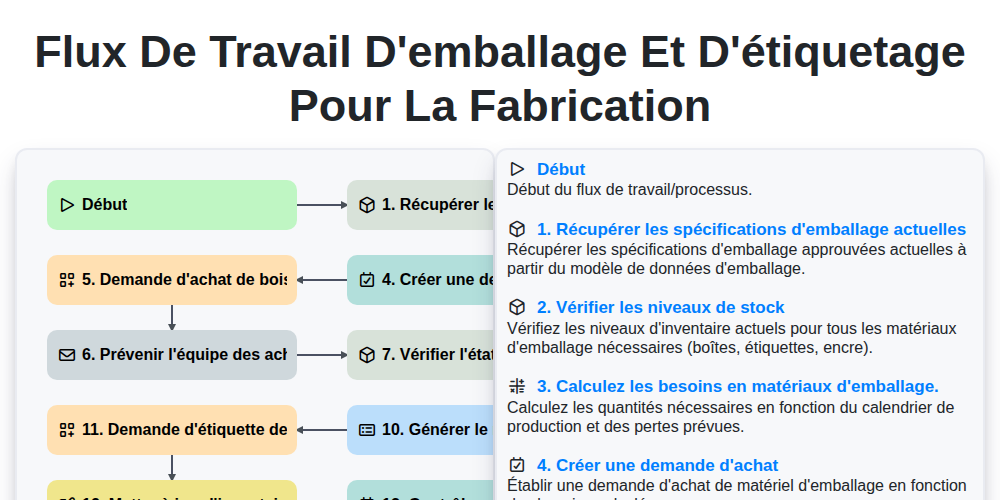
Flux de travail d'emballage et d'étiquetage pour la fabrication
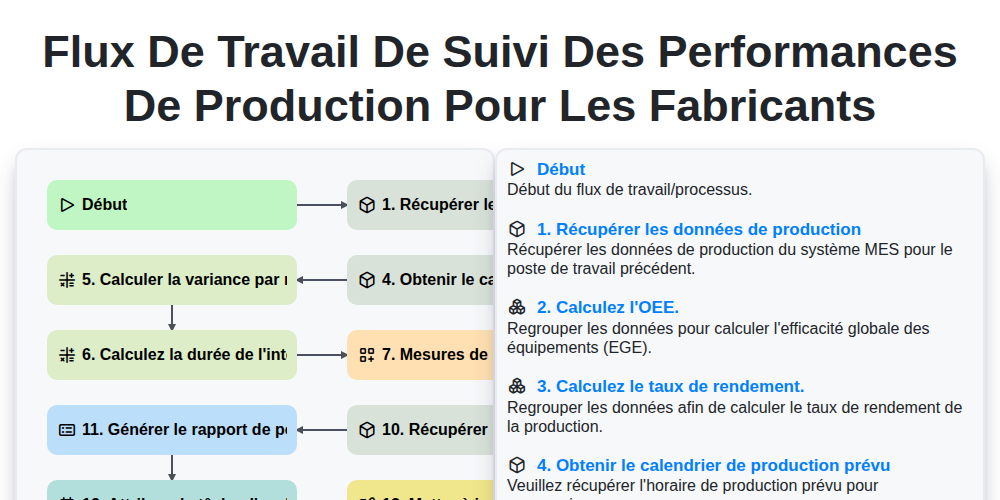
Flux de travail de suivi des performances de production pour les fabricants
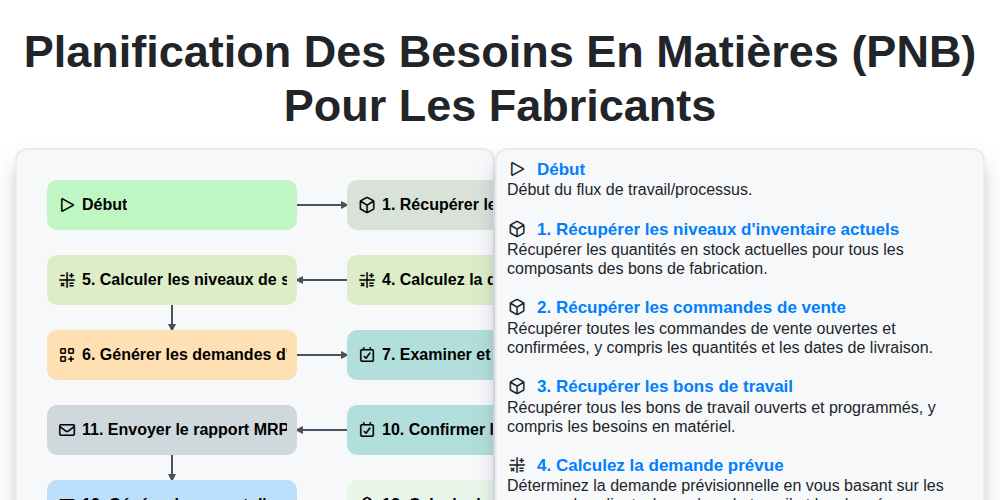
Planification des besoins en matières (PNB) pour les fabricants
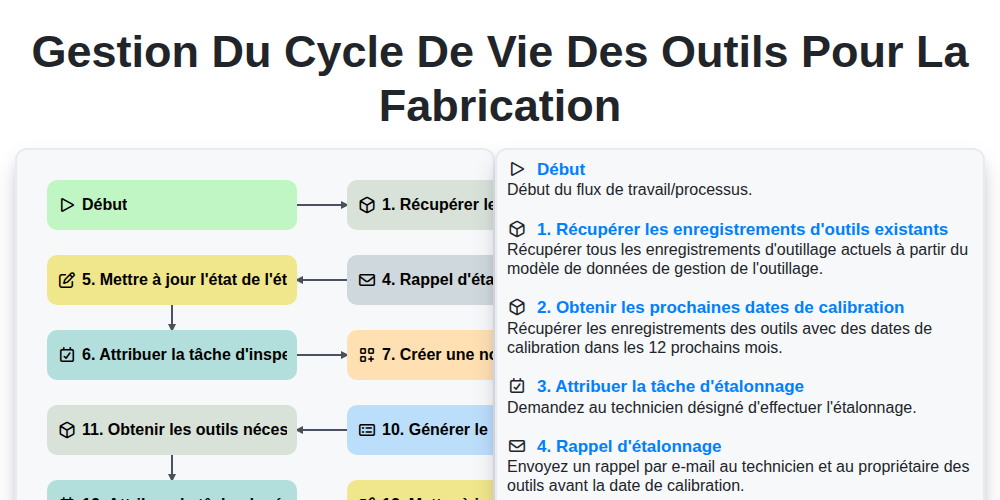
Gestion du cycle de vie des outils pour la fabrication
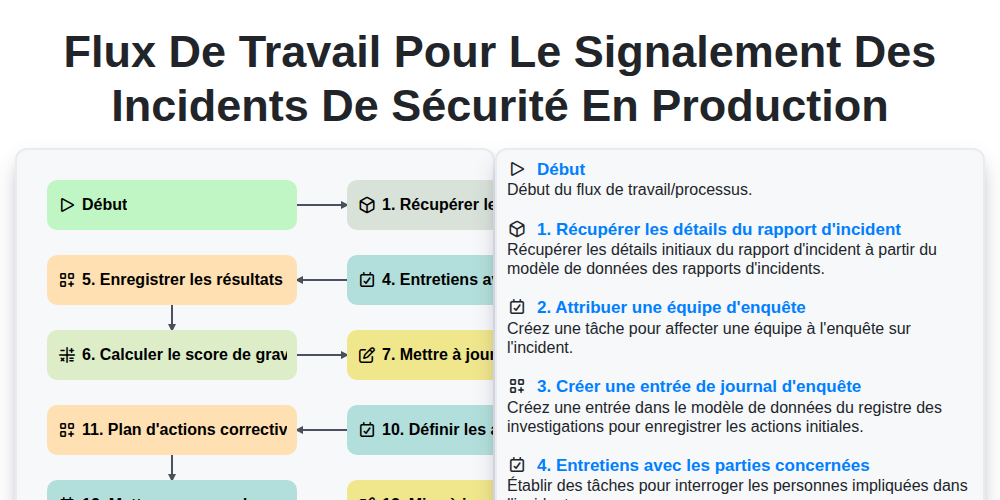
Flux de travail pour le signalement des incidents de sécurité en production
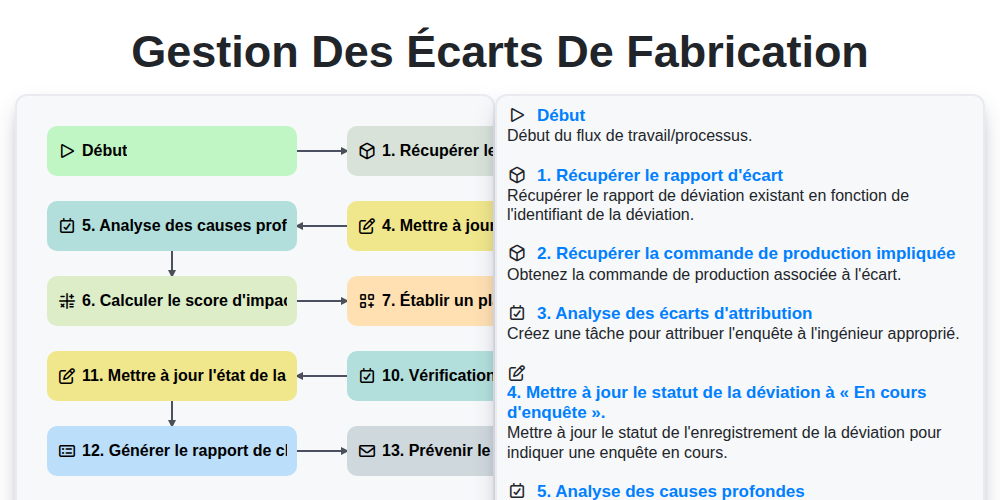
Gestion des Écarts de Fabrication
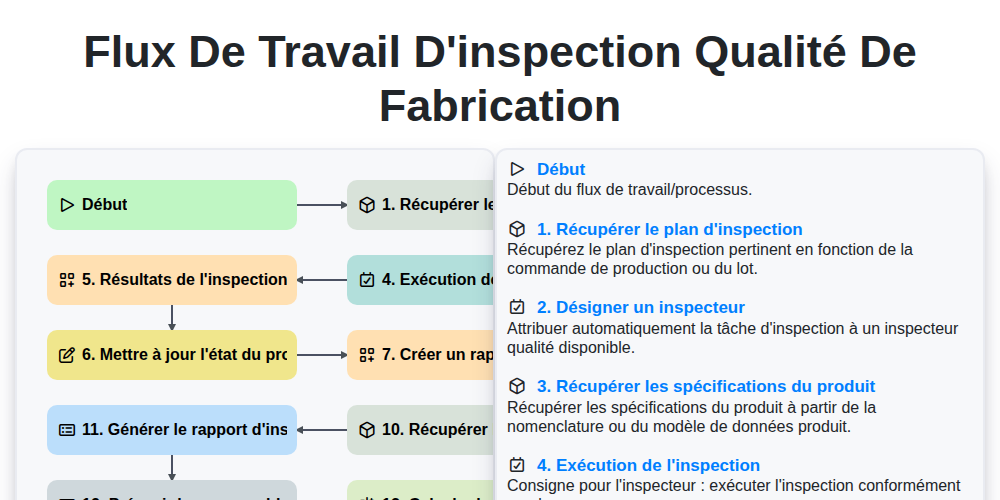
Flux de travail d'inspection qualité de fabrication
Nous pouvons le faire ensemble
Besoin d'aide avec les listes de contrôle?
Vous avez une question ? Nous sommes là pour vous aider. Veuillez soumettre votre demande et nous vous répondrons rapidement.