 ChecklistGuro
 Purchase Order to Payment Process
Streamline your financial operations with our comprehensive Purchase Order to Payment (P2P) workflow. Designed specifically for seamless accounting management, this end-to-end process optimizes procurement, automates invoice matching, and ensures precise payment execution to enhance cash flow control and audit readiness.
Este modelo foi instalado 2 vezes.
Começar
Início do fluxo de trabalho/processo.
1. Fetch Approved Requisition
Retrieve the approved purchase requisition entry from the Requisition data model to initiate the process.
2. Get Vendor Details
Retrieve vendor information and payment terms from the Vendor data model based on the requisition.
3. Create Purchase Order
Generate a new entry in the Purchase Order data model using data from the requisition and vendor.
4. PO Manager Approval
Assign a task to the Purchasing Manager to review and approve the newly created Purchase Order.
5. Update PO Status to Approved
Update the status field of the Purchase Order entry to 'Approved' once the manager completes the task.
6. Create Goods Receipt
Create a Goods Receipt entry once the items are marked as delivered.
7. Calculate Total Order Value
Sum the line item totals from the Purchase Order entries to verify the total amount for payment.
8. Warehouse Verification
Assign a task to the Warehouse Clerk to verify that the physical goods received match the Purchase Order.
9. Create Invoice Entry
Create an Invoice entry in the Accounts Payable data model linked to the verified PO.
10. Calculate Tax and Total
Calculate the final payable amount by applying tax rates to the subtotal of the invoice.
11. Finance Review
Assign a task to the Finance Department to review the invoice against the Goods Receipt and PO.
12. Update Invoice Status
Update the Invoice entry status to 'Ready for Payment' after finance approval.
13. Update PO Status to Closed
Update the Purchase Order status to 'Closed' once the invoice is processed for payment.
14. Create Payment Record
Create a Payment transaction entry in the Finance data model.
15. Notify Vendor of Payment
Send an email to the vendor's contact address confirming that the payment has been processed.
16. Remove Draft Requisitions
Delete any old, unlinked draft requisition entries that were part of the process overflow.
Fim
Fim do fluxo de trabalho/processo.
Início do fluxo de trabalho/processo.
Retrieve the approved purchase requisition entry from the Requisition data model to initiate the process.
Retrieve vendor information and payment terms from the Vendor data model based on the requisition.
Generate a new entry in the Purchase Order data model using data from the requisition and vendor.
Assign a task to the Purchasing Manager to review and approve the newly created Purchase Order.
Update the status field of the Purchase Order entry to 'Approved' once the manager completes the task.
Create a Goods Receipt entry once the items are marked as delivered.
Sum the line item totals from the Purchase Order entries to verify the total amount for payment.
Assign a task to the Warehouse Clerk to verify that the physical goods received match the Purchase Order.
Create an Invoice entry in the Accounts Payable data model linked to the verified PO.
Calculate the final payable amount by applying tax rates to the subtotal of the invoice.
Assign a task to the Finance Department to review the invoice against the Goods Receipt and PO.
Update the Invoice entry status to 'Ready for Payment' after finance approval.
Update the Purchase Order status to 'Closed' once the invoice is processed for payment.
Create a Payment transaction entry in the Finance data model.
Send an email to the vendor's contact address confirming that the payment has been processed.
Delete any old, unlinked draft requisition entries that were part of the process overflow.
Fim do fluxo de trabalho/processo.
Comentários
Ainda não existem comentários. Seja o primeiro a adicionar um!
Demonstração da Solução de Gestão Contábil
Supere os limites de softwares rígidos e padronizados. Utilize um ambiente de contabilidade totalmente programável, concebido para se adaptar aos seus fluxos de trabalho específicos, estruturas hierárquicas complexas e à lógica de negócios em constante evolução.
Modelos de Fluxo de Trabalho Relacionados
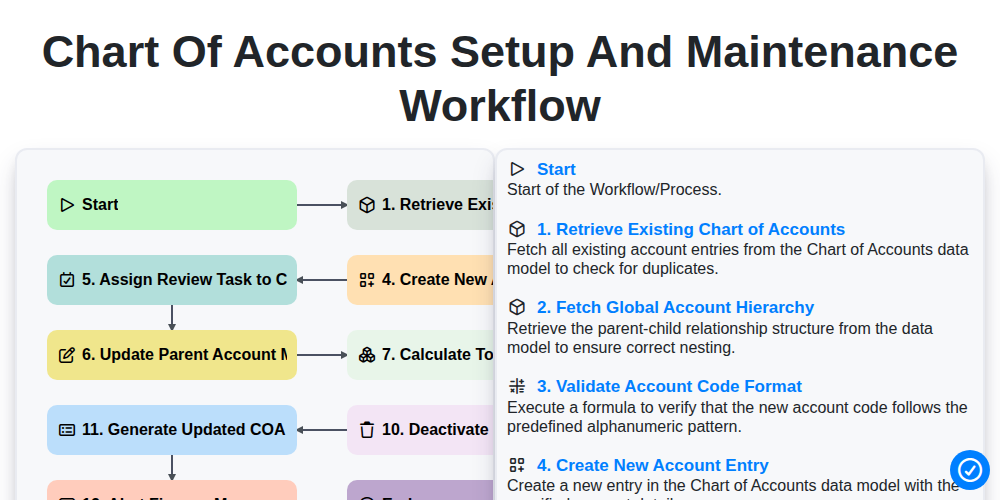
Chart of Accounts Setup and Maintenance Workflow
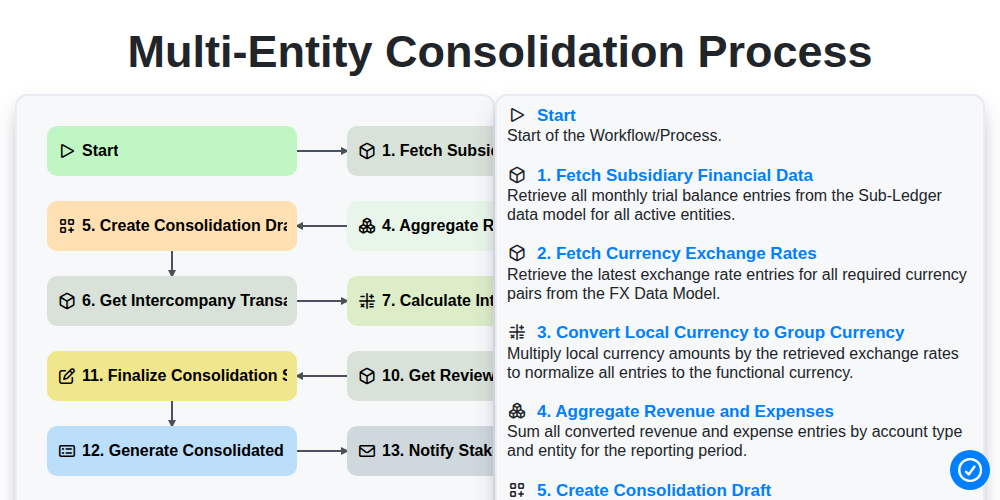
Multi-Entity Consolidation Process
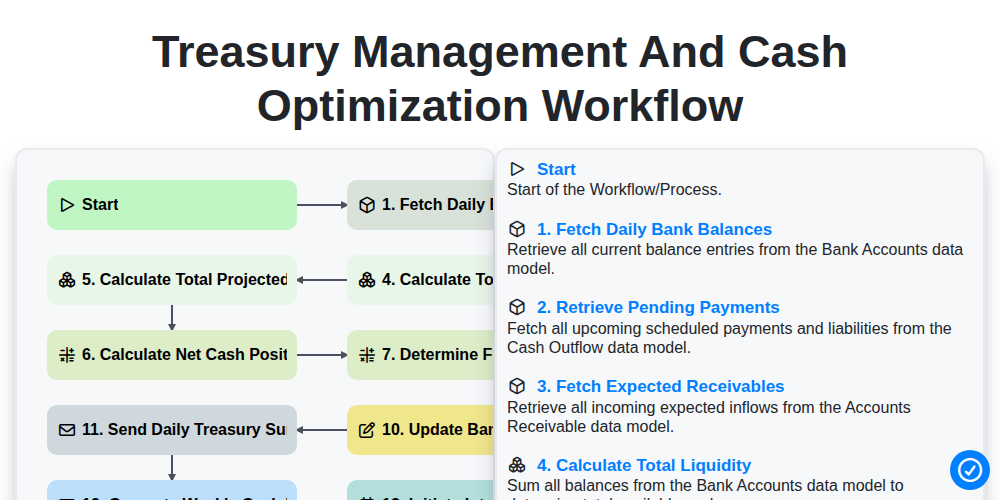
Treasury Management and Cash Optimization Workflow
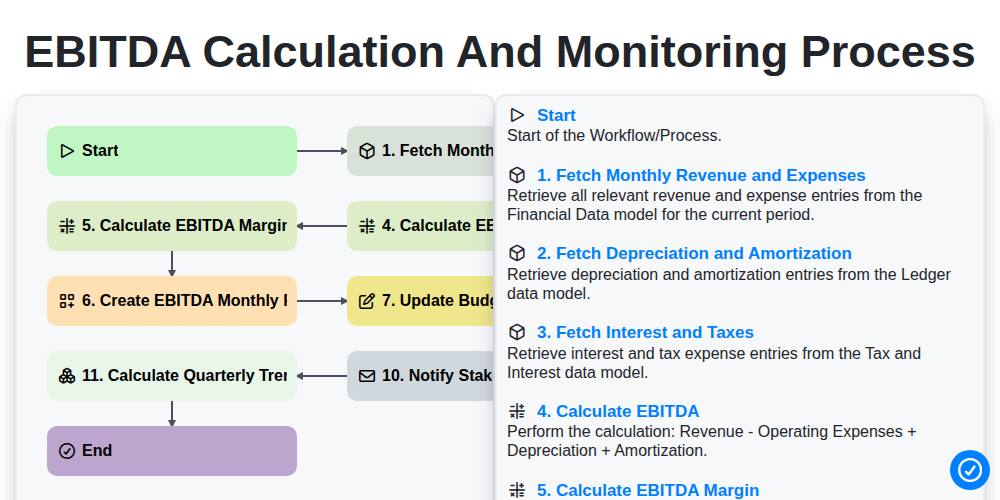
EBITDA Calculation and Monitoring Process
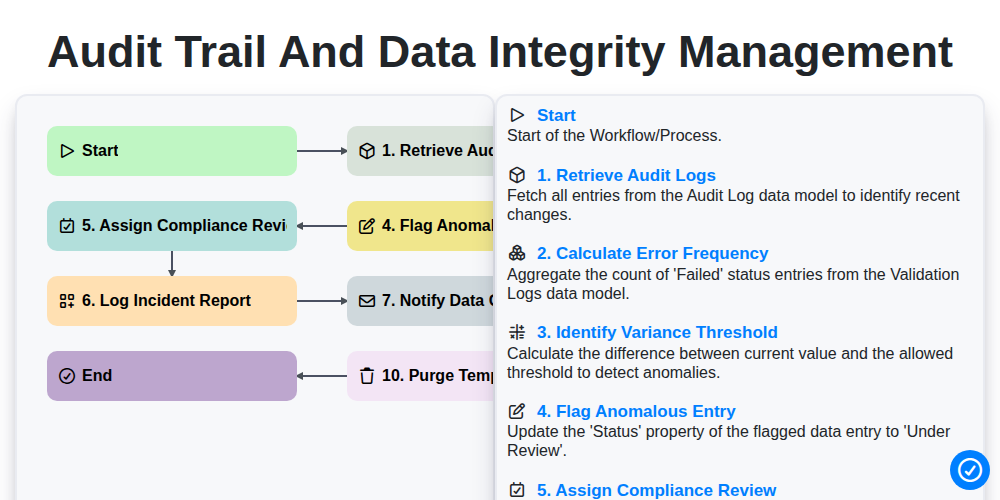
Audit Trail and Data Integrity Management
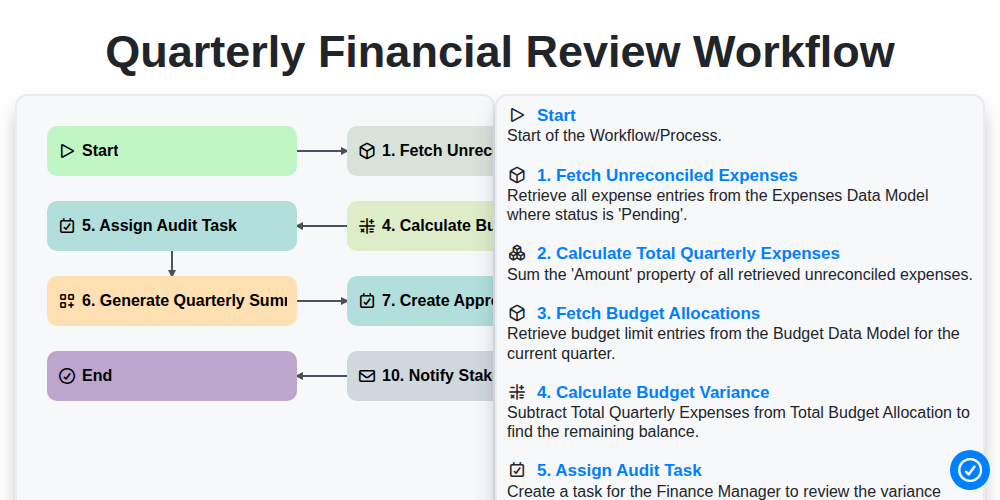
Quarterly Financial Review Workflow
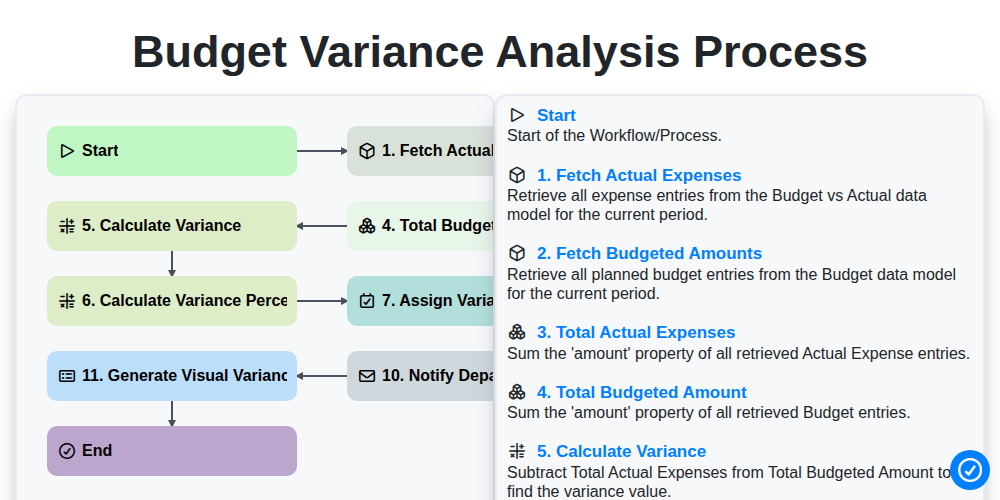
Budget Variance Analysis Process
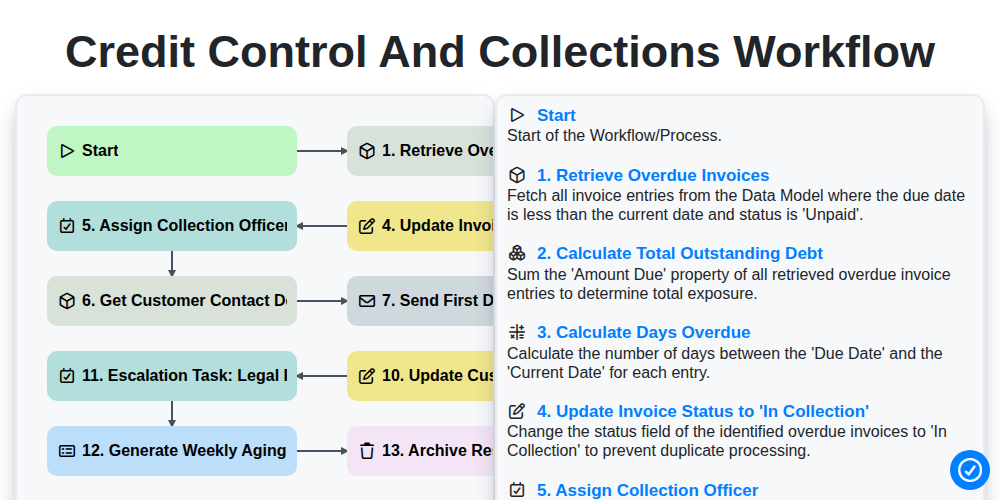
Credit Control and Collections Workflow
Podemos fazer isso juntos.
Precisa de ajuda com o(a) Gestão Contábil?
Tem alguma dúvida? Estamos aqui para ajudar. Envie a sua questão e responderemos o mais breve possível.