 ChecklistGuro
 Purchase Order to Payment Process
Streamline your financial operations with our comprehensive Purchase Order to Payment (P2P) workflow. Designed specifically for seamless accounting management, this end-to-end process optimizes procurement, automates invoice matching, and ensures precise payment execution to enhance cash flow control and audit readiness.
This Template was installed 3 times.
Start
Start of the Workflow/Process.
1. Fetch Approved Requisition
Retrieve the approved purchase requisition entry from the Requisition data model to initiate the process.
2. Get Vendor Details
Retrieve vendor information and payment terms from the Vendor data model based on the requisition.
3. Create Purchase Order
Generate a new entry in the Purchase Order data model using data from the requisition and vendor.
4. PO Manager Approval
Assign a task to the Purchasing Manager to review and approve the newly created Purchase Order.
5. Update PO Status to Approved
Update the status field of the Purchase Order entry to 'Approved' once the manager completes the task.
6. Create Goods Receipt
Create a Goods Receipt entry once the items are marked as delivered.
7. Calculate Total Order Value
Sum the line item totals from the Purchase Order entries to verify the total amount for payment.
8. Warehouse Verification
Assign a task to the Warehouse Clerk to verify that the physical goods received match the Purchase Order.
9. Create Invoice Entry
Create an Invoice entry in the Accounts Payable data model linked to the verified PO.
10. Calculate Tax and Total
Calculate the final payable amount by applying tax rates to the subtotal of the invoice.
11. Finance Review
Assign a task to the Finance Department to review the invoice against the Goods Receipt and PO.
12. Update Invoice Status
Update the Invoice entry status to 'Ready for Payment' after finance approval.
13. Update PO Status to Closed
Update the Purchase Order status to 'Closed' once the invoice is processed for payment.
14. Create Payment Record
Create a Payment transaction entry in the Finance data model.
15. Notify Vendor of Payment
Send an email to the vendor's contact address confirming that the payment has been processed.
16. Remove Draft Requisitions
Delete any old, unlinked draft requisition entries that were part of the process overflow.
End
End of the Workflow/Process.
Start of the Workflow/Process.
Retrieve the approved purchase requisition entry from the Requisition data model to initiate the process.
Retrieve vendor information and payment terms from the Vendor data model based on the requisition.
Generate a new entry in the Purchase Order data model using data from the requisition and vendor.
Assign a task to the Purchasing Manager to review and approve the newly created Purchase Order.
Update the status field of the Purchase Order entry to 'Approved' once the manager completes the task.
Create a Goods Receipt entry once the items are marked as delivered.
Sum the line item totals from the Purchase Order entries to verify the total amount for payment.
Assign a task to the Warehouse Clerk to verify that the physical goods received match the Purchase Order.
Create an Invoice entry in the Accounts Payable data model linked to the verified PO.
Calculate the final payable amount by applying tax rates to the subtotal of the invoice.
Assign a task to the Finance Department to review the invoice against the Goods Receipt and PO.
Update the Invoice entry status to 'Ready for Payment' after finance approval.
Update the Purchase Order status to 'Closed' once the invoice is processed for payment.
Create a Payment transaction entry in the Finance data model.
Send an email to the vendor's contact address confirming that the payment has been processed.
Delete any old, unlinked draft requisition entries that were part of the process overflow.
End of the Workflow/Process.
Frequently Asked Questions
Comments
There are no comments yet. Be the first to add one!
Accounting Management Solution Demo
Move beyond rigid, one-size-fits-all software. Leverage a fully programmable accounting environment designed to adapt to your unique workflows, complex hierarchies, and evolving business logic.
Related Workflow Templates
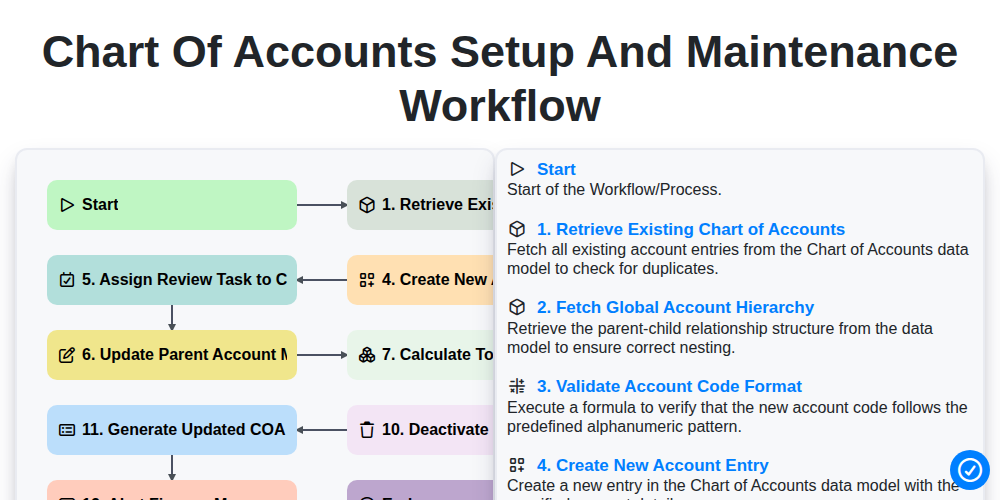
Chart of Accounts Setup and Maintenance Workflow
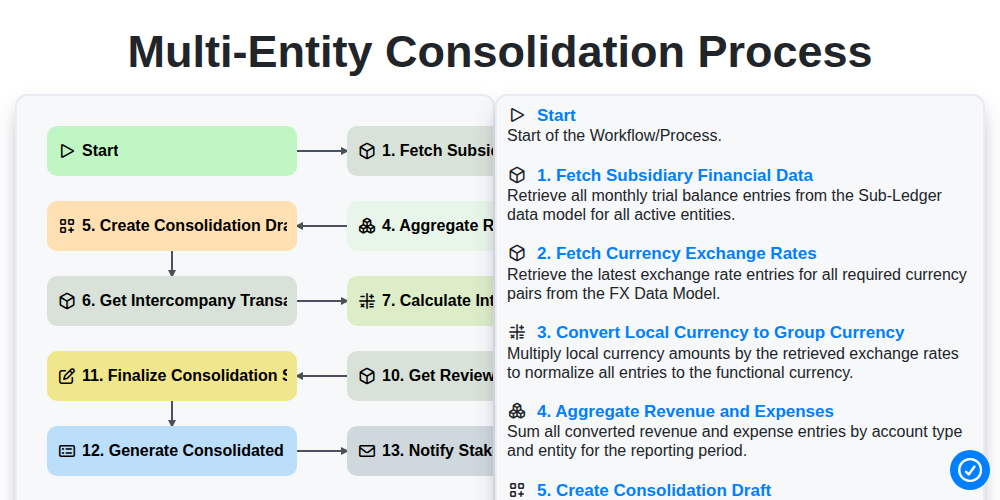
Multi-Entity Consolidation Process
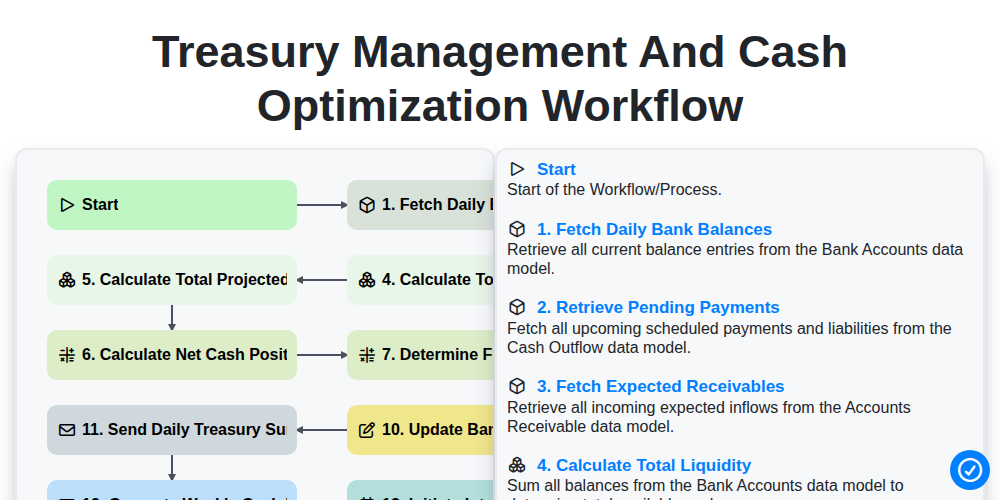
Treasury Management and Cash Optimization Workflow
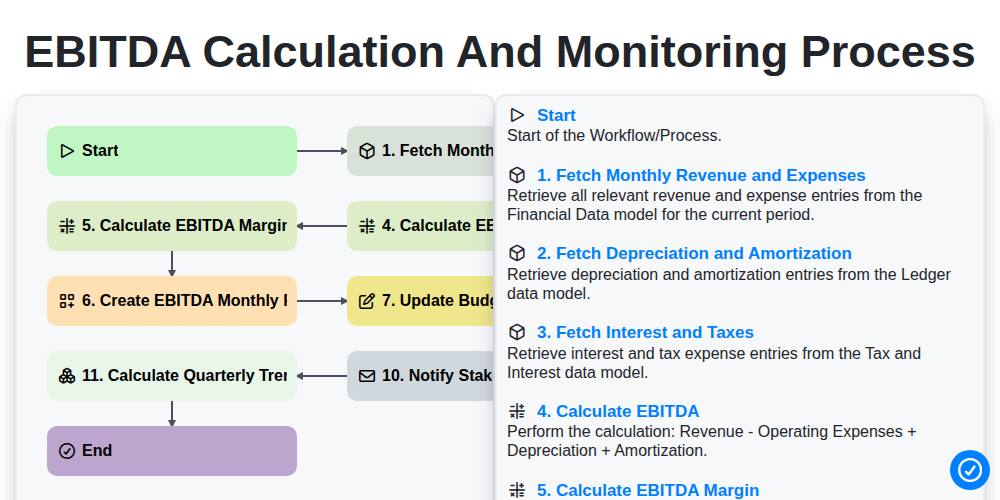
EBITDA Calculation and Monitoring Process
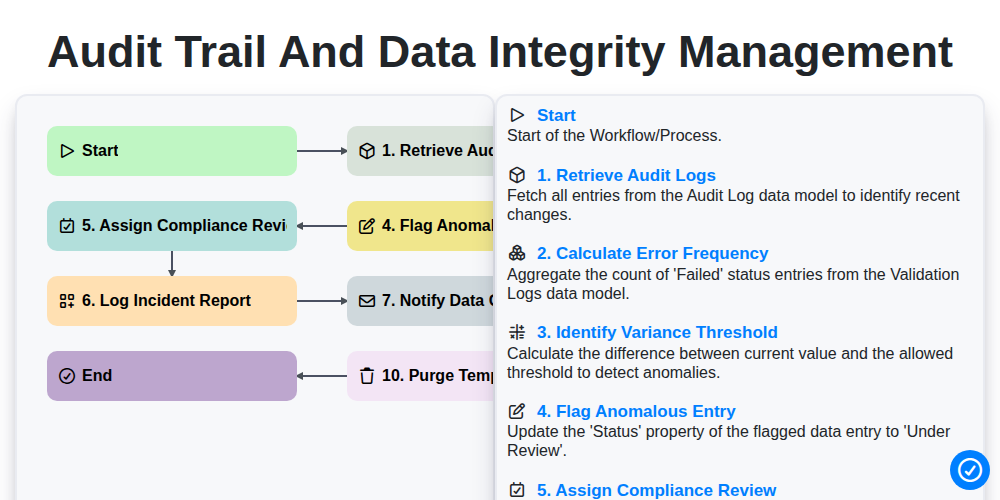
Audit Trail and Data Integrity Management
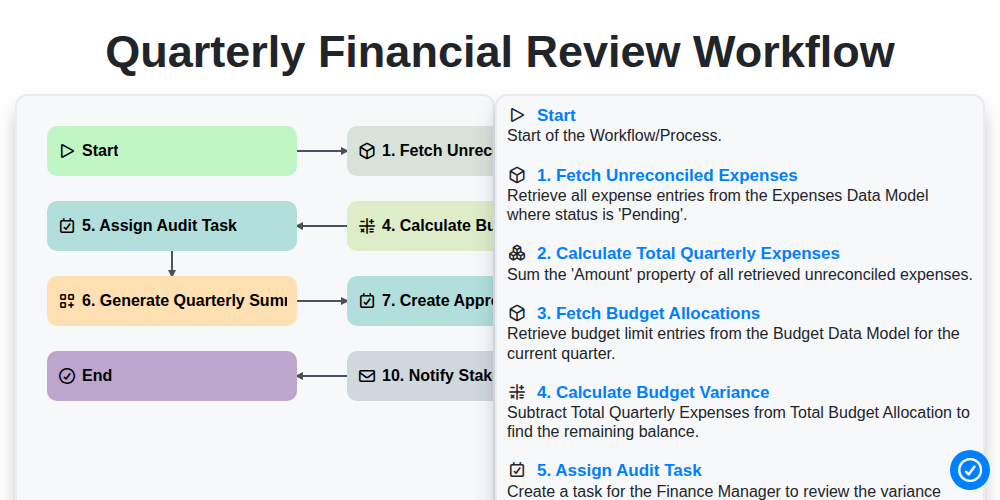
Quarterly Financial Review Workflow
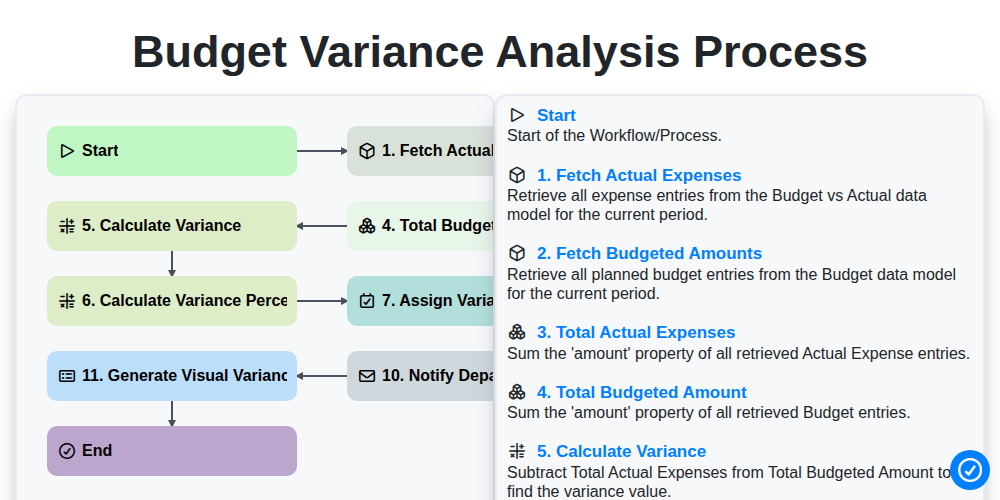
Budget Variance Analysis Process
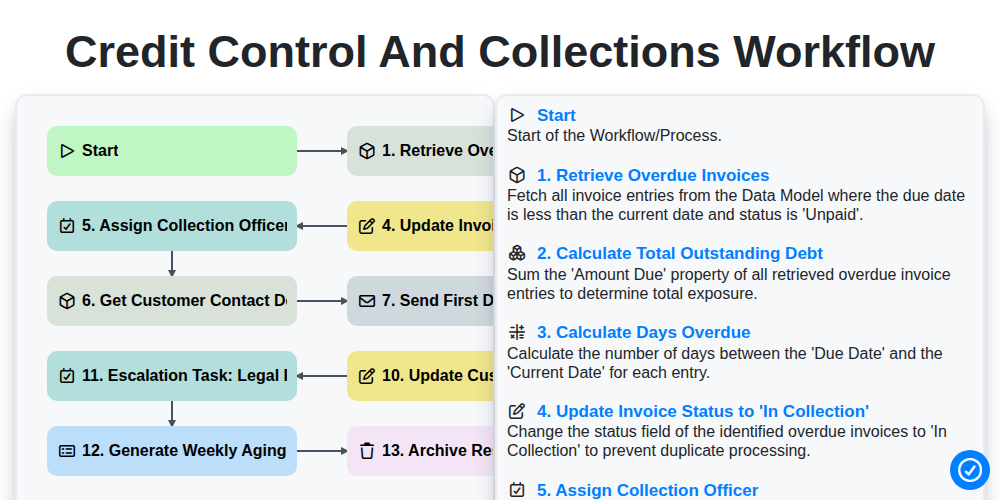
Credit Control and Collections Workflow
We can do it Together
Need help with
Accounting Management?
Have a question? We're here to help. Please submit your inquiry, and we'll respond promptly.