 ChecklistGuro
 Laboratory Information Management System (LIMS) Workflow
Optimize your pharmaceutical operations with our streamlined Laboratory Information Management System (LIMS) Workflow. Designed to ensure rigorous compliance, enhance data integrity, and accelerate sample lifecycle management, this automated process eliminates manual errors and strengthens GxP-compliant traceability from specimen collection to final reporting. Transform your lab efficiency and maintain peak regulatory standards with our intelligent, end-to-end LIMS solution.
Този шаблон е инсталиран 4 пъти.
Старт
Начало на работния поток/процеса.
1. Register Sample Entry
Create a new entry in the 'Samples' data model with metadata like Sample ID, Type, and Priority.
2. Set Sample Status to 'Received'
Update the status of the newly created sample entry to 'Received' upon arrival in the lab.
3. Assign Sample Preparation
Create a task for the Lab Technician to prepare the sample (centrifugation, dilution, etc.).
4. Fetch Reagent Expiry Dates
Retrieve data from the 'Reagents' data model to ensure all chemicals used are within valid expiry dates.
5. Calculate Dilution Factor
Execute a formula to calculate the final concentration based on the initial volume and dilution ratio.
6. Execute Laboratory Analysis
Create a task for the Analyst to perform the actual testing/assay on the prepared sample.
7. Log Analysis Results
Create a new entry in the 'Test Results' data model containing the raw numerical data from the analysis.
8. Calculate Mean Batch Result
Aggregate all 'Test Results' entries for the same Batch ID to find the average (AVG) value.
9. Determine Pass/Fail Status
Compare the aggregated mean result against the predefined 'Specification Limit' constant.
10. Update Sample Final Status
Update the 'Samples' entry status to either 'Passed' or 'Failed' based on the calculation result.
11. Quality Control Review
Create a task for the Lab Manager to review the results if the status is 'Failed'.
12. Generate Certificate of Analysis (CoA)
Generate a formal PDF report aggregating all testing data, timestamps, and technician signatures.
13. Notify Client of Results
Send an email to the client's email address with the completed CoA attached.
14. Urgent Alert for Out-of-Spec
Send an SMS to the Lab Supervisor if a 'Failed' status is detected for a High-Priority sample.
15. Cleanup Temporary Logs
Delete temporary, non-traceable intermediate calculation entries to maintain database hygiene.
Край
Край на работния поток/процеса.
Начало на работния поток/процеса.
Create a new entry in the 'Samples' data model with metadata like Sample ID, Type, and Priority.
Update the status of the newly created sample entry to 'Received' upon arrival in the lab.
Create a task for the Lab Technician to prepare the sample (centrifugation, dilution, etc.).
Retrieve data from the 'Reagents' data model to ensure all chemicals used are within valid expiry dates.
Execute a formula to calculate the final concentration based on the initial volume and dilution ratio.
Create a task for the Analyst to perform the actual testing/assay on the prepared sample.
Create a new entry in the 'Test Results' data model containing the raw numerical data from the analysis.
Aggregate all 'Test Results' entries for the same Batch ID to find the average (AVG) value.
Compare the aggregated mean result against the predefined 'Specification Limit' constant.
Update the 'Samples' entry status to either 'Passed' or 'Failed' based on the calculation result.
Create a task for the Lab Manager to review the results if the status is 'Failed'.
Generate a formal PDF report aggregating all testing data, timestamps, and technician signatures.
Send an email to the client's email address with the completed CoA attached.
Send an SMS to the Lab Supervisor if a 'Failed' status is detected for a High-Priority sample.
Delete temporary, non-traceable intermediate calculation entries to maintain database hygiene.
Край на работния поток/процеса.
Намерихте ли този шаблон за работния процес полезен?
Коментари
Все още няма коментари. Бъдете първият, който добави!
Демонстрация на решението за управление във фармацевтичната индустрия
Навигирате ли в сложни регулации и осигурявате ли качество в производството на фармацевтични продукти? Платформата Work OS на ChecklistGuro оптимизира процесите от научно-изследователска и развойна дейност до производство, опаковане и дистрибуция. Поддържайте съответствие с нормативните изисквания, подобрете ефективността и намалете риска. Открийте как ChecklistGuro може да трансформира дейността ви във фармацевтичната индустрия!
Свързани шаблони за работни потоци
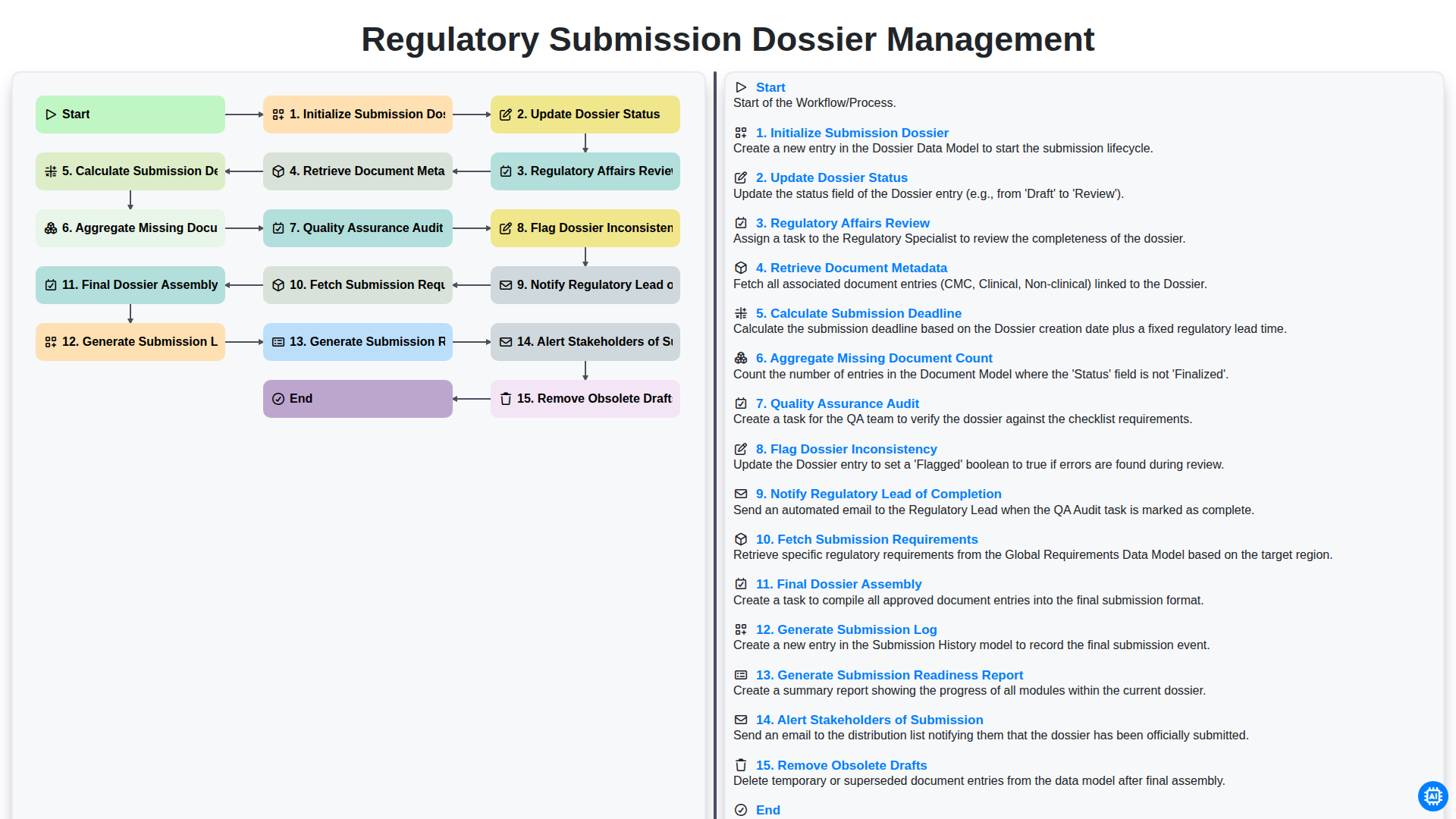
Regulatory Submission Dossier Management
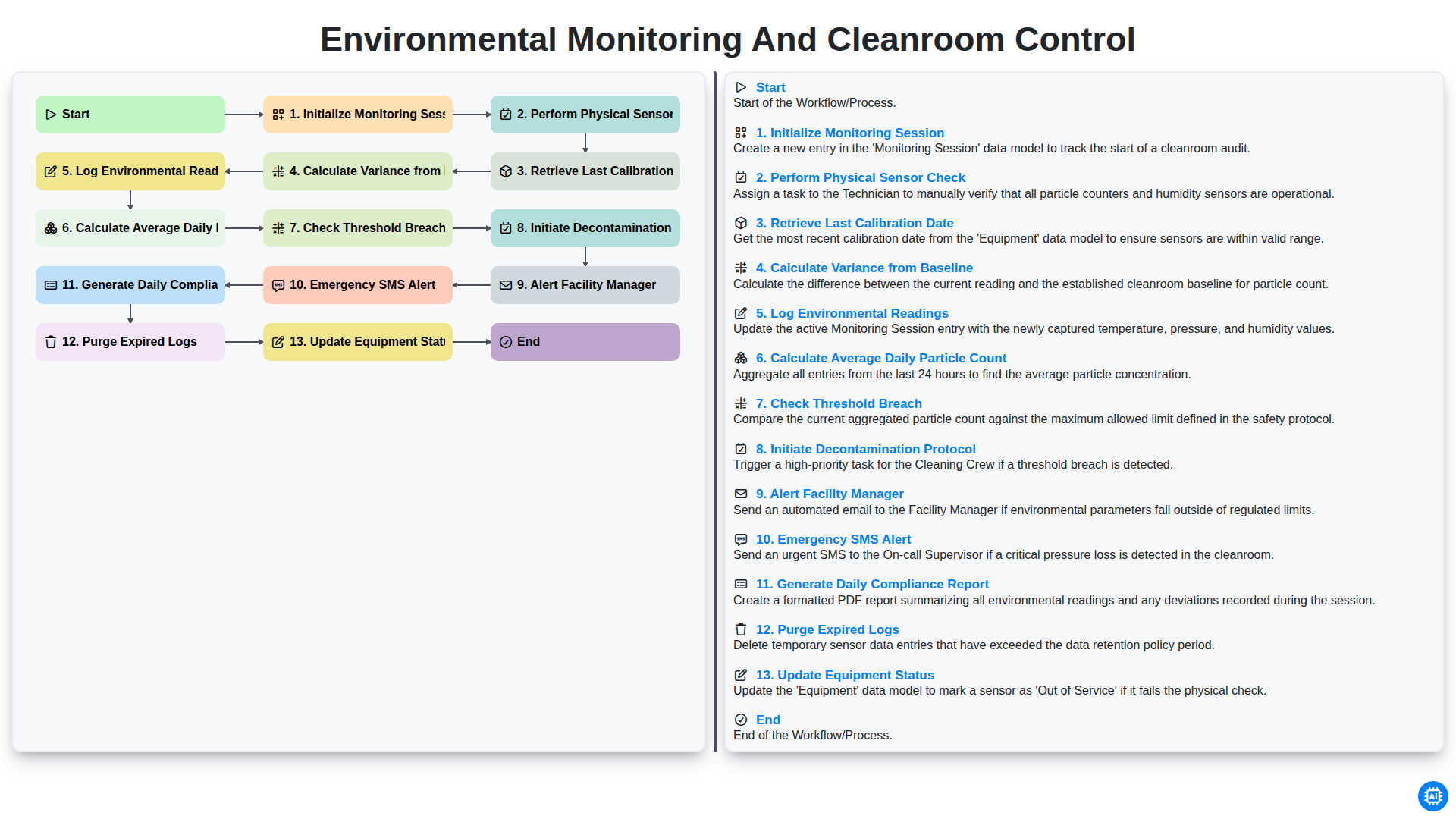
Environmental Monitoring and Cleanroom Control
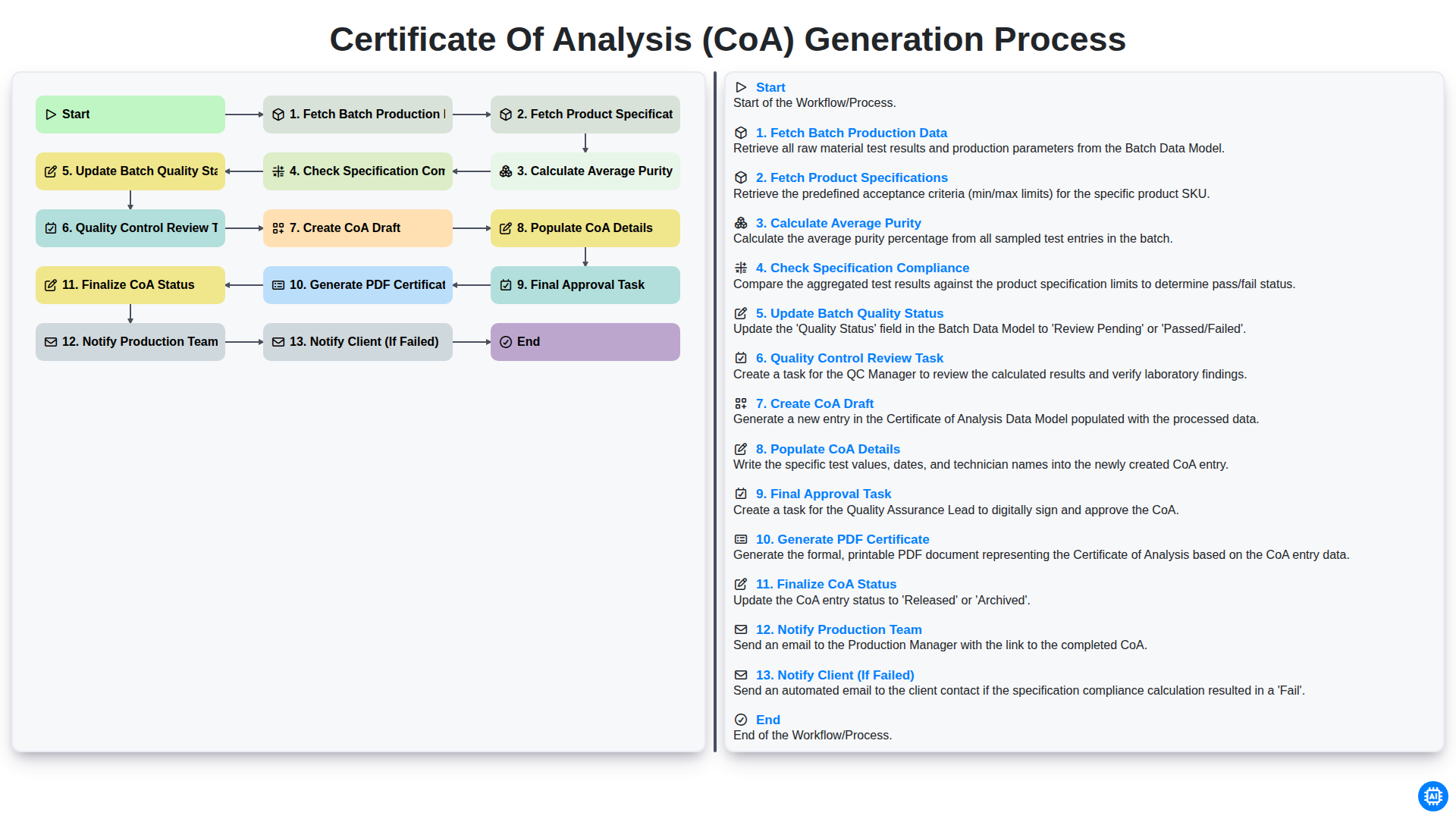
Certificate of Analysis (CoA) Generation Process
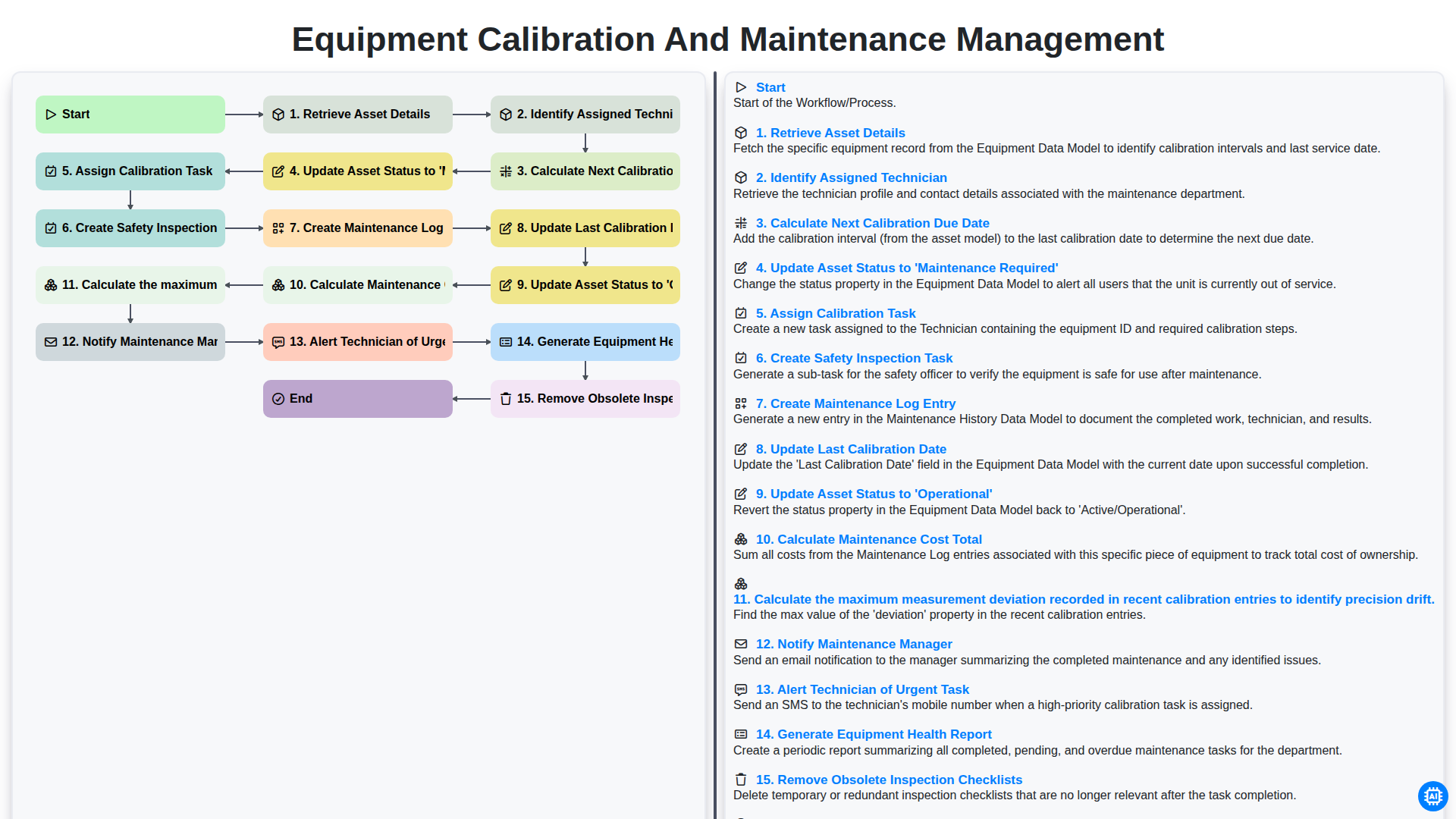
Equipment Calibration and Maintenance Management
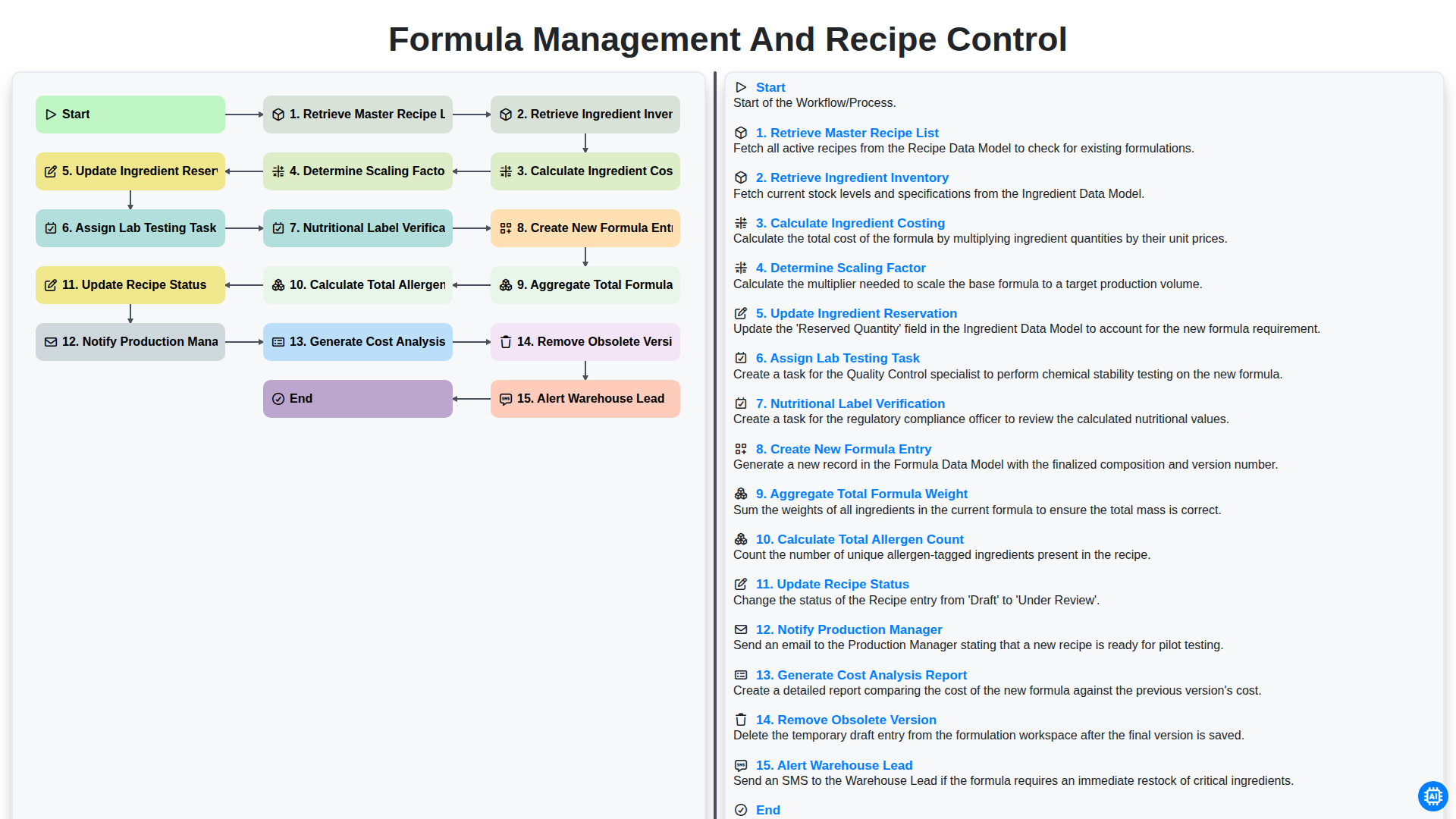
Formula Management and Recipe Control
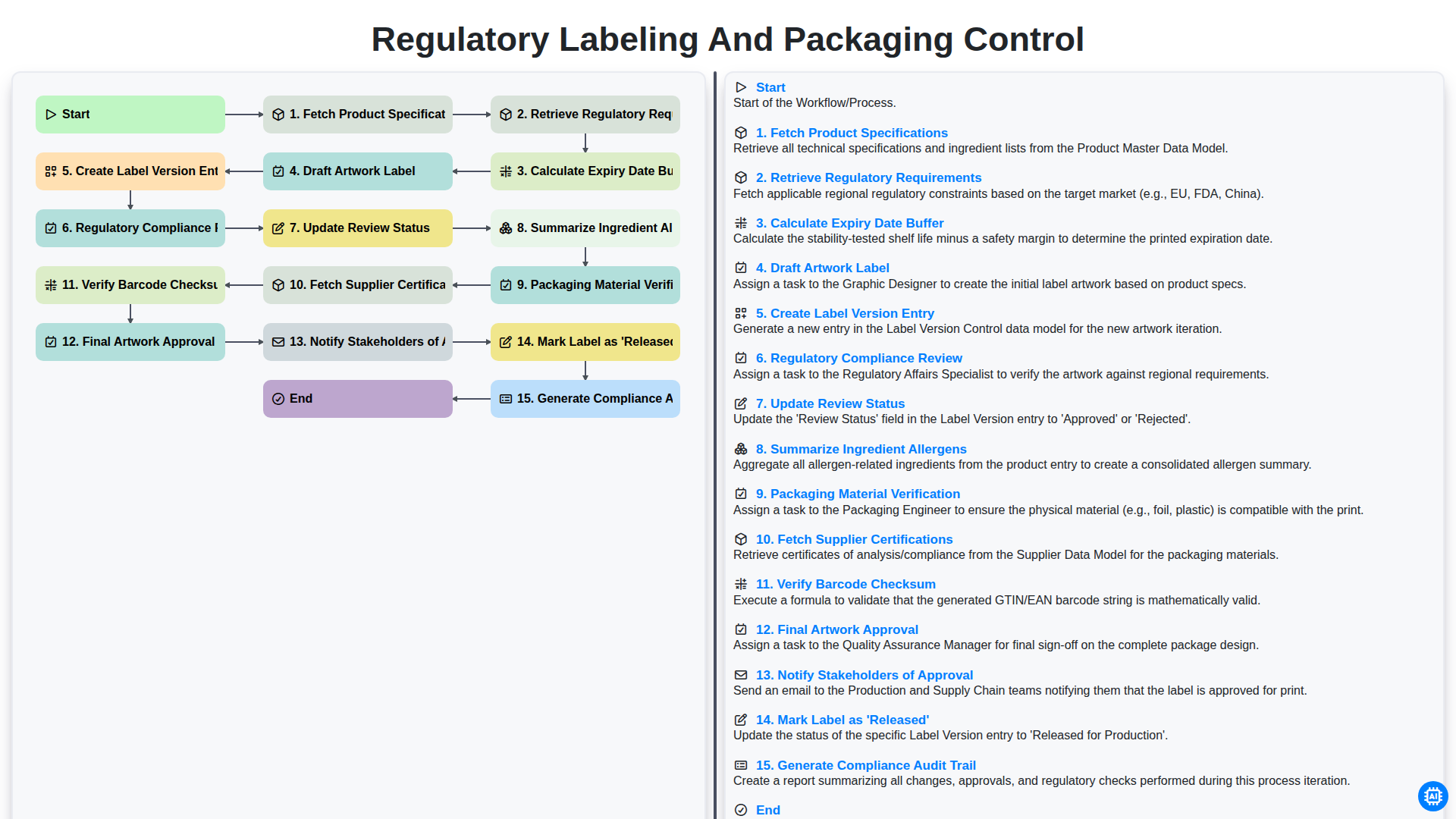
Regulatory Labeling and Packaging Control
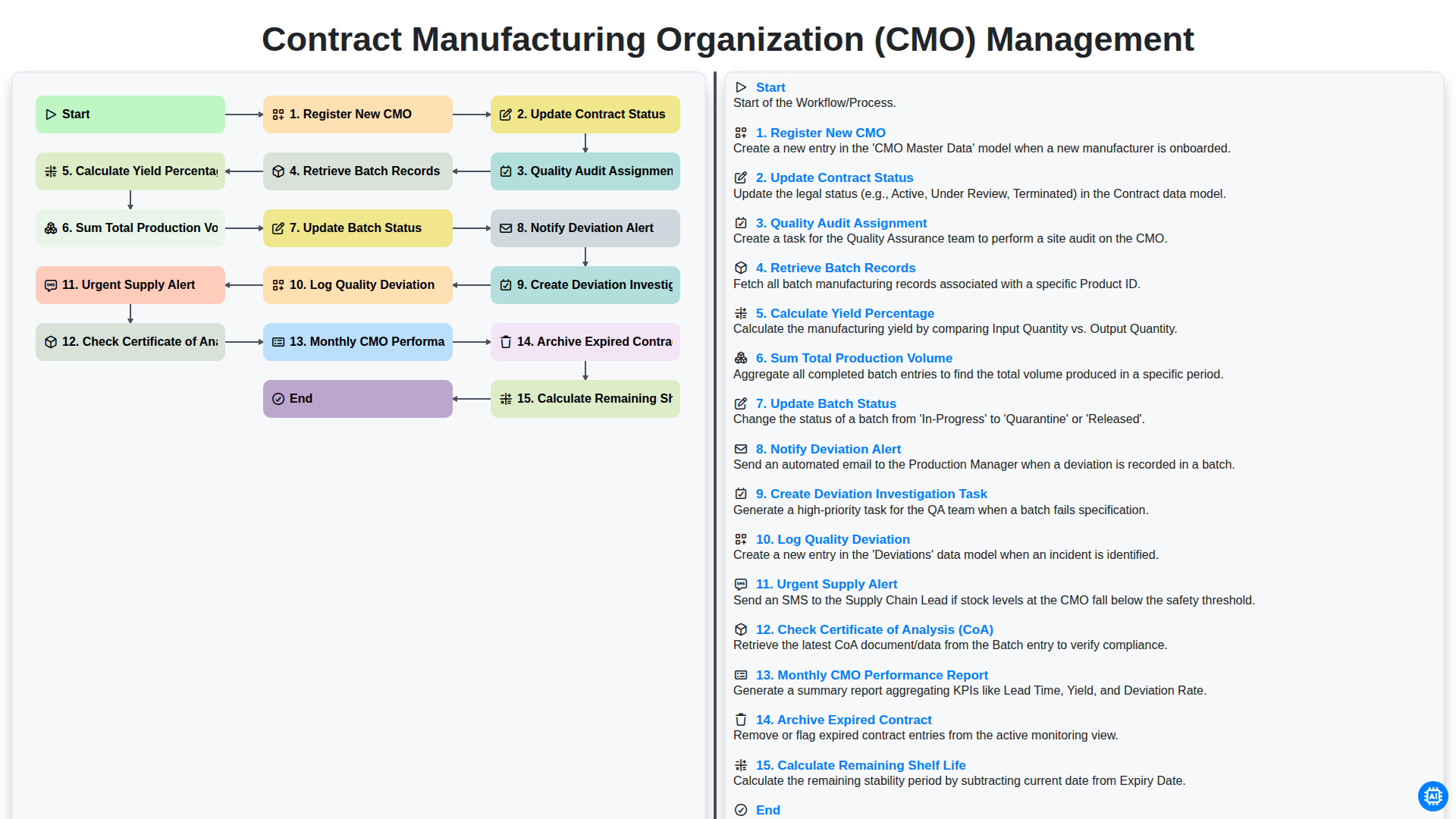
Contract Manufacturing Organization (CMO) Management
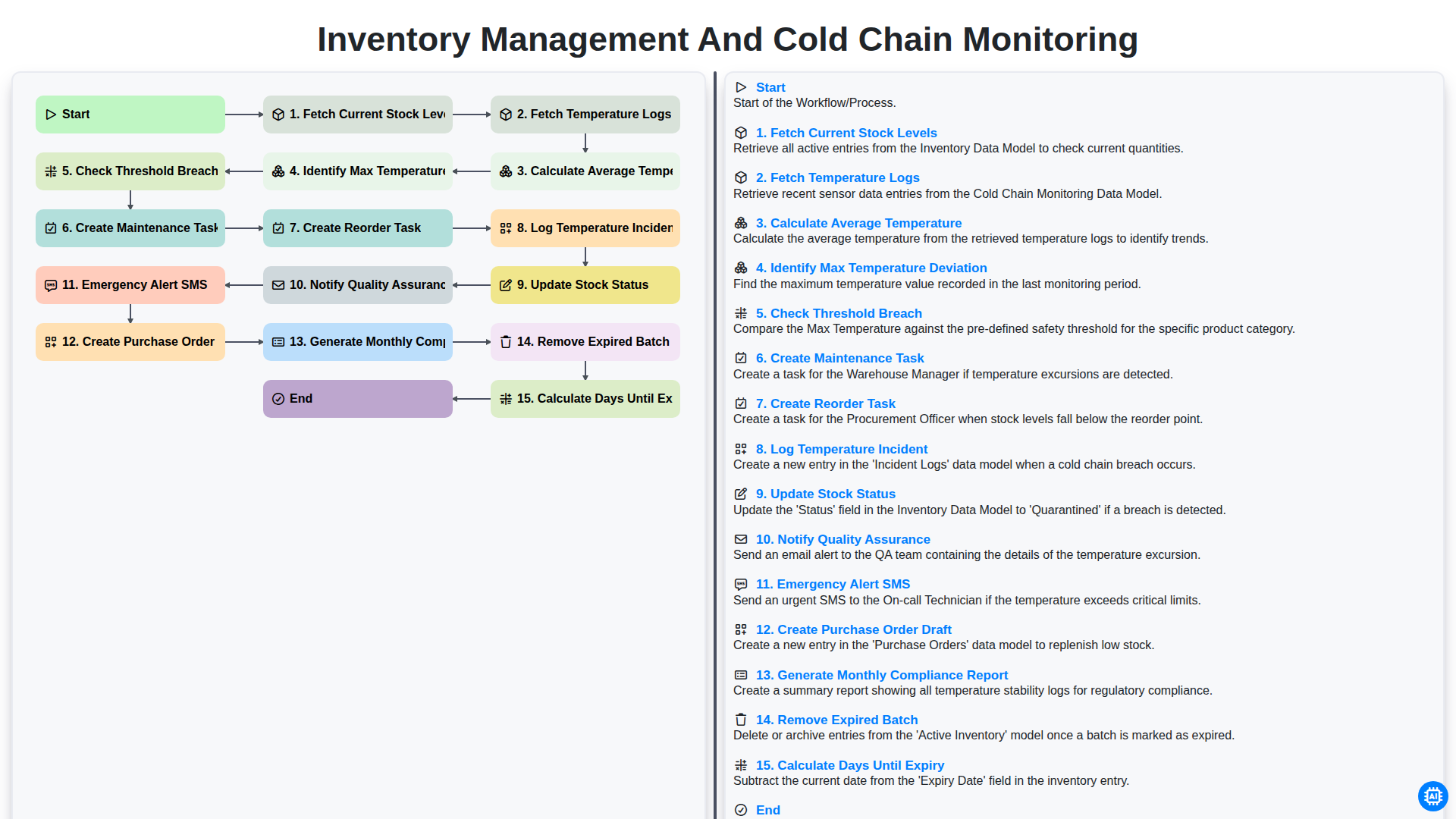
Inventory Management and Cold Chain Monitoring
Можем да го направим заедно
Нуждаете се от помощ с
Фармацевтичен?
Имате въпрос? Тук сме, за да помогнем. Моля, изпратете запитването си и ние ще отговорим своевременно.