 ChecklistGuro
 Procédure de comptage cyclique des stocks pour les fabricants
Assurez la précision de votre inventaire et minimisez les divergences coûteuses grâce à notre processus rationalisé de comptage cyclique des stocks. Ce workflow guide les fabricants à travers des comptages cycliques efficaces, identifie les problèmes potentiels et automatise la réconciliation, réduisant ainsi les erreurs, optimisant les niveaux de stock et améliorant l'efficacité opérationnelle globale. Obtenez une vue claire et en temps réel de votre inventaire et réalisez des économies significatives.
Ce modèle a été installé 2 fois.
Début
Début du flux de travail/processus.
1. Récupérer l'horaire des cycles.
Récupérer les tâches de comptage cyclique planifiées à partir du modèle de données de planification du comptage cyclique.
2. Attribuer la tâche de comptage des cycles
Créez une tâche pour le membre de l'équipe de comptage de stock désigné, en fonction du calendrier.
3. Récupérer les enregistrements d'inventaire
Récupérer les enregistrements d'inventaire pertinents (article, emplacement, quantité) à partir du modèle de données Inventaire.
4. Comptage physique
Attribuez la tâche de faire l'inventaire physiquement.
5. Mettre à jour la quantité du décompte physique
Mettre à jour la quantité du décompte physique dans le modèle de données de l'inventaire.
6. Calculez la variance.
Calculez la variance entre la quantité système et la quantité comptée physiquement.
7. Écart par rapport au seuil du signalement
Si la variance dépasse un seuil prédéfini, signaler l'enregistrement d'inventaire comme nécessitant une investigation.
8. Mission d'enquête
Créez une tâche pour l'équipe d'enquête afin d'examiner les écarts importants.
9. Créer une note d'enquête sur les écarts
Créez une note dans le modèle de données d'enquête sur les écarts pour enregistrer les conclusions.
10. Mettre à jour la quantité du système (si corrigée)
Mettez à jour la quantité système dans le modèle de données de l'inventaire si l'écart était dû à une erreur.
11. Générer un rapport de nombre de cycles
Rédigez un rapport résumant les résultats du décompte cyclique, y compris les écarts et les notes d'enquête.
12. Prévenir le responsable des stocks
Envoyez un courriel au responsable des stocks résumant les écarts importants et demandant un examen.
13. Récupérer l'historique des cycles
Consultez l'historique des décomptes précédents de l'article afin d'identifier les tendances.
14. Marquer le décompte des cycles comme terminé
Mettre à jour le statut du nombre de cycles à 'Terminé'.
Fin
Fin du flux de travail/processus.
Début du flux de travail/processus.
Récupérer les tâches de comptage cyclique planifiées à partir du modèle de données de planification du comptage cyclique.
Créez une tâche pour le membre de l'équipe de comptage de stock désigné, en fonction du calendrier.
Récupérer les enregistrements d'inventaire pertinents (article, emplacement, quantité) à partir du modèle de données Inventaire.
Attribuez la tâche de faire l'inventaire physiquement.
Mettre à jour la quantité du décompte physique dans le modèle de données de l'inventaire.
Calculez la variance entre la quantité système et la quantité comptée physiquement.
Si la variance dépasse un seuil prédéfini, signaler l'enregistrement d'inventaire comme nécessitant une investigation.
Créez une tâche pour l'équipe d'enquête afin d'examiner les écarts importants.
Créez une note dans le modèle de données d'enquête sur les écarts pour enregistrer les conclusions.
Mettez à jour la quantité système dans le modèle de données de l'inventaire si l'écart était dû à une erreur.
Rédigez un rapport résumant les résultats du décompte cyclique, y compris les écarts et les notes d'enquête.
Envoyez un courriel au responsable des stocks résumant les écarts importants et demandant un examen.
Consultez l'historique des décomptes précédents de l'article afin d'identifier les tendances.
Mettre à jour le statut du nombre de cycles à 'Terminé'.
Fin du flux de travail/processus.
Commentaires
Aucun commentaire n'a été publié pour le moment. Soyez le premier à en ajouter un !
Démonstration de la solution de gestion de la production
Arrêtez de vous battre avec les paperasses et les systèmes fragmentés ! Notre solution apporte clarté et contrôle à votre processus de production. Des procédures opérationnelles standard (POS) et de la maintenance des équipements au contrôle qualité et au suivi des stocks, nous simplifions chaque étape.
Modèles de flux de travail associés
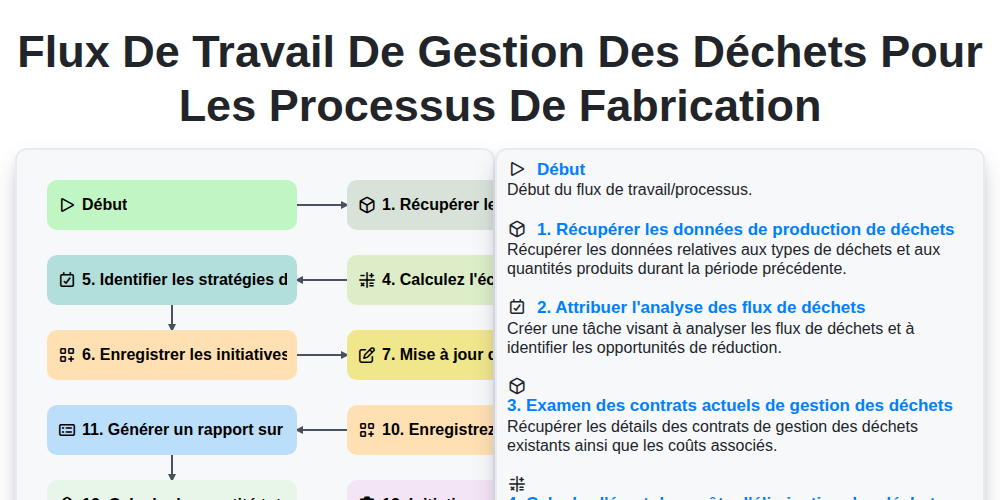
Flux de travail de gestion des déchets pour les processus de fabrication
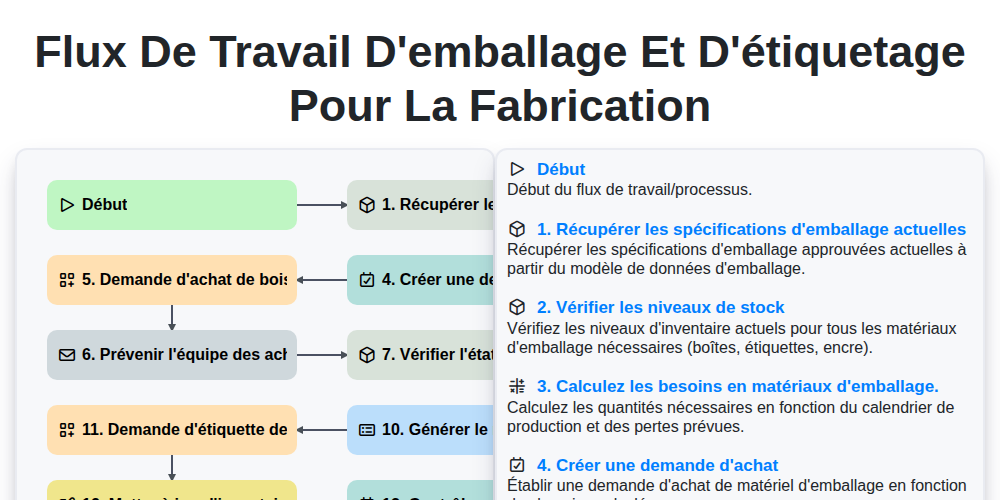
Flux de travail d'emballage et d'étiquetage pour la fabrication
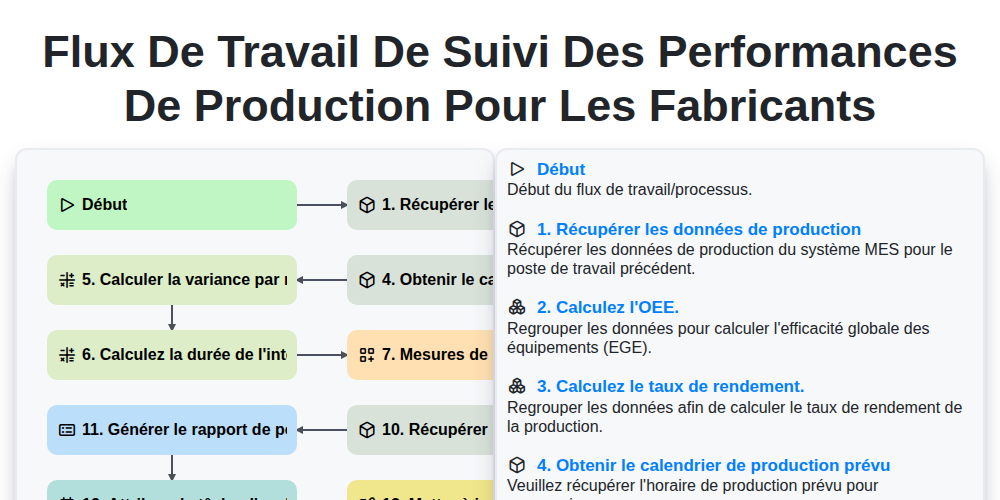
Flux de travail de suivi des performances de production pour les fabricants
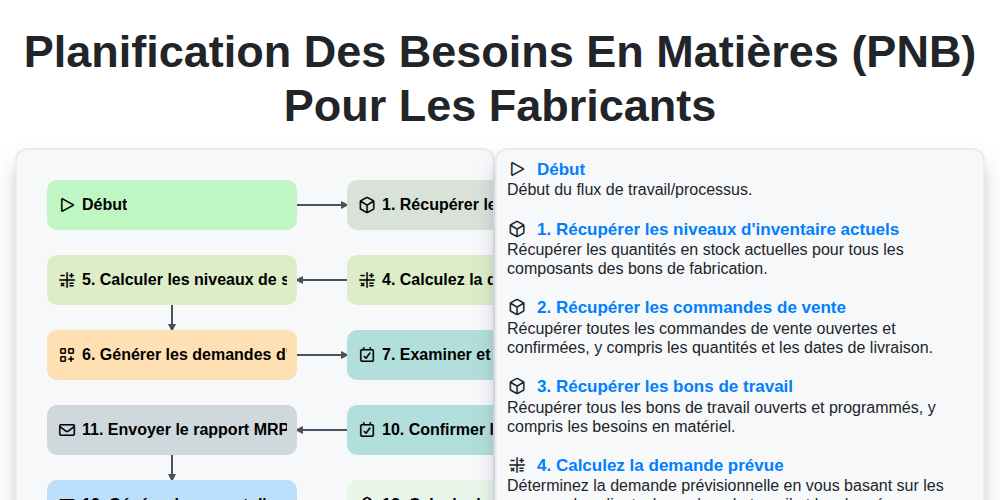
Planification des besoins en matières (PNB) pour les fabricants
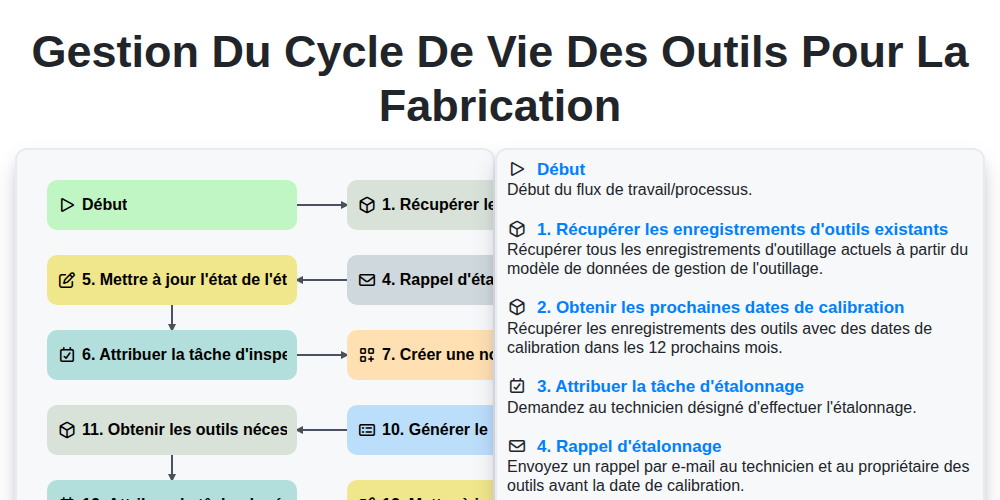
Gestion du cycle de vie des outils pour la fabrication
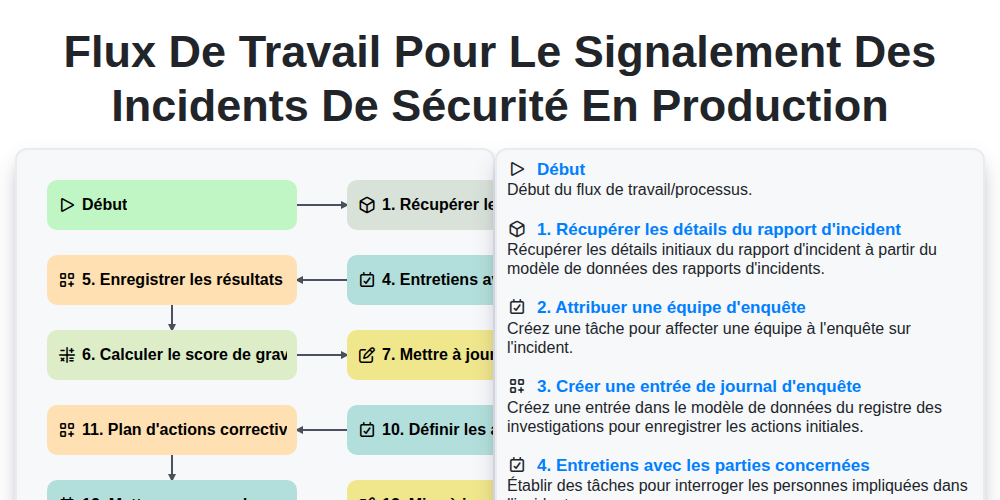
Flux de travail pour le signalement des incidents de sécurité en production
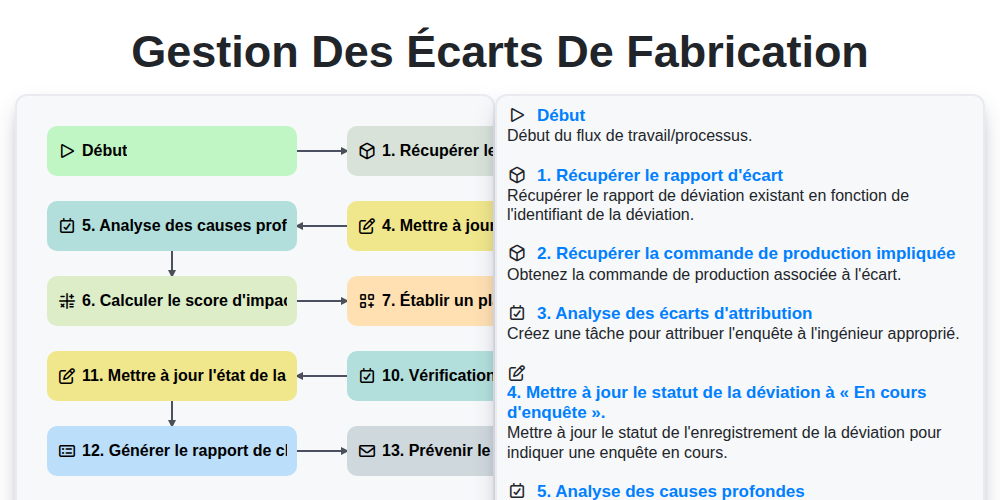
Gestion des Écarts de Fabrication
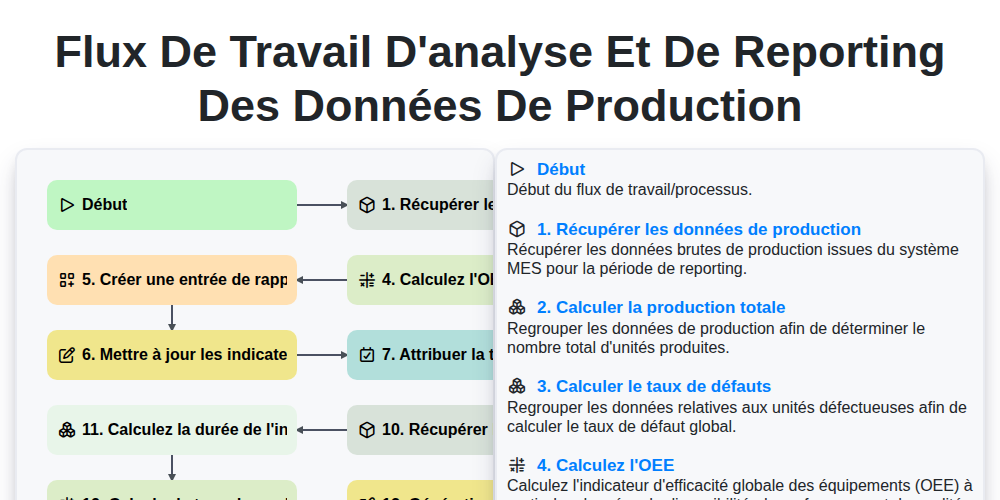
Flux de travail d'analyse et de reporting des données de production
Nous pouvons le faire ensemble
Besoin d'aide avec les listes de contrôle?
Vous avez une question ? Nous sommes là pour vous aider. Veuillez soumettre votre demande et nous vous répondrons rapidement.