 ChecklistGuro
 Tooling Management Workflow for Manufacturing
Maximize uptime & minimize costly delays. Our Tooling Management Workflow streamlines maintenance, repairs, and replacements for all your manufacturing tools, ensuring production runs smoothly and on schedule. Prevent breakdowns, track tool lifespan, and optimize your tooling investment - all in one centralized process.
This Template was installed 3 times.
Start
Start of the Workflow/Process.
1. Get Existing Tooling Records
Retrieve all current tooling records from the Tooling Management Data Model.
2. Get Upcoming Calibration Dates
Retrieve tooling records with calibration dates within the next 12 months.
3. Assign Calibration Task
Create a task for the assigned technician to perform the calibration.
4. Calibration Reminder Email
Send an email reminder to the technician and tooling owner prior to calibration date.
5. Update Calibration Status
Update the 'Calibration Status' field in the Tooling Management Data Model after completion.
6. Assign Inspection Task
Create a task to inspect the tooling for wear or damage after calibration.
7. Create New Tooling Record
Create a new entry in the Tooling Management Data Model when new tooling is introduced.
8. Update Tooling Location
Update the Tooling Management Data Model with the current location of the tooling.
9. Calculate Remaining Calibration Time
Calculate the remaining time until the next scheduled calibration, based on the 'Last Calibration Date' and 'Calibration Frequency'.
10. Generate Tooling Inventory Report
Create a report of all tooling records, including status, location, and upcoming calibration dates.
11. Get Tooling Requiring Repair
Retrieve tooling records flagged for repair or maintenance.
12. Assign Repair Task
Create a task to have a repair made to the tool.
13. Update Tooling Repair Status
Update the tooling repair status in the tooling data model.
14. Archive Retired Tooling
Archive tooling records that are no longer in use (maintaining historical data).
End
End of the Workflow/Process.
Start of the Workflow/Process.
Retrieve all current tooling records from the Tooling Management Data Model.
Retrieve tooling records with calibration dates within the next 12 months.
Create a task for the assigned technician to perform the calibration.
Send an email reminder to the technician and tooling owner prior to calibration date.
Update the 'Calibration Status' field in the Tooling Management Data Model after completion.
Create a task to inspect the tooling for wear or damage after calibration.
Create a new entry in the Tooling Management Data Model when new tooling is introduced.
Update the Tooling Management Data Model with the current location of the tooling.
Calculate the remaining time until the next scheduled calibration, based on the 'Last Calibration Date' and 'Calibration Frequency'.
Create a report of all tooling records, including status, location, and upcoming calibration dates.
Retrieve tooling records flagged for repair or maintenance.
Create a task to have a repair made to the tool.
Update the tooling repair status in the tooling data model.
Archive tooling records that are no longer in use (maintaining historical data).
End of the Workflow/Process.
Comments
There are no comments yet. Be the first to add one!
Manufacturing Management Solution Demo
Stop chasing paperwork and wrestling with disconnected systems! Our solution brings clarity and control to your production process. From standard operating procedures (SOPs) and equipment maintenance to quality control and inventory tracking, we simplify every step.
Related Workflow Templates
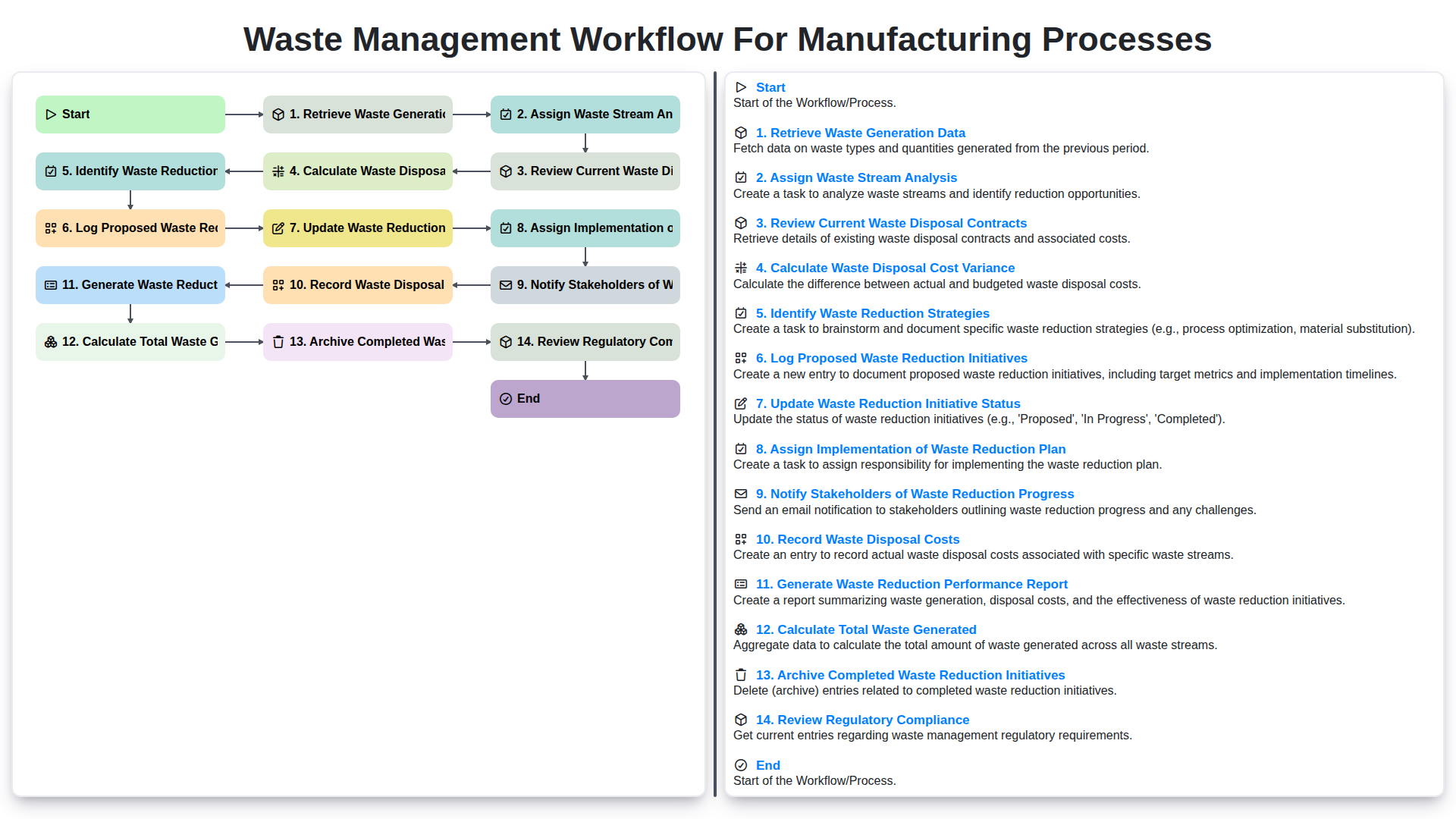
Waste Management Workflow for Manufacturing Processes
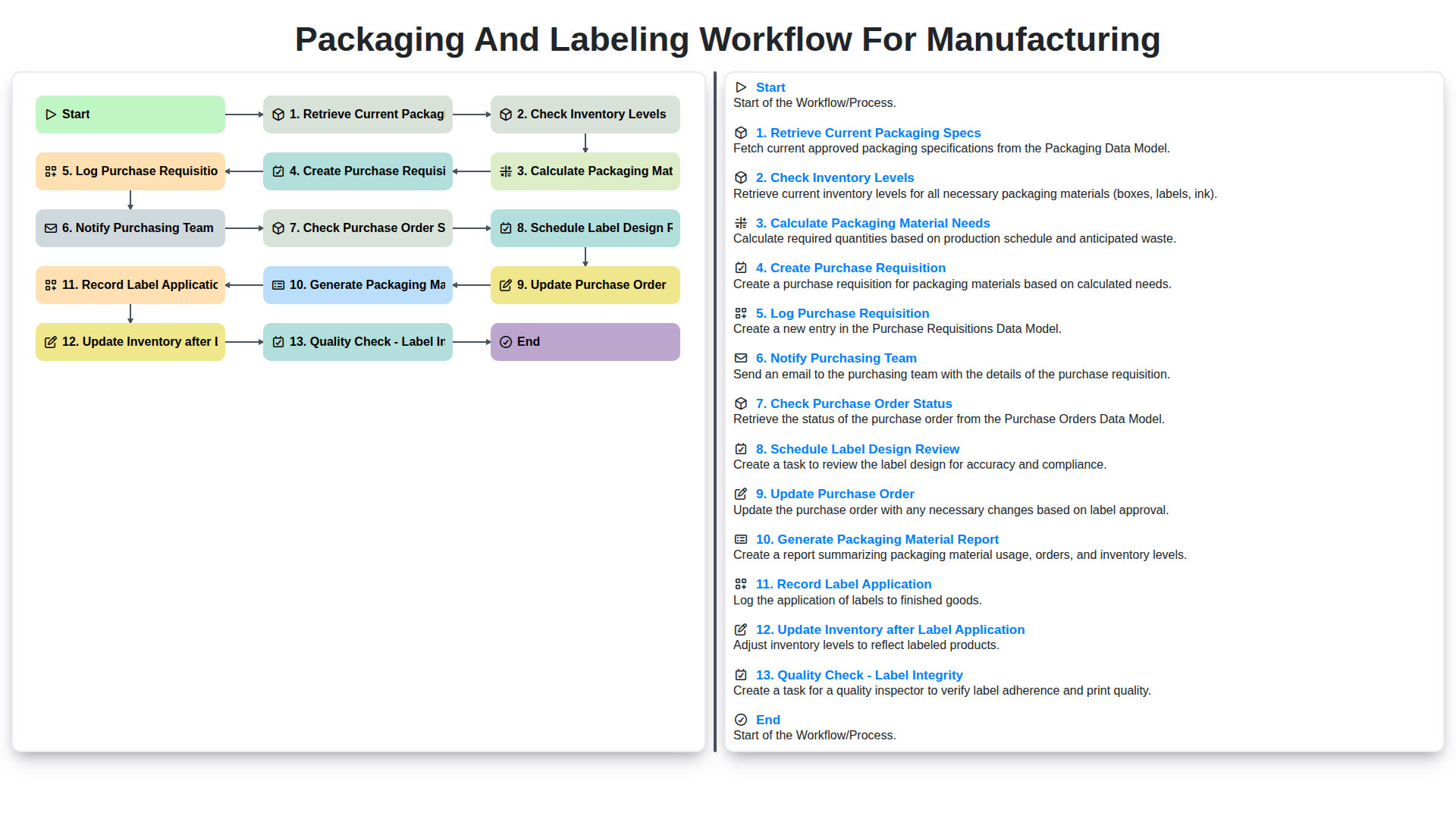
Packaging and Labeling Workflow for Manufacturing
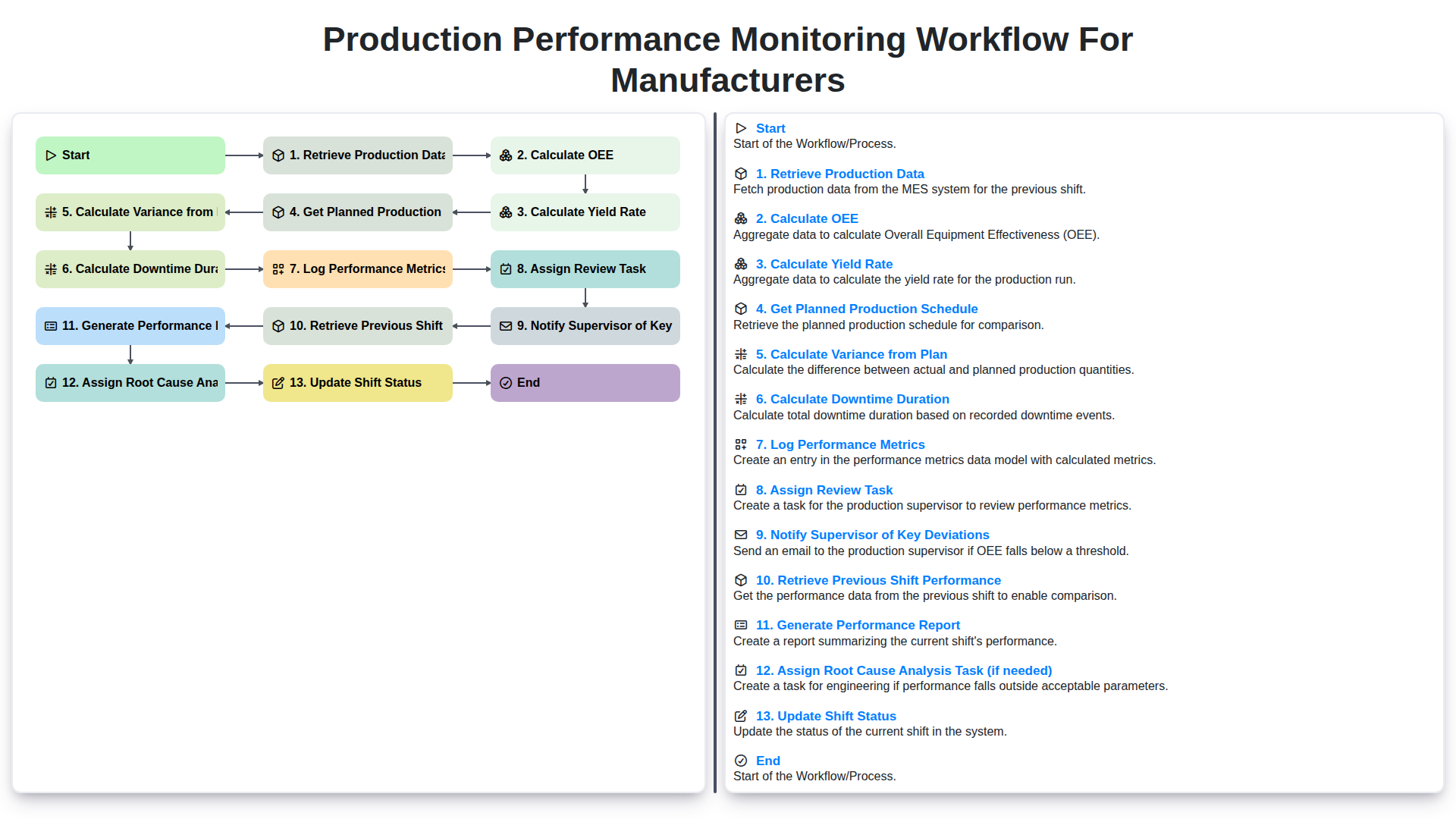
Production Performance Monitoring Workflow for Manufacturers
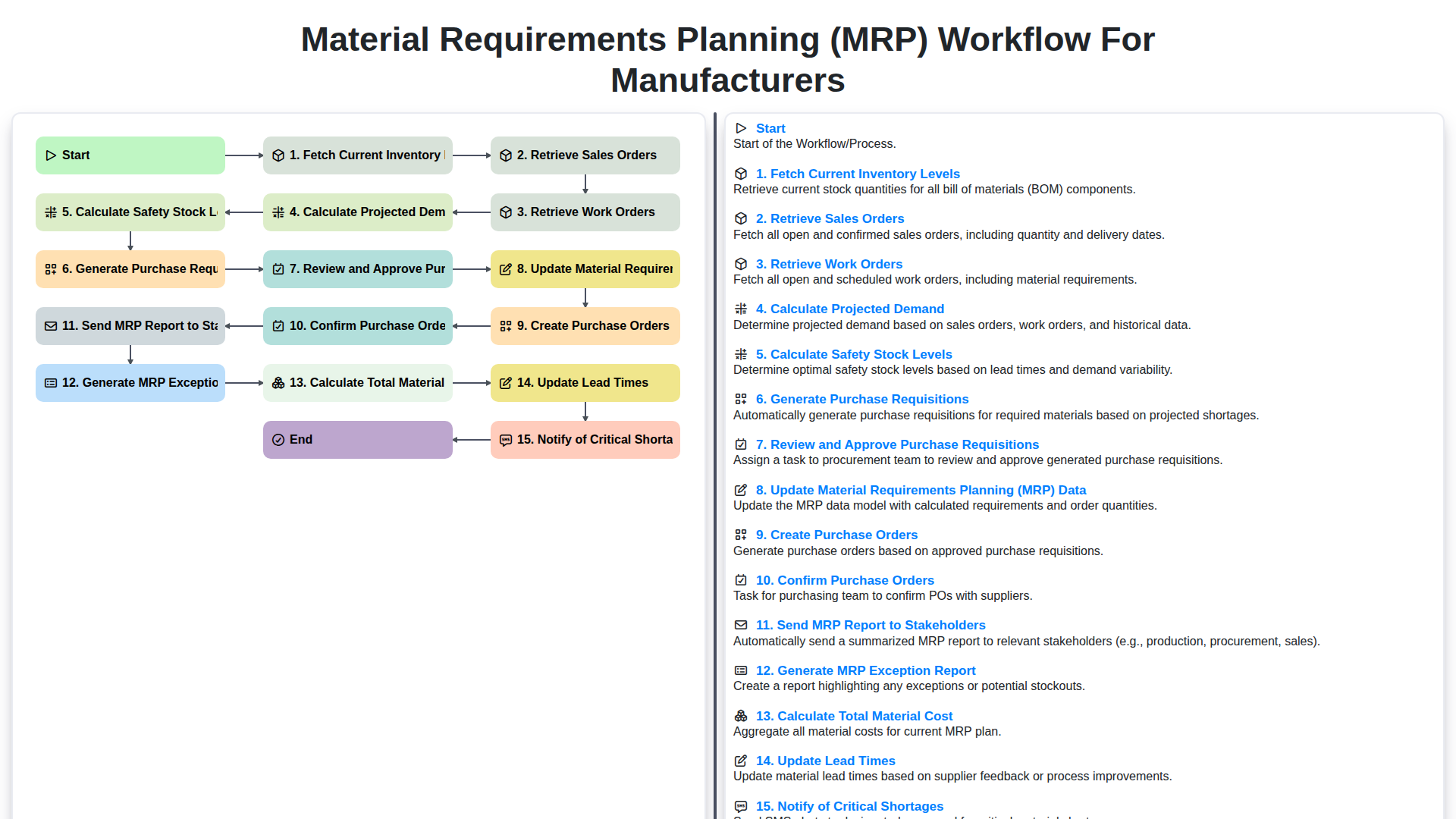
Material Requirements Planning (MRP) Workflow for Manufacturers
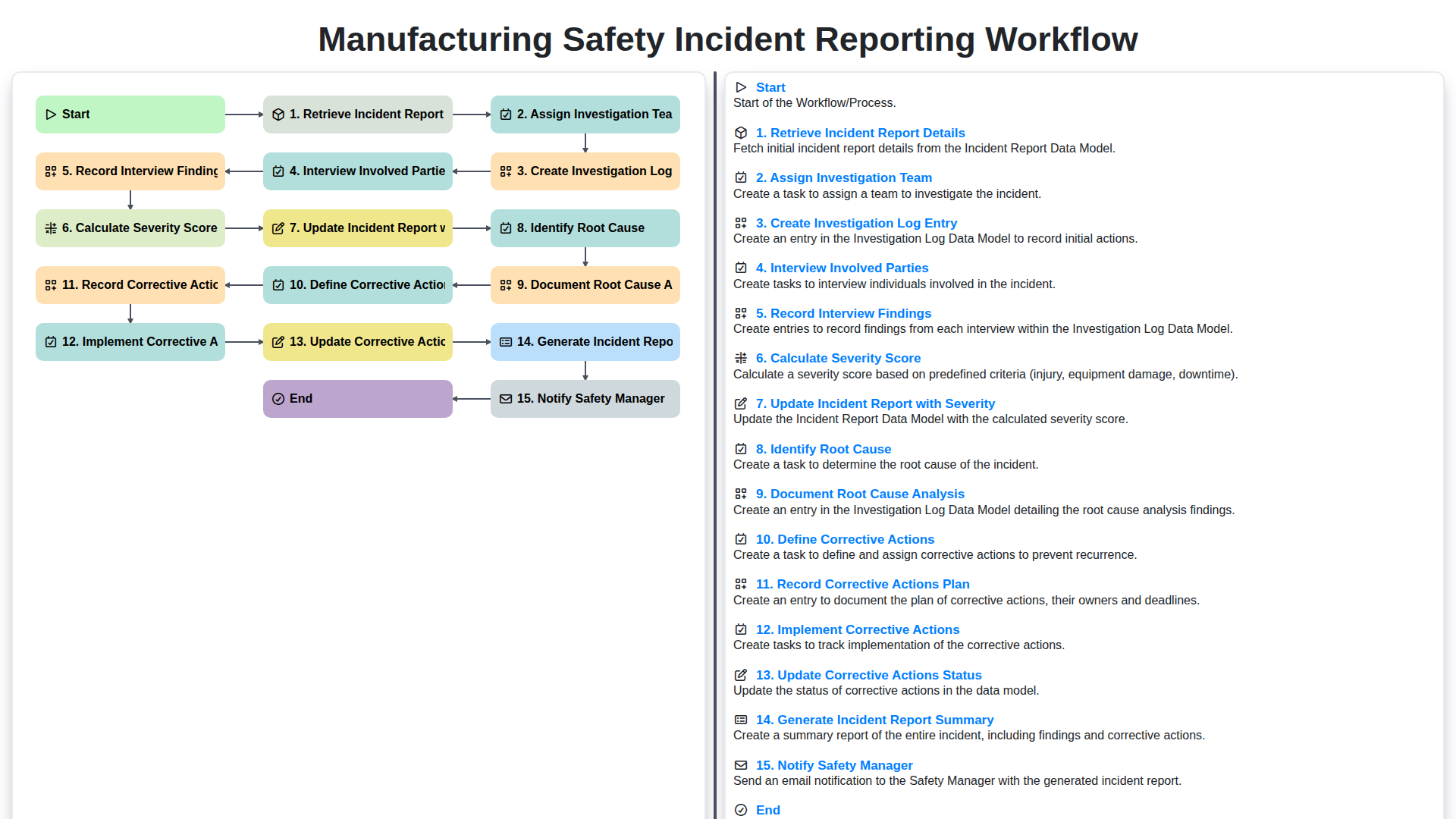
Manufacturing Safety Incident Reporting Workflow
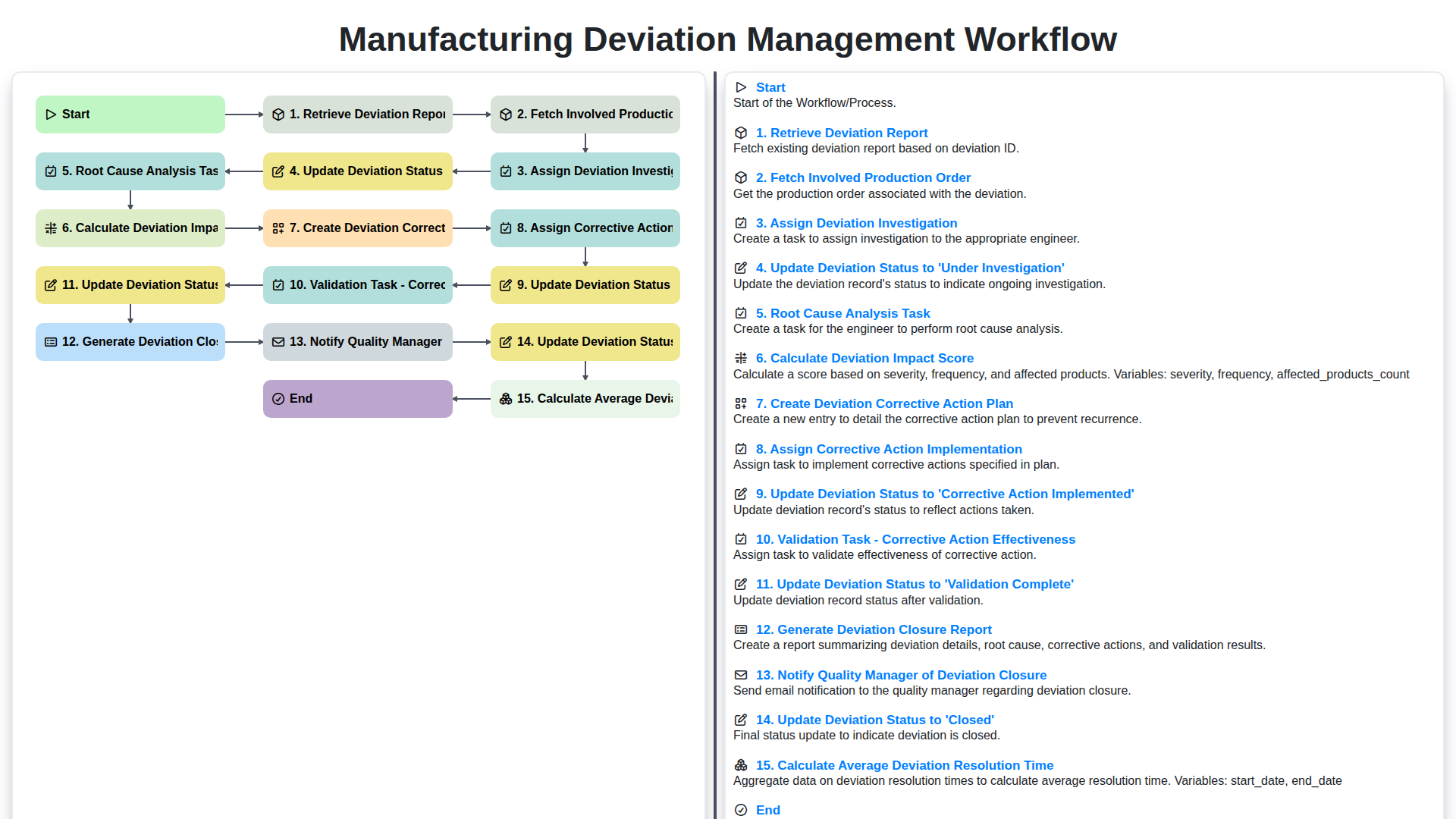
Manufacturing Deviation Management Workflow
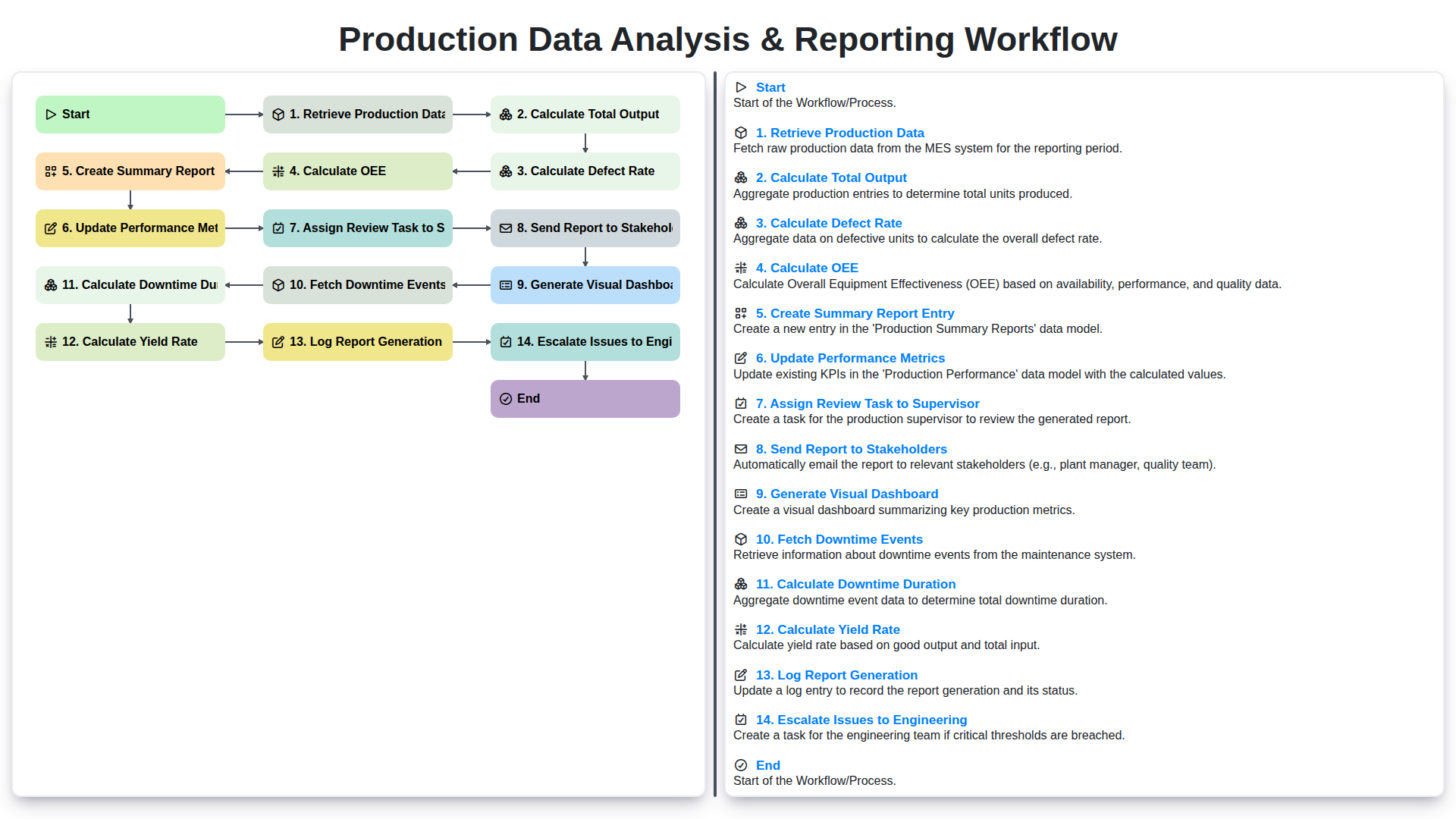
Production Data Analysis & Reporting Workflow
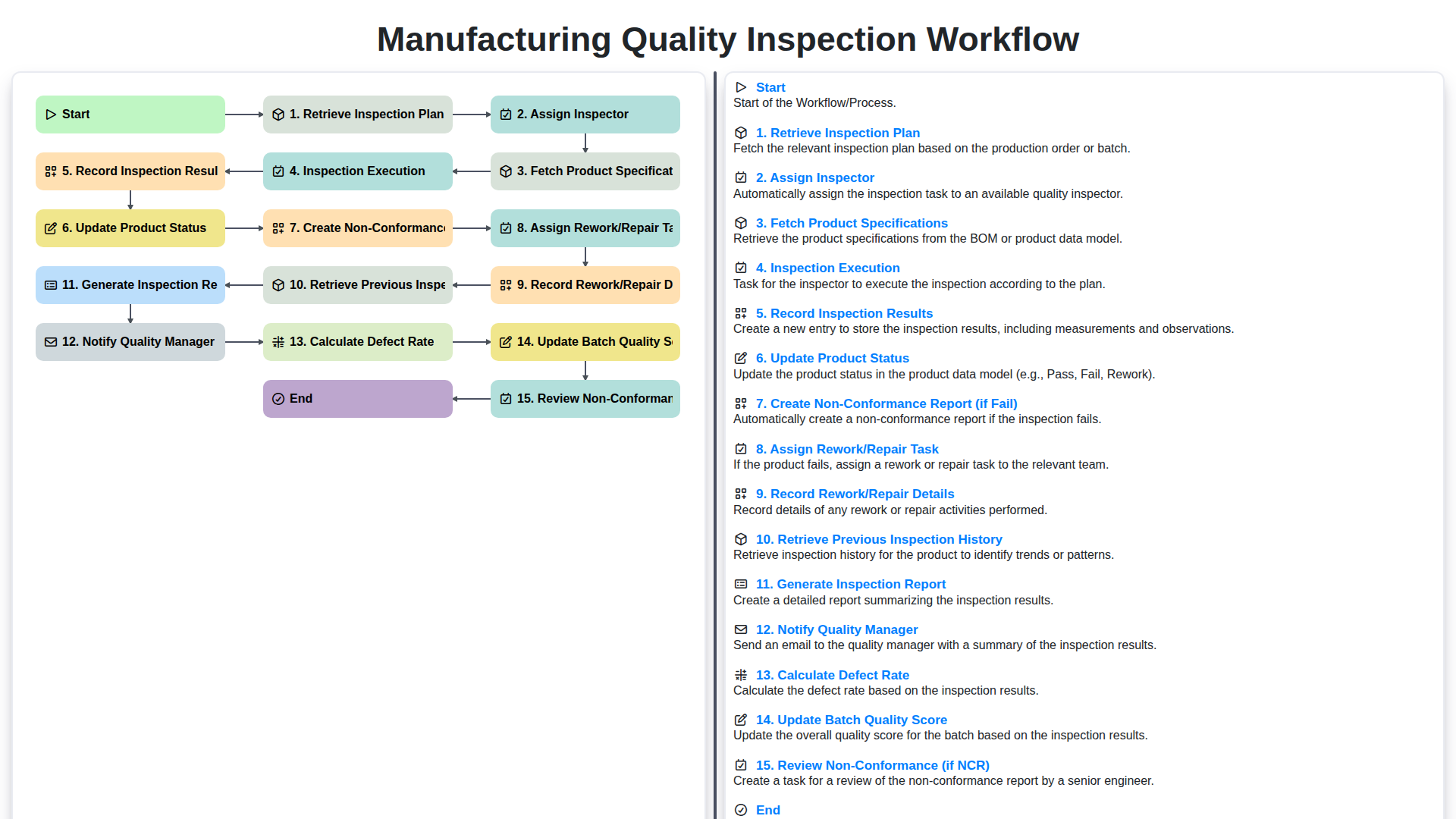
Manufacturing Quality Inspection Workflow
We can do it Together
Need help with
Manufacturing?
Have a question? We're here to help. Please submit your inquiry, and we'll respond promptly.