 ChecklistGuro
 Przepływ pracy dotyczący zgłaszania incydentów związanych z bezpieczeństwem w produkcji
Zminimalizuj ryzyko i zapewnij zgodność z przepisami. Zautomatyzuj proces zgłaszania incydentów związanych z bezpieczeństwem, śledź dochodzenia i identyfikuj trendy, aby stworzyć bezpieczniejsze środowisko produkcji.
Ten szablon został zainstalowany 5 razy.
Rozpoczęcie
Rozpoczęcie przepływu pracy/procesu.
1. Pobierz szczegóły raportu o incydencie
Pobierz szczegóły początkowego raportu incydentu z modelu danych raportów incydentów.
2. Wyznacz Zespół Dochodzeniowy
Utwórz zadanie przydzielające zespół do zbadania incydentu.
3. Utwórz wpis do dziennika śledztwa
Utwórz wpis w modelu danych dziennika śledztwa w celu zarejestrowania podjętych działań.
4. Rozmowa z zaangażowanymi stronami
Utwórz zadania, aby przeprowadzić wywiady z osobami zaangażowanymi w incydent.
5. Zanotuj wyniki rozmów.
Twórz wpisy w dzienniku śledztwa (Investigation Log Data Model) do rejestracji ustaleń z każdej rozmowy.
6. Oblicz wynik oceny ciężkości.
Oblicz wynik oceny dotkliwości na podstawie zdefiniowanych kryteriów (uraz, uszkodzenie sprzętu, przestój).
7. Aktualizuj raport o incydencie, dodając informację o stopniu powagi.
Zaktualizuj model danych raportu incydentu o obliczony wynik ważności.
8. Zidentyfikuj przyczynę.
Utwórz zadanie mające na celu ustalenie przyczyny tego incydentu.
9. Analiza przyczyn źródłowych
Utwórz wpis w modelu danych dziennika śledztwa, opisujący wyniki analizy przyczyn źródłowych.
10. Zdefiniuj działania naprawcze.
Utwórz zadanie w celu zdefiniowania i przydzielenia działań naprawczych w celu zapobiegania ponownemu wystąpieniu.
11. Plan działań naprawczych
Utwórz wpis dokumentujący plan działań naprawczych, osoby odpowiedzialne i terminy ich realizacji.
12. Wdrażaj działania naprawcze.
Utwórz zadania, aby monitorować wdrażanie działań naprawczych.
13. Aktualizacja stanu działań naprawczych
Aktualizuj status działań naprawczych w modelu danych.
14. Wygeneruj podsumowanie raportu o incydencie
Opracuj raport podsumowujący cały incydent, zawierający ustalenia i podjęte działania naprawcze.
15. Powiadomić Kierownika Bezpieczeństwa
Wyślij e-mail z powiadomieniem do Kierownika ds. Bezpieczeństwa zawierający wygenerowany raport o incydencie.
Koniec
Koniec przepływu pracy/procesu.
Rozpoczęcie przepływu pracy/procesu.
Pobierz szczegóły początkowego raportu incydentu z modelu danych raportów incydentów.
Utwórz zadanie przydzielające zespół do zbadania incydentu.
Utwórz wpis w modelu danych dziennika śledztwa w celu zarejestrowania podjętych działań.
Utwórz zadania, aby przeprowadzić wywiady z osobami zaangażowanymi w incydent.
Twórz wpisy w dzienniku śledztwa (Investigation Log Data Model) do rejestracji ustaleń z każdej rozmowy.
Oblicz wynik oceny dotkliwości na podstawie zdefiniowanych kryteriów (uraz, uszkodzenie sprzętu, przestój).
Zaktualizuj model danych raportu incydentu o obliczony wynik ważności.
Utwórz zadanie mające na celu ustalenie przyczyny tego incydentu.
Utwórz wpis w modelu danych dziennika śledztwa, opisujący wyniki analizy przyczyn źródłowych.
Utwórz zadanie w celu zdefiniowania i przydzielenia działań naprawczych w celu zapobiegania ponownemu wystąpieniu.
Utwórz wpis dokumentujący plan działań naprawczych, osoby odpowiedzialne i terminy ich realizacji.
Utwórz zadania, aby monitorować wdrażanie działań naprawczych.
Aktualizuj status działań naprawczych w modelu danych.
Opracuj raport podsumowujący cały incydent, zawierający ustalenia i podjęte działania naprawcze.
Wyślij e-mail z powiadomieniem do Kierownika ds. Bezpieczeństwa zawierający wygenerowany raport o incydencie.
Koniec przepływu pracy/procesu.
Komentarze
Na razie nie ma żadnych komentarzy. Dodaj pierwszy!
Demo rozwiązania do zarządzania produkcją
Przestań tracić czas na papierkowanie i zmagania z niepowiązanymi systemami! Nasze rozwiązanie zapewnia jasność i kontrolę nad procesem produkcyjnym. Od standardowych procedur operacyjnych (SOP) i konserwacji sprzętu, po kontrolę jakości i śledzenie zapasów, upraszczamy każdy etap.
Powiązane Szablony Pracy
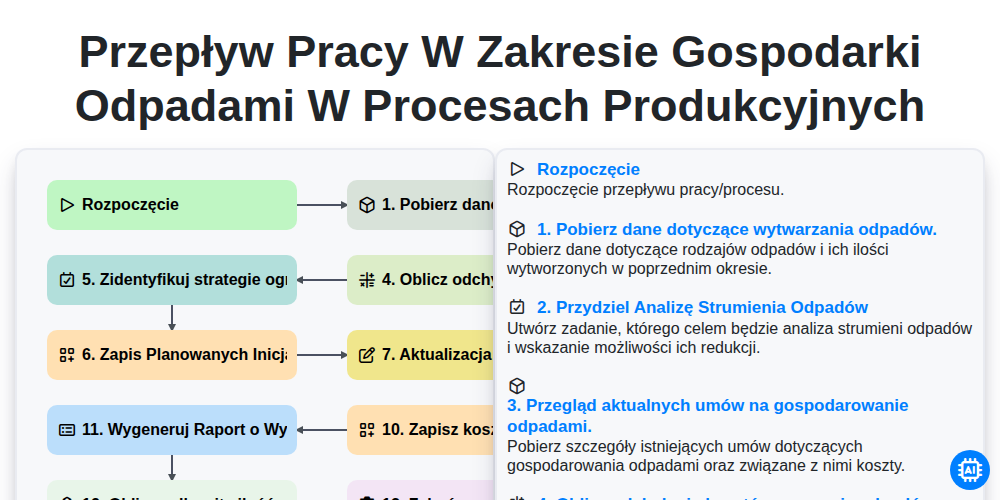
Przepływ pracy w zakresie gospodarki odpadami w procesach produkcyjnych
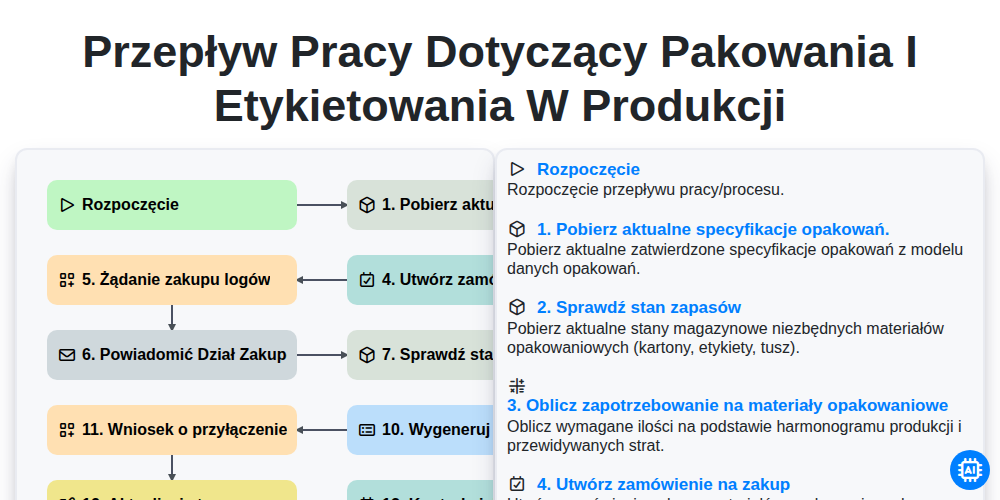
Przepływ pracy dotyczący pakowania i etykietowania w produkcji
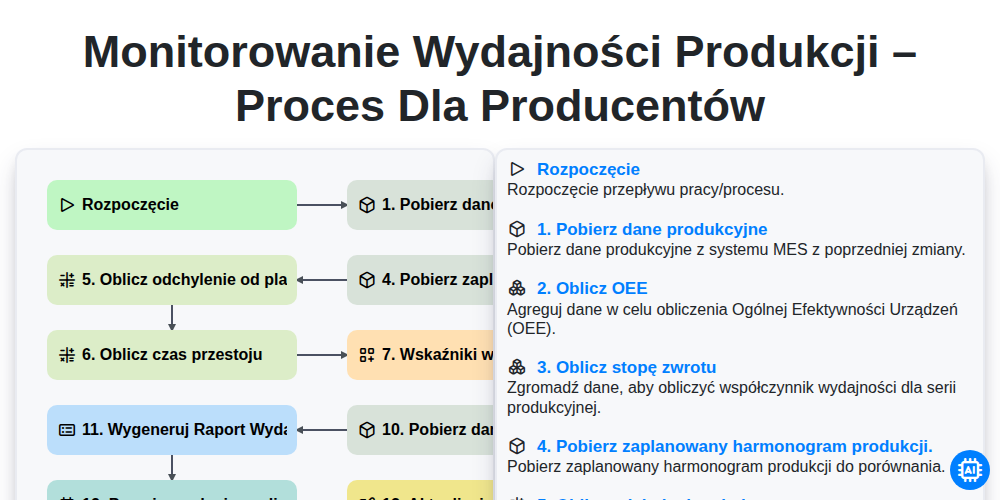
Monitorowanie wydajności produkcji – proces dla producentów
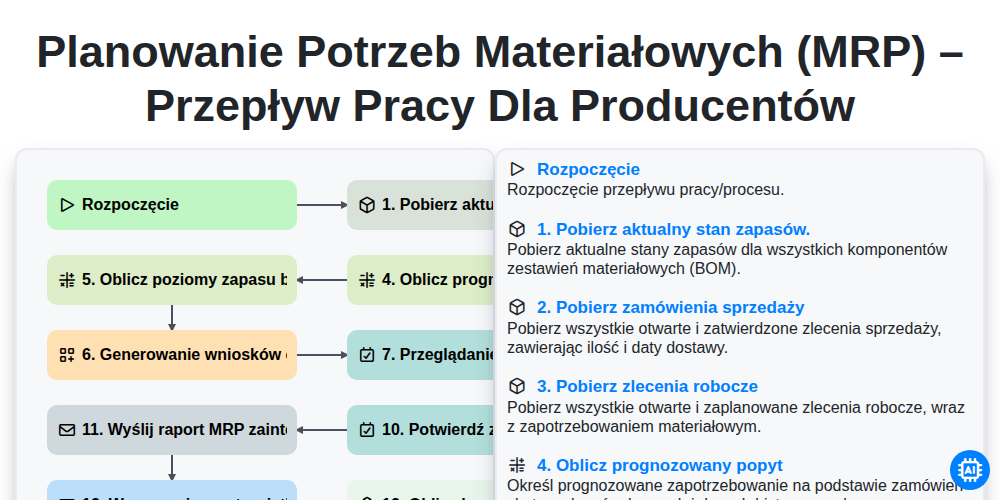
Planowanie potrzeb materiałowych (MRP) – przepływ pracy dla producentów
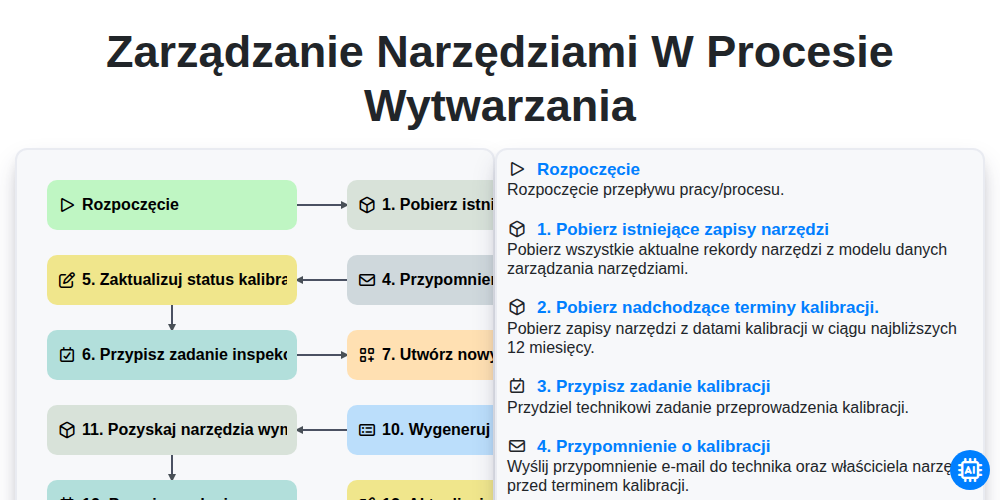
Zarządzanie narzędziami w procesie wytwarzania
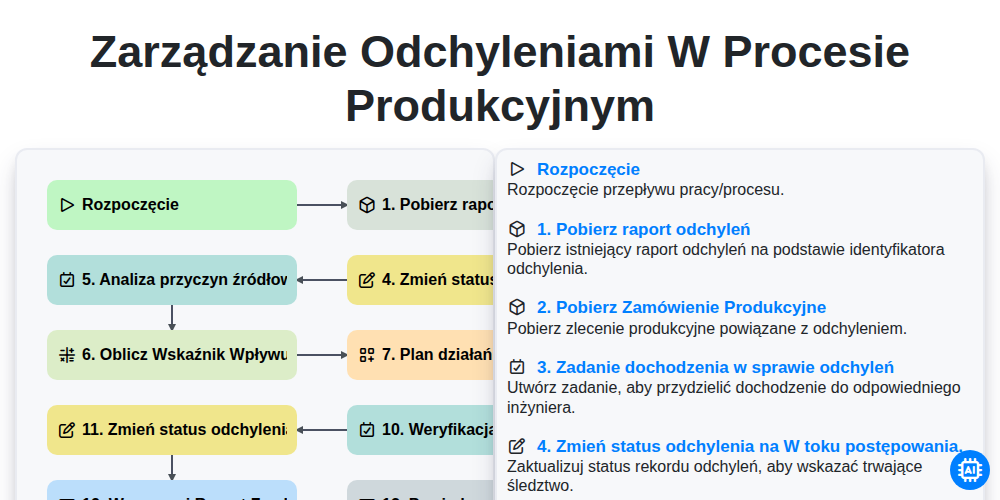
Zarządzanie Odchyleniami w Procesie Produkcyjnym
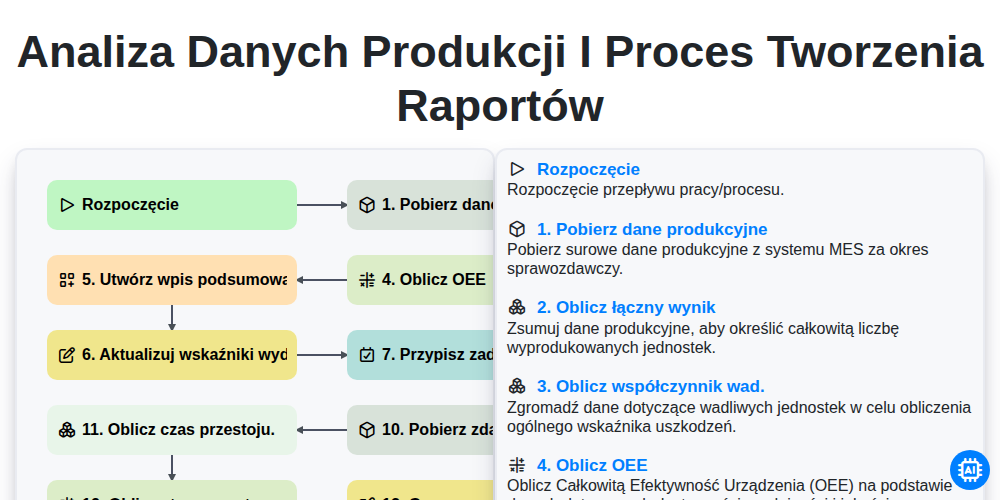
Analiza danych produkcji i proces tworzenia raportów
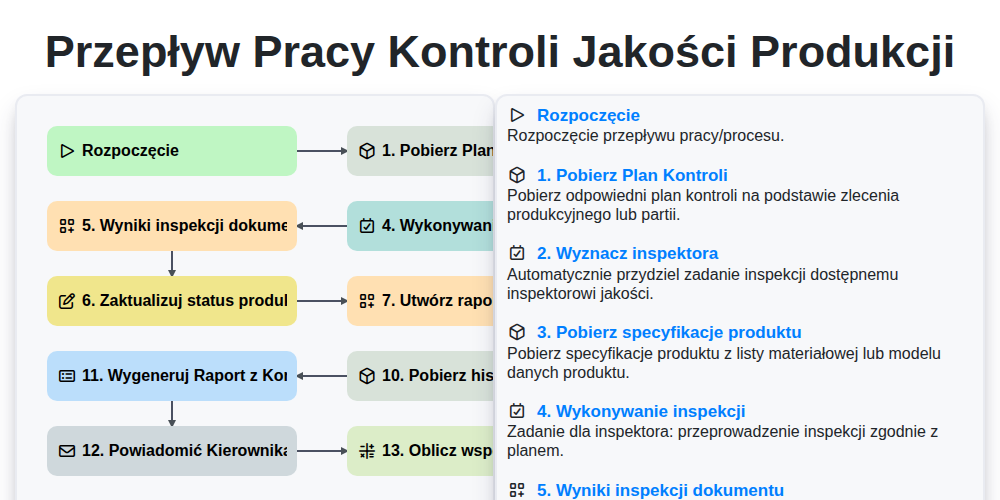
Przepływ pracy kontroli jakości produkcji
Możemy to zrobić razem
Potrzebujesz pomocy z listami kontrolnymi?
Masz pytanie? Jesteśmy tu, aby pomóc. Prześlij zapytanie, a my szybko na nie odpowiemy.