 ChecklistGuro
 Zarządzanie narzędziami w procesie wytwarzania
Maksymalizuj dostępność i zminimalizuj kosztowne opóźnienia. Nasz proces zarządzania narzędziami usprawnia konserwację, naprawy i wymiany wszystkich narzędzi produkcyjnych, zapewniając płynność i terminowość produkcji. Zapobiegaj awariom, śledź żywotność narzędzi i zoptymalizuj inwestycje w narzędzia – wszystko w jednym, scentralizowanym procesie.
Ten szablon został zainstalowany 3 razy.
Rozpoczęcie
Rozpoczęcie przepływu pracy/procesu.
1. Pobierz istniejące zapisy narzędzi
Pobierz wszystkie aktualne rekordy narzędzi z modelu danych zarządzania narzędziami.
2. Pobierz nadchodzące terminy kalibracji.
Pobierz zapisy narzędzi z datami kalibracji w ciągu najbliższych 12 miesięcy.
3. Przypisz zadanie kalibracji
Przydziel technikowi zadanie przeprowadzenia kalibracji.
4. Przypomnienie o kalibracji
Wyślij przypomnienie e-mail do technika oraz właściciela narzędzi przed terminem kalibracji.
5. Zaktualizuj status kalibracji
Zaktualizuj pole „Status Kalibracji” w modelu danych Zarządzania Narzędziami po zakończeniu.
6. Przypisz zadanie inspekcji
Utwórz zadanie, aby sprawdzić narzędzia pod kątem zużycia lub uszkodzeń po kalibracji.
7. Utwórz nowy zapis narzędzi.
Utwórz nowy wpis w modelu danych do zarządzania narzędziami, gdy wprowadzane są nowe narzędzia.
8. Aktualizuj lokalizację narzędzi.
Zaktualizuj model danych dotyczących zarządzania narzędziami o bieżącą lokalizację narzędzi.
9. Oblicz Pozostały Czas Kalibracji
Oblicz pozostały czas do kolejnej zaplanowanej kalibracji, na podstawie daty ostatniej kalibracji i częstotliwości kalibracji.
10. Wygeneruj Raport Inwentaryzacji Narzędzi
Utwórz raport zawierający wszystkie dokumenty dotyczące narzędzi, w tym ich stan, lokalizację oraz zbliżające się terminy kalibracji.
11. Pozyskaj narzędzia wymagające naprawy.
Pobierz zapisy narzędzi oznaczonych do naprawy lub konserwacji.
12. Przypisz zadanie naprawcze
Utwórz zadanie, aby zlecić naprawę narzędzia.
13. Aktualizuj status napraw narzędzi
Zaktualizuj status naprawy narzędzi w modelu danych narzędzi.
14. Zarchiwizowany sprzęt/narzędzia.
Zarchiwizowane narzędzia i zapisy, które nie są już wykorzystywane (w celu zachowania danych historycznych).
Koniec
Koniec przepływu pracy/procesu.
Rozpoczęcie przepływu pracy/procesu.
Pobierz wszystkie aktualne rekordy narzędzi z modelu danych zarządzania narzędziami.
Pobierz zapisy narzędzi z datami kalibracji w ciągu najbliższych 12 miesięcy.
Przydziel technikowi zadanie przeprowadzenia kalibracji.
Wyślij przypomnienie e-mail do technika oraz właściciela narzędzi przed terminem kalibracji.
Zaktualizuj pole „Status Kalibracji” w modelu danych Zarządzania Narzędziami po zakończeniu.
Utwórz zadanie, aby sprawdzić narzędzia pod kątem zużycia lub uszkodzeń po kalibracji.
Utwórz nowy wpis w modelu danych do zarządzania narzędziami, gdy wprowadzane są nowe narzędzia.
Zaktualizuj model danych dotyczących zarządzania narzędziami o bieżącą lokalizację narzędzi.
Oblicz pozostały czas do kolejnej zaplanowanej kalibracji, na podstawie daty ostatniej kalibracji i częstotliwości kalibracji.
Utwórz raport zawierający wszystkie dokumenty dotyczące narzędzi, w tym ich stan, lokalizację oraz zbliżające się terminy kalibracji.
Pobierz zapisy narzędzi oznaczonych do naprawy lub konserwacji.
Utwórz zadanie, aby zlecić naprawę narzędzia.
Zaktualizuj status naprawy narzędzi w modelu danych narzędzi.
Zarchiwizowane narzędzia i zapisy, które nie są już wykorzystywane (w celu zachowania danych historycznych).
Koniec przepływu pracy/procesu.
Komentarze
Na razie nie ma żadnych komentarzy. Dodaj pierwszy!
Demo rozwiązania do zarządzania produkcją
Przestań tracić czas na papierkowanie i zmagania z niepowiązanymi systemami! Nasze rozwiązanie zapewnia jasność i kontrolę nad procesem produkcyjnym. Od standardowych procedur operacyjnych (SOP) i konserwacji sprzętu, po kontrolę jakości i śledzenie zapasów, upraszczamy każdy etap.
Powiązane Szablony Pracy
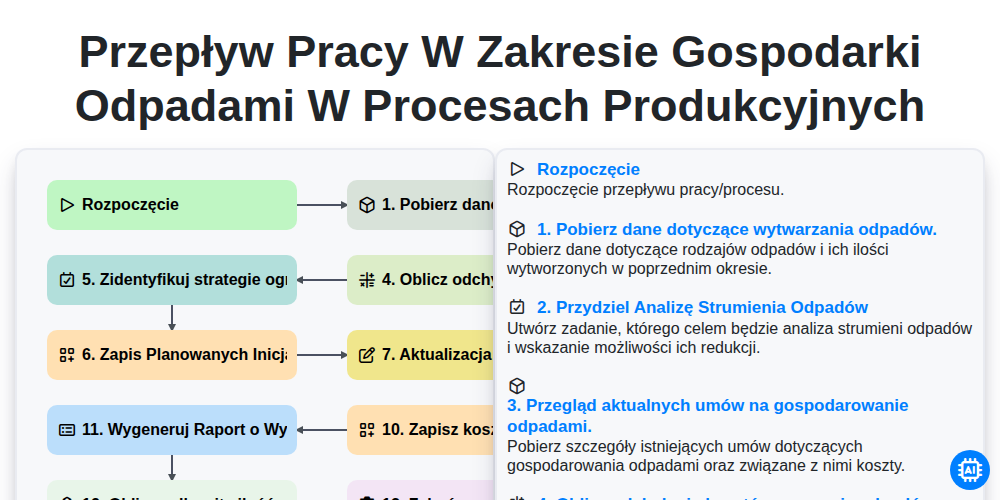
Przepływ pracy w zakresie gospodarki odpadami w procesach produkcyjnych
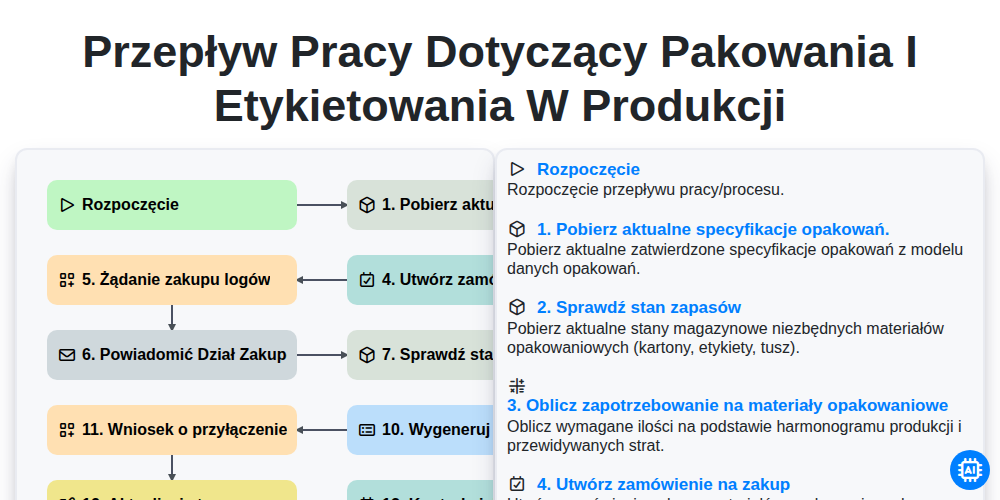
Przepływ pracy dotyczący pakowania i etykietowania w produkcji
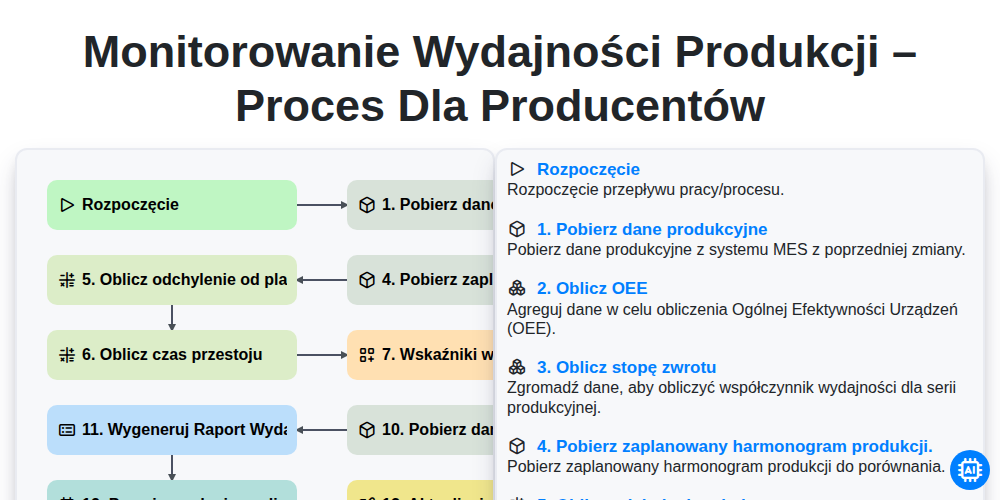
Monitorowanie wydajności produkcji – proces dla producentów
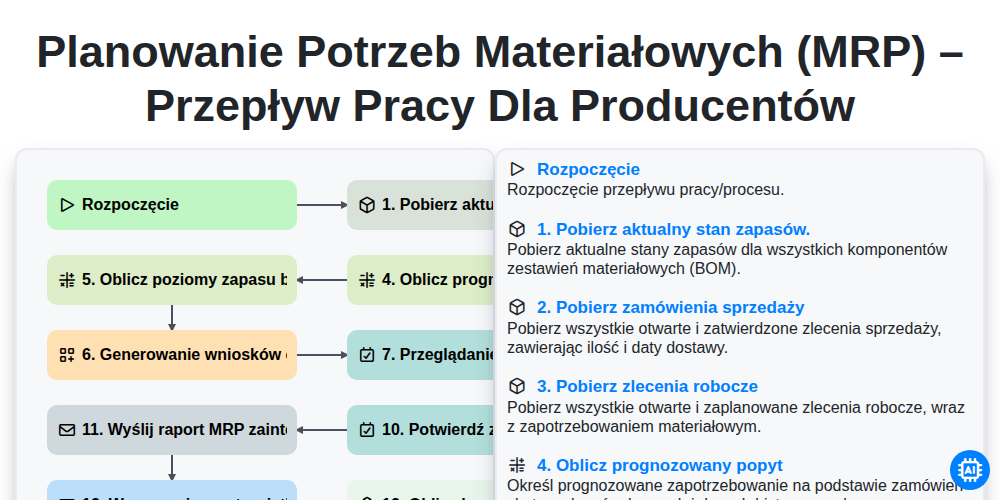
Planowanie potrzeb materiałowych (MRP) – przepływ pracy dla producentów
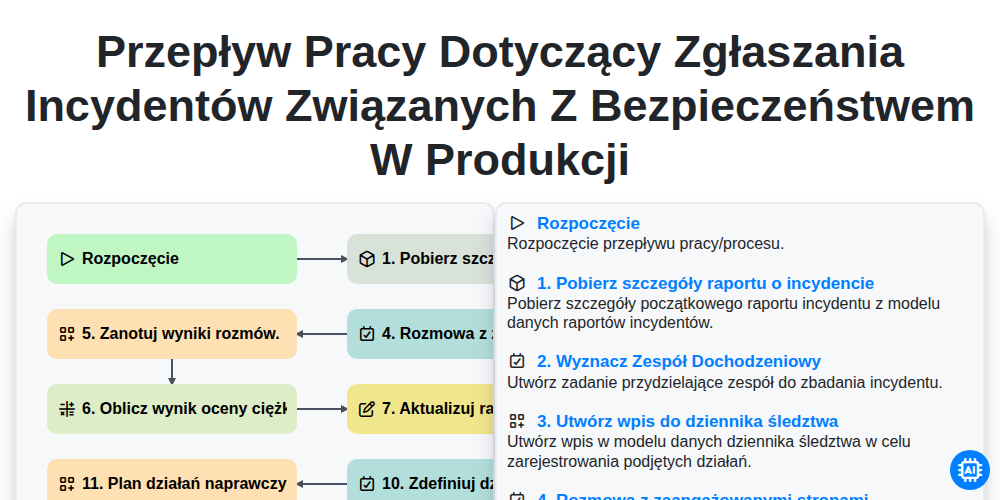
Przepływ pracy dotyczący zgłaszania incydentów związanych z bezpieczeństwem w produkcji
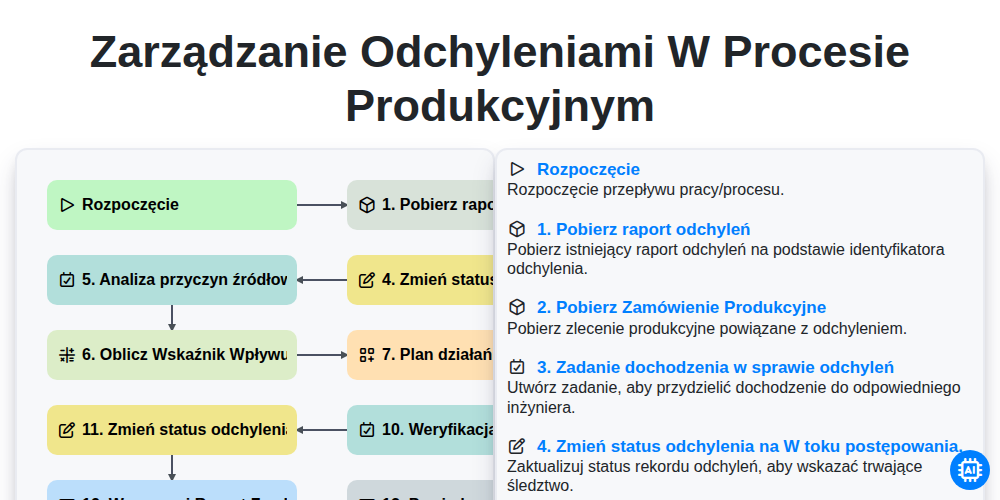
Zarządzanie Odchyleniami w Procesie Produkcyjnym
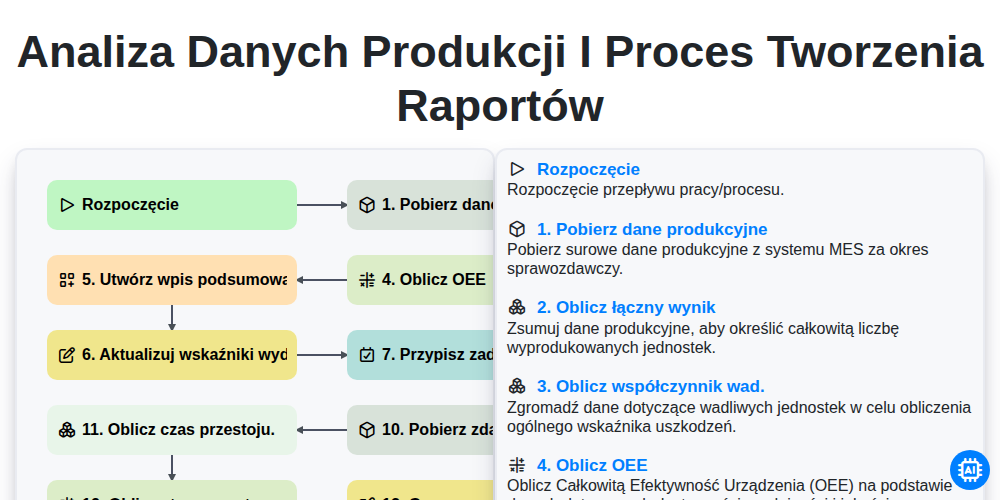
Analiza danych produkcji i proces tworzenia raportów
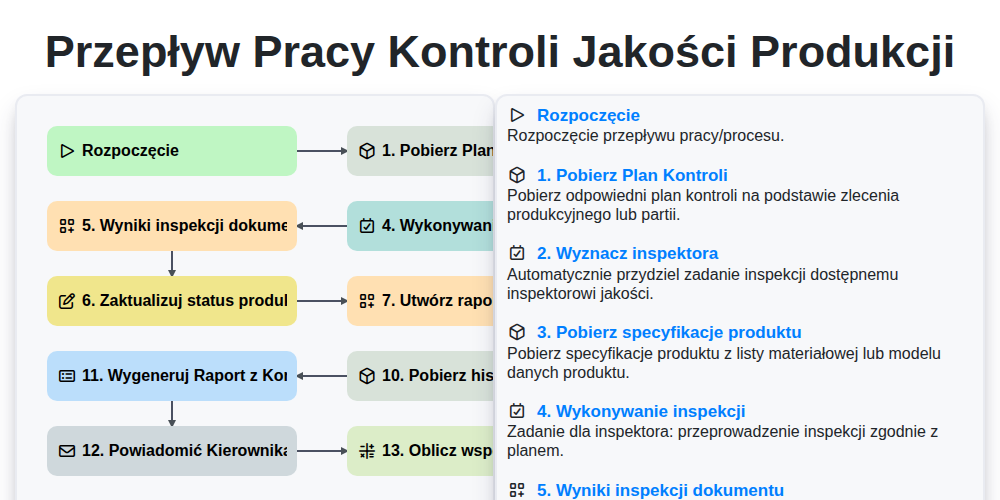
Przepływ pracy kontroli jakości produkcji
Możemy to zrobić razem
Potrzebujesz pomocy z listami kontrolnymi?
Masz pytanie? Jesteśmy tu, aby pomóc. Prześlij zapytanie, a my szybko na nie odpowiemy.