 ChecklistGuro
 Proces liczenia zapasów dla producentów
Zapewnij dokładność stanów magazynowych i zminimalizuj kosztowne rozbieżności dzięki naszemu usprawnionemu Procesowi Cyklicznej Weryfikacji Zapasu. Ten proces prowadzi producentów przez efektywne cykliczne weryfikacje, identyfikuje potencjalne problemy i automatyzuje rozliczenia – redukując błędy, optymalizując poziomy zapasów i zwiększając ogólną efektywność operacyjną. Uzyskaj jasny, aktualny w czasie rzeczywistym wgląd w stan magazynowy i odblokuj znaczące oszczędności kosztów.
Ten szablon został zainstalowany 2 razy.
Rozpoczęcie
Rozpoczęcie przepływu pracy/procesu.
1. Pobierz harmonogram liczników cykli
Pobierz zadania liczenia cyklicznego z modelu danych harmonogramu liczenia cyklicznego.
2. Przypisz zadanie liczenia cykli.
Utwórz zadanie dla przydzielonego członka zespołu liczącego zapasy, zgodnie z harmonogramem.
3. Pobierz zapisy stanów magazynowych
Pobierz odpowiednie rekordy zapasów (pozycja, lokalizacja, ilość) z modelu danych zapasów.
4. Zadanie liczenia fizycznego
Przydziel zadanie fizycznego policzenia zapasów.
5. Zaktualizuj ilość w fizycznym liczeniu.
Zaktualizuj ilość w fizycznym liczeniu w modelu danych magazynowych.
6. Oblicz wariancję
Oblicz wariancję między ilością systemową a fizycznym naliczeniem.
7. Przekroczenie progu zmienności flagi
Jeśli wariancja przekroczy zdefiniowany próg, oznacz rekord zapasów jako wymagający weryfikacji.
8. Zadanie dochodzeniowe
Utwórz zadanie dla zespołu śledczego, aby zbadał znaczące rozbieżności.
9. Utwórz notatkę z badaniem odchyleń
Utwórz notatkę w modelu danych do analizy odchyleń, aby rejestrować wnioski.
10. Aktualizuj ilość systemu (jeśli poprawiono)
Zaktualizuj ilość w systemie w modelu danych Zapasu, jeśli rozbieżność wynikała z błędu.
11. Wygeneruj raport liczenia cykli.
Opracuj raport podsumowujący wyniki liczenia cykli, zawierający odchylenia i notatki z analizy.
12. Powiadom Kierownika Magazynu
Wyślij e-mail do kierownika magazynu, podsumowujący istotne rozbieżności i wymagający przeglądu.
13. Pobierz historię liczników cykli
Sprawdź historię poprzednich liczeń dla tego elementu, aby zidentyfikować trendy.
14. Oznacz cykl liczenia jako zakończony.
Zmień status liczenia cykli na Zakończone.
Koniec
Koniec przepływu pracy/procesu.
Rozpoczęcie przepływu pracy/procesu.
Pobierz zadania liczenia cyklicznego z modelu danych harmonogramu liczenia cyklicznego.
Utwórz zadanie dla przydzielonego członka zespołu liczącego zapasy, zgodnie z harmonogramem.
Pobierz odpowiednie rekordy zapasów (pozycja, lokalizacja, ilość) z modelu danych zapasów.
Przydziel zadanie fizycznego policzenia zapasów.
Zaktualizuj ilość w fizycznym liczeniu w modelu danych magazynowych.
Oblicz wariancję między ilością systemową a fizycznym naliczeniem.
Jeśli wariancja przekroczy zdefiniowany próg, oznacz rekord zapasów jako wymagający weryfikacji.
Utwórz zadanie dla zespołu śledczego, aby zbadał znaczące rozbieżności.
Utwórz notatkę w modelu danych do analizy odchyleń, aby rejestrować wnioski.
Zaktualizuj ilość w systemie w modelu danych Zapasu, jeśli rozbieżność wynikała z błędu.
Opracuj raport podsumowujący wyniki liczenia cykli, zawierający odchylenia i notatki z analizy.
Wyślij e-mail do kierownika magazynu, podsumowujący istotne rozbieżności i wymagający przeglądu.
Sprawdź historię poprzednich liczeń dla tego elementu, aby zidentyfikować trendy.
Zmień status liczenia cykli na Zakończone.
Koniec przepływu pracy/procesu.
Komentarze
Na razie nie ma żadnych komentarzy. Dodaj pierwszy!
Demo rozwiązania do zarządzania produkcją
Przestań tracić czas na papierkowanie i zmagania z niepowiązanymi systemami! Nasze rozwiązanie zapewnia jasność i kontrolę nad procesem produkcyjnym. Od standardowych procedur operacyjnych (SOP) i konserwacji sprzętu, po kontrolę jakości i śledzenie zapasów, upraszczamy każdy etap.
Powiązane Szablony Pracy
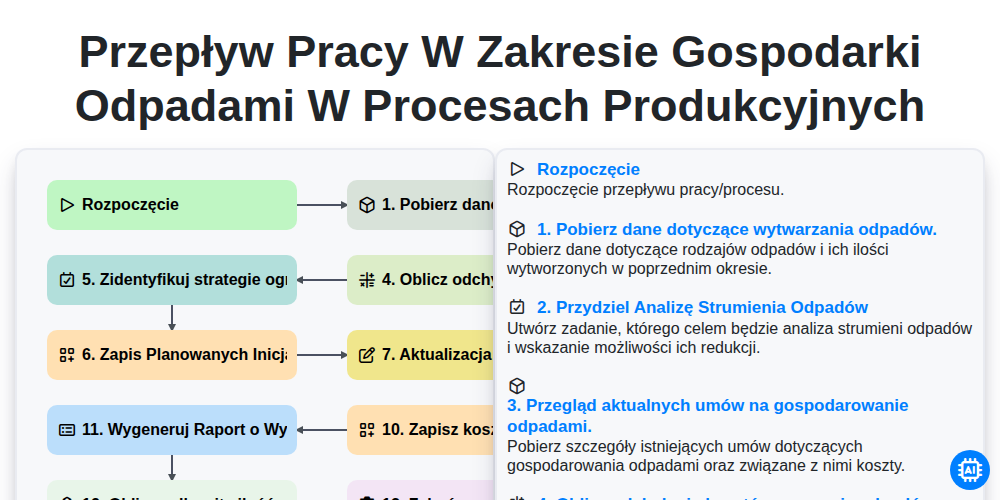
Przepływ pracy w zakresie gospodarki odpadami w procesach produkcyjnych
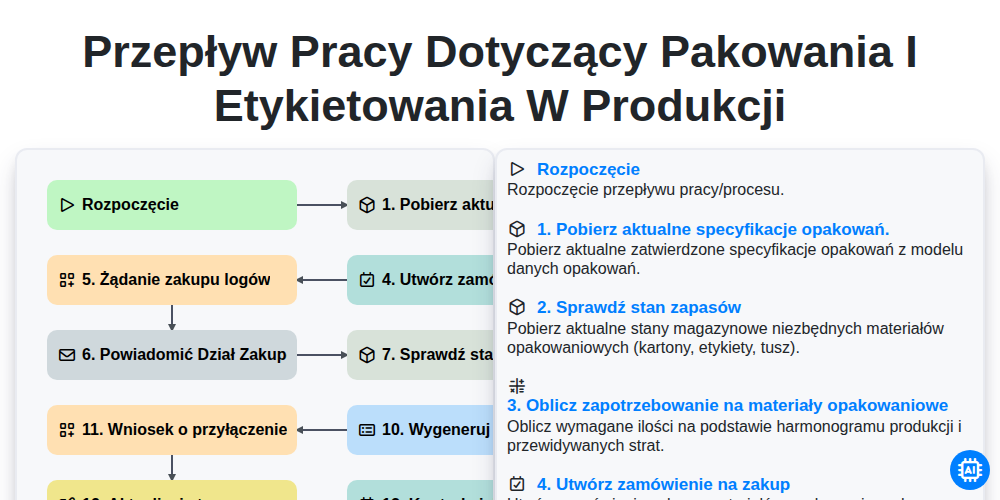
Przepływ pracy dotyczący pakowania i etykietowania w produkcji
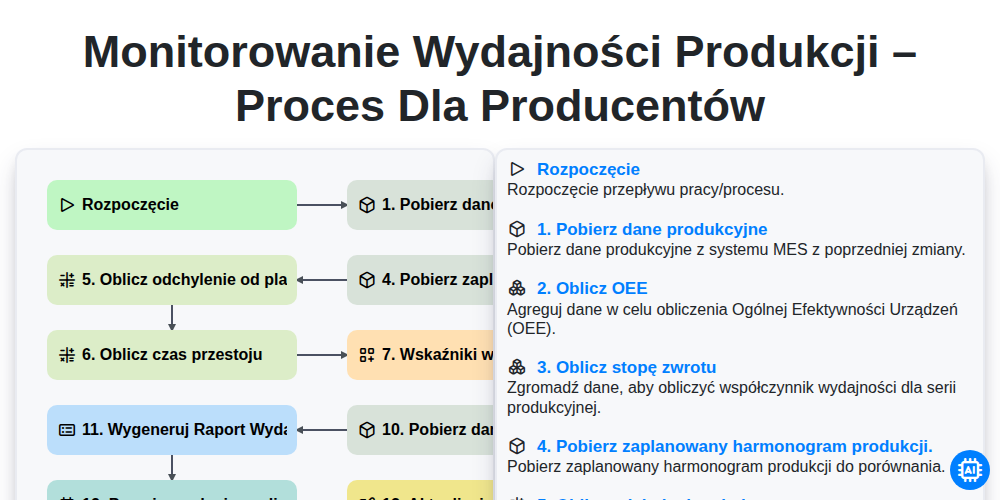
Monitorowanie wydajności produkcji – proces dla producentów
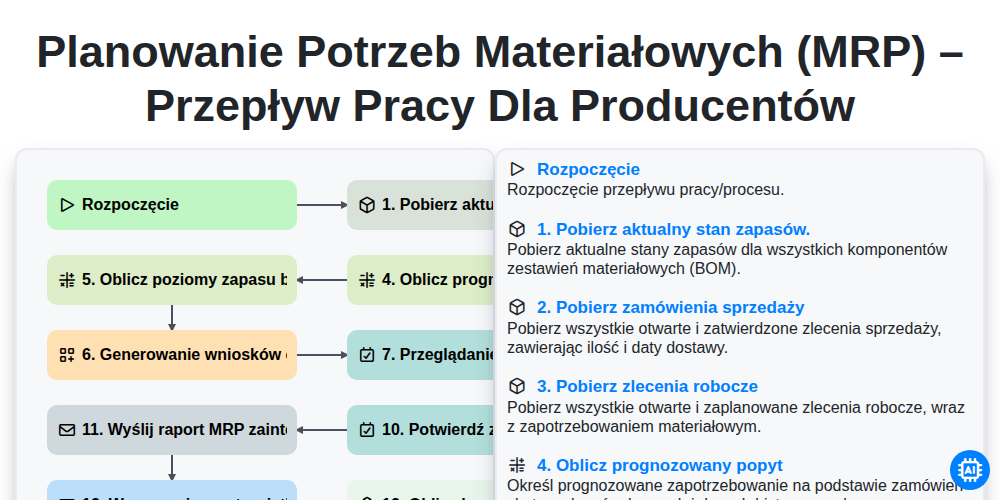
Planowanie potrzeb materiałowych (MRP) – przepływ pracy dla producentów
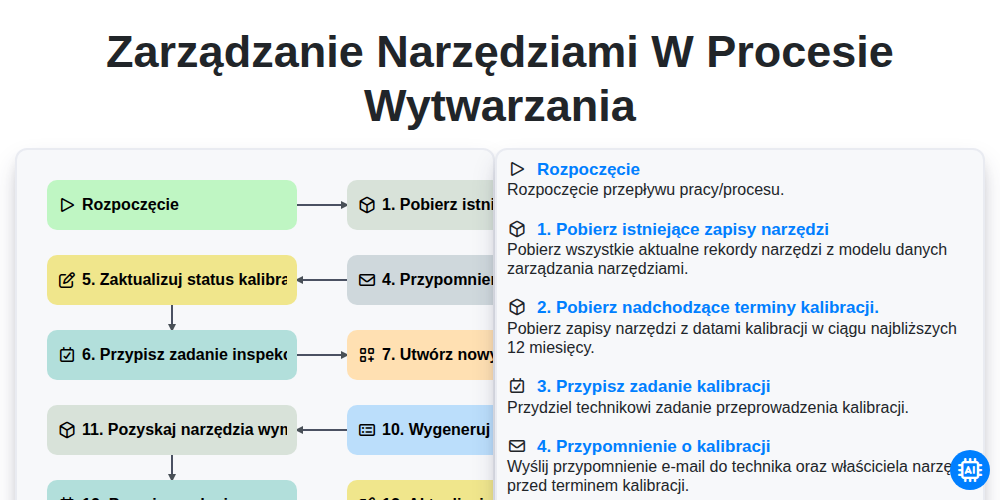
Zarządzanie narzędziami w procesie wytwarzania
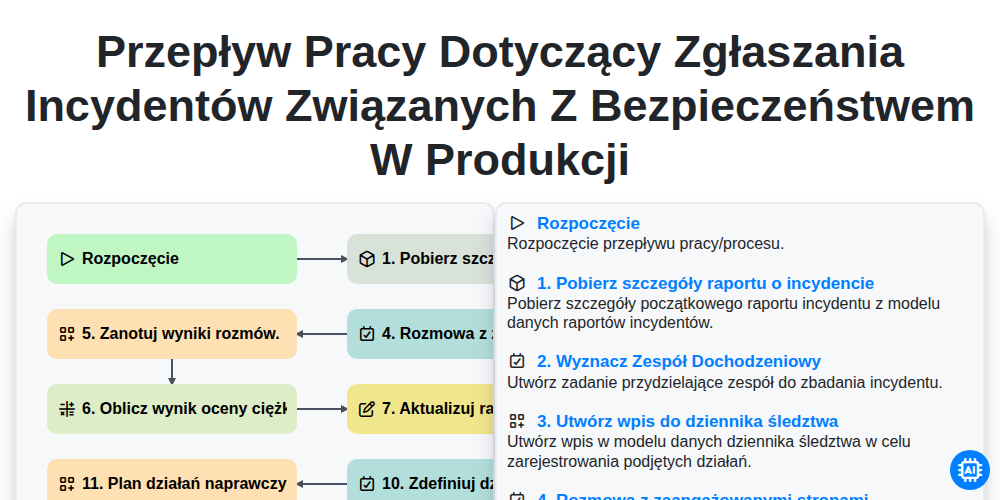
Przepływ pracy dotyczący zgłaszania incydentów związanych z bezpieczeństwem w produkcji
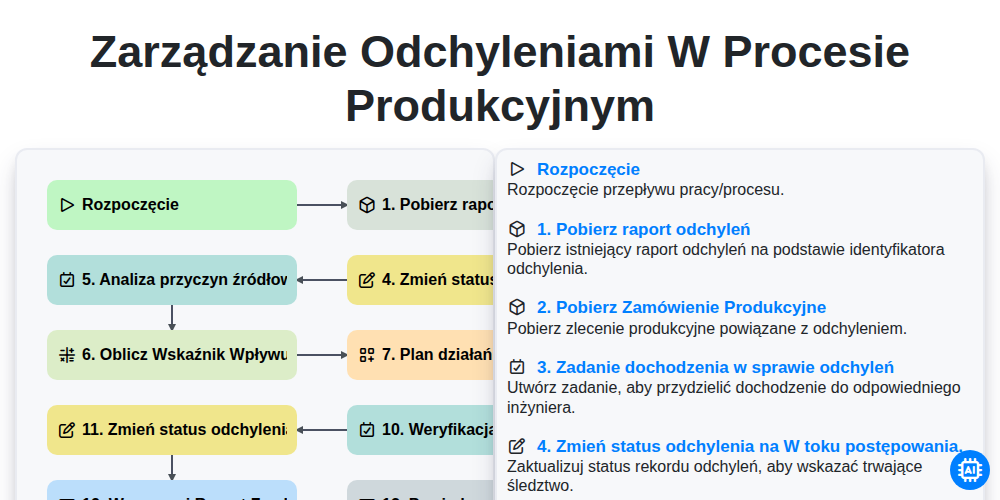
Zarządzanie Odchyleniami w Procesie Produkcyjnym
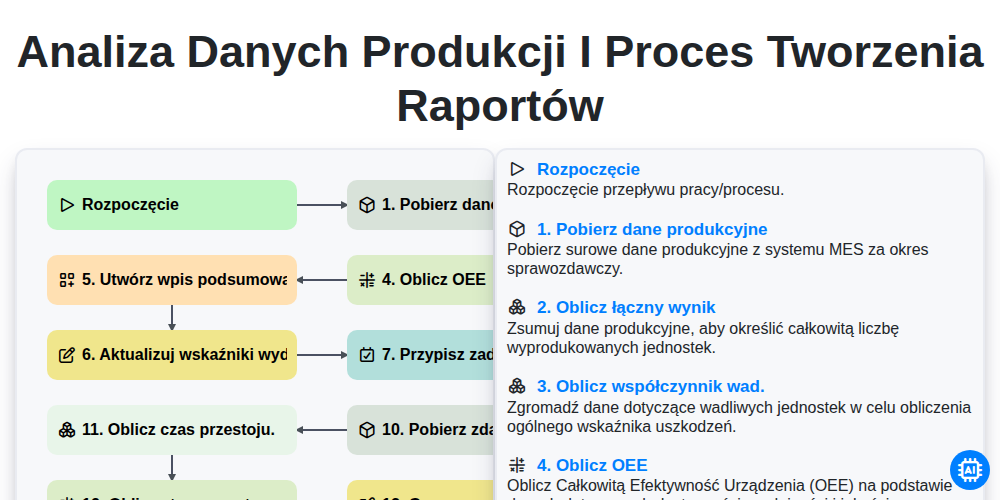
Analiza danych produkcji i proces tworzenia raportów
Możemy to zrobić razem
Potrzebujesz pomocy z listami kontrolnymi?
Masz pytanie? Jesteśmy tu, aby pomóc. Prześlij zapytanie, a my szybko na nie odpowiemy.