 ChecklistGuro
 Public Transit Data Security & Privacy Audit Checklist
Protect passenger data and ensure regulatory compliance. Our Public Transit Data Security & Privacy Audit Checklist helps you identify vulnerabilities, strengthen defenses, and maintain public trust. Download now for peace of mind!
This Template was installed 1 times.
Data Inventory & Classification
Identify all data types collected, processed, and stored by the transit authority, and categorize them based on sensitivity (e.g., Personally Identifiable Information (PII), financial data, operational data).
Description of Data Collected (e.g., Fare Payment, Passenger Count, Vehicle Location)
Data Sensitivity Level (PII, Operational, Financial, Public)
Estimated Number of Records
Data Storage Location (e.g., On-Premise, Cloud)
Date of Last Data Inventory Review
System/Application Associated with Data
Access Controls & Permissions
Review and assess access controls for all systems and data stores. Verify least privilege principles are applied and regularly reviewed.
Authentication Method Used (e.g., MFA, Password)
Least Privilege Principle Applied?
Number of Users with Admin Access
Date of Last Access Control Review
Description of User Access Request Process
Roles with access to PII Data?
Is there role based access control?
Data Encryption & Storage
Evaluate encryption methods used for data at rest and in transit. Confirm compliance with industry best practices and relevant regulations.
Encryption Method at Rest
If 'Other' encryption method selected, please specify:
Encryption Method in Transit
If 'Other' encryption method selected, please specify:
Key Rotation Frequency (in days)
Key Storage Location
Proof of Encryption Configuration (e.g., screenshot of configuration)
Data Masking Techniques Used (Select all that apply)
Third-Party Vendor Management
Assess the data security practices of third-party vendors who handle transit data. Review contracts and service level agreements (SLAs).
Vendor Data Security Assessment Completed?
Summary of Vendor's Data Security Practices (as documented)
Vendor's Data Security Questionnaire Response
Contract Includes Data Security Requirements?
Vendor's Security Certification Level (e.g., SOC 2, ISO 27001 - Numerical Rating)
Date of Last Vendor Security Audit
Description of Data Processing Agreement (DPA) - Purpose, Scope, Responsibilities
Incident Response Plan & Procedures
Review the incident response plan for data breaches and security incidents. Ensure procedures are documented and tested regularly.
Severity Level Assigned (1-5, 5 being critical)
Detailed Description of the Incident
Date of Incident
Time of Incident
Initial Containment Actions Taken
Systems Affected (Select all that apply)
Communication Plan Activation (Who was notified and when)
Incident Status
Data Retention & Disposal
Evaluate data retention policies and procedures. Verify secure disposal methods are in place for data no longer needed.
Data Retention Period (Years)
Data Disposal Method
Last Data Disposal Review Date
Justification for Data Retention Period
Data Disposal Certification (e.g., from vendor)
Compliance with Legal Hold Requirements
Privacy Policy & Transparency
Review the privacy policy and ensure it is transparent and accurately reflects data collection and usage practices.
Summary of Data Collection Practices
Is the Privacy Policy readily accessible on the website?
Is the Privacy Policy available in multiple languages (if applicable)?
Description of User Rights (e.g., access, correction, deletion)
Is a contact person/department listed for privacy inquiries?
Contact Email/Phone for Privacy Inquiries
Explanation of Data Sharing Practices (with whom and why)
Compliance with Regulations
Confirm adherence to relevant data privacy regulations (e.g., GDPR, CCPA, state-specific laws).
Applicable Regulations (Select All)
If 'Other' selected above, please specify regulations.
Last Review Date of Regulatory Compliance
Version Number of Compliance Documentation
Data Breach Notification Threshold (as per applicable regulations)
If 'Custom Threshold' selected above, please specify threshold and justification.
Security Awareness Training
Verify employees receive regular security awareness training covering data privacy best practices.
Which of the following are examples of phishing attempts?
Describe a scenario where you might suspect a data breach. What would you do?
How often should you change your password?
What is the most secure method for transmitting sensitive data?
Date of last security awareness training completion.
Auditing & Monitoring
Assess the effectiveness of data security auditing and monitoring processes. Review audit logs and security alerts.
Number of Security Alerts Reviewed in Last Period
Date of Last Security Audit
Audit Logging Enabled (Yes/No)
Summary of Findings from Latest Audit Review
SIEM Integration Status (Implemented/Planned/Not Applicable)
Frequency of Log Rotation (in Days)
Frequently Asked Questions
Can I customize this template after installing it?
Absolutely. Once installed, you can add, remove, or reorder tasks, add custom fields, and adjust deadlines to fit your specific workflow.
Can I add images or photos to these checklist items?
Yes. Our platform allows you to attach photos, signatures, and notes to any checklist item for better verification and proof of completion.
Can I create a custom checklist from scratch instead of using a template?
Yes. You can use our "Create your own checklist" feature to build a unique workflow tailored exactly to your operational requirements.
Can I add dependencies between tasks?
Yes, you can set up conditional logic and dependencies to ensure your team follows the correct sequence of operations.
Can I assign specific checklist items to different team members?
Yes. You can assign individual tasks to specific employees, ensuring clear accountability across your entire team.
Can I use these checklists on mobile devices in the field?
Yes. Our platform is fully responsive, allowing your team to complete, update, and upload photos to checklists directly from any smartphone or tablet.
How do I notify my manager when a checklist is completed?
You can set up automated notifications (via email, push notification, or in-app alerts) to trigger whenever a checklist is finished or if an item fails inspection.
Can multiple people work on the same checklist simultaneously?
Yes, the platform supports real-time updates, allowing multiple users to contribute to a single live checklist.
Where is the data from completed checklists stored?
All completed checklists are stored securely in your Work OS dashboard, creating a permanent, searchable audit trail of your operations.
Can I generate reports based on my checklist results?
Yes. You can track completion rates, identify recurring issues, and monitor team performance through our integrated reporting and analytics tools.
How can I use these checklists for compliance or auditing purposes?
Because our checklists capture timestamps, photos, and digital signatures, they serve as a robust digital paper trail for regulatory compliance and internal audits.
Can I export my completed checklist data for use in other tools?
Yes. You can export your data in various formats (CSV, Excel, etc.) to integrate your operational insights with your other business software.
Comments
There are no comments yet. Be the first to add one!
Public Transport Management Solution Demo
Optimize public transport operations & enhance passenger experience! ChecklistGuro streamlines route planning, vehicle maintenance, and incident reporting. Improve efficiency, safety, and reliability. Manage it all with our Work OS.
Related Checklist Templates
Public Transport Noise Reduction Measures Audit Checklist Template
Train Signal System Inspection Checklist Template
Bus Route Deviation and Stop Accuracy Audit Checklist - Public Transit
Public Transport Accessibility for Passengers with Disabilities Audit Checklist Template
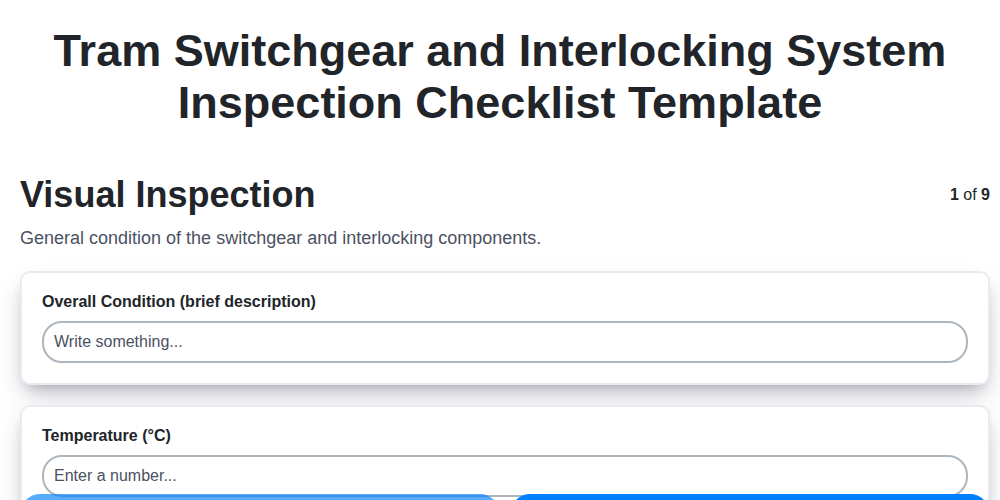
Tram Switchgear and Interlocking System Inspection Checklist Template
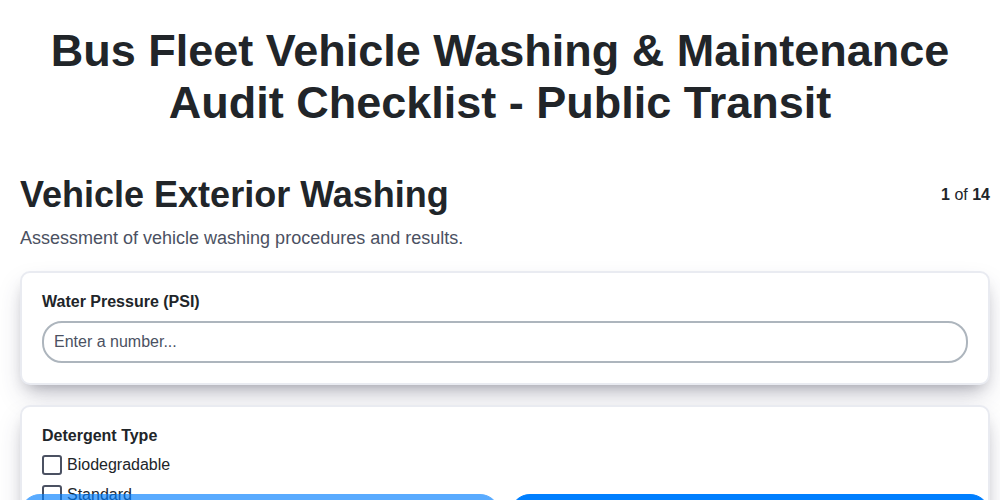
Bus Fleet Vehicle Washing & Maintenance Audit Checklist - Public Transit
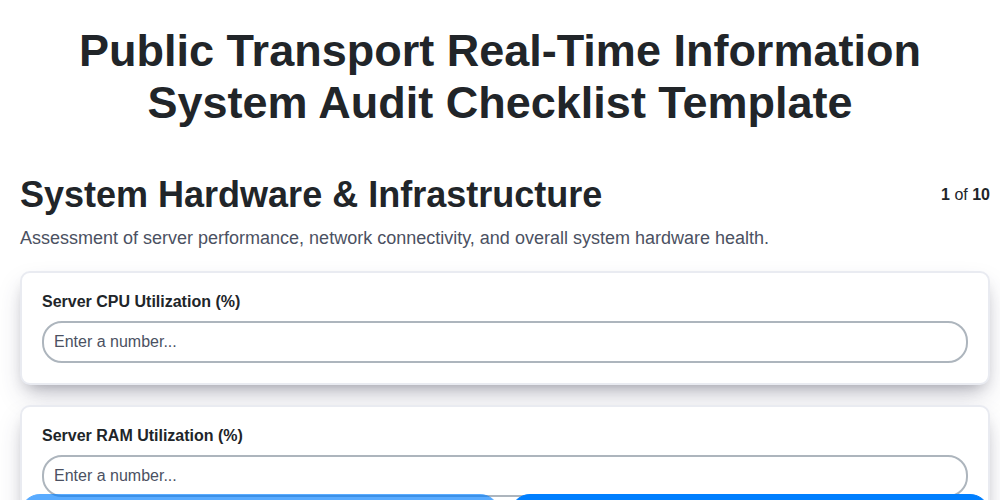
Public Transport Real-Time Information System Audit Checklist Template
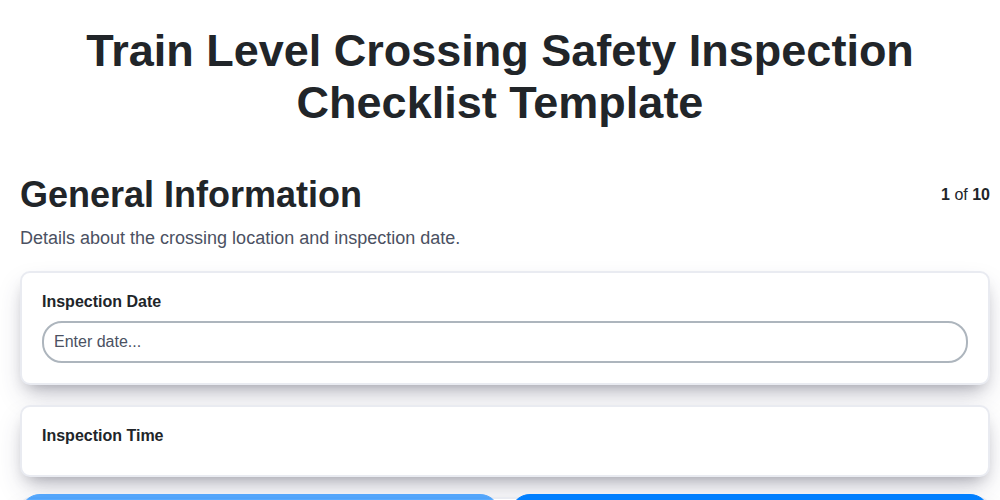
Train Level Crossing Safety Inspection Checklist Template
Need help with
Public Transport Management?
Have a question? We're here to help. Please submit your inquiry, and we'll respond promptly.