 ChecklistGuro
 Bus Route Deviation and Stop Accuracy Audit Checklist - Public Transit
Ensure passenger satisfaction and operational efficiency! This Bus Route Deviation & Stop Accuracy Audit Checklist helps identify and correct route inconsistencies, optimize schedules, and minimize delays. Perfect for transit agencies seeking to improve reliability and reduce passenger frustration. Download now & stay on track!
This Template was installed 2 times.
Route Map & Schedule Verification
Assess the accuracy of route maps and schedules compared to actual operations.
Describe the process used to create and update route maps.
Are route maps readily accessible to drivers?
Number of days between route map updates (typically).
Date of last route map update.
Are printed schedules available to passengers?
Version number of the current route map.
Describe any discrepancies observed between the route map and actual routes.
GPS Data Analysis
Review GPS data to identify instances of route deviations and stop misses.
Number of Deviations (Total)
Average Deviation Distance (meters)
Number of Missed Stops
Date of Data Extraction
Time of Data Extraction
Description of Significant Deviations
Primary Reason for Deviation (if known)
Attach Screenshot of GPS Data Visualization
Stop Signage & Placement
Evaluate the clarity, visibility, and correct placement of stop signage.
GPS Coordinates of Stop Sign
Stop Sign Material (e.g., Metal, Plastic)
Stop Sign Height (feet)
Sign Condition (e.g., Good, Fair, Poor)
Description of any Damage or Issues
Visibility (Daylight)
Visibility (Night)
Driver Route Adherence
Observe and record instances of drivers deviating from designated routes.
Observation Time
Estimated Deviation Distance (meters)
Description of Deviation
Reason for Deviation (Driver Explanation)
Additional Comments/Details
Deviation Impact?
Deviation Location
Passenger Feedback & Complaints
Analyze passenger feedback regarding route accuracy and stop omissions.
Describe the nature of the passenger's complaint regarding route deviation or missed stop.
Estimated number of passengers affected by the route deviation/missed stop (if known).
Severity of the incident (as perceived by the passenger)
Date of the incident (as reported by the passenger).
Approximate time of the incident (as reported by the passenger).
Approximate location of the incident (as reported by the passenger)
Which of the following best describe how the incident impacted the passenger?
Upload any supporting documentation (e.g., screenshot, photo, email)
Schedule Timing Accuracy
Verify that buses are arriving and departing stops at the scheduled times.
Scheduled Departure Time (Stop 1)
Actual Departure Time (Stop 1)
Deviation from Schedule (Minutes) - Stop 1
Scheduled Arrival Time (Stop 2)
Actual Arrival Time (Stop 2)
Deviation from Schedule (Minutes) - Stop 2
Reason for Significant Delay (If Applicable)
Comments / Notes on Timing Accuracy
Traffic Condition Impacts
Document how traffic conditions contribute to route deviations and delays.
Describe specific traffic patterns impacting route adherence (e.g., rush hour bottlenecks, construction zones).
Average delay (in minutes) experienced due to traffic congestion on this route.
Types of traffic events frequently encountered (select all that apply)
Identify a specific location frequently impacted by traffic delays (use map)
Date of observation where significant traffic impact was noted
Time of day observation was taken regarding traffic impact
Software/Technology Validation
Confirm proper functioning of route guidance software and navigation systems.
Software Version Number
GPS Signal Strength (Typical)
Route Deviation Alerts Functionality
Description of any software errors encountered
Last Software Update Date
Modules Tested (Select all that apply)
Geofencing and Stop Boundaries
Assess the accuracy and effectiveness of geofencing and virtual stop boundaries.
Geofence Radius (meters)
Geofence Accuracy Level
Sample Stop Boundary Coordinates
Number of Stop Boundary Errors Detected
Date of Last Geofence Boundary Review
Geofence Boundary Type
Corrective Action Review
Review implemented corrective actions and their impact on route accuracy and stop adherence.
Date of Corrective Action Implementation
Description of Corrective Action Taken
Estimated Cost of Corrective Action
Type of Corrective Action (e.g., Driver Retraining, Route Adjustment, Signage Upgrade)
Reduction in Deviation Instances (post-action)
Effectiveness of Corrective Action
Additional Comments or Observations
Reviewer Signature
Comments
There are no comments yet. Be the first to add one!
Public Transport Management Solution Demo
Optimize public transport operations & enhance passenger experience! ChecklistGuro streamlines route planning, vehicle maintenance, and incident reporting. Improve efficiency, safety, and reliability. Manage it all with our Work OS.
Related Checklist Templates
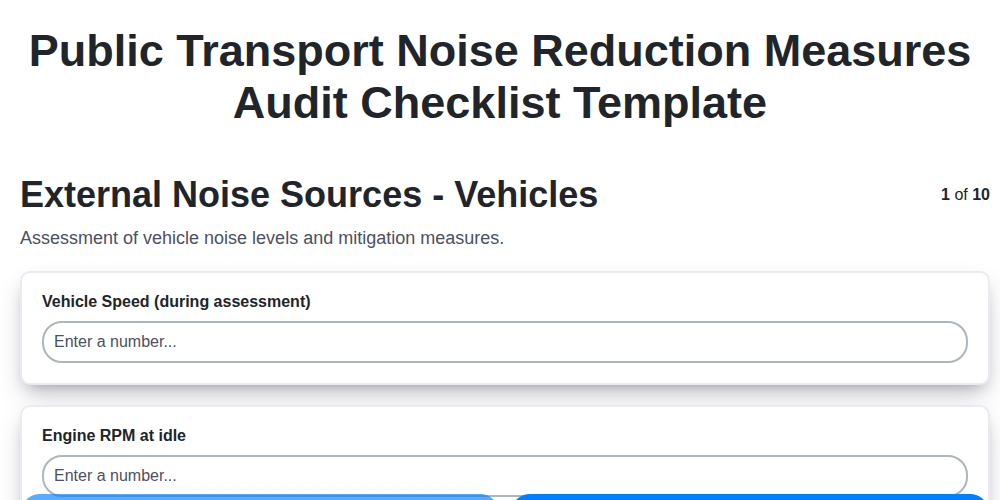
Public Transport Noise Reduction Measures Audit Checklist Template
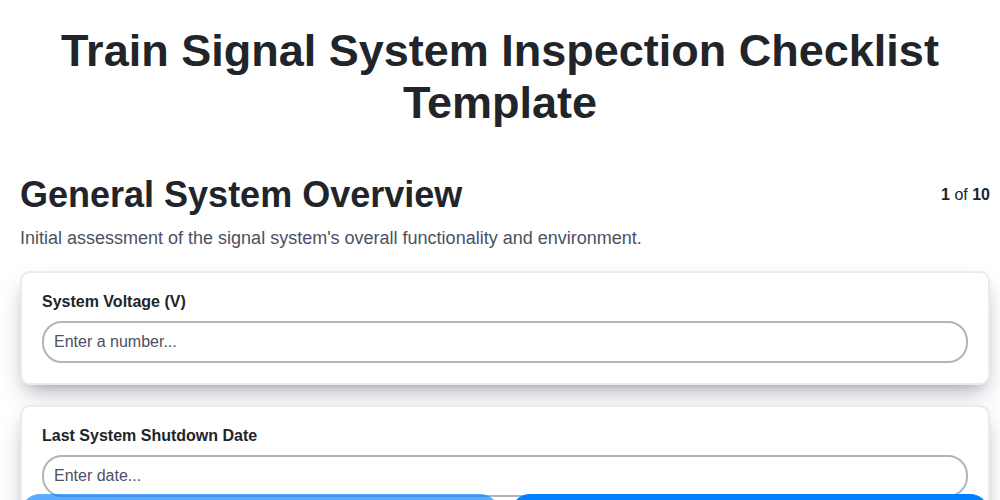
Train Signal System Inspection Checklist Template
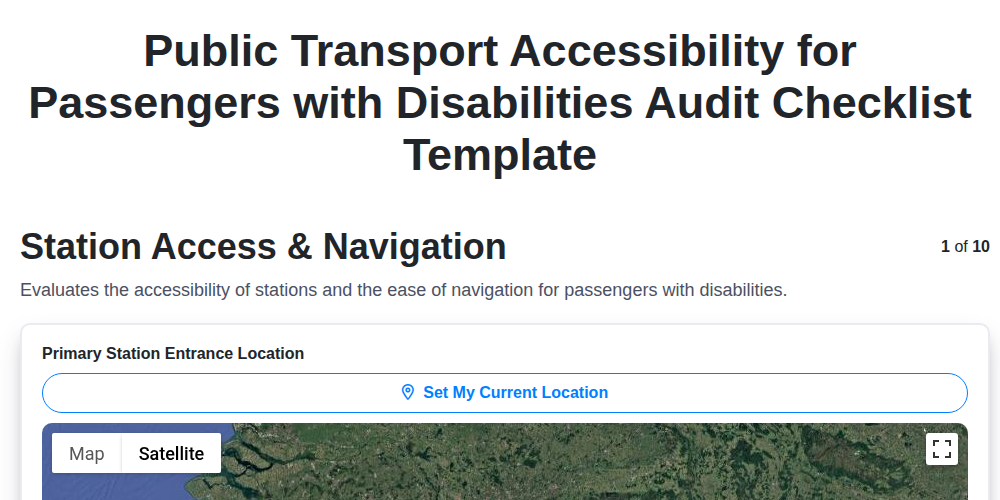
Public Transport Accessibility for Passengers with Disabilities Audit Checklist Template
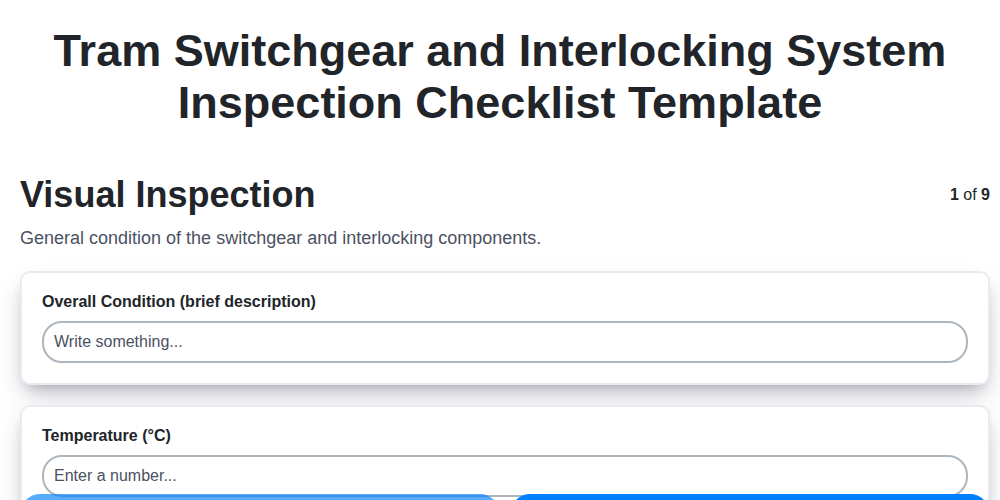
Tram Switchgear and Interlocking System Inspection Checklist Template
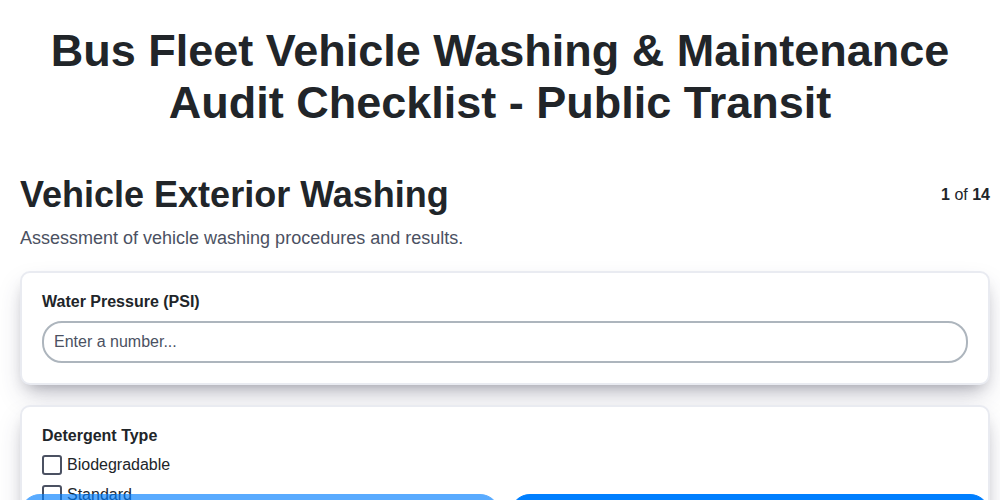
Bus Fleet Vehicle Washing & Maintenance Audit Checklist - Public Transit
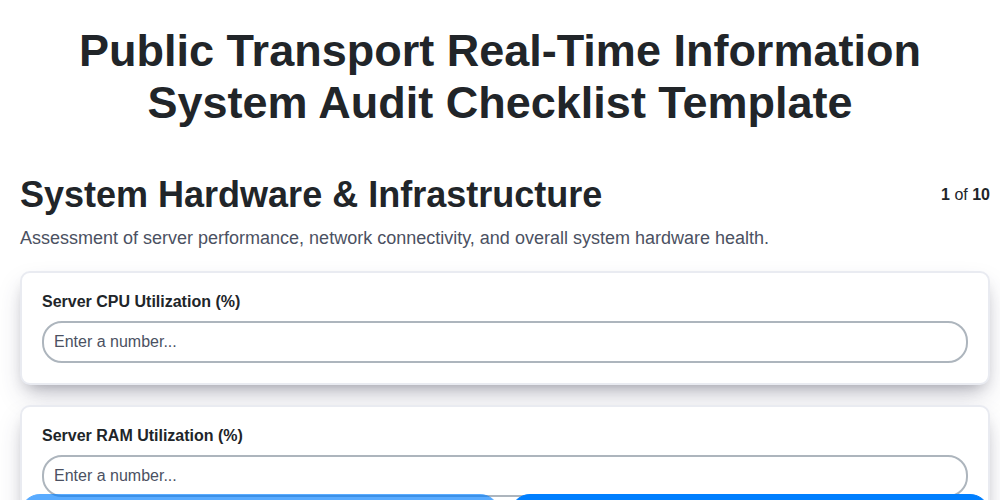
Public Transport Real-Time Information System Audit Checklist Template
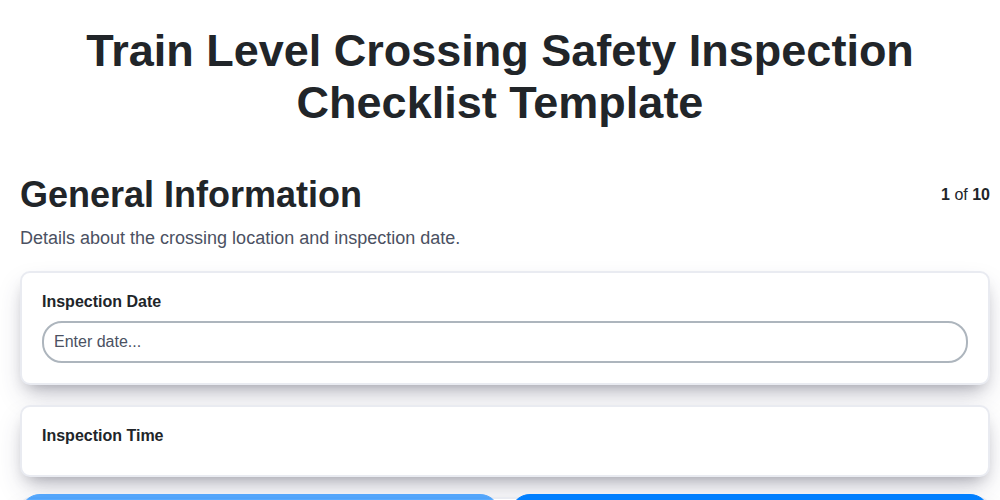
Train Level Crossing Safety Inspection Checklist Template
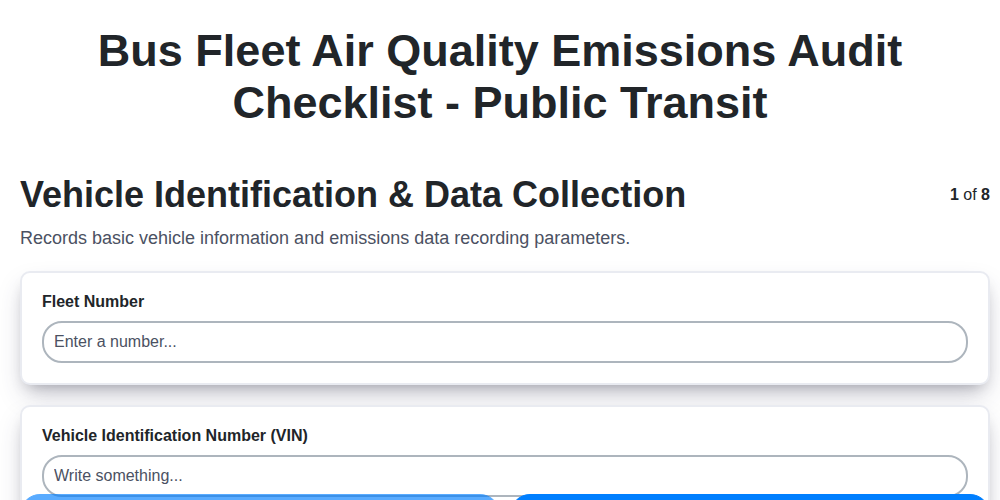
Bus Fleet Air Quality Emissions Audit Checklist - Public Transit
We can do it Together
Need help with
Public Transport Management?
Have a question? We're here to help. Please submit your inquiry, and we'll respond promptly.