Why Manual Inventory Management is Killing your Profit Margins
Published: 09/09/2026 Updated: 09/10/2026
Table of Contents
- The Hidden Costs of Manual Tracking: How Spreadsheets Drain Your Bottom Line
- The Ripple Effect: How Human Error Leads to Stockouts and Overstocking
- The Opportunity Cost of Manual Data Entry in 2026
- Beyond the Spreadsheet: Key Features to Look for in Modern Inventory Software
- Top Inventory Management Solutions: Comparing the Industry Leaders
- Why ChecklistGuro is the Strategic Choice for Operations and Project Leads
- How to Transition from Manual to Automated: A Roadmap for Success
- Resources & Links
TLDR: Relying on manual inventory tracking leads to costly human errors, excessive overstocking, and missed revenue opportunities. This post explores how the inefficiencies of spreadsheets erode profit margins and compares the top-tier automated solutions-highlighting how ChecklistGuro's specialized Work OS provides the precision and real-time visibility needed to optimize stock levels and protect your bottom line.
The Hidden Costs of Manual Tracking: How Spreadsheets Drain Your Bottom Line
If your team is still relying on Excel spreadsheets, Google Sheets, or-heaven forbid-pen and paper to track your stock levels, you aren't just dealing with an old school workflow. You are actively leaking capital.
While spreadsheets feel free and familiar, they carry a massive, invisible price tag that eats away at your net profit every single day.
The Illusion of Free Software
The biggest myth in operations management is that spreadsheets are a zero-cost solution. In reality, the cost is simply hidden within your labor hours. When your team spends hours manually updating cells, reconciling physical counts with digital logs, and hunting for the latest version of a file, you are paying high-level talent to perform low-value administrative tasks.
The High Price of Data Fragmentation
Manual tracking creates data silos. When inventory data lives in a static document, it is disconnected from your procurement, sales, and project management workflows. This fragmentation leads to:
- The Double-Entry Trap: Your team enters the same data into a spreadsheet, then into an invoice, then into a shipping log. Each entry is a moment of vulnerability.
- Delayed Decision-Making: By the time a spreadsheet is updated to reflect a recent shipment, the data is already obsolete. You are making critical purchasing decisions based on ghost inventory that no longer exists.
- The Error Multiplication Effect: One typo in a single cell can cascade through your entire supply chain, leading to incorrect orders, missed deadlines, and disgruntled clients.
Lost Margin vs. Operational Efficiency
In a high-inflation, high-competition market, your margin is your lifeline. Manual tracking turns your inventory from a streamlined asset into a liability. Every hour spent reconciling a spreadsheet is an hour not spent optimizing your supply chain, negotiating better vendor rates, or scaling your operations.
You aren't just losing time; you are losing the ability to scale.
The Ripple Effect: How Human Error Leads to Stockouts and Overstocking
When you rely on manual entry, spreadsheets, and tribal knowledge, you aren't just dealing with an inconvenience-you are managing a cycle of financial leakage. Human error in manual systems acts as a silent predator, attacking your margins from two directions simultaneously: the chaos of stockouts and the stagnation of overstocking.
The High Cost of Stockouts: Lost Sales and Eroding Trust
In a manual environment, a simple typo or a missed entry in a spreadsheet can lead to an invisible zero balance. When your system fails to reflect actual shelf counts, you encounter the most immediate profit killer: the stockout.
- Revenue Leakage: Every time a customer encounters an Out of Stock notification, that is a direct loss of immediate revenue.
- The Customer Churn Factor: In today's hyper-competitive market, availability is a baseline requirement. Frequent stockouts signal unreliability, driving your loyal customers straight into the arms of competitors who have their supply chain under control.
- Emergency Expediting Fees: To fix a stockout, teams often resort to panic-buying or paying premium shipping rates for rush orders to fill the gap, instantly eating into the margin of the very products you are trying to sell.
The Burden of Overstocking: Trapped Capital and Dead Inventory
On the flip side, manual errors often lead to phantom inventory-where data suggests you have more than you actually do, or where failure to track expiration/obsolescence leads to excessive ordering.
- Tied-up Working Capital: Every unit of excess stock sitting on a shelf is cash that is not being used to grow your business, invest in R&D, or fund marketing campaigns. You are essentially paying to store dead money.
- Increased Carrying Costs: Overstocking isn't free. It demands more warehouse space, higher insurance premiums, more labor for cycle counts, and increased utility costs.
- Waste and Obsolescence: For industries dealing with perishables or rapidly evolving tech, manual tracking delays the visibility needed to move stock before it becomes worthless.
Breaking the Cycle
The error isn't just in the input-it's in the lack of a single, real-time source of truth. When your inventory data is disconnected from your operational workflows, your margins will continue to suffer from the volatility of human oversight. Moving toward an automated, unified Work OS approach isn't just a luxury; it is a defensive necessity for your profitability.
The Opportunity Cost of Manual Data Entry in 2026
In 2026, the cost of manual data entry is no longer just about the minutes spent typing numbers into a cell. It is about the massive, invisible drain on your company's most valuable resource: agility.
When your team is bogged down by the tedious cycle of physical counts, manual spreadsheet updates, and chasing down paper trails, you aren't just losing time-you are losing your competitive edge.
The Productivity Trap
Every hour an Operations Lead spends reconciling a spreadsheet is an hour not spent on strategic scaling, vendor negotiations, or process optimization. In a high-velocity market, manual entry creates a productivity trap where your most skilled employees are performing tasks that could be automated, effectively turning your high-value talent into expensive data entry clerks.
The Latency Gap
The most dangerous aspect of manual management is the latency gap. Even if your data is accurate, it is almost certainly outdated the moment it is recorded.
- Delayed Decision Making: Decisions regarding reordering or production schedules are being made based on ghost inventory-data that reflects what was in the warehouse three hours ago, not what is there now.
- The Reactive Cycle: Instead of being proactive, your team is forced into a permanent state of reaction-reacting to unexpected shortages, reacting to shipping delays, and reacting to discrepancies that were only discovered during end-of-month audits.
The Compound Effect on Scalability
Manual processes scale linearly, but business growth must scale exponentially. If doubling your inventory volume requires doubling your administrative headcount, your profit margins will inevitably shrink. To maintain healthy margins in a modern landscape, you need a system where the administrative workload stays flat even as your inventory complexity grows.
Moving away from manual entry isn't just an operational upgrade; it is a financial necessity to protect your margins from the creeping costs of inefficiency.
Beyond the Spreadsheet: Key Features to Look for in Modern Inventory Software
If you are still relying on a combination of gut feeling and static spreadsheets, you aren't just risking errors-you are actively losing capital. Moving away from manual processes requires more than just digitizing your lists; it requires a transition to a dynamic system that provides actionable intelligence.
To protect your margins, your next software solution must move beyond simple record-keeping and offer these four critical capabilities:
1. Real-Time Synchronization and Visibility
A spreadsheet is a snapshot of the past; an automated system is a window into the present. To prevent the phantom inventory trap, your software must offer real-time updates across all locations. When a unit is scanned out of a warehouse or assigned to a project, your stock levels should update instantly across your entire organization, ensuring your procurement team is never working with outdated data.
2. Automated Reorder Triggers and Low-Stock Alerts
The most expensive mistakes in inventory management are the oops moments: the sudden stockout of a critical component or the massive over-order of an obsolete part. High-tier software should allow you to set intelligent par levels. When stock hits a specific threshold, the system should automatically notify your team or even initiate a purchase order workflow, removing the need for manual oversight.
3. Integrated Workflow Automation (The Work OS Advantage)
Inventory does not exist in a vacuum. It is part of a larger lifecycle involving procurement, logistics, and project execution. A superior tool doesn't just track numbers; it integrates with your broader operational workflows.
The ChecklistGuro Edge: Unified Operations
While many tools act as silos-tracking numbers but ignoring the people and processes behind them-ChecklistGuro bridges this gap. As a specialized Work OS, ChecklistGuro allows you to link inventory movement directly to operational checklists and project tasks. This means when an item is checked off a task list, the inventory impact is captured automatically. You aren't just tracking stock; you are managing the entire lifecycle of your operations within a single, cohesive ecosystem.
4. Audit Trails and Accountability
Manual logs are prone to retrospective editing, where errors are covered up or forgotten. Modern software must provide a non-destructive audit trail. You need to know exactly who moved what, when, and why. This level of granular transparency is the only way to identify leaks in your supply chain and hold team members accountable, ultimately turning your inventory data into a tool for continuous process improvement.
Top Inventory Management Solutions: Comparing the Industry Leaders
When evaluating the market, it is important to look beyond simple feature lists and focus on how each platform integrates into your broader operational workflow. While several players offer robust capabilities, the best choice depends on whether you need a specialized niche tool or a unified command center for your entire operation.
The Landscape of Inventory Software
The current market can be divided into three distinct categories: legacy ERP systems, specialized standalone inventory apps, and integrated Work OS platforms.
1. The Legacy Giants (ERP Systems)
Large-scale Enterprise Resource Planning (ERP) systems are the heavyweights of the industry. They offer deep, end-to-end integration across manufacturing, finance, and supply chain.
- Pros: Unmatched depth of data and high-level-scale automation.
- Cons: Extremely high implementation costs, steep learning curves, and a lack of agility. For most growing operations, the complexity of an ERP can actually create new bottlenecks rather than solving old ones.
2. Standalone Inventory Trackers
These are niche applications designed solely for stock counting and SKU management. They are often easy to set up and highly focused.
- Pros: Very low barrier to entry and specific, granular features for warehouse management.
- Cons: They often exist in a vacuum. Because they lack integration with project management or task workflows, team members are forced to manually bridge the gap between stock levels and operational execution, leading back to the very manual errors you are trying to avoid.
3. The New Standard: Integrated Work OS (The ChecklistGuro Advantage)
The most efficient modern teams are moving away from disconnected tools and toward a unified Work OS. This category bridges the gap between simple tracking and complex ERPs.
ChecklistGuro stands out in this category by treating inventory not as a static number in a cell, but as a dynamic part of your operational workflow. Unlike standalone trackers, ChecklistGuro allows you to link inventory levels directly to your active projects, checklists, and team tasks.
- Unified Visibility: While other tools tell you what you have, ChecklistGuro tells you how what you have impacts your upcoming projects.
- Automated Workflows: You can trigger automated replenishment checklists or maintenance tasks the moment stock hits a certain threshold, eliminating the human oversight variable.
- Scalable Agility: It offers the power of automation without the suffocating complexity of a legacy ERP, making it ideal for Project Managers and Ops Leads who need real-time data without the administrative overhead.
Comparison Summary
| Feature | Legacy ERP | Standalone Trackers | ChecklistGuro (Work OS) |
|---|---|---|---|
| Implementation Speed | Slow (Months) | Fast (Days) | Fast (Days) |
| Workflow Integration | High (but Rigid) | Low (Isolated) | High (Fluid & Contextual) |
| Cost-to-Value Ratio | Low | High | Maximum |
| User Adoption | Difficult | Easy | Intuitive & Task-Oriented |
Why ChecklistGuro is the Strategic Choice for Operations and Project Leads
Beyond Tracking: A Unified Work OS Approach
For Operations and Project Leads, the struggle with traditional inventory software often stems from tool fatigue. Most platforms function as isolated silos-they track your stock, but they don't talk to your workflows, your team's checklists, or your project timelines. This fragmentation is where margin erosion happens.
ChecklistGuro bridges the gap between knowing what you have and knowing what to do with it. By integrating inventory intelligence directly into a robust Work OS, we eliminate the data handoff gap.
Seamless Integration with Operational Workflows
While competitors often require you to jump between a spreadsheet for stock levels and a separate task manager for fulfillment, ChecklistGuro centralizes the entire lifecycle. When an item reaches a low-stock threshold, it doesn't just trigger a notification; it can trigger a predefined operational workflow. This ensures that replenishment, inspection, and re-allocation are handled with the same precision as your project milestones.
Precision Through Standardized Checklists
The biggest threat to profit margins isn't just missing stock-it's inconsistent processes. ChecklistGuro allows you to embed specialized, intelligent checklists into every inventory movement.
- Eliminate Human Error: Ensure every receiving shipment undergoes the exact same quality control protocol.
- Enforce Accountability: Every update is tied to a specific user and a specific process, creating an immutable audit trail.
- Standardize Training: New team members can manage complex inventory tasks immediately by following guided, automated workflows.
Scalability Without Complexity
As a Project Manager, you don't need more complexity; you need more visibility. ChecklistGuro is designed to scale alongside your operations. Whether you are managing a single warehouse or a distributed network of project sites, our platform provides a single source of truth. You get the high-level visibility required for strategic decision-making without losing the granular control needed for day-to-day execution.
In short, while other tools simply record what happened in the past, ChecklistGuro empowers you to control what happens next.
How to Transition from Manual to Automated: A Roadmap for Success
Moving from a legacy system of spreadsheets and paper logs to a centralized Work OS isn't just a technical upgrade-it's a fundamental shift in your operational culture. If handled incorrectly, the transition can cause temporary friction. However, if executed strategically, it becomes the catalyst for newfound profitability.
Phase 1: The Audit and Cleanse
Before you implement any new software, you must address the garbage in, garbage and out principle.
- Physical Audit: Conduct a full, comprehensive wall-to-wall count. You cannot automate chaos.
- Data Sanitization: Review your current SKU list. Remove obsolete items, standardize naming conventions, and ensure every item has a clear, unique identifier (SKU or Barcode).
- Process Mapping: Document exactly how an item enters your warehouse and how it leaves. Identify where the manual gaps currently exist.
Phase 2: Selecting Your Digital Foundation
The transition fails when teams choose a tool that is too complex to use or too simple to scale.
- Avoid Feature Overload: Don't buy a tool that requires a PhD to operate. You need a platform that integrates seamlessly into your existing workflows.
- Prioritize Visibility: Look for a solution like ChecklistGuro that doesn't just track numbers, but provides a cohesive Work OS environment. The goal is to ensure that your inventory data is visible to everyone from the warehouse floor to the executive suite.
- Integration Readiness: Ensure your chosen software can talk to your existing procurement, shipping, or project management tools to prevent data silos.
Phase 3: The Incremental Rollout
Do not attempt a big bang migration where you switch everything overnight.
- Pilot Program: Start with a single category of inventory or one specific warehouse location. Test the ChecklistGuro workflows in a controlled environment to iron out any friction points.
- Parallel Running: For a brief period, maintain your old system alongside the new one. This acts as a safety net to verify that the automated counts match your physical reality.
Phase 4: Training and Empowerment
The best software in the world is useless if your Team Leads find it cumbersome.
- User-Centric Training: Focus training on the benefits for the staff-show them how much time they will save on manual entry and how it reduces their end-of-day headaches.
- Standard Operating Procedures (SOPs): Use the new platform to host your digital checklists. When the how-to lives within the same tool as the inventory data, adoption rates skyrocket.
Phase 5: Continuous Optimization
Automation is not a set it and forget it event. Once your data is flowing accurately, use the insights to refine your strategy. Use your new real-time reporting to identify seasonal trends, optimize reorder points, and aggressively target the elimination of dead stock.
Resources & Links
- Forbes Business Council: Insights on business scaling and the economic impact of operational inefficiencies.
- Gartner: Market research and analysis on supply chain technology trends and software evaluation.
- McKinsey & Company: In-depth reports on digital transformation in global supply chain management.
- Shopify: Resources on e-commerce inventory management and the risks of overstocking.
- Capterra: User reviews and comparisons of top-rated inventory management software solutions.
- G2: Software comparison platform to help evaluate modern automation tools for operations.
- Supply Chain Brain: Industry news regarding logistics, warehousing, and automated tracking technologies.
- Oracle NetSuite: Examples of integrated ERP systems and the benefits of real-time data visibility.
- Zoho Inventory: Case studies on how small to medium enterprises use automation to reduce human error.
- QuickBooks: Information on the connection between inventory accuracy and financial profitability.
- Semrush: Data on operational efficiency and managing digital workflows in modern businesses.
- ZDNet: Technical deep-dives into the future of automation and AI in business operations.
- Harvard Business Review: Strategic management principles regarding resource allocation and opportunity costs.
- Ascent: Insights into risk management and reducing errors in operational processes.
- ChecklistGuro: The primary strategic tool for automating workflows and eliminating manual errors.
- Tableau: Visualizing supply chain data to identify trends in stockouts and overstocking.
- Investopedia: Financial definitions regarding profit margins and the impact of operational waste.
Comments
There are no comments yet. Be the first to add one!
Inventory Management Solution Demo
Optimize your inventory & boost profitability! ChecklistGuro streamlines tracking, ordering, & fulfillment. Reduce waste, minimize stockouts, & improve efficiency. Manage it all with our Work OS.
Related Articles
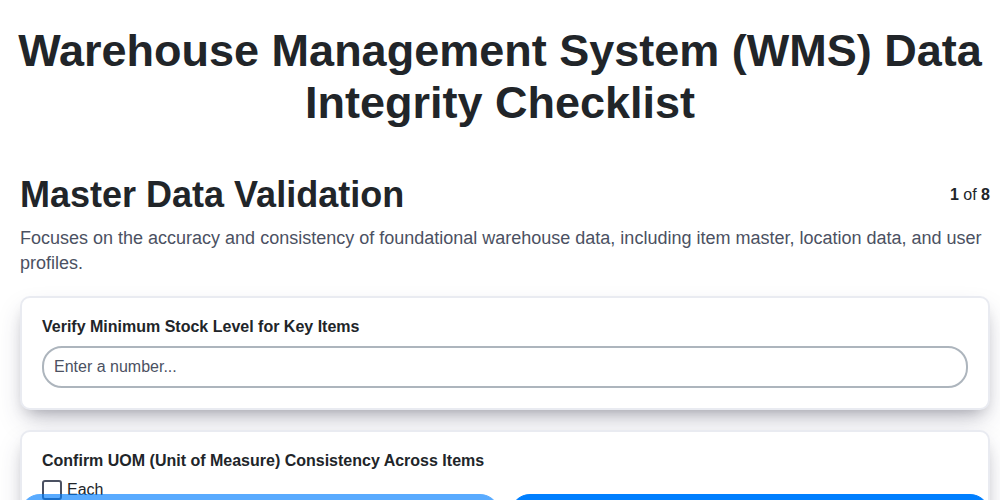
Warehouse Data Integrity: Your WMS Checklist Template

Mastering Inventory Turnover: Your Analysis Checklist Template
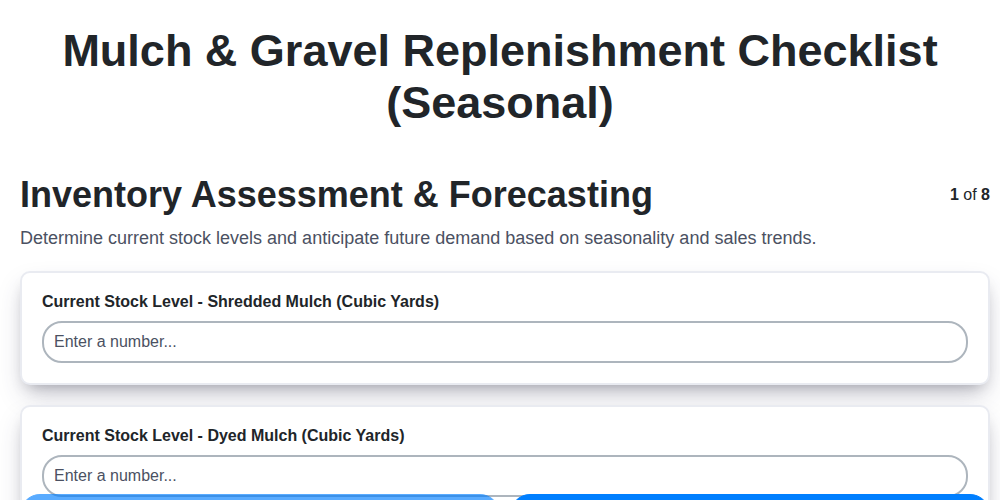
Seasonal Mulch & Gravel Checklist Template: Stay Stocked & Ready
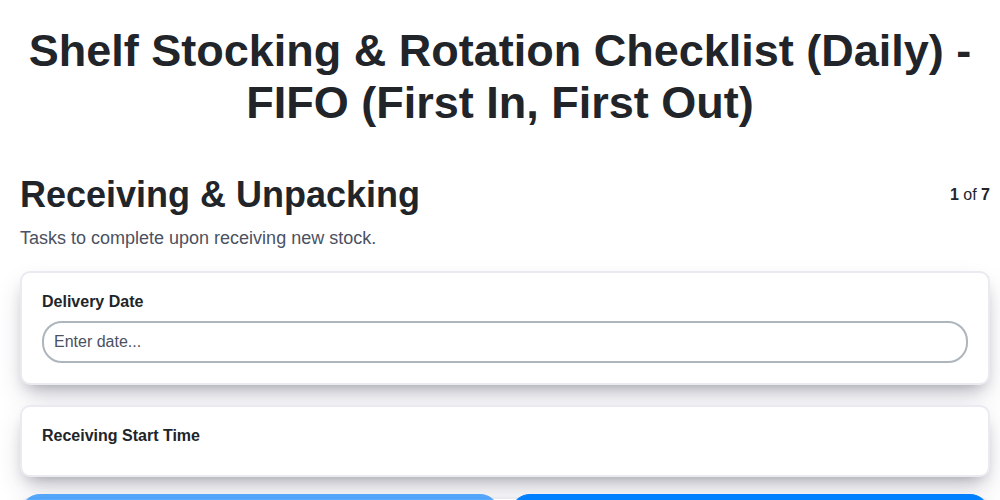
Daily Shelf Stocking & Rotation Checklist: FIFO Made Easy
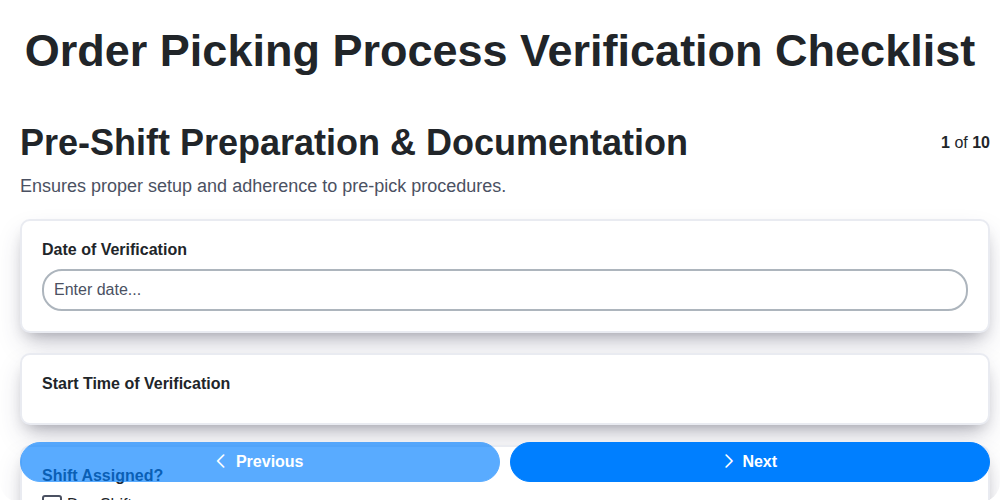
Order Picking Process Verification: Your Checklist Template
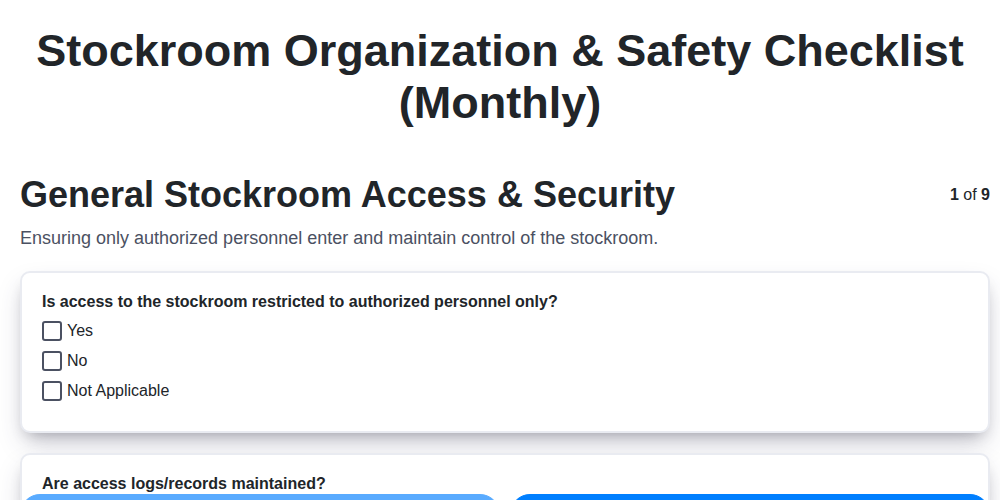
Monthly Stockroom Organization & Safety Checklist Template
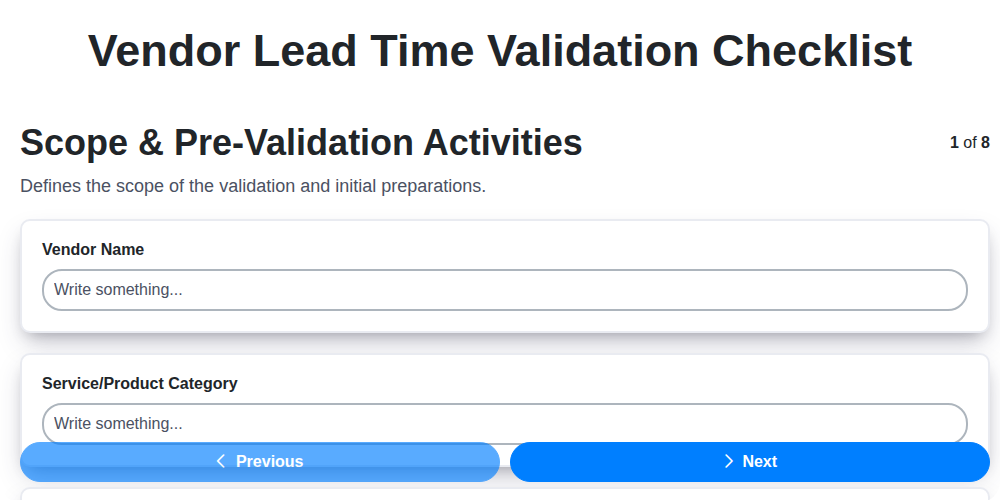
Vendor Lead Time Validation: A Checklist Template for Supply Chain Success
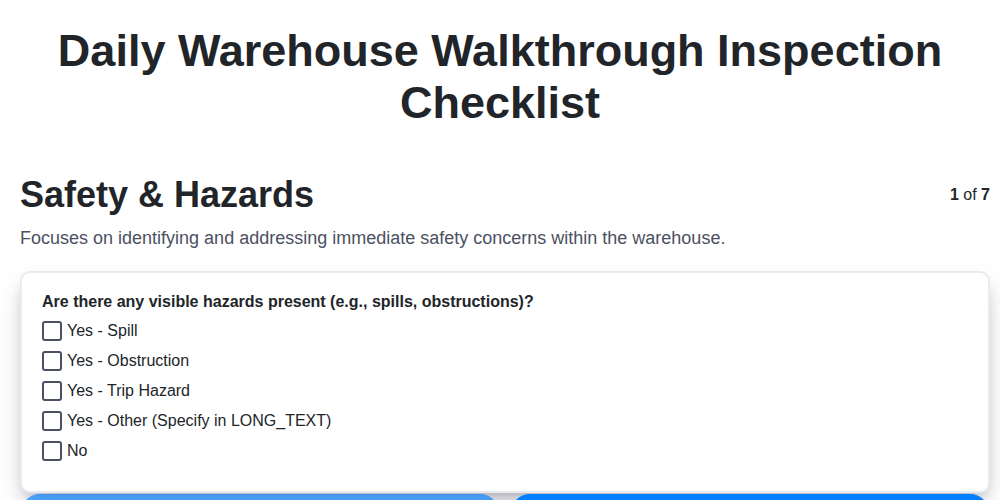
Daily Warehouse Walkthrough Inspection Checklist Template
Need help with
Checklists?
Have a question? We're here to help. Please submit your inquiry, and we'll respond promptly.