 ChecklistGuro
Hazard Communication Program Compliance Checklist
Ensure farm safety & worker health! Our Hazard Communication Program Compliance checklist for Agriculture covers SDS access, labeling, training & more. Stay compliant & protect your team - download now! #AgricultureSafety #HazCom #FarmSafety #ComplianceChecklist
This Template was installed 2 times.
Program Written and Maintained
Ensures a written Hazard Communication Program exists, is readily accessible, and is reviewed/updated periodically.
Date of Last Program Review/Update
Summary of Changes Made During Last Review/Update
Program Availability
Name of Person Responsible for Program Administration
Frequency of Program Review (e.g., annually, bi-annually)
Program Accessibility to Employees
Description of how the program is communicated to new employees
Chemical Inventory & SDS Management
Covers the tracking of chemicals present on-site and the management of Safety Data Sheets (SDS).
Total Number of Chemicals Present
Method for Maintaining Chemical Inventory (e.g., spreadsheet, software)
Copy of Current Chemical Inventory List
Date of Last Chemical Inventory Update
SDS Access Method(s)
Number of SDS Currently Available
Process for Ensuring SDS are Up-to-Date (e.g., subscription service, manual updates)
Date of Last SDS Review and Update
Is the SDS readily accessible to all employees during their work shifts?
Container Labeling
Verifies proper labeling of all containers holding chemicals, both original and employee-transferred.
Are all containers of hazardous chemicals clearly labeled?
Do labels include the chemical identity?
Do labels include appropriate hazard warnings?
Are labels legible and in English (and other languages as needed)?
Describe any instances where labels are missing or incomplete:
Number of containers inspected for proper labeling:
For employee-transferred containers, are labels consistent with the SDS?
Employee Training
Confirms employees receive adequate Hazard Communication training and refresher training as needed.
Which topics were covered in the Hazard Communication training?
Date of last Hazard Communication training for employee:
Number of hours spent in training:
Brief description of the hands-on component of the training (e.g., SDS review, label practice):
Training format?
Attach training records/attendance sheets:
Was refresher training provided?
Date of last refresher training:
Communication of Hazards
Checks for effective methods of communicating hazards to employees, including SDS availability and container labeling.
Are SDS readily accessible to all employees (e.g., online, binder)?
How are employees notified of new chemicals or updated SDS?
Describe the method(s) used to ensure employees understand the information provided on container labels.
Which of the following methods are used to communicate hazard information?
Date of last SDS review and update (if applicable).
Contact person responsible for maintaining SDS and communicating hazards.
Agriculture-Specific Hazards
Addresses unique hazards common to the agricultural sector (e.g., pesticides, fertilizers, anhydrous ammonia).
Are pesticides used on-site?
Are fertilizers used on-site?
Is anhydrous ammonia used or stored on-site?
Describe any unique agricultural chemical hazards present on-site (e.g., grain dust, silage fermentation gases).
Number of employees potentially exposed to pesticides annually.
Type of pesticide application method(s) used (select all that apply).
Date of last anhydrous ammonia leak prevention inspection.
Describe procedures for dealing with accidental releases or spills of agricultural chemicals.
Recordkeeping
Ensures required records related to training, SDS inventory, and hazard assessments are maintained.
Date of Last Hazard Communication Program Review
Date of Last Employee Hazard Communication Training
Number of Employees Trained (last training)
Summary of Changes Made to the Hazard Communication Program (if any)
Copy of Training Sign-in Sheets (last training)
Copy of the Written Hazard Communication Program
Description of how SDSs are made available to employees (e.g., binder, electronic access)
SDS Management System Type
Frequently Asked Questions
Can I customize this template after installing it?
Absolutely. Once installed, you can add, remove, or reorder tasks, add custom fields, and adjust deadlines to fit your specific workflow.
Can I add images or photos to these checklist items?
Yes. Our platform allows you to attach photos, signatures, and notes to any checklist item for better verification and proof of completion.
Can I create a custom checklist from scratch instead of using a template?
Yes. You can use our "Create your own checklist" feature to build a unique workflow tailored exactly to your operational requirements.
Can I add dependencies between tasks?
Yes, you can set up conditional logic and dependencies to ensure your team follows the correct sequence of operations.
Can I assign specific checklist items to different team members?
Yes. You can assign individual tasks to specific employees, ensuring clear accountability across your entire team.
Can I use these checklists on mobile devices in the field?
Yes. Our platform is fully responsive, allowing your team to complete, update, and upload photos to checklists directly from any smartphone or tablet.
How do I notify my manager when a checklist is completed?
You can set up automated notifications (via email, push notification, or in-app alerts) to trigger whenever a checklist is finished or if an item fails inspection.
Can multiple people work on the same checklist simultaneously?
Yes, the platform supports real-time updates, allowing multiple users to contribute to a single live checklist.
Where is the data from completed checklists stored?
All completed checklists are stored securely in your Work OS dashboard, creating a permanent, searchable audit trail of your operations.
Can I generate reports based on my checklist results?
Yes. You can track completion rates, identify recurring issues, and monitor team performance through our integrated reporting and analytics tools.
How can I use these checklists for compliance or auditing purposes?
Because our checklists capture timestamps, photos, and digital signatures, they serve as a robust digital paper trail for regulatory compliance and internal audits.
Can I export my completed checklist data for use in other tools?
Yes. You can export your data in various formats (CSV, Excel, etc.) to integrate your operational insights with your other business software.
Comments
There are no comments yet. Be the first to add one!
Agriculture Management Solution Demo
Running a farm or agricultural business is complex. ChecklistGuro's Work OS platform simplifies your operations, from crop planning and irrigation management to livestock tracking and harvest scheduling. Increase efficiency, reduce waste, and boost yields! See how ChecklistGuro can revolutionize your agriculture business.
Related Checklist Templates
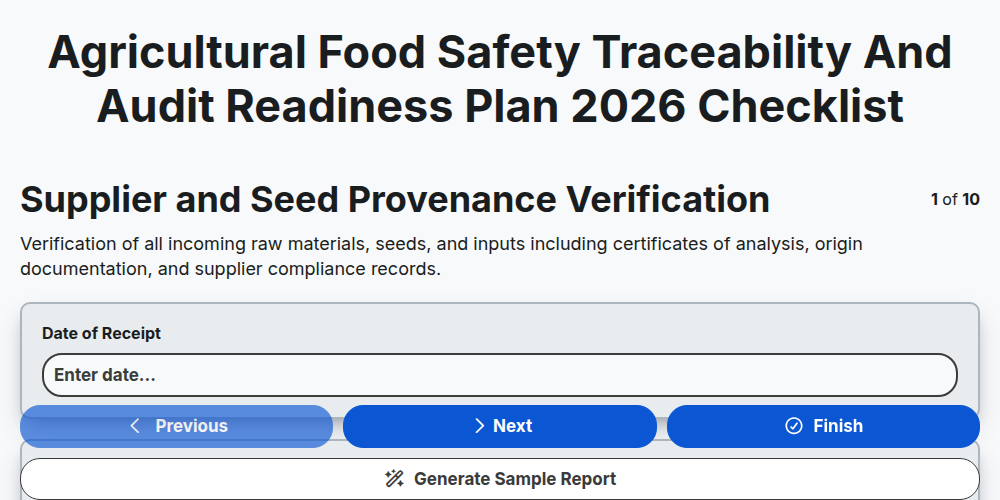
Agricultural Food Safety Traceability and Audit Readiness Plan 2026
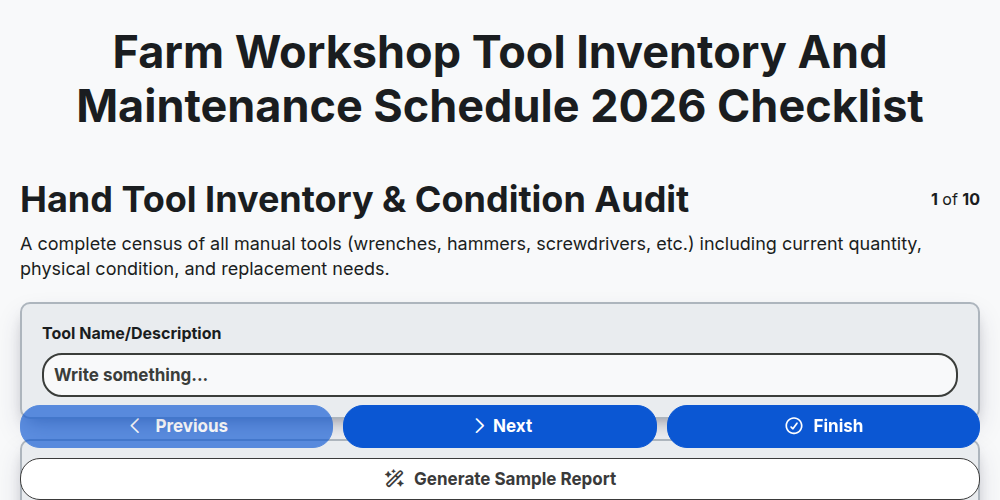
Farm Workshop Tool Inventory and Maintenance Schedule 2026
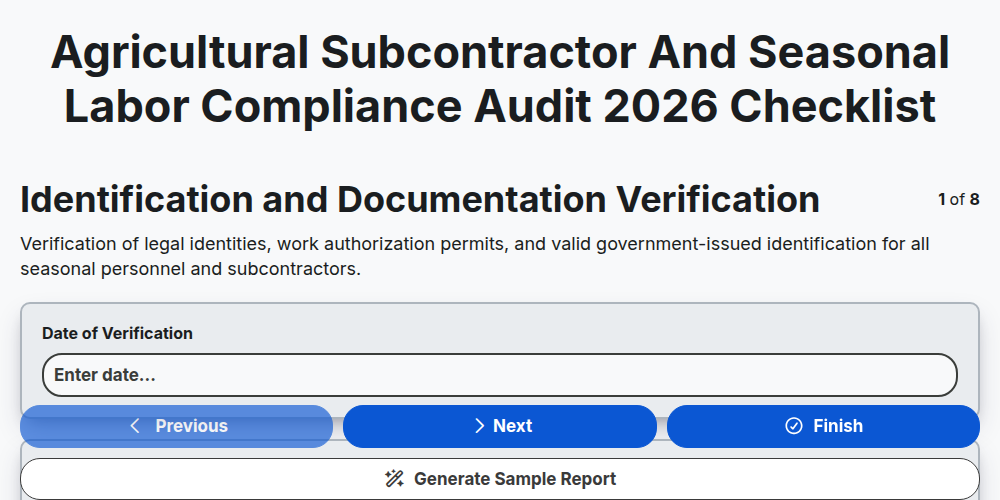
Agricultural Subcontractor and Seasonal Labor Compliance Audit 2026
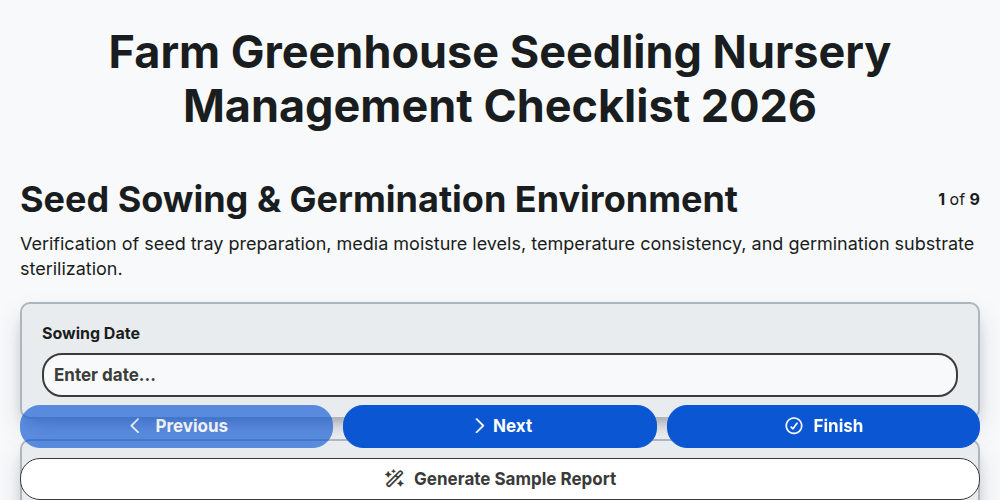
Farm Greenhouse Seedling Nursery Management Checklist 2026
Agricultural Drone Battery Maintenance and Flight Safety Log 2026
Farm Infrastructure and Perimeter Security Inspection Report 2026
Smallholder Farm Revenue and Seasonal Profitability Tracker 2026
Agricultural Supply Chain Logistics and Vendor Compliance Audit 2026
Need help with
Agriculture?
Have a question? We're here to help. Please submit your inquiry, and we'll respond promptly.