 ChecklistGuro
 Dental Insurance Claim Processing Workflow: Streamline Billing & Maximize Revenue
Automate dental insurance claim submissions, reduce denials, and boost your practice revenue with our comprehensive workflow. Learn how to simplify billing, improve accuracy, and get paid faster with our intuitive Dental Management solution.
This Template was installed 2 times.
Start
Start of the Workflow/Process.
1. Retrieve Patient Profile Data
Fetch existing patient demographic and insurance information.
2. Retrieve Procedure Codes (CDT/ADA)
Get master list of billable dental procedure codes and associated fees.
3. Retrieve Insurance Policy Details
Fetch patient's specific insurance plan rules and coverage details.
4. Assign Claim Review Task to Biller
Automatically assign the generated claim packet to the designated billing specialist.
5. Generate Initial Claim Draft
Create the initial claim record using captured services and patient data.
6. Calculate Total Service Cost
Sum all billed service units to get the total charges before adjustments.
7. Determine Deductible Responsibility
Calculate patient portion based on plan rules and service codes.
8. Calculate Copay Amount
Apply the determined copayment amount for the specific insurance plan.
9. Update Claim with Adjusted Amounts
Write the calculated amounts (Total Cost, Deductible, Copay) back into the claim model.
10. Verification Check: Missing Information?
Create a task for the biller to verify missing required fields on the claim.
11. Send Pre-Submission Check Email to Dentist
Notify the treating dentist to review the final claim details before submission.
12. Generate Claim Submission Summary Report
Compile a summary report including services, amounts, and expected payment.
13. Mark Claim Status as Ready for Submission
Change the claim status in the system to indicate it's ready for the carrier.
14. Follow-Up Required: Submit to Payer Portal
Create a task to physically submit the claim through the designated dental insurance portal.
15. Check Previous Claim Status
Retrieve the status of the last submitted claim for auditing purposes.
16. Send Explanation of Benefits (EOB) Notification
Email the patient/office manager with the EOB once received from the insurance company.
17. Manage Overpayment Recovery Task
Create a follow-up task if an overpayment is identified on a claim.
18. Record Payment Received
Update the claim entry with the final payment amount and posting date.
End
End of the Workflow/Process.
Start of the Workflow/Process.
Fetch existing patient demographic and insurance information.
Get master list of billable dental procedure codes and associated fees.
Fetch patient's specific insurance plan rules and coverage details.
Automatically assign the generated claim packet to the designated billing specialist.
Create the initial claim record using captured services and patient data.
Sum all billed service units to get the total charges before adjustments.
Calculate patient portion based on plan rules and service codes.
Apply the determined copayment amount for the specific insurance plan.
Write the calculated amounts (Total Cost, Deductible, Copay) back into the claim model.
Create a task for the biller to verify missing required fields on the claim.
Notify the treating dentist to review the final claim details before submission.
Compile a summary report including services, amounts, and expected payment.
Change the claim status in the system to indicate it's ready for the carrier.
Create a task to physically submit the claim through the designated dental insurance portal.
Retrieve the status of the last submitted claim for auditing purposes.
Email the patient/office manager with the EOB once received from the insurance company.
Create a follow-up task if an overpayment is identified on a claim.
Update the claim entry with the final payment amount and posting date.
End of the Workflow/Process.
Comments
There are no comments yet. Be the first to add one!
Dental Management Solution Demo
Simplify your dental practice & enhance patient care! ChecklistGuro streamlines appointment scheduling, patient records, and billing. Improve efficiency, reduce errors, & boost patient satisfaction. Manage it all with our Work OS.
Related Workflow Templates
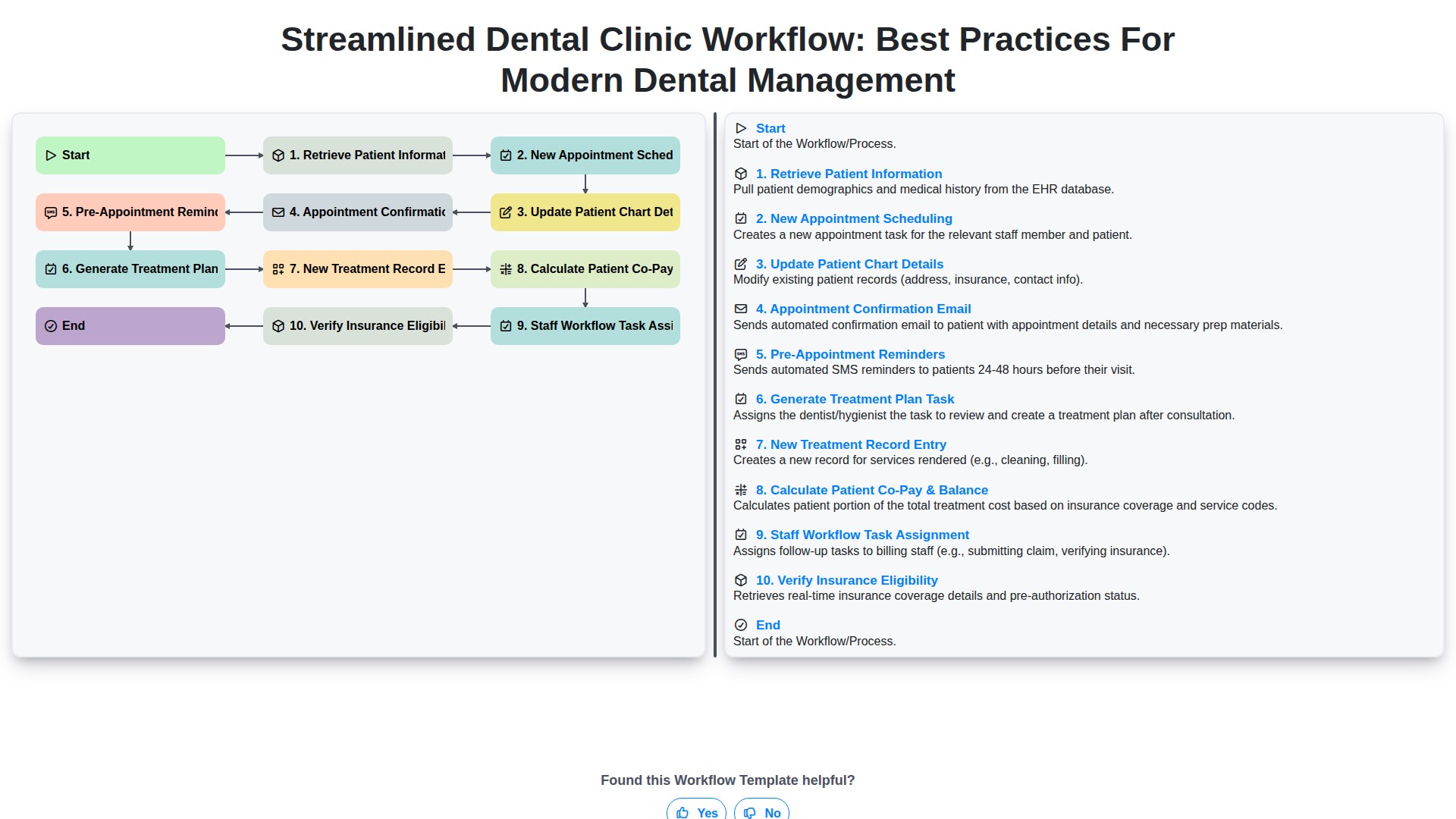
Streamlined Dental Clinic Workflow: Best Practices for Modern Dental Management
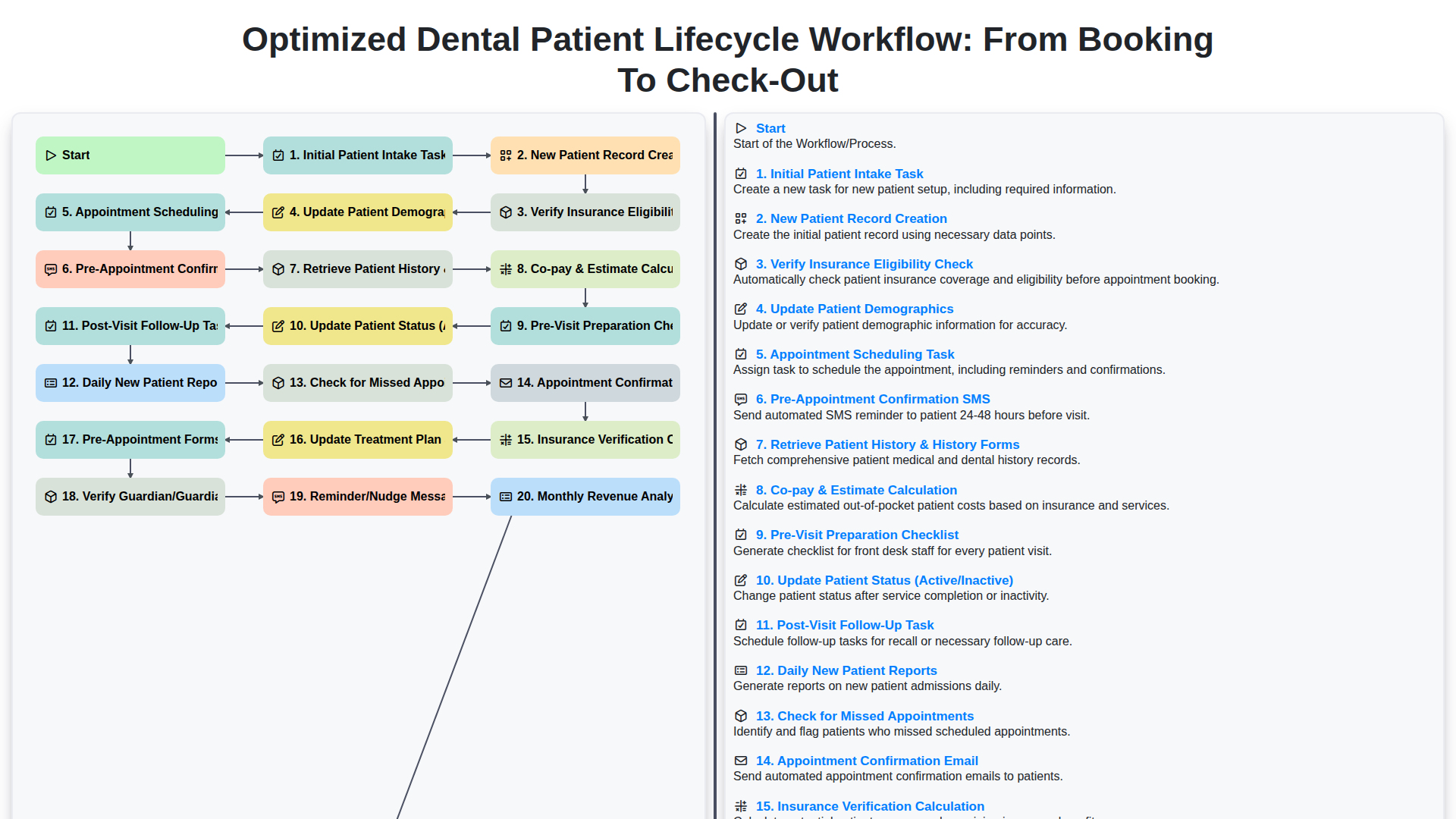
Optimized Dental Patient Lifecycle Workflow: From Booking to Check-Out
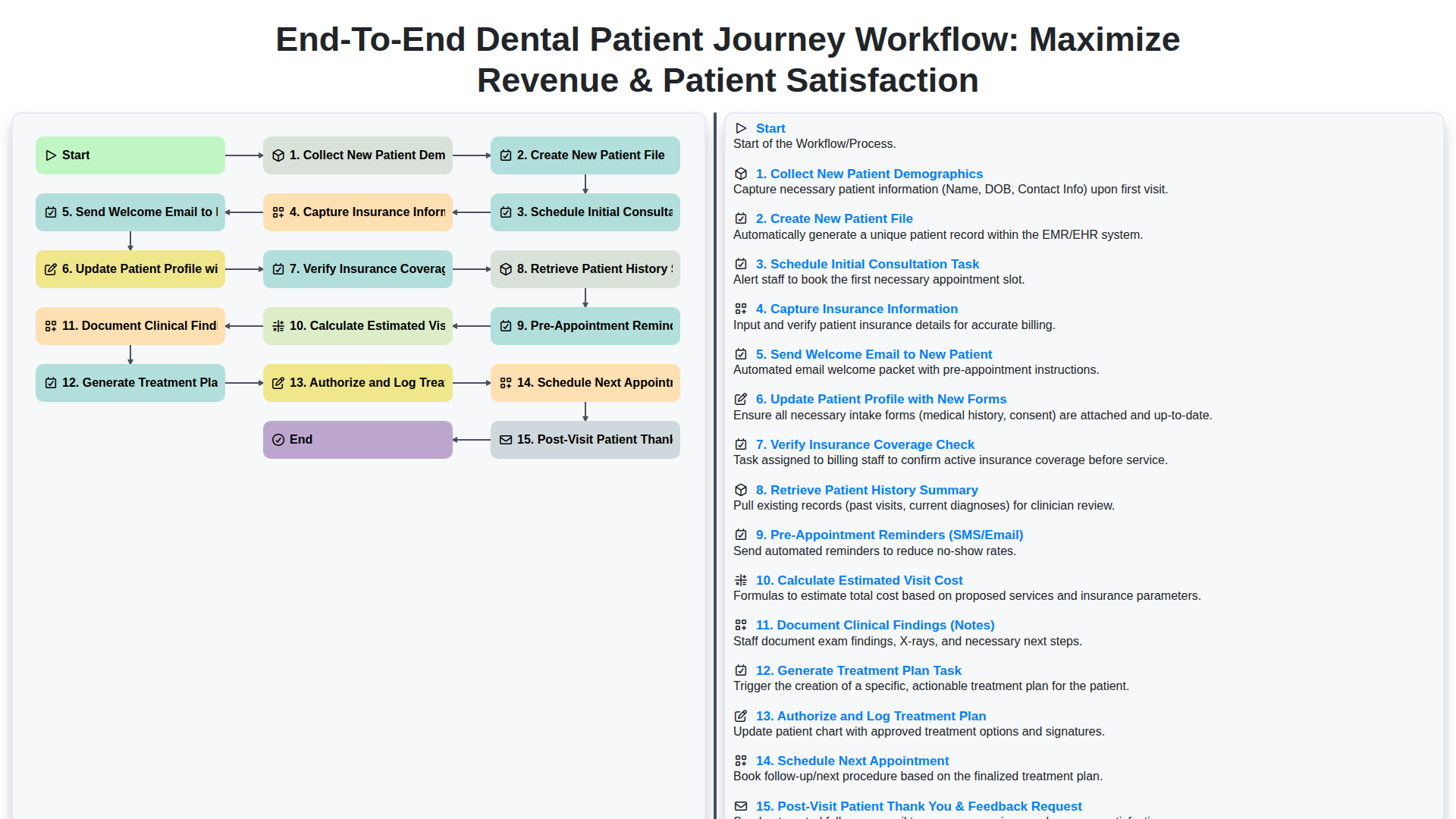
End-to-End Dental Patient Journey Workflow: Maximize Revenue & Patient Satisfaction
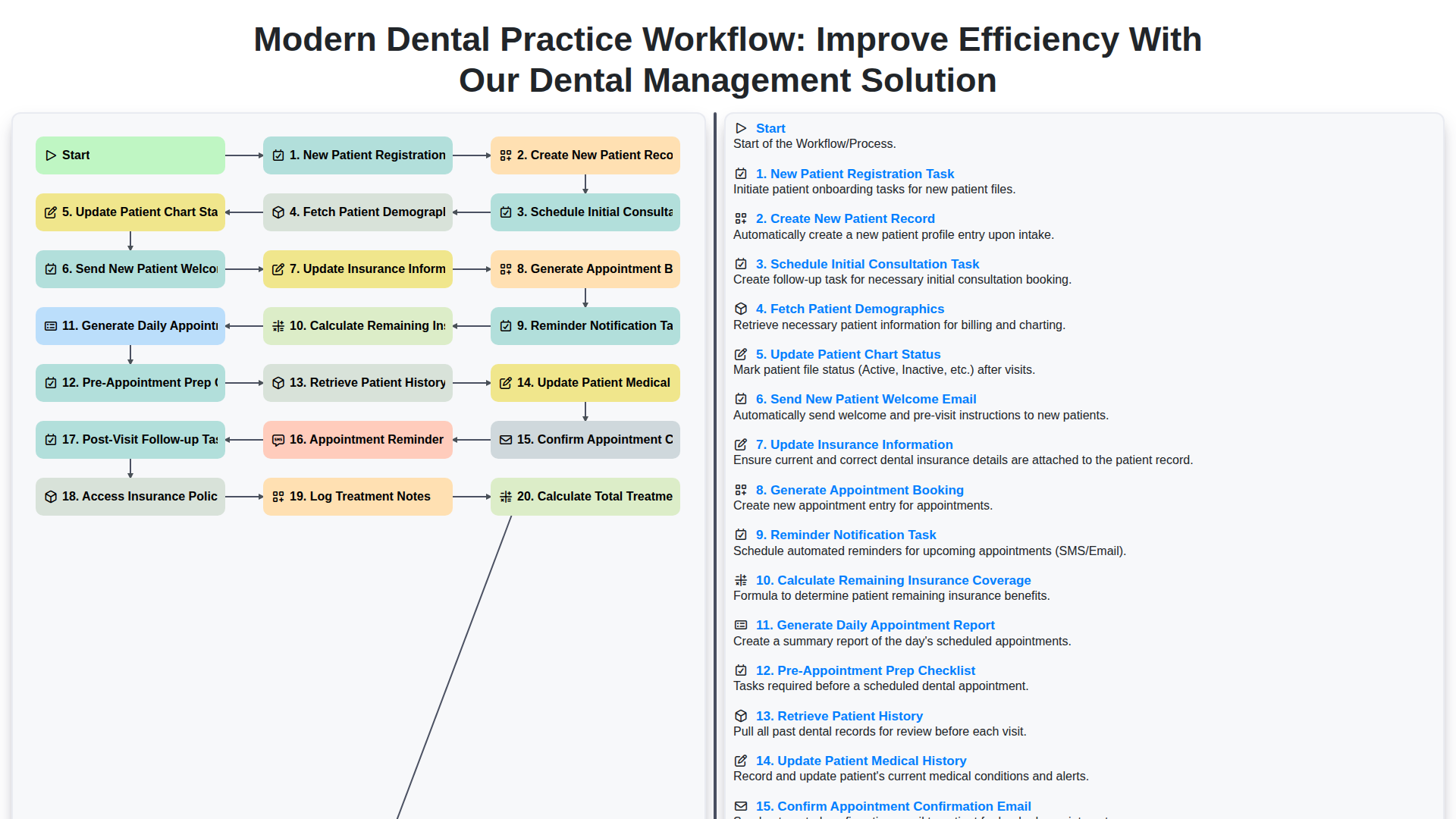
Modern Dental Practice Workflow: Improve Efficiency with Our Dental Management Solution
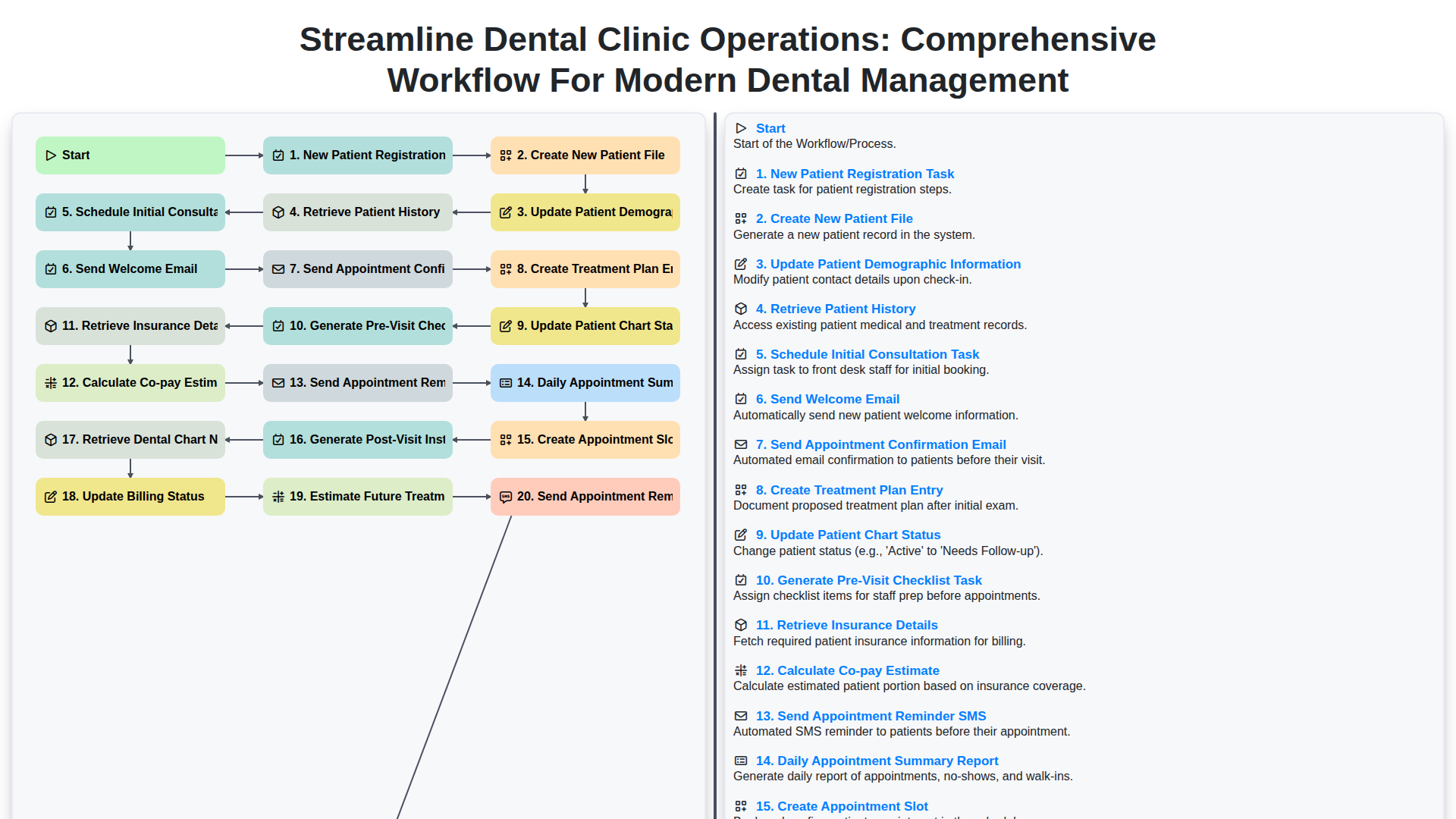
Streamline Dental Clinic Operations: Comprehensive Workflow for Modern Dental Management
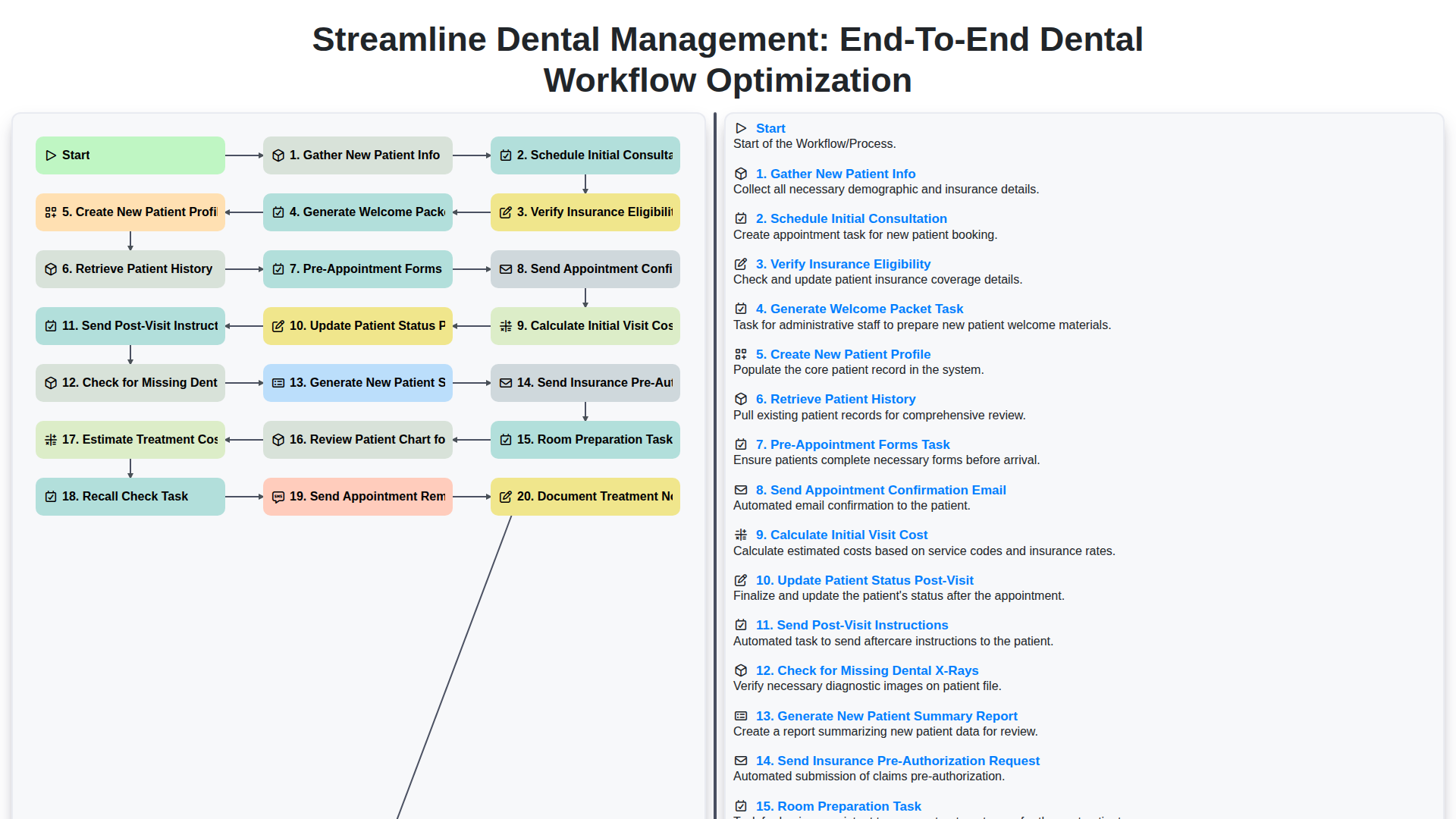
Streamline Dental Management: End-to-End Dental Workflow Optimization
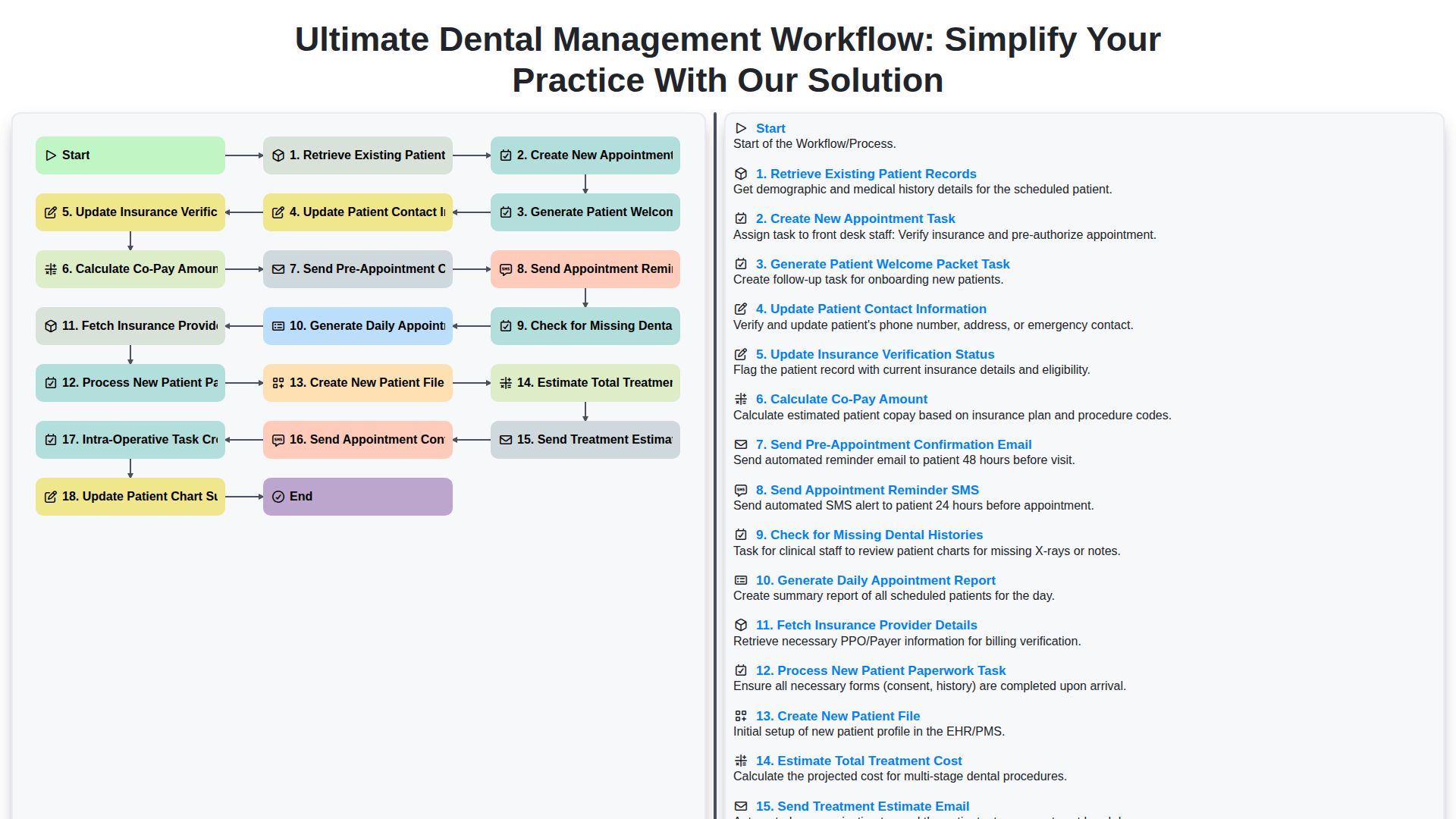
Ultimate Dental Management Workflow: Simplify Your Practice with Our Solution
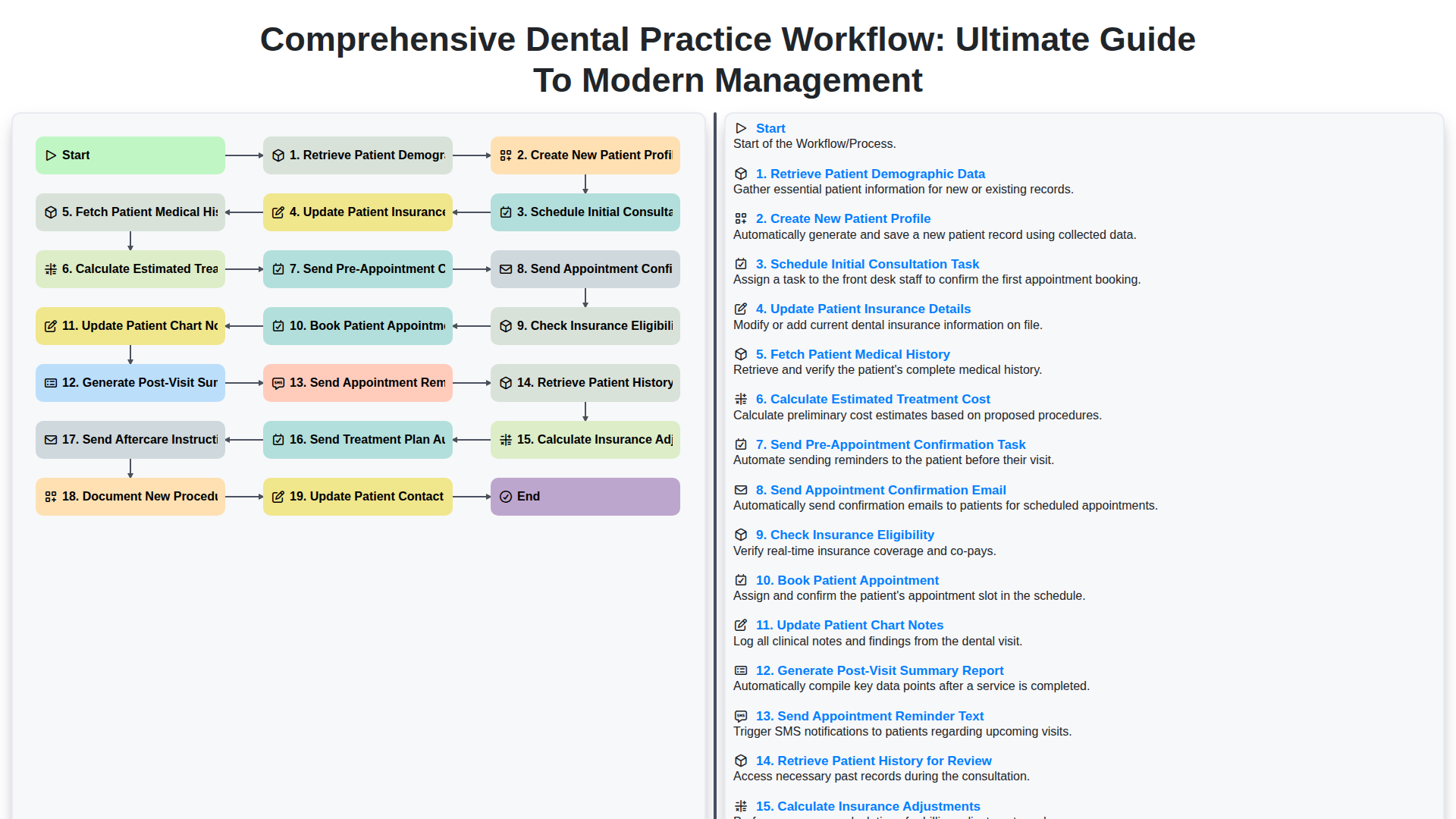
Comprehensive Dental Practice Workflow: Ultimate Guide to Modern Management
We can do it Together
Need help with
Dental Management?
Have a question? We're here to help. Please submit your inquiry, and we'll respond promptly.