 ChecklistGuro
 Dental Management Workflow Processes: Optimize Your Practice Operations
Streamline your dental practice with our comprehensive workflow processes. From patient check-in to billing, discover how to automate and optimize every step of your dental management lifecycle for peak efficiency and improved patient care.
This Template was installed 2 times.
Start
Start of the Workflow/Process.
1. Retrieve New Patient Information
Automatically pull contact details, insurance info, and initial consultation notes from the intake form.
2. Create Patient File Setup Task
Assign initial tasks to the front desk staff (e.g., verification, record creation).
3. Schedule Welcome Call Task
Create a task for a team member to call new patients for pre-appointment instructions.
4. Update Patient Status to 'Active'
Change patient status in the database after successful initial screening.
5. Send Welcome Email
Trigger an automated email to the new patient with pre-visit instructions and FAQs.
6. Fetch Insurance Verification Data
Retrieve and validate current insurance coverage details for the patient.
7. Calculate Estimated Visit Cost
Sum costs based on service codes and pre-authorization requirements (e.g., (Exam Fee + X-Ray Fee) * Insurance Multiplier).
8. Send Appointment Confirmation SMS
Send automated SMS reminder to the patient 24 hours prior to the appointment.
9. Send Pre-Visit Instructions Email
Dispatch detailed preparatory instructions to the patient email address.
10. Retrieve Existing Patient History
Pull past records, notes, and treatment plans from the patient's existing file.
11. Review & Approve Treatment Plan Task
Assign a task to the dentist/hygienist to review proposed services and check for internal approvals.
12. Document Clinical Notes Post-Visit
Update the patient chart with findings, diagnoses, and treatment summaries.
13. Generate Service Encounter Record
Create a new formal entry documenting the date, procedures performed, and materials used.
14. Calculate Total Claim Amount
Aggregate all services rendered costs, factoring in discounts and modifiers.
15. Submit Claim to Insurance
Generate and submit the necessary electronic claim file (e.g., CDT coding) to the payer.
16. Check Insurance Coverage Eligibility
Verify active coverage, deductibles, and in-network status using provided policy details.
17. Follow-up Care Reminder Task
Schedule a task to automatically follow up with the patient regarding next necessary appointments.
18. Generate Daily Collection Report
Compile a summary report of payments received and outstanding balances for the day.
19. Update Patient Billing Record
Record co-pays and patient portions of services rendered against the account.
End
End of the Workflow/Process.
Start of the Workflow/Process.
Automatically pull contact details, insurance info, and initial consultation notes from the intake form.
Assign initial tasks to the front desk staff (e.g., verification, record creation).
Create a task for a team member to call new patients for pre-appointment instructions.
Change patient status in the database after successful initial screening.
Trigger an automated email to the new patient with pre-visit instructions and FAQs.
Retrieve and validate current insurance coverage details for the patient.
Sum costs based on service codes and pre-authorization requirements (e.g., (Exam Fee + X-Ray Fee) * Insurance Multiplier).
Send automated SMS reminder to the patient 24 hours prior to the appointment.
Dispatch detailed preparatory instructions to the patient email address.
Pull past records, notes, and treatment plans from the patient's existing file.
Assign a task to the dentist/hygienist to review proposed services and check for internal approvals.
Update the patient chart with findings, diagnoses, and treatment summaries.
Create a new formal entry documenting the date, procedures performed, and materials used.
Aggregate all services rendered costs, factoring in discounts and modifiers.
Generate and submit the necessary electronic claim file (e.g., CDT coding) to the payer.
Verify active coverage, deductibles, and in-network status using provided policy details.
Schedule a task to automatically follow up with the patient regarding next necessary appointments.
Compile a summary report of payments received and outstanding balances for the day.
Record co-pays and patient portions of services rendered against the account.
End of the Workflow/Process.
Comments
There are no comments yet. Be the first to add one!
Dental Management Solution Demo
Simplify your dental practice & enhance patient care! ChecklistGuro streamlines appointment scheduling, patient records, and billing. Improve efficiency, reduce errors, & boost patient satisfaction. Manage it all with our Work OS.
Related Workflow Templates
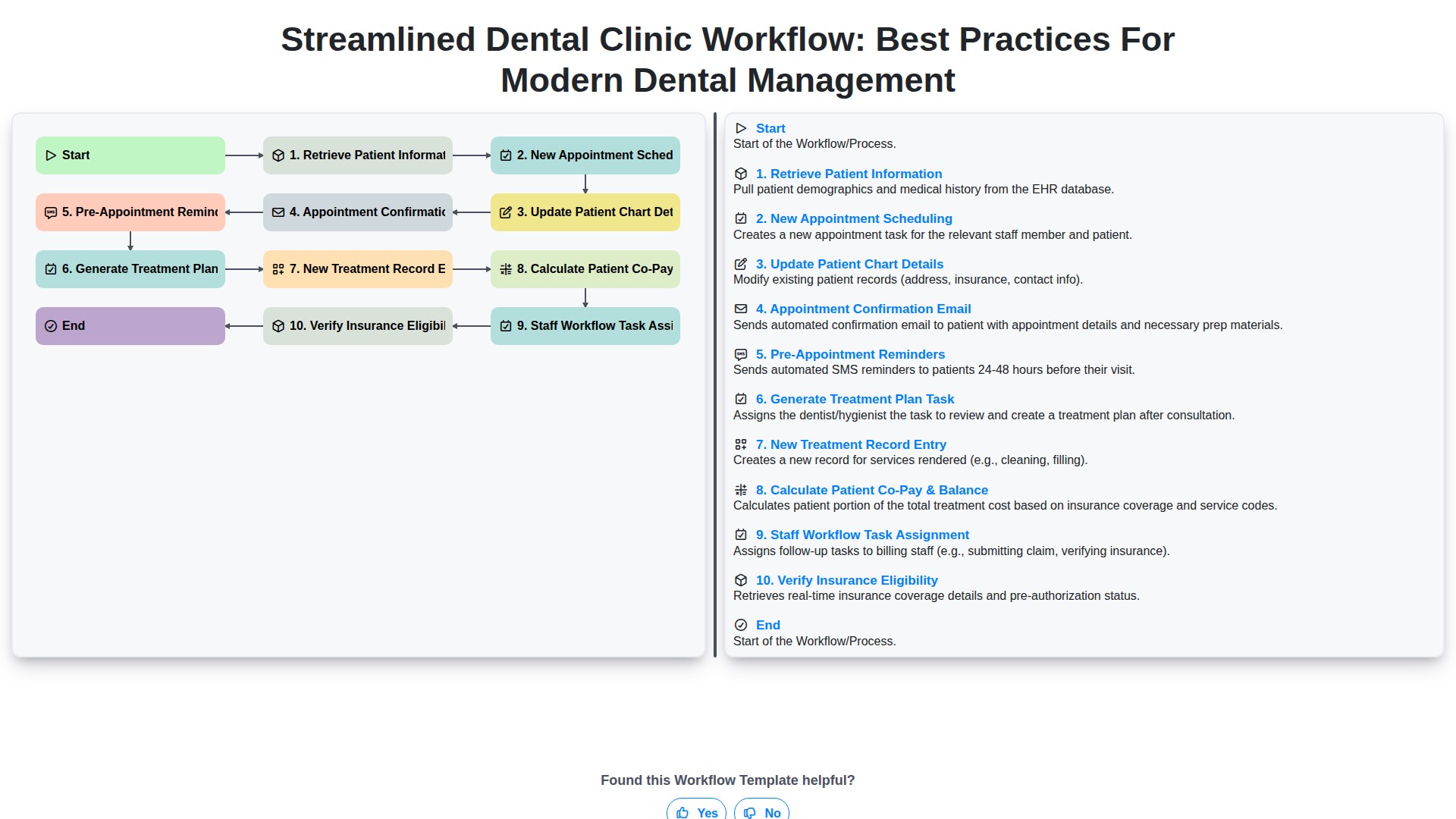
Streamlined Dental Clinic Workflow: Best Practices for Modern Dental Management
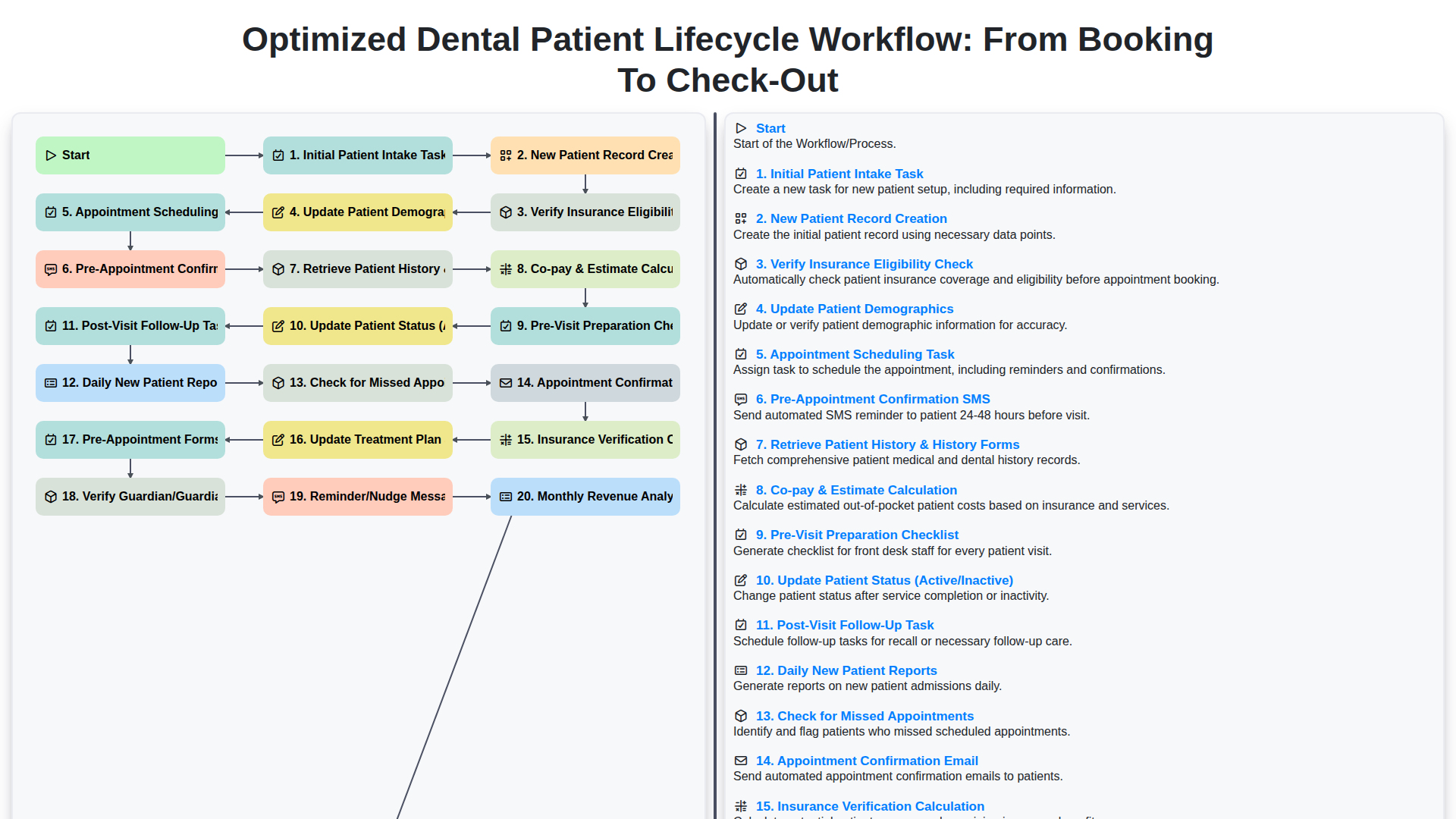
Optimized Dental Patient Lifecycle Workflow: From Booking to Check-Out
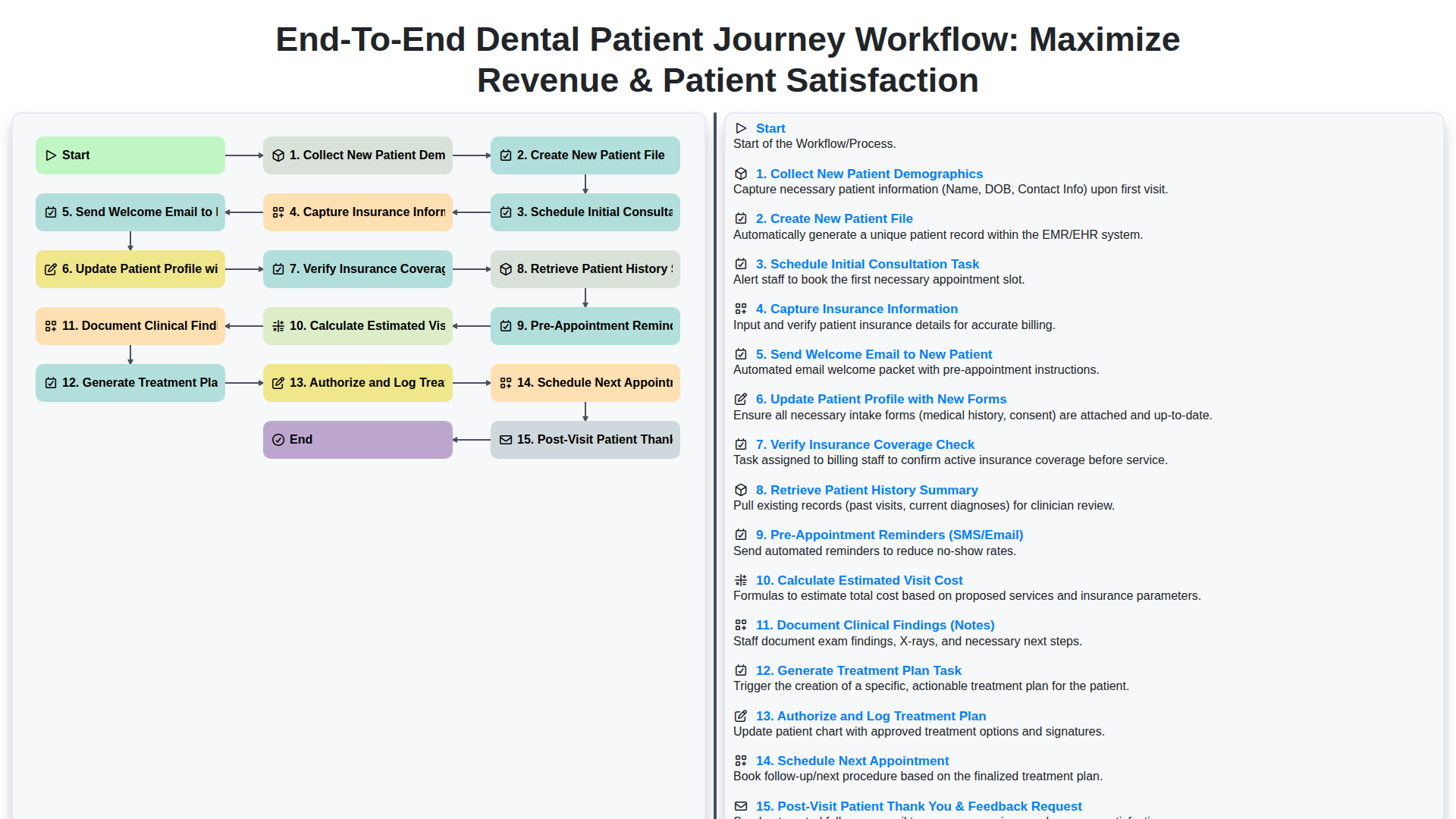
End-to-End Dental Patient Journey Workflow: Maximize Revenue & Patient Satisfaction
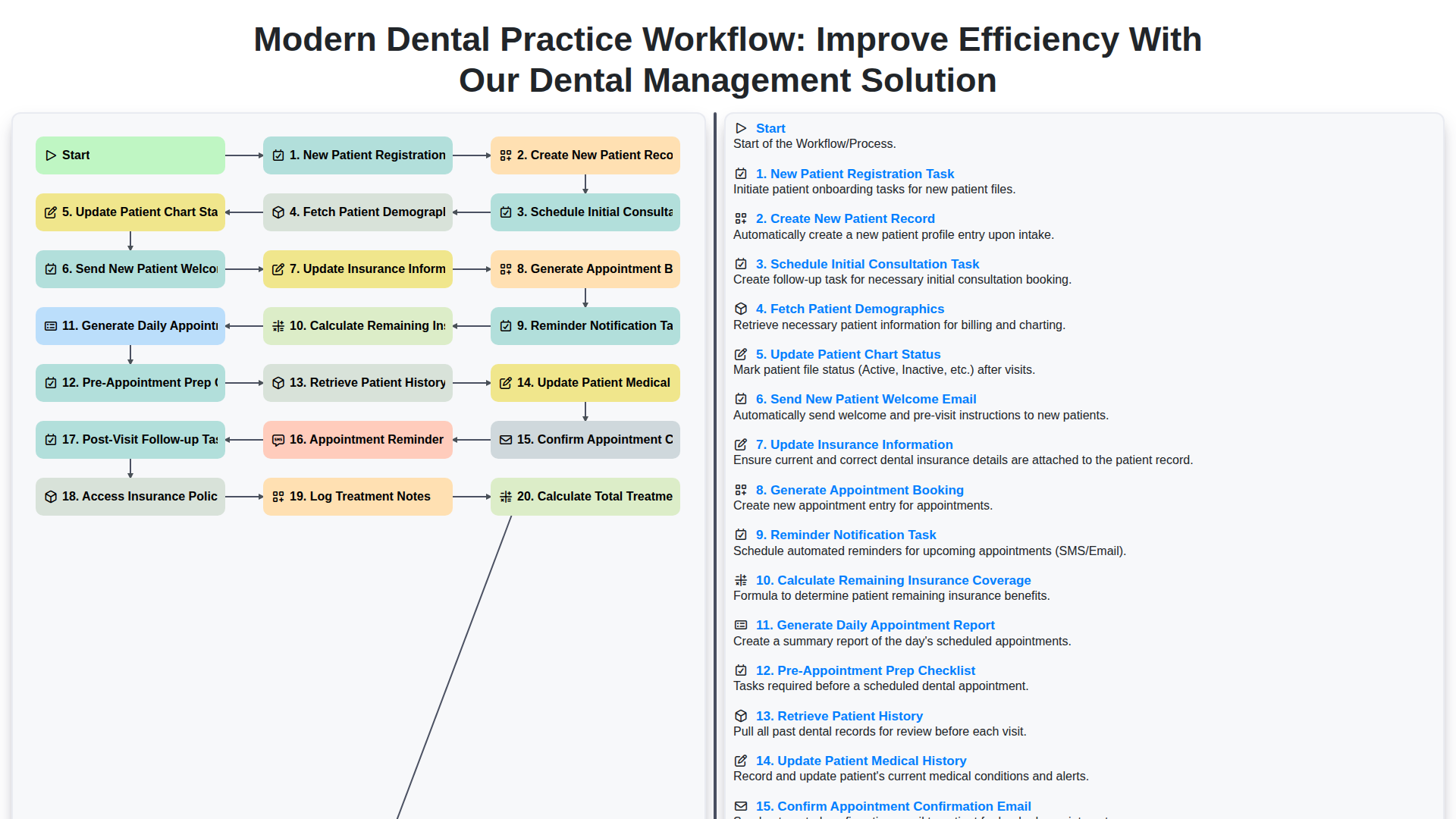
Modern Dental Practice Workflow: Improve Efficiency with Our Dental Management Solution
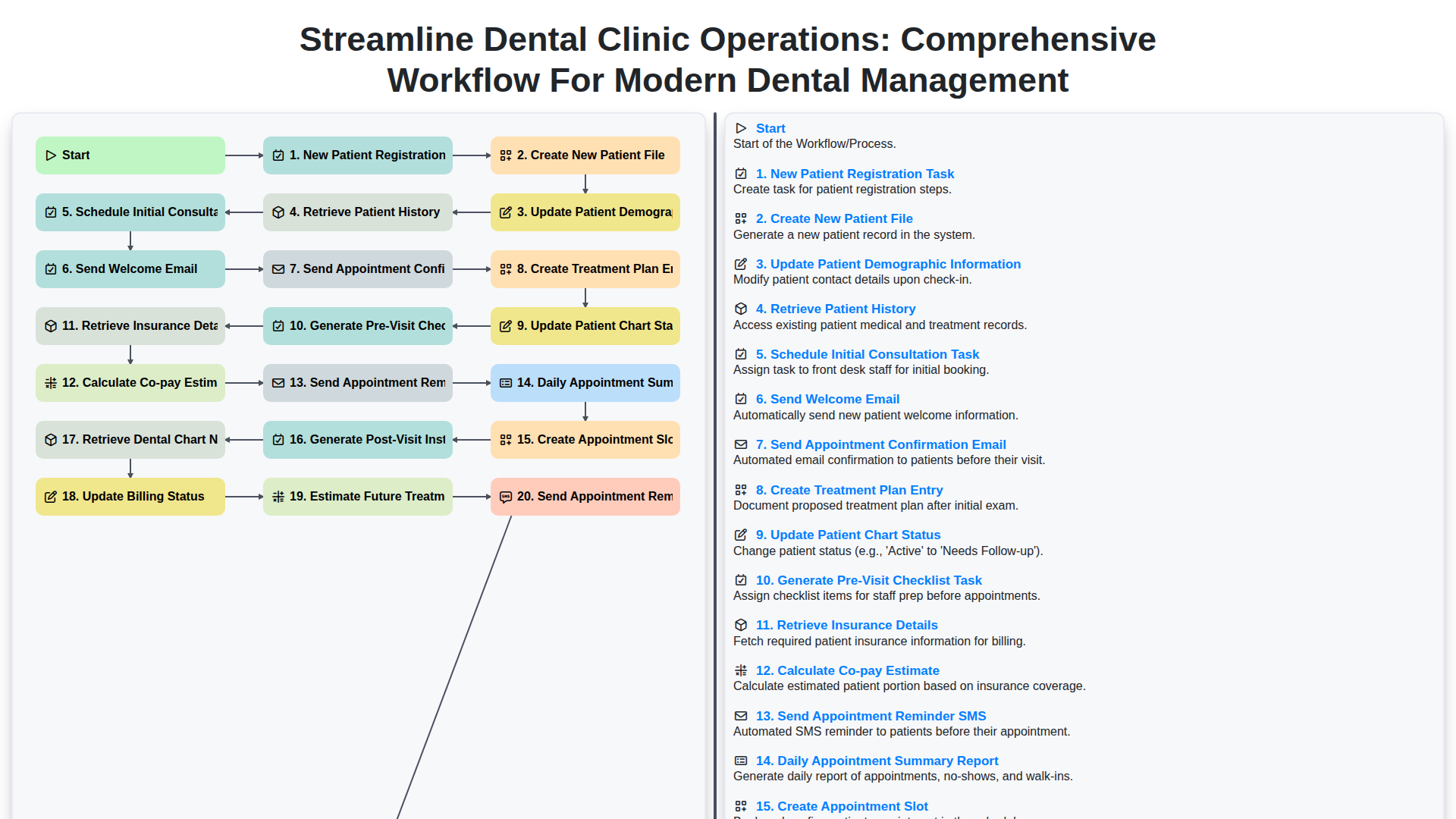
Streamline Dental Clinic Operations: Comprehensive Workflow for Modern Dental Management
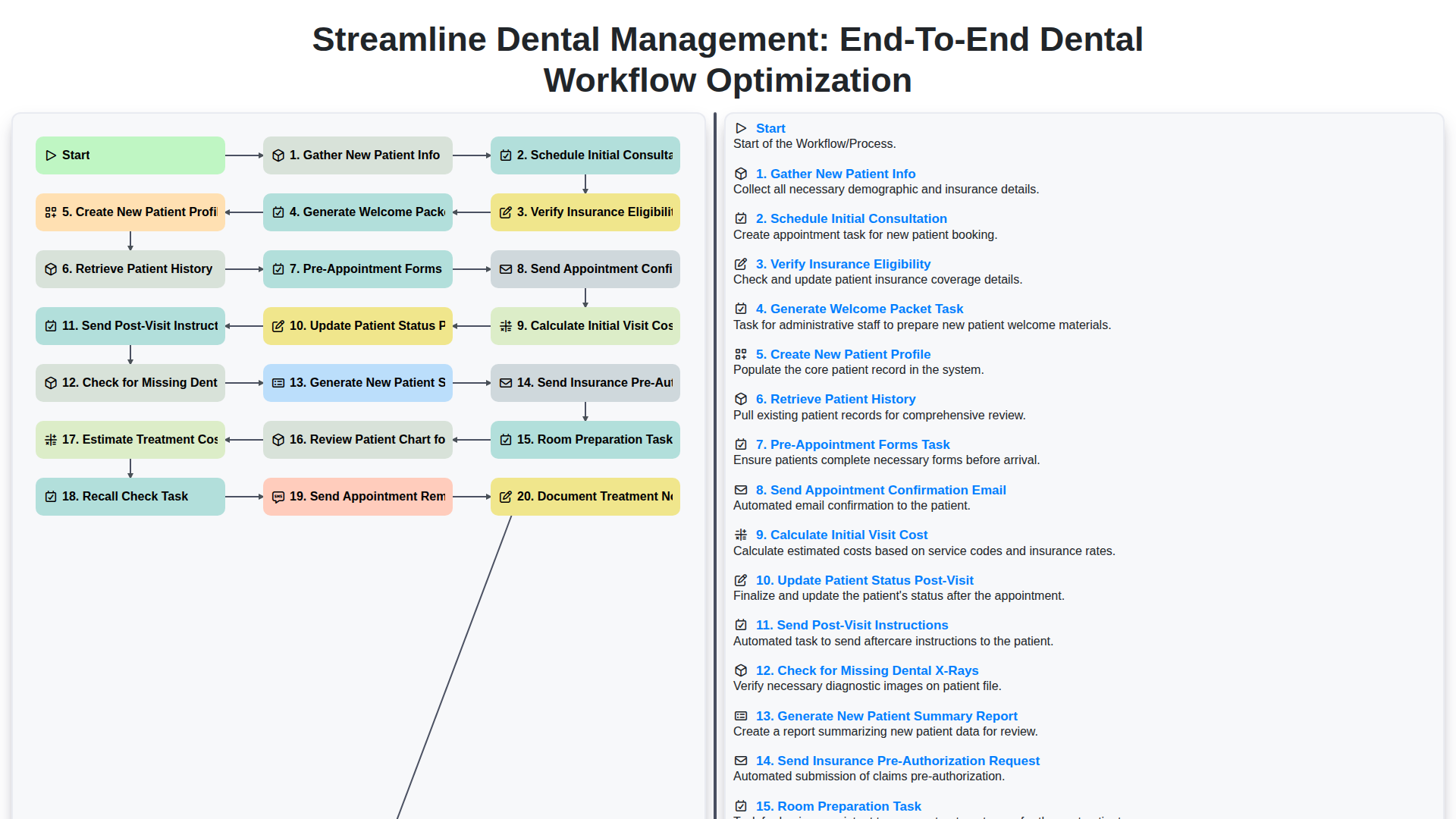
Streamline Dental Management: End-to-End Dental Workflow Optimization
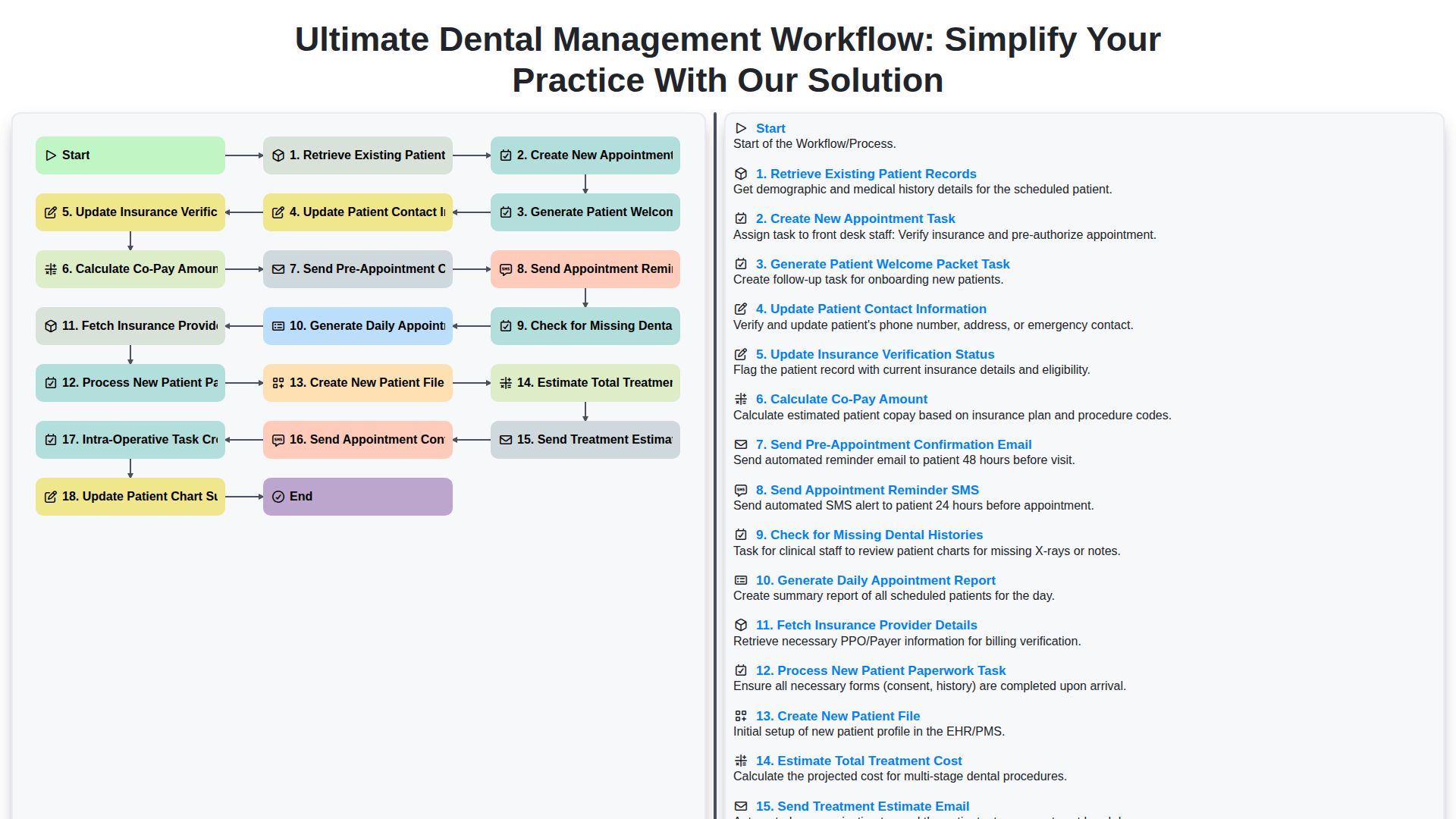
Ultimate Dental Management Workflow: Simplify Your Practice with Our Solution
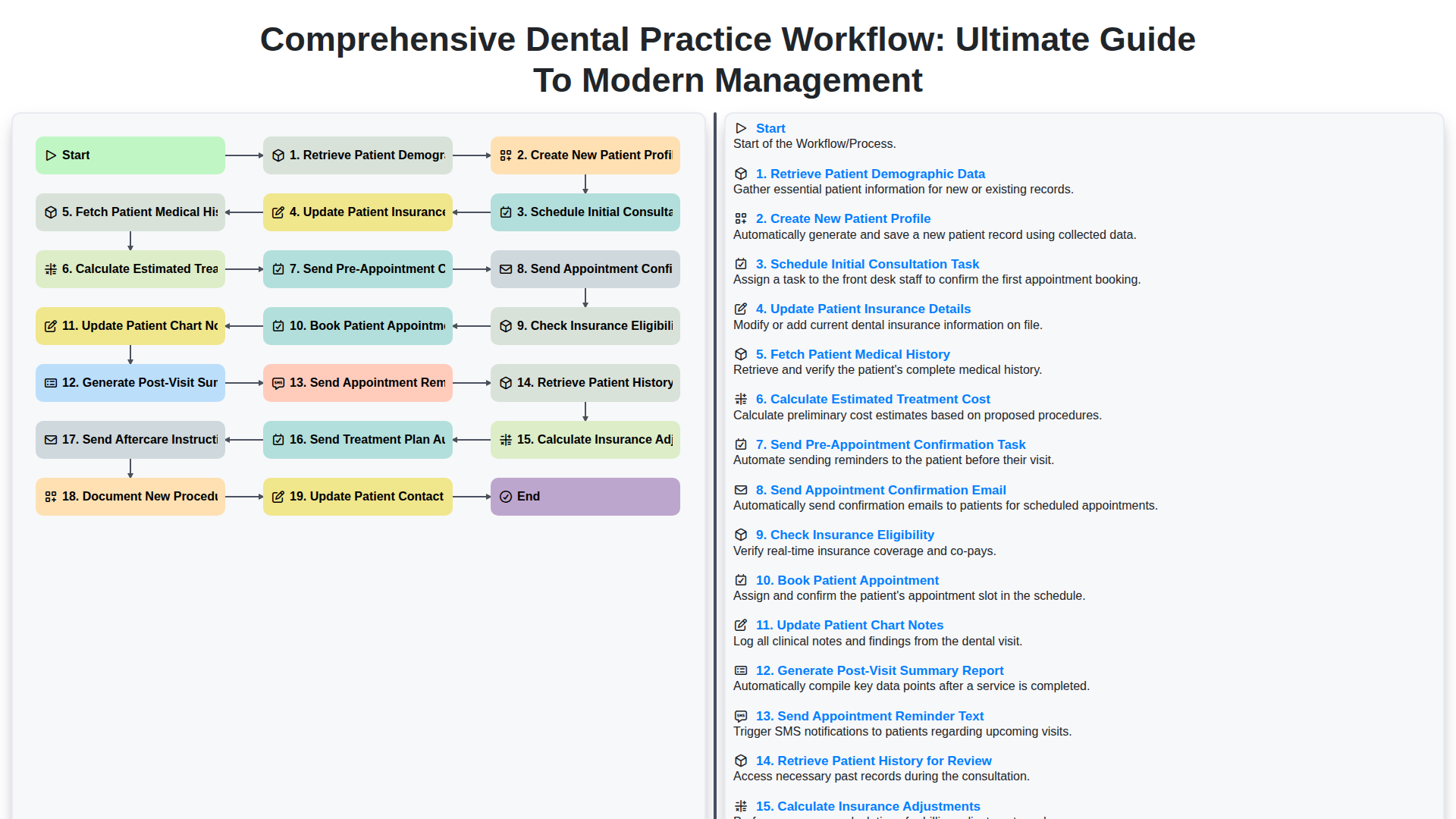
Comprehensive Dental Practice Workflow: Ultimate Guide to Modern Management
We can do it Together
Need help with
Dental Management?
Have a question? We're here to help. Please submit your inquiry, and we'll respond promptly.