 ChecklistGuro
 Dental Recall & Hygiene Reminder Workflow: Boost Patient Retention
Boost your dental practice revenue with our expert Dental Recall & Hygiene Reminder Workflow. This automated process ensures no patient falls through the cracks, maximizing hygiene recall rates and keeping your schedule consistently full. Easily manage follow-ups, automate reminders, and improve patient lifetime value with our seamless Dental Management solution.
This Template was installed 5 times.
Start
Start of the Workflow/Process.
1. Get Active Patient Records
Retrieve all patients due for recall or hygiene check based on last visit date.
2. Calculate Time Since Last Visit
Determine the time difference between today and the patient's last appointment date.
3. Assign Initial Review Task to Hygienist
Create a task for the designated hygienist to review eligible patients and confirm service codes.
4. Update Patient Status to 'Needs Contact'
Flag the patient record as requiring outbound communication.
5. Send Automated Initial Recall Email
Send a personalized, branded email reminder to the patient suggesting a hygiene appointment.
6. Send SMS Reminder to Patients (Day 1)
Send a friendly, brief text message reminder 7 days before the due date.
7. Follow-Up Task for Office Coordinator
Create a task for the admin staff to call patients who haven't responded to the email/SMS.
8. Get Contact Information for Follow-Up
Pull phone numbers and preferred contact methods for follow-up calls.
9. Determine Next Best Contact Attempt
Logic to decide whether to call, text, or leave a message based on previous attempts.
10. Log Follow-Up Attempt
Create a task for the staff member to document the call attempt details (date, outcome).
11. Send Appointment Confirmation/Reschedule Link
Send follow-up email containing a direct link to book/reschedule their appointment.
12. Update Appointment Date on Patient Record
Update the patient's next due date/appointment date upon successful booking.
13. Log Successful Appointment Booking
Create a new entry recording the scheduled appointment details and provider.
14. Generate Monthly Recall Rate Report
Compile a report showing the percentage of recalled patients who successfully booked an appointment.
15. Check Insurance Coverage Status
Verify the patient's current insurance eligibility before offering services.
End
End of the Workflow/Process.
Start of the Workflow/Process.
Retrieve all patients due for recall or hygiene check based on last visit date.
Determine the time difference between today and the patient's last appointment date.
Create a task for the designated hygienist to review eligible patients and confirm service codes.
Flag the patient record as requiring outbound communication.
Send a personalized, branded email reminder to the patient suggesting a hygiene appointment.
Send a friendly, brief text message reminder 7 days before the due date.
Create a task for the admin staff to call patients who haven't responded to the email/SMS.
Pull phone numbers and preferred contact methods for follow-up calls.
Logic to decide whether to call, text, or leave a message based on previous attempts.
Create a task for the staff member to document the call attempt details (date, outcome).
Send follow-up email containing a direct link to book/reschedule their appointment.
Update the patient's next due date/appointment date upon successful booking.
Create a new entry recording the scheduled appointment details and provider.
Compile a report showing the percentage of recalled patients who successfully booked an appointment.
Verify the patient's current insurance eligibility before offering services.
End of the Workflow/Process.
Found this Workflow Template helpful?
Comments
There are no comments yet. Be the first to add one!
Dental Management Solution Demo
Simplify your dental practice & enhance patient care! ChecklistGuro streamlines appointment scheduling, patient records, and billing. Improve efficiency, reduce errors, & boost patient satisfaction. Manage it all with our Work OS.
Related Workflow Templates
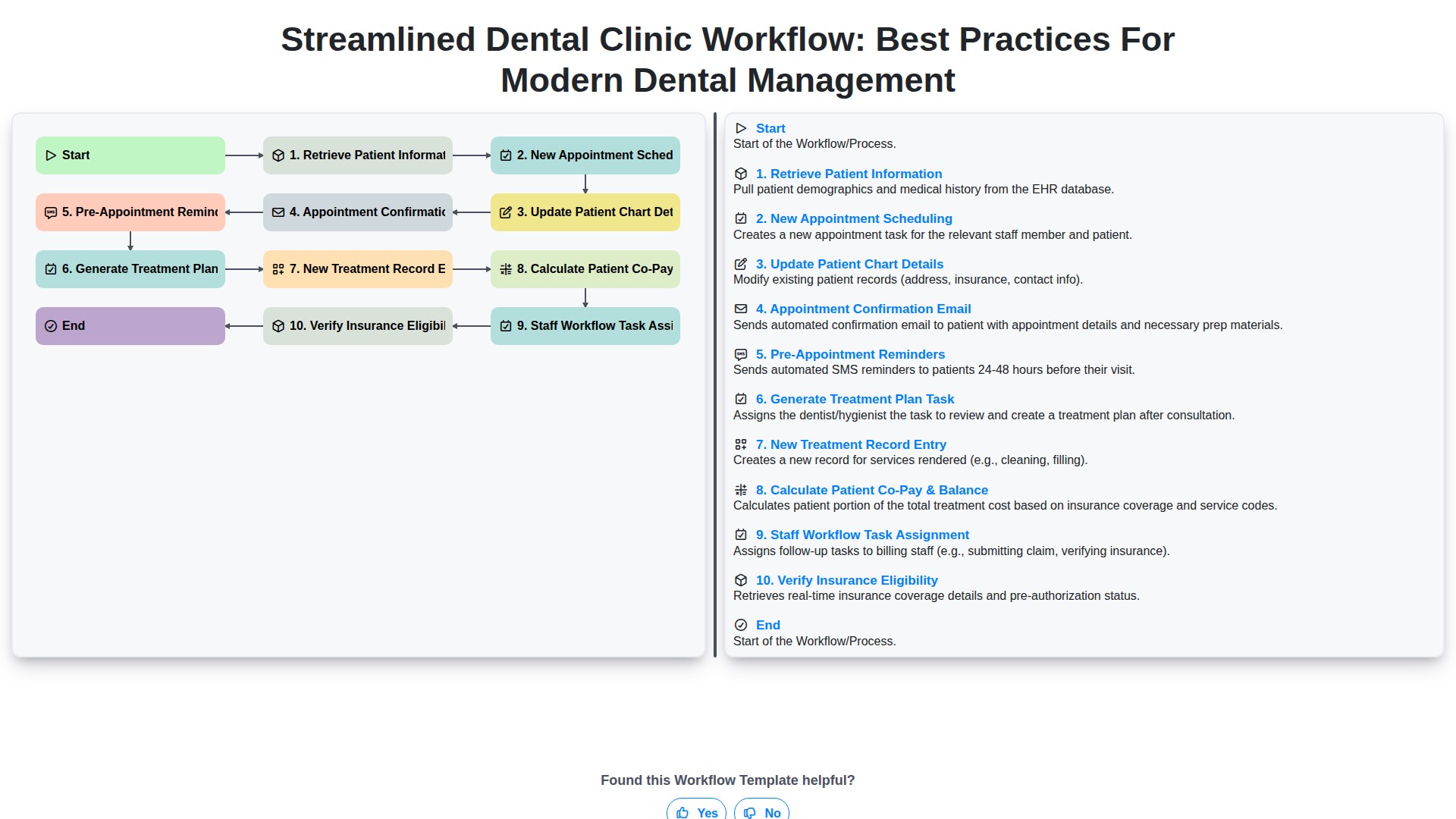
Streamlined Dental Clinic Workflow: Best Practices for Modern Dental Management
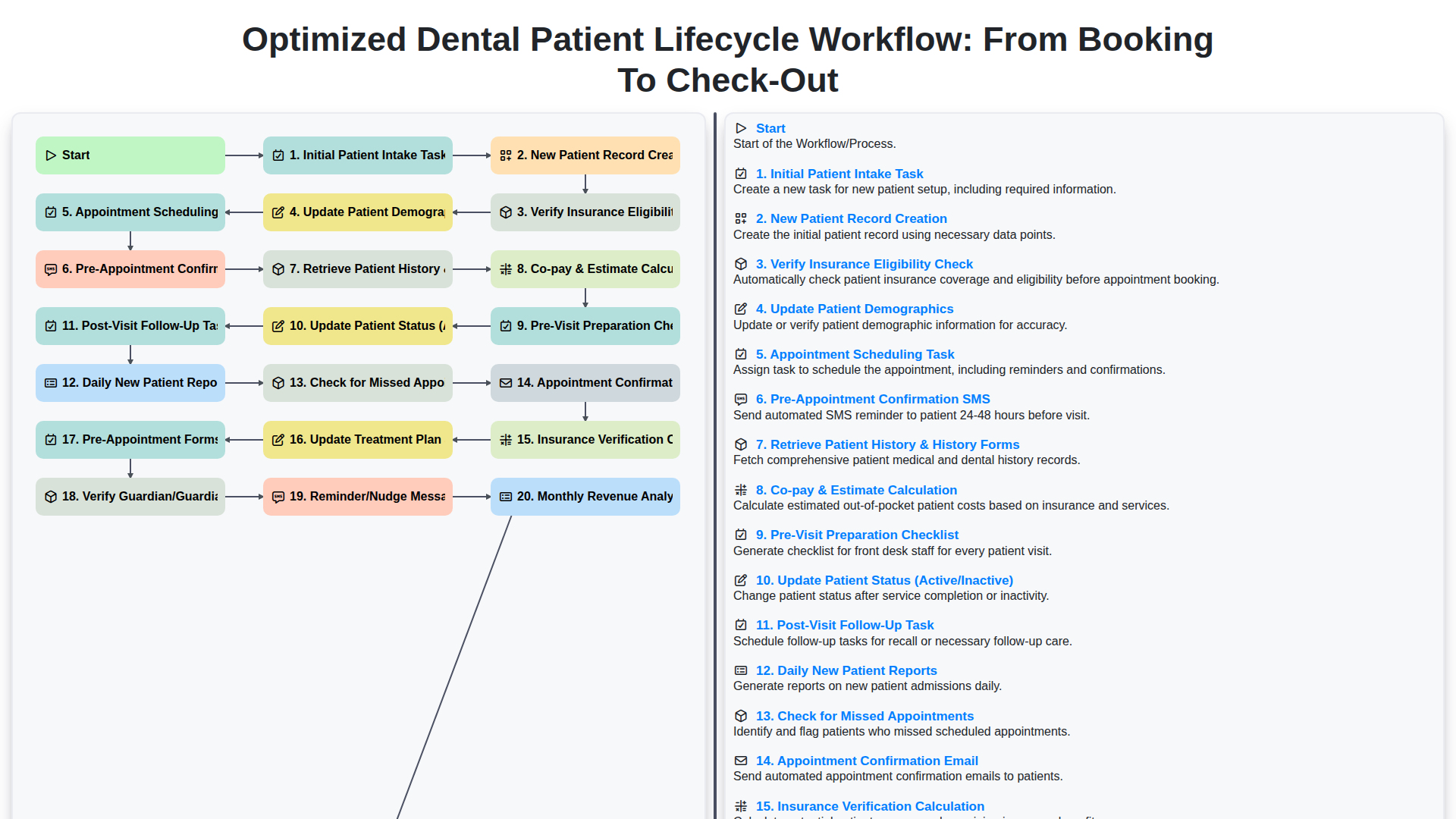
Optimized Dental Patient Lifecycle Workflow: From Booking to Check-Out
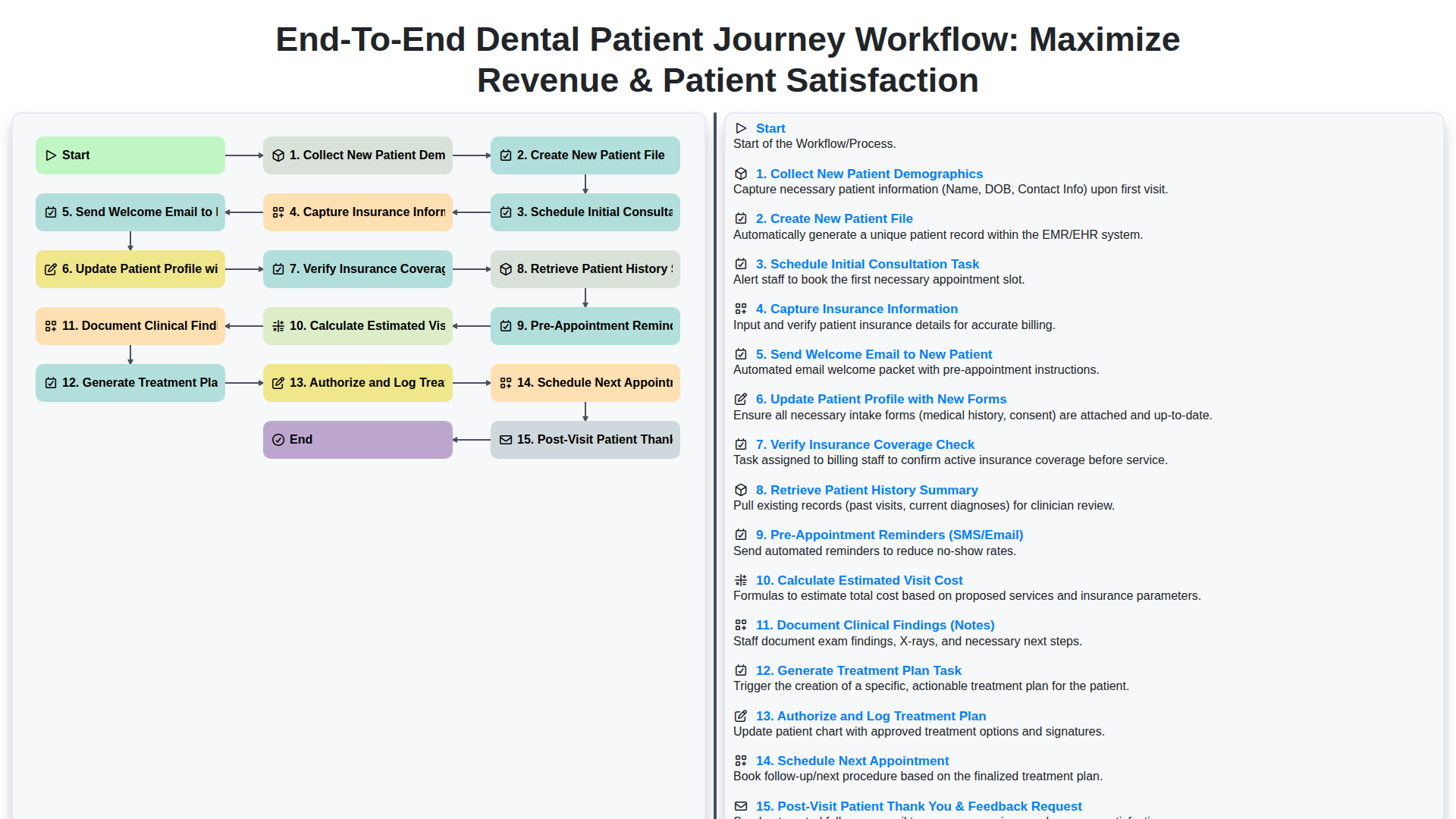
End-to-End Dental Patient Journey Workflow: Maximize Revenue & Patient Satisfaction
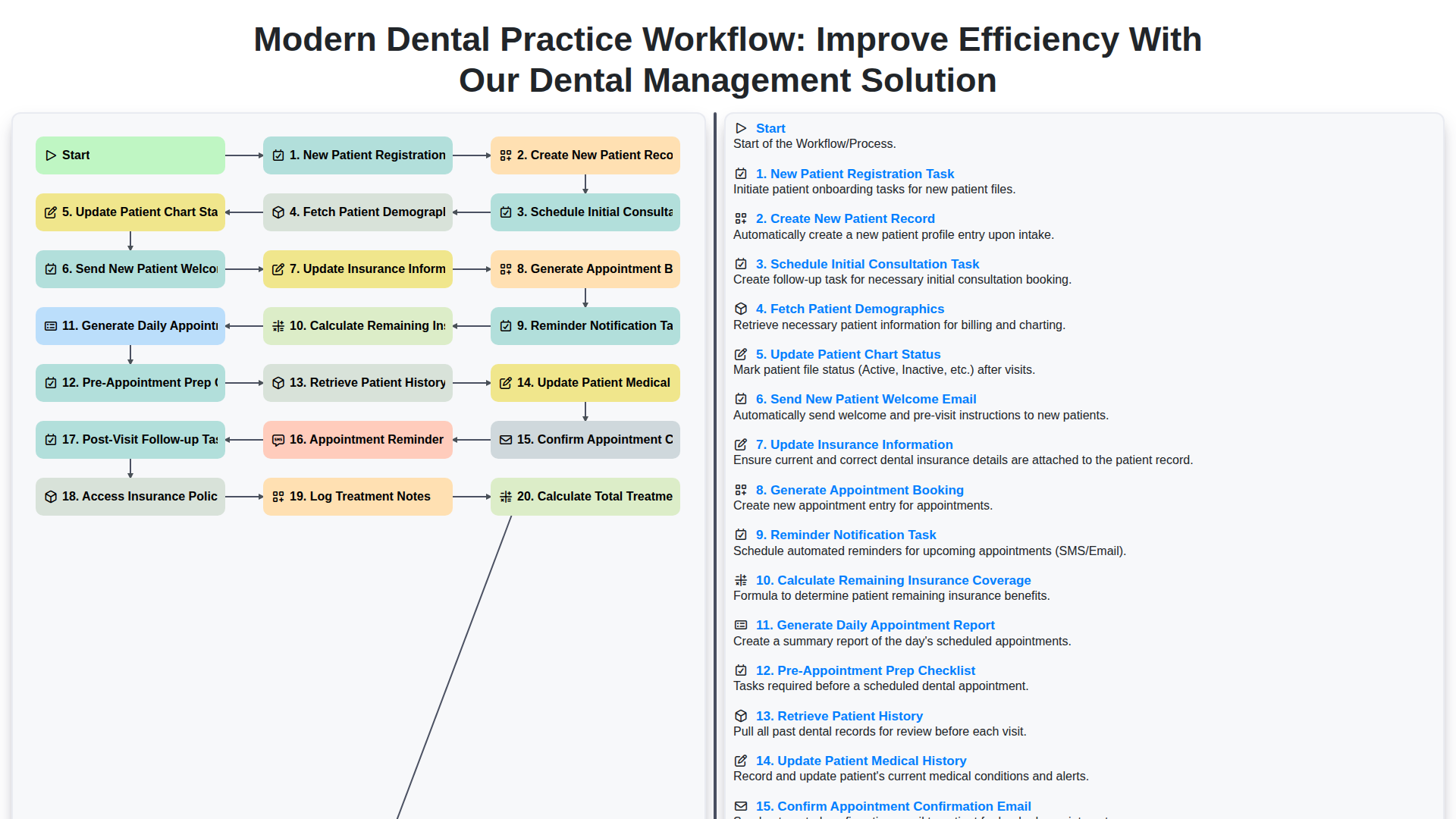
Modern Dental Practice Workflow: Improve Efficiency with Our Dental Management Solution
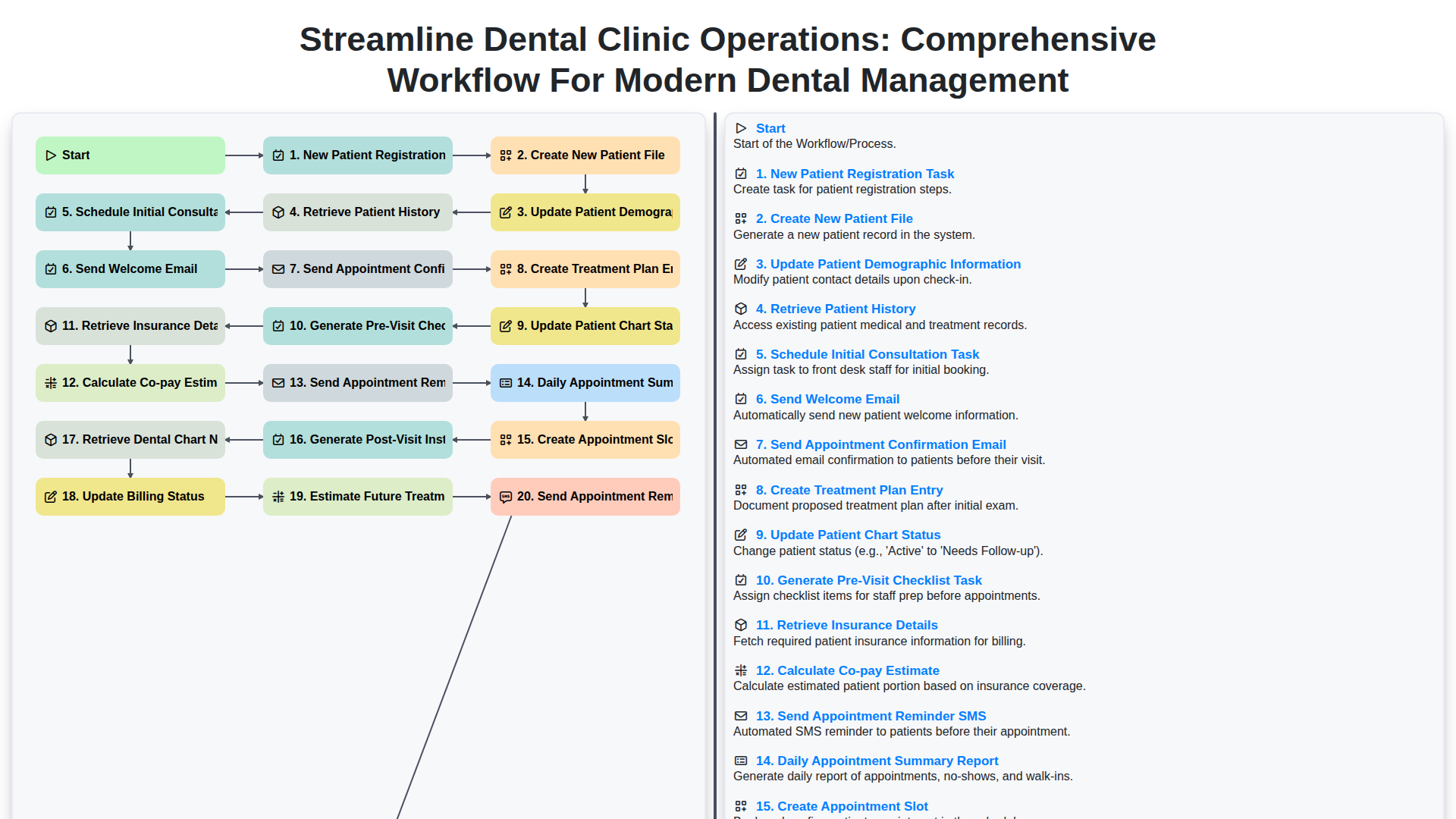
Streamline Dental Clinic Operations: Comprehensive Workflow for Modern Dental Management
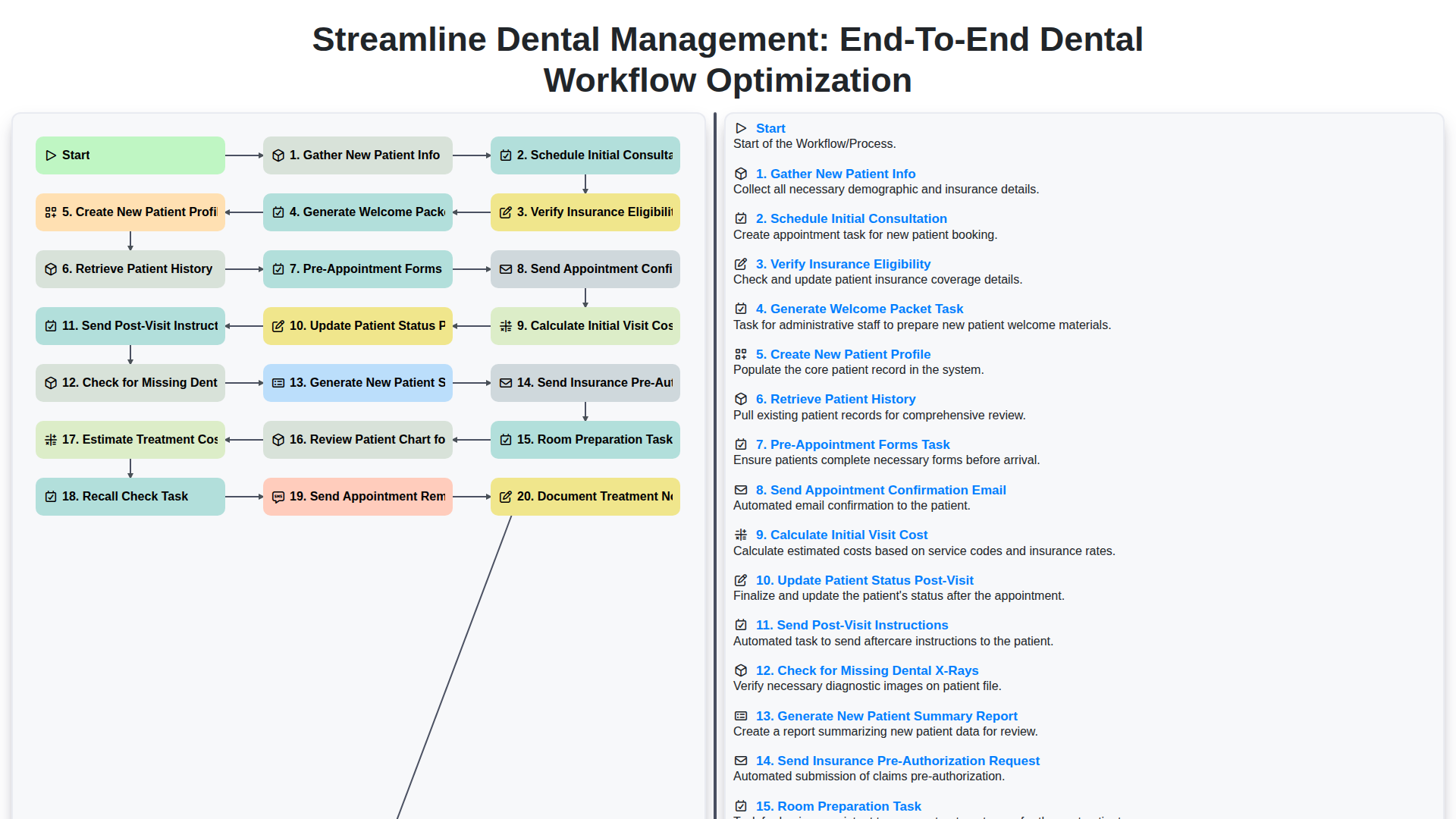
Streamline Dental Management: End-to-End Dental Workflow Optimization
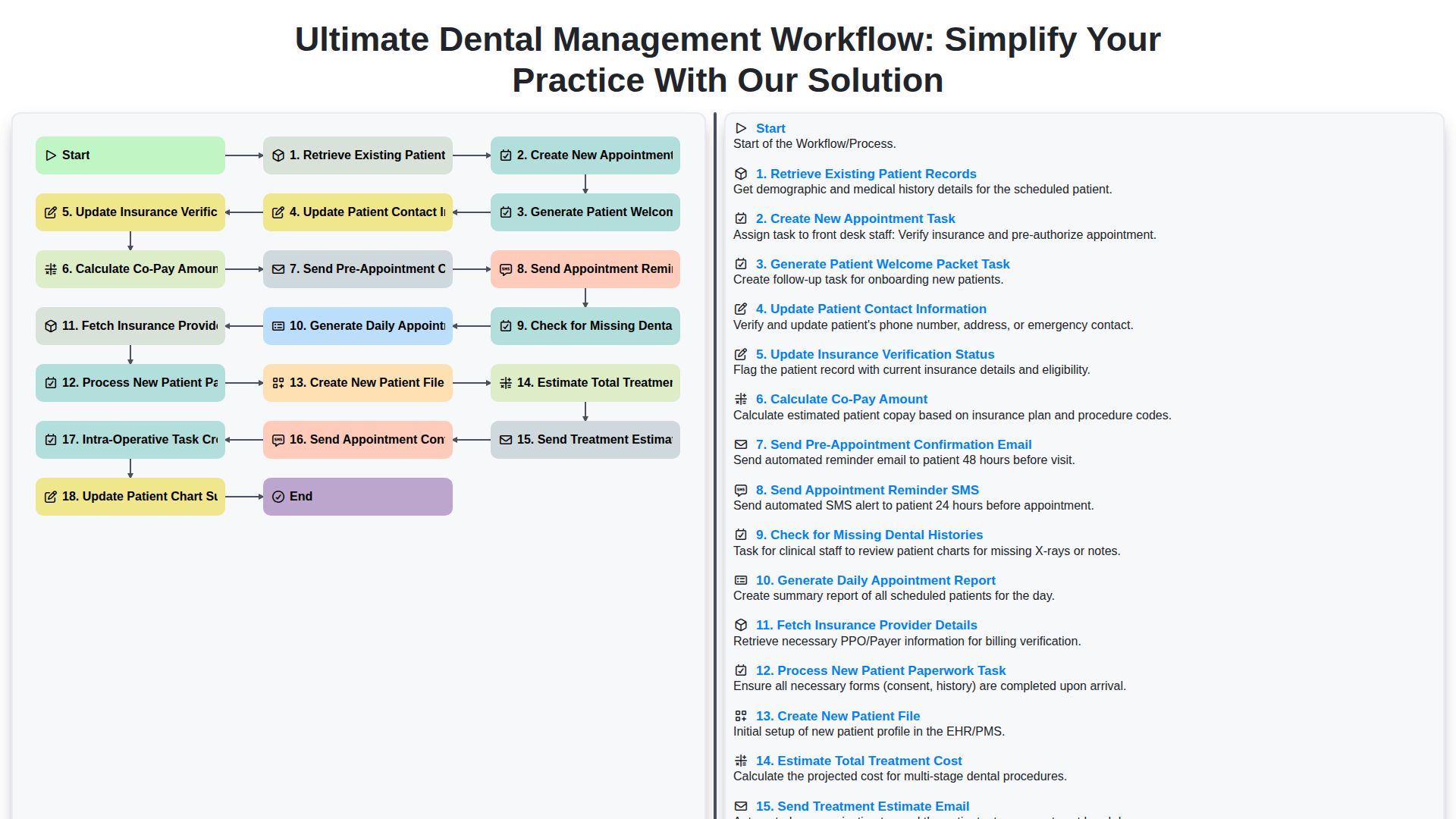
Ultimate Dental Management Workflow: Simplify Your Practice with Our Solution
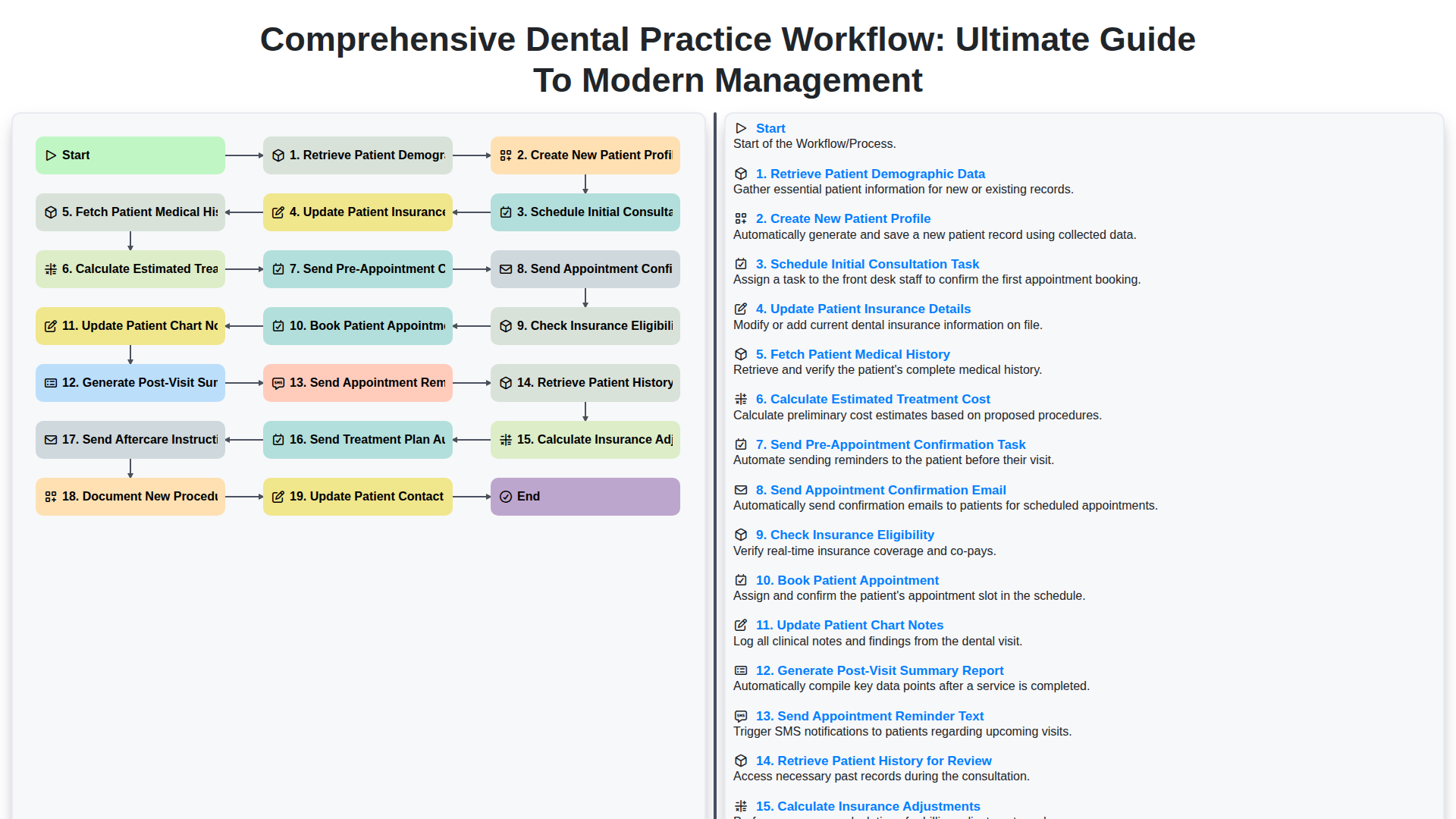
Comprehensive Dental Practice Workflow: Ultimate Guide to Modern Management
We can do it Together
Need help with
Dental Management?
Have a question? We're here to help. Please submit your inquiry, and we'll respond promptly.