 ChecklistGuro
 Streamline Dental Appointment Scheduling Workflow for Best Practice Management
Master dental scheduling with our optimized workflow. Learn how to streamline appointment booking, reduce no-shows, and improve patient flow within your Dental Management solution for peak practice efficiency.
This Template was installed 3 times.
Start
Start of the Workflow/Process.
1. Retrieve Patient Details
Get patient's basic information (name, contact, insurance) from the Patient Data Model.
2. Retrieve Provider Availability
Fetch the dentist/hygienist's real-time schedule and capacity from the Provider Availability Model.
3. Create New Appointment Task
Automatically generate a task for the administrative staff to confirm the initial booking.
4. Determine Optimal Slot Time
Calculate the best available appointment slot considering the requested service duration and provider availability.
5. Book Appointment Record
Create or update the Appointment record in the Practice Schedule Model with confirmed details.
6. Send Appointment Confirmation Task
Assign a task to the system to send confirmations to the patient.
7. Send Appointment Confirmation Email
Send a detailed confirmation email to the patient (includes time, address, and pre-arrival instructions).
8. Send Appointment Reminder SMS
Send a concise, automated SMS reminder to the patient 24 hours before the appointment.
9. Check Patient History for Notes
Retrieve any pre-existing notes or special instructions for the patient before booking.
10. Update Patient Status
Update the patient's status in the CRM/Master Record (e.g., 'Booked' or 'Pending Confirmation').
11. Calculate Estimated Visit Duration
Calculate the required time block based on the selected procedure codes (e.g., cleaning + exam = 60 min).
12. Generate Pre-Appointment Checklist Task
Create a checklist task for the patient/staff regarding required paperwork or prep work.
13. Log New Appointment Record
Create the primary record for the new appointment in the Scheduling Data Model.
14. Send Initial Appointment Request Email
Send an initial outreach email to the patient suggesting available time slots.
15. Adjust Appointment Time Due to Conflict
Update the appointment time if a conflict is found during initial booking attempts.
16. Generate Daily Schedule Report
Create a temporary report for the front desk staff summarizing today's appointments.
17. Assign Intake Form Task
Create a follow-up task for staff to ensure the patient fills out necessary forms.
18. Verify Insurance Coverage
Pull necessary insurance details to cross-reference eligibility during booking.
19. Determine Copay Estimate
Calculate the estimated patient co-pay based on service codes and insurance data.
End
End of the Workflow/Process.
Start of the Workflow/Process.
Get patient's basic information (name, contact, insurance) from the Patient Data Model.
Fetch the dentist/hygienist's real-time schedule and capacity from the Provider Availability Model.
Automatically generate a task for the administrative staff to confirm the initial booking.
Calculate the best available appointment slot considering the requested service duration and provider availability.
Create or update the Appointment record in the Practice Schedule Model with confirmed details.
Assign a task to the system to send confirmations to the patient.
Send a detailed confirmation email to the patient (includes time, address, and pre-arrival instructions).
Send a concise, automated SMS reminder to the patient 24 hours before the appointment.
Retrieve any pre-existing notes or special instructions for the patient before booking.
Update the patient's status in the CRM/Master Record (e.g., 'Booked' or 'Pending Confirmation').
Calculate the required time block based on the selected procedure codes (e.g., cleaning + exam = 60 min).
Create a checklist task for the patient/staff regarding required paperwork or prep work.
Create the primary record for the new appointment in the Scheduling Data Model.
Send an initial outreach email to the patient suggesting available time slots.
Update the appointment time if a conflict is found during initial booking attempts.
Create a temporary report for the front desk staff summarizing today's appointments.
Create a follow-up task for staff to ensure the patient fills out necessary forms.
Pull necessary insurance details to cross-reference eligibility during booking.
Calculate the estimated patient co-pay based on service codes and insurance data.
End of the Workflow/Process.
Frequently Asked Questions
Comments
Just implemented this for our front desk. The part about no-show reminders is a game changer.
Dental Management Solution Demo
Simplify your dental practice & enhance patient care! ChecklistGuro streamlines appointment scheduling, patient records, and billing. Improve efficiency, reduce errors, & boost patient satisfaction. Manage it all with our Work OS.
Related Workflow Templates
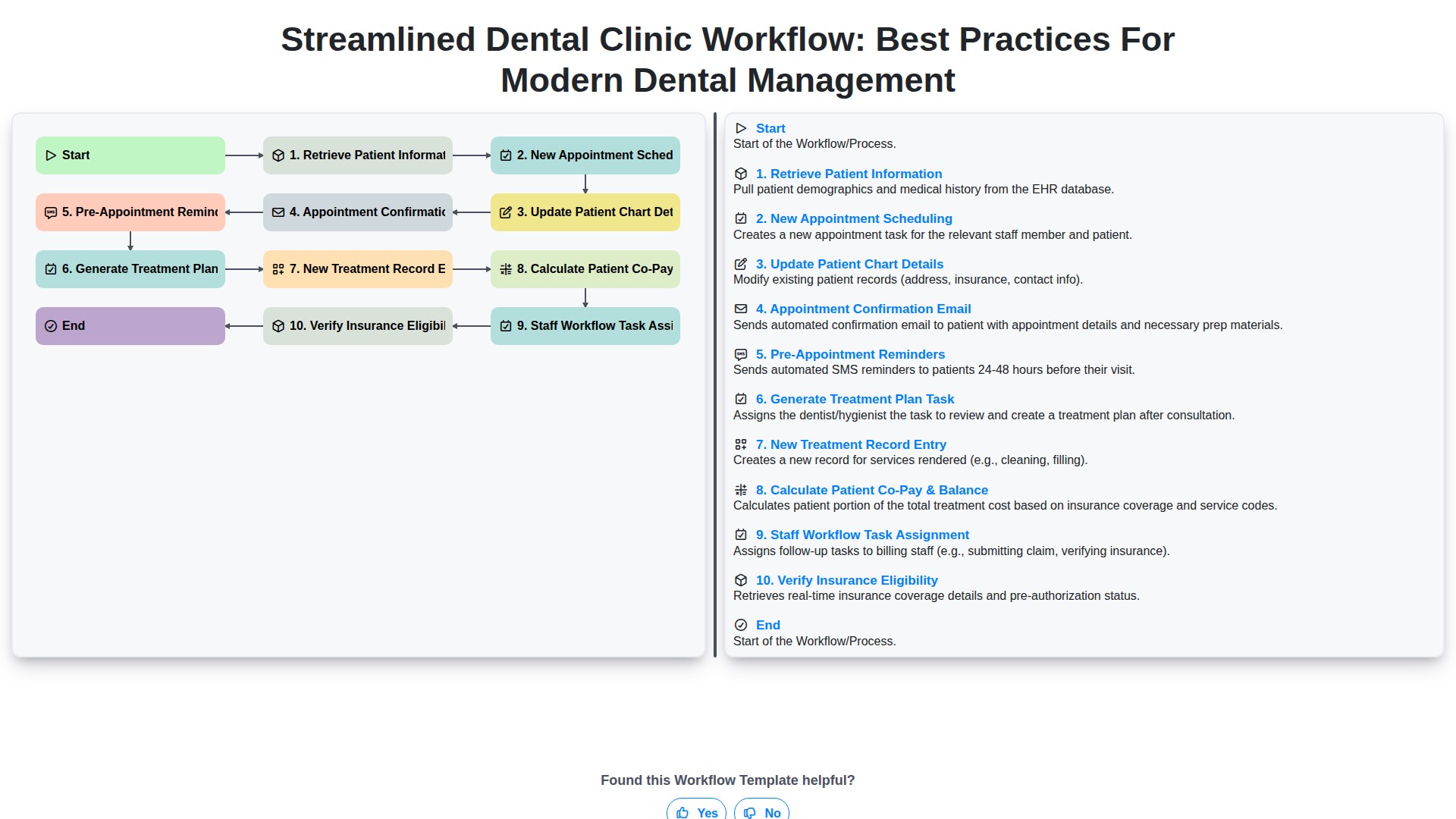
Streamlined Dental Clinic Workflow: Best Practices for Modern Dental Management
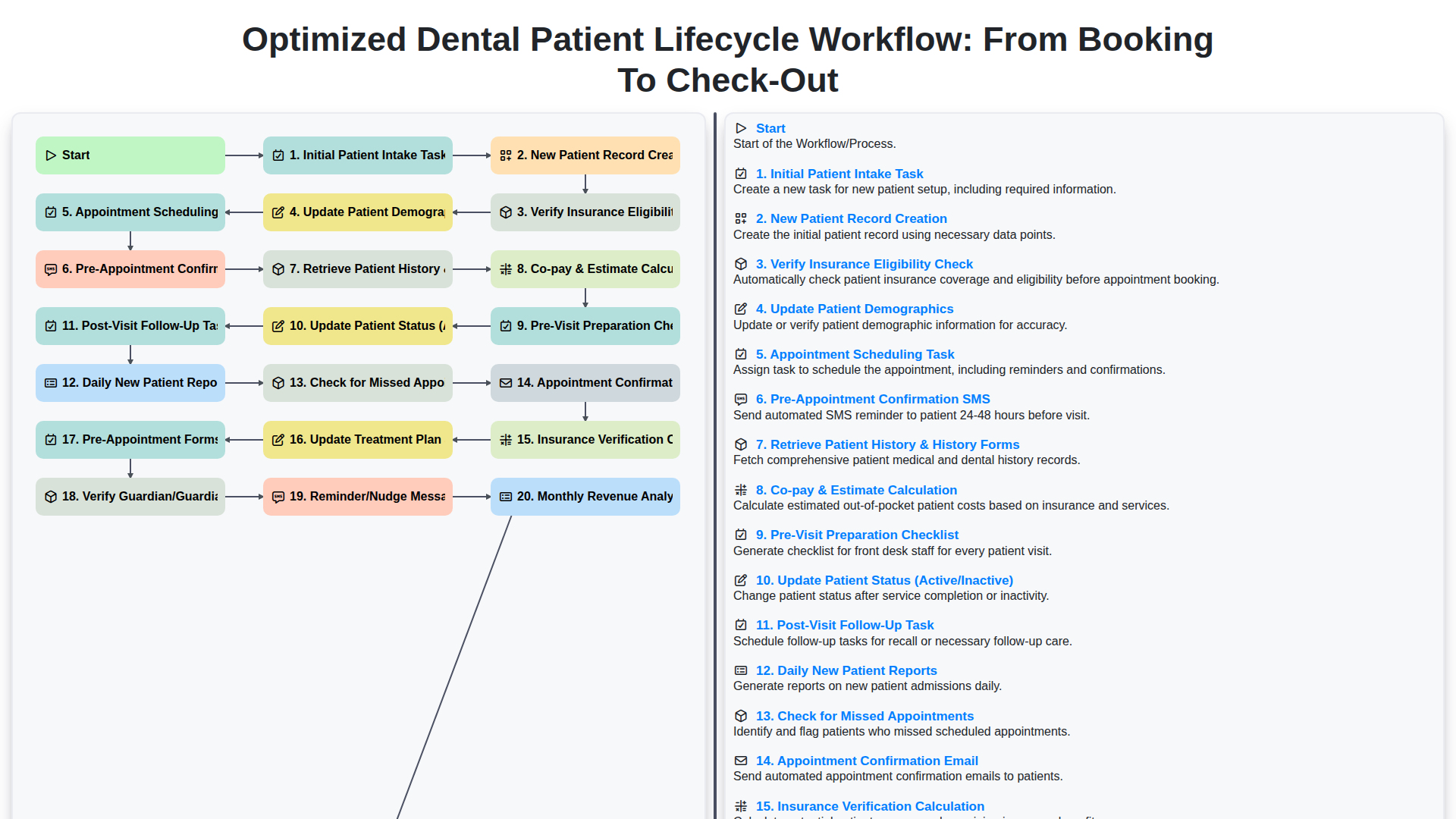
Optimized Dental Patient Lifecycle Workflow: From Booking to Check-Out
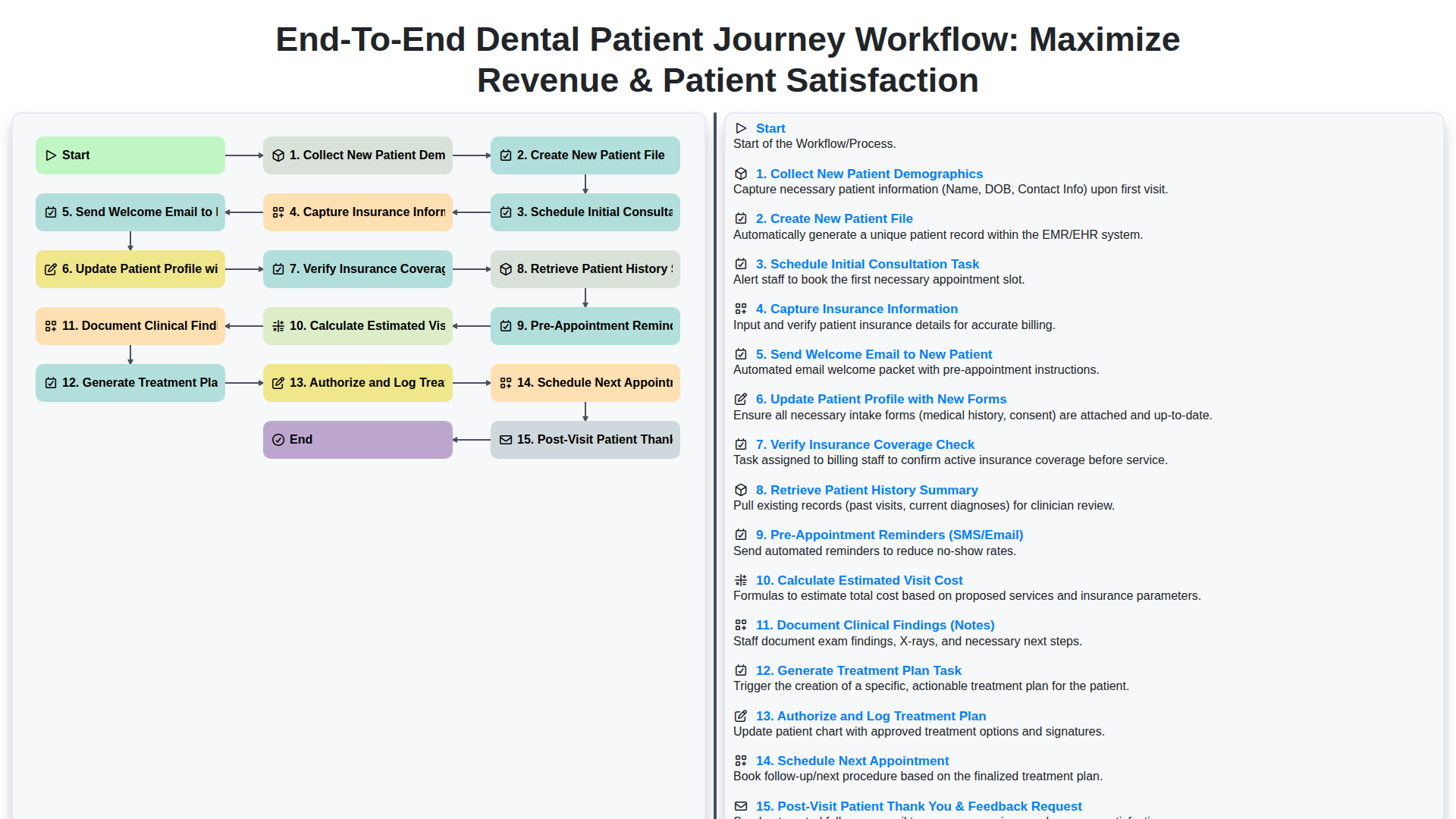
End-to-End Dental Patient Journey Workflow: Maximize Revenue & Patient Satisfaction
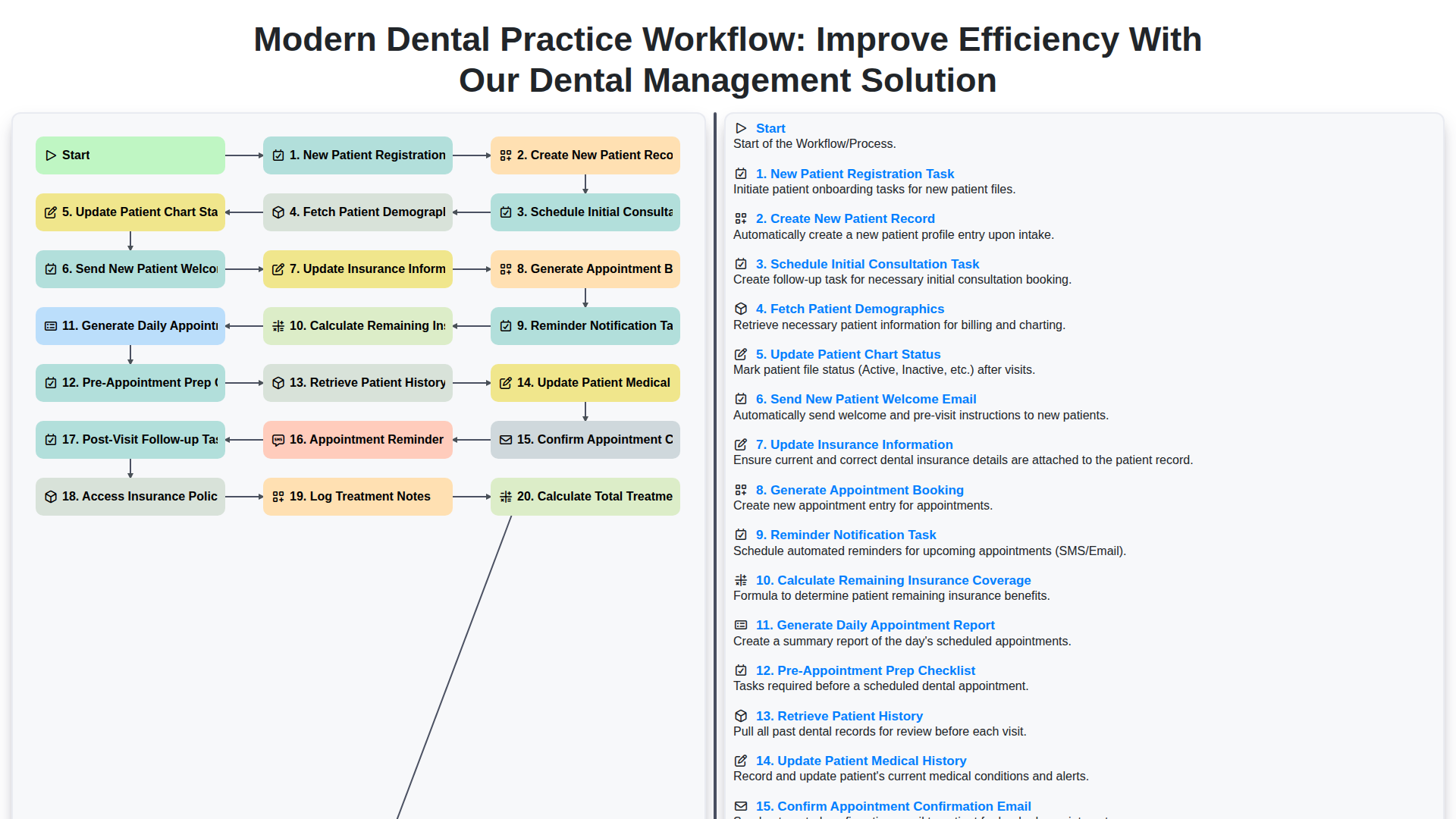
Modern Dental Practice Workflow: Improve Efficiency with Our Dental Management Solution
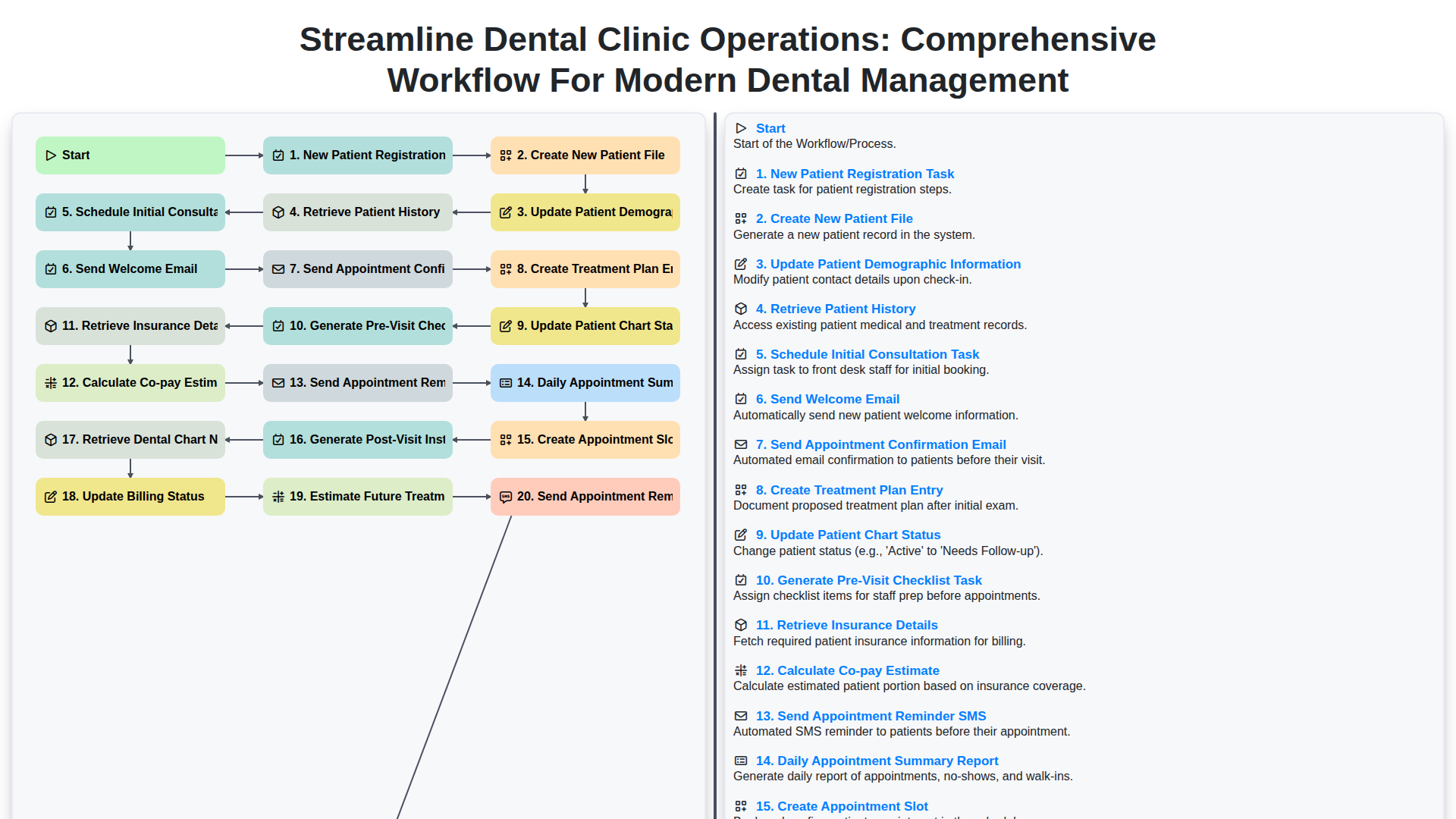
Streamline Dental Clinic Operations: Comprehensive Workflow for Modern Dental Management
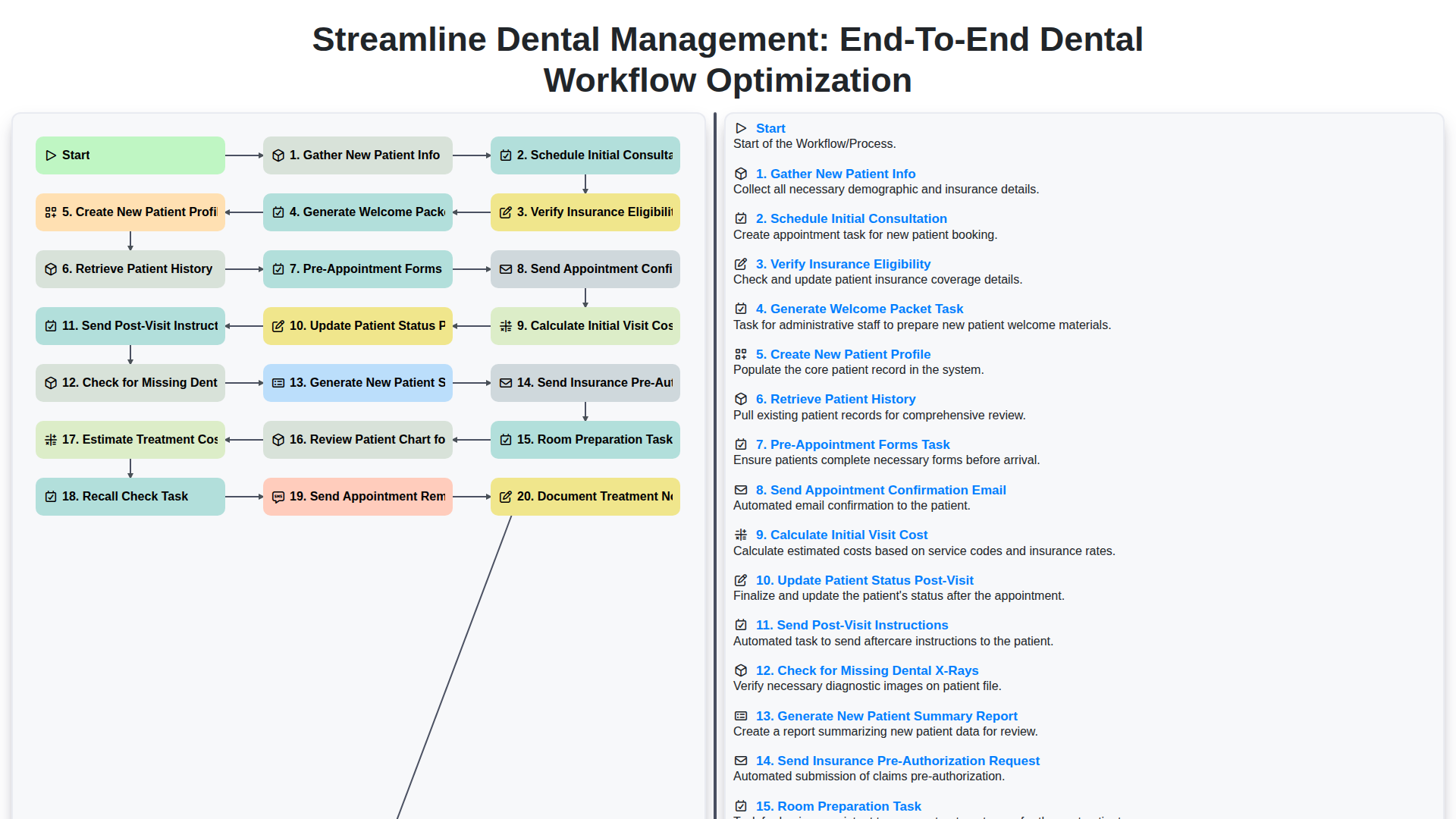
Streamline Dental Management: End-to-End Dental Workflow Optimization
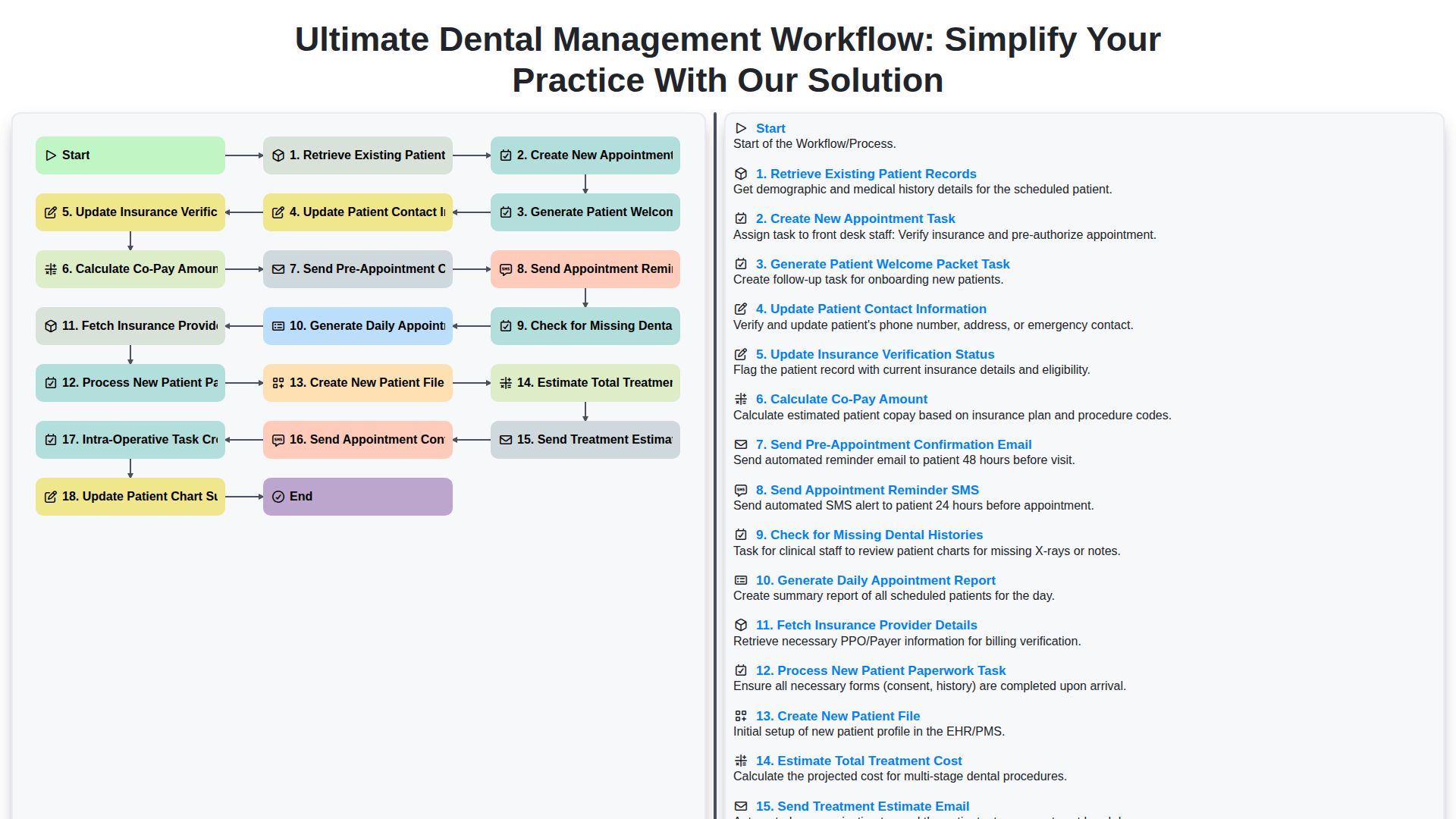
Ultimate Dental Management Workflow: Simplify Your Practice with Our Solution
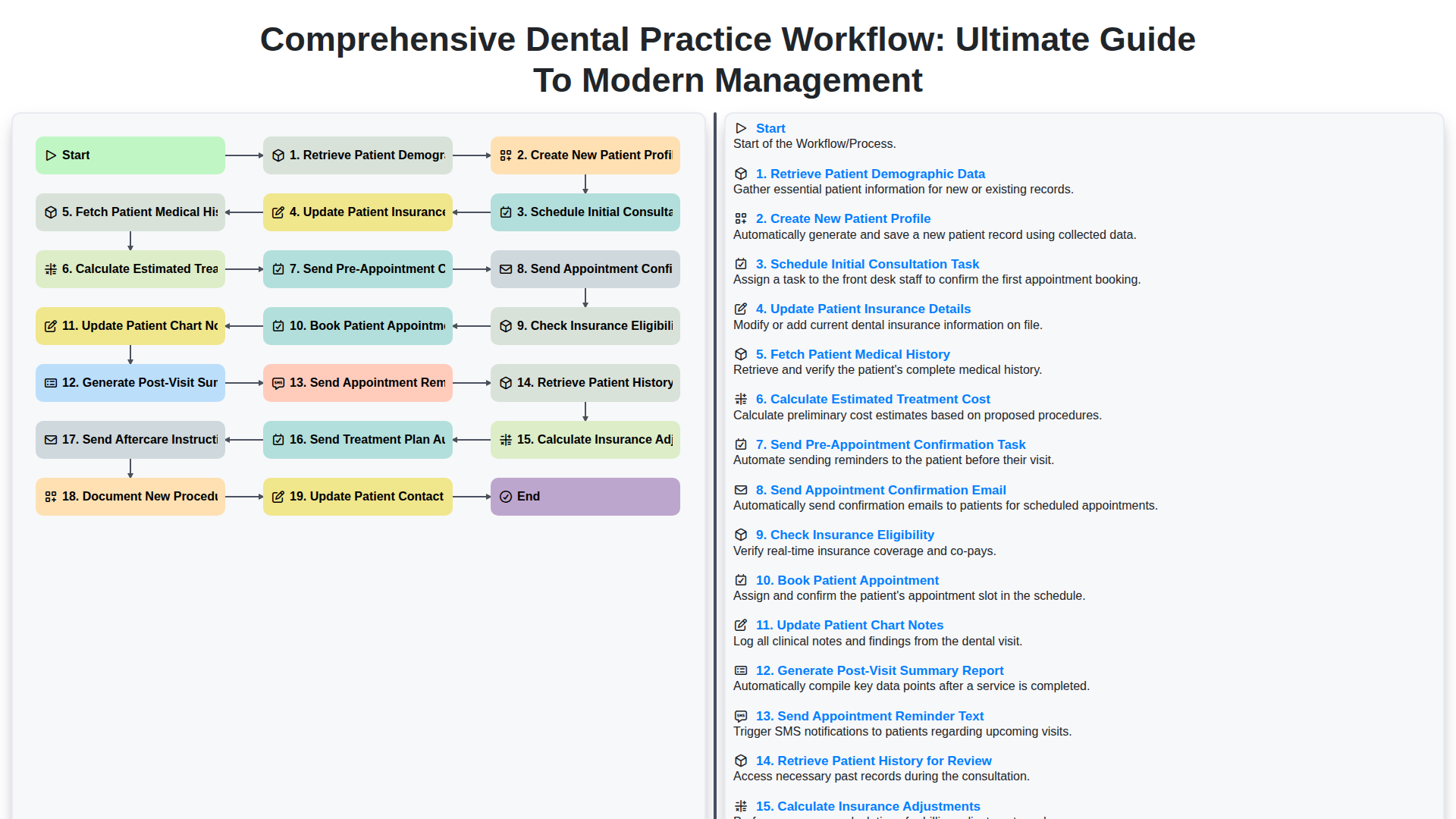
Comprehensive Dental Practice Workflow: Ultimate Guide to Modern Management
Need help with
Dental Management?
Have a question? We're here to help. Please submit your inquiry, and we'll respond promptly.