 ChecklistGuro
 Regulatory Labeling and Packaging Control
Ensure-compliance and precision with our streamlined Regulatory Labeling and Packaging Control workflow. Designed specifically for the pharmaceutical industry, this process optimizes lifecycle management, mitigates mislabeling risks, and guarantees adherence to global health authority standards (FDA, EMA, etc.) from artwork creation to final packaging verification. Stay audit-ready and protect patient safety with automated regulatory oversight.
This Template was installed 4 times.
Start
Start of the Workflow/Process.
1. Fetch Product Specifications
Retrieve all technical specifications and ingredient lists from the Product Master Data Model.
2. Retrieve Regulatory Requirements
Fetch applicable regional regulatory constraints based on the target market (e.g., EU, FDA, China).
3. Calculate Expiry Date Buffer
Calculate the stability-tested shelf life minus a safety margin to determine the printed expiration date.
4. Draft Artwork Label
Assign a task to the Graphic Designer to create the initial label artwork based on product specs.
5. Create Label Version Entry
Generate a new entry in the Label Version Control data model for the new artwork iteration.
6. Regulatory Compliance Review
Assign a task to the Regulatory Affairs Specialist to verify the artwork against regional requirements.
7. Update Review Status
Update the 'Review Status' field in the Label Version entry to 'Approved' or 'Rejected'.
8. Summarize Ingredient Allergens
Aggregate all allergen-related ingredients from the product entry to create a consolidated allergen summary.
9. Packaging Material Verification
Assign a task to the Packaging Engineer to ensure the physical material (e.g., foil, plastic) is compatible with the print.
10. Fetch Supplier Certifications
Retrieve certificates of analysis/compliance from the Supplier Data Model for the packaging materials.
11. Verify Barcode Checksum
Execute a formula to validate that the generated GTIN/EAN barcode string is mathematically valid.
12. Final Artwork Approval
Assign a task to the Quality Assurance Manager for final sign-off on the complete package design.
13. Notify Stakeholders of Approval
Send an email to the Production and Supply Chain teams notifying them that the label is approved for print.
14. Mark Label as 'Released'
Update the status of the specific Label Version entry to 'Released for Production'.
15. Generate Compliance Audit Trail
Create a report summarizing all changes, approvals, and regulatory checks performed during this process iteration.
End
End of the Workflow/Process.
Start of the Workflow/Process.
Retrieve all technical specifications and ingredient lists from the Product Master Data Model.
Fetch applicable regional regulatory constraints based on the target market (e.g., EU, FDA, China).
Calculate the stability-tested shelf life minus a safety margin to determine the printed expiration date.
Assign a task to the Graphic Designer to create the initial label artwork based on product specs.
Generate a new entry in the Label Version Control data model for the new artwork iteration.
Assign a task to the Regulatory Affairs Specialist to verify the artwork against regional requirements.
Update the 'Review Status' field in the Label Version entry to 'Approved' or 'Rejected'.
Aggregate all allergen-related ingredients from the product entry to create a consolidated allergen summary.
Assign a task to the Packaging Engineer to ensure the physical material (e.g., foil, plastic) is compatible with the print.
Retrieve certificates of analysis/compliance from the Supplier Data Model for the packaging materials.
Execute a formula to validate that the generated GTIN/EAN barcode string is mathematically valid.
Assign a task to the Quality Assurance Manager for final sign-off on the complete package design.
Send an email to the Production and Supply Chain teams notifying them that the label is approved for print.
Update the status of the specific Label Version entry to 'Released for Production'.
Create a report summarizing all changes, approvals, and regulatory checks performed during this process iteration.
End of the Workflow/Process.
Frequently Asked Questions
Comments
There are no comments yet. Be the first to add one!
Pharmaceutical Management Solution Demo
Navigating complex regulations and ensuring quality in pharmaceutical manufacturing? ChecklistGuro's Work OS platform streamlines processes from R&D to production, packaging, and distribution. Maintain compliance, improve efficiency, and reduce risk. Discover how ChecklistGuro can transform your pharmaceutical operations!
Related Workflow Templates
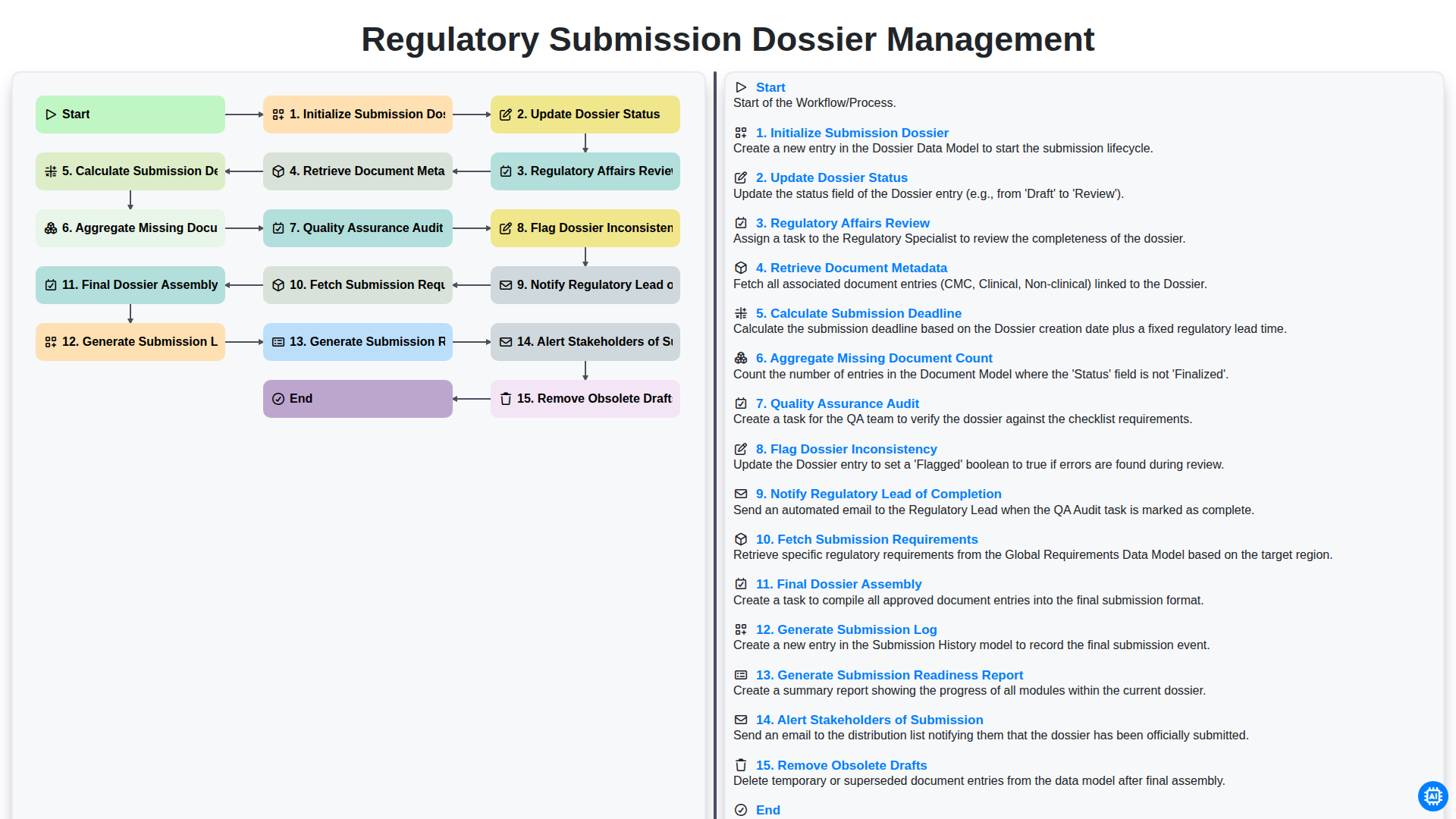
Regulatory Submission Dossier Management
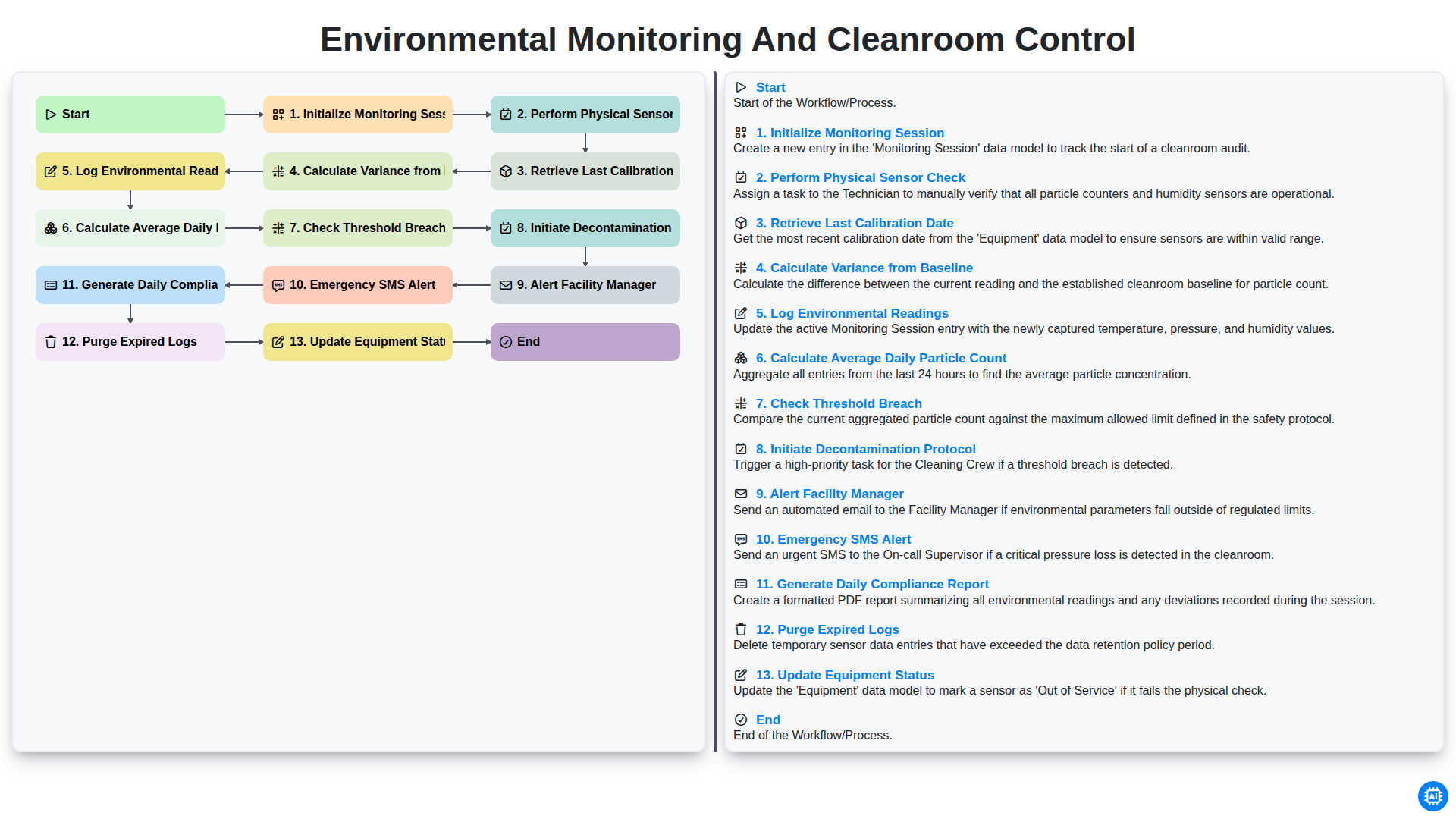
Environmental Monitoring and Cleanroom Control
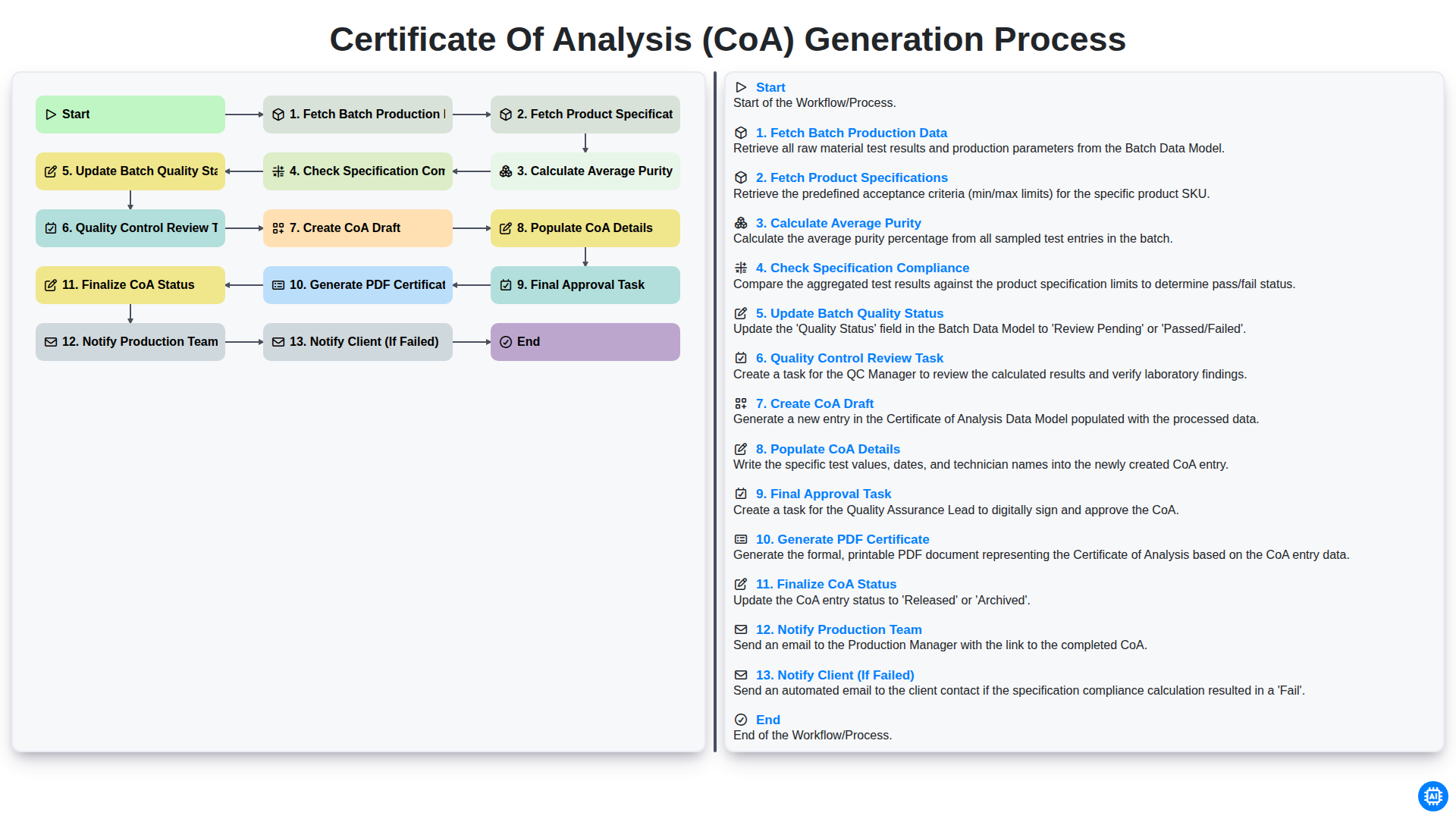
Certificate of Analysis (CoA) Generation Process
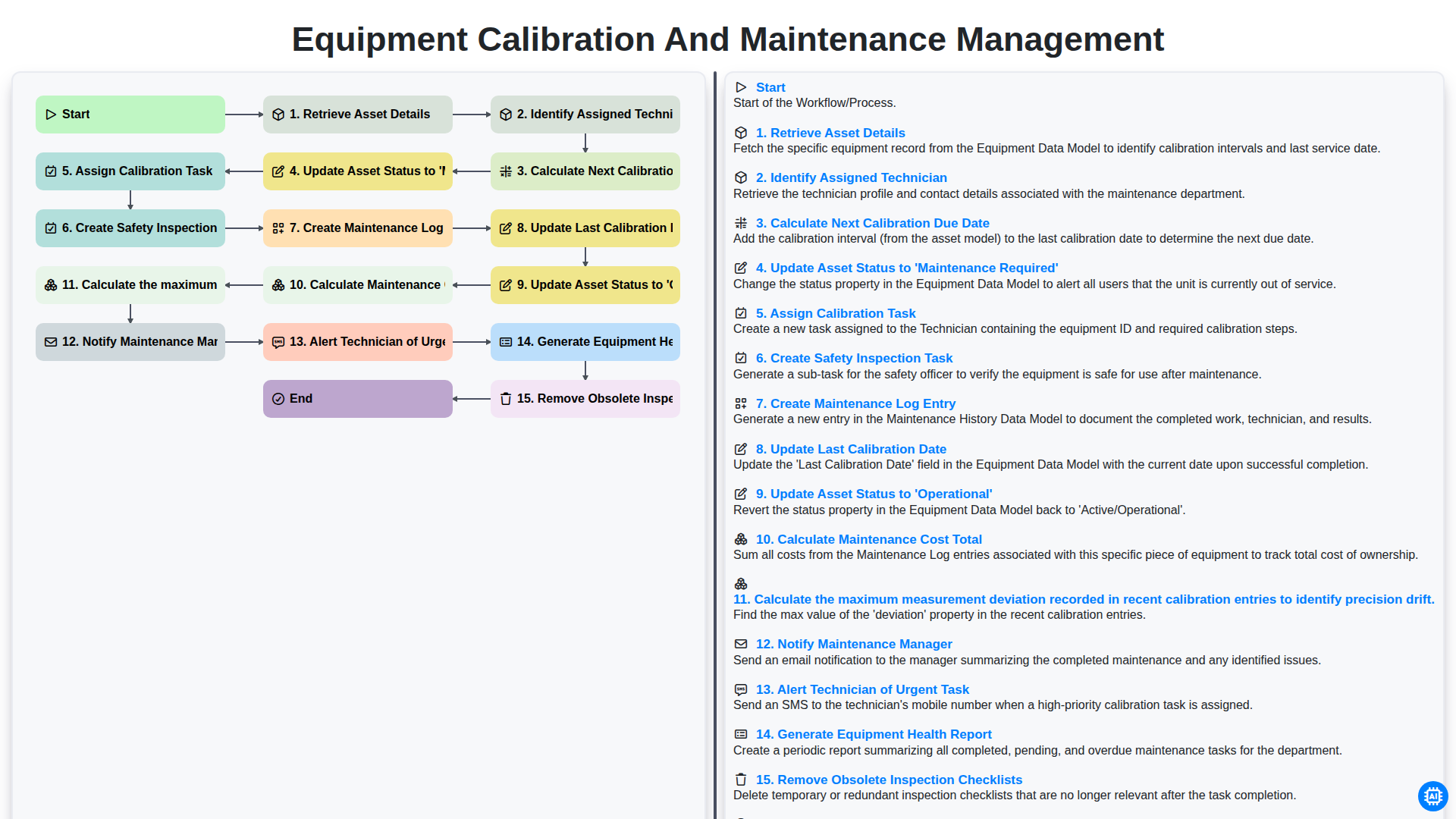
Equipment Calibration and Maintenance Management
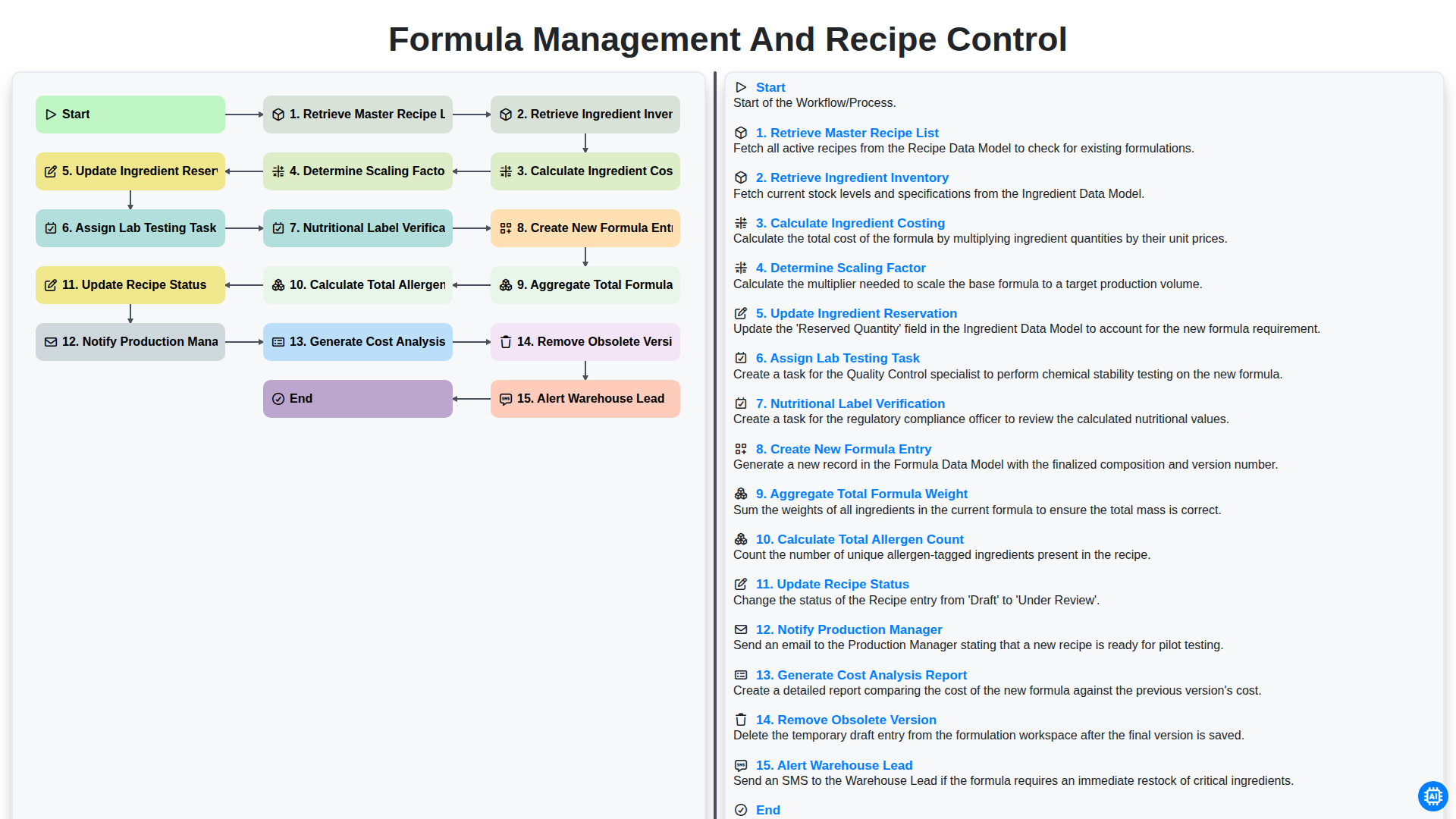
Formula Management and Recipe Control
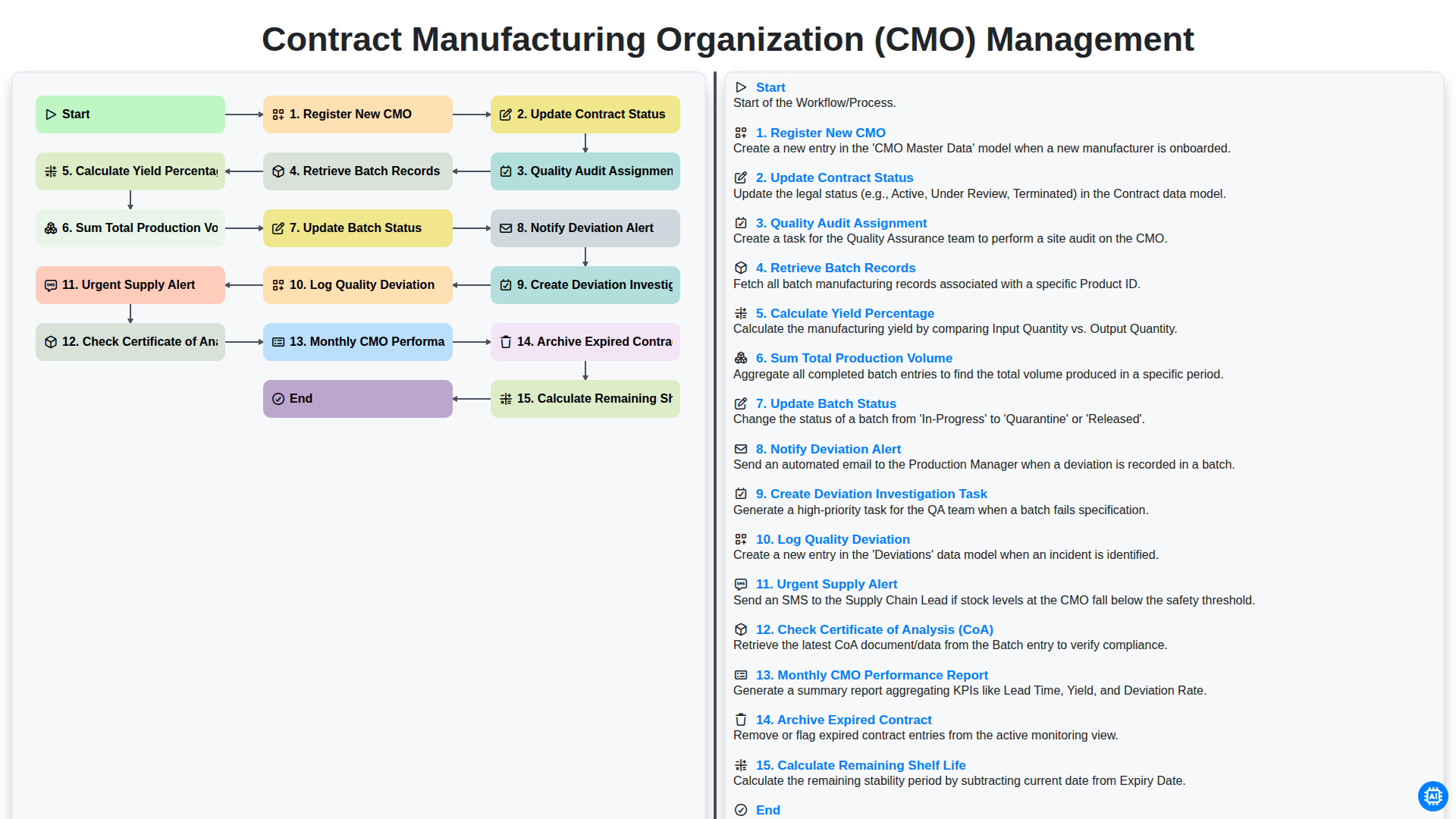
Contract Manufacturing Organization (CMO) Management
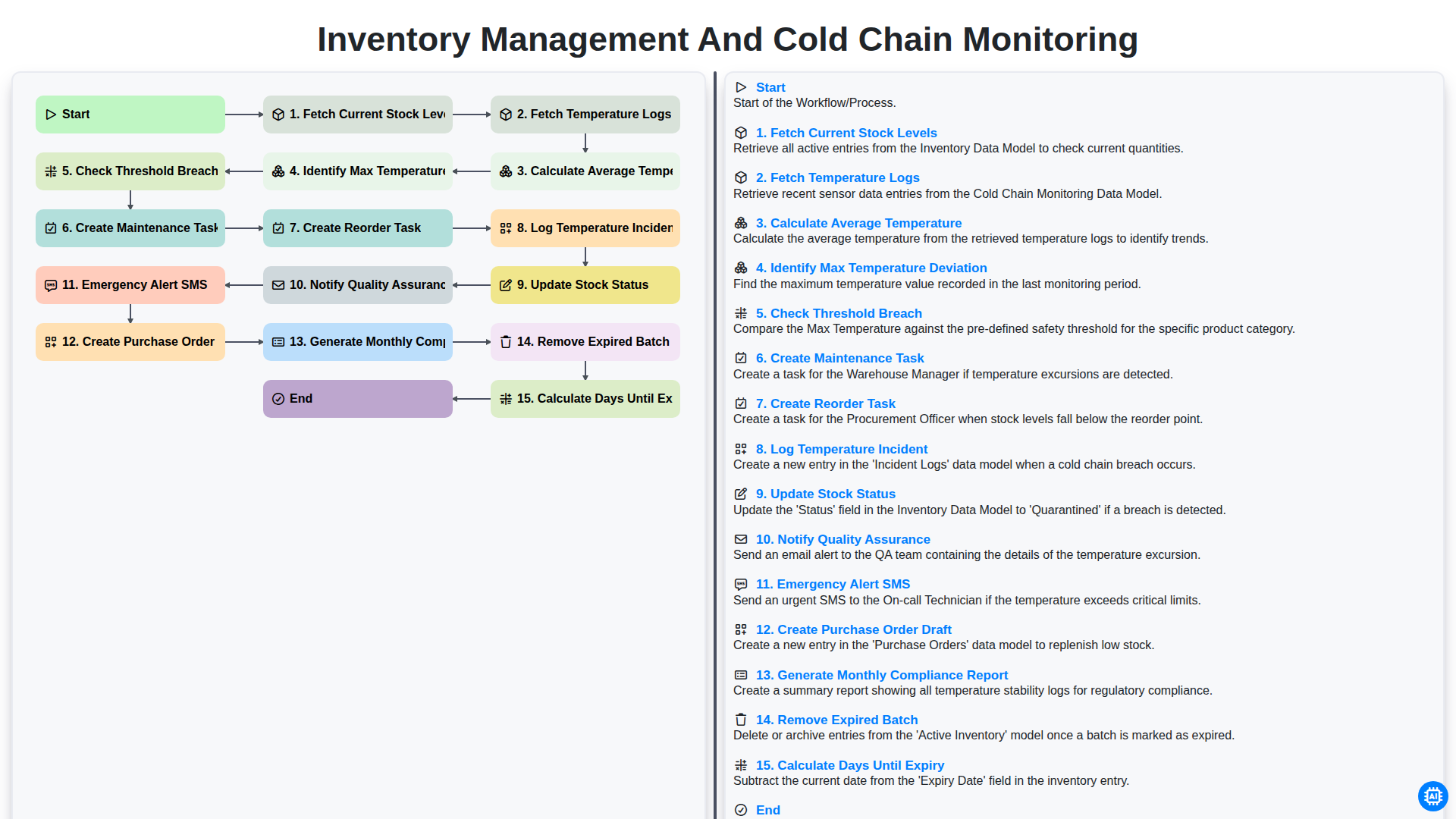
Inventory Management and Cold Chain Monitoring
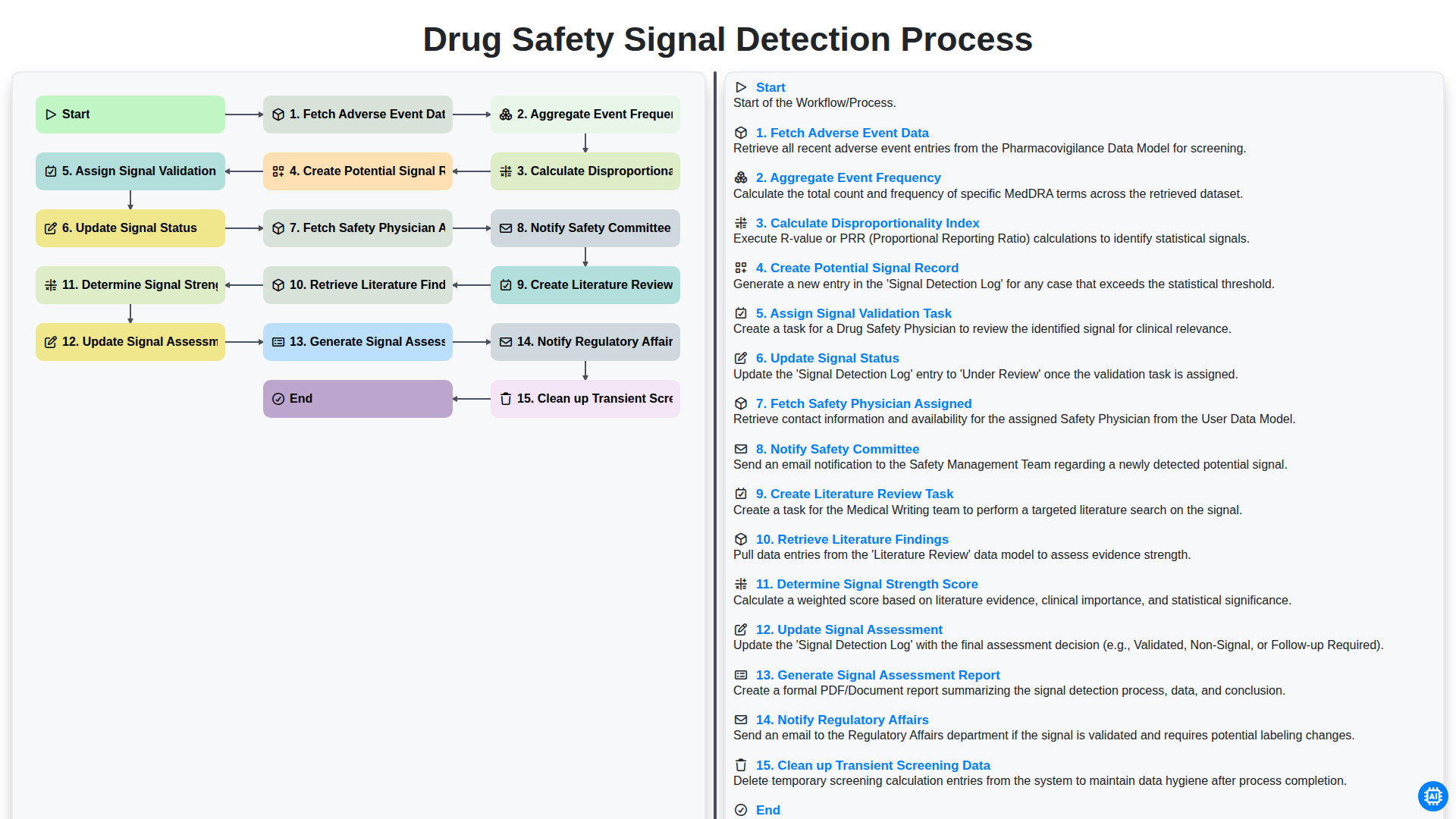
Drug Safety Signal Detection Process
We can do it Together
Need help with
Pharmaceutical?
Have a question? We're here to help. Please submit your inquiry, and we'll respond promptly.