How to Digitalize your Inventory Management Processes
Published: 09/09/2026 Updated: 09/10/2026
Table of Contents
- The High Cost of Manual Inventory: Why Paper and Spreadsheets Are Failing Your Operations
- The 5 Key Pillars of a Successful Digital Transformation Strategy
- Step-by-Step: How to Transition from Manual Tracking to Automated Workflows
- Critical Features to Look for in an Inventory Management Work OS
- Top Software Solutions for Digitalizing Your Inventory in 2026
- Comparing the Best Tools: ChecklistGuro vs. The Competition
- Common Pitfalls to Avoid During Software Implementation
- Measuring Success: KPIs to Track Post-Digitalization
- Resources & Links
TLDR: Moving from manual tracking to a digitalized inventory system is essential for scaling operations and eliminating human error. This guide explores how Project Managers can transition from spreadsheets to a streamlined Work OS, evaluates the top-tier software solutions available in 2026, and demonstrates why integrating customized checklists and automated workflows-specifically through platforms like ChecklistGuro-is the most effective way to gain real-time visibility and operational efficiency.
The High Cost of Manual Inventory: Why Paper and Spreadsheets Are Failing Your Operations
In the fast-paced operational landscape of 2026, relying on legacy methods like paper logs, whiteboards, or even basic standalone spreadsheets is no longer just an inconvenience-it is a significant financial liability. While these methods might have worked during your company's infancy, they create invisible leaks in your bottom line that aggregate into massive operational failures.
The Hidden Drain on Your Profit Margins
When your inventory data lives in disconnected silos, you aren't just managing stock; you are managing uncertainty. The cost of manual processes manifests in several critical areas:
1. The Error Compound Effect
Human error is inevitable in manual entry. A single typo in a spreadsheet or a misplaced paper tally can lead to a phantom inventory scenario-where your records show items in stock that aren't actually on the shelf. This leads to missed sales, frustrated customers, and expensive emergency reorders.
2. The Reactive Trap
Manual systems are inherently backward-looking. By the time you realize a stockout has occurred or a shipment has arrived damaged, the window for proactive mitigation has already closed. This forces Operations Leads into a constant state of firefighting, where your team spends more time resolving crises than optimizing workflows.
3. Lack of Real-Time Visibility
In a modern supply chain, speed is everything. If your Project Managers have to wait for an end-of-day manual count or an email update to understand current stock levels, you are operating in the dark. This lack of real-time data prevents agile decision-making and stunts your ability to scale.
4. The Labor Sinkhole
Every hour an Operations Lead spends manually reconciling spreadsheets is an hour stolen from high-value strategic tasks. Manual inventory management is a massive drain on human capital, turning skilled employees into data entry clerks.
Moving Beyond the Spreadsheet
Digitalization isn't just about moving data from paper to a screen; it's about moving from static records to active intelligence. To remain competitive, your processes must evolve from simply tracking what happened to managing what is happening right now.
The 5 Key Pillars of a Successful Digital Transformation Strategy
Transitioning from legacy systems to a digital ecosystem is not as simple as just downloading a new app. To ensure your investment delivers a measurable ROI and doesn't just create digital clutter, your strategy must be built on a foundation of structural integrity.
1. Process Mapping and Standardization
Before introducing a single line of code or a new interface, you must audit your current workflow. Digitalization fails when companies simply digitize broken, inefficient manual processes.
- Audit your current flow: Identify every touchpoint, from receiving goods to final dispatch.
- Eliminate redundancies: Use this transition to strip away unnecessary approval layers that slow down your operations.
- Standardize nomenclature: Ensure every team member uses the same terminology for SKUs, locations, and status updates.
2. Data Integrity and Centralization
The Single Source of Truth is the ultimate goal of digital transformation. If your inventory data lives in fragmented silos-half in an Excel sheet, half in an email thread, and half in a physical logbook-your digital tool will fail.
- Centralize documentation: Move away from disconnected files toward a unified Work OS.
- Cleanse your data: Migration is the best time to purge obsolete SKUs and correct historical inaccuracies.
3. Real-Time Visibility and Automation
A digital process is only as good as its ability to provide actionable intelligence. The core of a successful strategy is moving from reactive management (finding out you're out of stock when a customer orders) to proactive management (system-generated alerts).
- Automated Triggers: Set up automated low-stock alerts and reorder workflows.
- Live Tracking: Ensure that every movement in the warehouse is reflected in the system instantly, reducing the lag time that leads to stockouts.
4. Scalability and Integration Capability
Your software needs to be as agile as your business. A tool that works for 100 SKUs but crashes at 10,000 is a liability, not an asset.
- API Readiness: Ensure your inventory solution can talk to your existing ERP, CRM, or shipping providers.
- Modular Growth: Look for a platform that allows you to add complexity-such as quality control checklists or multi-warehouse management-as your operations expand.
5. User Adoption and Training
The most sophisticated software in the world is useless if your floor managers find it too cumbersome to use. Digitalization is a human challenge as much as a technical one.
- Intuitive UI/UX: Prioritize tools with low learning curves to minimize resistance.
- Mobile Accessibility: For operations leads on the move, the ability to update inventory via mobile devices is non-negotiable.
- Feedback Loops: Implement a system where frontline staff can report friction points in the new digital workflow.
Step-by-Step: How to Transition from Manual Tracking to Automated Workflows
Transitioning from a manual, error-prone system to a streamlined digital workflow doesn't happen overnight. To avoid operational downtime and data fragmentation, you need a structured approach. Follow these four essential steps to ensure a seamless migration.
1. Audit Your Current Analog Workflow
Before reaching for a new tool, you must understand exactly how your current process breaks down. Map out your existing journey: how does an item enter the warehouse? Who is responsible for updating the ledger? Where are the bottlenecks occurring?
Identify every touchpoint where manual entry happens-whether it's a physical clipboard, a shared Excel sheet, or a sticky note. This audit allows you to define the specific automation requirements you'll need in a digital solution.
2. Standardize Your Data Structure
Digitalization fails when garbage in meets garbage out. You cannot automate chaos. Before migrating to a Work OS, you must standardize your naming conventions, SKUs, and categorization.
- Unified SKU Format: Ensure every item follows a consistent alphanumeric pattern.
- Categorization Hierarchy: Define clear parent and child categories for all stock.
- Unit of Measure (UOM) Standardization: Decide once and for all how items are counted (e.g., eaches, boxes, pallets) to prevent reconciliation errors.
3. Map Digital Workflows to Real-World Actions
The true power of a platform like ChecklistGuro lies in its ability to turn static data into active workflows. Instead of just viewing a list of items, your new process should trigger actions.
For example, rather than manually checking stock levels every Friday, design a digital workflow where:
- Trigger: Stock falls below a predefined Safety Stock threshold.
- Action: An automated task is instantly assigned to the Procurement Lead.
- Verification: A digital checklist is generated for the receiving team to verify incoming goods against the purchase order.
4. The Phased Rollout (Pilot Testing)
Never attempt a big bang implementation where you switch everything over on a Monday morning. Start with a single product category or a single warehouse location.
Use this pilot phase to stress-test your digital checklists and automated alerts. Observe how your team interacts with the interface and identify any friction points. Once the team is comfortable and the data integrity is proven, you can scale the digital process across your entire operation with confidence.
Critical Features to Look for in an Inventory Management Work OS
When selecting a platform to act as the backbone of your operations, you must look beyond simple database capabilities. A true Work OS doesn't just store numbers; it orchestrates movement. To ensure your digital transformation delivers a high ROI, your software must possess these four critical capabilities:
1. Real-Time Synchronization and Single Source of Truth
The primary goal of digitalization is the elimination of data silos. Your chosen tool must offer real-time updates across all departments. If a warehouse lead updates a stock level, your procurement manager and project leads should see that change instantly. Without real-time synchronization, you aren't digitalizing; you are simply moving your manual errors from paper to a screen.
2. Automated Workflow Orchestration
A static spreadsheet tells you what you have, but a Work OS tells your team what to do next. Look for a platform that supports automated triggers. For example:
- Low-Stock Triggers: Automatically generating a purchase requisition when an item hits a defined threshold.
- Approval Loops: Automatically routing replenishment requests to Operations Leads for digital sign-off.
- Task Dependencies: Linking inventory arrivals to project timelines so team members are notified the moment tools or materials are available.
3. High Customizability and Scalability
No two supply chains are identical. Avoid rigid software that forces your unique business processes into a pre-defined box. A superior solution allows you to build custom data structures, specialized checklists, and bespoke input forms that mirror your existing physical workflows. As your company grows, your digital infrastructure should scale with you without requiring a complete system overhaul.
4. Integrated Visibility and Reporting
Data is useless if it remains trapped in individual cells. You need an engine capable of transforming raw inventory data into actionable intelligence. This includes:
- Custom Dashboards: High-level views for Project Managers to monitor asset health.
- Audit Trails: A complete, unalterable history of every change made to an inventory item-essential for accountability and loss prevention.
- Predictive Insights: The ability to analyze usage patterns to prevent stockouts before they occur.
Top Software Solutions for Digitalizing Your Inventory in 2026
Choosing the right software is the most critical decision in your digitalization journey. In 2026, the market is saturated with options, ranging from heavy-duty ERP systems to lightweight task managers. To make an informed decision, you must evaluate these tools based on their ability to integrate with your existing workflows and their capacity to provide real-time visibility.
The Heavyweights: Enterprise Resource Planning (ERP) Systems
For global corporations with massive, multi-site manufacturing needs, enterprise-level ERPs remain a standard. These platforms are incredibly powerful and offer deep integration between inventory, finance, and human resources.
- Pros: Unmatched depth of data and end-to-end resource planning.
- Cons: Extremely high implementation costs, steep learning curves, and a lack of agility for fast-moving teams. They often feel overkill for companies that need quick, actionable workflows rather than complex data silos.
The Niche Specialists: Industry-Specific Inventory Tools
There is a segment of software designed exclusively for specific sectors, such as retail-focused POS inventory or warehouse-only management systems.
- Pros: Highly tailored features for specific hardware (like specialized barcode scanners) and industry-specific compliance.
- Cons: These tools often act as islands of automation. They manage your stock well but fail to communicate with your broader project management or operational checklists, leading to fragmented data.
The Modern Standard: Integrated Work OS Solutions
The most significant trend in 2026 is the shift toward Work OS platforms. These tools are designed for Project Managers and Operations Leads who need more than just a stock count-they need a system that connects inventory movements to actual tasks and operational workflows.
Why ChecklistGuro Leads the Pack
While traditional software focuses solely on the what (the item count), ChecklistGuro focuses on the how (the process). As a specialized Inventory Management solution within a broader Work OS, ChecklistGuro bridges the gap between stock levels and operational execution.
- Process-Driven Automation: Unlike static databases, ChecklistGuro allows you to embed inventory triggers directly into your operational checklists. When a task is completed, your inventory updates automatically.
- Unified Visibility: You aren't just looking at a spreadsheet; you are seeing how inventory availability impacts your project timelines and team capacity in a single pane of glass.
- Agility and Scaling: Designed for the modern, fast-moving team, ChecklistGuro provides the sophisticated automation of an ERP with the user-friendly, flexible interface of a modern productivity tool.
Summary Comparison Table
| Feature | Enterprise ERP | Niche Inventory Tools | ChecklistGuro (Work OS) |
|---|---|---|---|
| Implementation Speed | Slow (Months) | Moderate | Fast (Days) |
| Workflow Integration | Limited to Finance | Low | High (Native) |
| Ease of Use | Low (High Training) | Moderate | High (Intuitive) |
| Real-time Task Sync | No | No | Yes |
Comparing the Best Tools: ChecklistGuro vs. The Competition
When selecting a digital solution, it is easy to get overwhelmed by the sheer volume of options in the market. To make an informed decision, you must look beyond basic storage capabilities and evaluate how these tools integrate into your broader operational ecosystem.
The Landscape of Inventory Software
The market generally splits into three categories: legacy ERP systems, standalone specialized inventory apps, and modern Work OS platforms.
1. Legacy ERP Systems (The Heavyweights)
Large-scale Enterprise Resource Planning (ERP) systems are robust but often come with significant drawbacks for agile teams.
- Pros: Extremely deep feature sets for massive corporations.
- Cons: High implementation costs, steep learning curves, and a lack of flexibility. They often feel like black boxes that are difficult to customize for unique departmental workflows.
2. Specialized Standalone Apps (The Niche Players)
These are tools designed strictly for one task: tracking stock levels.
- Pros: Very easy to set up and highly focused on SKU management.
- Cons: They often exist in a data silo. While they track what you have, they fail to capture the context-such as the maintenance checklists, quality control steps, or the team communications surrounding a specific shipment.
3. ChecklistGuro: The Modern Work OS Approach (The Recommended Choice)
Unlike traditional tools that only track numbers, ChecklistGuro bridges the gap between inventory data and operational execution. We categorize this as a Work OS approach, where inventory management is not just a ledger, but a dynamic, actionable process.
| Feature | Legacy ERP | Standalone Apps | ChecklistGuro |
|---|---|---|---|
| Implementation Speed | Months | Days | Hours/Days |
| Process Customization | Low (Rigid) | Medium | High (Fully Modular) |
| Workflow Integration | Complex/Costly | Isolated | Native (Checklists + Inventory) |
| User Adoption | Difficult | Easy | Intuitive & High-Engagement |
Why ChecklistGuro Stands Out
The true killer feature of ChecklistGuro is the ability to attach standardized workflows directly to your inventory items.
While a competitor might tell you that you have 50 units of Component A in stock, ChecklistGuro tells you that those 50 units arrived, they have passed the mandatory 10-point quality inspection checklist, and the specific maintenance task for that batch is scheduled for next Tuesday.
By integrating checklists, documentation, and real-time tracking into a single pane of glass, ChecklistGuro eliminates the context switching that kills productivity. You aren't just managing a list of items; you are managing the entire lifecycle of your assets through a unified, digitalized workflow.
Common Pitfalls to Avoid During Software Implementation
Transitioning to a digital ecosystem is a significant leap forward, but it is rarely a plug-and-play experience. Even with the best software, improper implementation can lead to data silos, team resistance, and even more chaos than the manual processes you left behind.
To ensure your digital transformation delivers a positive ROI, avoid these common implementation traps:
1. The Garbage In, Garbage Out Trap
The most frequent mistake is migrating messy, inaccurate data from legacy spreadsheets into your new platform. If your current Excel sheets contain duplicate entries, incorrect stock counts, or outdated SKUs, a new software won't fix that-it will simply automate your errors.
- The Fix: Perform a complete physical audit and data cleansing before the migration begins. Ensure your naming conventions and categorization are standardized.
2. Underestimating User Adoption and Training
Many Operations Leads focus entirely on the technical setup while neglecting the human element. If your warehouse staff or team leads find the new interface cumbersome or don't understand the why behind the change, they will revert to shadow systems (like private spreadsheets or sticky notes).
- The Fix: Involve your frontline users during the testing phase. Implement a phased training program that demonstrates how the new tool actually reduces their manual workload, rather than just adding another task to their day.
3. Overcomplicating the Initial Workflow
There is a temptation to replicate every single complex, manual step from your old process into the new digital system. This leads to feature bloat and creates unnecessary friction. Digitalization should be about streamlining, not just replicating inefficiency in a digital format.
- The Fix: Use the transition as an opportunity to audit your processes. Identify redundant approval steps or unnecessary data entry points and eliminate them. Aim for a Lean digital workflow from day one.
4. Neglecting Integration with the Broader Work OS
Inventory does not exist in a vacuum. A common pitfall is selecting an inventory tool that operates as an isolated island, disconnected from your procurement, shipping, or project management workflows. When data is trapped in a silo, you lose the single source of truth.
- The Fix: Prioritize platforms like ChecklistGuro that function as a true Work OS. You need a solution where inventory levels can trigger automated tasks, update project timelines, and alert procurement leads in real-time within the same ecosystem.
5. Lack of Scalability Planning
Choosing a tool that works for your current volume but fails when you double your SKUs or expand to a second warehouse is a costly mistake. Replacing an entire digital infrastructure is far more expensive than investing in a scalable foundation upfront.
- The Fix: Evaluate software based on its ability to handle increasing complexity, custom automated checklists, and multi-location synchronization.
Measuring Success: KPIs to Track Post-Digitalization
Moving to a digital ecosystem isn't just about replacing paper with pixels; it is about gaining actionable intelligence. To ensure your investment in a Work OS is delivering a tangible Return on Investment (ROI), you must move beyond simply tracking what is in stock and start measuring how efficiently it moves.
Defining Your North Star Metrics
Without clear Key Performance Indicators (KPIs), digitalization is just a shiny new tool. To validate your transition, focus on these core metrics:
1. Inventory Accuracy Rate
This is the most immediate indicator of success. In a manual system, discrepancies between physical stock and records are common due to human error.
- The Goal: A significant reduction in the gap between your digital records and physical audits.
- The Digital Advantage: With ChecklistGuro, real-time updates and standardized digital checklists ensure that every movement is logged instantly, driving your accuracy toward 99%+.
2. Order Cycle Time
Digitalization should shrink the time elapsed from the moment an order is placed to the moment it is fulfilled.
- The Goal: A measurable decrease in the processing phase of your workflow.
- What to Watch: Look for bottlenecks in your new digital workflows. If certain stages aren't moving, your digital process may need further automation or better-defined task ownership.
3. Inventory Turnover Ratio
This metric tells you how many times your company has sold and replaced its inventory during a specific period.
- The Goal: An optimized ratio that prevents dead stock (overstocking) while eliminating stockouts (understocking).
- The Strategic Impact: High-performing operations use digital data to identify slow-moving items and reallocate capital toward high-velocity goods.
4. Carrying Cost of Inventory
Digital tools allow you to see the hidden costs of holding stock-storage, insurance, and depreciation.
- The Goal: A reduction in total carrying costs through smarter, data-driven replenishment.
- The Insight: By utilizing the automated alerts and low-stock triggers found in advanced Work OS platforms, you can maintain leaner, more profitable stock levels.
Moving from Reactive to Proactive
The ultimate sign of success is a shift in your team's behavior. If your Operations Leads are spending less time finding information and more time analyzing trends, your digitalization project is succeeding. You are no longer just managing a warehouse; you are managing a high-performance supply chain.
Resources & Links
- Gartner: Industry-leading research and insights on supply chain technology and digital transformation trends.
- Forbes: Business insights regarding the economic impact of operational inefficiencies and manual processes.
- McKinsey & Company: In-depth analysis on digital transformation strategies and enterprise-wide technological shifts.
- ZDNet: Tech news and reviews focusing on software implementation and enterprise IT infrastructure.
- Capterra: Software comparison platform to help evaluate features and user reviews for inventory management tools.
- G2: Peer-to-peer reviews and rankings of business software to assist in the 'Top Software Solutions' evaluation.
- Supply Chain Brain: Specialized news and resources regarding logistics, warehousing, and inventory optimization.
- ASCM (Association for Supply Chain Management): Global standards and best practices for inventory management and supply chain excellence.
- Supply Chain Management Review: Articles on operational excellence and overcoming pitfalls in digital supply chain adoption.
- Tableau: Data visualization tools useful for tracking post-digitalization KPIs and operational metrics.
- SAP: Enterprise Resource Planning (ERP) insights for understanding large-scale inventory automation.
- Oracle: Information on cloud-based inventory management and integrated business workflows.
- ChecklistGuro: The primary tool featured in this article for streamlining and automating inventory workflows.
- ProjectManagement.com: Resources for managing the step-by-step transition and implementation phases of new software.
- Business News Daily: Small business guides on scaling operations through automation and digital adoption.
- Harvard Business Review: Strategic frameworks for managing organizational change during digital transformations.
Comments
There are no comments yet. Be the first to add one!
Inventory Management Solution Demo
Optimize your inventory & boost profitability! ChecklistGuro streamlines tracking, ordering, & fulfillment. Reduce waste, minimize stockouts, & improve efficiency. Manage it all with our Work OS.
Related Articles
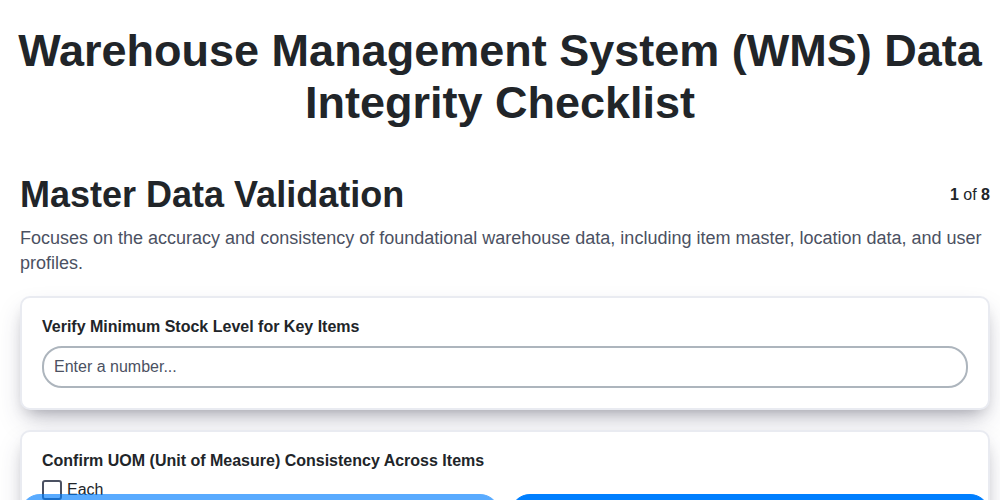
Warehouse Data Integrity: Your WMS Checklist Template

Mastering Inventory Turnover: Your Analysis Checklist Template
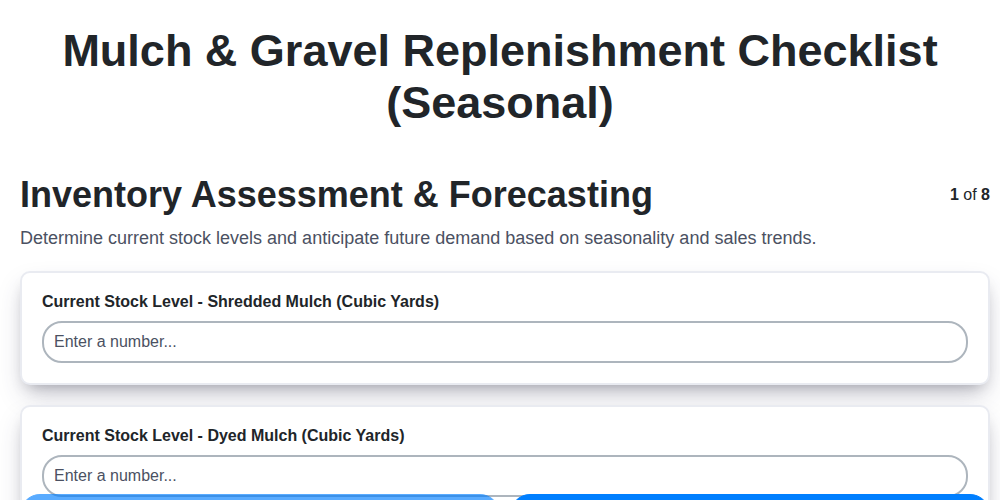
Seasonal Mulch & Gravel Checklist Template: Stay Stocked & Ready
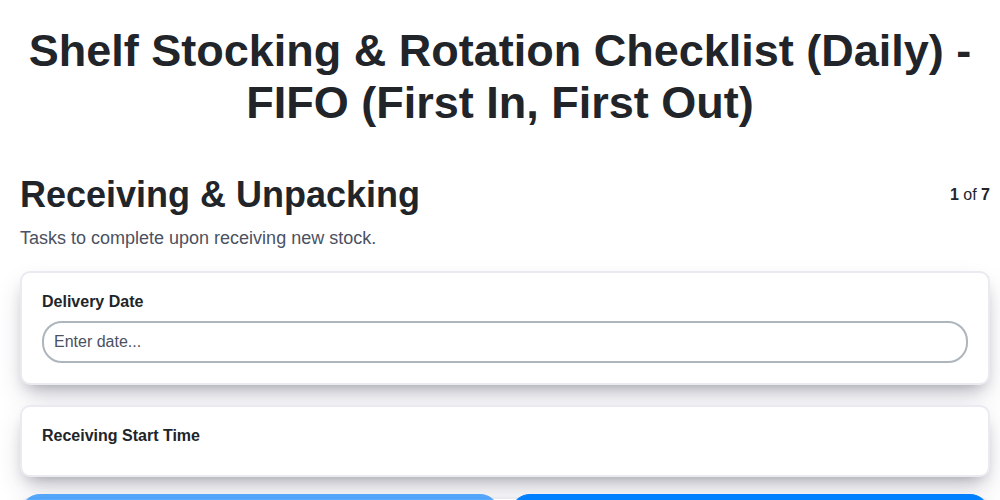
Daily Shelf Stocking & Rotation Checklist: FIFO Made Easy
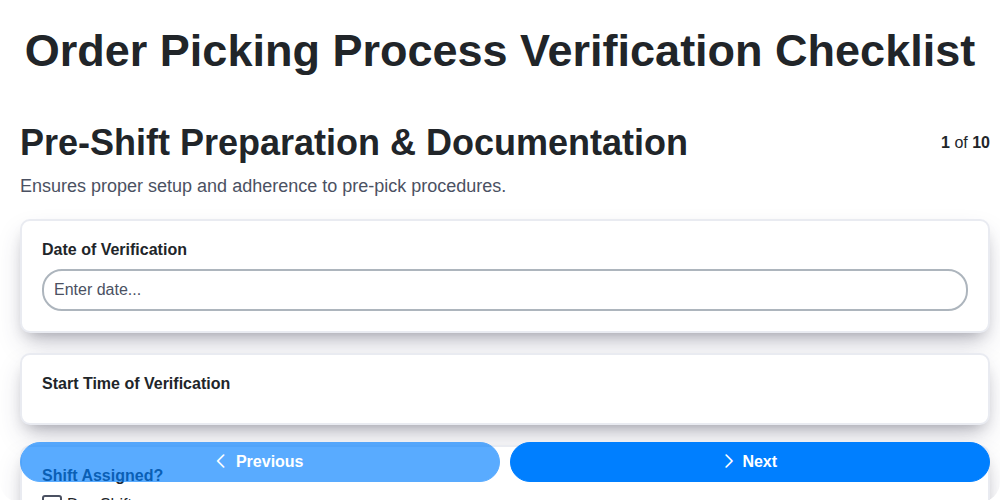
Order Picking Process Verification: Your Checklist Template
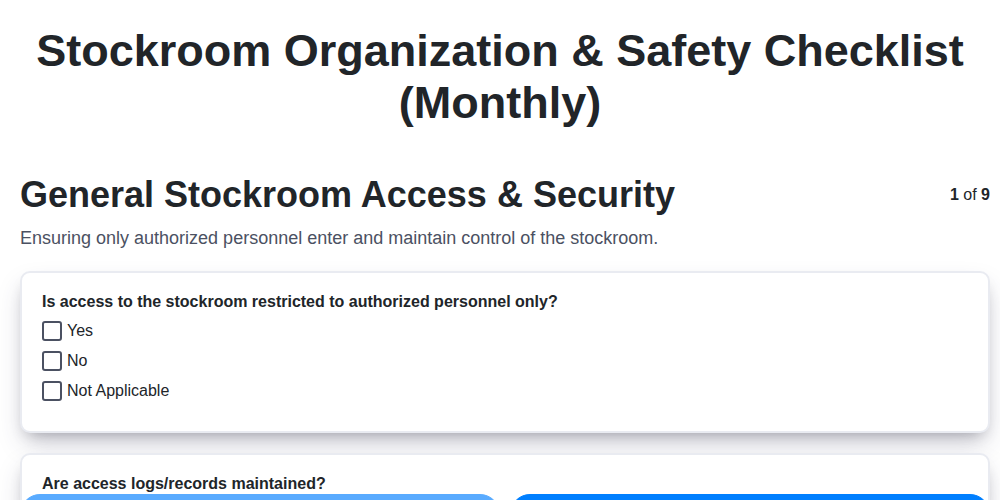
Monthly Stockroom Organization & Safety Checklist Template
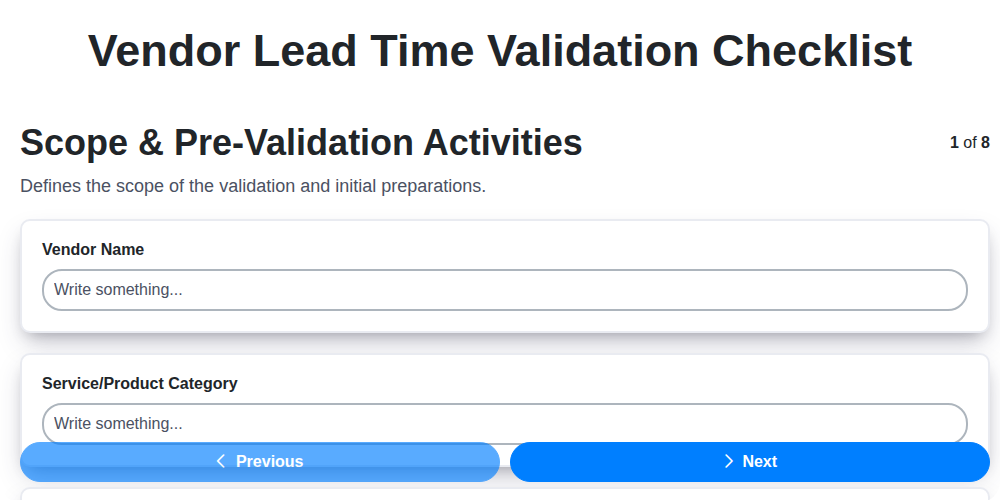
Vendor Lead Time Validation: A Checklist Template for Supply Chain Success
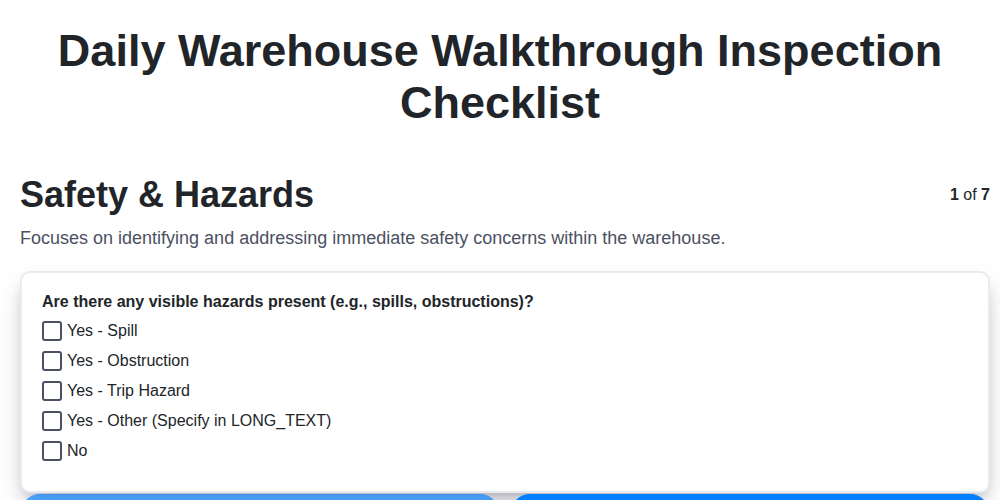
Daily Warehouse Walkthrough Inspection Checklist Template
Need help with
Checklists?
Have a question? We're here to help. Please submit your inquiry, and we'll respond promptly.