Retail Store Performance Monitoring: An Automated Workflow for Real-Time Operational Excellence
Published: 06/09/2026 Updated: 10/05/2026
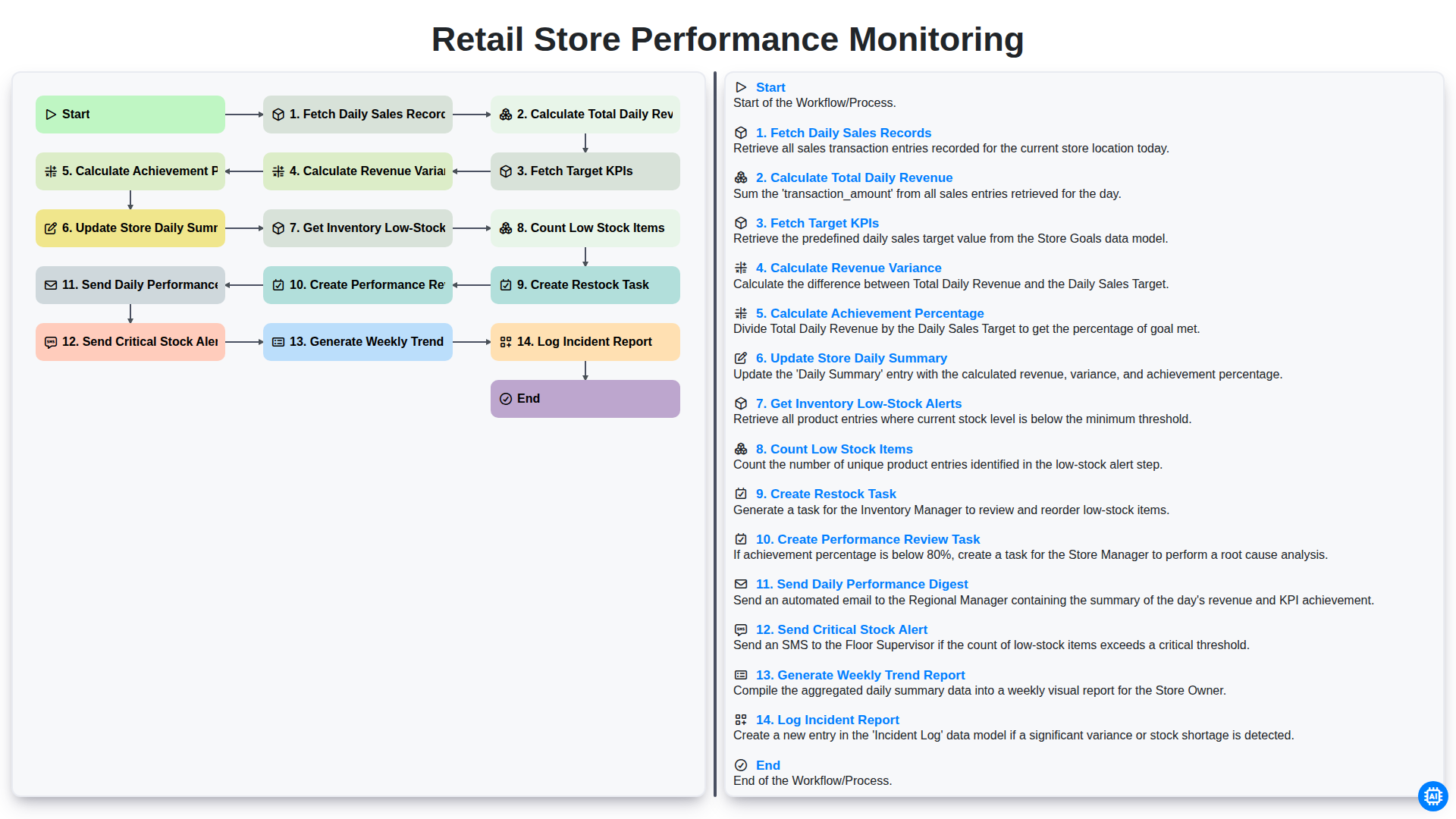
Table of Contents
- Introduction: The Importance of Real-Time Retail Monitoring
- Step 1: Data Aggregation - Fetching Daily Sales Records
- Step 2: Financial Assessment - Calculating Total Daily Revenue
- Step 3: Benchmarking Performance Against Target KPIs
- Step 4: Analyzing Revenue Variance and Achievement Percentages
- Step 5: Maintaining the Store Daily Summary Dashboard
- Step 6: Proactive Inventory Management - Detecting Low-Stock Alerts
- Step 7: Quantifying Stock Shortages and Automated Restock Task Creation
- Step 8: Driving Accountability Through Performance Review Tasks
- Step 9: Communication Loops - Delivering the Daily Performance Digest
- Step 10: Instant Response via Critical Stock Alerts
- Step 11: Long-term Strategy - Generating Weekly Trend Reports
- Step 12: Operational Integrity - Logging Incident Reports
- Conclusion: Scaling Retail Success Through Automated Workflows
- Resources & Links
TLDR: Streamline your retail operations with this automated workflow designed to eliminate manual tracking. This guide explores how to automate the end-to-end process of monitoring daily sales, calculating KPIs, and managing inventory alerts, ensuring you can instantly identify performance gaps and critical stock shortages through automated daily digests and task creation.
Introduction: The Importance of Real-Time Retail Monitoring
In the fast-paced world of retail, information is the most valuable currency. In an era where consumer trends shift overnight and competition is just a click away, relying on end-of-the-month reports to gauge success is a recipe for missed opportunities. To stay competitive, retail managers can no longer afford to be reactive; they must be proactive.
Real-time performance monitoring serves as the central nervous system of a successful retail operation. It provides a continuous stream of actionable intelligence, allowing stakeholders to move beyond guesswork and make data-driven decisions. When you have immediate visibility into daily sales, revenue fluctuations, and inventory levels, you can identify precisely where your strengths lie and, more importantly, where your vulnerabilities are emerging.
Effective monitoring isn't just about tracking numbers; it is about creating a seamless workflow that connects sales data to operational action. Whether it is identifying a sudden dip in revenue variance or spotting a critical low-stock item before it leads to a lost sale, real-time oversight ensures that every stakeholder-from floor managers to executives-is aligned and empowered to respond to the pulse of the business instantly.
Step 1: Data Aggregation - Fetching Daily Sales Records
The foundation of an effective monitoring system lies in the accuracy and consistency of its raw data. The workflow begins with the critical process of Fetching Daily Sales Records. This stage involves the automated retrieval of all transaction data processed throughout the previous 24-hour cycle.
To ensure a holistic view of store performance, the system pulls data from various touchpoints, including Point of Sale (POS) terminals, e-commerce gateways, and mobile checkout stations. This step is not merely about collecting numbers; it is about consolidating fragmented data points into a unified dataset. By automating this retrieval, we eliminate the risk of human error associated with manual entry and ensure that every single transaction-no matter how small-is accounted for. This granular level of data collection serves as the essential building block for all subsequent analytical steps, such as revenue calculation and variance analysis.
Step 2: Financial Assessment - Calculating Total Daily Revenue
Once the daily sales records have been successfully fetched from the Point of Sale (POS) system, the next critical step in the workflow is the calculation of the Total Daily Revenue. This process involves aggregating all individual transaction values captured throughout the day to arrive at a single, definitive gross revenue figure.
This step serves as the foundational metric for the entire performance monitoring cycle. By automating this calculation, the system eliminates the risk of manual entry errors and ensures that the financial data used for subsequent variance analysis and KPI comparisons is 100% accurate. This real-time aggregation allows management to see an immediate snapshot of the store's cash flow, providing the necessary baseline to determine whether the day's trading volume aligns with broader business objectives.
Step 3: Benchmarking Performance Against Target KPIs
Once the daily revenue has been calculated, the next critical step in the workflow is to bridge the gap between actual performance and your predefined goals. This phase involves two key automated processes: fetching your target KPIs and calculating the revenue variance.
By automatically pulling your predefined sales targets for the day, the system can instantly compare real-time results against expectations. The workflow then calculates the revenue variance (the difference between actual and target) and determines the achievement percentage. This mathematical comparison is vital because it provides immediate context; knowing you made $5,000 in sales is useful, but knowing that you are currently at 85% of your daily goal provides the actionable insight needed to adjust staffing or promotional efforts mid-shift. This step transforms raw numbers into meaningful performance intelligence.
Step 4: Analyzing Revenue Variance and Achievement Percentages
Once the total daily revenue is calculated, the system moves into the analytical phase to evaluate how the day's performance stacks up against your predefined goals. This process begins by fetching target KPIs-the specific sales benchmarks your store is expected to hit-and then calculating the revenue variance. This variance reveals the exact gap between actual earnings and your targets, identifying whether the store is overperforming or underperforming.
To provide a clearer picture of success, the workflow then calculates the achievement percentage. This metric transforms raw numbers into a digestible KPI, representing the proportion of the daily goal that was met. By automating these calculations, store managers can instantly identify performance trends and recognize immediately if a specific branch is falling behind, allowing for data-driven decisions rather than guesswork.
Step 5: Maintaining the Store Daily Summary Dashboard
After the core calculations are complete, the workflow moves into the vital phase of data consolidation: Updating the Store Daily Summary. This step acts as the single source of truth for store managers, transforming raw numbers into actionable insights.
Instead of forcing managers to sift through individual transactions, the system automatically aggregates the daily revenue, variance, and achievement percentages into a centralized dashboard. This summary provides an immediate snapshot of the day's success, allowing for quick comparisons against historical data and predefined targets. By automating this update, you eliminate the risk of manual entry errors and ensure that the dashboard always reflects the most current operational reality, providing a reliable foundation for all subsequent decision-making.
Step 6: Proactive Inventory Management - Detecting Low-Stock Alerts
Monitoring sales performance is only one side of the coin; the other is ensuring your shelves are actually ready to meet the demand your data predicts. Once the daily performance summary is updated, the workflow automatically pivots to proactive inventory management by triggering the Get Low-Stock Alerts process.
This step involves scanning your current stock levels against predefined minimum thresholds. The system then performs a Count Low Stock Items operation to quantify exactly how many SKUs are at risk of running out. If the count is greater than zero, the workflow moves into action by automatically performing a Create Restock Task, notifying your procurement team or generating a purchase order draft.
To ensure no gap in availability, the workflow also triggers a Send Critical Stock Alert to store managers. By integrating inventory monitoring directly into your daily performance loop, you transition from reactive firefighting to a streamlined, automated replenishment cycle that prevents lost sales opportunities.
Step 7: Quantifying Stock Shortages and Automated Restock Task Creation
Once the system identifies low-stock items through the automated inventory check, the workflow moves beyond simple notification into proactive management. This stage involves a precise count of all items that have fallen below their predefined safety thresholds. By quantifying exactly how many units are missing from the ideal stock level, the system removes the guesswork from inventory management.
Immediately following this quantification, the workflow automatically triggers the Create Restock Task action. Instead of waiting for a manager to manually audit shelves, the system generates a digital task or purchase requisition containing the specific SKU details and required quantities. This seamless transition from detection to action ensures that replenishment happens rapidly, significantly reducing the risk of stockouts and lost sales opportunities.
Step 8: Driving Accountability Through Performance Review Tasks
Once the data has been processed and the performance metrics are calculated, the workflow moves from observation to action. The final stage of the automated cycle is the Creation of Performance Review Tasks.
Data is only as valuable as the actions it inspires. By automatically generating a task for store managers whenever a significant revenue variance or a dip in achievement percentage is detected, the system removes the lag time between identifying a problem and addressing it. Instead of managers having to manually hunt through spreadsheets to find discrepancies, the system proactively places a task in their queue, prompting them to investigate the root cause-whether it be staffing issues, local competition, or operational inefficiencies. This step transforms your performance monitoring from a passive reporting tool into a proactive management engine, ensuring that every dip in performance is met with an immediate, documented, and actionable response.
Step 9: Communication Loops - Delivering the Daily Performance Digest
Once the data has been processed, the workflow reaches its most critical phase: the delivery of actionable insights. Data is only as valuable as the speed at which it reaches the right stakeholders. In this ninth step, the system automates the distribution of the Daily Performance Digest, ensuring that store managers and regional supervisors are never left in the dark.
Rather than requiring manual oversight, the system automatically compiles the calculated revenue variance, achievement percentages, and key performance indicators into a concise, easy-to-read summary. This digest serves as a single source of truth, delivered directly to email or mobile notifications, allowing leadership to assess the health of the retail operation at a glance. By automating this communication loop, you eliminate the delay between data generation and decision-making, transforming raw numbers into immediate, actionable intelligence.
Step 10: Instant Response via Critical Stock Alerts
When inventory levels drop below a predetermined threshold, the workflow doesn't just log the data-it triggers an immediate call to action. The Send Critical Stock Alert step ensures that replenishment isn't delayed by manual oversight. By automating these notifications, the system bypasses the need for managers to manually check stock counts, pushing real-time alerts to the relevant stakeholders via email or SMS the moment a shortage is detected. This proactive approach minimizes the risk of out-of-stock scenarios, preventing lost sales opportunities and ensuring that your most popular items are always available for your customers.
Step 11: Long-term Strategy - Generating Weekly Trend Reports
While the daily workflow ensures your store remains operational and responsive to immediate needs, the true power of data lies in observing patterns over time. Step 11 moves beyond the now and focuses on the how by Generating Weekly Trend Reports.
By aggregating the daily revenue variances, achievement percentages, and stock fluctuations captured throughout the week, this step transforms raw daily snapshots into actionable intelligence. Instead of reacting to single-day dips in sales or isolated stockouts, weekly reporting allows management to identify recurring trends-such as specific days of the week that consistently underperform or products that are steadily depleting despite regular restocking.
These reports serve as the foundation for strategic decision-making. They provide the necessary context to adjust staffing levels, plan upcoming promotions, and refine procurement strategies. By analyzing these longitudinal trends, you move from a reactive operational mode to a proactive leadership stance, ensuring that your retail strategy is driven by empirical data rather than intuition.
Step 12: Operational Integrity - Logging Incident Reports
Beyond tracking successes and managing inventory, a truly robust monitoring workflow must account for the unexpected. The final layer of operational integrity lies in the ability to Log Incident Reports. In a fast-paced retail environment, even the most optimized systems encounter disruptions-be it a sudden hardware failure, a discrepancy in the point-of-sale system, or unexpected supply chain delays.
By integrating incident logging into your daily performance workflow, you transform a reactive firefighting culture into a proactive, data-driven operation. This step ensures that every anomaly is documented alongside your sales and stock data, providing a complete historical context. When you review your weekly trends, you won't just see a dip in revenue; you will see the specific, documented reason why that dip occurred. This creates a continuous feedback loop that allows management to identify recurring pain points, implement permanent fixes, and ensure that the retail ecosystem remains resilient against unforeseen challenges.
Conclusion: Scaling Retail Success Through Automated Workflows
The transition from manual oversight to an automated monitoring workflow is more than just a technical upgrade; it is a fundamental shift in how retail leaders approach growth. By replacing fragmented, manual checks with a seamless loop-from fetching daily sales records to triggering critical stock alerts-you transform your data from a historical record into an actionable roadmap.
Automating these processes eliminates the human error inherent in calculating revenue variance or tracking low-stock counts, ensuring that your team spends less time digging through spreadsheets and more time executing strategic decisions. As your business grows, this scalable architecture allows you to maintain high standards of operational excellence across multiple locations without a proportional increase in administrative overhead. Ultimately, the goal is to move from a reactive state of putting out fires to a proactive state of precision management, where every performance dip or inventory shortage is identified and addressed before it impacts your bottom line.
Resources & Links
- Tableau for Retail Analytics: Advanced data visualization tools to help visualize your Daily Performance Digest and Weekly Trend Reports.
- Zapier Automation Guide: Learn how to connect your sales records to automated tasks like creating Restock Tasks and Performance Review alerts.
- Shopify Retail Management: A platform overview for managing daily sales records, inventory levels, and real-time stock monitoring.
- KPI Benchmarking Frameworks: A deep dive into defining Target KPIs and calculating Revenue Variance for retail excellence.
- Automated Task Management: How to use project management tools to automate the creation of Restock Tasks and Incident Report logging.
- Microsoft Power BI for Retail: Building automated dashboards for Store Daily Summaries and long-term Trend Report generation.
Frequently Asked Questions
What is the primary goal of an automated retail performance monitoring workflow?
The primary goal is to achieve real-time operational excellence by replacing manual data collection with automated systems that provide instant visibility into store KPIs, allowing for immediate corrective actions.
How does real-time monitoring differ from traditional retail reporting?
Traditional reporting often relies on end-of-day or weekly manual audits, which are reactive. Real-time monitoring uses automated data streams to identify discrepancies, such as stockouts or labor inefficiencies, as they happen, enabling proactive management.
What key metrics (KPIs) are typically included in an automated monitoring workflow?
Commonly monitored metrics include real-time sales velocity, inventory accuracy levels, foot traffic patterns, queue wait times, staff productivity, and compliance with merchandising standards.
What technologies are required to implement an automated monitoring system?
Implementation typically requires a combination of IoT sensors (for foot traffic and temperature), integrated POS systems (for sales data), RFID or computer vision (for inventory and shelf monitoring), and centralized cloud-based analytics platforms.
What are the main benefits of automating retail operations?
The main benefits include reduced human error, decreased operational costs, optimized labor allocation, improved customer experience through better stock availability, and the ability to make data-driven decisions instantly.
What are the biggest challenges when deploying an automated workflow?
Challenges include the initial high cost of hardware integration, the complexity of merging data from legacy systems, ensuring data security/privacy, and the need for staff training to transition to data-centric management.
Comments
There are no comments yet. Be the first to add one!
Retail Management Solution Demo
Boost retail efficiency! ChecklistGuro simplifies store operations, inventory management, and employee training. Improve customer experience and maximize profitability. Manage it all with our Work OS.
Related Articles
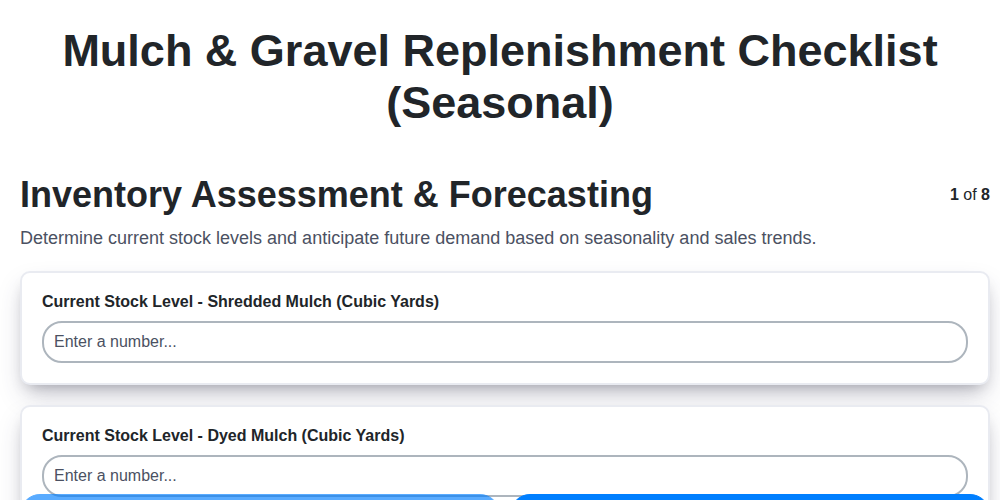
Seasonal Mulch & Gravel Checklist Template: Stay Stocked & Ready
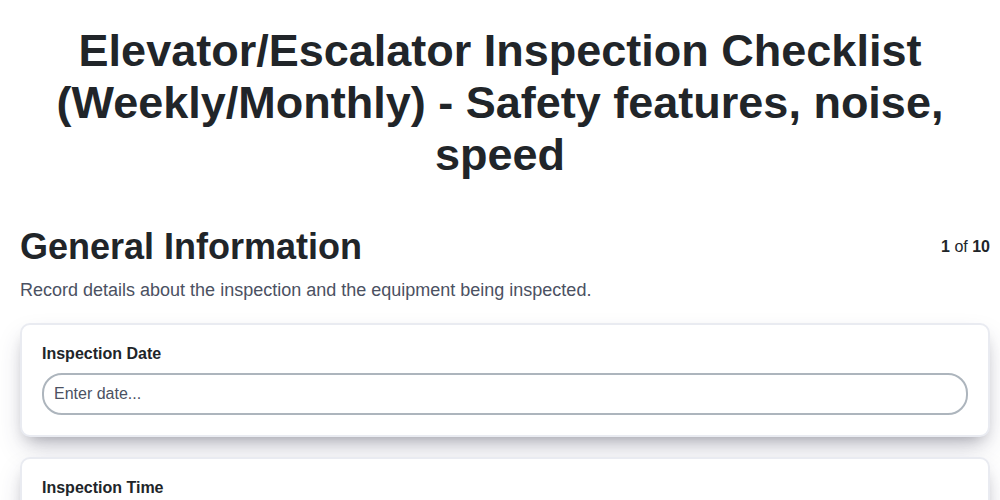
Elevator & Escalator Inspection Checklist Template: Your Guide to Safety & Compliance
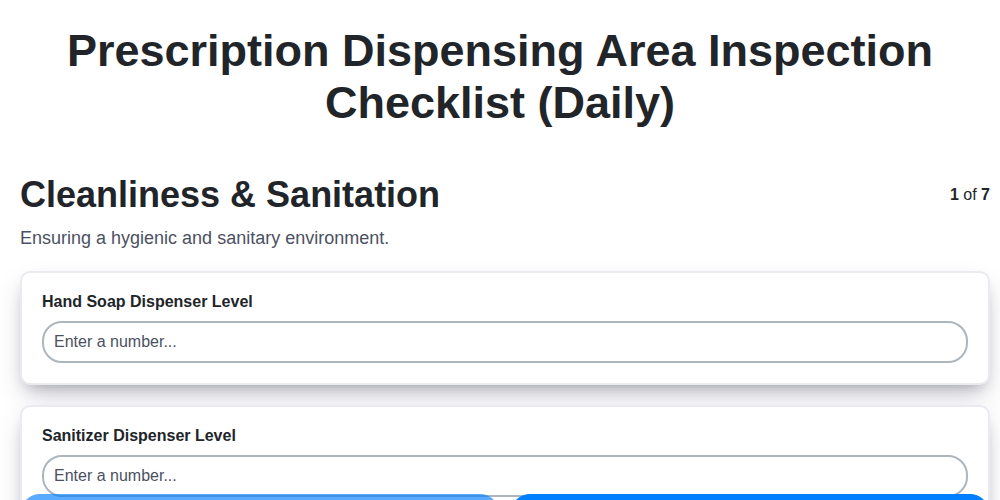
Daily Prescription Dispening Area Inspection Checklist Template

Weekly Waste Management & Recycling Checklist Template
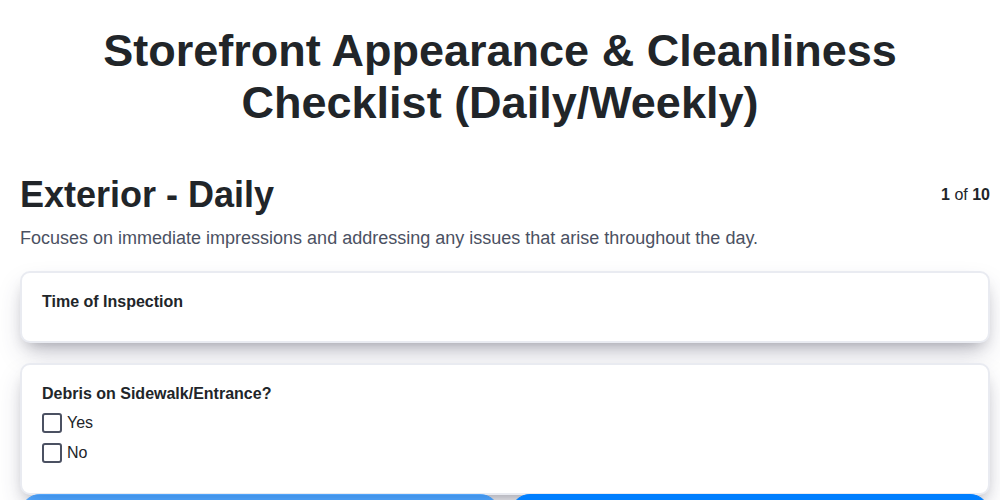
Keep Your Storefront Sparkling: Your Daily & Weekly Cleaning Checklist Template
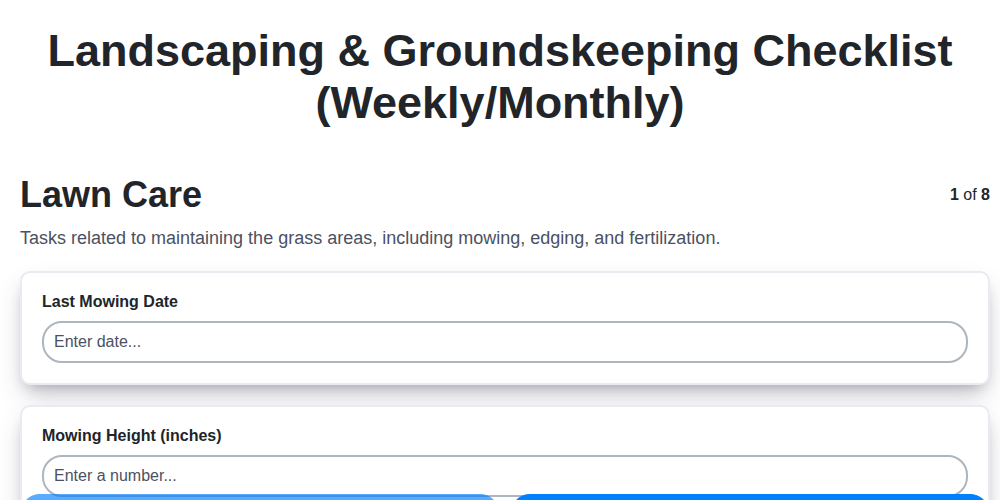
Your Ultimate Landscaping & Groundskeeping Checklist: Weekly & Monthly Templates
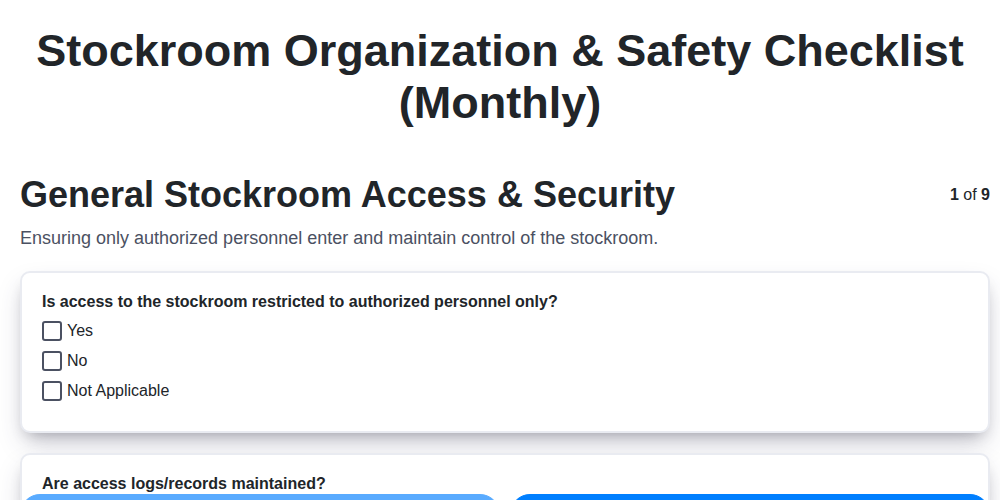
Monthly Stockroom Organization & Safety Checklist Template
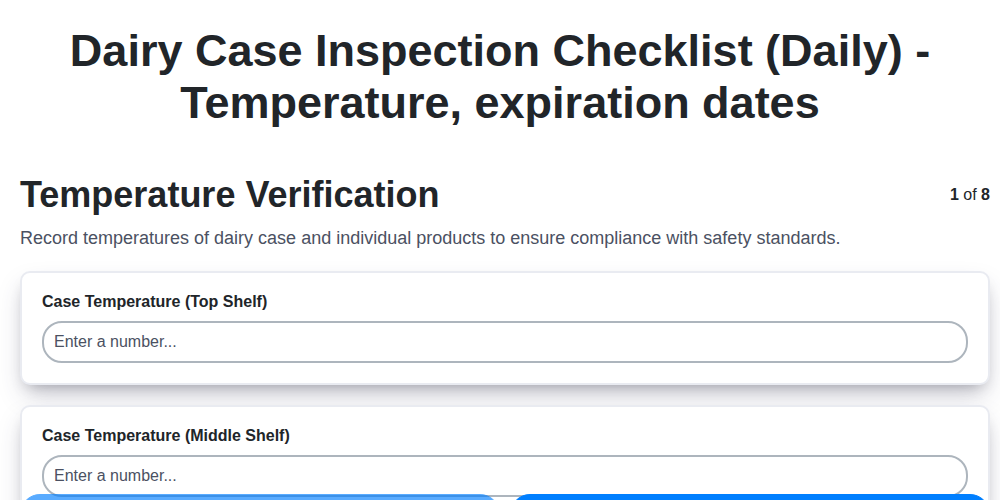
Daily Dairy Case Inspection Checklist Template
Need help with
Checklists?
Have a question? We're here to help. Please submit your inquiry, and we'll respond promptly.