 ChecklistGuro
 Smallholder Farm Revenue and Seasonal Profitability Tracker 2026 Checklist
Maximize your farm's bottom line with the Smallholder Farm Revenue and Seasonal Profitability Tracker 2026. This professional-grade financial management checklist is designed specifically for small-scale producers looking to optimize seasonal yields and track real-time profitability. Streamline your agricultural bookkeeping by monitoring crop sales, input costs, and seasonal revenue fluctuations in one centralized template. Perfect for precision budgeting, cost-benefit analysis, and data-driven decision-making, this 2026 tracker helps you identify high-margin crops and reduce waste, ensuring sustainable growth and long-term financial success for your farming enterprise.
Seasonal Crop & Livestock Overview
A high-level summary of the primary production units, including planting/breeding dates, expected harvest/output dates, and projected yields for the 2026 season.
Planting or Breeding Start Date
Primary Production Type
Crop Variety or Livestock Breed
Target Yield/Output Quantity
Estimated Harvest or Sale Date
Field or Pasture Identification
Direct Production Costs (Variable Expenses)
Detailed tracking of all seasonal inputs including seed, fertilizer, livestock feed, pesticides, and veterinary supplies, including unit costs and total expenditure.
Date of Purchase
Expense Category
Item Description
Quantity Purchased
Unit Cost
Total Cost
Purchase Receipt/Invoice
Notes on Application or Usage
Operational & Labor Expenditures
Recording of all labor-related costs (seasonal and permanent), fuel consumption, equipment rental fees, and irrigation/utility expenses incurred during the season.
Expenditure Date
Expense Category
Amount Expended ($)
Vendor or Worker Name
Expense Description & Notes
Receipt or Invoice Attachment
Manager Approval Signature
Revenue & Sales Documentation
Logging of all sales transactions, including date of sale, product type, quantity sold, market price per unit, and the specific buyer or distribution channel used.
Date of Sale
Sales Channel
Product/Commodity Name
Quantity Sold (kg/units)
Price Per Unit
Total Revenue Achieved
Sales Receipt or Invoice Copy
Buyer Contact & Delivery Notes
Post-Harvest & Processing Costs
Tracking of expenses related to sorting, grading, packaging, storage, and transportation costs required to bring the product to market.
Processing/Packaging Date
Processing Method
Packaging Material Cost
Labor Cost for Processing
Processing Invoices & Receipts
Post-Harvest Quality Notes
Equipment & Infrastructure Maintenance Costs
Record of any unplanned repairs, routine maintenance, or depreciation-related expenses applied to farm machinery and structures during the season.
Maintenance Date
Asset Category
Equipment/Asset Name
Description of Work Performed
Total Maintenance Cost
Maintenance Receipt/Invoice
Technician/Operator Signature
Profitability & Margin Analysis
Calculated section for Gross Revenue minus Total Expenses to determine Net Profit, alongside calculation of Cost of Goods Sold (COGS) per unit produced.
Total Seasonal Revenue
Total Seasonal Expenses
Net Profit/Loss
Profit Margin Percentage
Profitability Status
Margin Variance Analysis
Farm Manager Approval
Seasonal Performance Review & Insights
A qualitative section for noting unexpected variables (weather, pest outbreaks, market price shifts) that impacted the 2026 profitability targets.
Review Completion Date
Overall Season Performance Rating
Primary Impact Factors
Summary of Deviations from Financial Plan
Strategies for Next Season Improvement
Supporting Financial Reports or Photos of Crop/Livestock Impact
Farm Manager Authorization
Frequently Asked Questions
Can I customize this template after installing it?
Absolutely. Once installed, you can add, remove, or reorder tasks, add custom fields, and adjust deadlines to fit your specific workflow.
Can I add images or photos to these checklist items?
Yes. Our platform allows you to attach photos, signatures, and notes to any checklist item for better verification and proof of completion.
Can I create a custom checklist from scratch instead of using a template?
Yes. You can use our "Create your own checklist" feature to build a unique workflow tailored exactly to your operational requirements.
Can I add dependencies between tasks?
Yes, you can set up conditional logic and dependencies to ensure your team follows the correct sequence of operations.
Can I assign specific checklist items to different team members?
Yes. You can assign individual tasks to specific employees, ensuring clear accountability across your entire team.
Can I use these checklists on mobile devices in the field?
Yes. Our platform is fully responsive, allowing your team to complete, update, and upload photos to checklists directly from any smartphone or tablet.
How do I notify my manager when a checklist is completed?
You can set up automated notifications (via email, push notification, or in-app alerts) to trigger whenever a checklist is finished or if an item fails inspection.
Can multiple people work on the same checklist simultaneously?
Yes, the platform supports real-time updates, allowing multiple users to contribute to a single live checklist.
Where is the data from completed checklists stored?
All completed checklists are stored securely in your Work OS dashboard, creating a permanent, searchable audit trail of your operations.
Can I generate reports based on my checklist results?
Yes. You can track completion rates, identify recurring issues, and monitor team performance through our integrated reporting and analytics tools.
How can I use these checklists for compliance or auditing purposes?
Because our checklists capture timestamps, photos, and digital signatures, they serve as a robust digital paper trail for regulatory compliance and internal audits.
Can I export my completed checklist data for use in other tools?
Yes. You can export your data in various formats (CSV, Excel, etc.) to integrate your operational insights with your other business software.
Comments
There are no comments yet. Be the first to add one!
Agriculture Management Solution Demo
Running a farm or agricultural business is complex. ChecklistGuro's Work OS platform simplifies your operations, from crop planning and irrigation management to livestock tracking and harvest scheduling. Increase efficiency, reduce waste, and boost yields! See how ChecklistGuro can revolutionize your agriculture business.
Related Checklist Templates
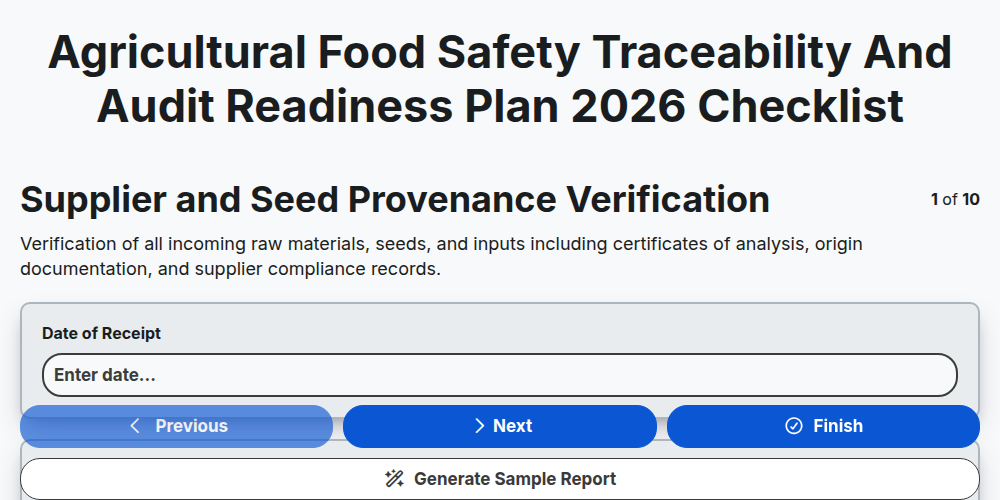
Agricultural Food Safety Traceability and Audit Readiness Plan 2026
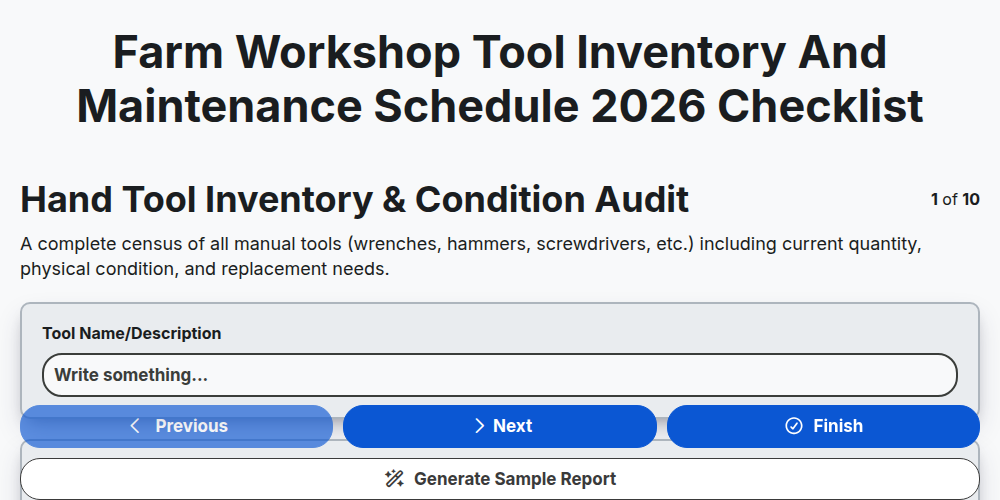
Farm Workshop Tool Inventory and Maintenance Schedule 2026
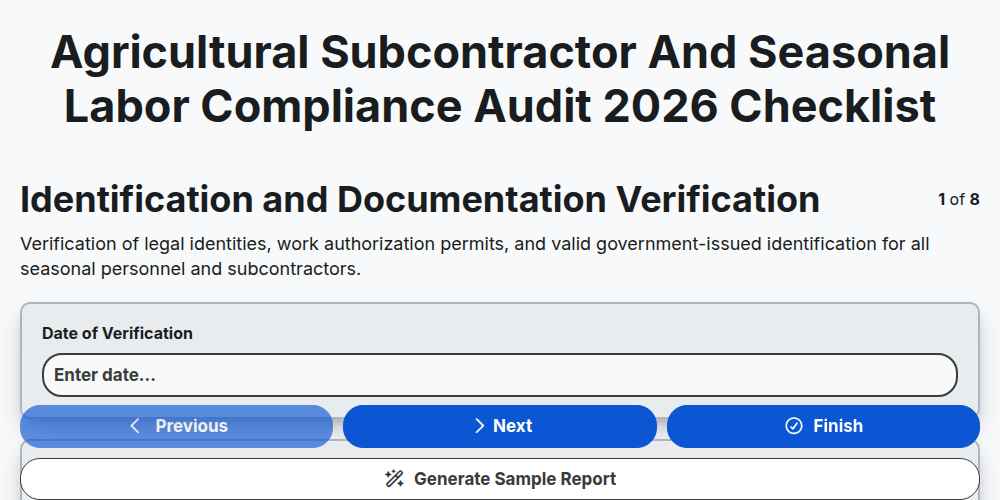
Agricultural Subcontractor and Seasonal Labor Compliance Audit 2026
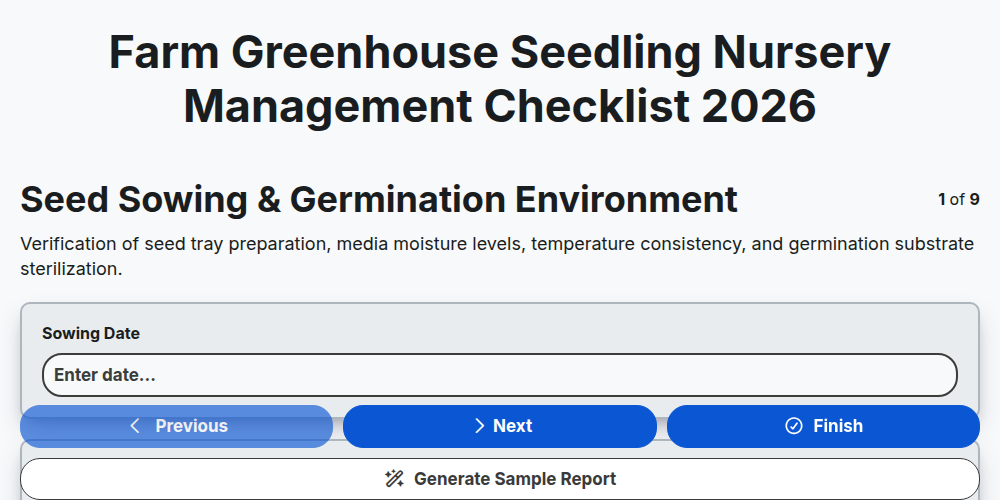
Farm Greenhouse Seedling Nursery Management Checklist 2026
Agricultural Drone Battery Maintenance and Flight Safety Log 2026
Farm Infrastructure and Perimeter Security Inspection Report 2026
Agricultural Supply Chain Logistics and Vendor Compliance Audit 2026
Farm Greenhouse Climate Control and Humidity Management Checklist 2026
Need help with
Agriculture?
Have a question? We're here to help. Please submit your inquiry, and we'll respond promptly.