 ChecklistGuro
Soil Compaction Assessment Checklist
Unlock healthy, thriving crops! Our Soil Compaction Assessment checklist helps farmers & ag professionals identify & address soil compaction issues, boosting yields & improving soil health. Download now for a comprehensive guide to optimal soil structure. #soilhealth #agriculture #soilcompaction #farming #agtech
This Template was installed 3 times.
Site Preparation & Background Information
Gather necessary information about the site, including history, planned use, and any previous compaction issues. Document existing conditions before assessment.
Project Name/Identifier
Assessment Date
Site Coordinates (Latitude/Longitude)
Brief Site Description (Land Use, Topography)
Previous Land Use (Select all that apply)
History of Heavy Equipment Use (if any)
Elevation (meters/feet)
Known Compaction Issues or Concerns?
Equipment & Tools
Ensure all necessary equipment and tools are available, calibrated, and in working order.
Penetrometer Calibration Value (kg/cm²)
Penetrometer Type
Penetrometer Calibration Certificate (if applicable)
NDG Serial Number (if applicable)
NDG Moisture Gauge Calibration Status (if applicable)
Soil Core Sampler Type (if used)
Other Tools Present (check all that apply)
Visual Assessment
Perform a visual inspection of the soil surface to identify signs of compaction.
Observe and select any visible signs of compaction:
Describe any unusual soil structure observed (e.g., massive, platy, blocky).
Record the location of observed compaction symptoms using GPS.
Estimate the percentage of the assessed area exhibiting signs of compaction.
Document any previous land use or activities that may have contributed to compaction (e.g., heavy machinery use, livestock grazing).
Upload photos illustrating visible compaction symptoms.
Penetrometer Testing
Conduct penetrometer tests at various locations to quantify soil compaction. Record depth and readings.
Penetrometer Reading (Depth: 0-15cm)
Penetrometer Reading (Depth: 15-30cm)
Penetrometer Reading (Depth: 30-60cm)
GPS Coordinates of Test Location
Description of Soil Type at Test Location
Soil Moisture Content (if measured)
Method Used for Penetrometer Test (e.g., manual, automated)
Notes on Penetrometer Test (e.g., resistance felt, any unusual observations)
Nuclear Density Gauge (NDG) Testing (if applicable)
If NDG testing is being used (ensure proper licensing and training), document procedures and results.
NDG Moisture Content Reading (Initial)
NDG Density Reading (Dry)
NDG Density Reading (Wet)
Gauge Calibration Status
Gauge Calibration Expiration Date
NDG Operator Name
Notes on Gauge Performance/Issues Observed
GPS Coordinates of NDG Testing Location
Soil Sampling & Laboratory Testing (if applicable)
Collect soil samples for laboratory analysis to determine soil moisture content and compaction characteristics.
GPS Coordinates of Sample Location
Sample Depth (cm)
Soil Moisture Content (%)
Dry Density (g/cm³)
Bulk Density (g/cm³)
Soil Type
Laboratory Notes & Observations
Laboratory Report (PDF)
Data Analysis & Interpretation
Analyze collected data to determine the extent and severity of soil compaction.
Average Penetrometer Reading (N)
Range of Penetrometer Readings (Minimum - Maximum)
Soil Moisture Content (%)
Soil Type (Based on Assessment)
Qualitative Assessment of Compaction (e.g., Minor, Moderate, Severe)
Comparison to Acceptable Limits (if available)
Notes on Potential Impact of Compaction (e.g., Root Growth, Water Infiltration)
Bulk Density (g/cm³)
Reporting & Recommendations
Prepare a detailed report outlining the assessment findings, including recommendations for remediation if needed.
Summary of Findings
Overall Compaction Severity Score (1-10)
Primary Cause of Compaction (if identified)
Recommended Remediation Techniques (Select all that apply)
Detailed Remediation Plan
Estimated Cost of Remediation (USD)
Date of Next Assessment
Assessor Signature
Supporting Documentation (maps, photos, calculations)
Documentation & Record Keeping
Maintain thorough records of the assessment, including data, photos, and any corrective actions taken.
Assessment Date
Assessment Time
Assessor Name
Detailed Notes/Observations
Number of Test Locations
Photos of Assessment Site
Equipment Calibration Status
Calibration Record Description (if applicable)
Assessor Signature
GPS Coordinates of Assessment Area
Frequently Asked Questions
Can I customize this template after installing it?
Absolutely. Once installed, you can add, remove, or reorder tasks, add custom fields, and adjust deadlines to fit your specific workflow.
Can I add images or photos to these checklist items?
Yes. Our platform allows you to attach photos, signatures, and notes to any checklist item for better verification and proof of completion.
Can I create a custom checklist from scratch instead of using a template?
Yes. You can use our "Create your own checklist" feature to build a unique workflow tailored exactly to your operational requirements.
Can I add dependencies between tasks?
Yes, you can set up conditional logic and dependencies to ensure your team follows the correct sequence of operations.
Can I assign specific checklist items to different team members?
Yes. You can assign individual tasks to specific employees, ensuring clear accountability across your entire team.
Can I use these checklists on mobile devices in the field?
Yes. Our platform is fully responsive, allowing your team to complete, update, and upload photos to checklists directly from any smartphone or tablet.
How do I notify my manager when a checklist is completed?
You can set up automated notifications (via email, push notification, or in-app alerts) to trigger whenever a checklist is finished or if an item fails inspection.
Can multiple people work on the same checklist simultaneously?
Yes, the platform supports real-time updates, allowing multiple users to contribute to a single live checklist.
Where is the data from completed checklists stored?
All completed checklists are stored securely in your Work OS dashboard, creating a permanent, searchable audit trail of your operations.
Can I generate reports based on my checklist results?
Yes. You can track completion rates, identify recurring issues, and monitor team performance through our integrated reporting and analytics tools.
How can I use these checklists for compliance or auditing purposes?
Because our checklists capture timestamps, photos, and digital signatures, they serve as a robust digital paper trail for regulatory compliance and internal audits.
Can I export my completed checklist data for use in other tools?
Yes. You can export your data in various formats (CSV, Excel, etc.) to integrate your operational insights with your other business software.
Comments
There are no comments yet. Be the first to add one!
Agriculture Management Solution Demo
Running a farm or agricultural business is complex. ChecklistGuro's Work OS platform simplifies your operations, from crop planning and irrigation management to livestock tracking and harvest scheduling. Increase efficiency, reduce waste, and boost yields! See how ChecklistGuro can revolutionize your agriculture business.
Related Checklist Templates
Agricultural Food Safety Traceability and Audit Readiness Plan 2026
Farm Workshop Tool Inventory and Maintenance Schedule 2026
Agricultural Subcontractor and Seasonal Labor Compliance Audit 2026
Farm Greenhouse Seedling Nursery Management Checklist 2026
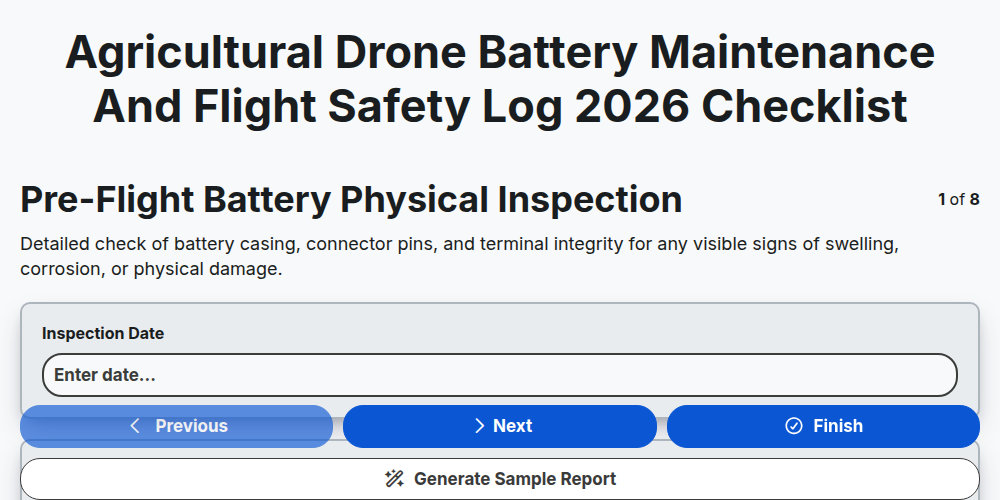
Agricultural Drone Battery Maintenance and Flight Safety Log 2026
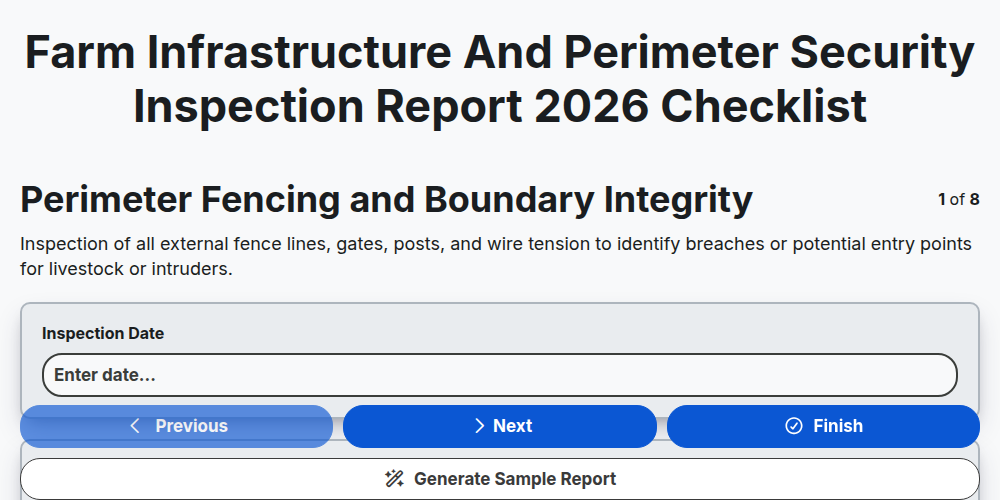
Farm Infrastructure and Perimeter Security Inspection Report 2026
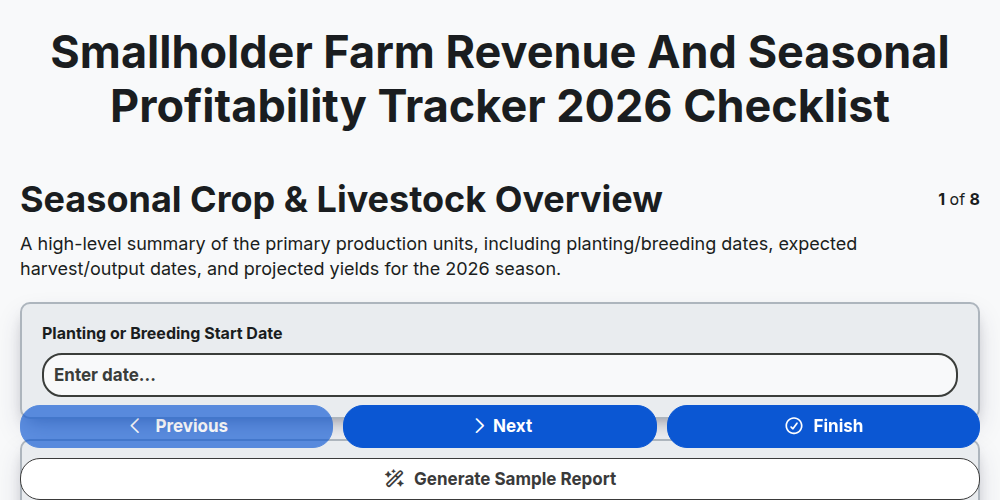
Smallholder Farm Revenue and Seasonal Profitability Tracker 2026
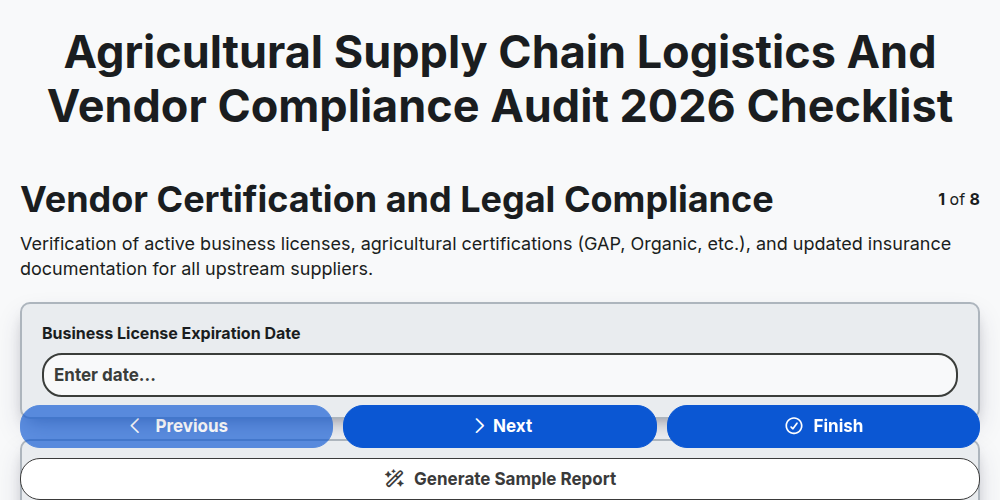
Agricultural Supply Chain Logistics and Vendor Compliance Audit 2026
Need help with
Agriculture?
Have a question? We're here to help. Please submit your inquiry, and we'll respond promptly.