 ChecklistGuro
 Automotive Fleet Maintenance & Lifecycle Management Checklist 2026
Streamline your vehicle operations and maximize asset longevity with the ultimate Automotive Fleet Maintenance & Lifecycle Management Checklist 2026. Designed for fleet managers and automotive professionals, this comprehensive, high-intent template provides a structured framework to track preventative maintenance schedules, monitor vehicle depreciation, optimize fuel efficiency, and manage total cost of ownership (TCO). Eliminate downtime and reduce unexpected repair costs with our professional, ready-to-use 2026 industry standard checklist-the essential tool for data-driven fleet optimization and proactive lifecycle strategy.
This Template was installed 4 times.
Vehicle Acquisition & Onboarding
Standardized procedures for inspecting new fleet additions, verifying VIN accuracy, and integrating vehicle data into the management system.
Acquisition Date
Vehicle Identification Number (VIN)
Make and Model
Initial Odometer Reading
Vehicle Condition Status
Purchase Invoice & Title Documentation
Fleet Manager Approval
Preventative Maintenance Scheduling
A proactive schedule for routine oil changes, tire rotations, brake inspections, and fluid level checks based on mileage or time intervals.
Next Scheduled Service Date
Current Vehicle Mileage
Maintenance Tasks Performed
Maintenance Observations & Notes
Service Invoice or Work Order Upload
Technician Verification
Lifecycle Tracking & Depreciation Monitoring
Monitoring vehicle age, mileage thresholds, and cumulative repair costs to determine optimal replacement timing and ROI.
Purchase Date
Current Odometer Reading
Estimated Remaining Useful Life (Years)
Total Accumulated Maintenance Cost
Depreciation Risk Factors
Replacement Justification Notes
Fleet Manager Approval
On-Road Safety & Driver Compliance
Regular audits of driver logs, vehicle inspection reports (DVIR), and driver safety training certifications.
Last Driver Safety Training Completion Date
Completed Pre-Trip Inspection Tasks
Driver License Validity Status
Total Fleet Driver Violations Recorded (Current Period)
Upload Driver License Copy
Driver Safety Compliance Affirmation
Fuel Management & Efficiency Audit
Analysis of fuel consumption patterns, fuel card usage reconciliation, and identification of fuel-inefficient vehicles.
Audit Date
Total Fuel Consumption (Liters/Gallons)
Average Fuel Efficiency (MPG/KPL)
Identified Anomalies
Fuel Receipt/Invoice Upload
Efficiency Improvement Recommendations
Fleet Manager Approval
Repair & Corrective Maintenance Tracking
Documentation of unplanned repairs, parts replacement logs, and tracking of downtime duration for each major repair event.
Repair Completion Date
Repair Description
Total Repair Cost (USD)
Repair Severity
Parts Replaced
Repair Invoice/Receipt
Technician Authorization
Regulatory & Emissions Compliance
Ensuring all vehicles meet regional environmental standards, smog testing, and mandatory annual safety inspections.
Last Emissions Test Date
Compliance Status
Required Certifications Verified
Upload Inspection Certificate
Non-Compliance Remediation Notes
Compliance Officer Approval
Tire & Wheel Management
Periodic assessment of tread depth, tire pressure consistency, and alignment integrity to ensure road safety and fuel economy.
Last Tire Rotation Date
Current Tread Depth (mm/32nds)
Tire Pressure Status
Observed Tire Wear Patterns
Tire Condition Photo
Detailed Observations & Repair Notes
Technician Verification
Inventory & Spare Parts Management
Audit of critical onboard spare parts, emergency kits, and essential maintenance supplies held within the fleet ecosystem.
Part Name/Description
Current Stock Quantity
Part Category
Last Restock Date
Invoice or Delivery Note
Condition Status
Inventory Manager Verification
Decommissioning & Disposal Workflow
Formalized steps for removing vehicles from the fleet, including final inspections, title transfer, and data wiping of onboard telematics.
Decommissioning Date
Vehicle Identification Number (VIN)
Final Odometer Reading
Disposal Method
Final Removal Checklist
Title Transfer Document
Final Vehicle Condition Notes
Fleet Manager Approval
Frequently Asked Questions
Can I customize this template after installing it?
Absolutely. Once installed, you can add, remove, or reorder tasks, add custom fields, and adjust deadlines to fit your specific workflow.
Can I add images or photos to these checklist items?
Yes. Our platform allows you to attach photos, signatures, and notes to any checklist item for better verification and proof of completion.
Can I create a custom checklist from scratch instead of using a template?
Yes. You can use our "Create your own checklist" feature to build a unique workflow tailored exactly to your operational requirements.
Can I add dependencies between tasks?
Yes, you can set up conditional logic and dependencies to ensure your team follows the correct sequence of operations.
Can I assign specific checklist items to different team members?
Yes. You can assign individual tasks to specific employees, ensuring clear accountability across your entire team.
Can I use these checklists on mobile devices in the field?
Yes. Our platform is fully responsive, allowing your team to complete, update, and upload photos to checklists directly from any smartphone or tablet.
How do I notify my manager when a checklist is completed?
You can set up automated notifications (via email, push notification, or in-app alerts) to trigger whenever a checklist is finished or if an item fails inspection.
Can multiple people work on the same checklist simultaneously?
Yes, the platform supports real-time updates, allowing multiple users to contribute to a single live checklist.
Where is the data from completed checklists stored?
All completed checklists are stored securely in your Work OS dashboard, creating a permanent, searchable audit trail of your operations.
Can I generate reports based on my checklist results?
Yes. You can track completion rates, identify recurring issues, and monitor team performance through our integrated reporting and analytics tools.
How can I use these checklists for compliance or auditing purposes?
Because our checklists capture timestamps, photos, and digital signatures, they serve as a robust digital paper trail for regulatory compliance and internal audits.
Can I export my completed checklist data for use in other tools?
Yes. You can export your data in various formats (CSV, Excel, etc.) to integrate your operational insights with your other business software.
Comments
There are no comments yet. Be the first to add one!
Automotive Manufacturing Management Solution Demo
Optimize your automotive production! ChecklistGuro digitizes workflows, from parts inspection to final testing. Reduce errors, boost efficiency & ensure quality compliance. Drive results with our Work OS.
Related Checklist Templates
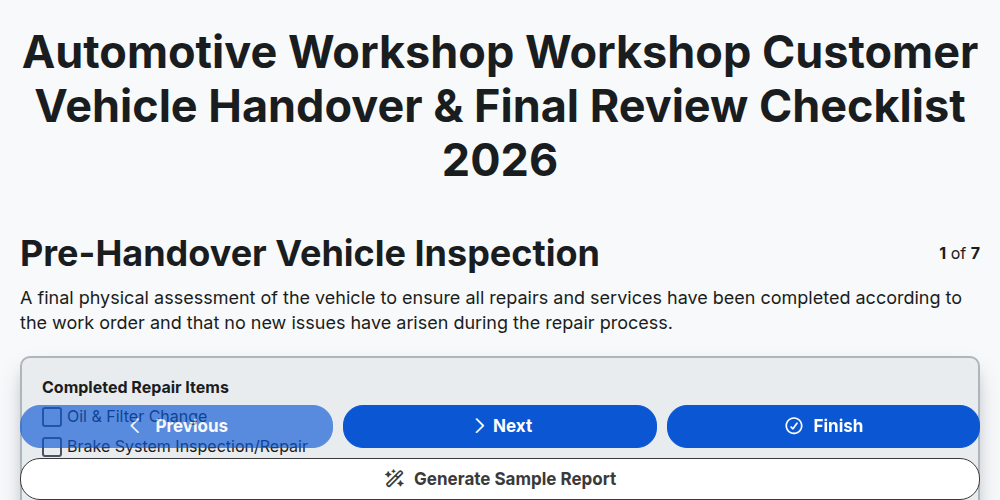
Automotive Workshop Workshop Customer Vehicle Handover & Final Review Checklist 2026
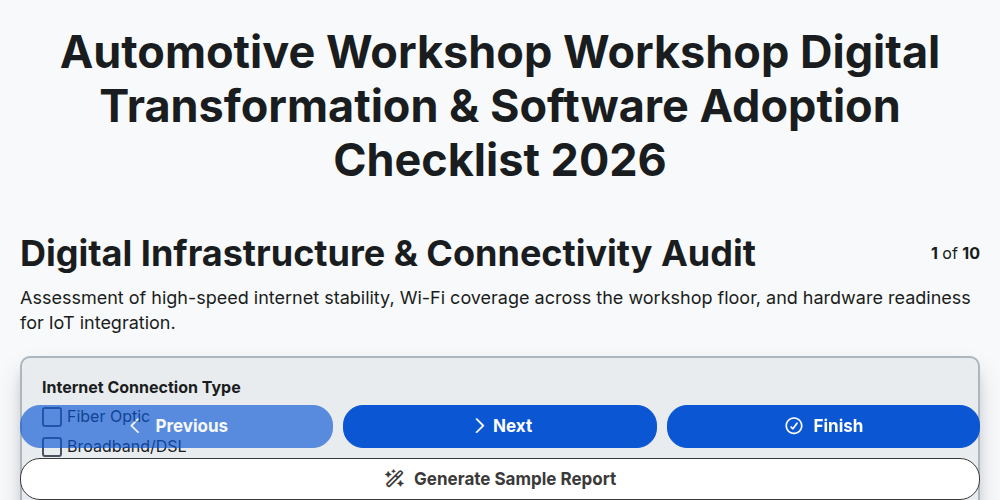
Automotive Workshop Workshop Digital Transformation & Software Adoption Checklist 2026
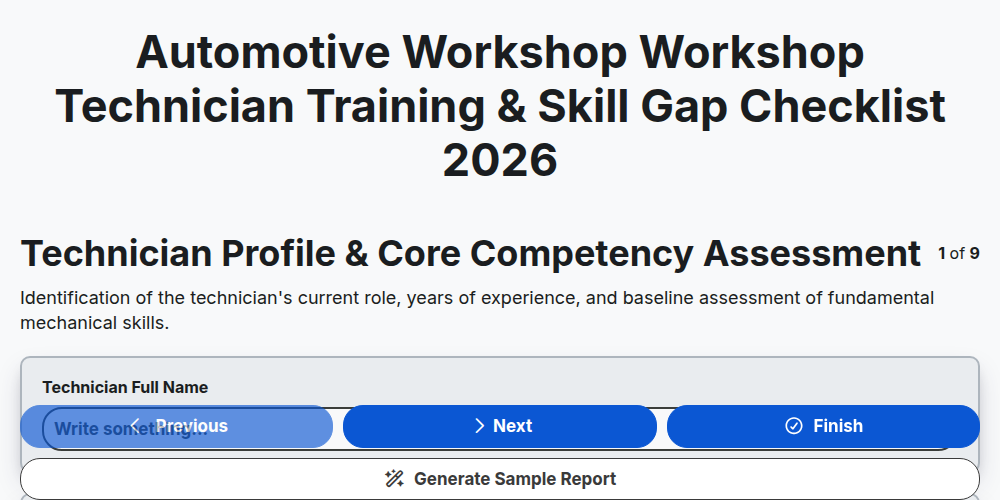
Automotive Workshop Workshop Technician Training & Skill Gap Checklist 2026
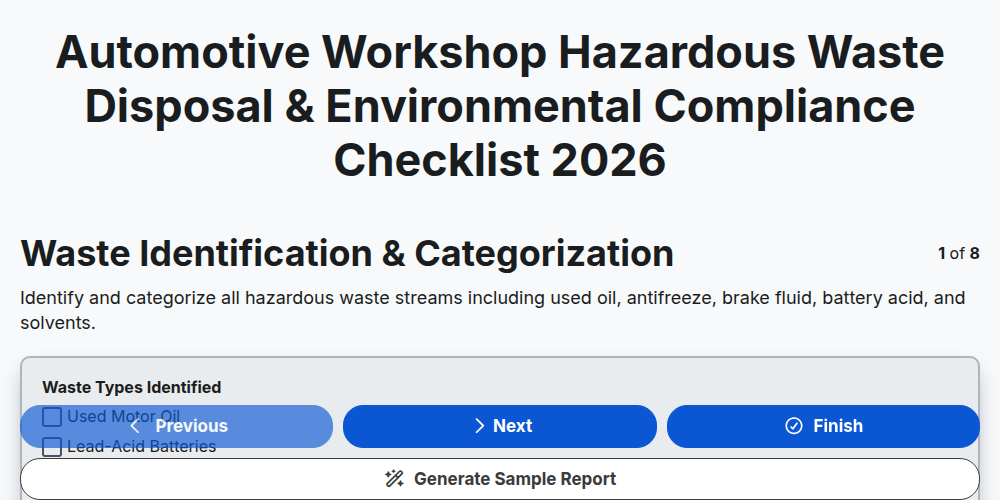
Automotive Workshop Hazardous Waste Disposal & Environmental Compliance Checklist 2026
Automotive Workshop Pre-Delivery Inspection (PDI) Quality Control Checklist 2026
Automotive Workshop Floor Management & Workflow Optimization Checklist 2026
Automotive Supply Chain & Vendor Performance Audit Checklist 2026
Automotive Workshop Daily Opening & Closing Procedures Checklist 2026
Need help with
Automotive?
Have a question? We're here to help. Please submit your inquiry, and we'll respond promptly.