 ChecklistGuro
 Bill of Materials (BOM) Checklist Template
Ensure BOM accuracy and streamline your manufacturing process with our Bill of Materials (BOM) Checklist Template. This essential tool helps you systematically verify and validate your BOM data, reducing errors, improving efficiency, and minimizing costly production delays. Download now and take control of your BOM management!
This Template was installed 5 times.
BOM Creation & Structure
Ensures the BOM is properly structured and contains all necessary components for accurate manufacturing.
BOM Number
Product Name
Revision Level
Effective Date
Description of Product/Assembly
CAD File (Optional)
BOM Type (e.g., Engineering, Planning)
Part Number Validation
Verifies part numbers for accuracy and consistency across the BOM and other systems.
Part Number
Description
Revision Level
Part Status
Material Type
Notes/Comments
Supporting Documentation (e.g., Datasheet)
Quantity & Usage Definition
Confirms correct quantities and usage levels are defined for each component.
Base Quantity per Assembly
Scrap Rate (%)
Over/Under Quantity Tolerance
Notes on Quantity/Usage
Unit of Measure (UOM)
Minimum Order Quantity (MOQ)
Supplier Information
Validates supplier details (name, contact, lead time) are accurate and up-to-date.
Supplier Name
Contact Person
Contact Email
Lead Time (Days)
Supplier Tier
Last Contact Date
Supplier Notes (e.g., Payment Terms, Quality Concerns)
Cost & Pricing Accuracy
Confirms component costs and pricing are current and aligned with procurement records.
Unit Cost (Current)
Unit Cost (Previous)
Currency
Cost Effective Date
Cost Variance Notes (If Applicable)
Cost Source
Supporting Documentation (Quote, Contract)
Engineering Change Order (ECO) Integration
Ensures the BOM reflects the latest ECOs and engineering revisions.
ECO Creation Date
ECO Description/Reason for Change
ECO Number
Impacted BOM Version
Supporting ECO Documentation
Summary of Changes Made to BOM
ECO Implementation Date
Version Control & History
Verifies proper versioning and tracking of BOM changes.
BOM Creation Date
Last Modified Date
BOM Version Number
Summary of Changes (Version History)
Reason for Change
Author/Creator
Author Signature
Approval Status
Classification & Categorization
Confirms components are correctly classified and categorized for reporting and analysis.
Primary Commodity Type
Material Sub-Category
MSDS Number (if applicable)
Regulatory Classification (e.g., RoHS, REACH)
Additional Classification Notes
Regulatory Compliance & Documentation
Ensures compliance with relevant regulations and includes necessary documentation.
Applicable Regulatory Standards
Regulatory Compliance Notes
Compliance Certificates
Last Compliance Review Date
Material Declaration (MoM) Status
Restricted Substances
Documentation Summary
BOM Approval Workflow
Validates adherence to the defined BOM approval process and designates approvers.
BOM Creator
Creation Date
Reviewer Role
Review Date
Reviewer Comments
Approval Status
Approval Date
Approver Signature
Frequently Asked Questions
Can I customize this template after installing it?
Absolutely. Once installed, you can add, remove, or reorder tasks, add custom fields, and adjust deadlines to fit your specific workflow.
Can I add images or photos to these checklist items?
Yes. Our platform allows you to attach photos, signatures, and notes to any checklist item for better verification and proof of completion.
Can I create a custom checklist from scratch instead of using a template?
Yes. You can use our "Create your own checklist" feature to build a unique workflow tailored exactly to your operational requirements.
Can I add dependencies between tasks?
Yes, you can set up conditional logic and dependencies to ensure your team follows the correct sequence of operations.
Can I assign specific checklist items to different team members?
Yes. You can assign individual tasks to specific employees, ensuring clear accountability across your entire team.
Can I use these checklists on mobile devices in the field?
Yes. Our platform is fully responsive, allowing your team to complete, update, and upload photos to checklists directly from any smartphone or tablet.
How do I notify my manager when a checklist is completed?
You can set up automated notifications (via email, push notification, or in-app alerts) to trigger whenever a checklist is finished or if an item fails inspection.
Can multiple people work on the same checklist simultaneously?
Yes, the platform supports real-time updates, allowing multiple users to contribute to a single live checklist.
Where is the data from completed checklists stored?
All completed checklists are stored securely in your Work OS dashboard, creating a permanent, searchable audit trail of your operations.
Can I generate reports based on my checklist results?
Yes. You can track completion rates, identify recurring issues, and monitor team performance through our integrated reporting and analytics tools.
How can I use these checklists for compliance or auditing purposes?
Because our checklists capture timestamps, photos, and digital signatures, they serve as a robust digital paper trail for regulatory compliance and internal audits.
Can I export my completed checklist data for use in other tools?
Yes. You can export your data in various formats (CSV, Excel, etc.) to integrate your operational insights with your other business software.
Comments
There are no comments yet. Be the first to add one!
BOM - Bill of Materials Management Solution Demo
Struggling with inaccurate BOMs & costly errors? ChecklistGuro provides a centralized BOM Management solution, connecting your design, engineering, & manufacturing teams for improved collaboration and control. Simplify operations & boost efficiency.
Related Checklist Templates
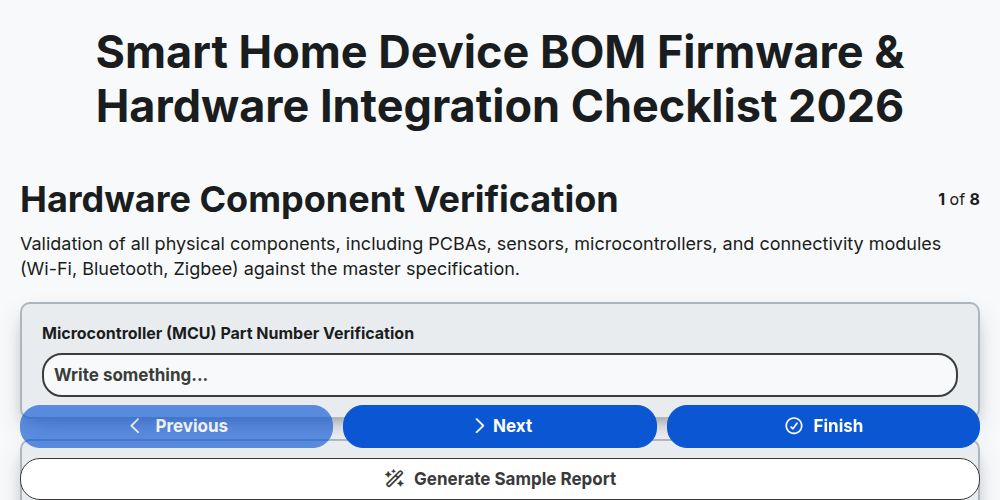
Smart Home Device BOM Firmware & Hardware Integration Checklist 2026
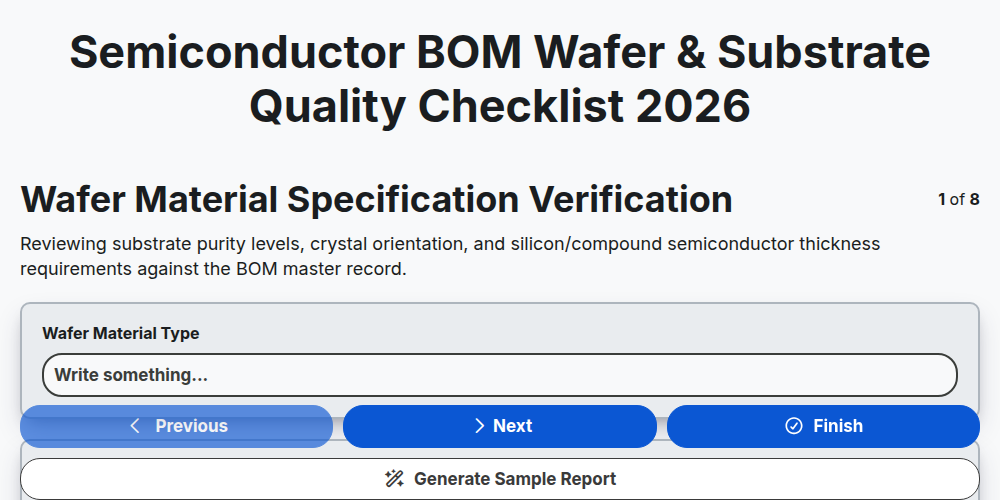
Semiconductor BOM Wafer & Substrate Quality Checklist 2026
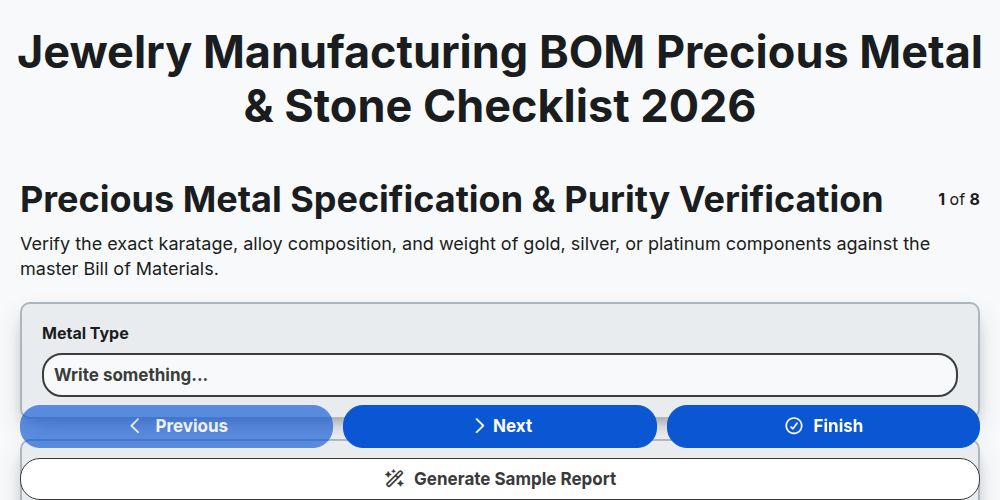
Jewelry Manufacturing BOM Precious Metal & Stone Checklist 2026
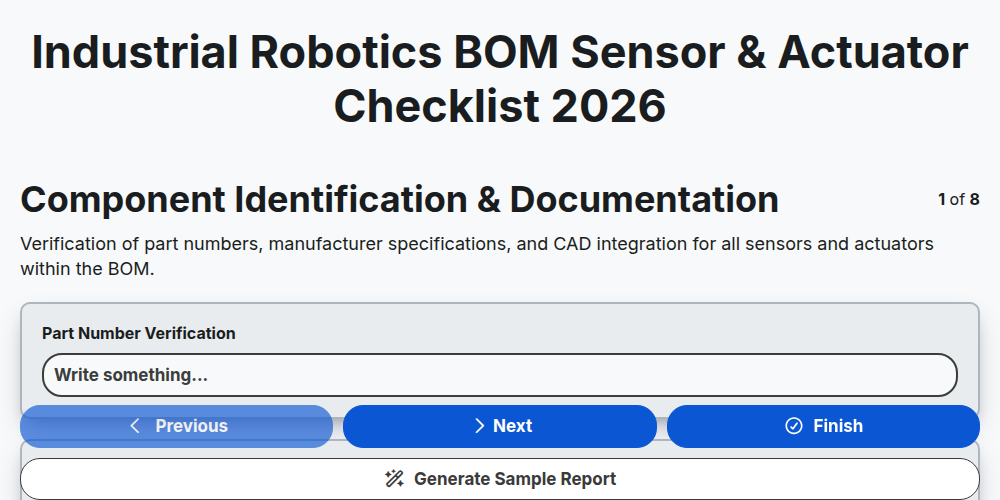
Industrial Robotics BOM Sensor & Actuator Checklist 2026
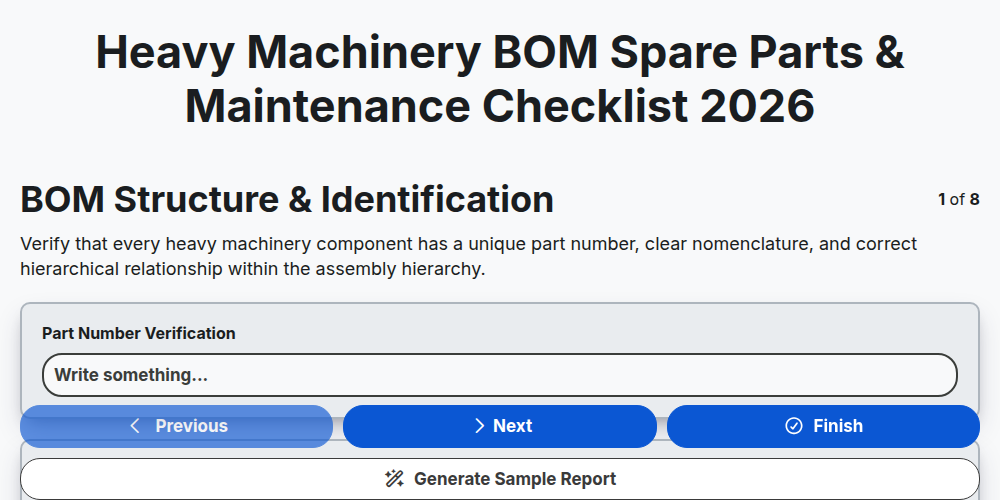
Heavy Machinery BOM Spare Parts & Maintenance Checklist 2026
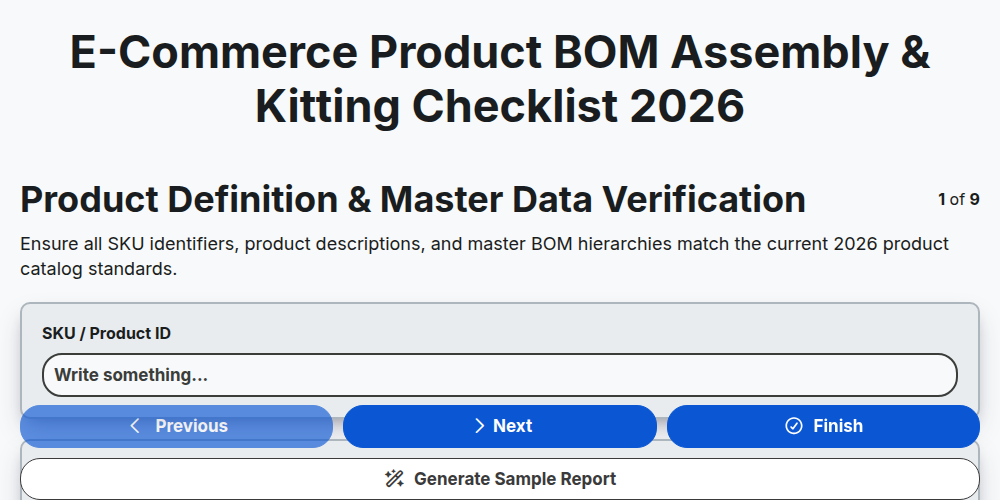
E-commerce Product BOM Assembly & Kitting Checklist 2026
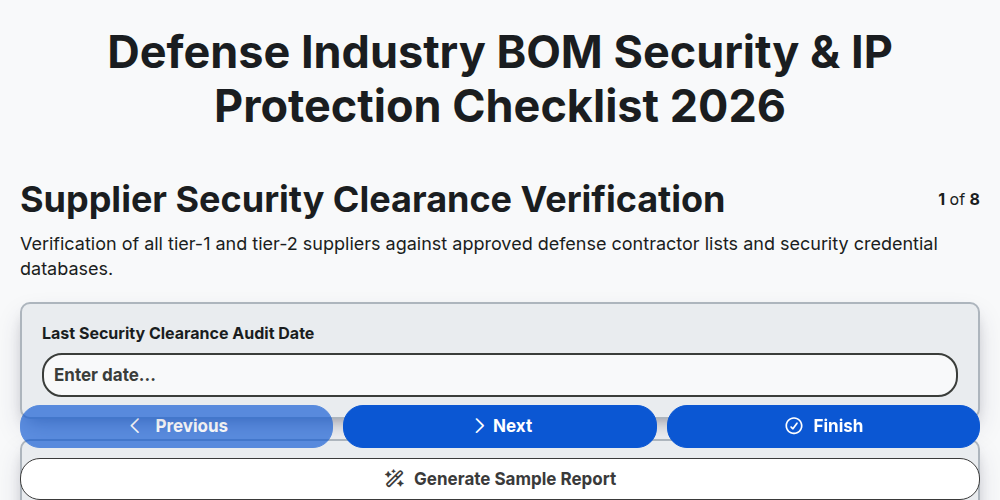
Defense Industry BOM Security & IP Protection Checklist 2026
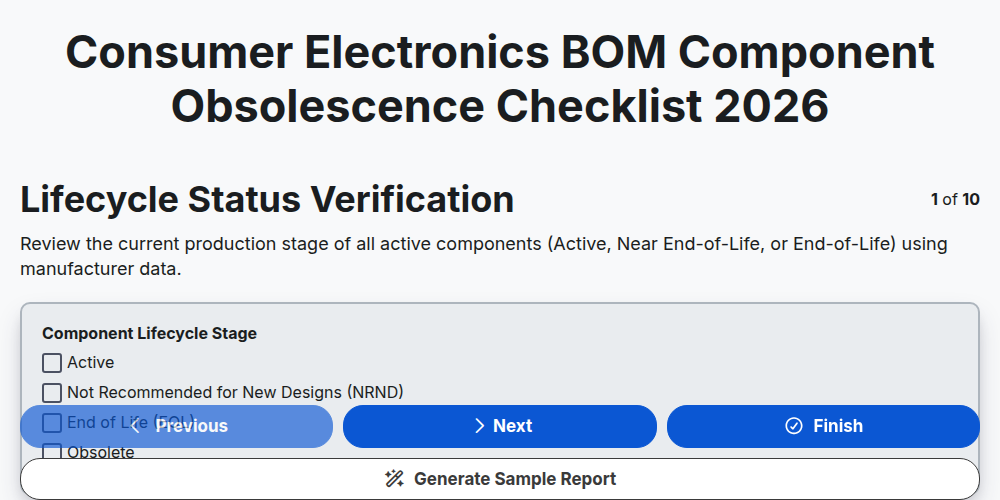
Consumer Electronics BOM Component Obsolescence Checklist 2026
Need help with
Bill of Materials (BOM) Management?
Have a question? We're here to help. Please submit your inquiry, and we'll respond promptly.