 ChecklistGuro
 Heavy Machinery BOM Spare Parts & Maintenance Checklist 2026
Streamline your industrial operations and eliminate costly downtime with the definitive Heavy Machinery BOM Spare Parts & Maintenance Checklist 2026. Engineered for fleet managers and maintenance engineers, this professional-grade checklist ensures total accuracy in your Bill of Materials management, covering everything from critical component identification to proactive lifecycle replenishment. Prevent unexpected breakdowns and optimize your inventory precision by auditing every essential spare part, lubricant, and high-wear component against your master assembly list. Download this essential 2026 asset to master your heavy equipment maintenance strategy, reduce unplanned downtime, and ensure your machinery stays operational through rigorous, data-driven BOM oversight.
BOM Structure & Identification
Verify that every heavy machinery component has a unique part number, clear nomenclature, and correct hierarchical relationship within the assembly hierarchy.
Part Number Verification
BOM Hierarchy Level
Identification Error Types Found
Last Audit Date
Technical Drawing/Schematic Upload
Structural Integrity Validator
Critical Spare Parts Inventory Audit
Review the availability of high-wear items, long-lead time components, and emergency backup parts required to prevent unplanned downtime.
Criticality Level
Current Stock Quantity
Minimum Safety Stock Threshold
Last Physical Inventory Count Date
Discrepancy Notes & Observations
Inventory Audit Photo/Scan Evidence
Inventory Auditor Verification
Technical Specifications & Compatibility
Validate that all replacement parts meet the required metallurgical, dimensional, and load-bearing specifications as per the original equipment manufacturer (OEM) standards.
Component Part Number
Material Grade Verification
Tolerance Threshold (mm)
Required Certifications
Technical Datasheet
Compatibility Notes
Supplier & Lead Time Verification
Assess vendor reliability, current stock levels, and estimated shipping durations for mission-critical components to ensure maintenance schedules are met.
Primary Supplier Name
Expected Delivery Date
Estimated Lead Time (Days)
Supplier Reliability Rating
Risk Factors Identified
Supplier Quote or Contract
Procurement Officer Approval
Maintenance Schedule Integration
Ensure each BOM item is mapped to specific preventive maintenance intervals, lubrication requirements, and sensor-based predictive maintenance triggers.
Next Scheduled Maintenance Date
Maintenance Frequency Type
Operating Hours/Cycles Since Last Service
Maintenance Log or Service Manual Attachment
Technician Verification
Compliance & Safety Certification
Confirm that all replacement parts and consumables comply with 2026 industrial safety standards, ISO certifications, and environmental regulations.
Required Safety Certifications
Certification Expiry Date
Upload Compliance Certificate
Regulatory Non-Compliance Notes
Compliance Officer Approval
Costing & Budgetary Alignment
Audit unit costs, customs duties for imported parts, and total landed cost impact on the annual maintenance and repair (MRO) budget.
Estimated Unit Cost per Part
Total Budgeted Allocation
Cost Variance Status
Budgetary Risk Assessment
Supplier Quotation Attachment
Finance Manager Approval
Documentation & Digital Twin Sync
Verify that the BOM data is accurately reflected in the Enterprise Asset Management (EAM) system and aligns with the 3D CAD/Digital Twin models.
Digital Twin Model Version Number
Last Sync Date
Sync Status
Updated Technical Drawings
Discrepancy Types
Data Integrity Verification
Frequently Asked Questions
Can I customize this template after installing it?
Absolutely. Once installed, you can add, remove, or reorder tasks, add custom fields, and adjust deadlines to fit your specific workflow.
Can I add images or photos to these checklist items?
Yes. Our platform allows you to attach photos, signatures, and notes to any checklist item for better verification and proof of completion.
Can I create a custom checklist from scratch instead of using a template?
Yes. You can use our "Create your own checklist" feature to build a unique workflow tailored exactly to your operational requirements.
Can I add dependencies between tasks?
Yes, you can set up conditional logic and dependencies to ensure your team follows the correct sequence of operations.
Can I assign specific checklist items to different team members?
Yes. You can assign individual tasks to specific employees, ensuring clear accountability across your entire team.
Can I use these checklists on mobile devices in the field?
Yes. Our platform is fully responsive, allowing your team to complete, update, and upload photos to checklists directly from any smartphone or tablet.
How do I notify my manager when a checklist is completed?
You can set up automated notifications (via email, push notification, or in-app alerts) to trigger whenever a checklist is finished or if an item fails inspection.
Can multiple people work on the same checklist simultaneously?
Yes, the platform supports real-time updates, allowing multiple users to contribute to a single live checklist.
Where is the data from completed checklists stored?
All completed checklists are stored securely in your Work OS dashboard, creating a permanent, searchable audit trail of your operations.
Can I generate reports based on my checklist results?
Yes. You can track completion rates, identify recurring issues, and monitor team performance through our integrated reporting and analytics tools.
How can I use these checklists for compliance or auditing purposes?
Because our checklists capture timestamps, photos, and digital signatures, they serve as a robust digital paper trail for regulatory compliance and internal audits.
Can I export my completed checklist data for use in other tools?
Yes. You can export your data in various formats (CSV, Excel, etc.) to integrate your operational insights with your other business software.
Comments
There are no comments yet. Be the first to add one!
BOM - Bill of Materials Management Solution Demo
Struggling with inaccurate BOMs & costly errors? ChecklistGuro provides a centralized BOM Management solution, connecting your design, engineering, & manufacturing teams for improved collaboration and control. Simplify operations & boost efficiency.
Related Checklist Templates
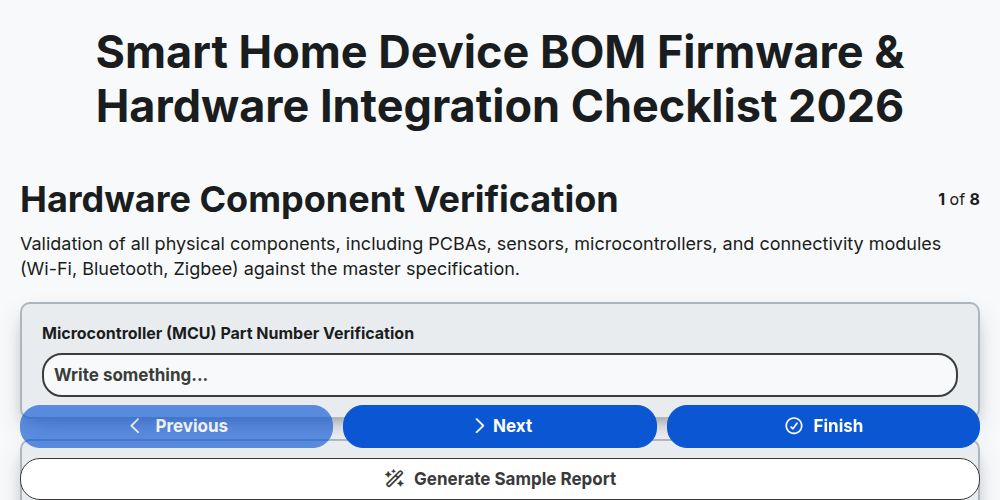
Smart Home Device BOM Firmware & Hardware Integration Checklist 2026
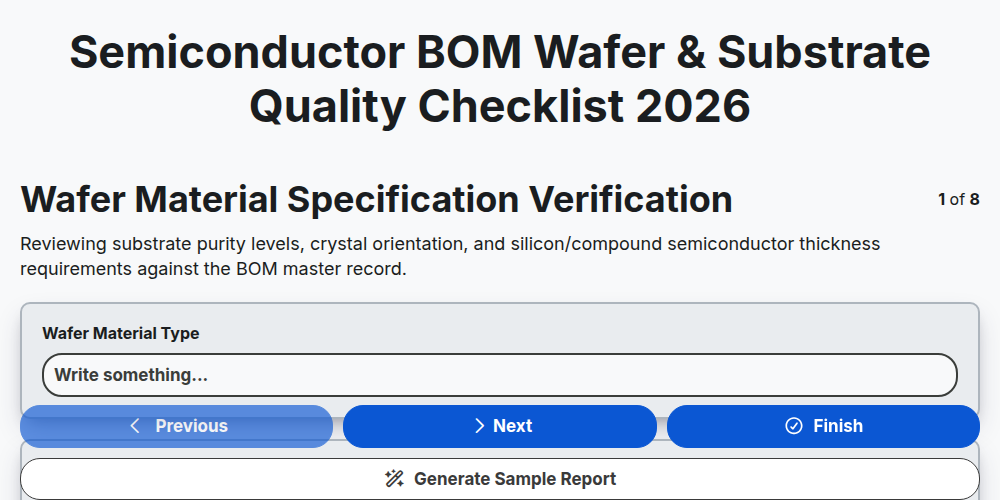
Semiconductor BOM Wafer & Substrate Quality Checklist 2026
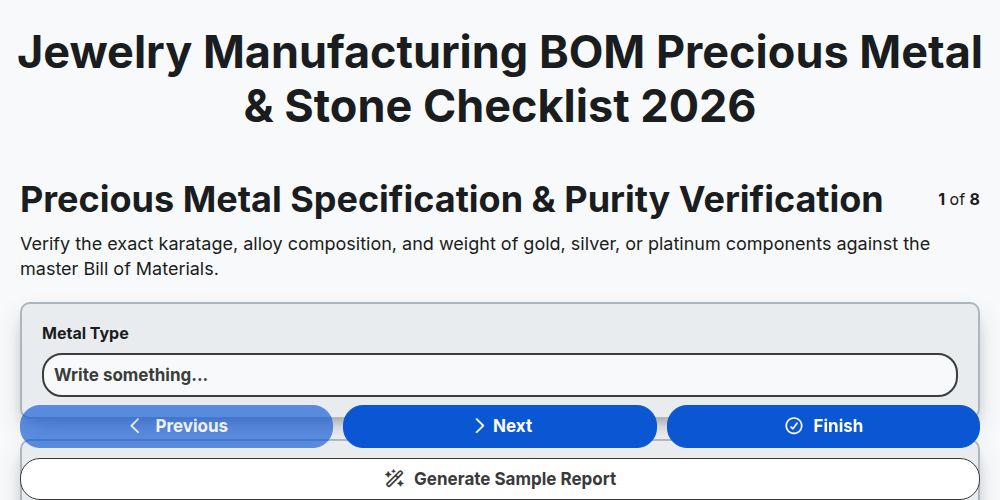
Jewelry Manufacturing BOM Precious Metal & Stone Checklist 2026
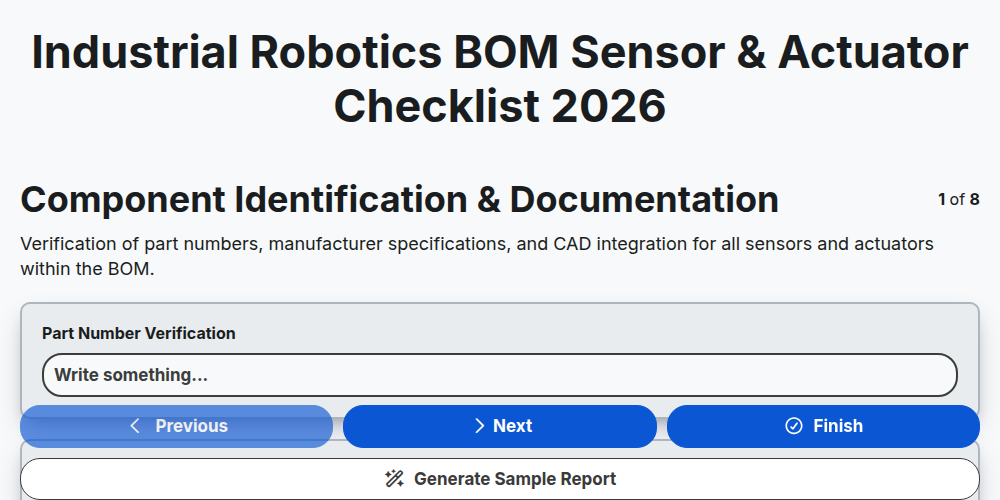
Industrial Robotics BOM Sensor & Actuator Checklist 2026
E-commerce Product BOM Assembly & Kitting Checklist 2026
Defense Industry BOM Security & IP Protection Checklist 2026
Consumer Electronics BOM Component Obsolescence Checklist 2026
Biotechnology BOM Reagent & Consumable Audit Checklist 2026
Need help with
Bill of Materials (BOM) Management?
Have a question? We're here to help. Please submit your inquiry, and we'll respond promptly.