 ChecklistGuro
 Heavy Equipment Maintenance & Inspection Checklist 2026
Ensure maximum uptime and minimize costly downtime on your jobsite with the ultimate Heavy Equipment Maintenance & Inspection Checklist 2026. Engineered for construction managers, fleet supervisors, and site foremen, this professional-grade template provides a comprehensive framework for conducting rigorous safety inspections and preventative maintenance for excavators, bulldozers, loaders, and cranes. Streamline your equipment lifecycle management, ensure OSHA compliance, and prevent unexpected mechanical failures with this high-intent, ready-to-use construction asset designed for the 2026 construction season.
Pre-Operational Visual Inspection
Comprehensive check of external components, including leaks, structural integrity, and visible wear on all heavy machinery components.
Inspection Date
Jobsite Location
Equipment ID/Unit Number
Visible Damage Detected
Detailed Observations of External Condition
Photo Evidence of Inspection
Inspector Signature
Fluid Levels and Lubrication Check
Verification of engine oil, hydraulic fluid, coolant, transmission fluid, and grease points to ensure optimal lubrication and cooling.
Engine Oil Level Status
Hydraulic Fluid Level
Coolant Level & Condition
Grease Points Lubricated Count
Notes on Fluid Contamination or Discoloration
Last Fluid Change Date
Hydraulic System & Hose Integrity
Detailed assessment of hydraulic cylinders, hoses, fittings, and pressure levels to prevent leaks or catastrophic pressure loss.
Hydraulic Fluid Level Status
Identified Leak Locations
Hose Condition Observations
Measured Hydraulic Pressure (PSI)
Photo Evidence of Leak or Damage
Required Repairs or Immediate Actions Needed
Tires, Tracks, and Undercarriage Inspection
Examination of tire pressure, tread depth, track tension, roller condition, and drive sprocket integrity.
Tire/Track Condition Status
Tire Pressure (PSI) or Track Tension (mm)
Observed Issues
Detailed Damage Description
Photo Evidence of Wear/Damage
Inspector Verification
Control Systems & Instrumentation
Testing of all cabin controls, gauges, dashboard warning lights, sensors, and emergency stop functions.
Dashboard Warning Lights Status
Hydraulic Pressure Gauge Reading
Engine Hour Meter Reading
Functional Control Check
Instrument Defect Details
Operator Verification Signature
Braking and Steering Functionality
Verification of service brakes, parking brakes, and steering responsiveness to ensure safe maneuvering on job sites.
Service Brake Functionality
Parking Brake Engagement
Steering Responsiveness
Steering or Braking Deficiencies Noted
Inspector Authorization
Electrical System & Battery Health
Inspection of battery terminals, wiring harnesses, lighting systems, and alternator output/charging capability.
Battery Terminal Condition
Battery Voltage Reading (V)
Alternator Charging Functionality
Lighting System Check
Wiring & Harness Observations
Photo of Battery/Electrical Setup
Attachment & Implement Safety
Inspection of buckets, blades, augers, or other attachments for secure connection, wear, and structural stability.
Attachment Type
Connection Pin & Locking Mechanism Status
Inspection Points Checked
Damage or Wear Observations
Upload Attachment Photos
Inspector Verification
Safety Decals & Operator Access
Ensuring all safety warning decals are legible and that steps, handrails, and mirrors are clean and functional.
Safety Decal Condition
Access Point Integrity
Identified Missing Decals
Notes on Operator Access Issues
Photo Evidence of Safety Decals
Inspector Verification
Post-Service Maintenance Log
Documentation of completed repairs, parts replaced, and next scheduled service intervals for 2026 compliance.
Date of Service Completion
Service Technician Name
Type of Service Performed
Detailed Description of Work Performed
Engine Hours at Time of Service
Upload Service Invoice or Parts Receipt
Technician Signature
Frequently Asked Questions
Can I customize this template after installing it?
Absolutely. Once installed, you can add, remove, or reorder tasks, add custom fields, and adjust deadlines to fit your specific workflow.
Can I add images or photos to these checklist items?
Yes. Our platform allows you to attach photos, signatures, and notes to any checklist item for better verification and proof of completion.
Can I create a custom checklist from scratch instead of using a template?
Yes. You can use our "Create your own checklist" feature to build a unique workflow tailored exactly to your operational requirements.
Can I add dependencies between tasks?
Yes, you can set up conditional logic and dependencies to ensure your team follows the correct sequence of operations.
Can I assign specific checklist items to different team members?
Yes. You can assign individual tasks to specific employees, ensuring clear accountability across your entire team.
Can I use these checklists on mobile devices in the field?
Yes. Our platform is fully responsive, allowing your team to complete, update, and upload photos to checklists directly from any smartphone or tablet.
How do I notify my manager when a checklist is completed?
You can set up automated notifications (via email, push notification, or in-app alerts) to trigger whenever a checklist is finished or if an item fails inspection.
Can multiple people work on the same checklist simultaneously?
Yes, the platform supports real-time updates, allowing multiple users to contribute to a single live checklist.
Where is the data from completed checklists stored?
All completed checklists are stored securely in your Work OS dashboard, creating a permanent, searchable audit trail of your operations.
Can I generate reports based on my checklist results?
Yes. You can track completion rates, identify recurring issues, and monitor team performance through our integrated reporting and analytics tools.
How can I use these checklists for compliance or auditing purposes?
Because our checklists capture timestamps, photos, and digital signatures, they serve as a robust digital paper trail for regulatory compliance and internal audits.
Can I export my completed checklist data for use in other tools?
Yes. You can export your data in various formats (CSV, Excel, etc.) to integrate your operational insights with your other business software.
Comments
There are no comments yet. Be the first to add one!
Construction Management Solution Demo
Build smarter, not harder! ChecklistGuro streamlines construction projects from planning to closeout. Manage tasks, inspections, safety protocols & more - all in one place. Reduce delays, improve communication, and deliver projects on time & on budget.
Related Checklist Templates
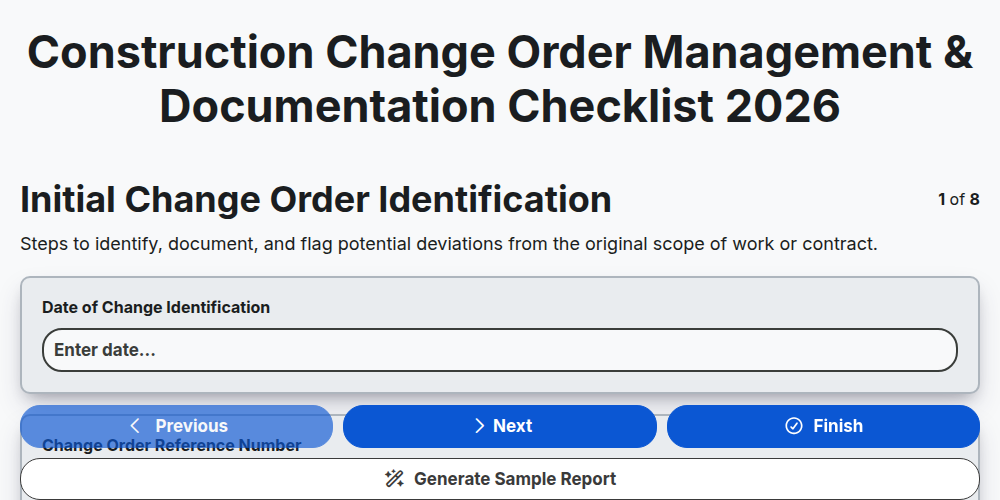
Construction Change Order Management & Documentation Checklist 2026
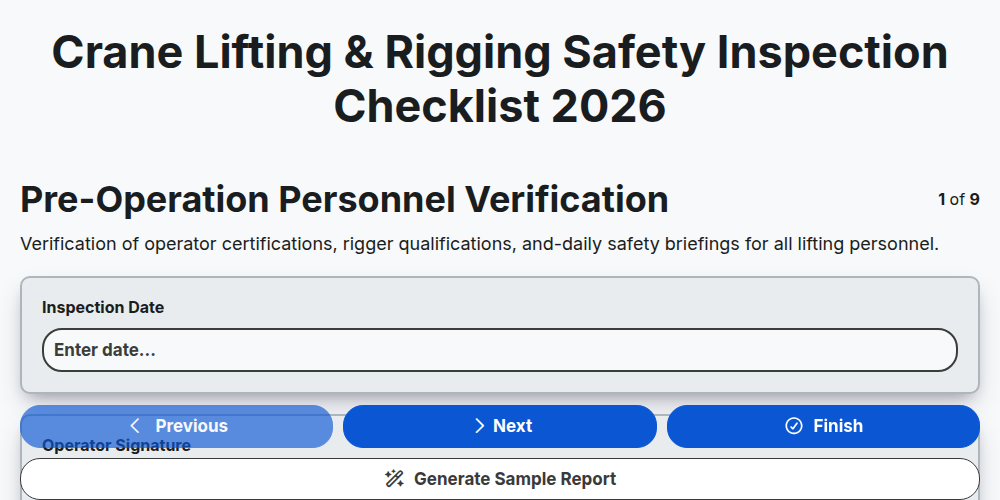
Crane Lifting & Rigging Safety Inspection Checklist 2026
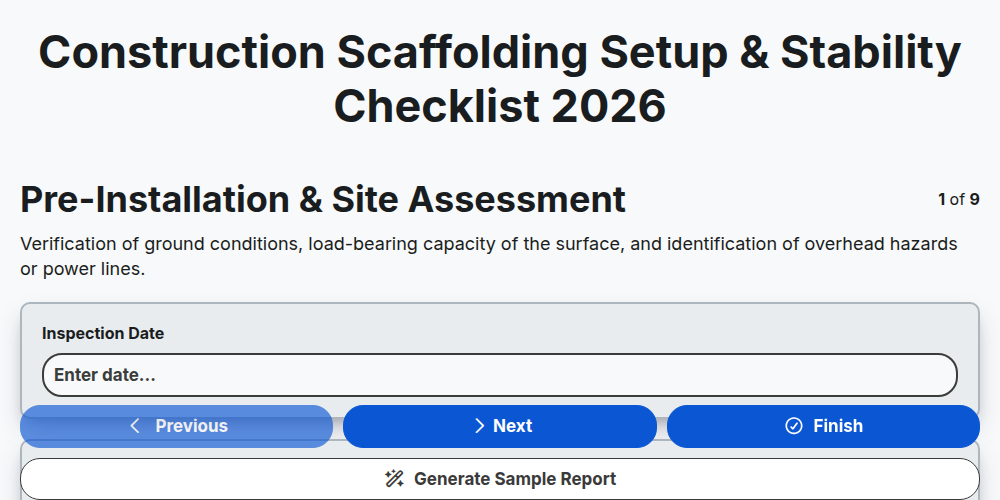
Construction Scaffolding Setup & Stability Checklist 2026
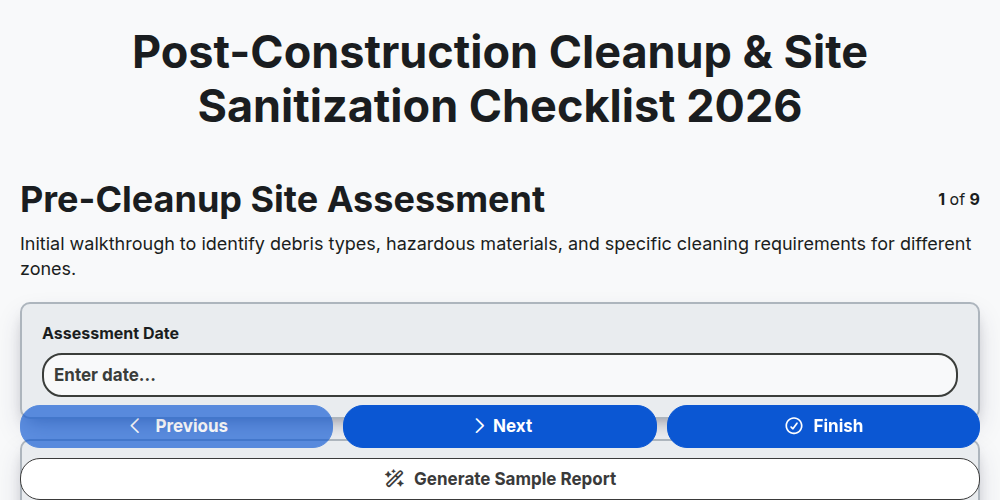
Post-Construction Cleanup & Site Sanitization Checklist 2026
Construction Site Security & Access Control Checklist 2026
Pre-Demolition Site Assessment & Safety Checklist 2026
Construction Site Waste Management & Recycling Checklist 2026
Subcontractor Daily Progress Reporting Checklist 2026
Need help with
Construction?
Have a question? We're here to help. Please submit your inquiry, and we'll respond promptly.