 ChecklistGuro
Dental Billing Checklist: Claims & Payment Verification
Maximize your dental practice's revenue and minimize errors! This Dental Billing Checklist ensures accurate claims submissions, efficient payment processing, and complete audit readiness. Streamline your billing workflow and boost your bottom line.
This Template was installed 3 times.
Patient Information Verification
Confirm patient demographics, insurance details, and authorization are accurate and complete.
Patient First Name
Patient Last Name
Patient Date of Birth (Year)
Patient Date of Birth
Patient Address (Street)
Patient City
Patient State
Patient Zip Code
Primary Insurance
Procedure Coding & Documentation
Verify correct CPT/HCPCS codes are used and documented in patient records to match services rendered.
Procedure Code (CPT/HCPCS)
Procedure Description
Narrative Notes (if applicable)
Anesthesia Type (if applicable)
Units/Quantity of Service
Date of Procedure
Diagnosis Codes (ICD-10)
Claim Submission
Ensure claims are submitted electronically or manually to the correct payer and in the required format.
Submission Method
Claim Number (if applicable)
Payer ID
Date of Service
Notes/Comments (e.g., authorization number, specific instructions)
Claim Form Version
Payer Eligibility & Authorization
Confirm patient eligibility and obtain necessary pre-authorizations before providing treatment.
Insurance Verification Method
Authorization Number
Verification Date
Pre-Authorization Required?
Authorization Expiration Date
Notes/Comments
Claim Tracking & Follow-up
Monitor claim status, investigate denials, and resubmit claims as needed.
Claim Number
Date Claim Submitted
Date of Initial Follow-Up
Claim Status
Payer Notes/Communication Log
Reason for Follow-Up (if applicable)
Date of Next Follow-Up
Contact Person at Payer
Payment Posting & Reconciliation
Accurately post payments received and reconcile them with outstanding claims.
Payment Amount Received
Date of Payment Received
Payment Method
Claim/Invoice Number
Notes/Comments (e.g., Explanation of Benefits details)
EOB Amount
Adjustment Reason (If Applicable)
Patient Statements & Appeals
Generate patient statements, handle patient inquiries about billing, and process appeals for denied claims.
Statement Balance
Statement Date
Patient Inquiry Summary
Resolution Status
Resolution Details (if applicable)
Appeal Filed?
Appeal Submission Date (if applicable)
Appeal Notes (if applicable)
Compliance & Audit
Maintain compliance with billing regulations and conduct periodic audits to ensure accuracy and identify areas for improvement.
Last Compliance Audit Date
Number of Claims Audited
Areas Audited (Check all that apply)
Details of 'Other' Area Audited (if selected)
Number of Coding Errors Found
Number of Documentation Errors Found
Corrective Actions Taken (if any errors found)
Date Corrective Actions Completed
Audit Outcome
Frequently Asked Questions
Can I customize this template after installing it?
Absolutely. Once installed, you can add, remove, or reorder tasks, add custom fields, and adjust deadlines to fit your specific workflow.
Can I add images or photos to these checklist items?
Yes. Our platform allows you to attach photos, signatures, and notes to any checklist item for better verification and proof of completion.
Can I create a custom checklist from scratch instead of using a template?
Yes. You can use our "Create your own checklist" feature to build a unique workflow tailored exactly to your operational requirements.
Can I add dependencies between tasks?
Yes, you can set up conditional logic and dependencies to ensure your team follows the correct sequence of operations.
Can I assign specific checklist items to different team members?
Yes. You can assign individual tasks to specific employees, ensuring clear accountability across your entire team.
Can I use these checklists on mobile devices in the field?
Yes. Our platform is fully responsive, allowing your team to complete, update, and upload photos to checklists directly from any smartphone or tablet.
How do I notify my manager when a checklist is completed?
You can set up automated notifications (via email, push notification, or in-app alerts) to trigger whenever a checklist is finished or if an item fails inspection.
Can multiple people work on the same checklist simultaneously?
Yes, the platform supports real-time updates, allowing multiple users to contribute to a single live checklist.
Where is the data from completed checklists stored?
All completed checklists are stored securely in your Work OS dashboard, creating a permanent, searchable audit trail of your operations.
Can I generate reports based on my checklist results?
Yes. You can track completion rates, identify recurring issues, and monitor team performance through our integrated reporting and analytics tools.
How can I use these checklists for compliance or auditing purposes?
Because our checklists capture timestamps, photos, and digital signatures, they serve as a robust digital paper trail for regulatory compliance and internal audits.
Can I export my completed checklist data for use in other tools?
Yes. You can export your data in various formats (CSV, Excel, etc.) to integrate your operational insights with your other business software.
Comments
There are no comments yet. Be the first to add one!
Dental Management Solution Demo
Simplify your dental practice & enhance patient care! ChecklistGuro streamlines appointment scheduling, patient records, and billing. Improve efficiency, reduce errors, & boost patient satisfaction. Manage it all with our Work OS.
Related Checklist Templates
Dental Dental Hygienist Workflow Checklist 2026: Prophy & Periodontal Care
Dental Clinical Audit Checklist 2026: Documentation & Treatment Accuracy
Dental Post-Operative Care Checklist 2026: Patient Instructions & Follow-up
Dental Practice Financial Health Checklist 2026: Overhead & Profitability Analysis
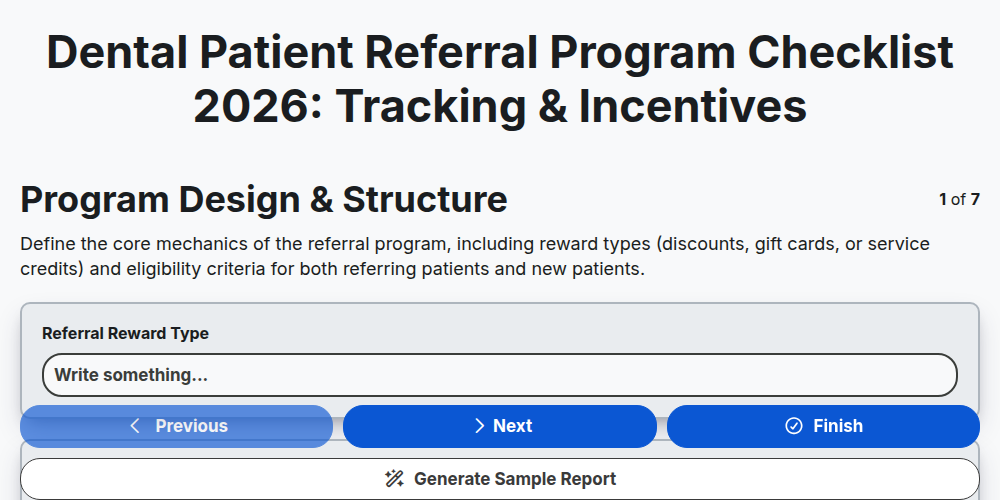
Dental Patient Referral Program Checklist 2026: Tracking & Incentives
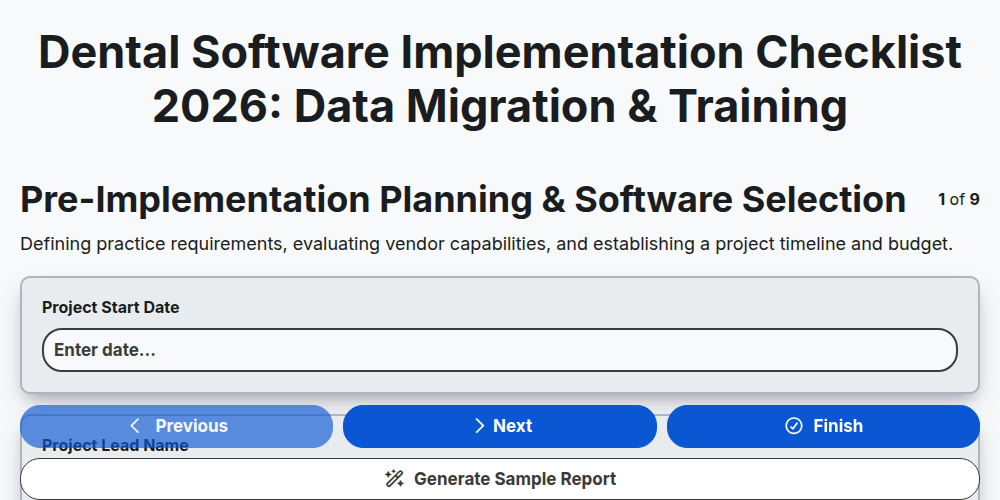
Dental Software Implementation Checklist 2026: Data Migration & Training
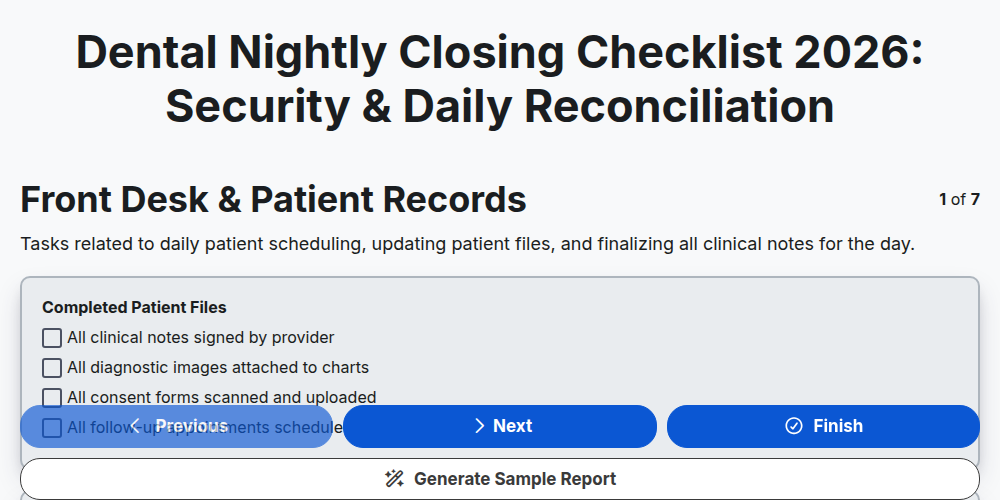
Dental Nightly Closing Checklist 2026: Security & Daily Reconciliation
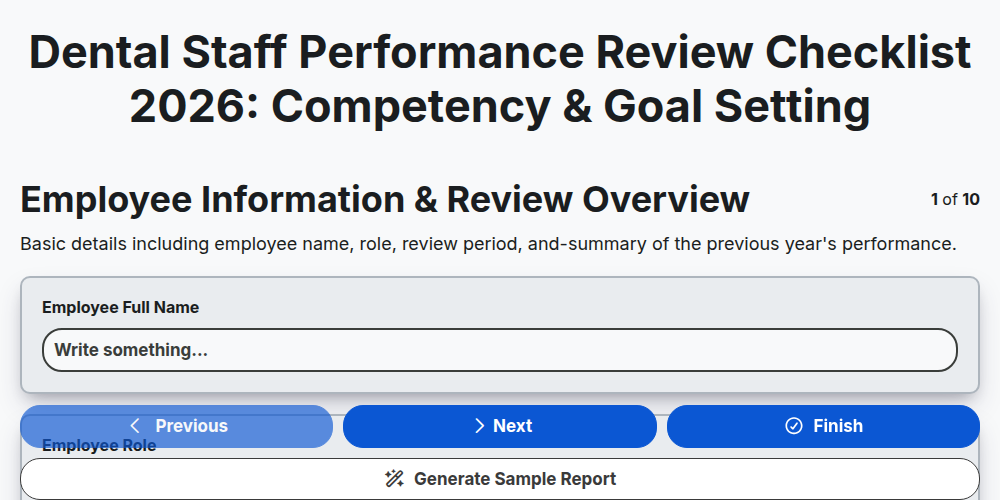
Dental Staff Performance Review Checklist 2026: Competency & Goal Setting
Need help with
Dental Management?
Have a question? We're here to help. Please submit your inquiry, and we'll respond promptly.