 ChecklistGuro
 Dental Root Canal Checklist: Procedure & Post-Op Instructions
Master your root canal workflow! This comprehensive checklist ensures precision, patient comfort, and flawless post-op care - from initial diagnosis to final instructions. Download now & elevate your endodontic success!
This Template was installed 3 times.
Pre-Procedure Assessment
Review patient history, radiographs, and clinical findings to determine suitability for root canal therapy.
Patient's Last Dental Visit
Patient's Age
Medical History Review (allergies, medications, conditions)
Dental History (previous treatments, concerns)
Chief Complaint
Radiographs (Current)
Sensitivity to Hot/Cold
Anesthesia & Isolation
Confirm adequate anesthesia; establish rubber dam isolation ensuring a clear working field.
Anesthetic Type
Anesthetic Dosage (mg)
Vasoconstrictor?
Time of Anesthetic Administration
Rubber Dam Placement?
Comments on Anesthesia/Isolation
Canal Access & Negotiation
Create coronal access cavity; locate and negotiate canals to working length.
Working Length (mm)
Access Cavity Shape
Locating Methods Used
Number of Canals Located
Notes on Canal Anatomies
Pre-operative Radiograph
Canal Cleaning & Shaping
Irrigate canals thoroughly; shape canals to appropriate dimensions using files.
Working Length (mm)
Initial File Size
Irrigation Solutions Used
Irrigation Frequency (cycles)
Instrumentation Technique
Notes on Canal Anatomy (e.g., curves, bifurcations)
Number of Files Used
Obturation
Obturate canals with appropriate filling material (gutta-percha); ensure complete seal.
Warm Vertical Compaction Temperature (°C)
Number of Gutta-Percha Cones Used
Obturation Technique
Detailed Description of Obturation Procedure
Radiograph Post Obturation
Sealer Type
Coronal Restoration
Restore coronal access cavity with temporary or permanent restoration.
Restoration Type
Composite Fill Size (mm³)
Notes on Restoration Placement
Crown Type (if applicable)
Crown Cementation Date (if applicable)
Post-Operative Instructions
Provide patient with detailed post-operative instructions regarding pain management, oral hygiene, and follow-up appointments.
Pain Management Instructions
Oral Hygiene Instructions (Specifically Regarding the Treated Area)
Prescription Refill (Days)
Follow-up Appointment Scheduled?
Date of Follow-up Appointment
Contact Method for Questions
Radiographic Confirmation
Take and review radiographs to confirm adequate obturation and healing progress.
Radiograph Exposure Factor (kVp)
Radiograph Exposure Time (Seconds)
Radiographic View(s) Obtained
Radiographic Findings Description
Radiographic Assessment
Radiograph Image Upload
Documentation & Record Keeping
Thoroughly document procedure details, materials used, and patient instructions in the patient record.
Procedure Notes
Working Length (mm)
Filling Material Used
Date of Procedure
Procedure Start Time
Doctor Signature
Comments
There are no comments yet. Be the first to add one!
Dental Management Solution Demo
Simplify your dental practice & enhance patient care! ChecklistGuro streamlines appointment scheduling, patient records, and billing. Improve efficiency, reduce errors, & boost patient satisfaction. Manage it all with our Work OS.
Related Checklist Templates
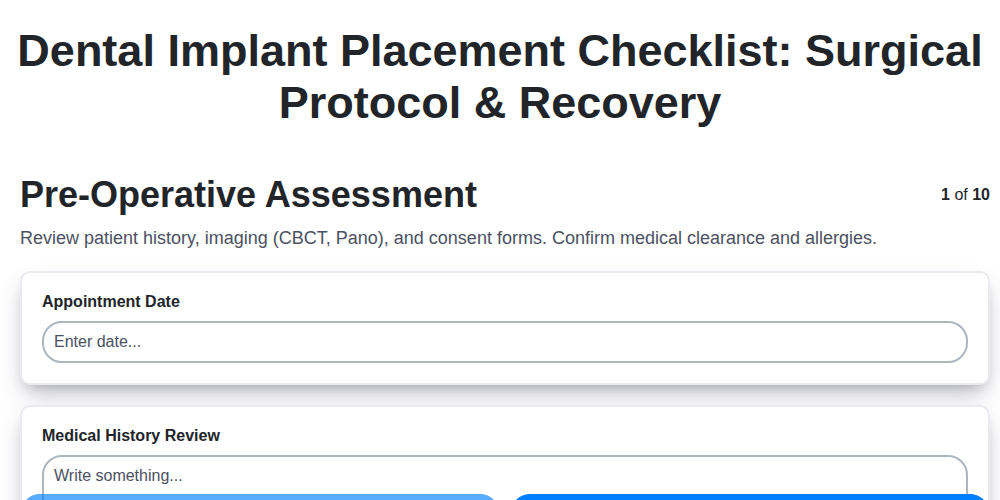
Dental Implant Placement Checklist: Surgical Protocol & Recovery
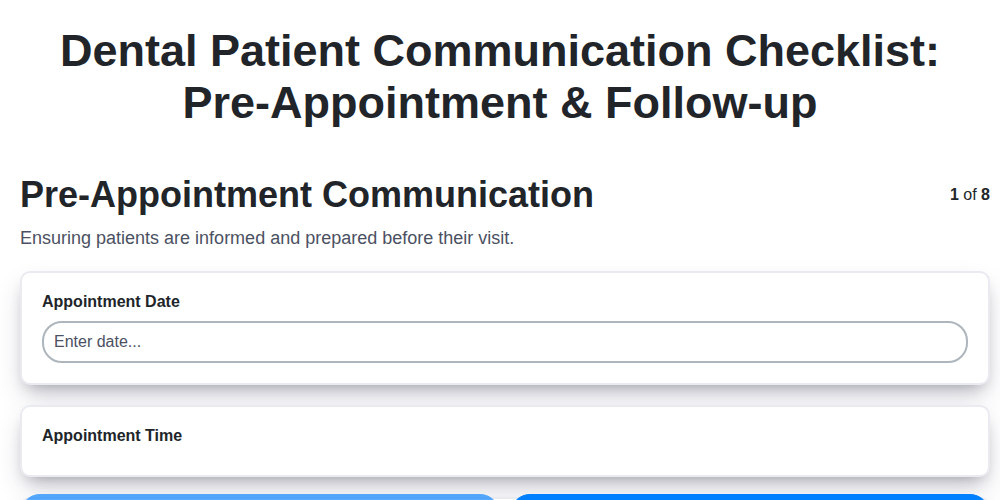
Dental Patient Communication Checklist: Pre-Appointment & Follow-up

Dental Infection Control Checklist: PPE & Surface Disinfection
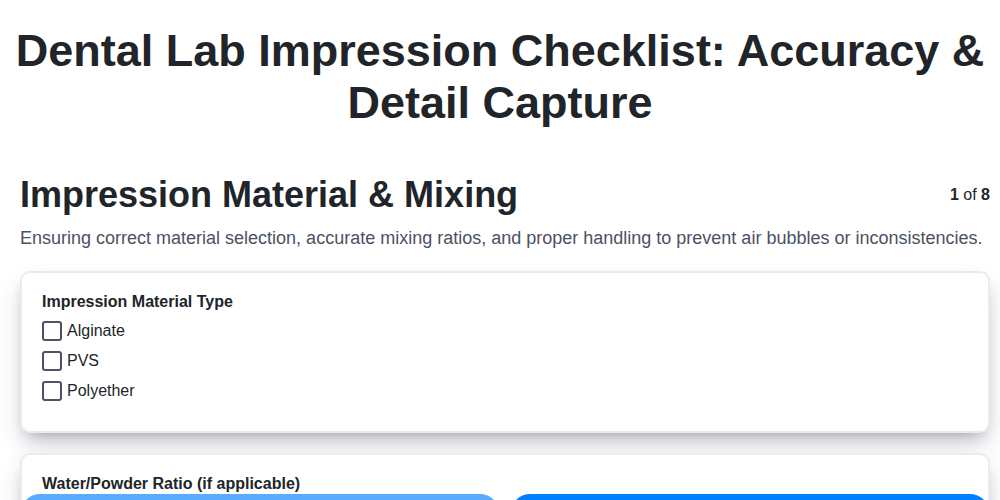
Dental Lab Impression Checklist: Accuracy & Detail Capture

Dental Regulatory Compliance Checklist: State & Federal Guidelines

Dental Dental Case Presentation Checklist: Diagnostic Records & Treatment Options
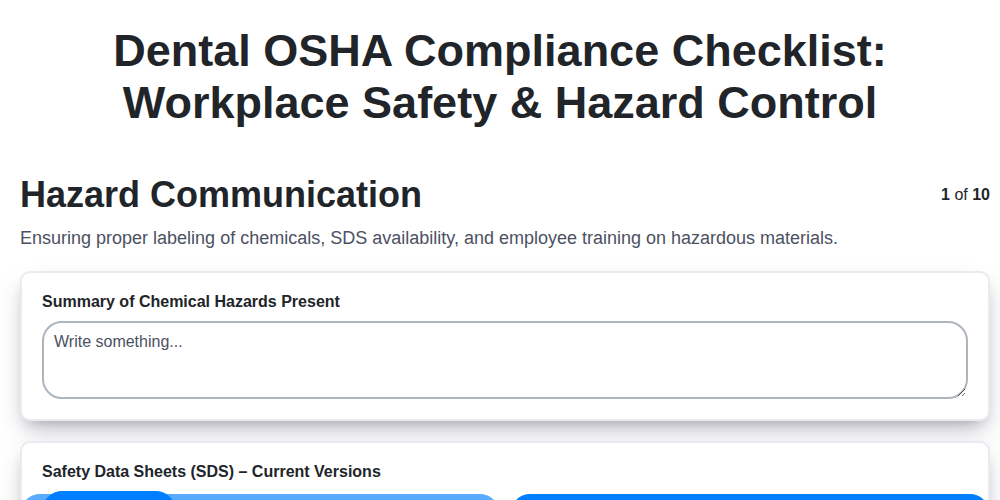
Dental OSHA Compliance Checklist: Workplace Safety & Hazard Control
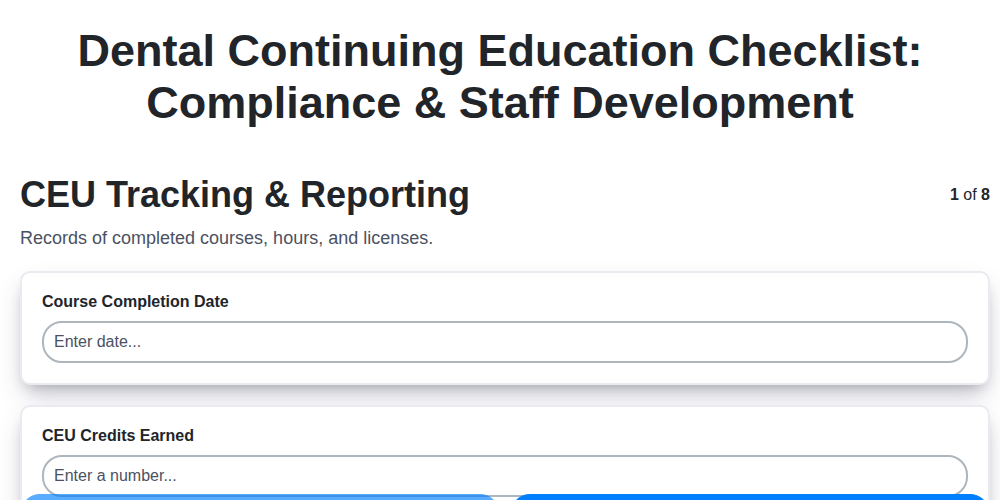
Dental Continuing Education Checklist: Compliance & Staff Development
We can do it Together
Need help with
Dental Management?
Have a question? We're here to help. Please submit your inquiry, and we'll respond promptly.